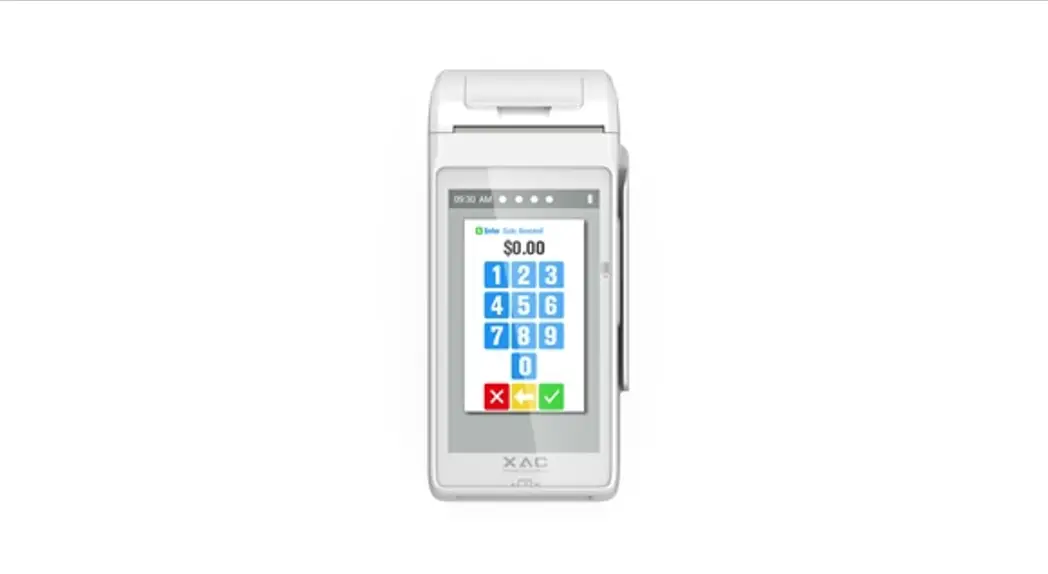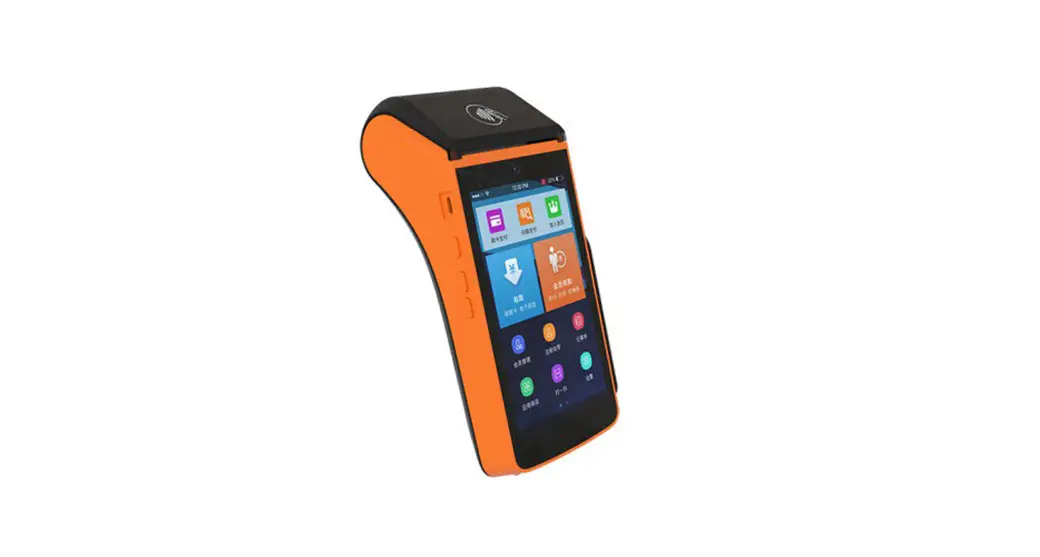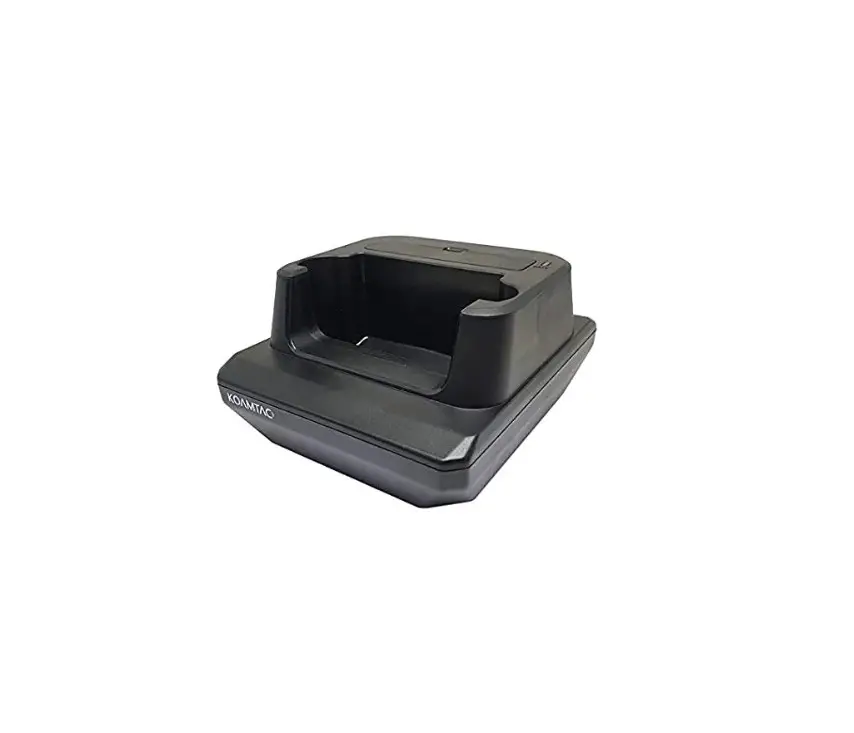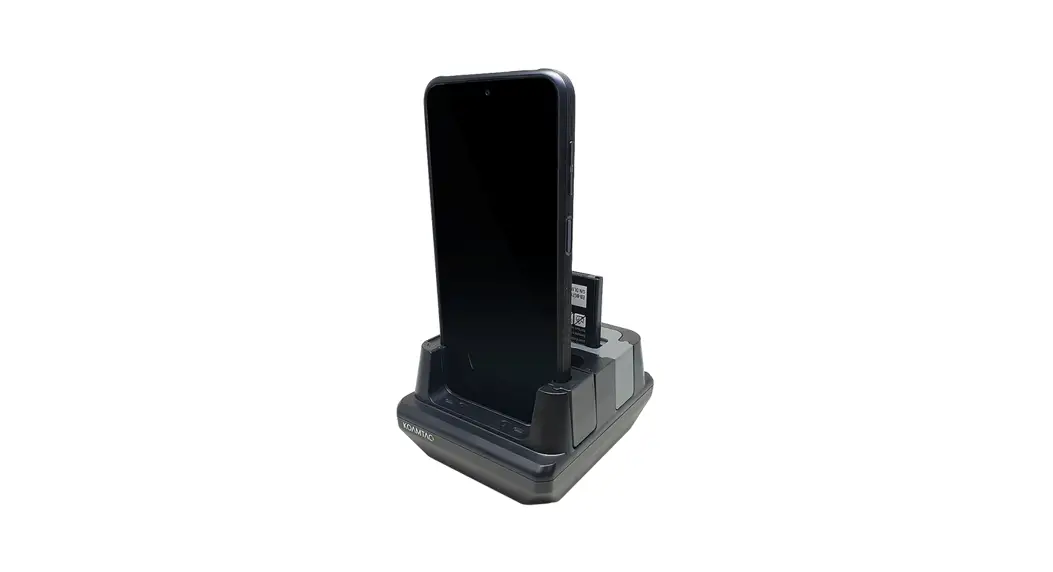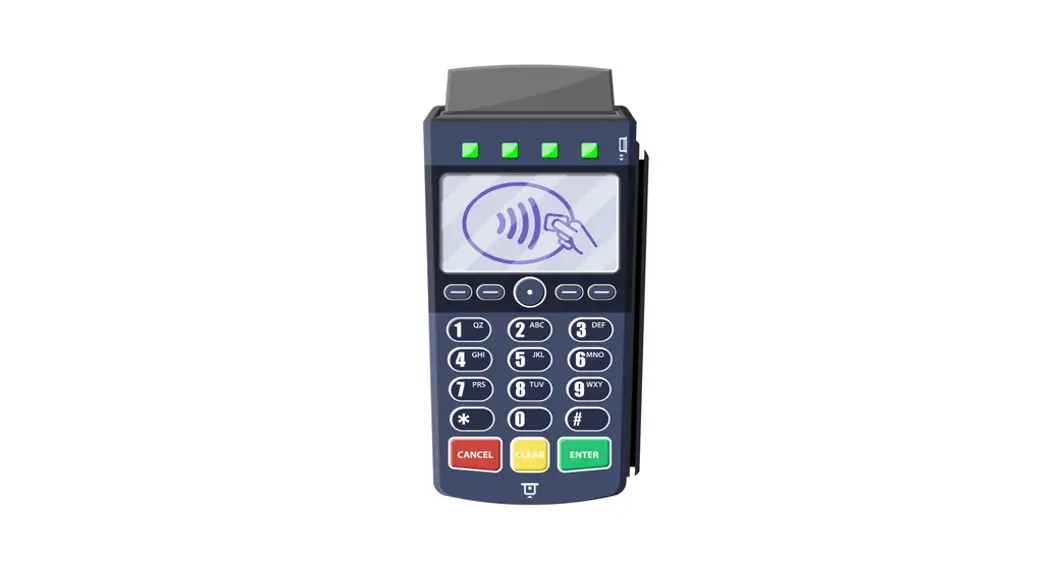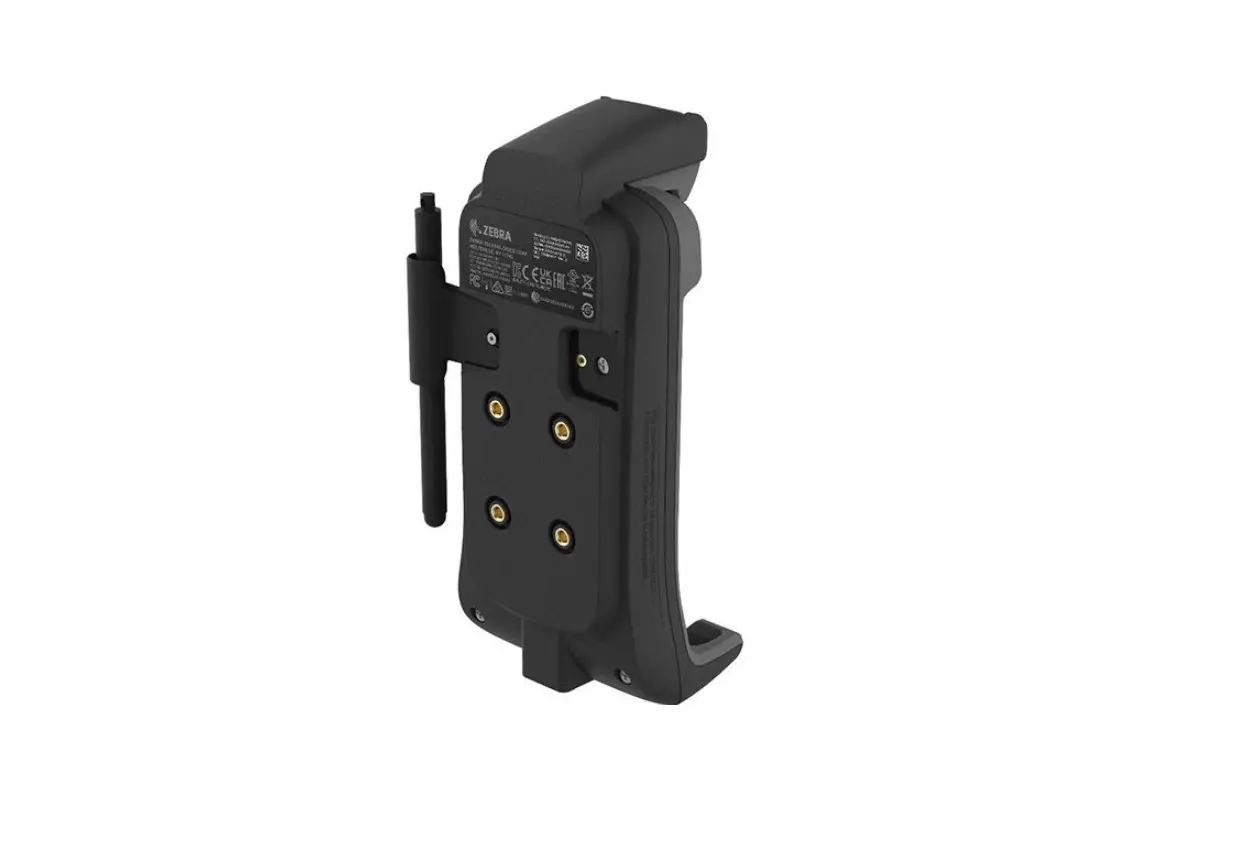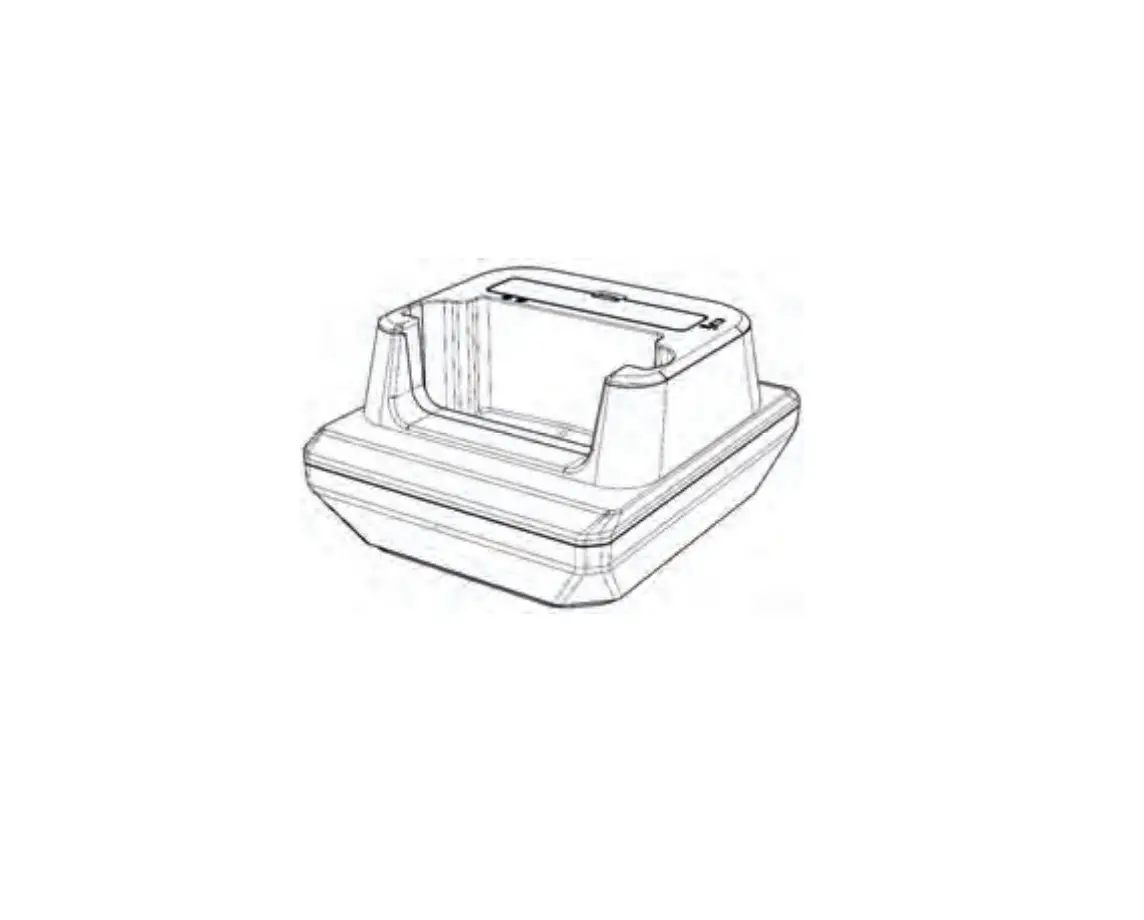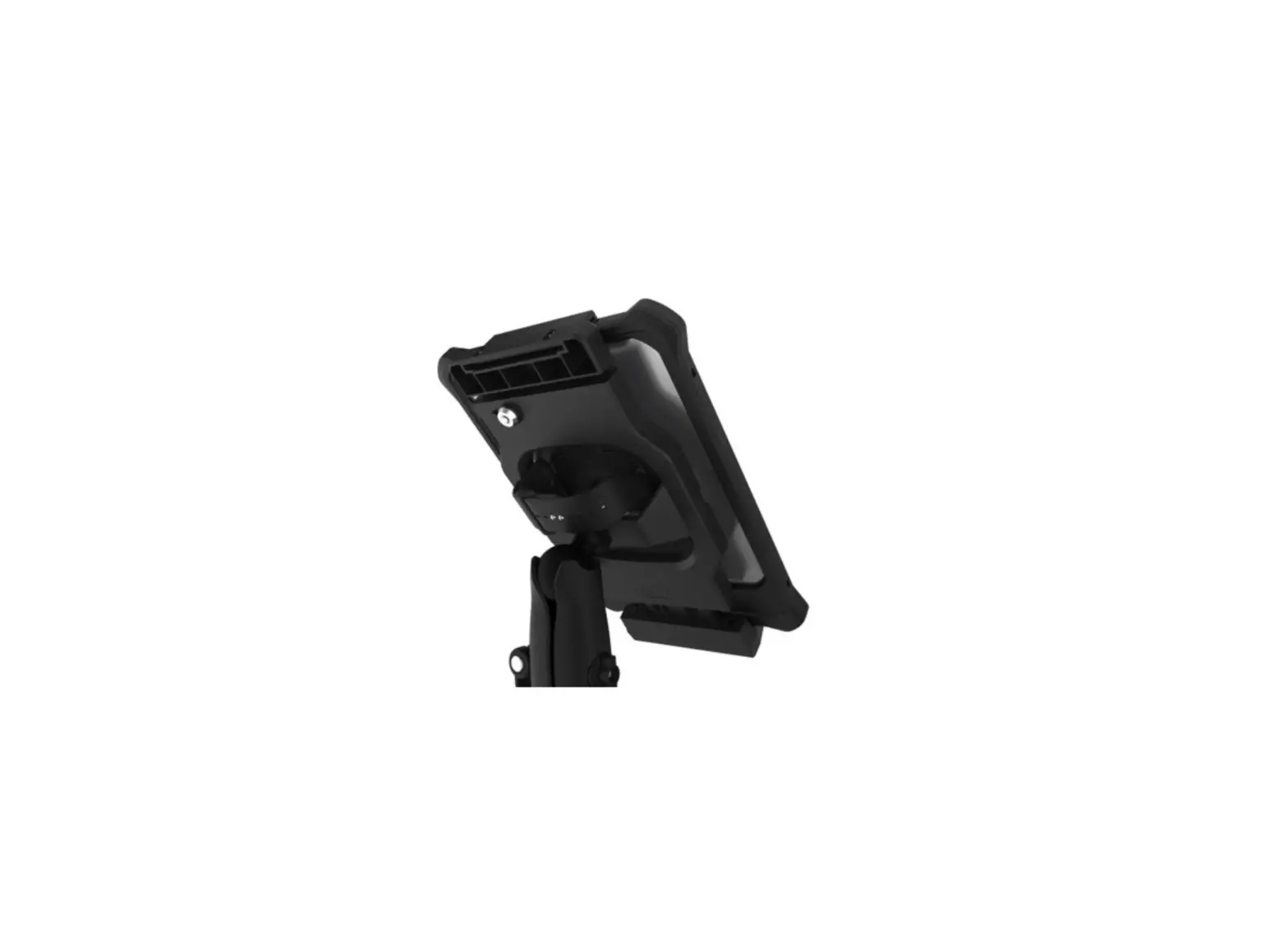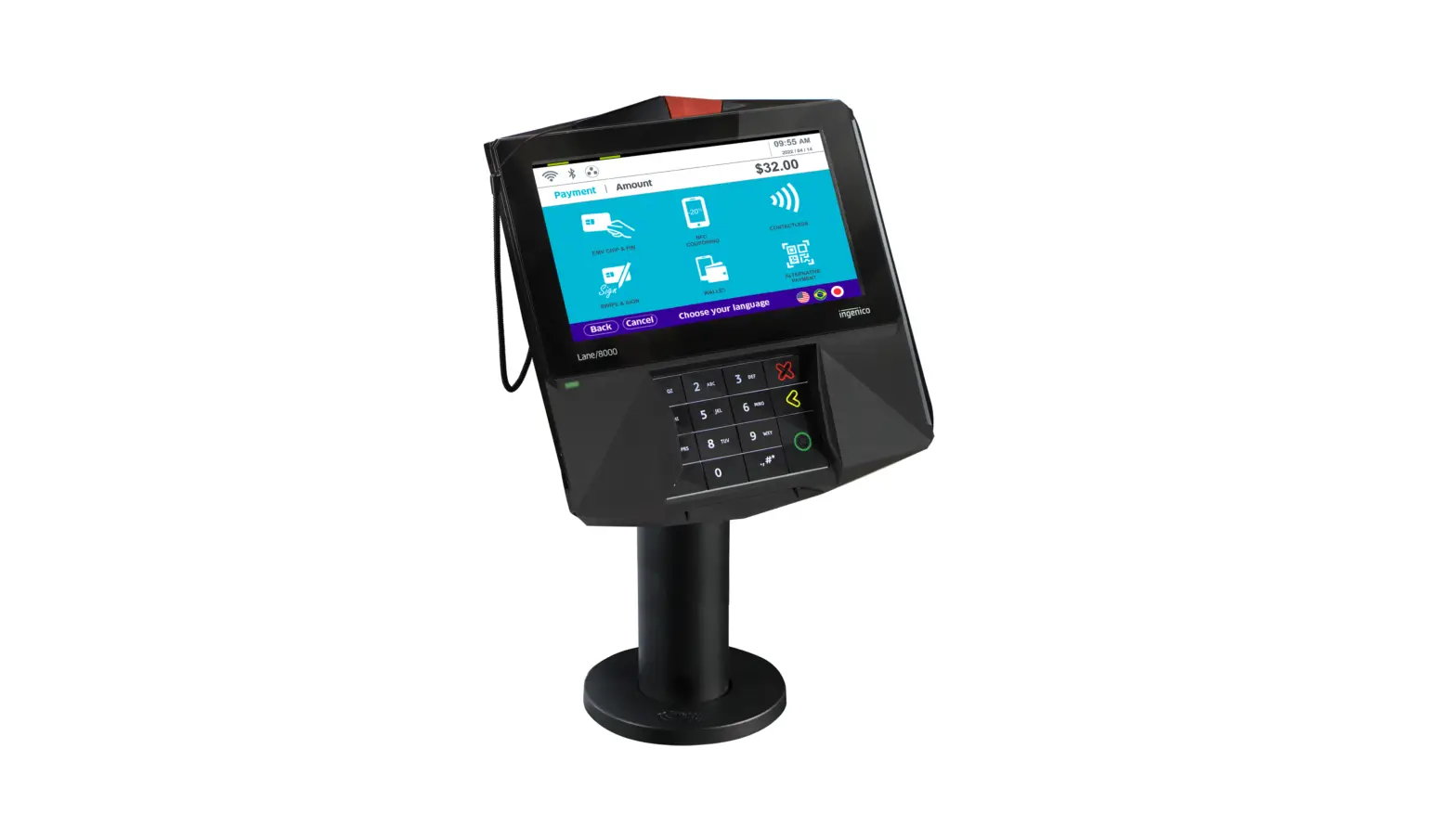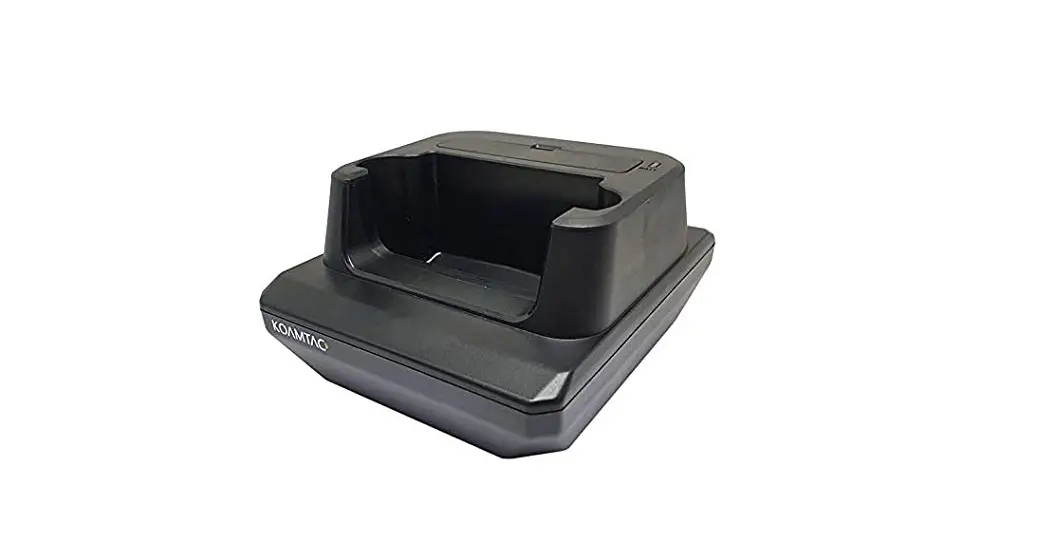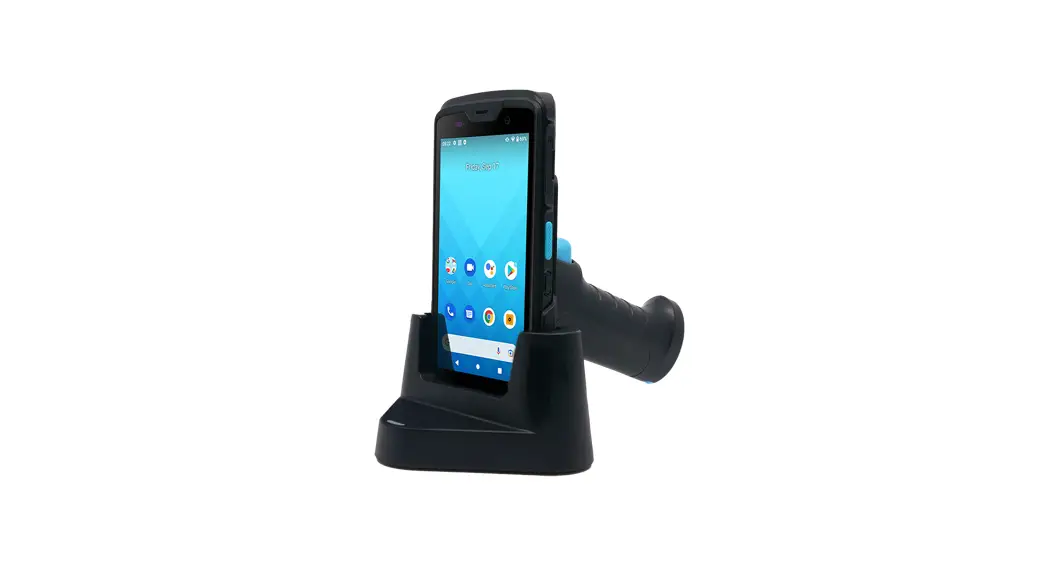

XAC Automation XC60-E Terminal Payment Cradle
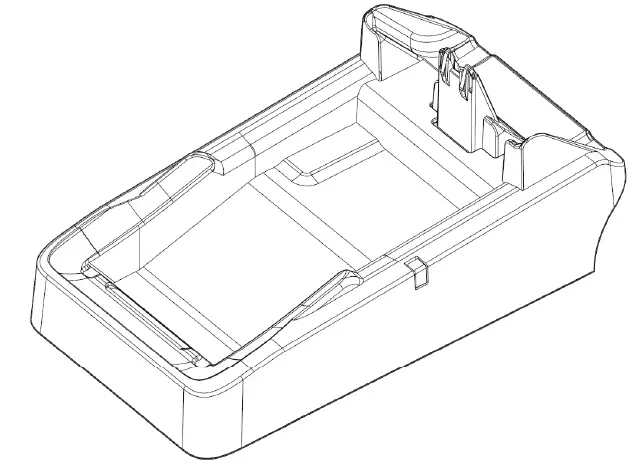
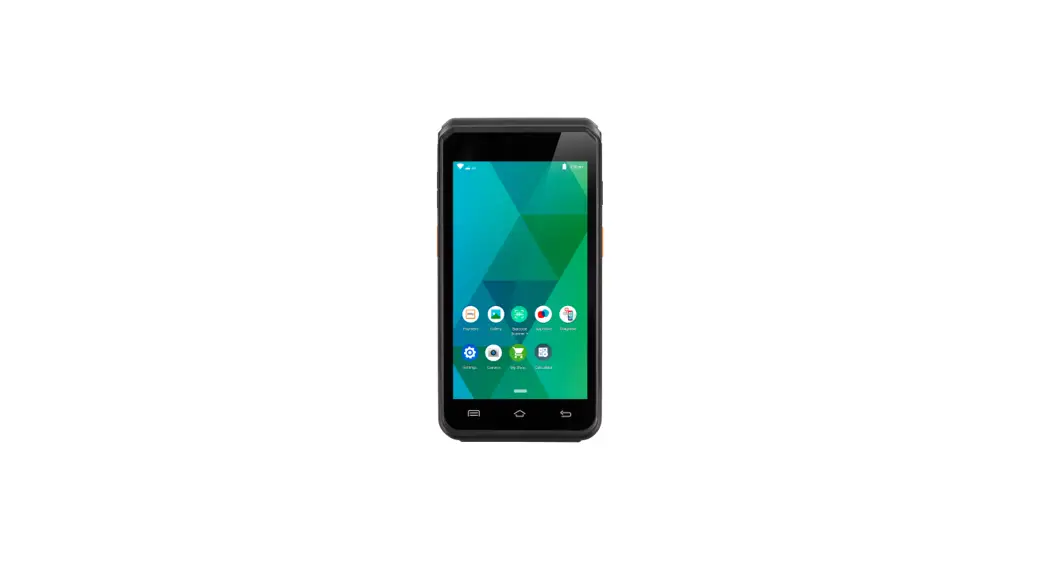
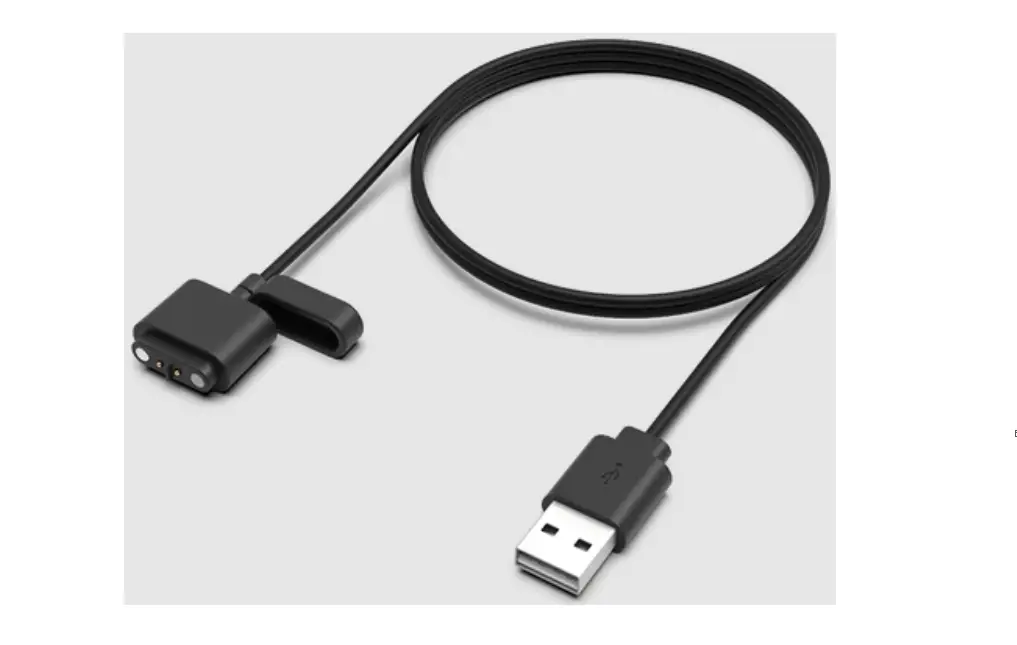
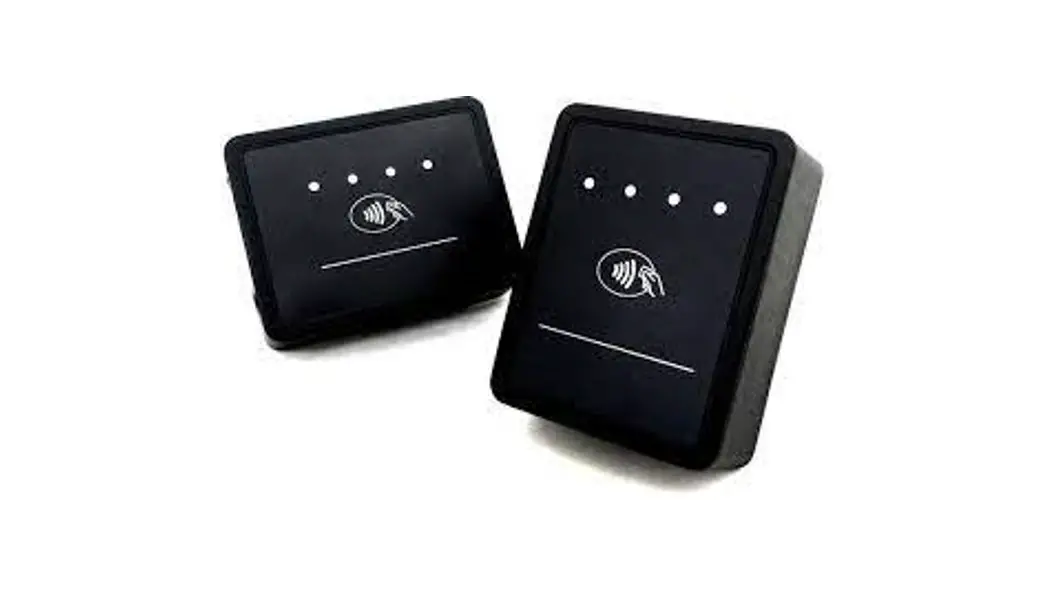
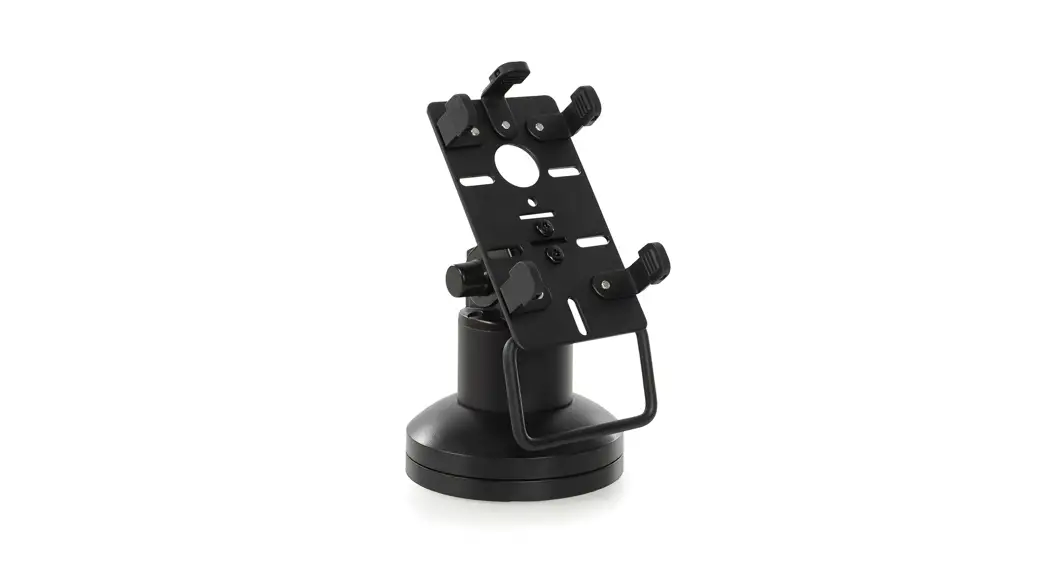
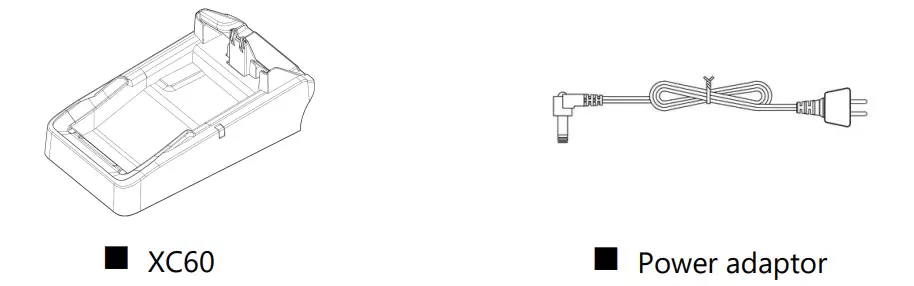
Package Content 
Device Overview
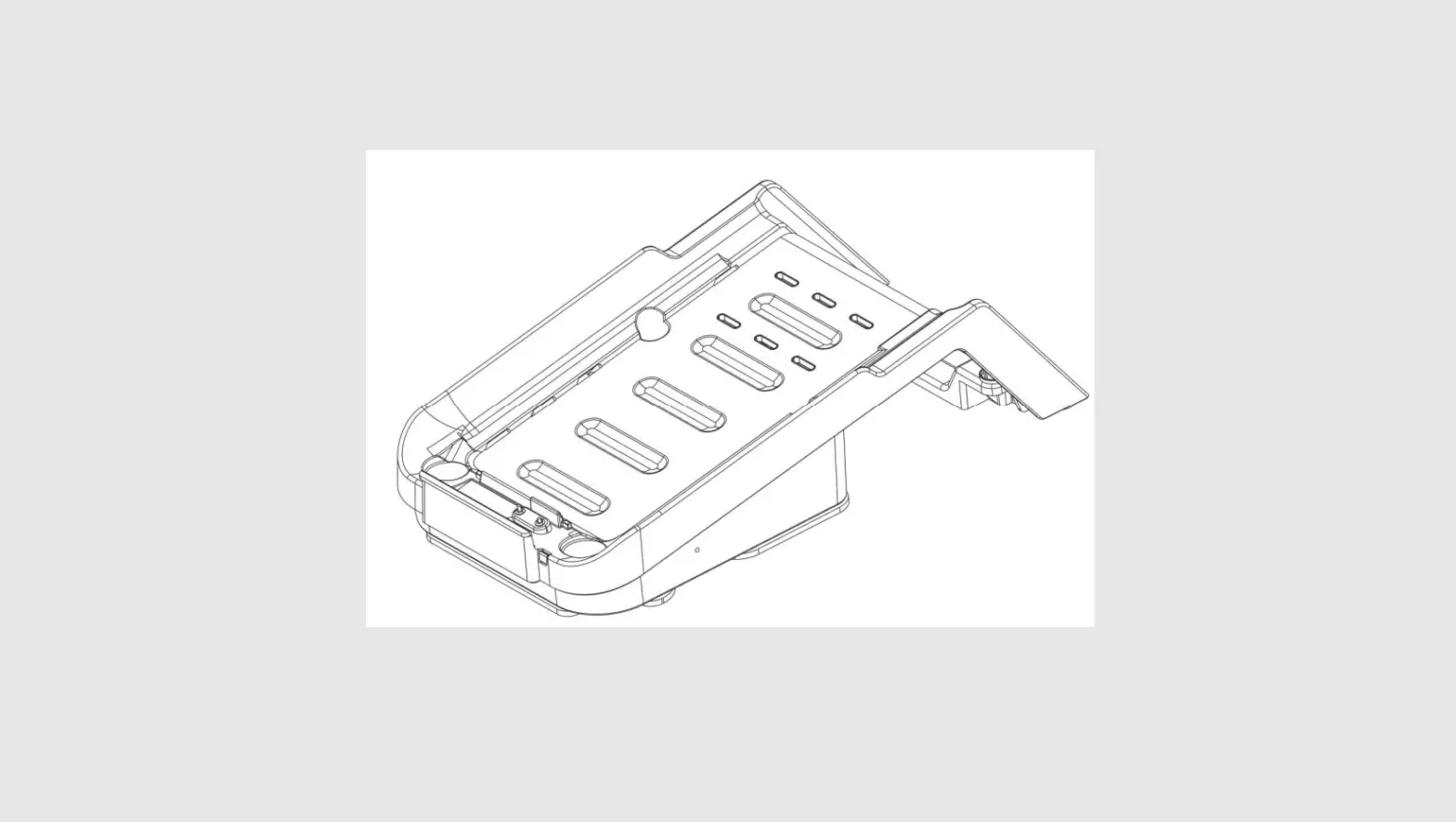
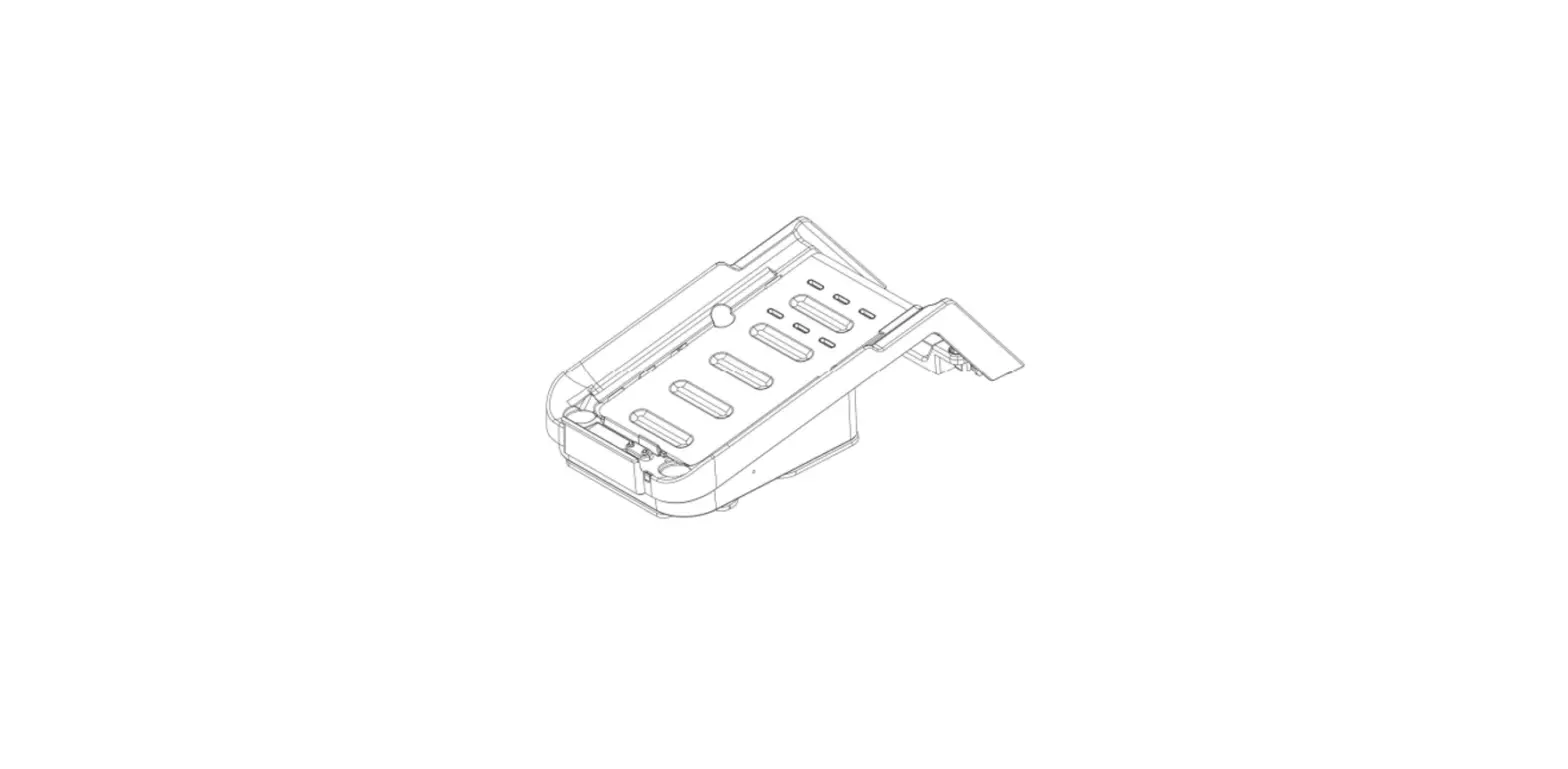
Device Overview: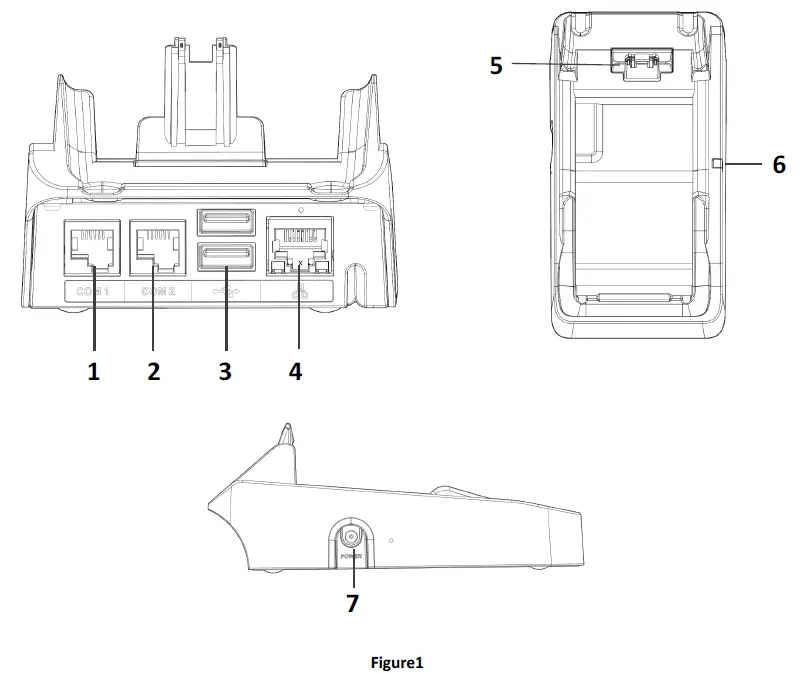
| BACK AREA | 1 | COM1 |
| 2 | COM2 | |
| 3 | USB Host | |
| 4 | LAN | |
| FRONT AREA | 5 | Charging Contact |
| 6 | Status LED | |
| SIDE AREA | 7 | DC JACK |
- XC60 Power spec: Input: 12V DC, 3A
- Power Adapter spec: Input: 100 ~240 ac Output: 12V DC, 3A min
- Operating Temperature: 0oC to 40oC
Power On/Off the Device
To power ON the device: Plug-in the DC JACK
To power OFF the device: Un-Plug the DC JACK 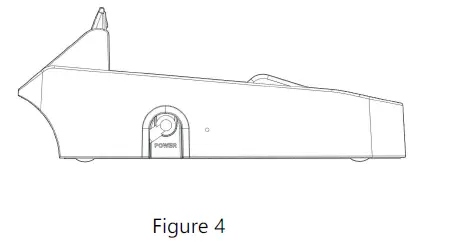
LED Behaviors
Insert Power adapter and device will power up, there is a LED status:
- Location:
- Top right corner (Figure 5)

- Blinking Red – System update process
- Solid Red – System errors and can’t operation
- Solid Orange – System power on
- Solid Green – System power on and under connection
- Blinking Green – System power on and in idle mode

Connect with xCL_AT-150/xCL_AT-100
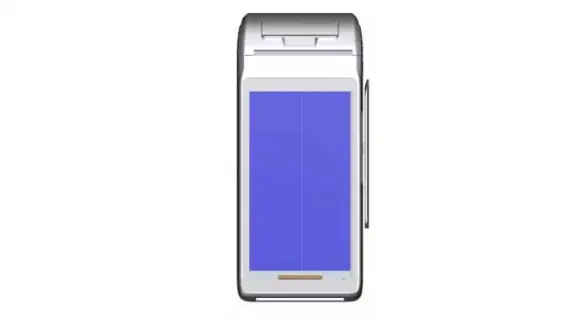
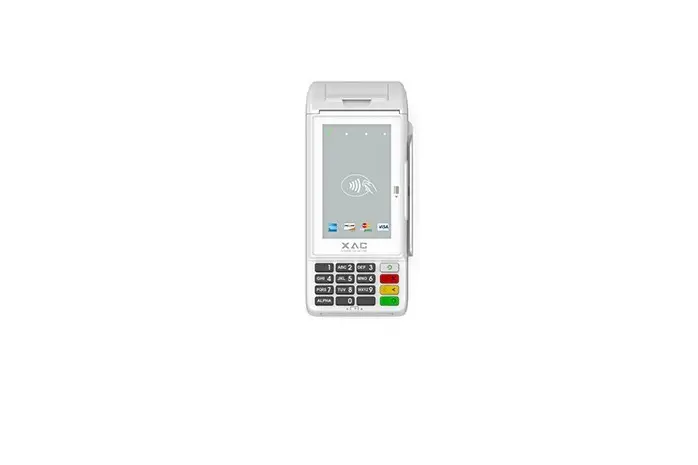
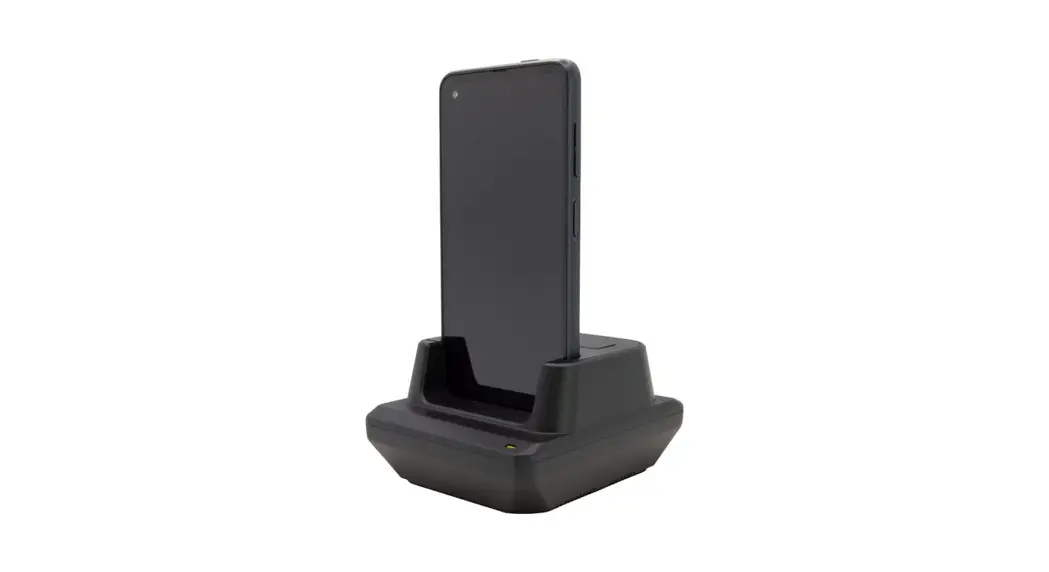
Place xCL_AT-150/xCL_AT-100 on the XC60 for charging and as Figure 6. 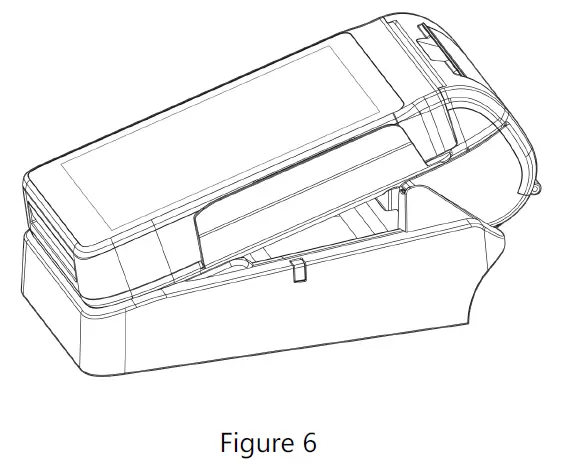
FEDERAL COMMUNICATION COMMISSION INTERFERENCE STATEMENT
This device complies with Part 15 of the FCC Rules. Operation is subject to the following two conditions: (1) This device may not cause harmful interference, and (2) this device must accept any interference received, including interference that may cause undesired operation.
Note: This equipment has been tested and found to comply with the limits for a Class B digital device, pursuant to Part 15 of the FCC Rules. These limits are designed to provide reasonable protection against harmful interference in a residential installation. This equipment generates, uses and can radiate radio frequency energy and, if not installed and used in accordance with the instructions, may cause harmful interference to radio communications. However, there is no guarantee that interference will not occur in a particular installation. If this equipment does cause harmful interference to radio or television reception, which can be determined by turning the equipment off and on, the user is encouraged to try to correct the interference by one of the following measures:
- Reorient or relocate the receiving antenna.
- Increase the separation between the equipment and receiver.
- Connect the equipment into an outlet on a circuit different from that to which the receiver is connected.
- Consult the dealer or an experienced radio/TV technician for help.
FCC Caution: Any changes or modifications not expressly approved by the party responsible for compliance could void the user’s authority to operate this equipment.
This transmitter must not be co-located or operating in conjunction with any other antenna or transmitter.
RADIATION EXPOSURE STATEMENT:
This equipment complies with FCC radiation exposure limits set forth for an uncontrolled environment. This equipment should be installed and operated with minimum distance 20cm between the radiator & your body.
XAC Automation Corporation 886-3-577-2738 www.xac.com.tw
The above information is the exclusive intellectual property of XAC Automation Corporation and shall not be disclosed, distributed or reproduced without permission of XAC Automation Corporation.
XAC AUTOMATION CORP. shall not be held liable for technical and editorial omissions or errors made herein; nor for incidental or consequential damages resulting from the furnishing, performance or use of his material.
 Welcome to XAC AUTOMATION CORP.