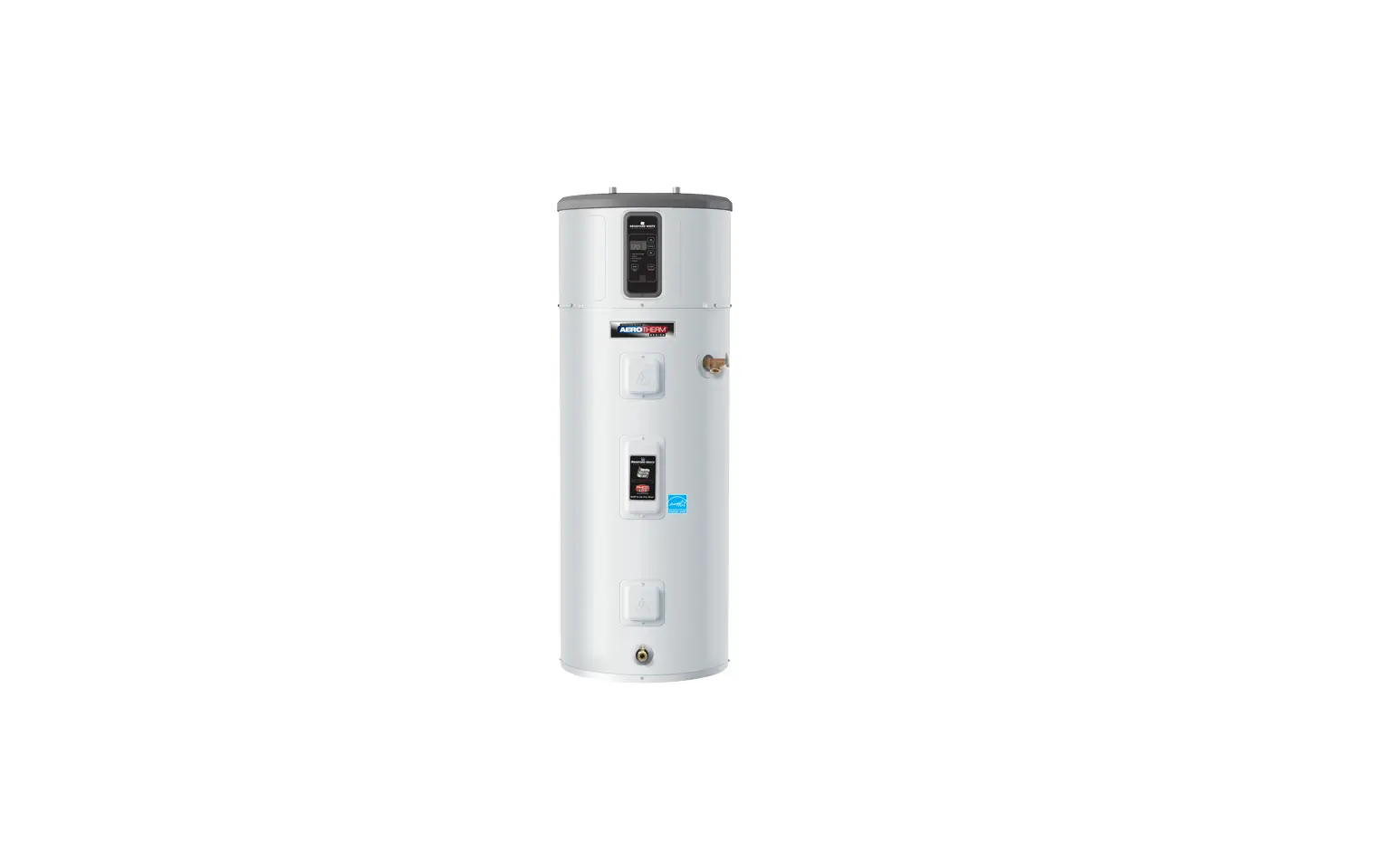
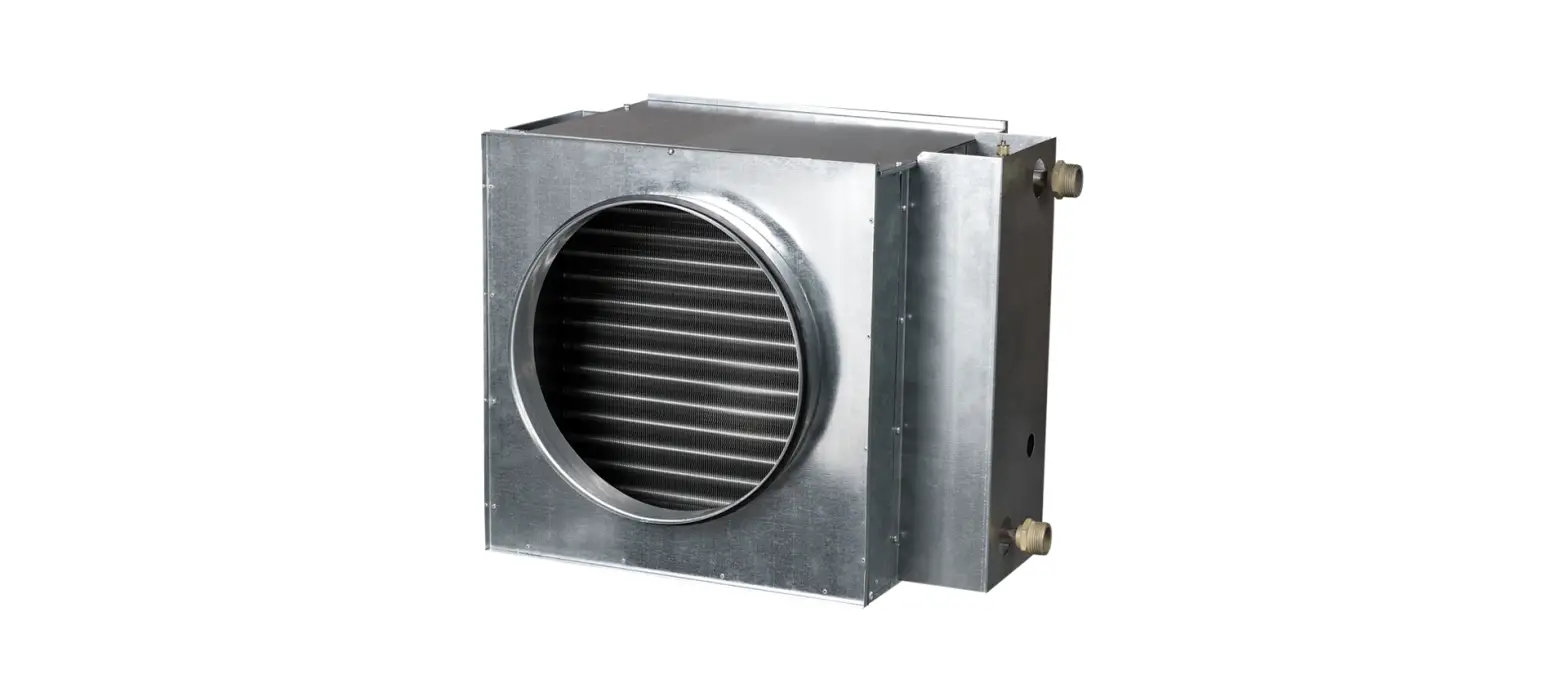
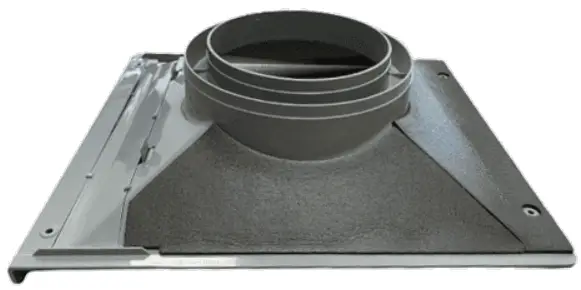
LG Water Heater Duct Kit
Contents hide
INSTALLATION
Parts and Functions
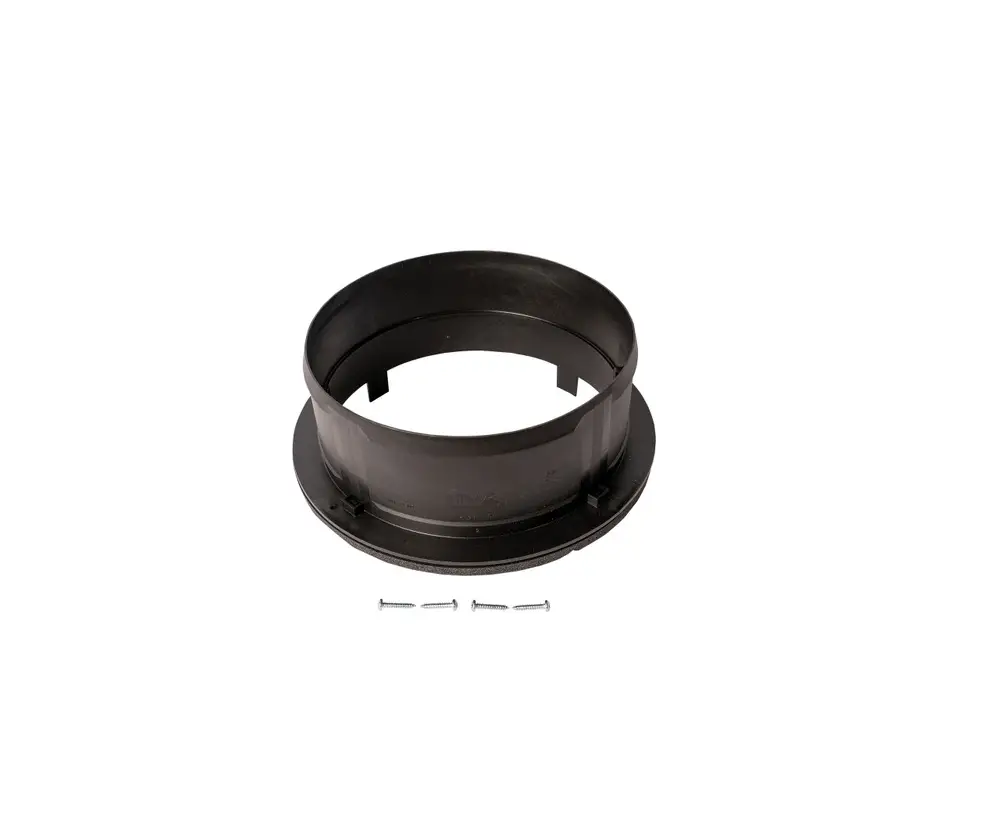
Figure | Name | Figure | Name |
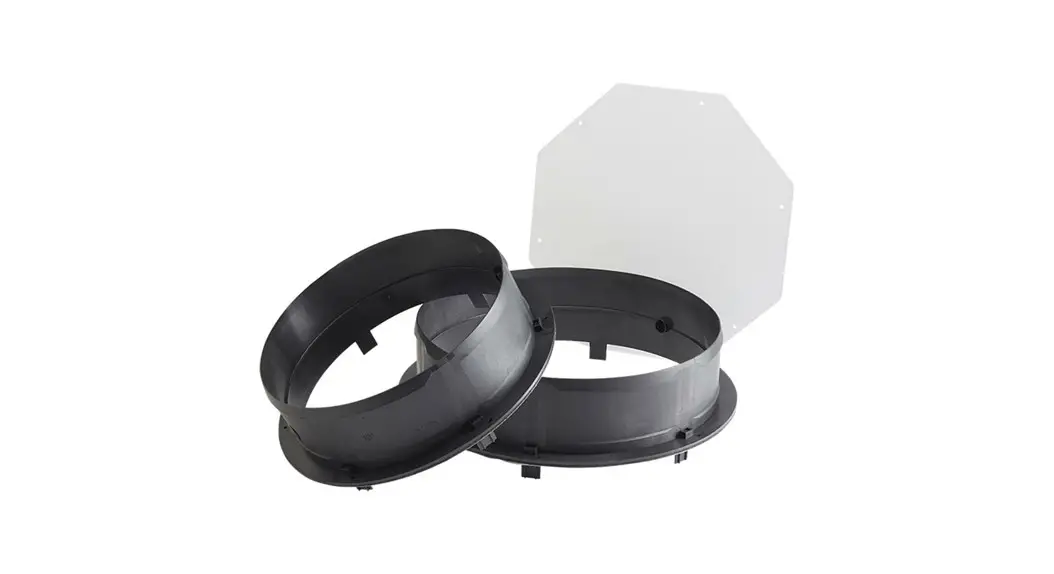
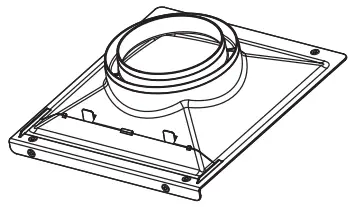 | Duct + Duct cover | 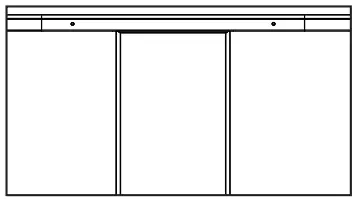 | Duct hole guide |
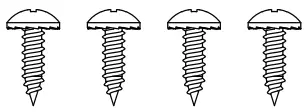 | Screw (4 EA) |
Installation Tools
Figure | Name |
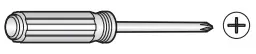 | Screw driver |
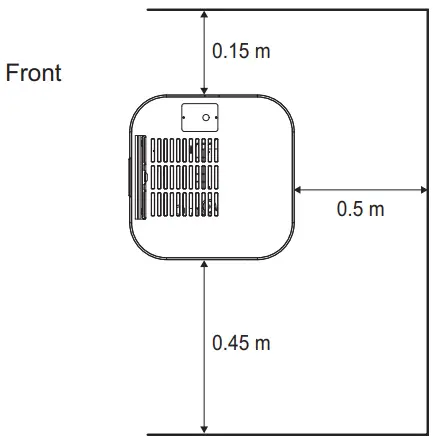
Select the best Location
- Semi-duct Minimum Clearances (Semi-ducted configuration)


- Duct Minimum Clearances (Ducted configuration)


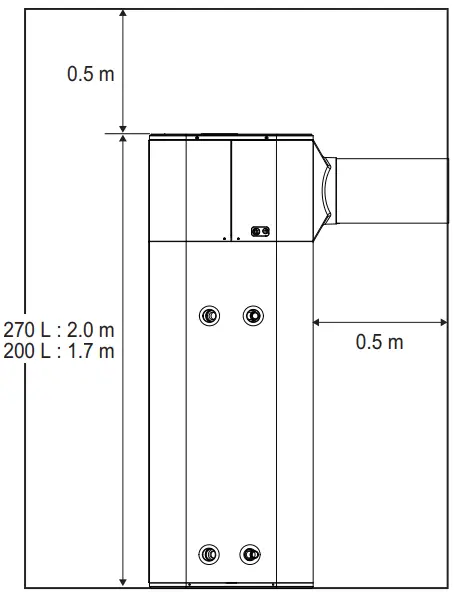
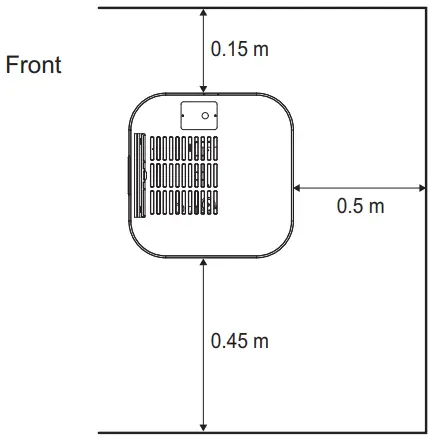
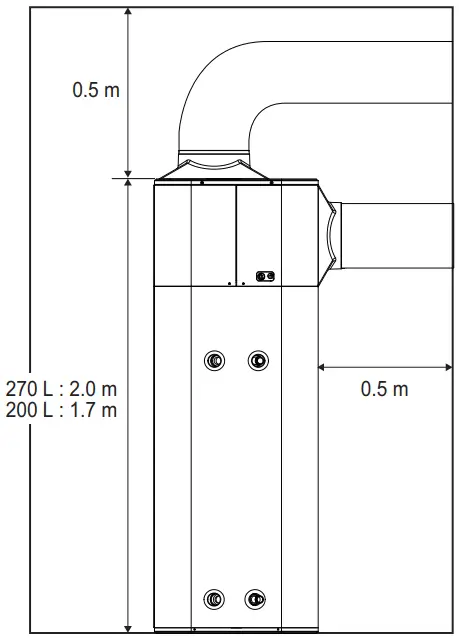
Allowable duct length
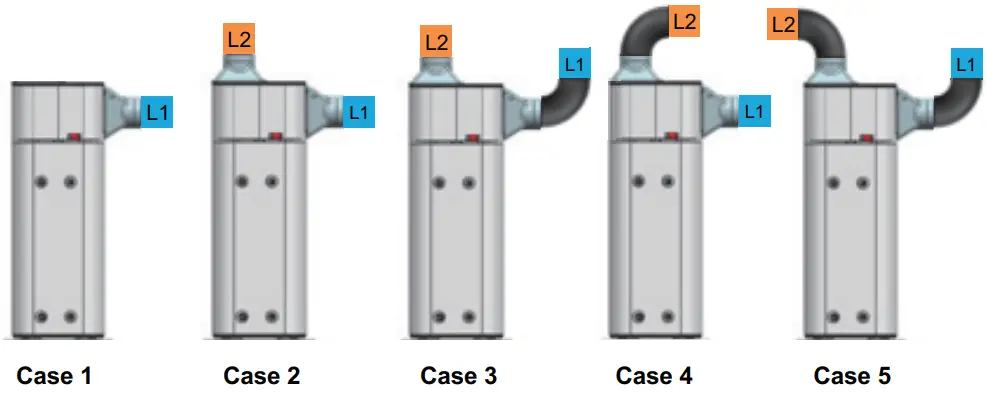
| 3.6 CMM | 4.5 CMM | |||||
Component | Smooth | Smooth 90° | Duct adapter | Smooth | Smooth 90° | Duct adapter |
| PVC Duct (Pa/m) | PVC Bend (Pa/EA) | (Suc. & Dis. set) (Pa) | PVC Duct (Pa/m) | PVC Bend (Pa/EA) | (Suc. & Dis. set) (Pa) | |
Ø160 | 2 | 6 | – | 3.1 | 9.4 | – |
| Ø200 | 0.8 | 2.3 | 1.2 | 3.7 | ||
Adaptor | 5.5 + 5.5 | 5.8 + 5.8 | ||||
PVC Duct | PVC 90° Bend |
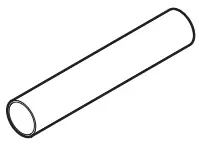 | 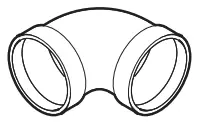 |
Installing duct adaptor(Outlet)
CAUTION
Turn off the power by opening the circuit breaker or removing the fuses before installing.
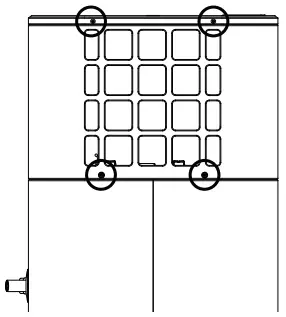
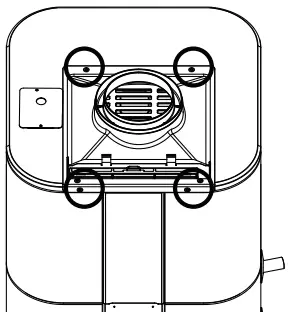
- Remove the screws.

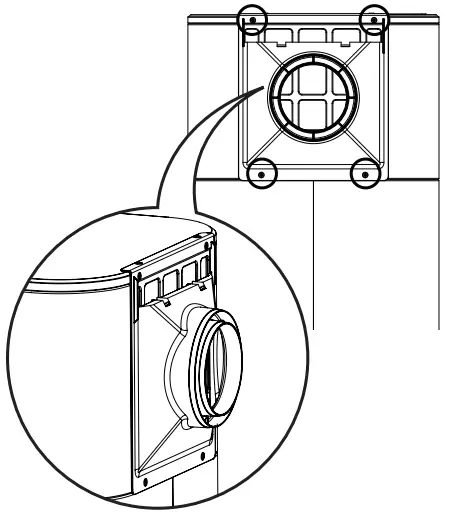
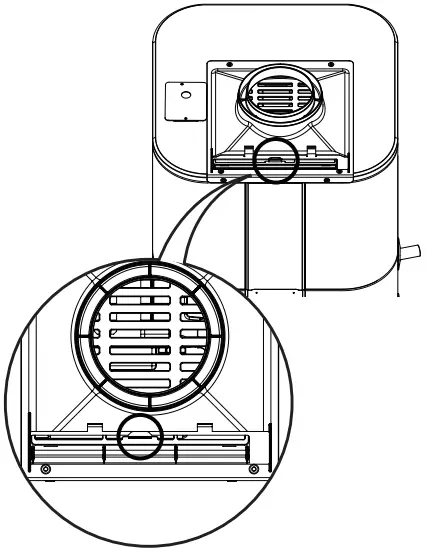
- Place the duct adaptor and align the each holes and fasten it with additional screws in the installation box.

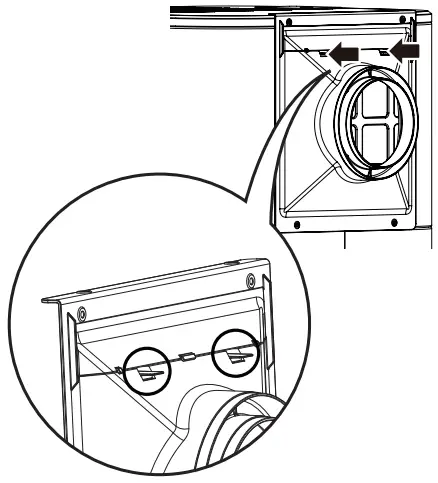
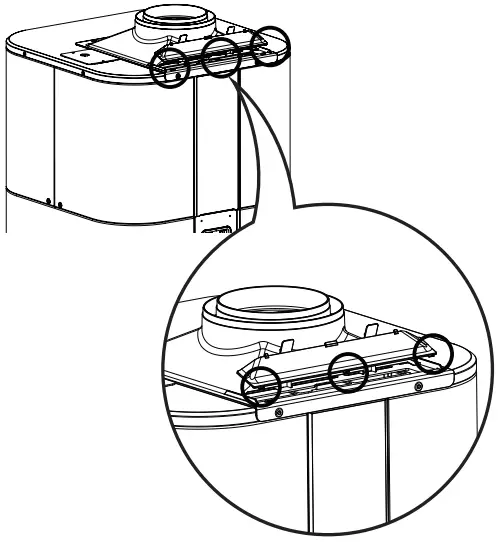
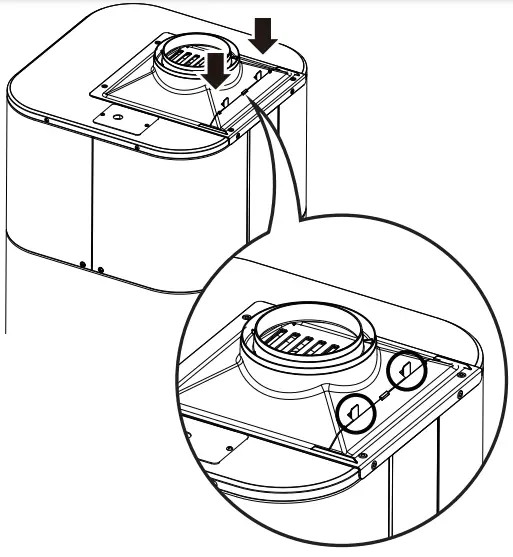
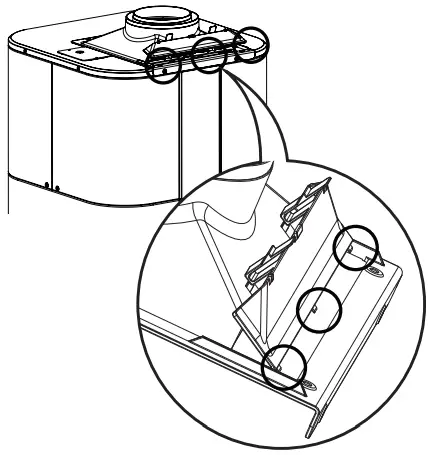
- Assemble the duct cover with guiding ribs.

- Install the cover until it makes click sound.
Installing duct adaptor (Inlet)
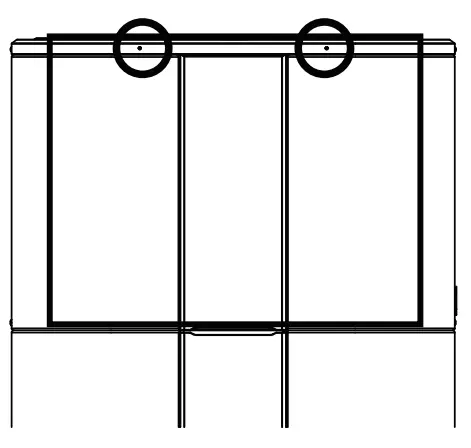
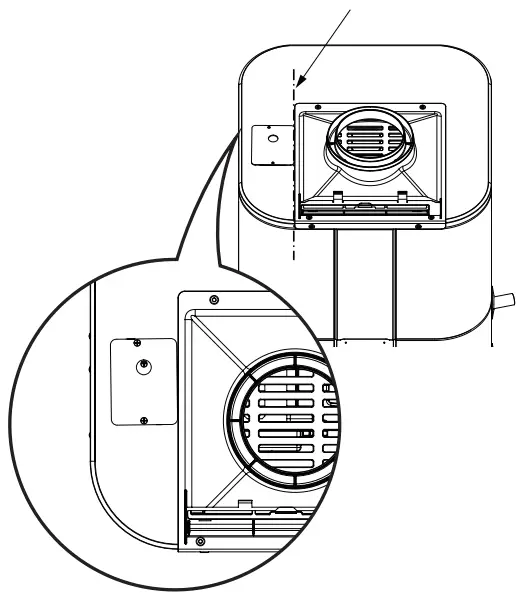
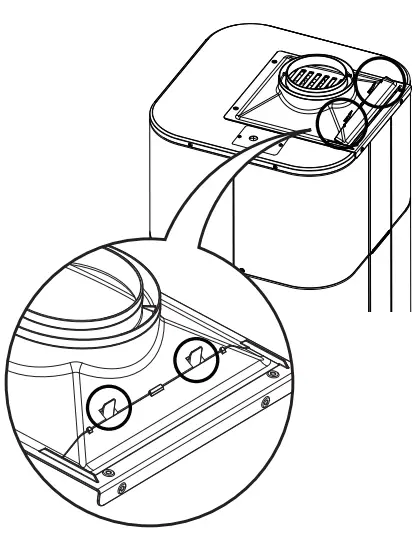
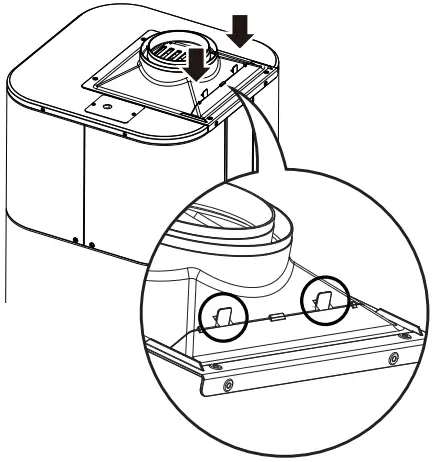
- Make two holes using the duct hole guide.

- Align the duct adaptor with the end line of power cover.

- Fasten it with additional screws in the installation box.

- Assemble the duct cover with guiding ribs.

- Install the cover until it makes click sound.

OPERATION
Using Basic Control
DISPLAY SCREEN
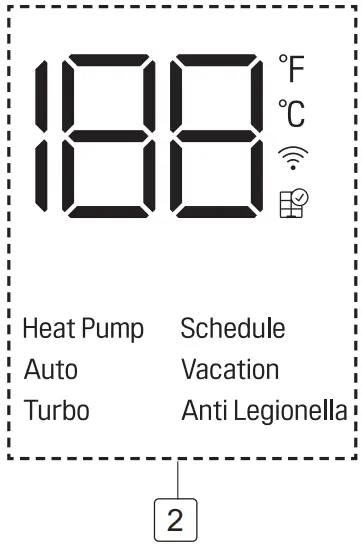
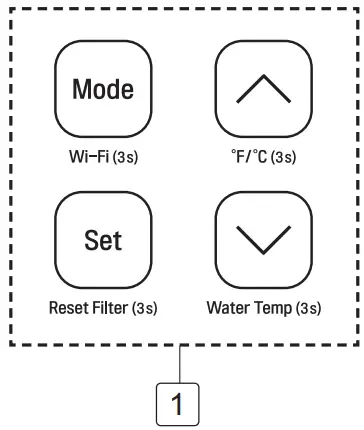
|
| Description |
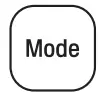 | Heat Pump | To select the heat pump mode. |
| Auto | To select the auto mode. | |
| Turbo | To select the turbo mode. | |
| Vacation | To select the Vacation mode. | |
– | Schedule | Set schedule mode only in LG ThinQ application. |
– | Anti Legionella | To select the Anti Legionella mode. |
 | – | To set the desired water temperature. |
 | 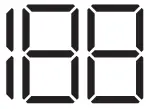 | To adjust the desired water temperature. |
| Wi-Fi (3s) |
| To enable the Wi-Fi pairing. |
Reset Filter (3s) |
| To reset the filter alarm. |
°F/°C (3s) | 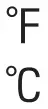 | To change unit between °F and °C. |
Water Temp (3s) | | To display the current water temperature for 5 seconds. |
 Button
 Display Screen
DUCT MODE
Press and hold Set & ↓ button about 3 seconds to set duct mode.
Fan speed is increased to 1150rpm
MAINTENANCE
Air Filter Maintenance
Clean the air filters when “Air filter check (  )” alarm appears on the display
NOTE
- The air filter can be broken when it is bended.
- When the air filter is not assembled correctly, dust and other substance come into the unit.
- Turn off the power by opening the circuit breaker or removing the fuses.
- Disassemble the cover.

- Hold the knobs of the air filter, pull out the filter from the top cover.

- Clean the filter with a vacuum cleaner or with lukewarm water with neutral detergent.
- Dry the filter in the shade.
- Insert the air filter into the top cover.

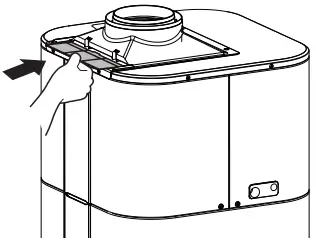
- Assemble the duct cover with guiding ribs.

- Install the cover until it makes click sound.

- Press and hold Set button about 3 seconds to reset the alarm.

 LG Electronics & Home Appliances | Shop Now | LG USA