4042265 Oasis105 Supply and Return Duct Kit
Product Information
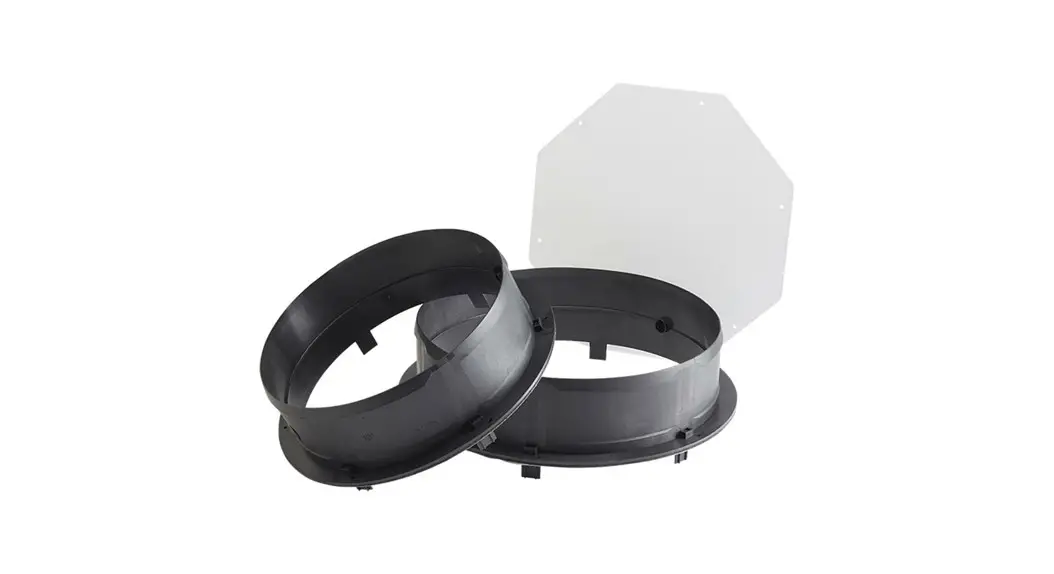
- Product Name: Duct Kit
- Part Number: 4042265
- Parts Included:
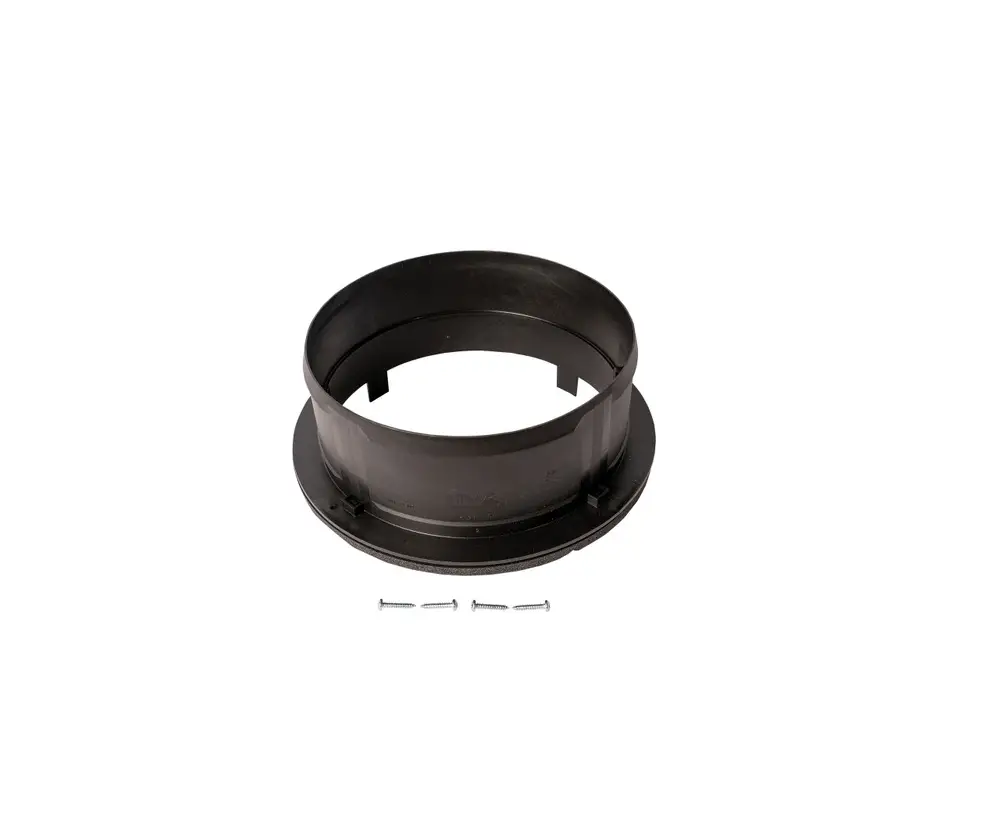
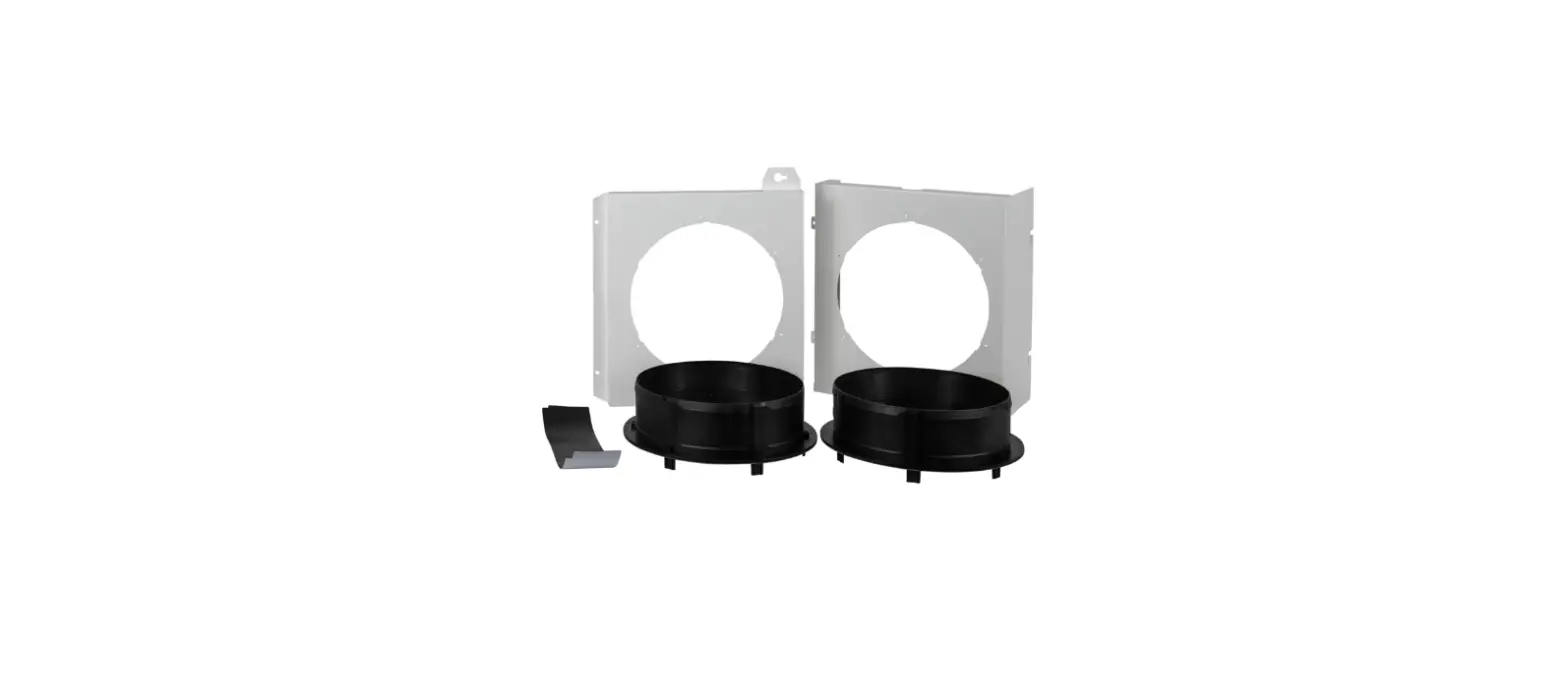
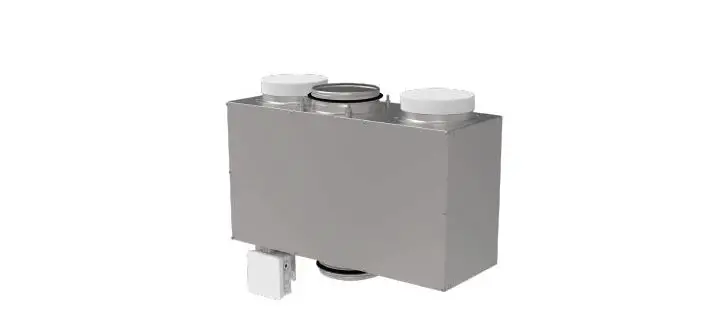
- Return Duct Plenum
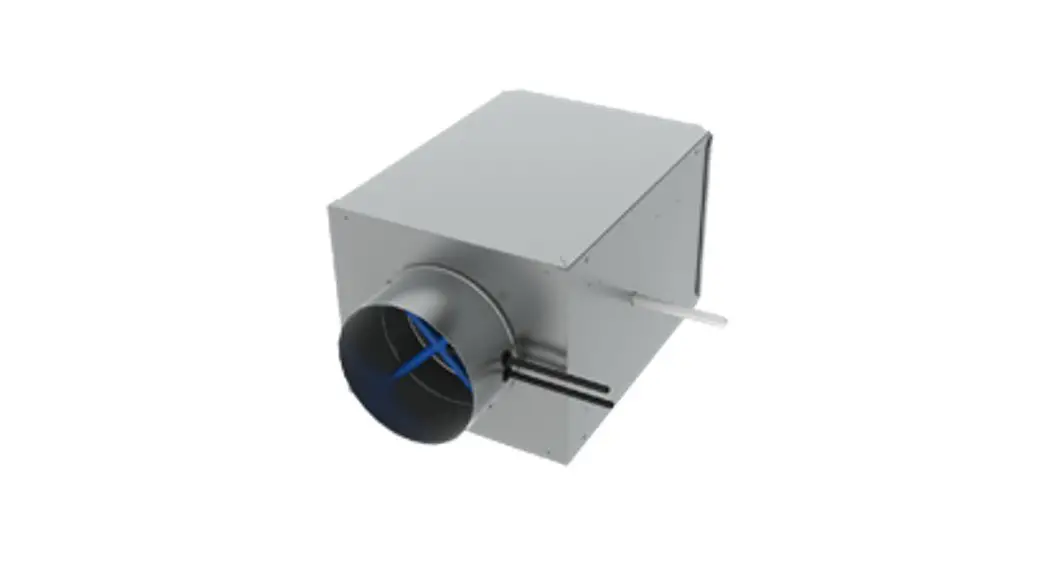
- Supply Duct Plenum
- Magnetic Filter Door
- Packed Fasteners (x4)
- Tools Required:
- Portable Drill
- T25 Torx Driver
- 5/16 Hex Driver
Product Usage Instructions
Before Installation
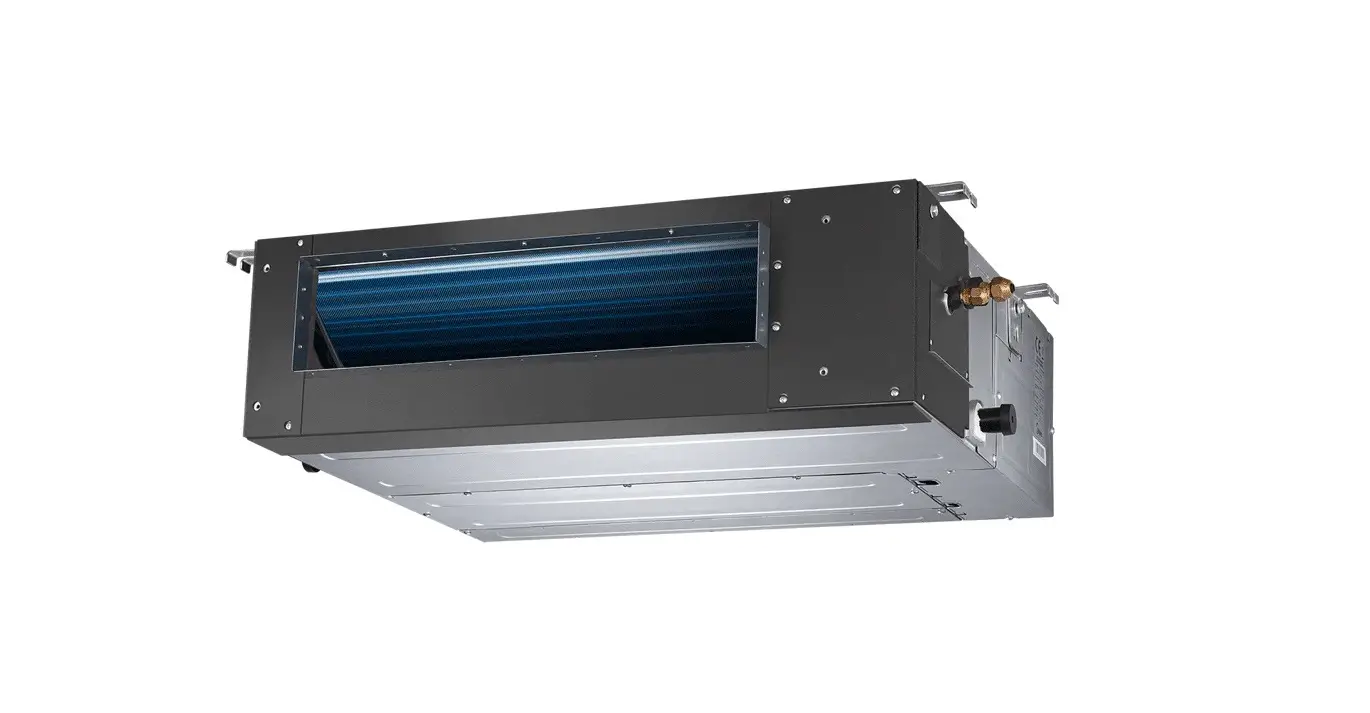
CAUTION! Before installing the duct kit, disconnect the
dehumidifier from electrical power and disconnect any previously
installed duct work.
Step 1: Remove Filter
Remove the filter by lifting it up and pulling it over the lip
of the plastic base. Set the filter aside.
Step 2: Loosen Screws on Top and Right Panel
Using the T25 Torx Driver, unthread the #10-24 screws on the Top
Panel (x2) halfway and on the Right Panel (x2) fully. Set aside the
two screws from the right panel.
Step 3: Install Return Duct Plenum
Slot the return duct plenum onto the dehumidifier by inserting
the half-threaded screws into the keyed grooves (x2). Ensure the
screws are fully pushed into the grooves.
Step 4: Tighten Screws on Top and Right Panel
Using the T25 Torx Driver, tighten the #10-24 screws on the Top
Panel (x2) and Right Panel (x2) to securely fasten them.
Step 5: Drill Fasteners on Return Duct Plenum
Using the 5/16 Hex Driver, drill the packed fasteners (x2)
through the bottom tabs of the return duct plenum into the plastic
base. Ensure the screws are securely fastened. Note: Packed
fasteners are self-drilling, so no pilot holes are needed.
Step 6: Install Filter
Slide the filter into the left slot of the return duct plenum.
Ensure that the airflow arrow on the side of the filter points
towards the dehumidifier. Make sure the filter is fully inserted
into the slot.
Step 7: Install Magnetic Filter Door
Slot the magnetic filter door into the gap between the filter
and front panel. Ensure that the larger tab of the filter door is
located on top. Also, ensure a seal between the filter door, return
duct plenum, and front panel.
Step 8: Loosen Screws on Top, Rear, and Left Panel
Using the T25 Torx Driver, unthread the #10-24 screws on the Top
Panel (x1), Rear Panel (x1), and Left Panel (x2) halfway.
Step 9: Install Supply Duct Plenum
Slot the supply duct plenum onto the dehumidifier by inserting
the half-threaded screws into the keyed grooves (x4). Ensure the
screws are fully pushed into the grooves.
Step 10: Tighten Screws on Top, Rear, and Left Panel
Using the T25 Torx Driver, tighten the #10-24 screws on the Top
Panel (x1), Rear Panel (x1), and Left Panel (x2) to securely fasten
them.
Step 11: Drill Fasteners on Supply Duct Plenum
Using the 5/16 Hex Driver, drill the packed fasteners (x2)
through the bottom holes of the supply duct plenum into the plastic
base. Ensure the screws are securely fastened. Note: Packed
fasteners are self-drilling, so no pilot holes are needed.
Parts Included:
1. Return Duct Plenum 2. Supply Duct Plenum 3. Magnetic Filter Door 4. Packed Fasteners (x4)
Tools Required:
1. Portable Drill 2. T25 Torx Driver 3. 5/16″ Hex Driver
Duct Kit
Part No. 4042265
1 3
2 4
CAUTION! Before installing duct kit, disconnect dehumidifier from
electrical power and disconnect duct work if previously installed.
Step 1: Remove filter by
lifting up and pulling over the lip of the plastic base. Set filter aside.
Lift
Step 2: Using T25 Torx Driver,
unthread #10-24 screws on the Top Panel (x2) halfway and on the Right Panel (x2) fully. Set the two screws from the right panel aside.
Step 3: Install return duct
plenum on the dehumidifier by slotting half-threaded screws in the keyed grooves (x2). Ensure screws are pushed all the way into the grooves.
Unthread
Pull
Halfway (x2)
Remove (x2)
Slot into Groove (x2)
4201 Lien Rd Madison, WI 53704 · TOLL-FREE 1-800-533-7533 · www.thermastor.com · [email protected] TS-1184 10/22 Rev A
Step 4: Using T25 Torx Driver, tighten #10-24
screws on the top panel (x2) and right panel (x2). Ensure screws are securely fastened.
Tighten Screws (x2)
Step 8: Using T25 Torx Driver, unthread #10-24
screws on the top panel (x1), rear panel (x1), and left panel (x2) halfway.
Reinstall Screws (x2)
Unthread Halfway (x4)
Step 5: Locate packed fasteners. Using 5/16″
Hex Driver, drill fasteners (x2) through bottom tabs of the return duct plenum into plastic base. Ensure screws are securely fastened.
Drill Packed Fasteners (x2)
Note: Packed fasteners are self-drilling. No need for pilot holes.
Step 9: Install supply duct plenum on the
dehumidifier by slotting half-threaded screws in the keyed grooves (x4). Ensure screws are pushed all the way into the grooves.
Step 6: Install Filter
by sliding into left slot
of the return duct
plenum. Ensure
airflow arrow on
side of the filter
points towards the
dehumidifier. Ensure
filter is fully inserted
into the slot.
Insert Filter
Airflow Arrow
Step 7: Install magnetic filter door by slotting
into the gap between filter and front panel. Ensure larger tab of filter door is located on top. Ensure seal between filter door, return duct plenum, and front panel.
Large Tab
Slot Door
Ensure Seal
Slot into Groove (x4)
Step 10: Using T25 Torx Driver, tighten #10-24
screws on the top panel (x1), rear panel (x1), and left panel (x2). Ensure screws are securely fastened.
Tighten Screws (x4)
Step 11: Locate packed fasteners. Using 5/16″
Hex Driver, drill Fasteners (x2) through bottom holes of the supply duct plenum into plastic base. Ensure screws are securely fastened.
Drill Packed Fasteners (x2)
Note: Packed fasteners are self-drilling. No need for pilot holes.
4201 Lien Rd Madison, WI 53704 · TOLL-FREE 1-800-533-7533 · www.thermastor.com · [email protected] TS-1184 10/22 Rev A
 Therma-Stor | A Family of Brands Driven by Performance & Powered by Design