 Operating Instructions
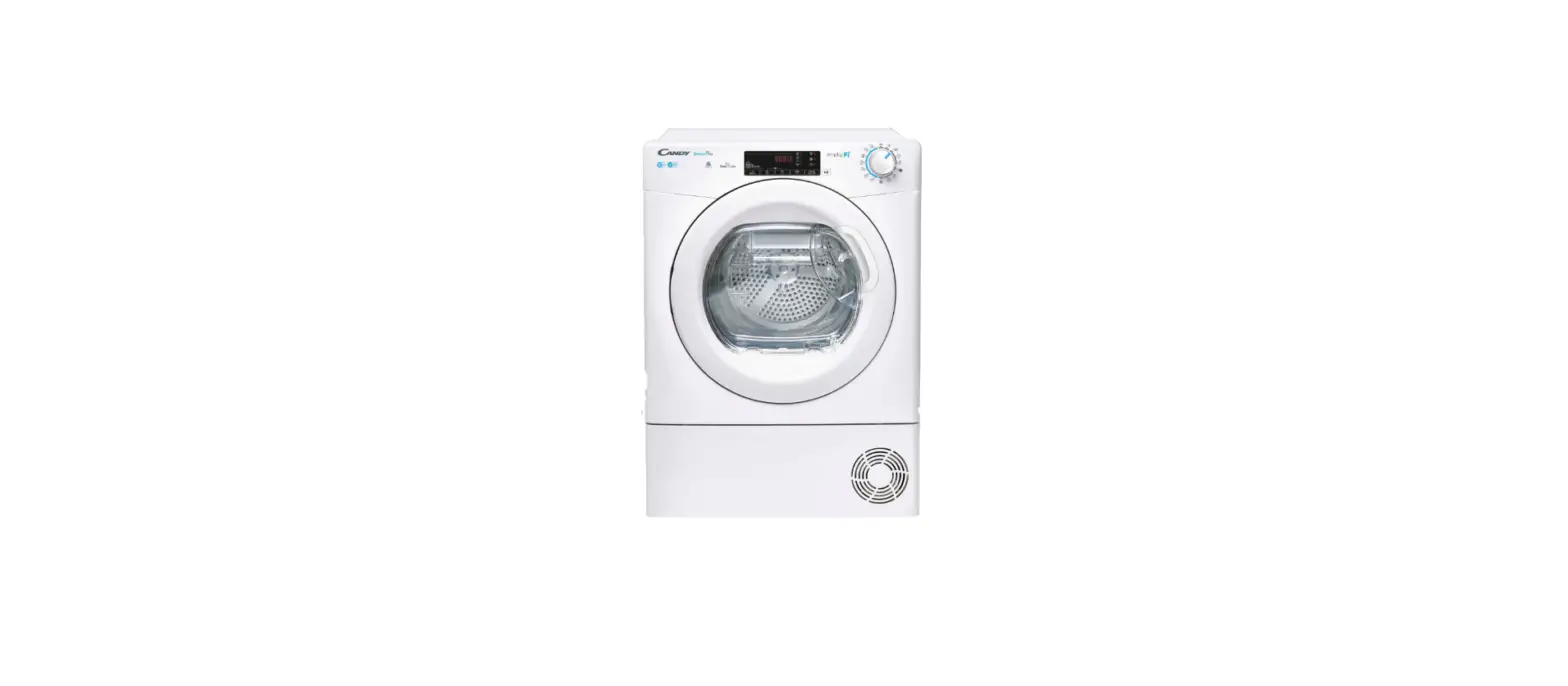
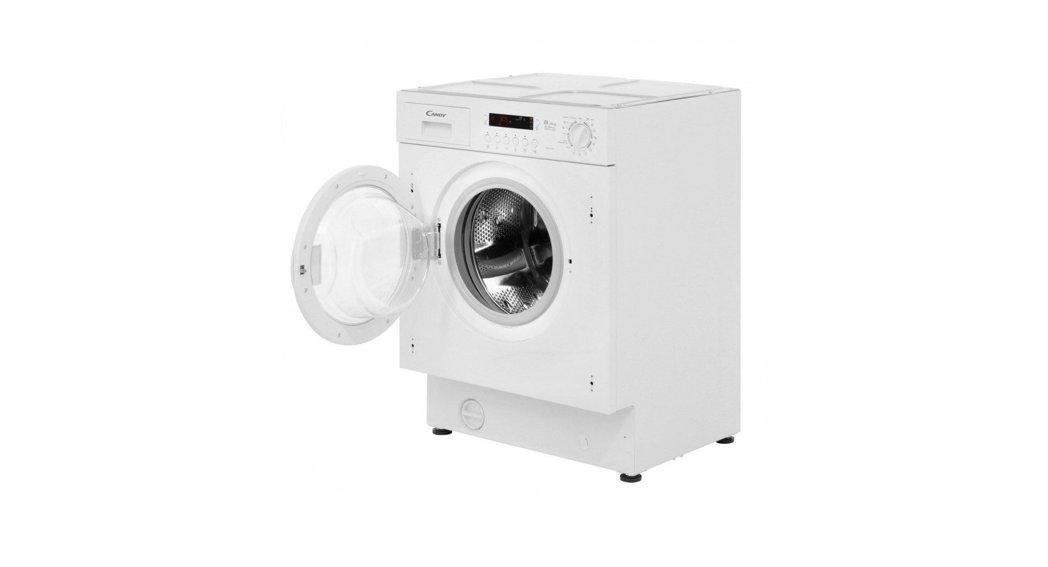
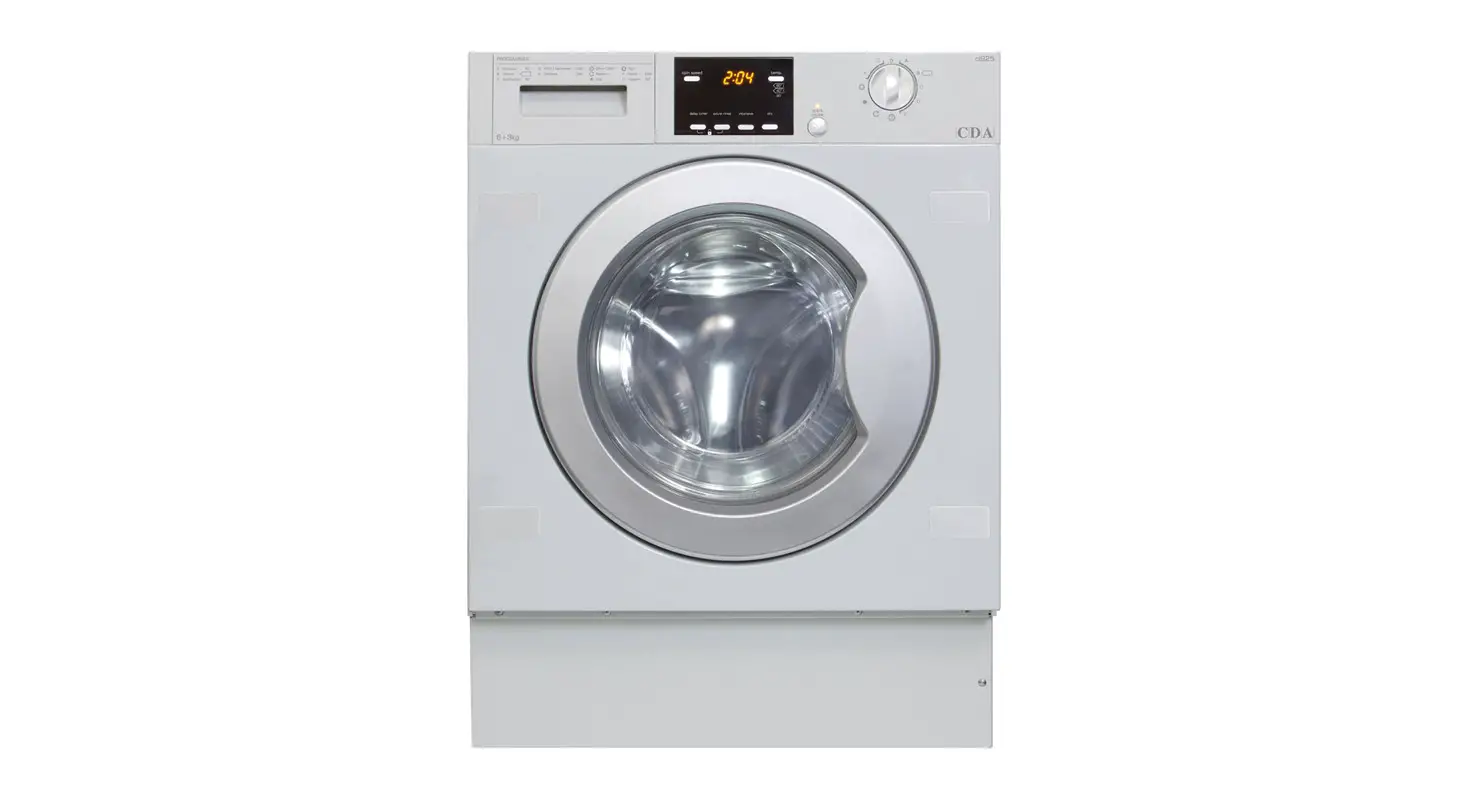
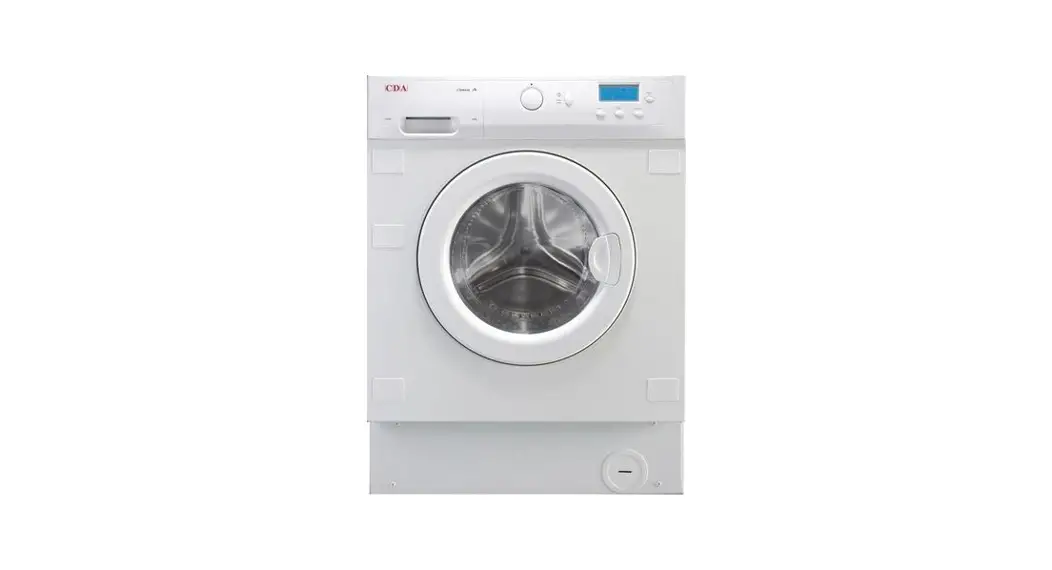
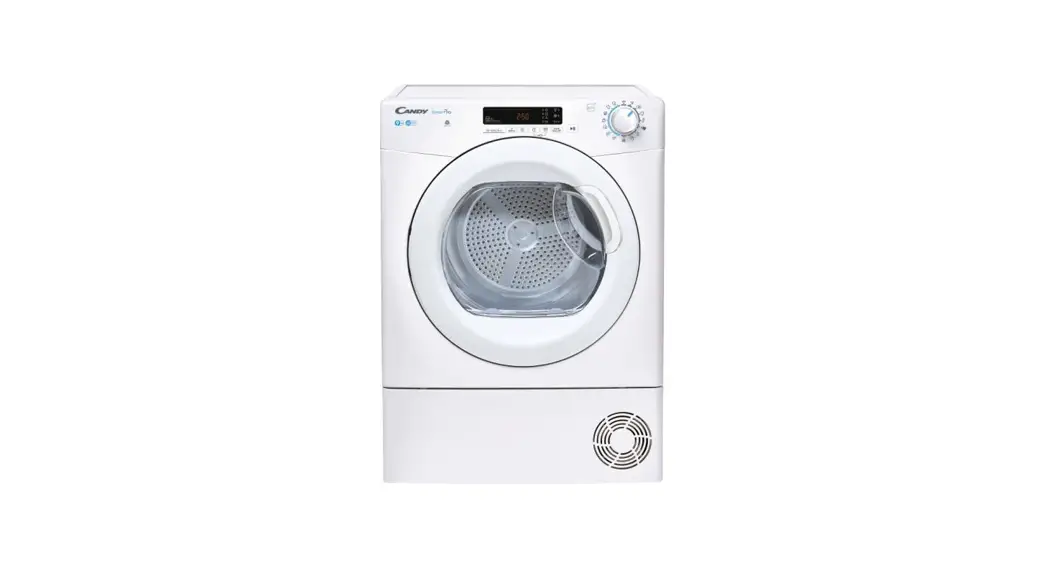
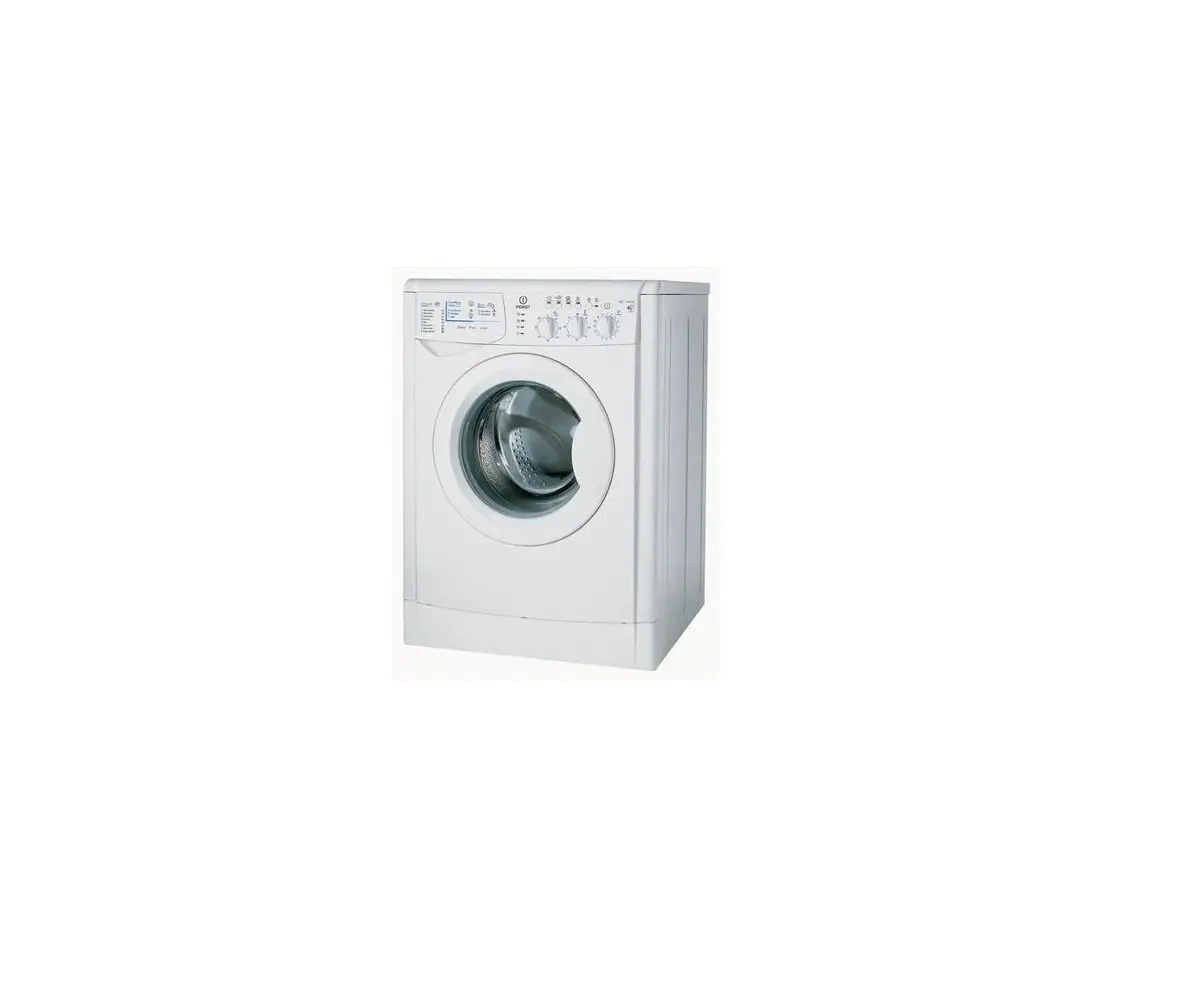
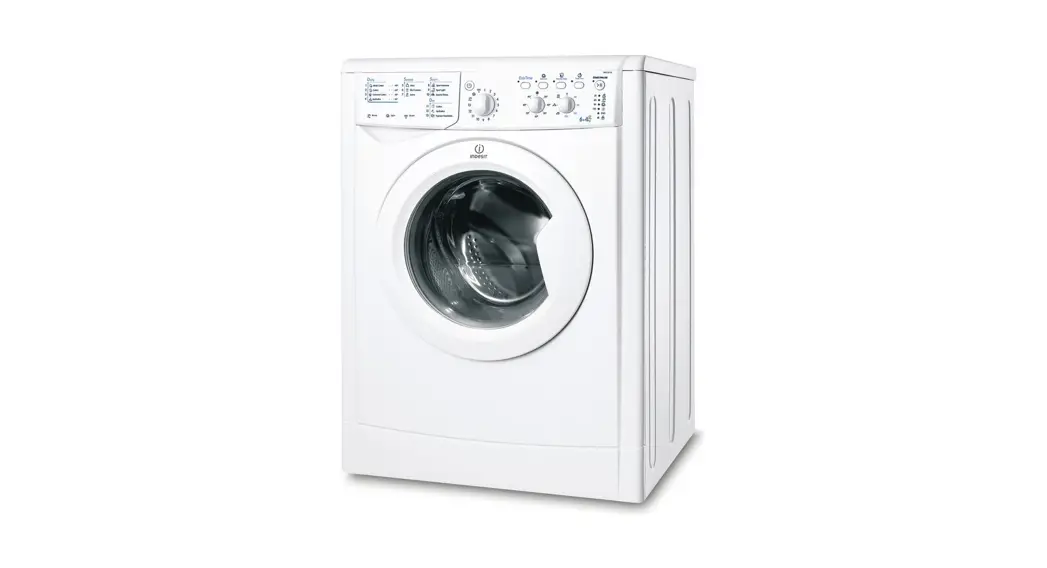
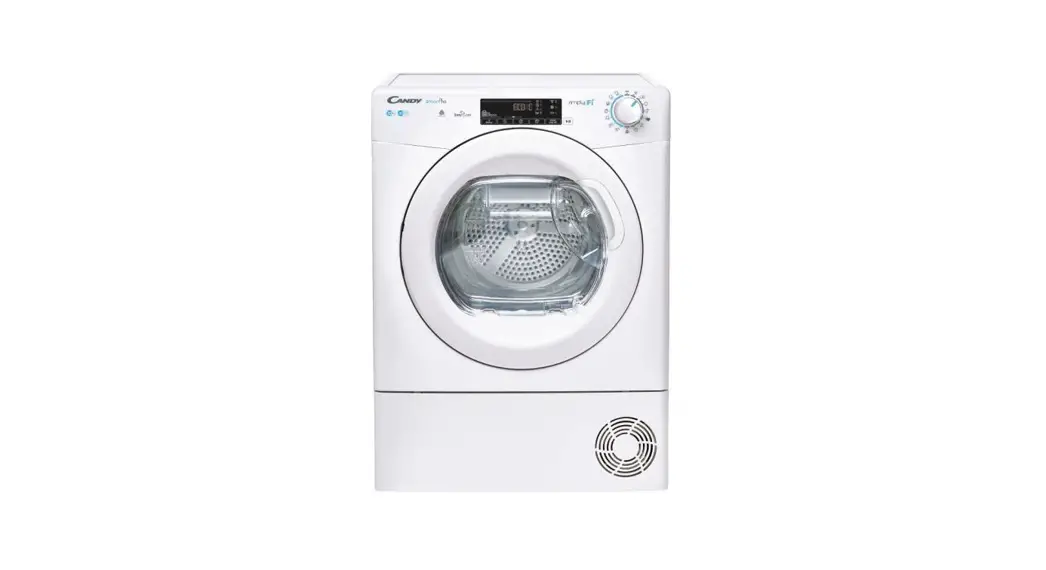
Washer dryer Candy CIW 100T
Control Panel
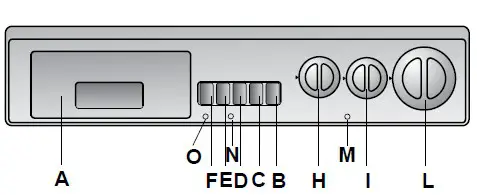
Description of Controls
B.  Door Open Button
A special safety device prevents the porthole from being opened immediately after the end of the cycle. Wait for 2 minutes after the wash cycle ha finished before opening the door.
C.  On/Off Button
Press to start the appliance. At the end of the cycling press again to reset the button and switch off the appliance.
D.  EXTRA RINSE Button
By pressing the “EXTRA RINSE” button, even the slightest residue of detersive is removed from the fabrics. This is particularly important for people with delicate skins.
E.  QUICK WASH Button
Pressing this button reduces the time of the wash program by a maximum of 50 minutes depending upon the program selected. The quick wash button can be used for washing loads of 1 to 5kg. (This button can be utilized only on cotton and synthetic programs).
F.  HIGH DRY Button
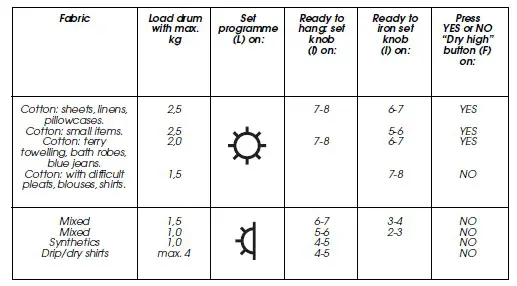
Recommended: press this button for an extra intense drying cycle suitable for hard-wearing fabrics e.g. towels, jeans.
H.  WASH TEMPERATURE selector
Can be turned in either direction
This washing machine is equipped with this device for setting the wash temperature you want. We recommend that the temperature shown on the label inside garments should never be exceeded.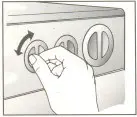
I.  DRYING TIME MINS
CAUTION: Never turn the knob anti-clockwise, but always clockwise.
The drying timer (I) sets drying time up to a max. 120 mins. (the symbol represents a 10 minutes cool tumble, number 2 represents 20 minutes, etc.)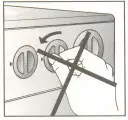
WARNING: Drying can be stopped even when the machine is running. Just turn the drying timer clockwise to the cooling symbol and wait for the cycle to end before opening the door.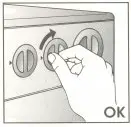 L. PROGRAMME Selector
Note: never turn the dial anti-clockwise. (Turn it clockwise and do not press the on/off button before selecting the program.)
M. “DRYING” INDICATOR LIGHT
This light will illuminate when the machine is in the drying cycle.
N. ON/OFF INDICATOR LIGHT
The machine-on indicator light is illuminated when the on/off button is depressed.
O. PILOT LIGHT FOR EXTRA DRYING
Pilot light will come on when dry high button is pressed.
Drying
- Turn the wash temperature control (H) to “0”.
- Press On/Off button(C).
- Warning lights (M-N-O) will come on.
- The drying time (I) will rotate automatically to zero.
- Drying will start with the program dial (L) stationary on the
 symbol, or
  symbol until the drying cycle ends, then it rotates to “Stop”.
 - Now press the “On/Off” button(C).
- Warning lights (M-N-O) will go off.
- Open the door and take out your laundry.
 symbol, or
  symbol until the drying cycle ends, then it rotates to “Stop”.