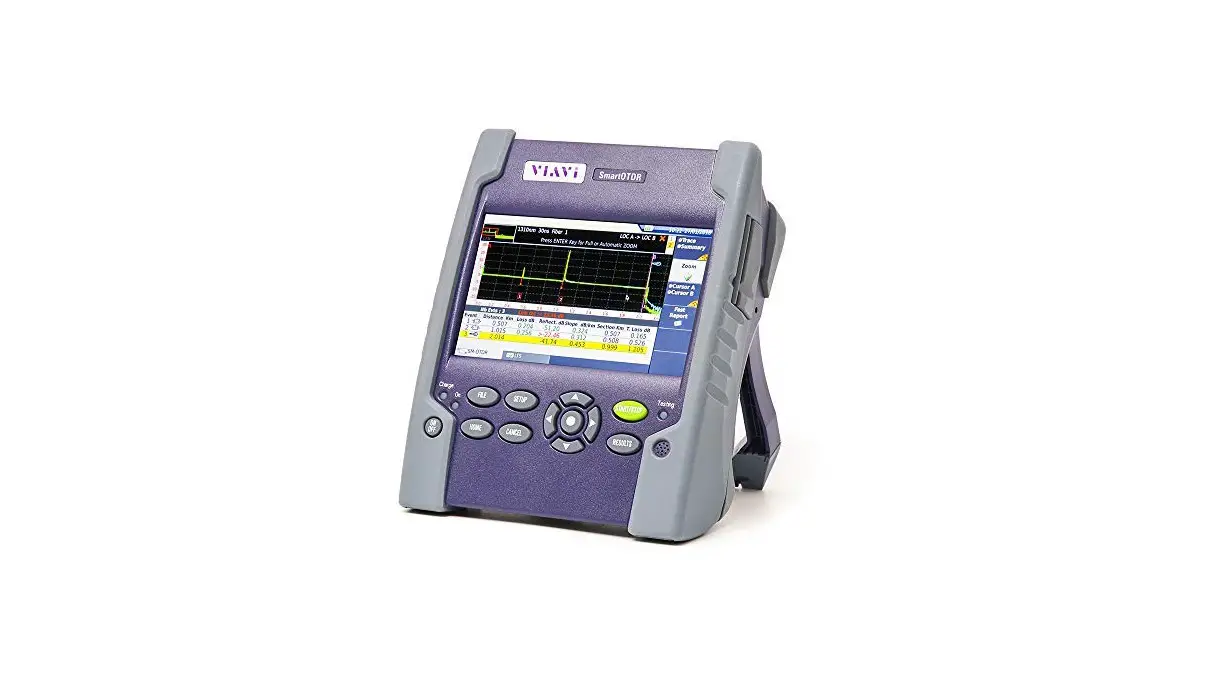
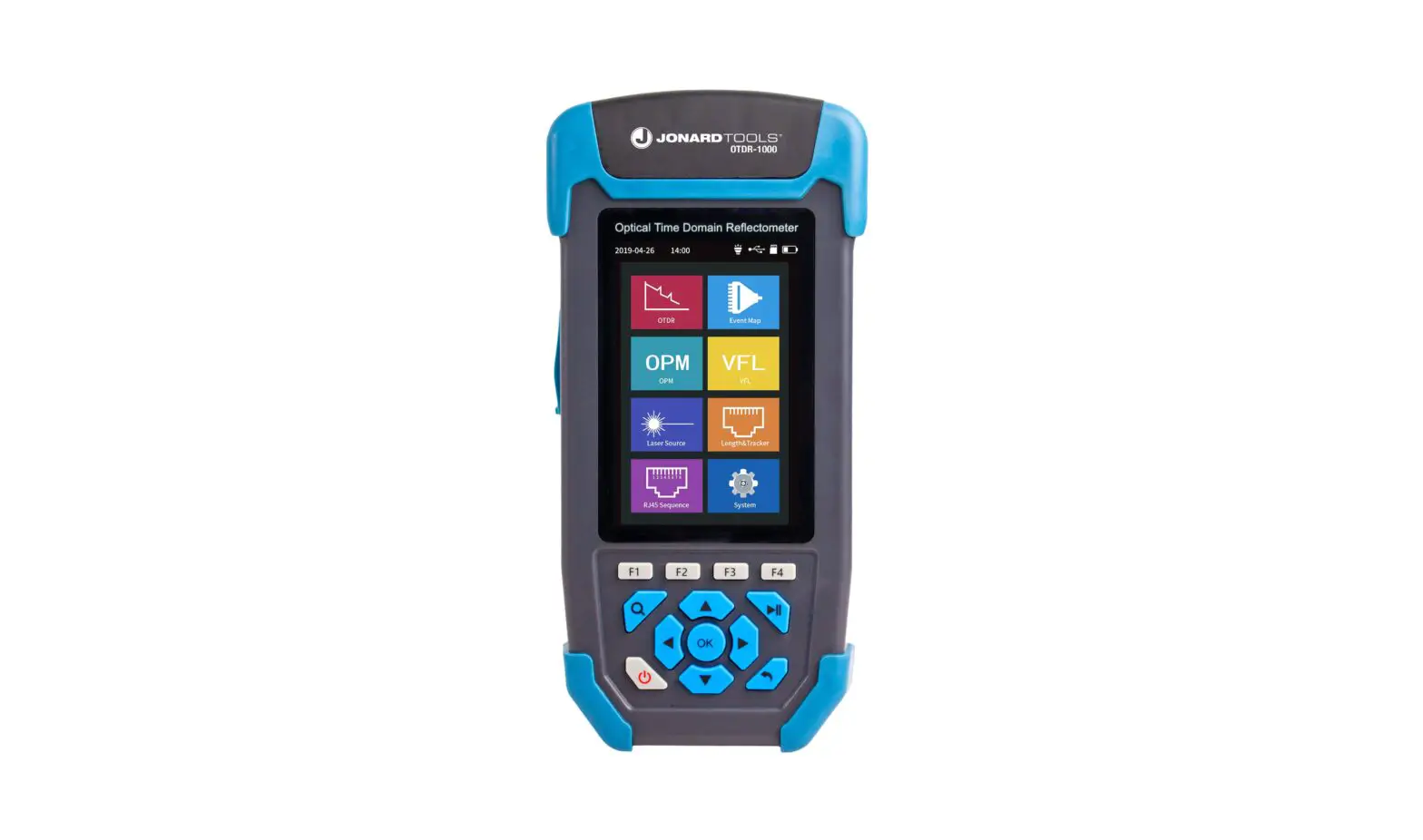
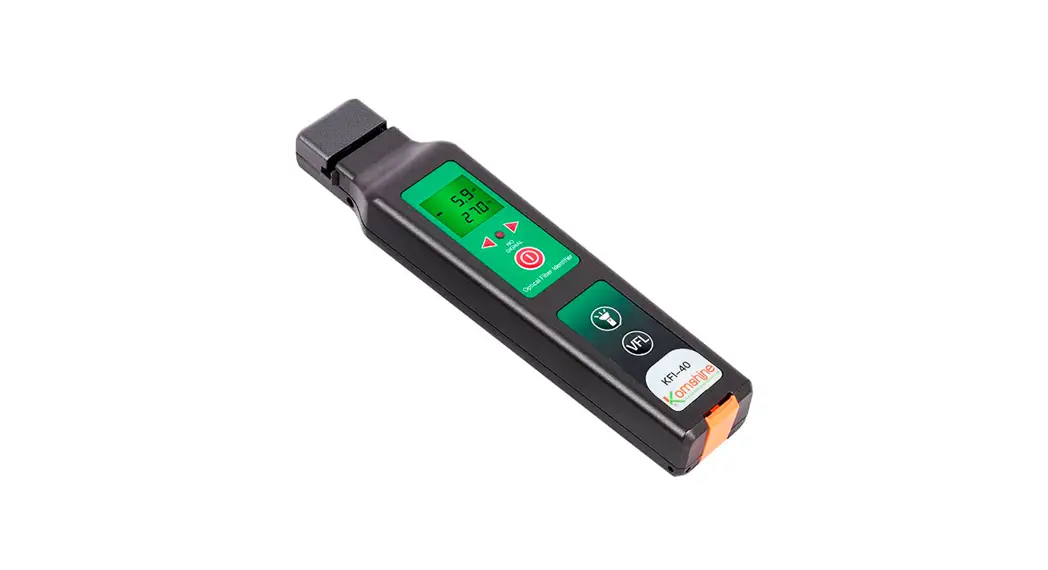
K350 Fiber Master OTDR
Product Information
K350 Fiber Master OTDR
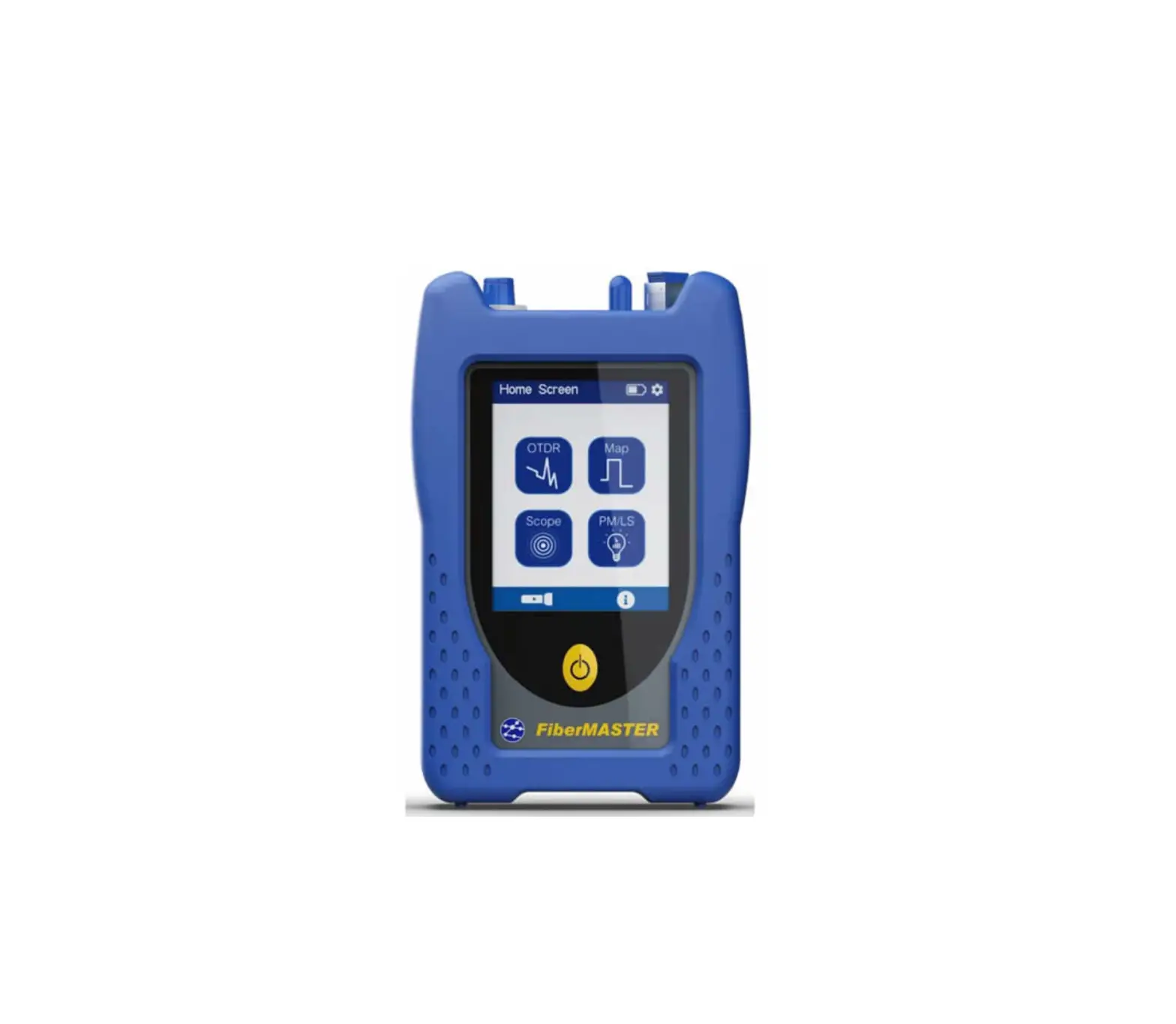
The K350 Fiber Master OTDR is a multifunctional optical time
domain reflectometer designed for testing and characterization of
optical networks. It integrates various features to provide
accurate and reliable testing results. With a 1m event dead zone
and a range of up to 140km, it is suitable for a wide range of
applications. The OTDR also offers self-calibration, dual
wavelengths testing, and comes with a 3-year warranty.
Key Features:
- Long-haul network testing
- Access network testing
- FTTx/PON testing through splitters
- Compact, rugged, lightweight design (0.7kg)
- All new user interface design with innovation
- 32dB dynamic range
- 1m event dead zone
- Built-in OPMSLSVFLRJ45FIP modules
- Link Map & Pass/Fail judgment functions
- Dual wavelengths testing (1310nm/1550nm)
- Stainless steel fiber connector
- All-inclusive silicone sheath
- Anti-drop design
- Supports USB data transmission
Application Scenarios:
- Video Subscriber
- V-ONU: Video distribution optical network unit
- V-OLT: Video distribution optical line terminal
- Internet Voice
- WND GE-ONU Communication service wavelengths cut filter
(built-in) - Central office
- Broadcaster
- Splitter
- 1625nm Cut filter Optical fiber
- 1550nm
- 1310nm
- V-OLT WND GE-OLT
- Video transmitter
- Internet
Product Usage Instructions
OTDR Testing
The K350 Fiber Master OTDR supports dual wavelength simultaneous
testing. It provides intelligent trace analysis and multi-interface
result display for easy operation. To perform OTDR testing, follow
these steps:
- Connect the K350 Fiber Master OTDR to the optical network.
- Select the desired test mode (real-time, average, intelligent
automatic, or expert manual mode). - Initiate the test and monitor the link measurement information
displayed on the OTDR. - Analyze the event information after the measurement if
needed.
Optical Power Meter
The K350 Fiber Master OTDR also functions as an optical power
meter. It can measure absolute optical power or relative loss of
optical power through a length of fiber. To use the optical power
meter feature, simply connect the fiber to be measured and read the
power measurement on the OTDR’s display.
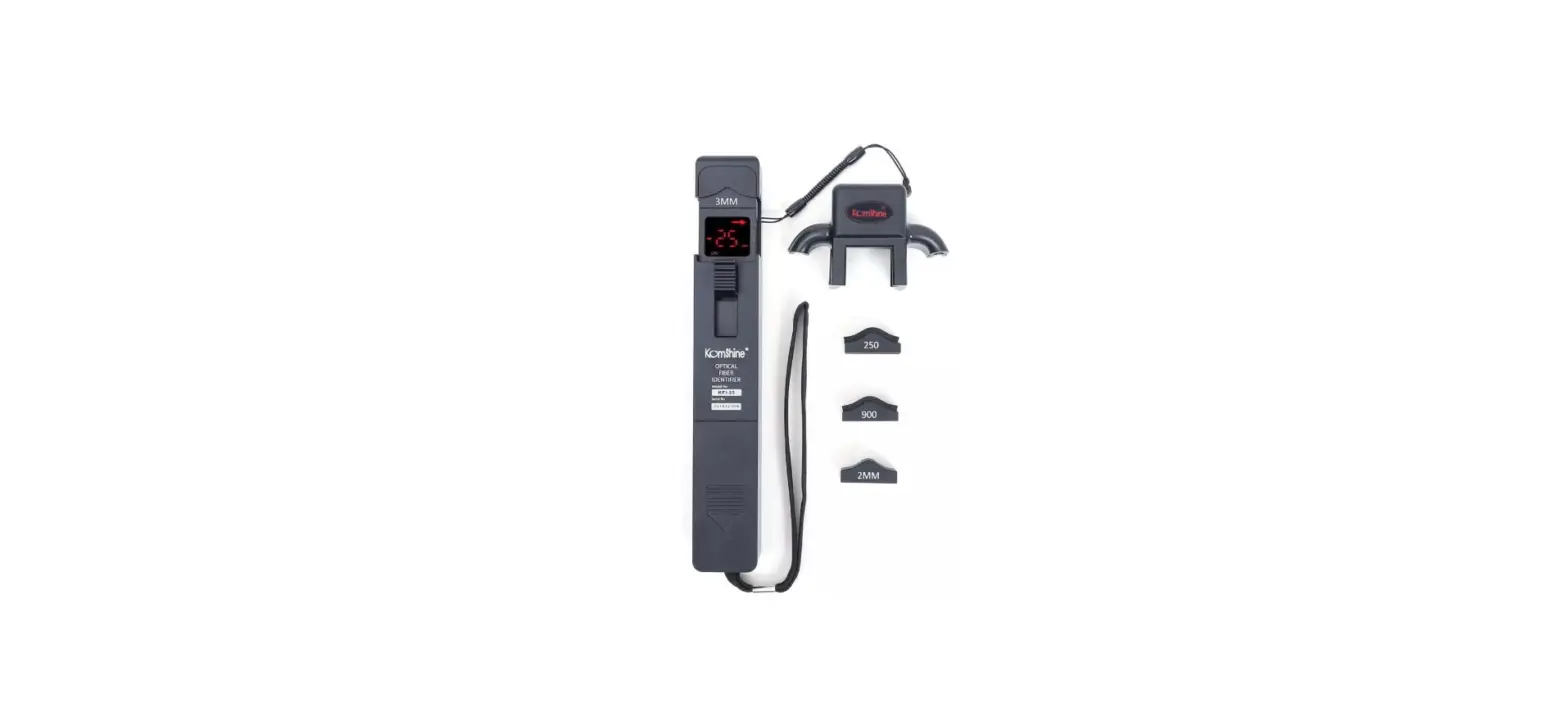
Fiber Inspection Probe
An optional inspection probe is available for inspecting fiber
interfaces. To inspect a fiber interface, attach the probe to the
K350 Fiber Master OTDR and carefully insert it into the interface.
The probe will provide visual feedback on the condition of the
fiber interface.
Visual Fault Locator
The K350 Fiber Master OTDR includes a visual fault locator (VFL)
feature. The VFL provides stable lighting with a strong light
source and offers two modes: pulse-width modulation (PW) and
continuous wave (CW). To use the VFL, select the desired mode and
activate the light source. The VFL can be used to locate faults or
breaks in the fiber.
Stabilized Light Source
The stabilized light source feature of the K350 Fiber Master
OTDR provides a stable light source for use in combination with a
power meter. To use the stabilized light source, connect the power
meter to the OTDR and activate the light source. The power meter
will measure the optical power emitted by the light source.
RJ45 Networks Test
The K350 Fiber Master OTDR also includes a network cable
sequencing feature. This allows you to test RJ45 networks for
proper sequencing. Simply connect the RJ45 cable to be tested and
initiate the test on the OTDR. The test results will indicate
whether the cable is properly sequenced or not.
Link Map
The K350 Fiber Master OTDR features a link map function that
displays events in a simple and intuitive graphical interface. The
link map shows the length, event type, and breakpoint location of
optical fiber links. With one-click test operation, you can
instantly isolate and evaluate optical fiber failures.
Splitter Test
The K350 Fiber Master OTDR can test three-level splitters with
ratios up to 1:32. It supports testing for various splitter
configurations such as 1:4, 1:8, 1:16, etc. To perform a splitter
test, connect the splitter to be tested and initiate the test on
the OTDR. The OTDR will provide information on the splitter’s
performance.
Self Calibration
The K350 Fiber Master OTDR supports self-calibration, which
provides convenience for maintenance. The self-calibration feature
ensures accurate and reliable testing results by calibrating the
OTDR’s internal components. To perform self-calibration, follow the
instructions provided in the user manual.
Note: Please refer to the user manual for detailed instructions and
safety guidelines.
K350
FIBER MASTER OTDR
We integrate. You communicate.
OTDR SLS OPM VFL
Multifunction
1m Event dead zone
140km Largest range
Self calibration
Dual wavelengths testing
3-year Warranty
Application scenarios
Video
Subscriber
V-ONU
Internet Voice
WND GE-ONU
Communication service wavelengths cut filter (built-in)
Central office
Broadcaster
Splitter
1625nm Cut filter Optical fiber
1550nm 1310nm
1625nm
V-OLT WND
GE-OLT
Video transmitter
Internet
V-ONU: Video distribution optical network unit V-OLT: Video distribution optical line terminal WDM: Wavelength division multiplexing
KL350 OTDR is widely used in optical network terminals (ONT), FTTH distribution (F2) fiber characterized distribution hubs (FDH), fault diagnosis and fault finding.
Product Features
Long-haul network testing Access network testing FTTx/PON testing through splitters Compact, rugged, light weight 0.7kg All new UI design with innovation
32dB Dynamic range 1m Event dead zone Bult-in OPMSLSVFLRJ45FIP modules Link Map & Pass/Fail judgment functions Dual wavelengths testing
Stainless steel fiber connector
All-inclusive silicone sheath Anti-drop
The network sequencing Hidden module
Supports USB data transmission
01
OTDR Testing
OTDR Dual wavelength simultaneous testing, intelligent trace analysis, multi-interface result display, easy operation
03
Optical Power Meter
For measuring absolute optical power or relative loss of optical power through a length of fiber
05
Fiber Inspection Probe
Optional inspection probe to inspect fiber interface.
Multi-function
02
Visual Fault Locator
VFL Stable lighting, strong light source, two modes– PW & CW
04
Stabilized Light Source
Stable light source, used in combination with a power meter
06
RJ45 Networks Test
Network cable sequencing
Dual Working Mode
Four test modes meet your measurement needs
Real-time test:
Monitors link measurement information, but does not analyze event information.
Average test:
Fixed time measurement, the results and event information will be analyzed after the measurement.
Intelligent automatic
It is convenient for beginners to quickly complete the test
Expert Manual Mode
Select the expert manual mode to test
Interface upgrade
Brand-new UI Design
Intelligent trace analysis
Intelligent trace analysis Dynamic display of test results
The test results are shown in a trace with distance on horizontal axis, lost power on vertical axis. When too many events, the horizontal and vertical axes can be enlarged to analyze.
Events List
Optical cable breakpoint, loss, length, bending, connection, etc., in the trace, the loss or reflection obtained by the test is represented by events, and three event parameters can be viewed at the same time.
Support the dual wavelengths testing
1310nm/1550nm
Link Map
Link Map Function Icon Displays Events
A simple and intuitive graphical interface displays the length, event type, and breakpoint location of optical fiber links. One-click test operation enables instant isolation and evaluation of optical fiber failures.
Splitter Test
Test Three-level Splitter, up to 1:32
1: 4
1: 8
1: 4 1: 4 1: 2
1: 16
Self Calibration
Self Calibration Convenience to Maintenance
Circuit board Optical circuit Optical device
After the machine has been used for a long time, when its accuracy is not enough, it can perform self-calibration, reduce maintenance time and save costs
OTDR Trace Manager
Read and analyze on PC
Mass Traces Operation
View the sor file in the OTDR trace manager, mass traces operation, add/delete events, bidirectional trace analysis, print preview, etc.
Fiber Connector
SC
ST (Optional)
LC (Optional)
FC (Optional)
Standard Package
Carry Bag OTDR main body Inspection Certificate Power adapter Gallusus Quick Reference Guide Calibration Certificate Brochure-JILONG/TAWAA
Specifications
OTDR Specifications Model Wavelength (nm) Dynamic range (dB) Number of optical port Applicable fiber Distance range (km) Pulse width (ns) Event dead zone*1 (m) Attenuation dead zone*2 (m) Number of sampling points Sampling resolution Distance measurement accuracy Loss measurement accuracy Return loss measurement accuracy
Optical Power Meter Module (Built-in)
OPM
Wavelength (nm) Power range Measure accuracy Display resolution Optical input port
K350-S SM 1310/1550 32/30
K350-P PON 1310/1550/1625 (built-in filter) 32/30/28
1
2
SM (ITU-T G.652)
0.5,1,2,5,10,20,35,50,75,100,150,200
5,10,20,50,100,200,500,1000,2000,10000,20000
1 3.5 Max.80000 Min.0.04m ±(0.75 m + Measurement distance × 2 × 10⁻⁵ + Sampling resolution) ±0.03 dB/dB
±2 dB
×
800 ~ 1650nm
-70 ~ +6dBm
±0.2dB or ±5%
0.01dB
SC/UPC + 2.5mm Universal ferrule
Stabilized Light Source Module (Built-in)
Wavelength (nm)
1310/1550
Output power
-10dBm
SLS
Modulation mode Laser class
CW, 270 Hz, 1 kHz, 2 kHz Class 1M or Class 1
Optical input port OTDR port
Visual Fault Locator Module (Built-in)
Wavelength (nm)
650
Output power
10mW
VFL
Modulation mode Laser class
CW, CHOP (2 Hz) Class 3R
Optical input port 2.5 mm Universal ferrule type
Fiber Inspection Probe (Built-in)
Optional
Magnification
250X
Resolution(um)
1.0
FIP
Electrical interface
Optical Connector
USB2.0 FC/UPC,SC/UPC,ST/UPC
Sensor
1/3 inch
Optional
RJ45 Networks Test (Built-in)
RJ45
Wavelength (nm)
CAT5, CAT6
Distance of Cable Collationl
300m
Distance of emitting signal 300m
General Specifications
Link Map Pass/Fail judgment Distance unit
m, km, mile, ft, kft
PC Analysis Software Languages
English, Español, Chinese, Português, Français,
Optical connector
SC/UPC (FC/UPC,ST/UPC,LC/UP is Optional)
Display
3.5-inch color TFT LCD (Resolution: 640 × 480)
Electrical interface
Charge port × 1, USB 2.0 × 3, RJ45 × 2
Operating temperature -10 ~ 50 (0 ~ 40 when AC adapter is being used. 0 to 35 when battery is be charged)
Storage temperature -20 to 60
Altitude
4000 m
Humidity
0 to 90% RH (20 to 90% with 739874 AC adapter, non-condensing)
Power requirements
100 – 240V AC, 50/60Hz (AC adapter)
Battery
3000mAh
LED Light illumination 15000mcd
Operating time*3
5 hours
Data storage
Internal storage: 1000 waveforms, External storage: USB memory
Dimensions
118 mm (W) × 218 mm (H) × 55 mm (D)
Weight
Approx. 0.73 kg (including internal battery and protectors, excluding OTDR unit and options)
Notes:
1. Minimum pulse width, return loss: 55 dB (40 dB for 850/1300 nm), group refractive index: 1.5, at 1.5 dB below the unsaturated peak level. 2. Minimum pulse width, group refractive index: 1.5, at a point where the backscatter level is within ±0.5dB of the normal level. For SMF, at 1310nm, return loss: 55dB. 3. New Battery All specifications valid at 23°C ± 2°C (73.4°F ± 3.6°F) unless otherwise specified.