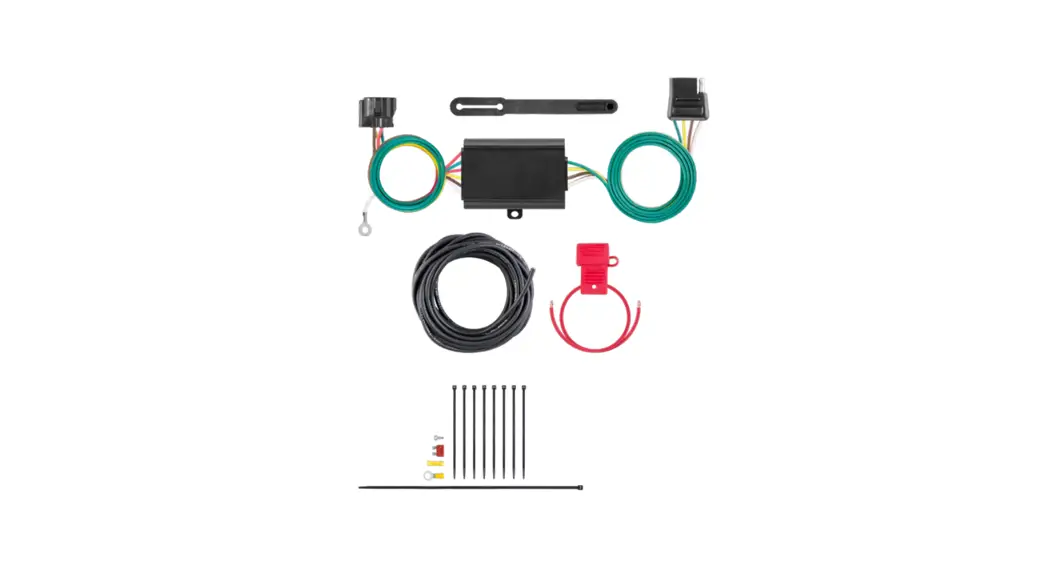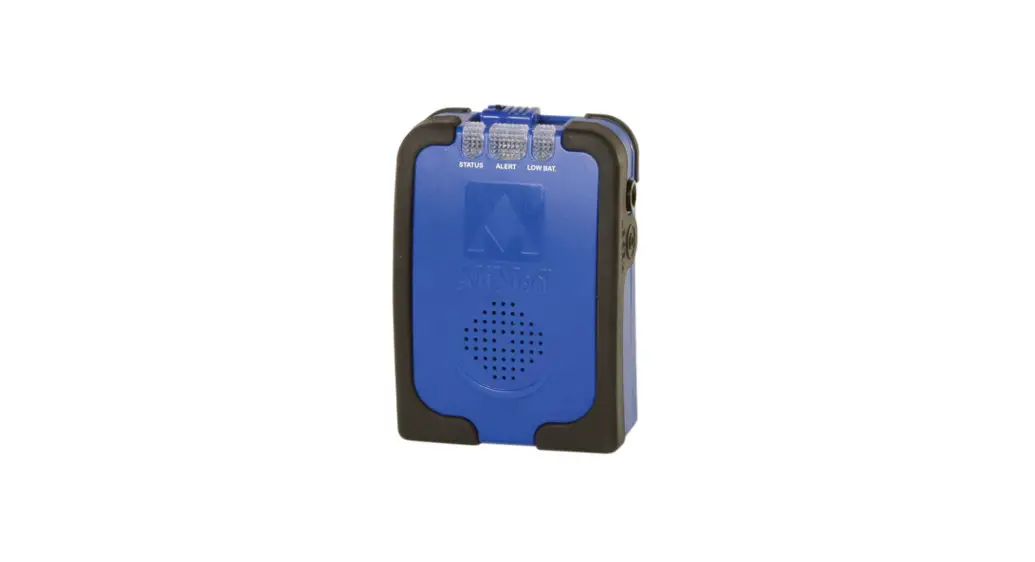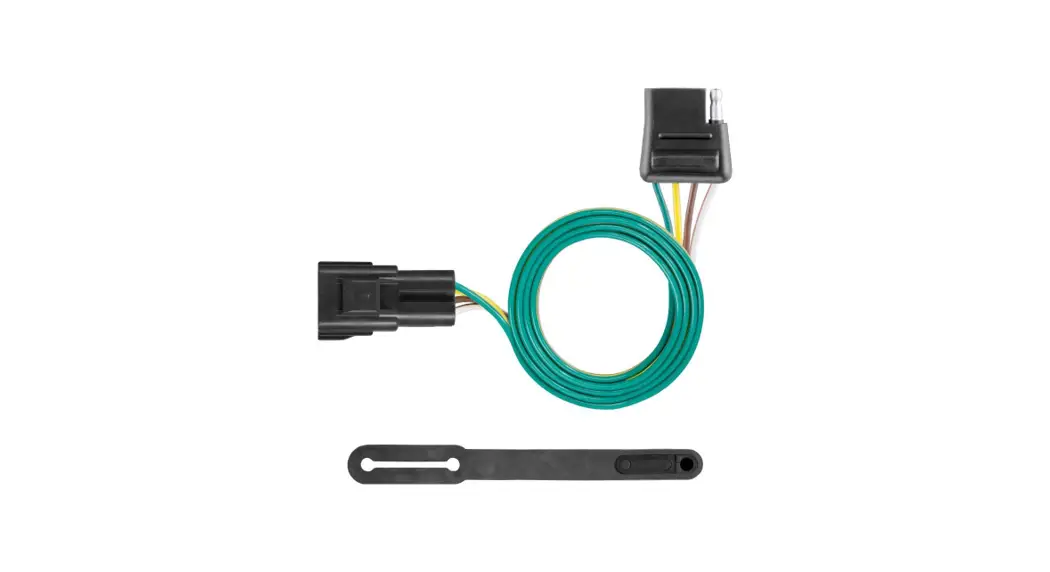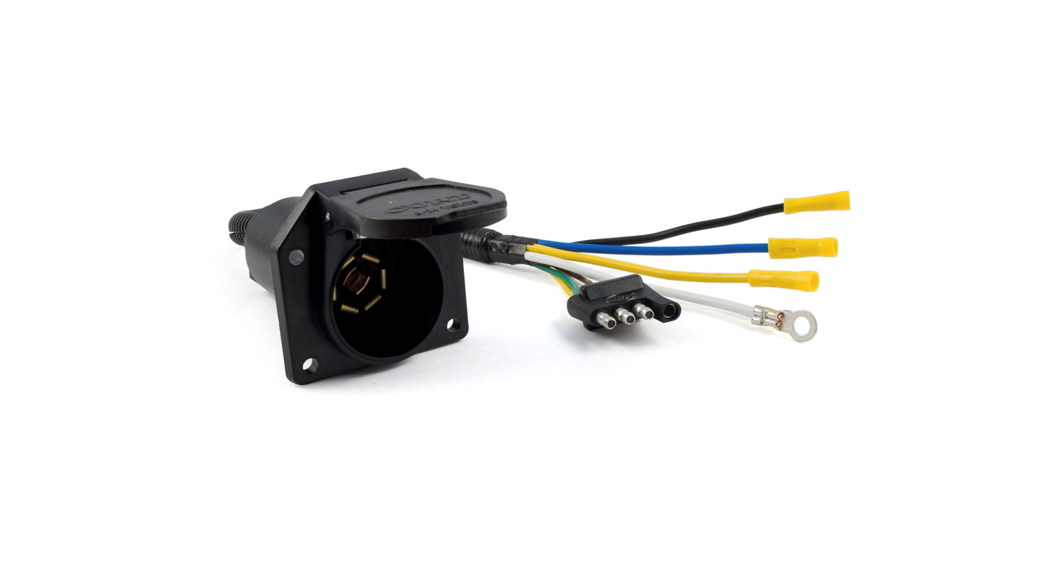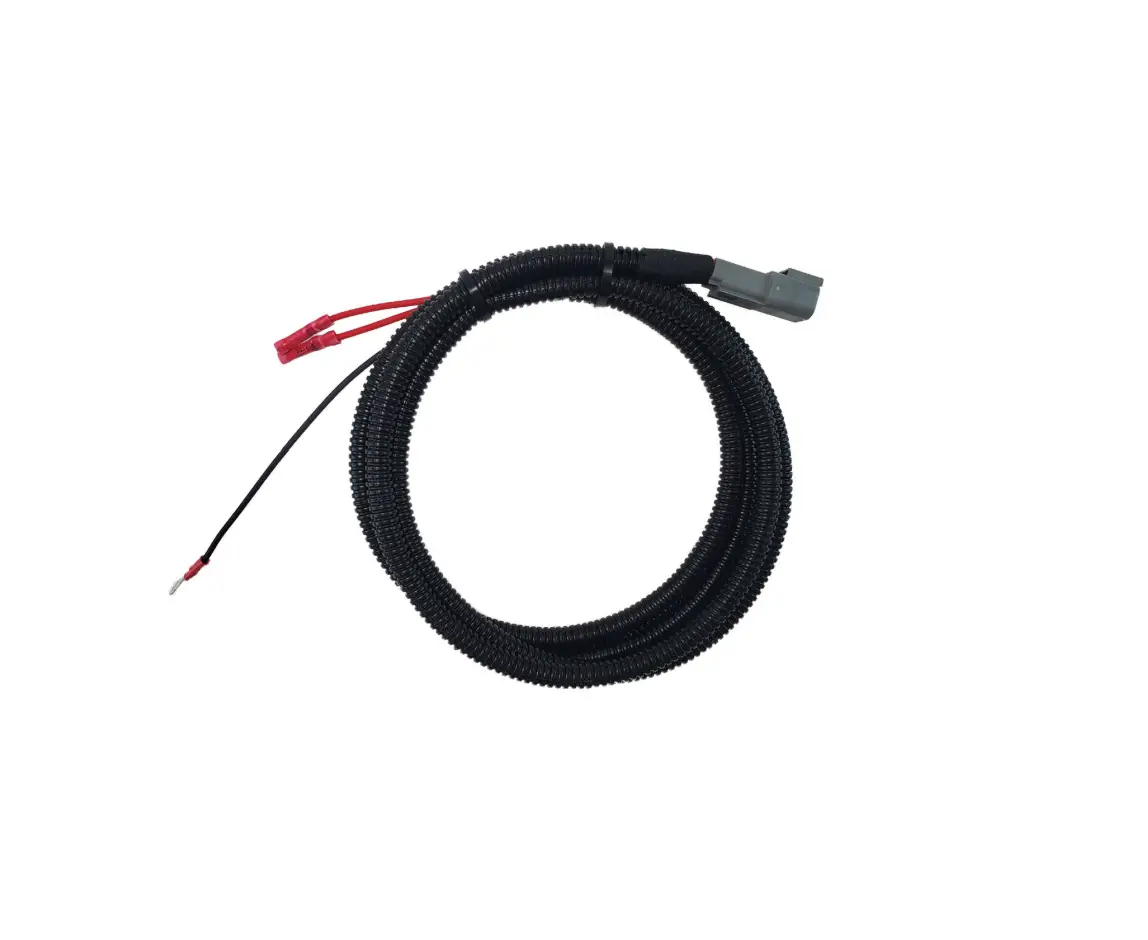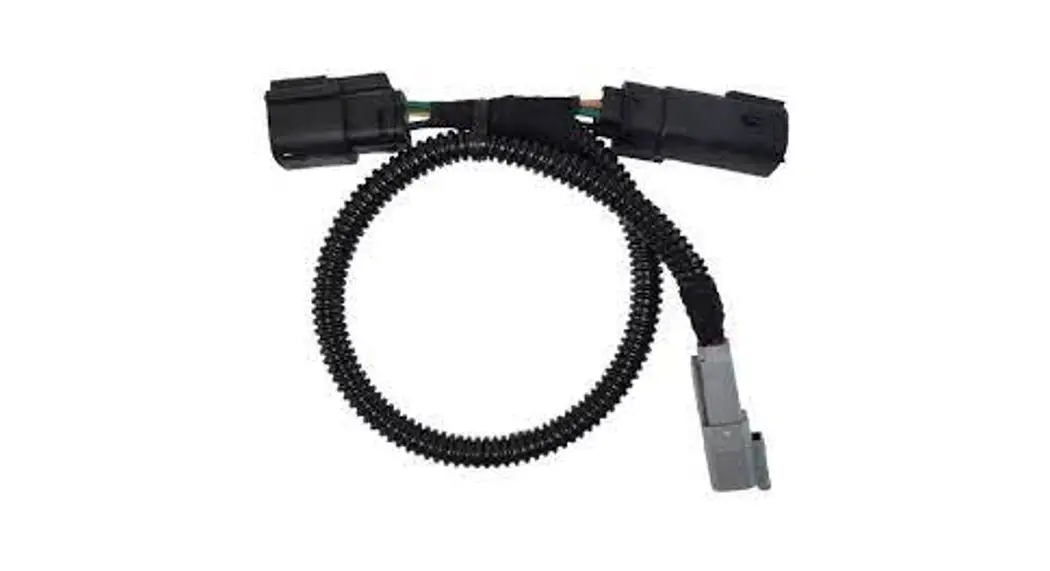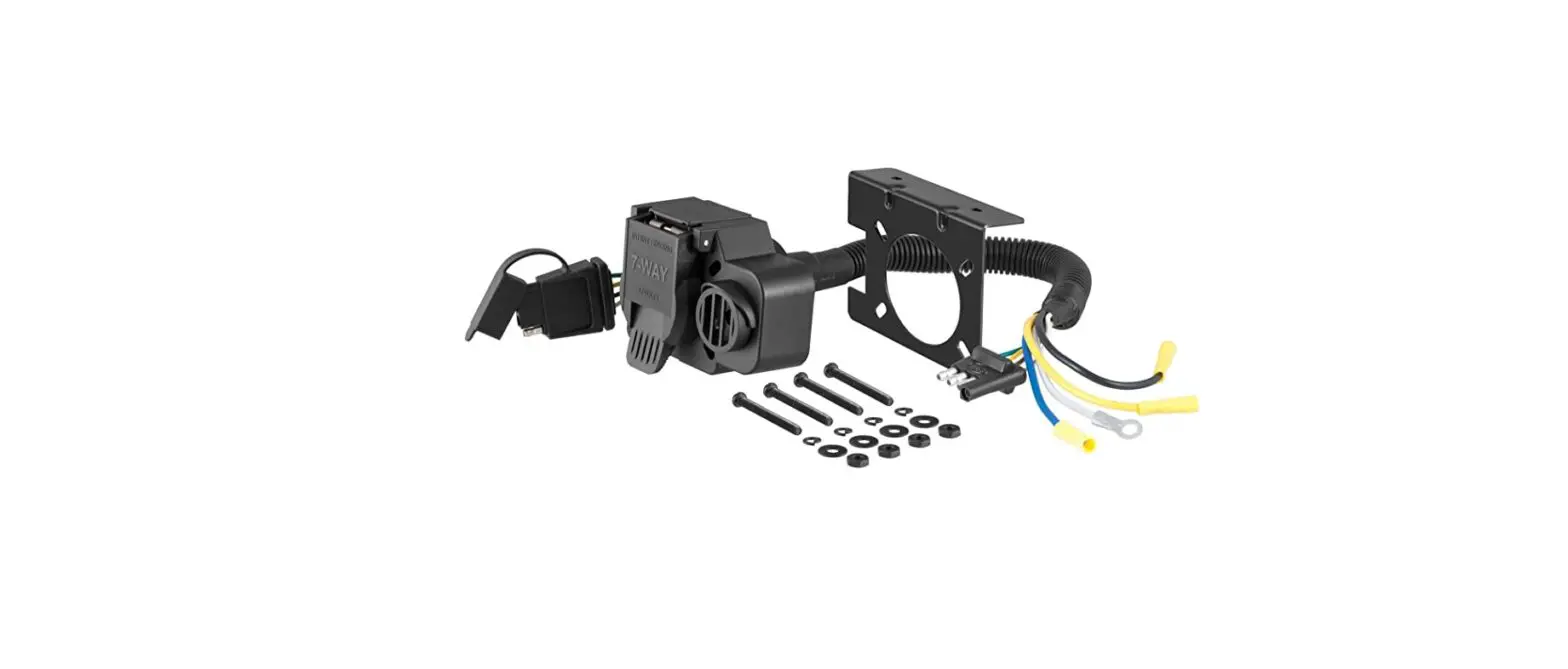

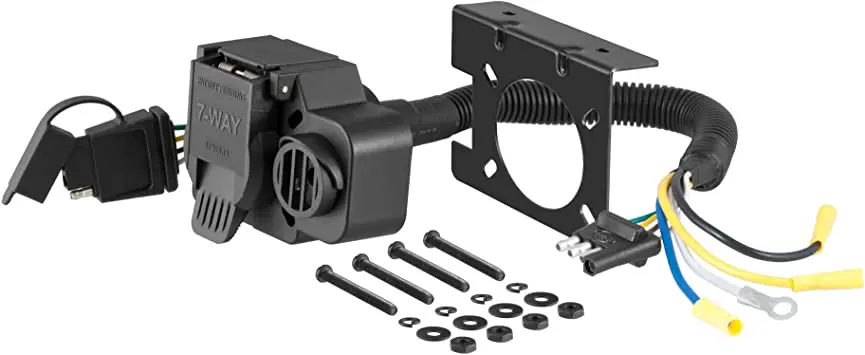
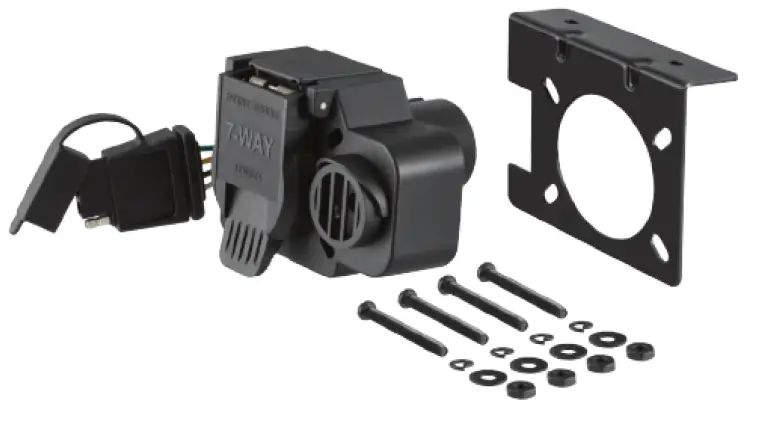
CURT Multi Function Socket with Back Up Alarm
WARNING: DO NOT EXCEED PRODUCT RATING OR TOW VEHICLE LAMP LOAD RATING, WHICHEVER IS LOWER
USCAR application
INSTALLATION/SAFETY INSTRUCTIONS
- Step 1
Locate the factory 7-way attached to the hitch, behind the center of the rear bumper in position T3 as shown in the ‘Wiring Location Guide’. - Step 2
Locate vehicle battery on the driver side under the hood and disconnect the negative battery terminal. - Step 3
Separate the factory socket and the 7-way. - Step 4
Insert the 57101 into the factory housing. - Step 5
Mount the bracket to the vehicle and secure the socket. - Step 6
Reinstall all items removed during install and reconnect negative battery terminal.
WIRING LOCATION
PICKUP TRUCKS (T)
Representative vehicle shown below
T3 – Behind driver side rear bumper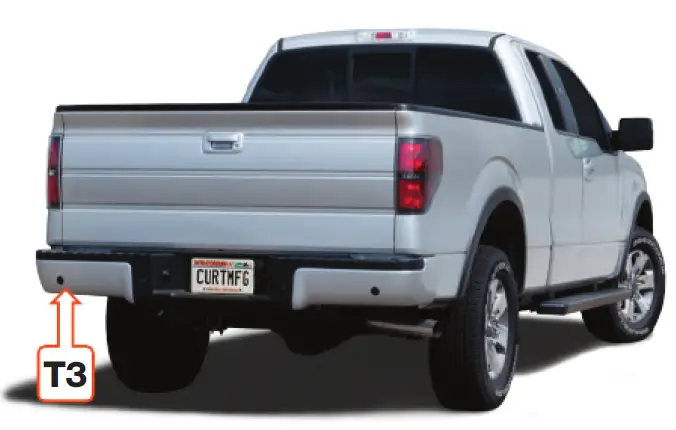
NOTICE
All steps must be followed to ensure the CURT socket will function properly. Once installed, test for proper function by using a test light or connecting a properly wired trailer
57101-INS-RA
1.877.287.8634
NEED ASSISTANCE?
CURTMFG.COM
Scan for helpful installation tips
 CURT: Trailer Hitches - Trailer Wiring - 5th Wheel - Gooseneck