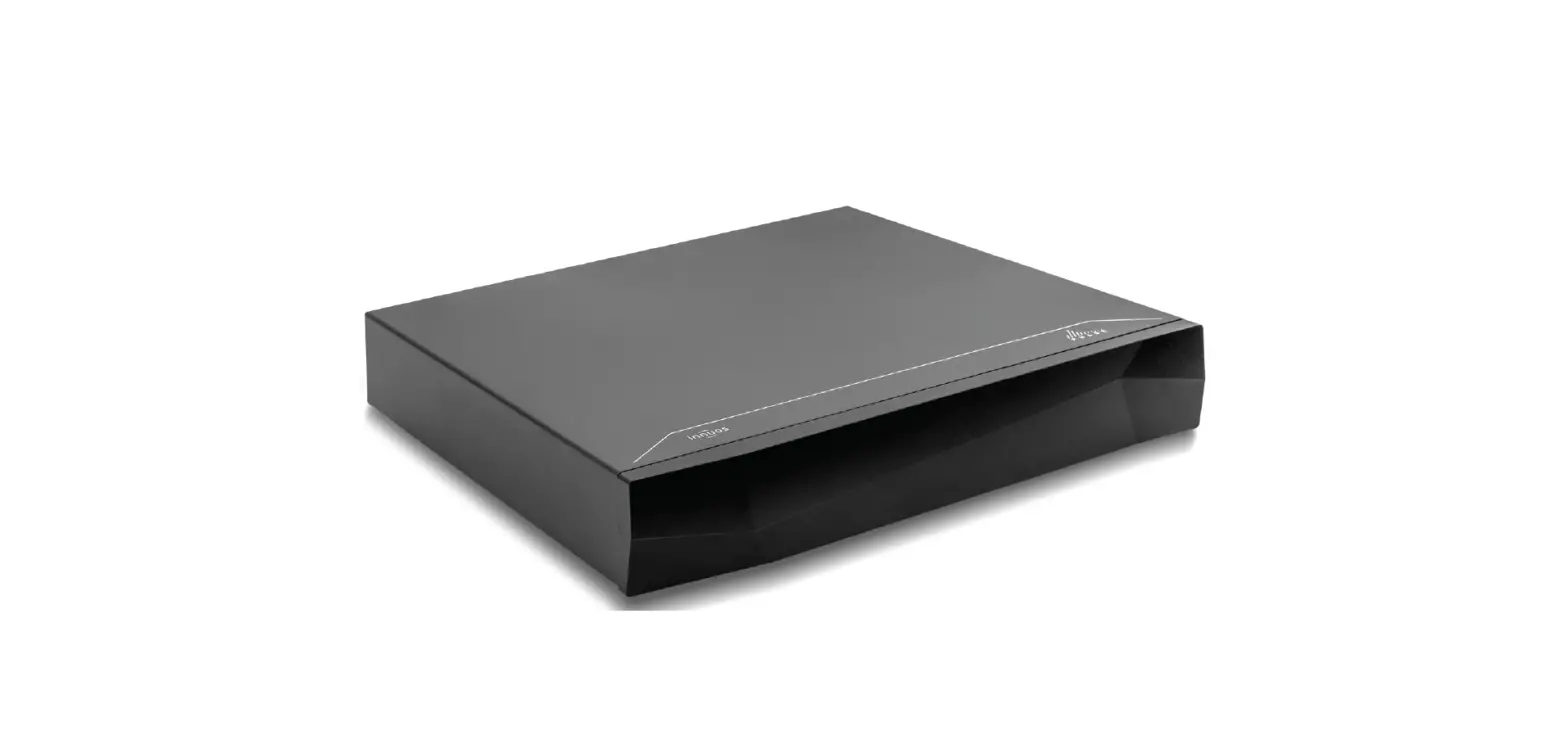

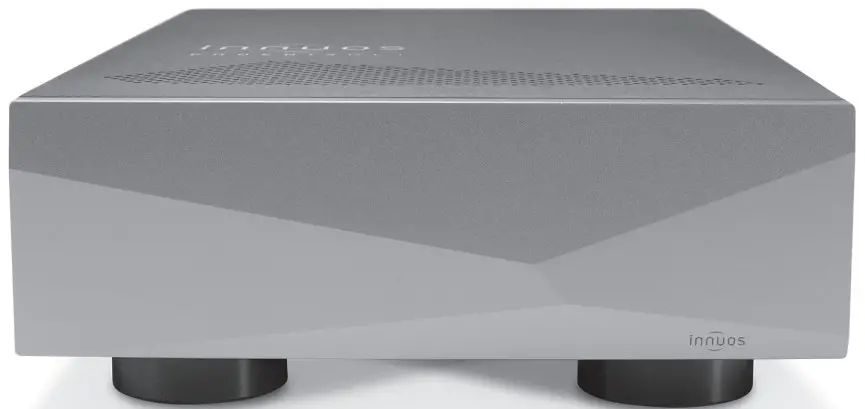
PHOENIX NET
Quick Start Guide
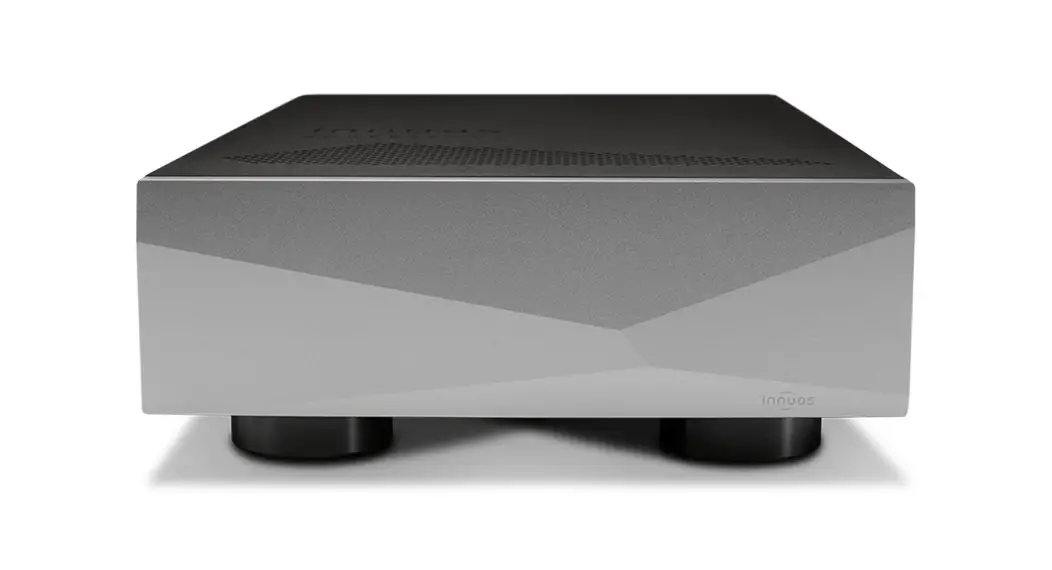
Thank you for the purchase of your new PhoenixNET!
This Quick Start Guide will provide step-by-step instructions on how to connect and get started with your new PhoenixNET simply and quickly!
Should you have any issues, please contact [email protected] and we will be happy to assist you.
Innuos PhoenixNET Quick Start Guide
Document version 1.0
Box Contents
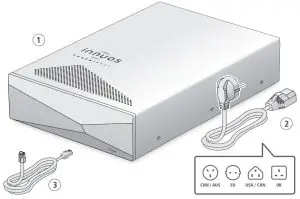
1 Innuos PhoenixNET2 Mains Cable3 2m Ethernet Cable
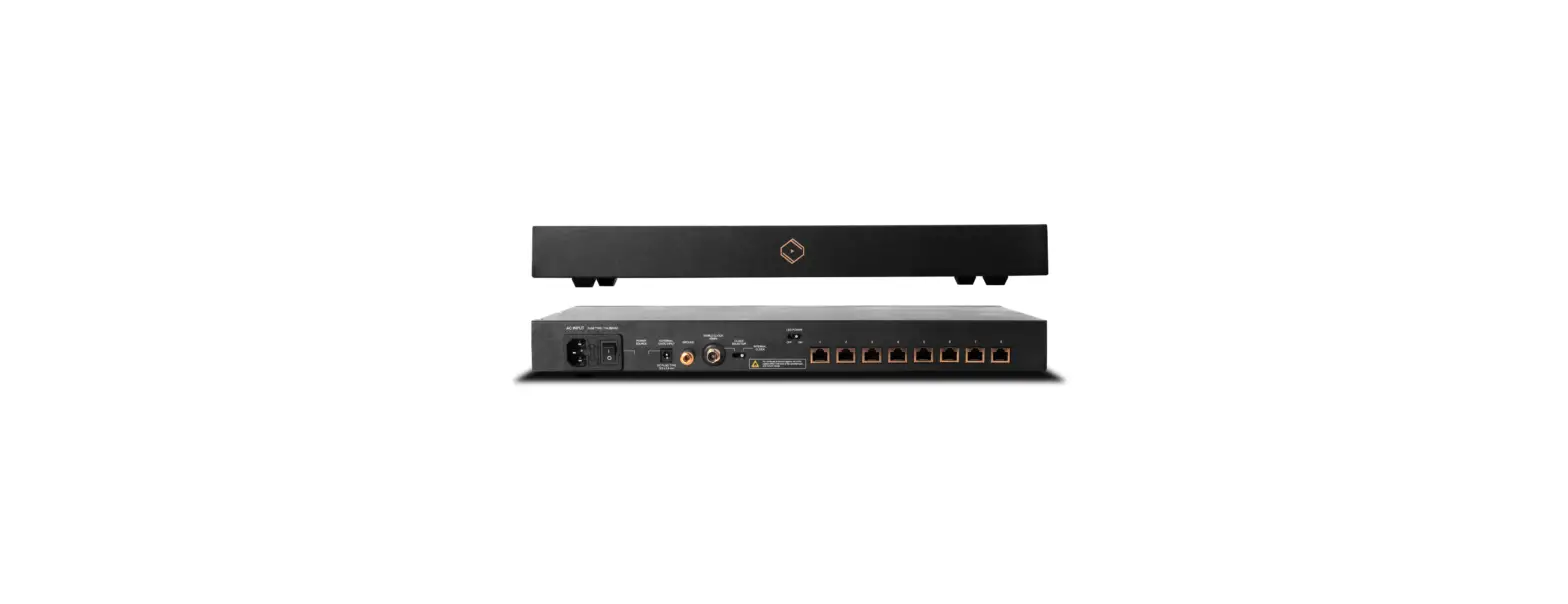
Rear Panel Diagram
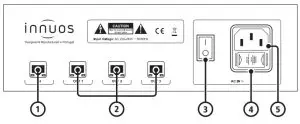
1 Ethernet IN2 Ethernet OUT3 On/Off Switch4 Fuse Box5 AC Power Connector
Connect PhoenixNET to Main Power
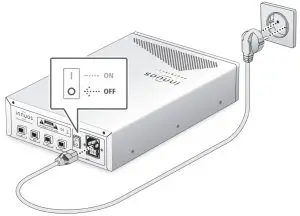
 Make sure your PhoenixNET is powered off before connecting the AC Mains Cable.
Connect PhoenixNET to Router/Home Network
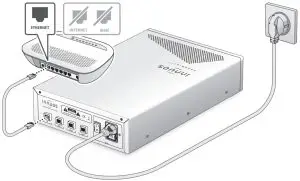
Connect network devices to PhoenixNET
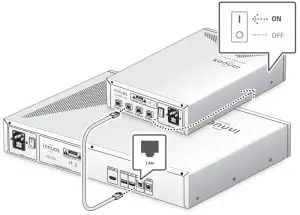
There are no lights at the IN and OUT ports to prevent noise. You can check the lights on the back of your connected device for this.
Switching off the PhoenixNET
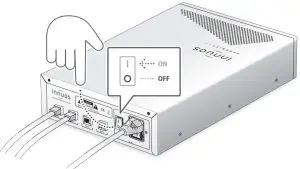
Do not switch off the PhoenixNET unless it’s to move the unit or for a longer period of time (ex: when expected to be off for more than a week). This will keep the unit’s clock performing at its best.
 For more information and for the latest version of this quick start guide please visit: innuos.com/support