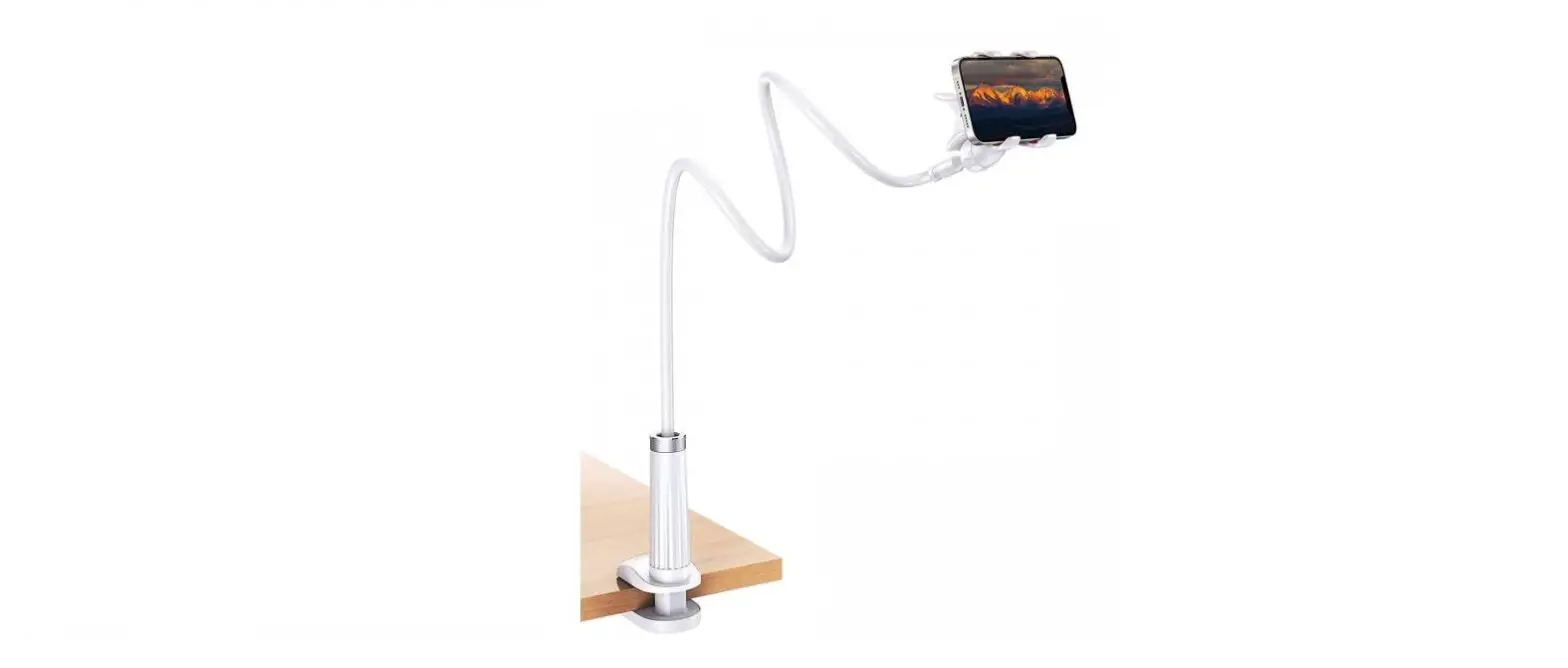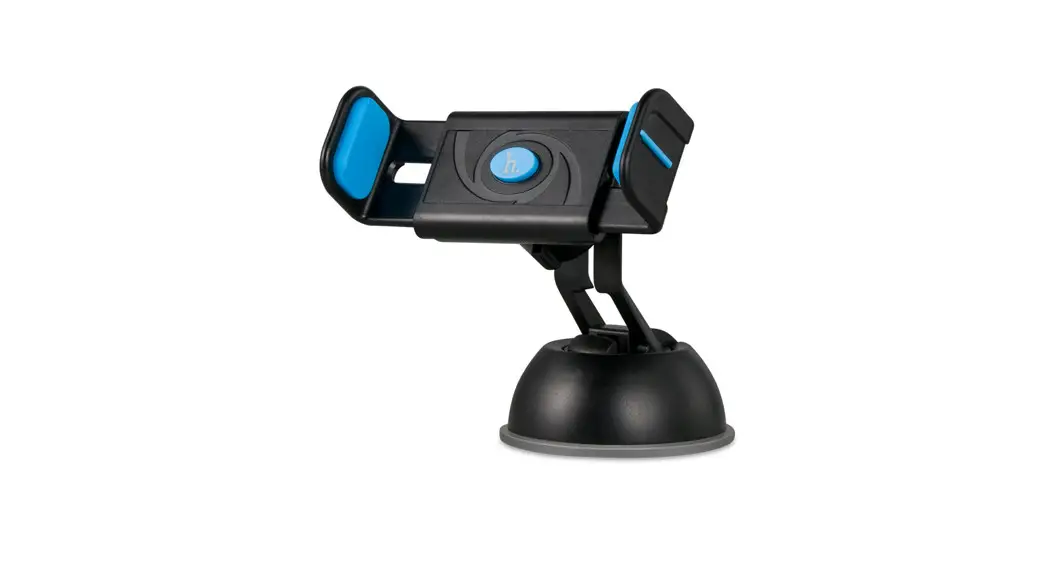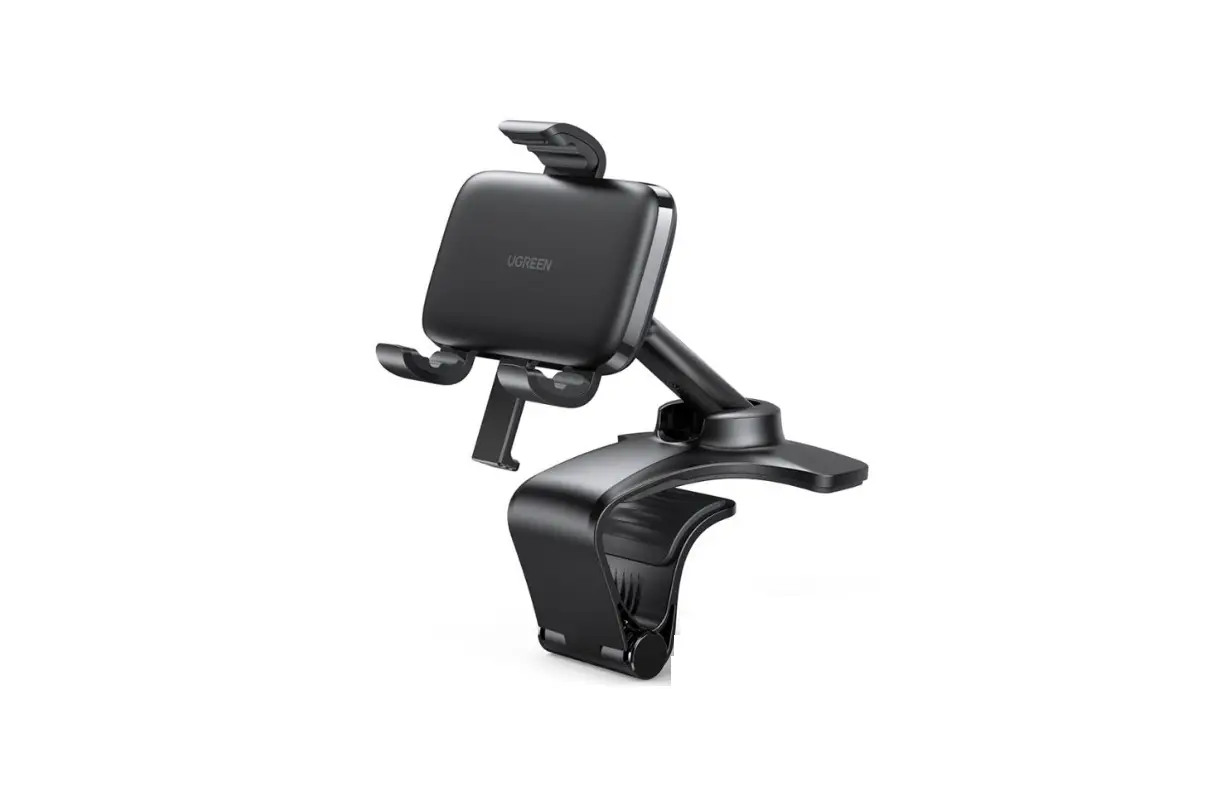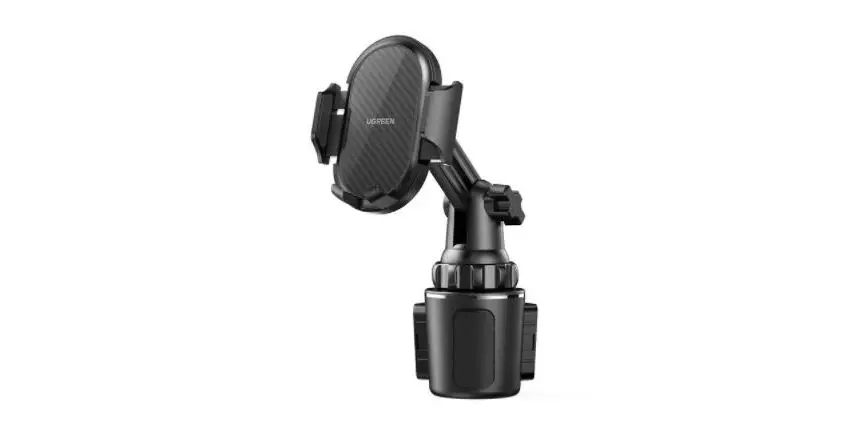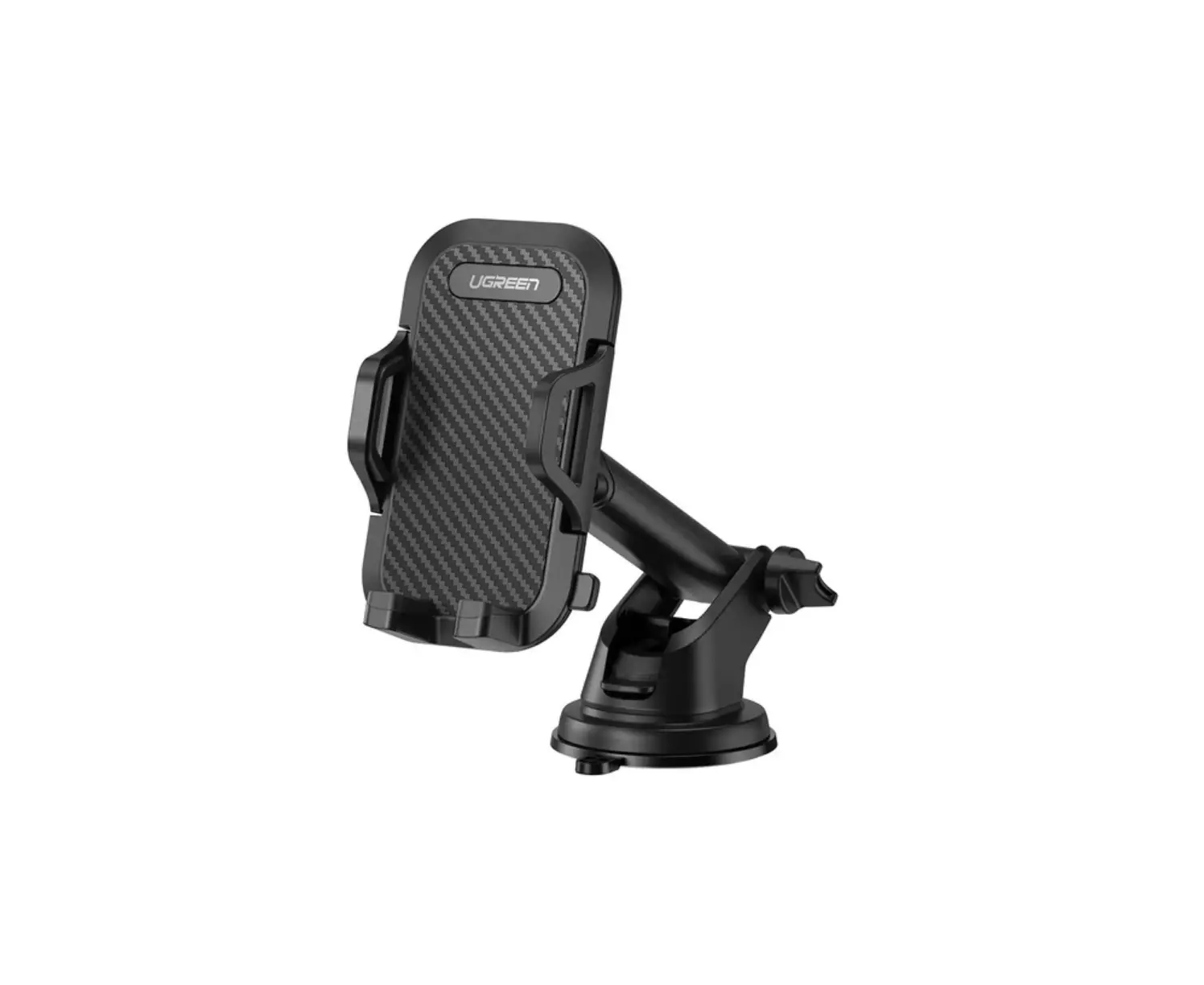
UGREEN LP176 Phone Stand with Suction Cup User Manual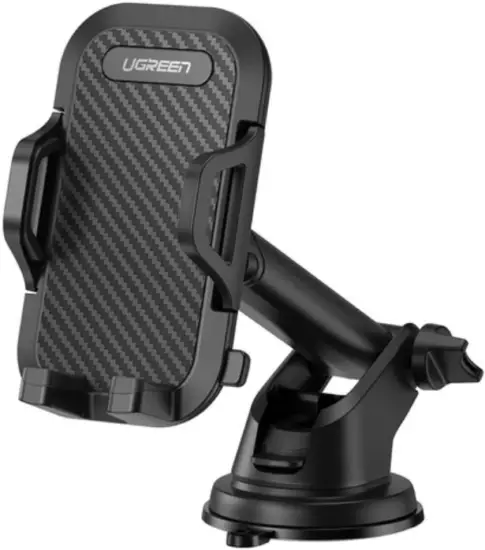
Thank you for purchasing the UGREEN products. For optimum operation, please read this manual carefully before use.
PRODUCT DETAILS
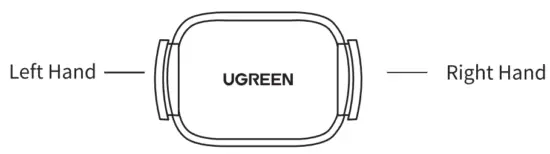
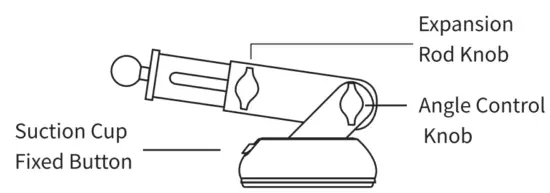
HOW IT WORKS
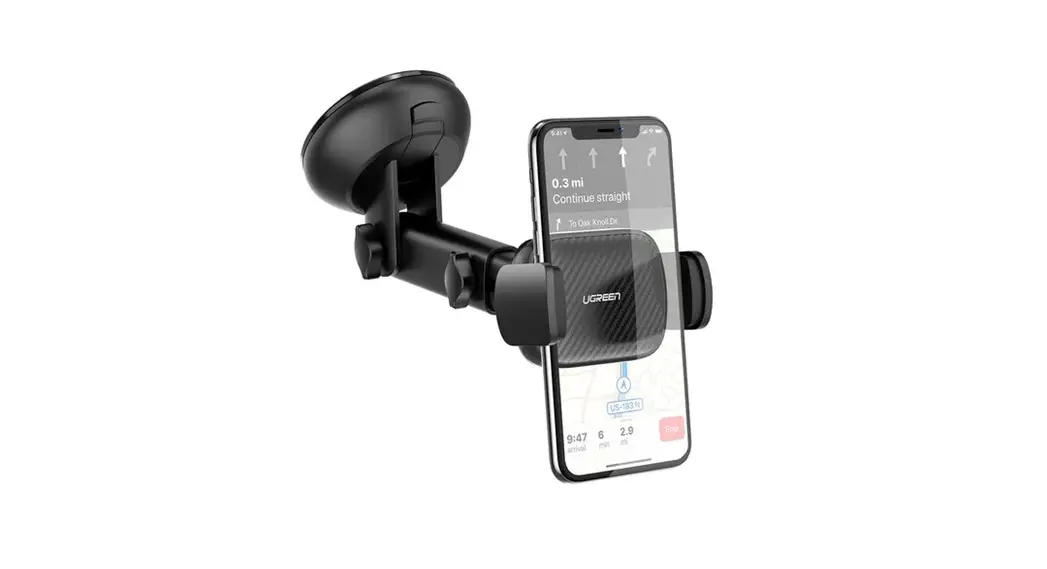
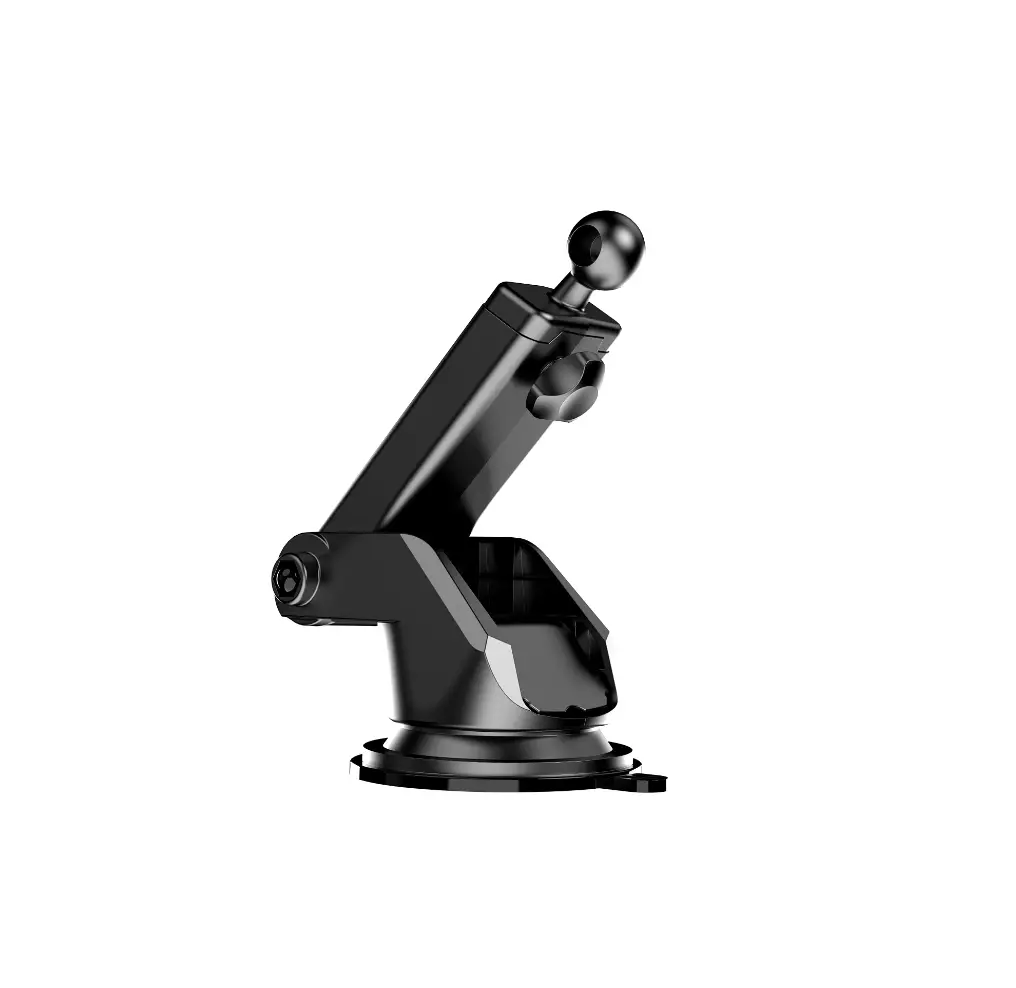
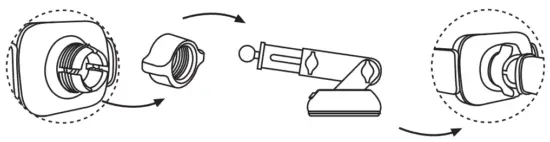
- Remove the screw cap on the back of clip, put it on the ball head of the main stand, press the ball head into the slot on the back of clip, and tighten the screw cap.

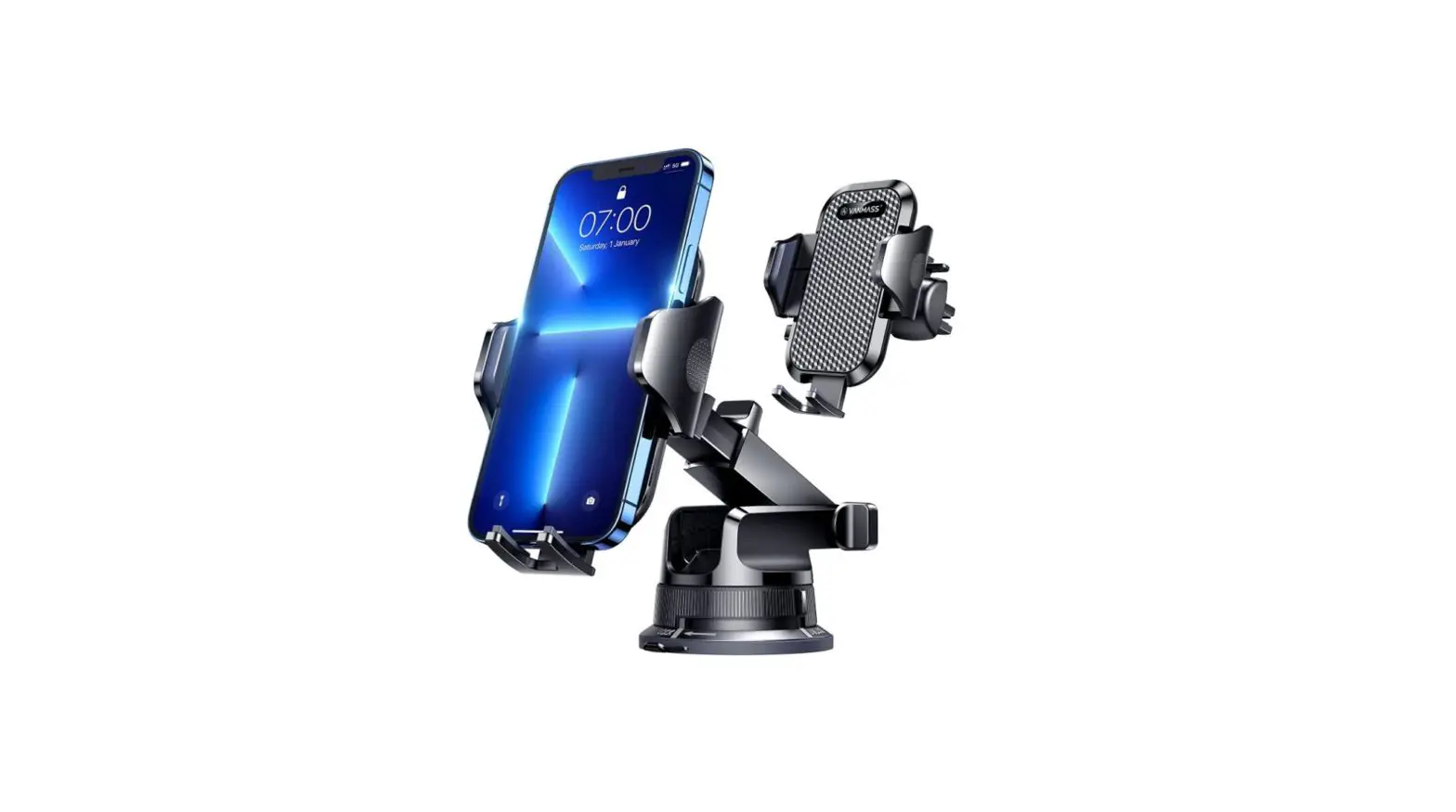
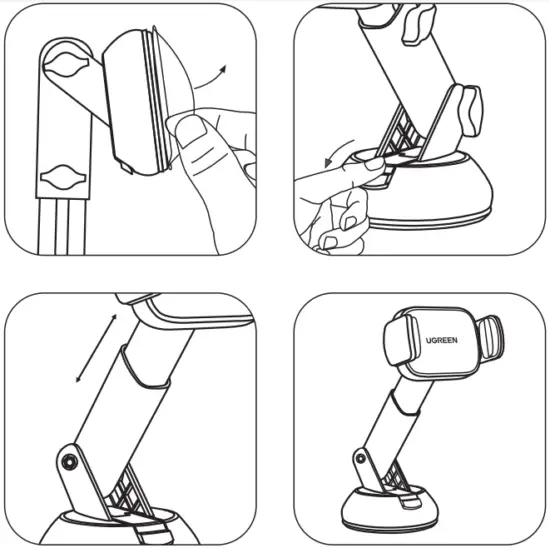
- Make sure the paste surface is dry and clean. Open the button of the suction cup, tear off the protective film, press the suction cup on the paste surface, and press button to complete the installation. The length of the support arm can be adjusted by the support arm knob.

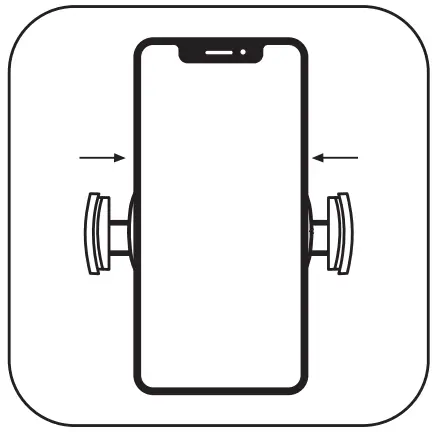
- Putting on the phone: Pull the arms of the phone stand and put phone on; Taking out the phone: Pull the arms of the phone stand and take phone out.

SPECIFICATION
- Material: PC+ABS
- Dimensions: L190.1xW78.2xH71.5(mm)
- Suitable for phones with 4.7-6.5 inches screen
PACKAGE CONTENTS
1 x Phone Stand with Suction Cup
1 x User Manual