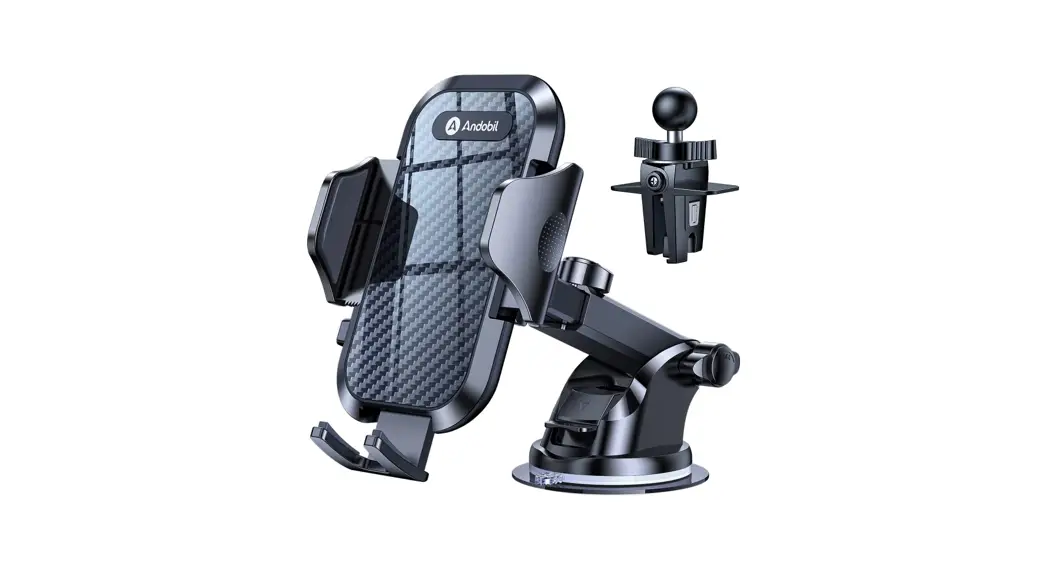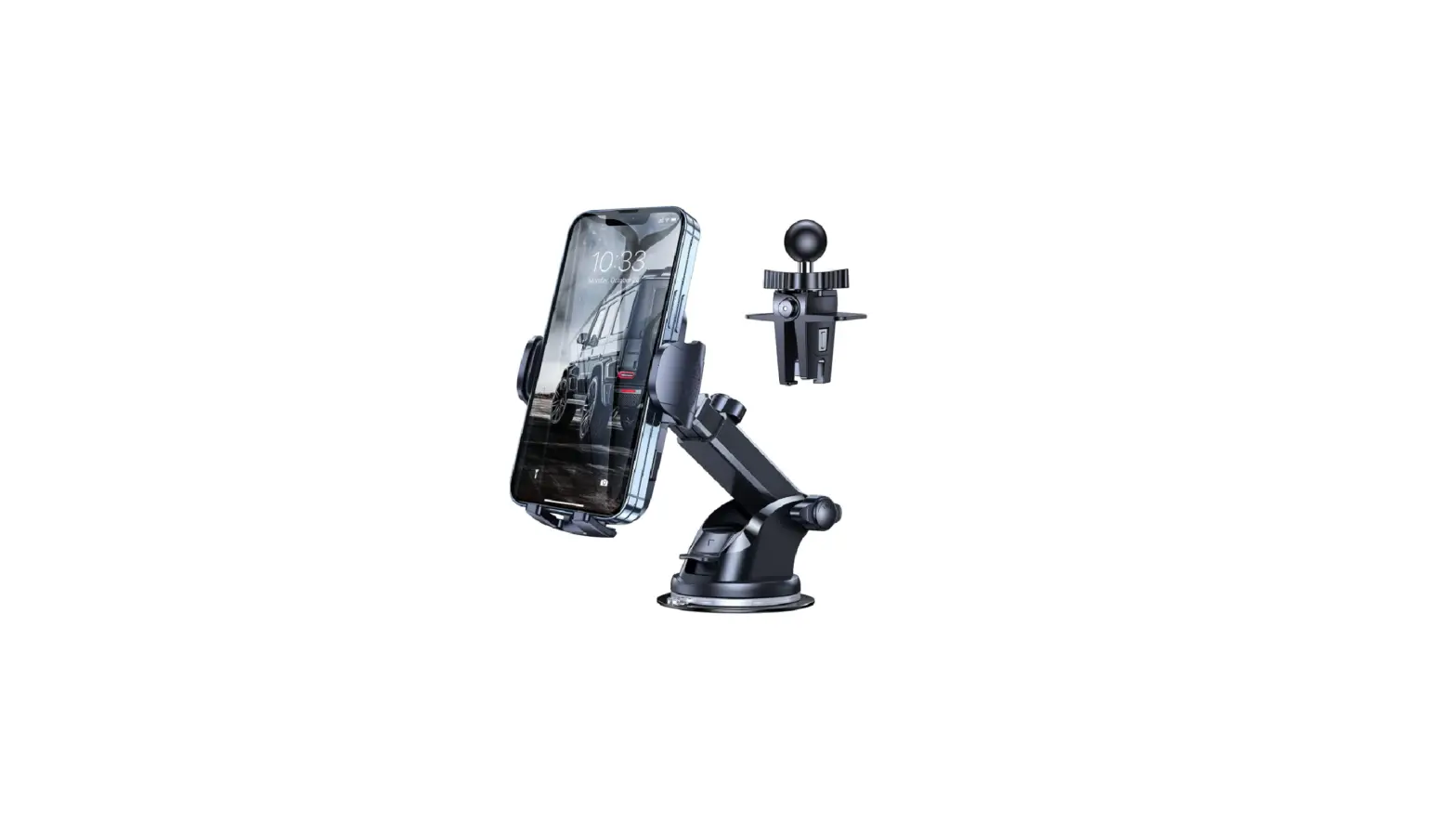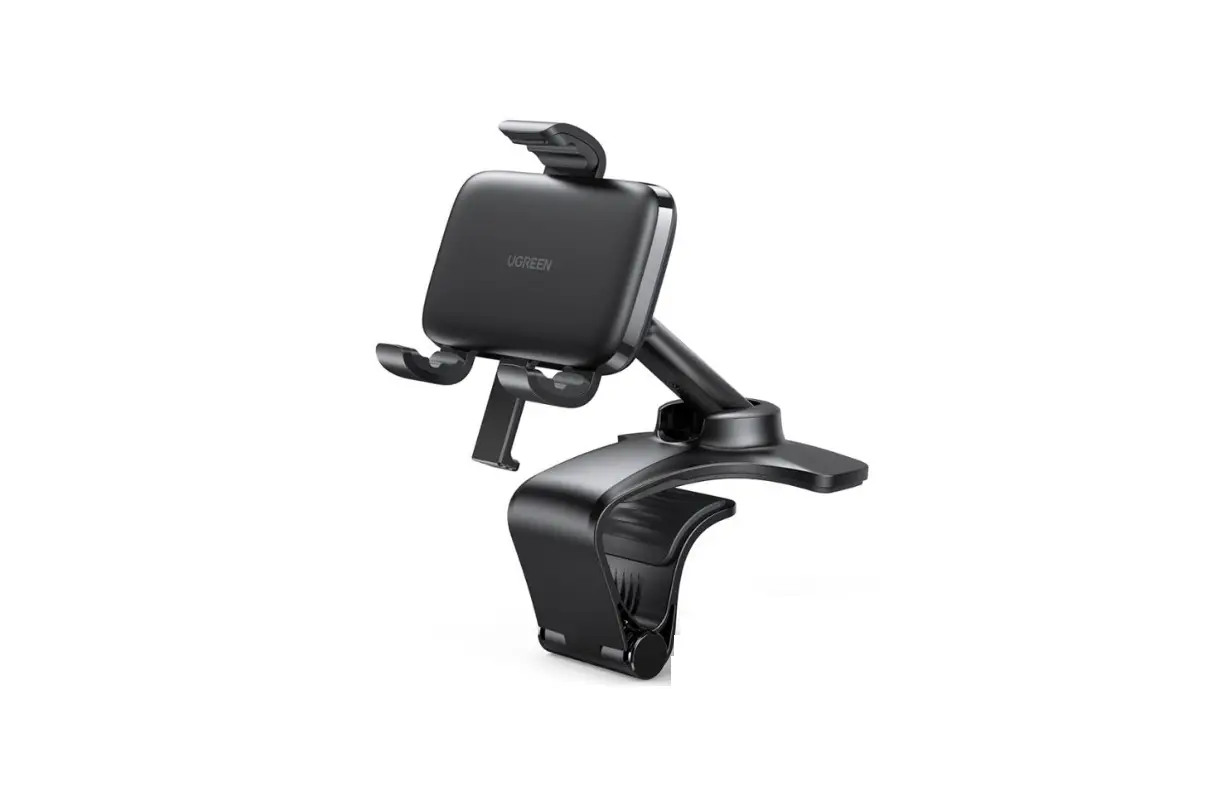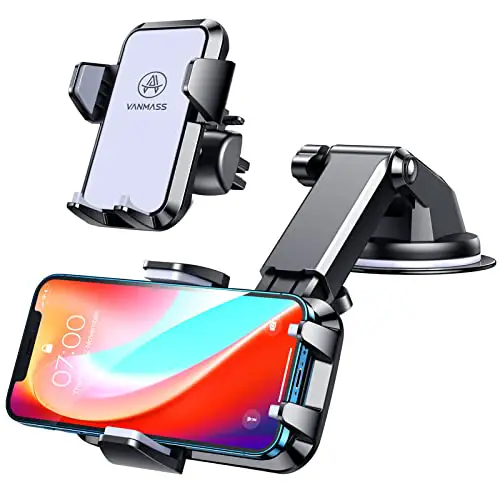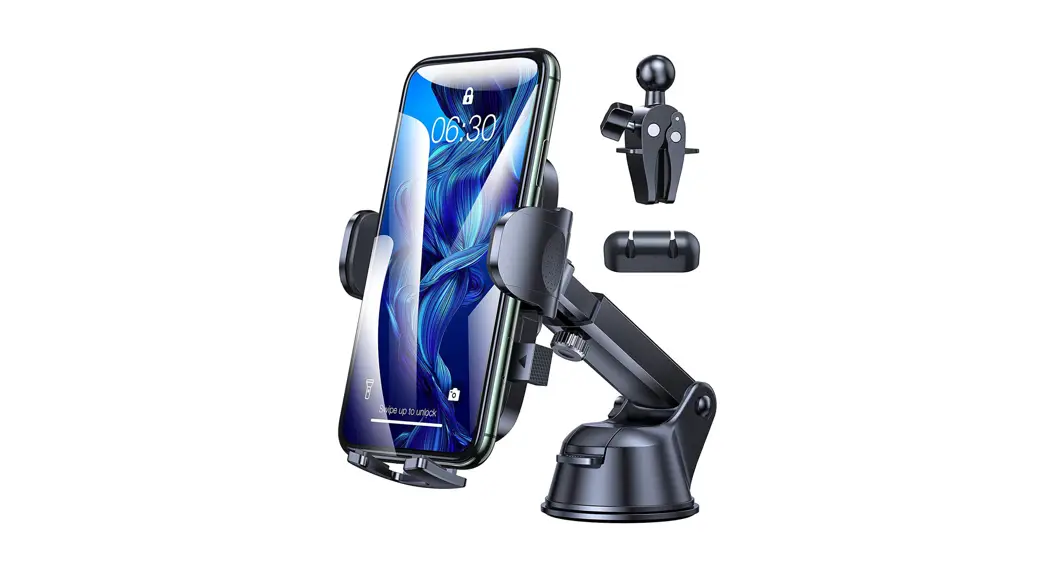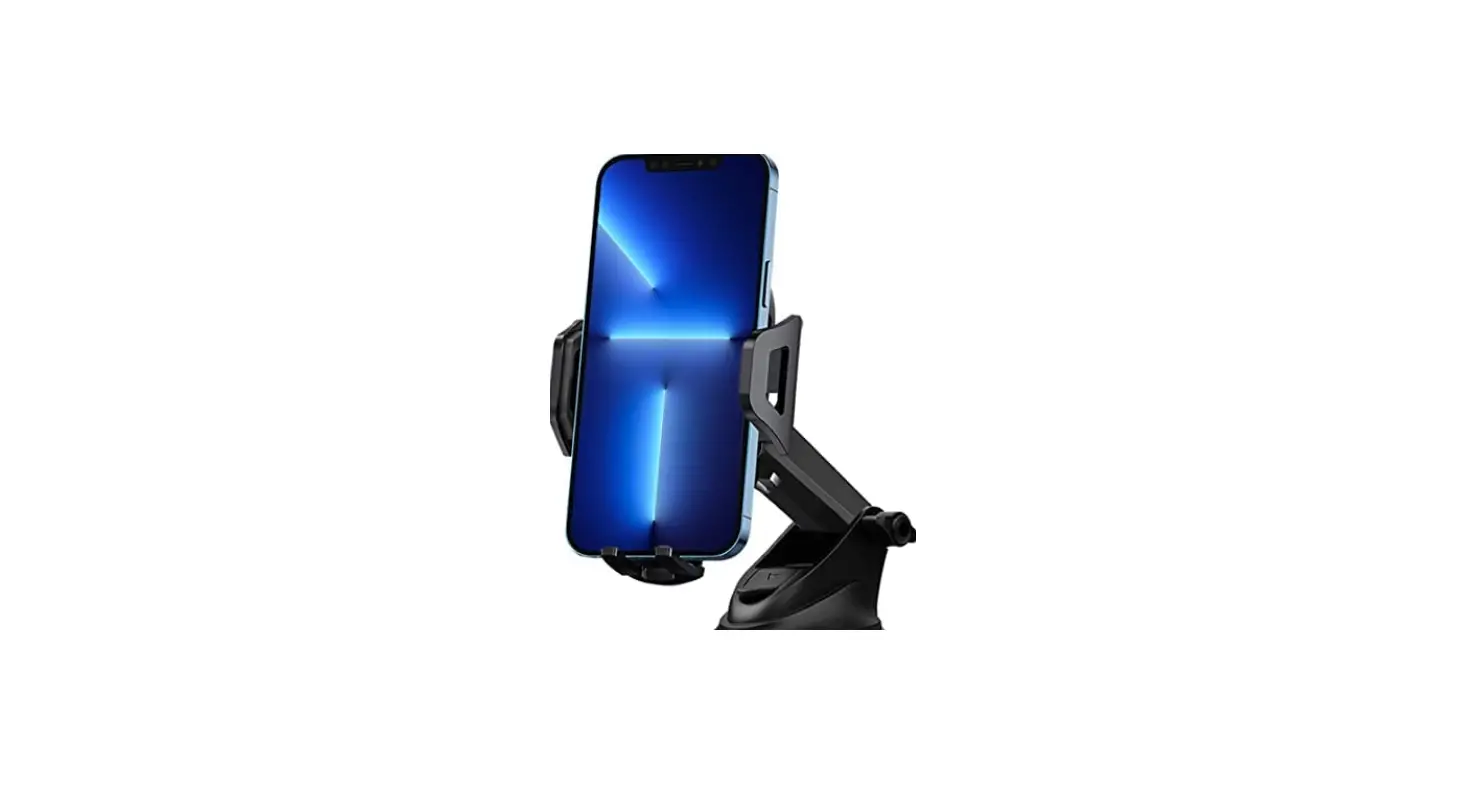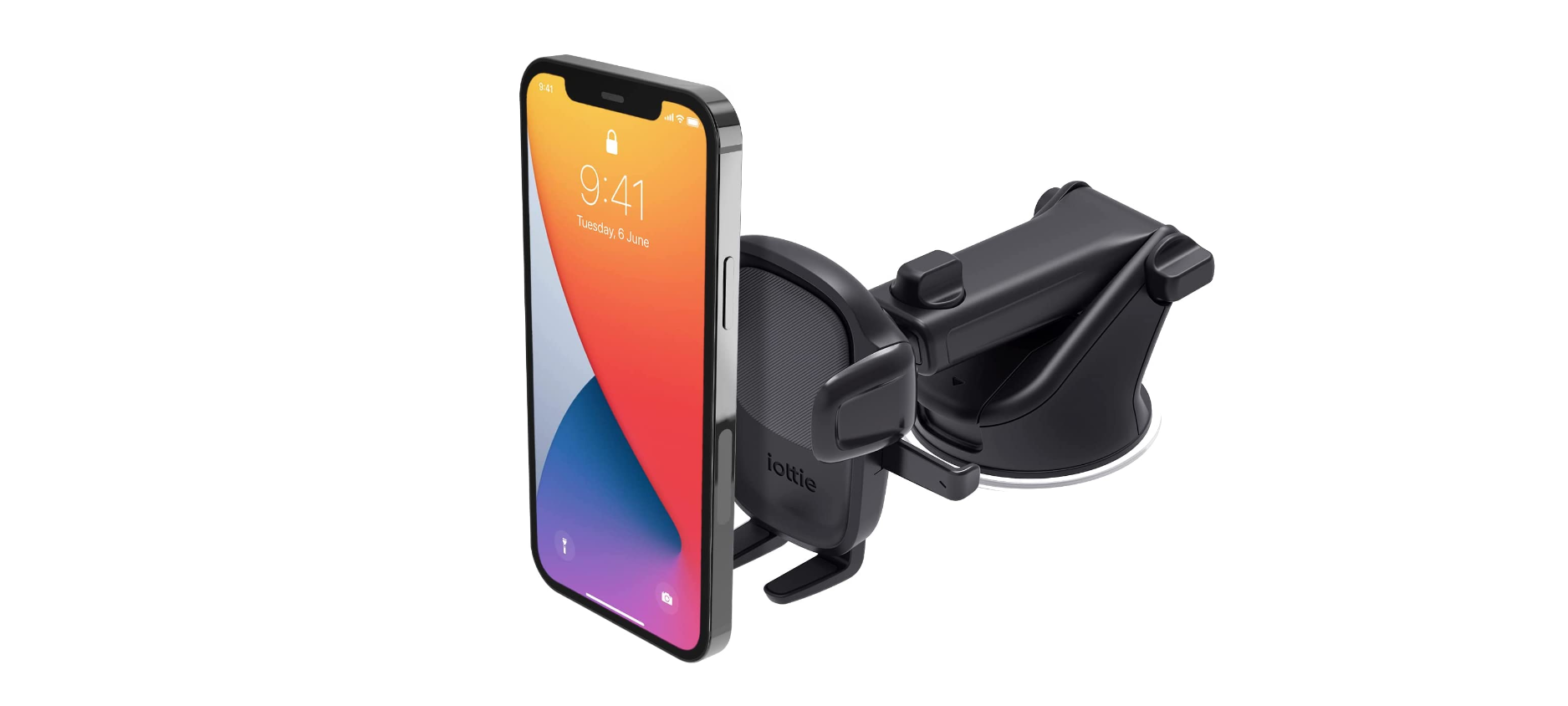

UGREEN LP405 Car Mount Phone Holder

Product Overview
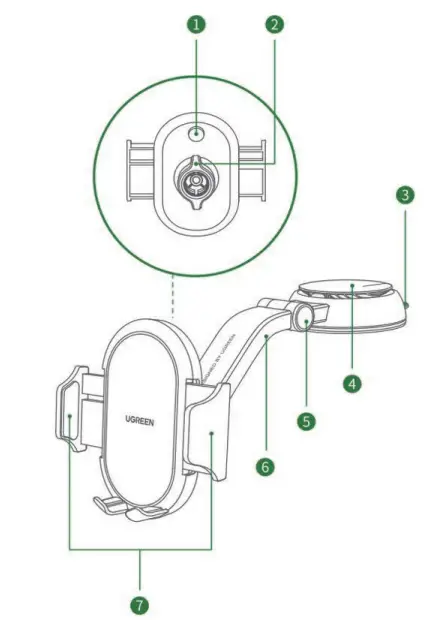
- Button
- NUT
- Handle
- Vacuum valve
- Pivot
- Adjustable arm
- Spring-loaded arms
Specifications
| Material | (PC+ABS)+TPU |
| Dimension | L244XW75X HllO (mm) |
| Compatibility | 4.7-7.2 inch mobile phones |
Bracket Installation
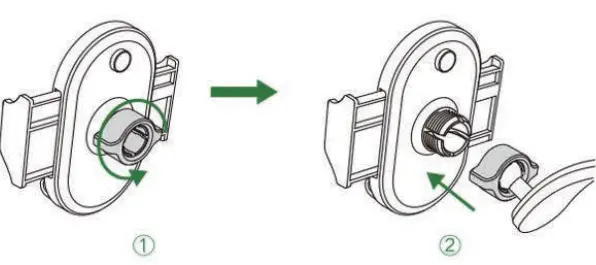
- Release the nut.
- Attach the nut to the ball joint and insert them into the slot, then tighten the nut

Suction Base Installation
Make sure the surface of suction base installation is flat, clean, and dry.
- Pull up the vacuum valve

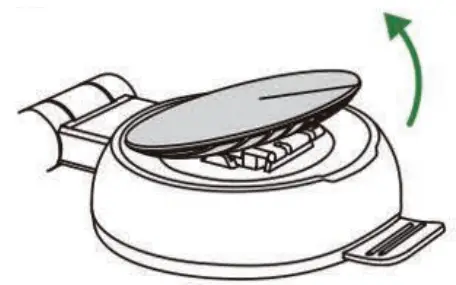
Tear off the film of the suction cup, stick firmly the mount onto a smooth surface and press down the vacuum valve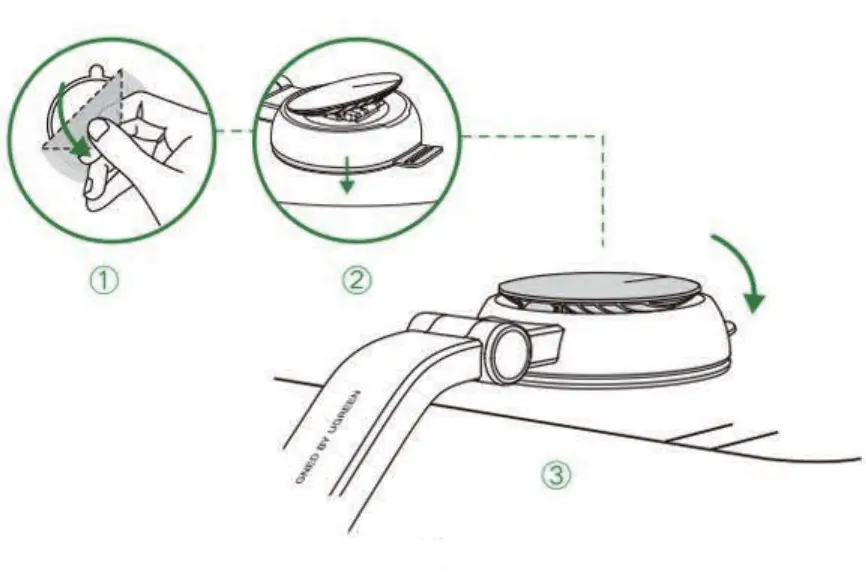
Operation
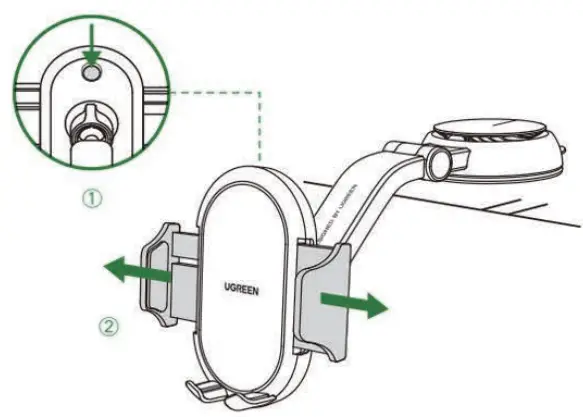
- Press the rear button and the spring-!oaded arms will release automatically

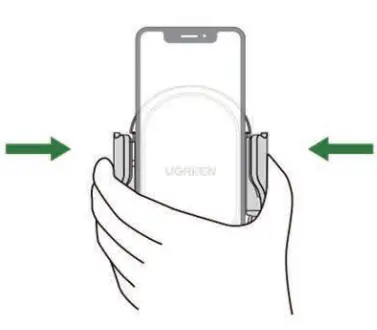
- Put your mobile phone on the bracket and press the spring-loaded arms.

Angle Adjustment
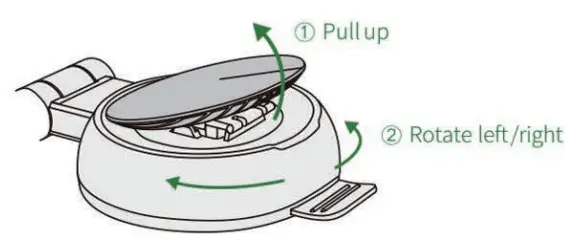
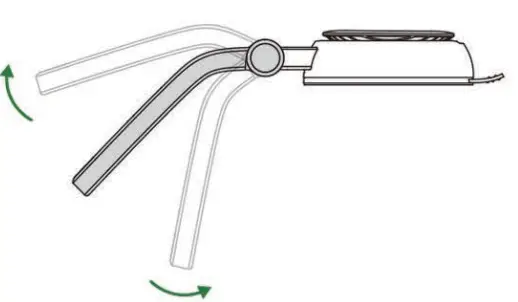
- Pull up the vacuum valve and rotatethe suct!on base for arm adjusting.

- Pull up or down the adjustable arm to a desired angle.

Suction Base Remove
For changing the place of suction cup, see the following steps·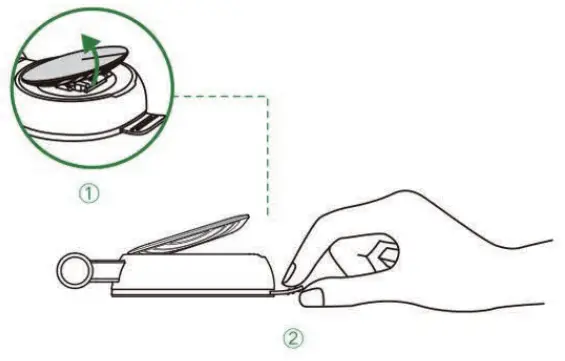
- Pull up the vacuum valve;
- Pull up the handle until getting out off the surface.
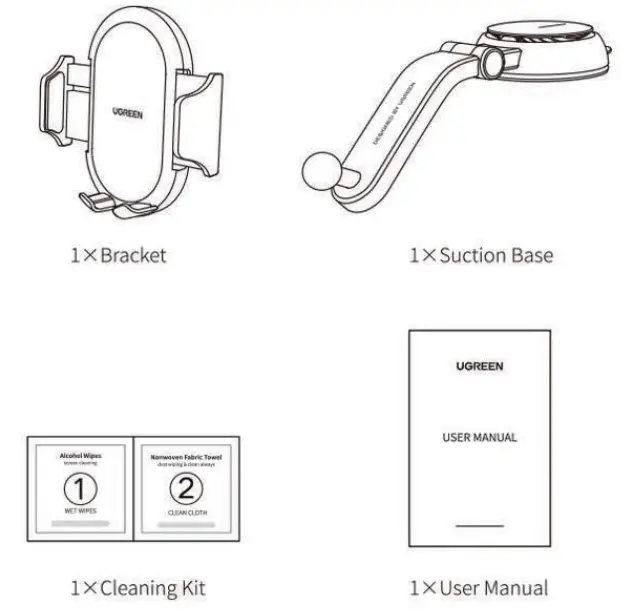
Package Contents