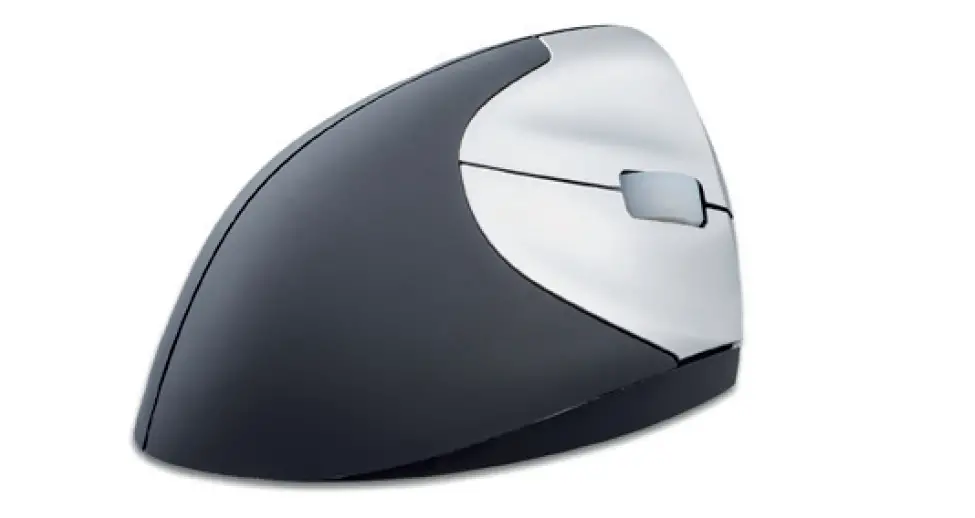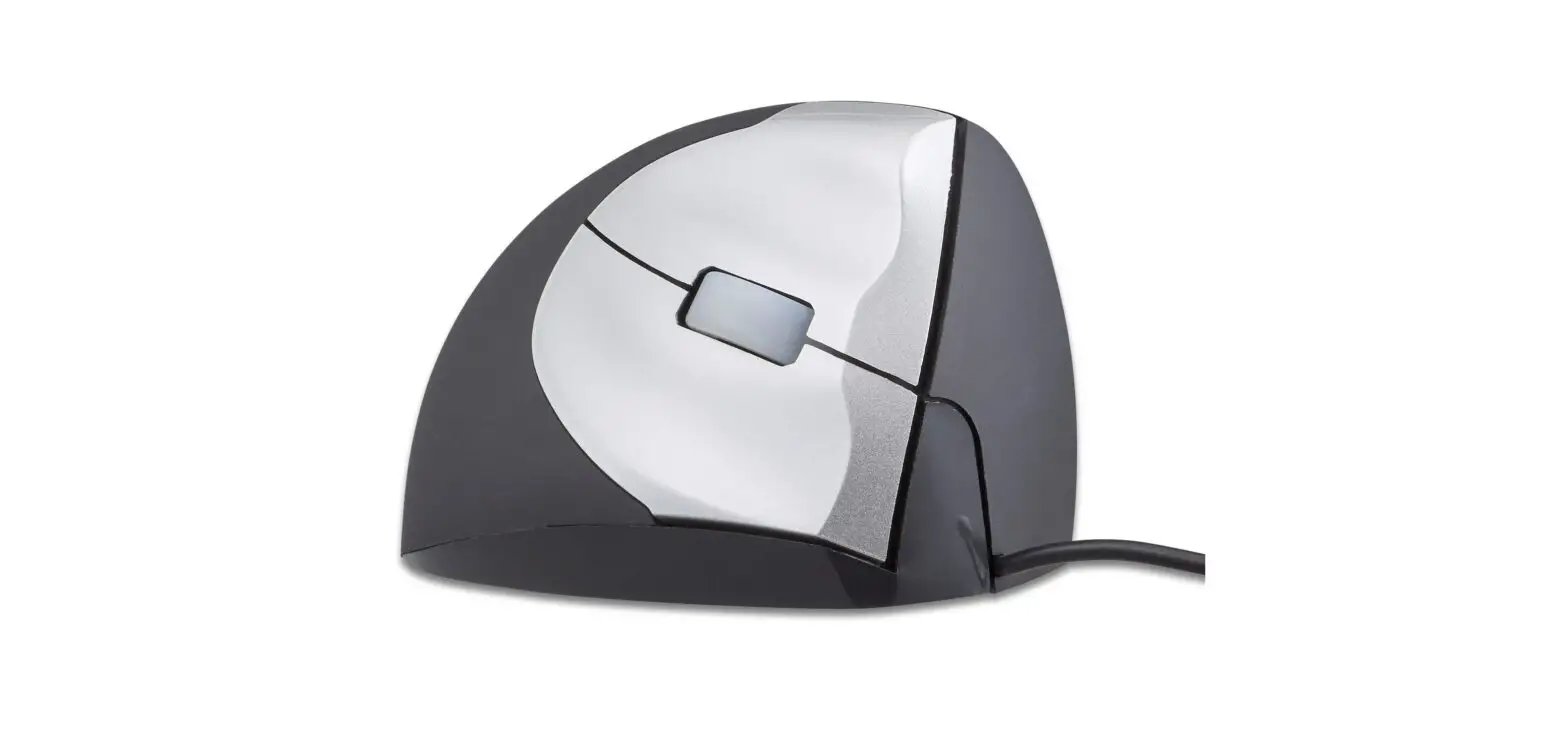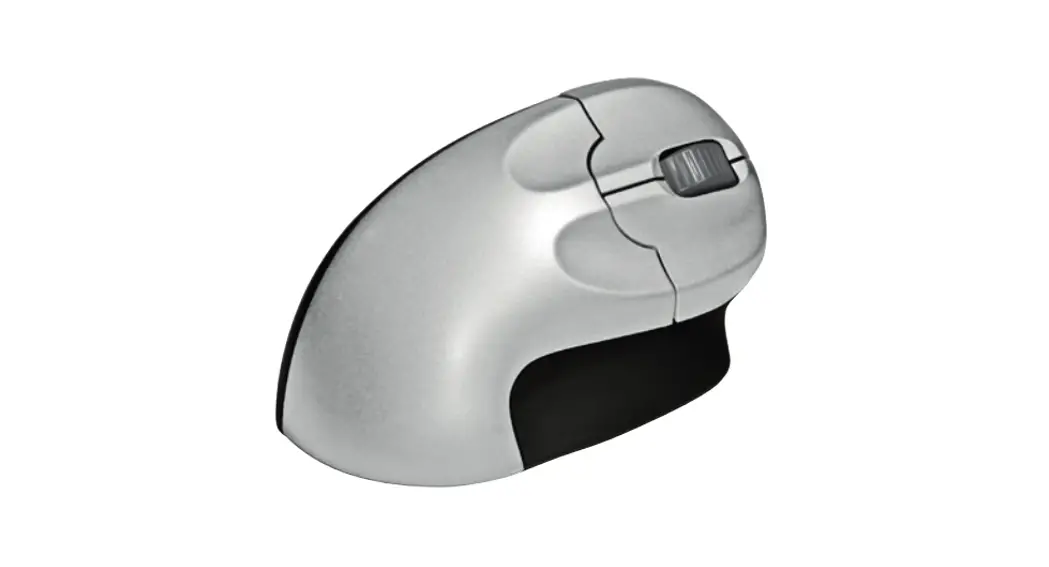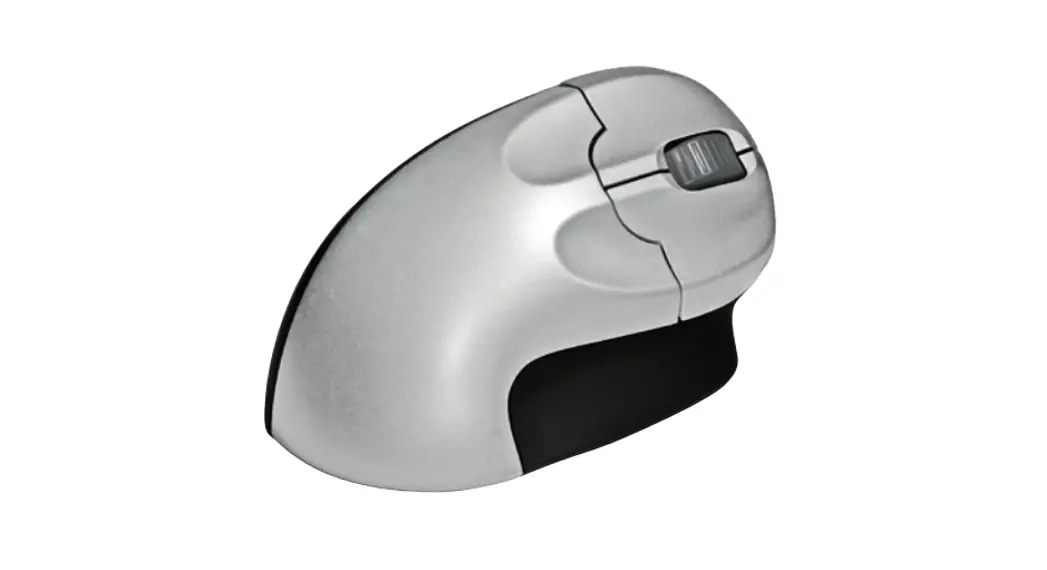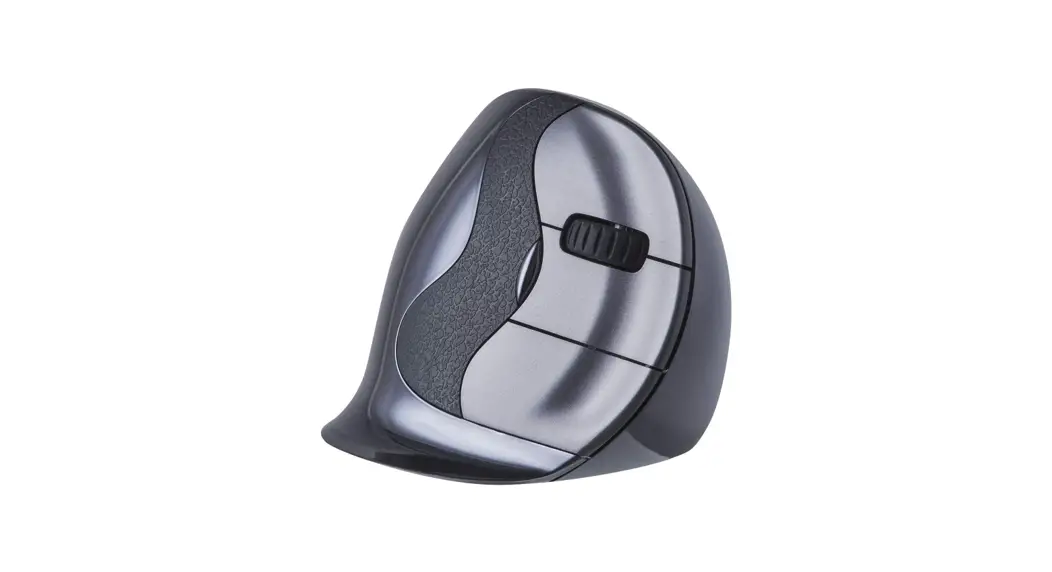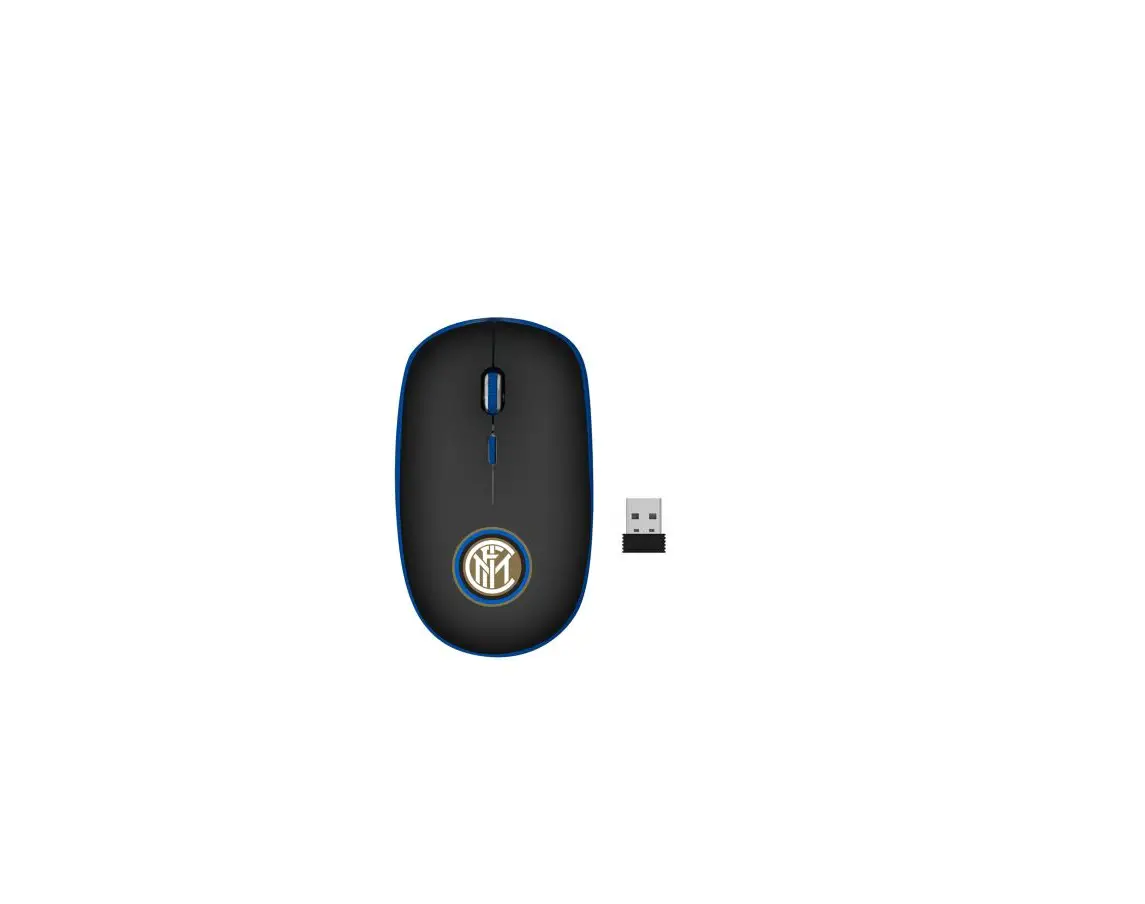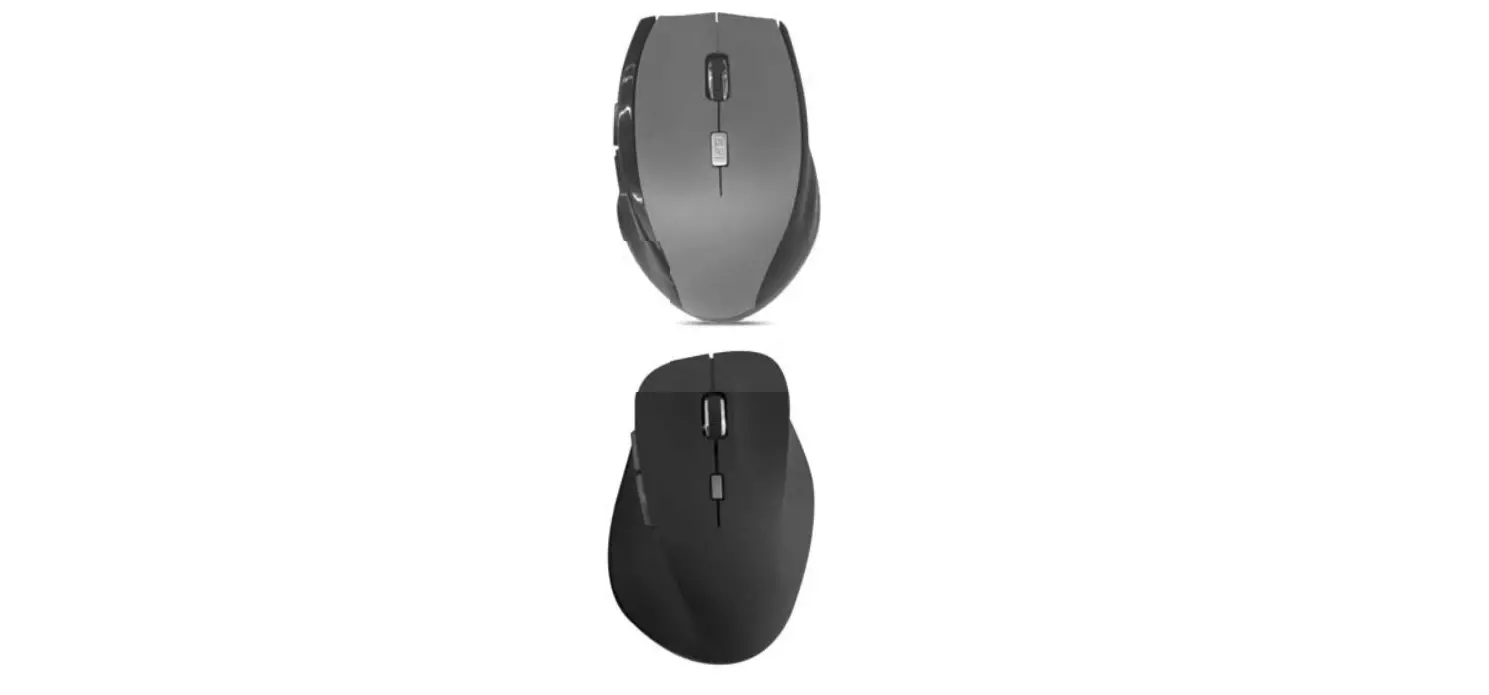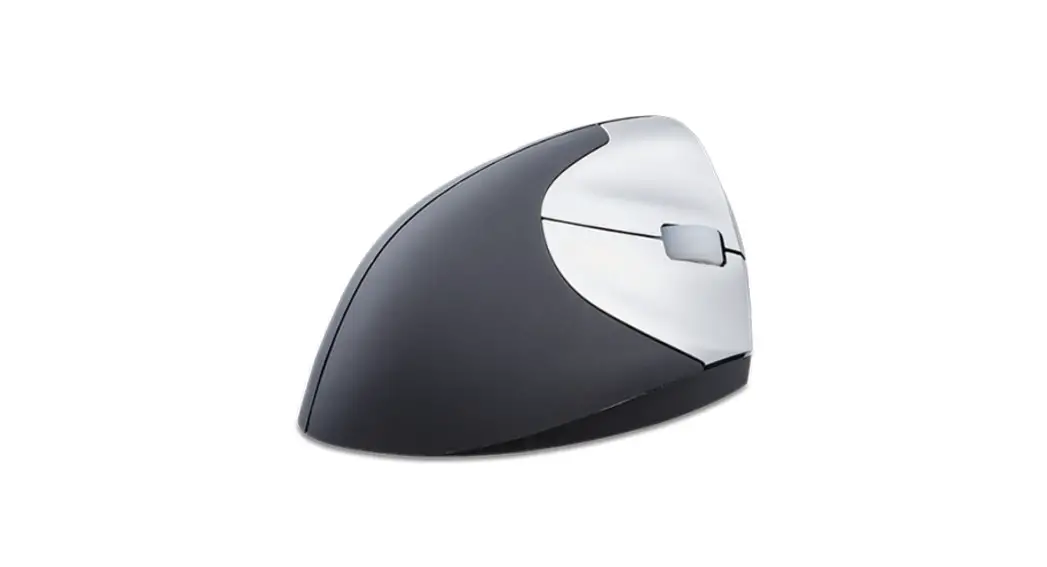
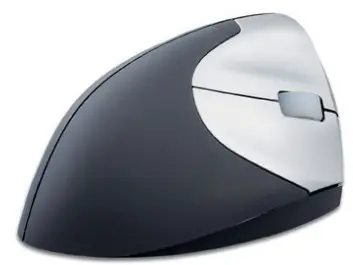
 VS4 Handshake Mouse Wireless
User Manual
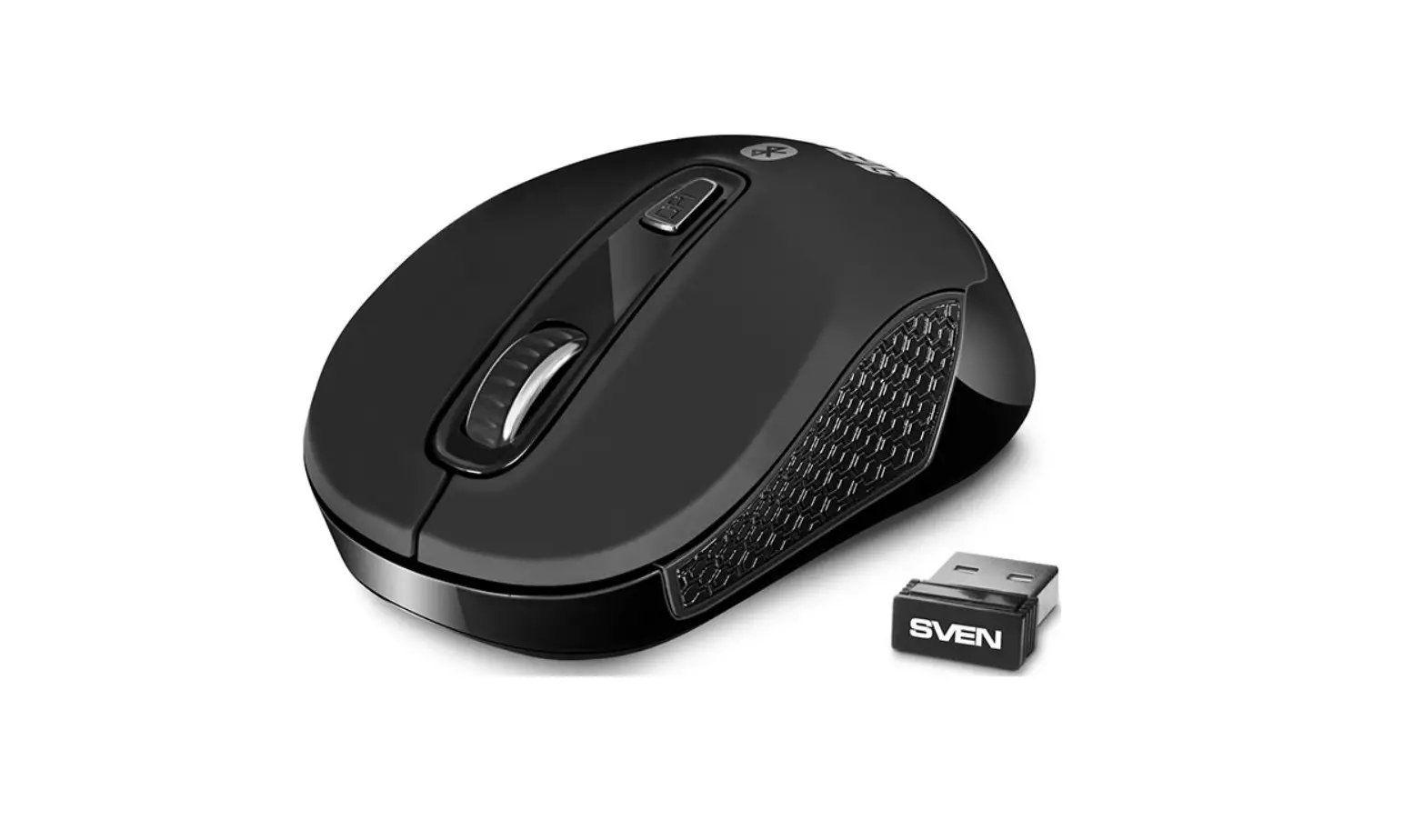
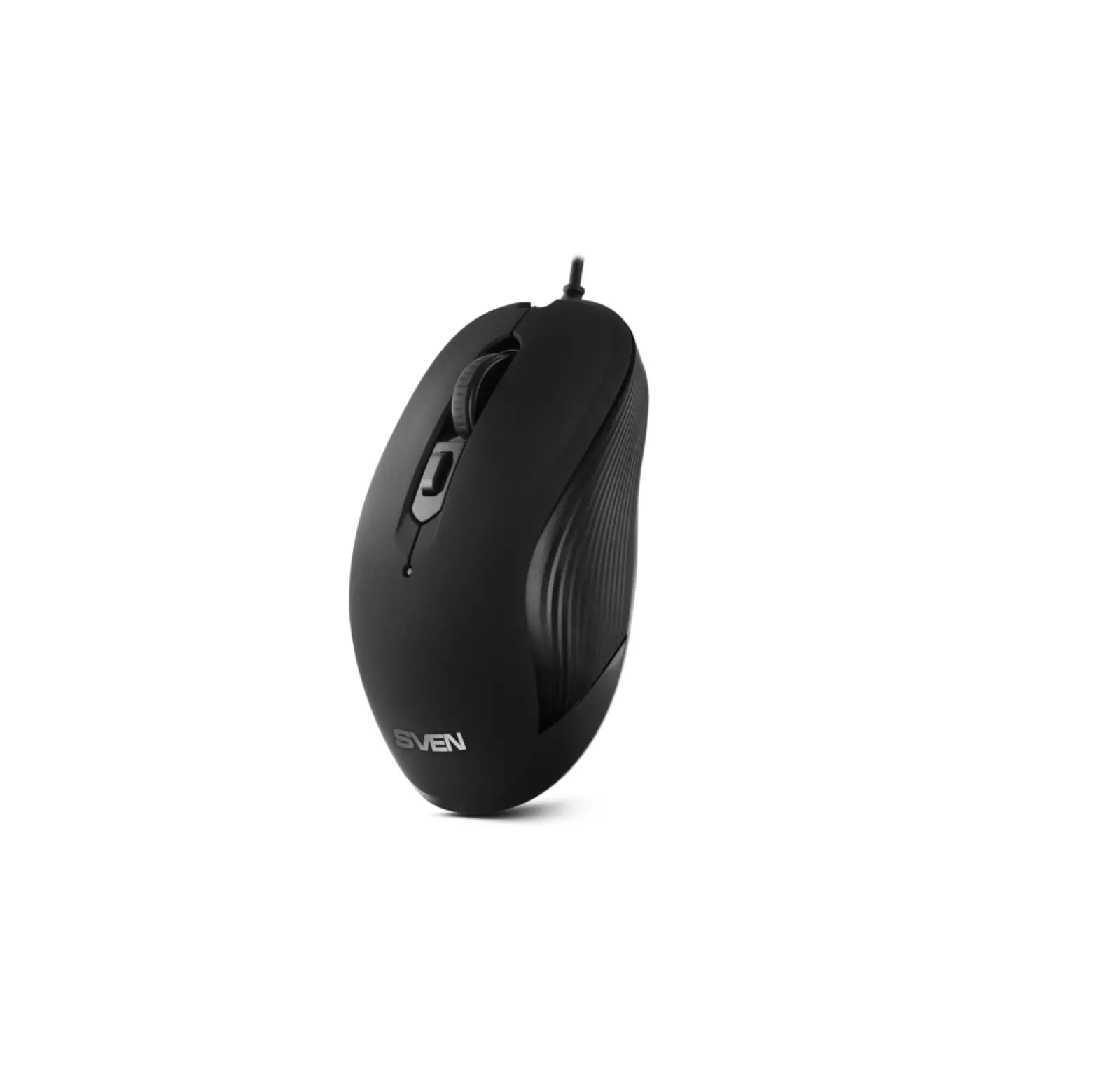
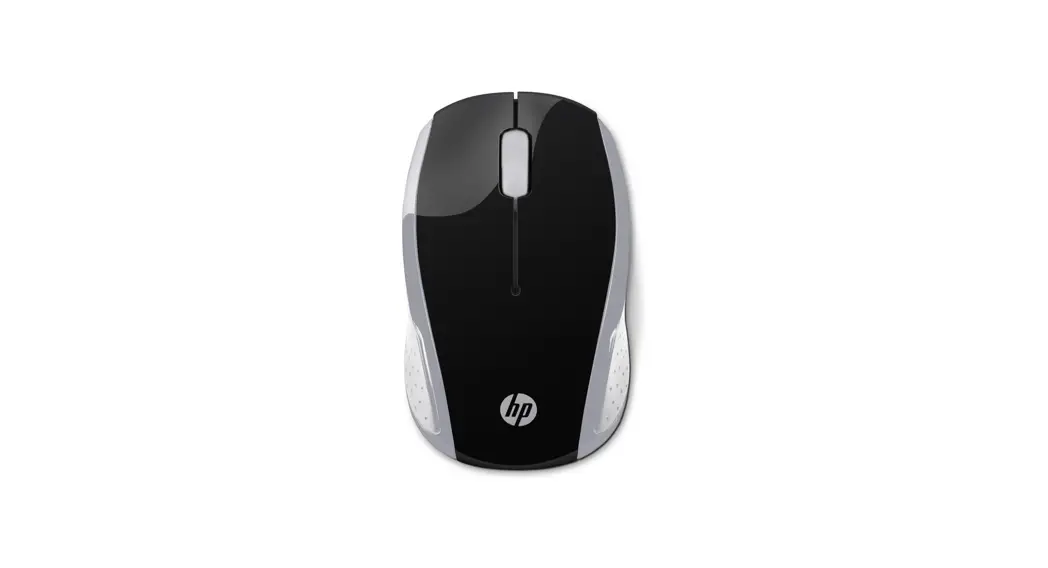
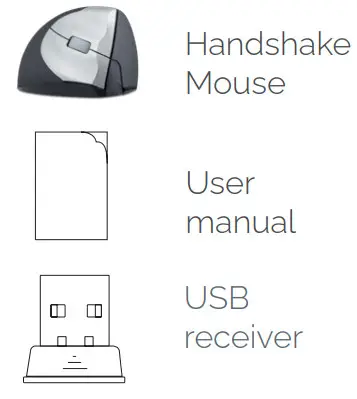
Package contents
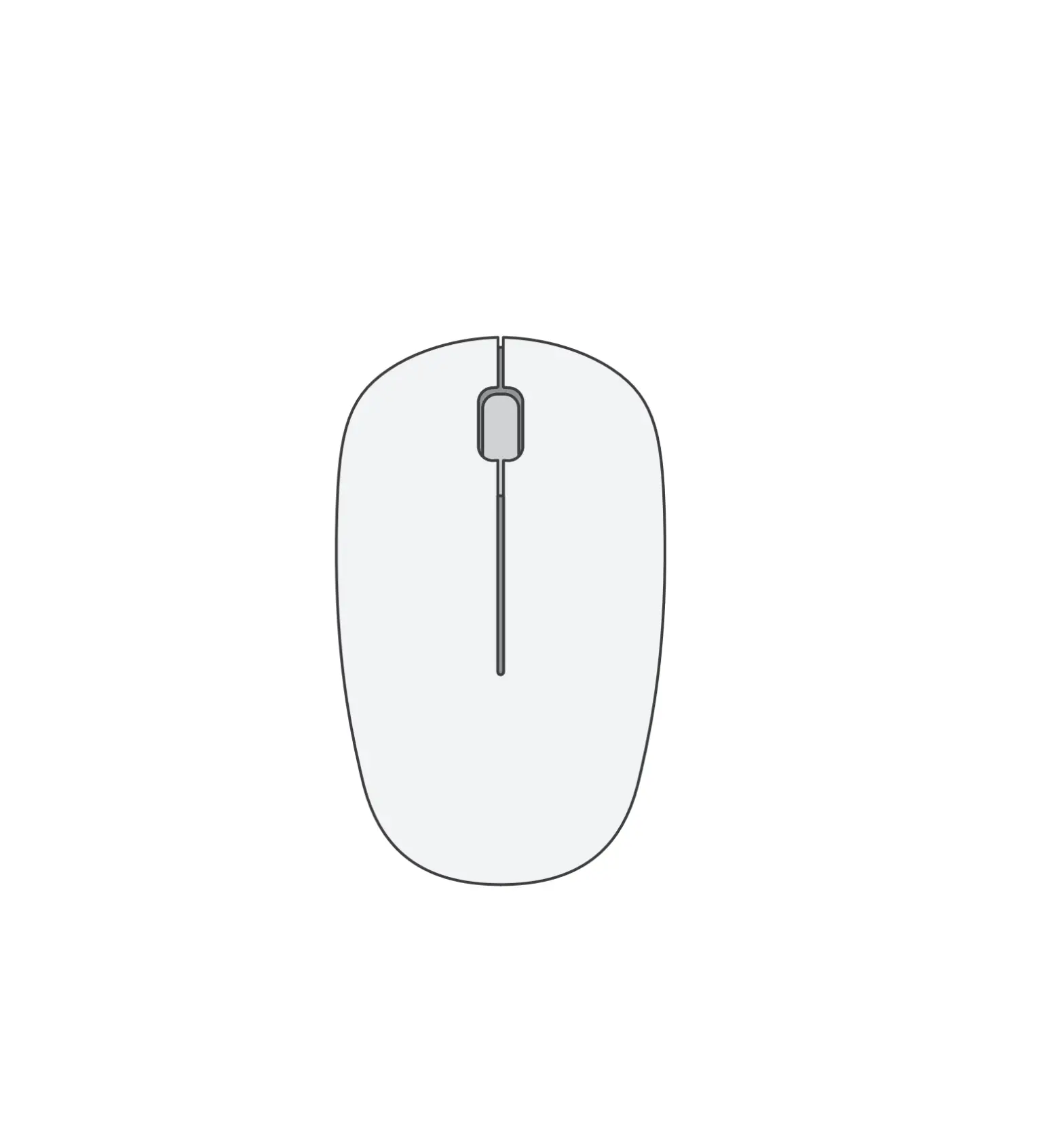
Diagram
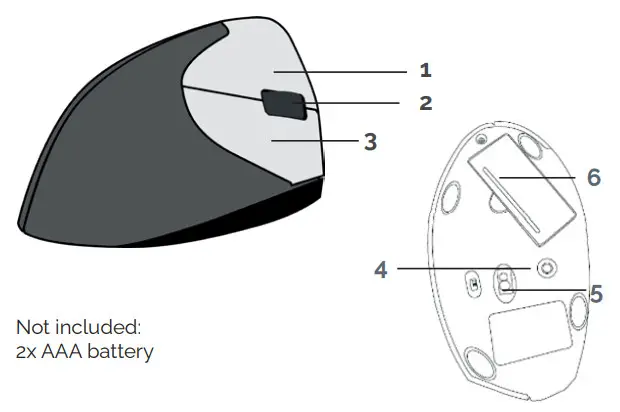
| 1. Left button | 4. DPI button |
| 2. Scroll button | 5. ON/OFF power save button |
| 3. Right button | 6. Battery compartment |
Specification
- Optical tracking
- Interface USB
- Size: 120x72x65 mm
- Net Weight: 156 g
- Working Voltage: 5V
- Working Current: 10mA
- DPI: 1000/1200/1600/2400
- Compatibility: Mac OS & Windows 2000/ 7/8/Vista/ XP/10
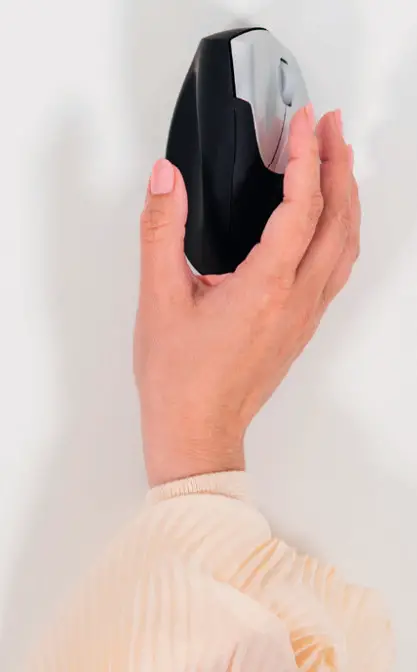
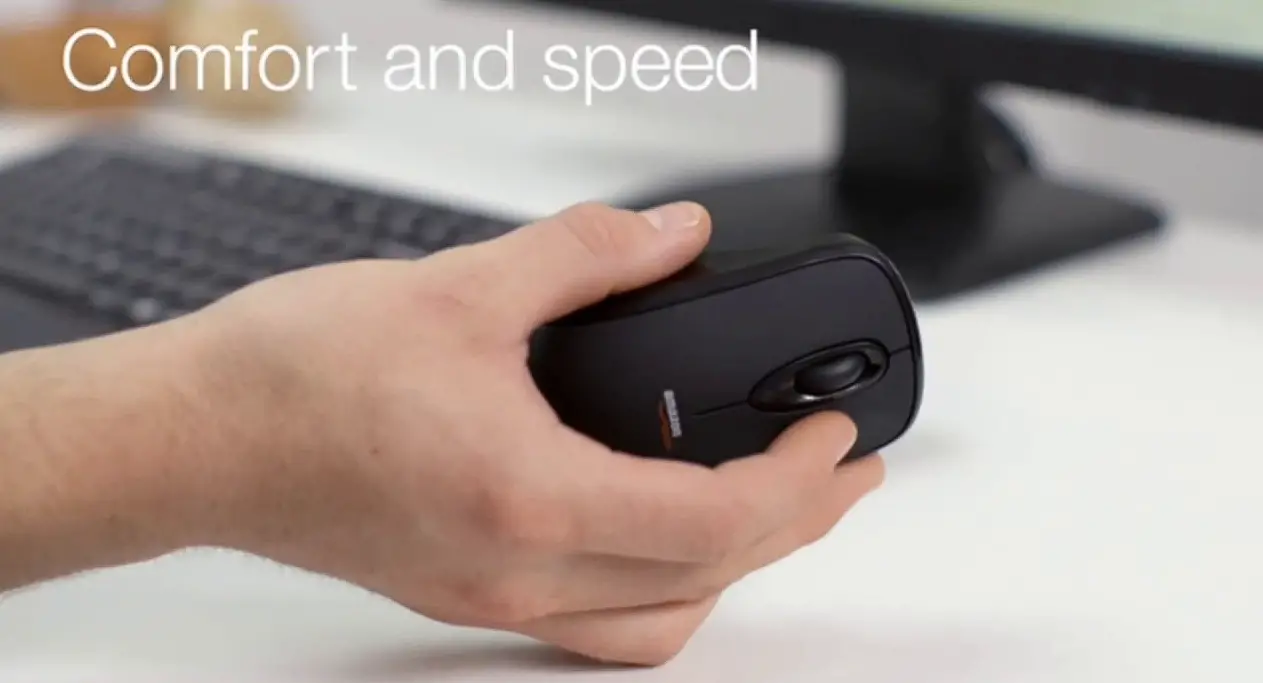
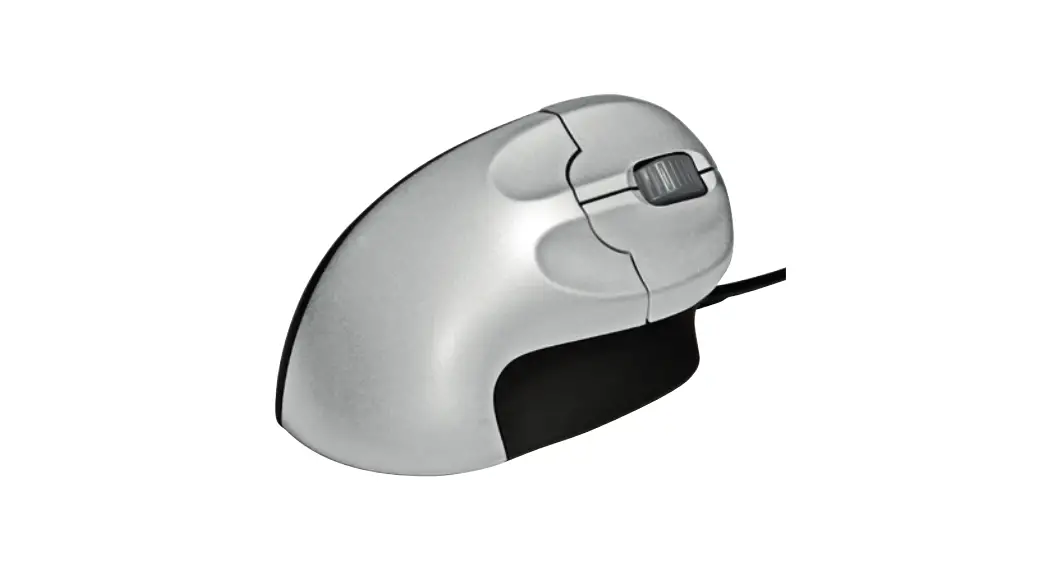
This ergonomic vertical mouse places your hand in a natural vertical handshake position without twisting the forearm like the ordinary mouse. This will effectively reduce the ‘mouse arm’ and the related neck, shoulder, and back pain.
- Place 2 AAA batteries in the battery compartment (not included)
- Place the USB receiver in the USB-A port PC/Laptop.
- Turn the mouse on with the on/off switch.
- The mouse is Plug & Play, and the driver is automatically installed and is immediately ready to use.
- Select with button 4 the requested DPI setting.
- Hint: In order to save battery switch off the device after use.