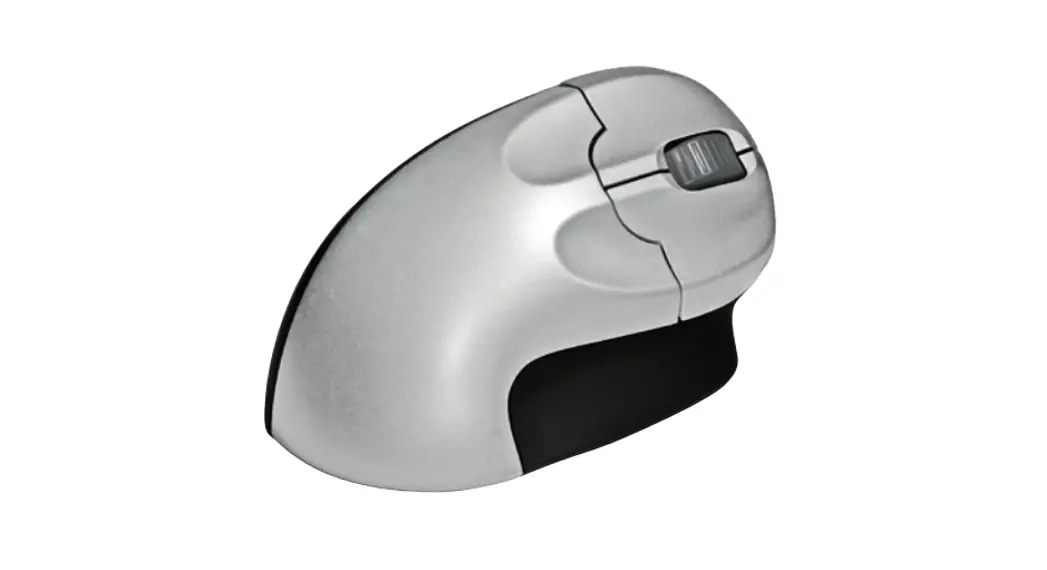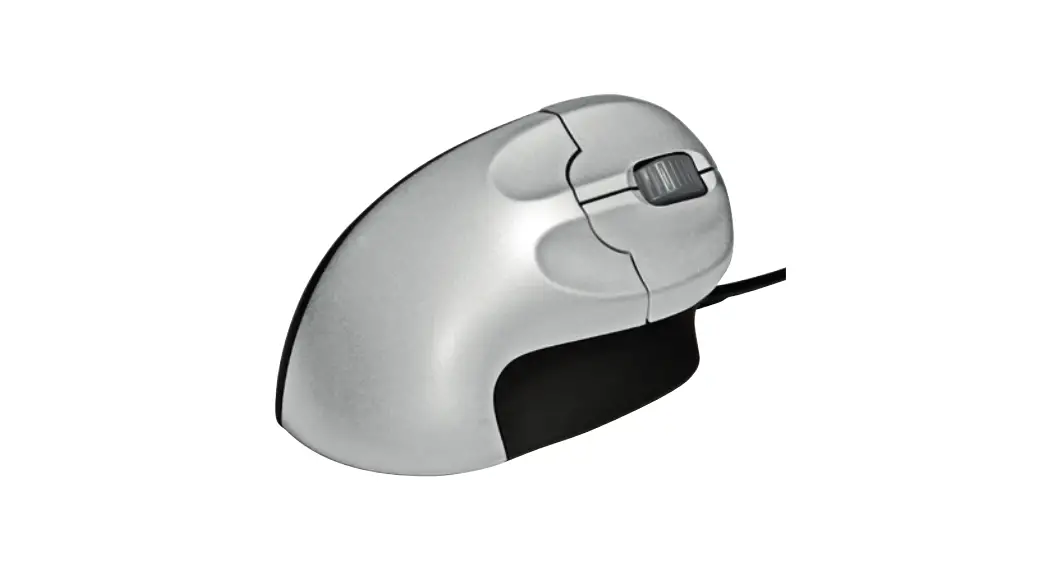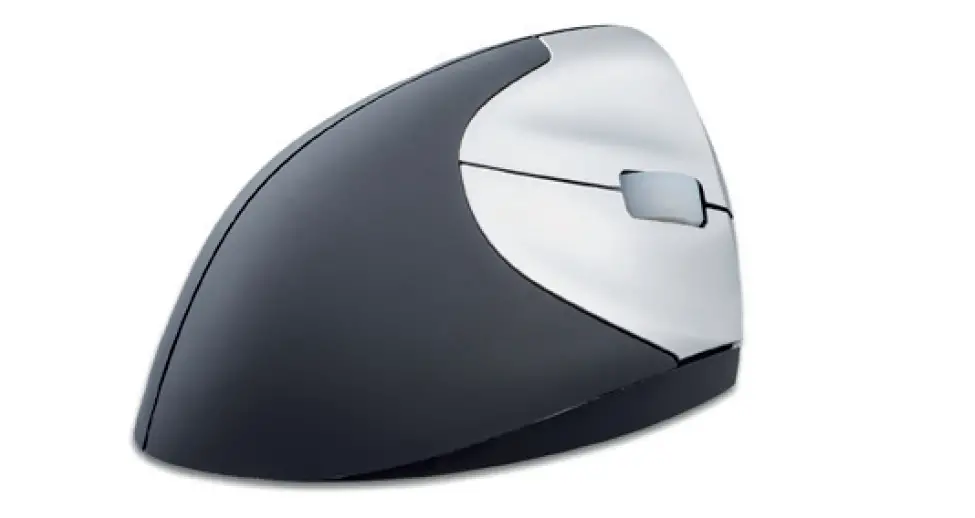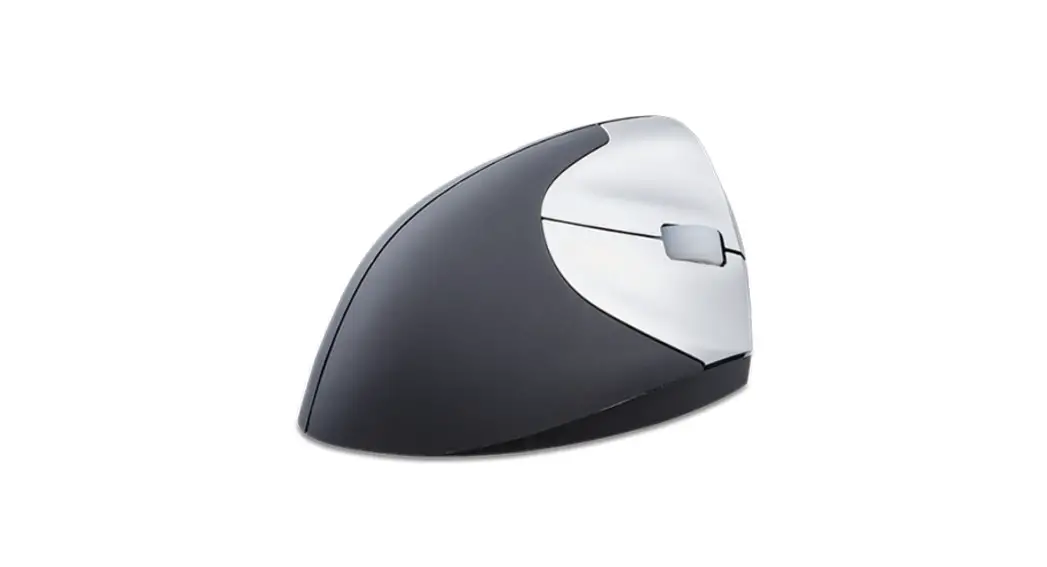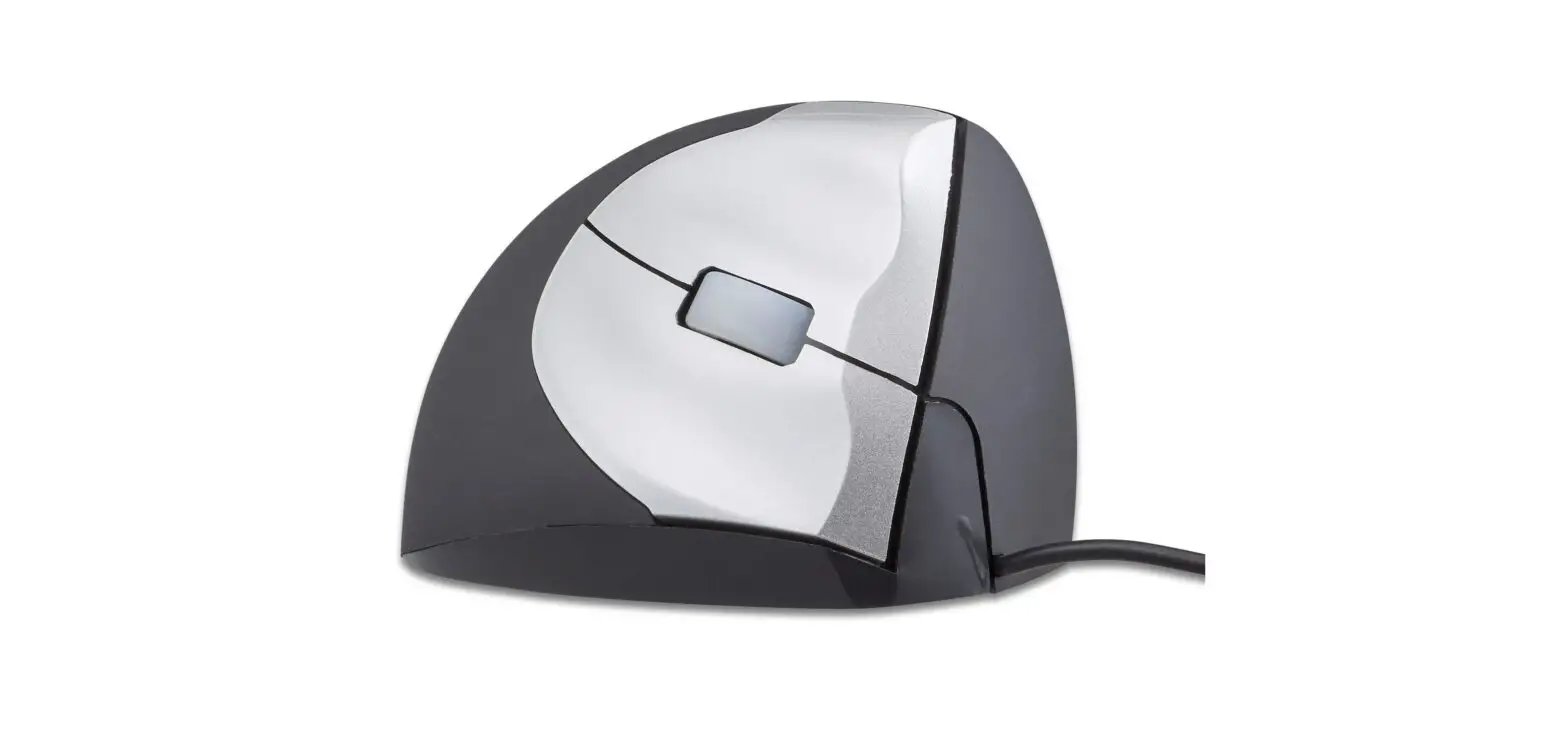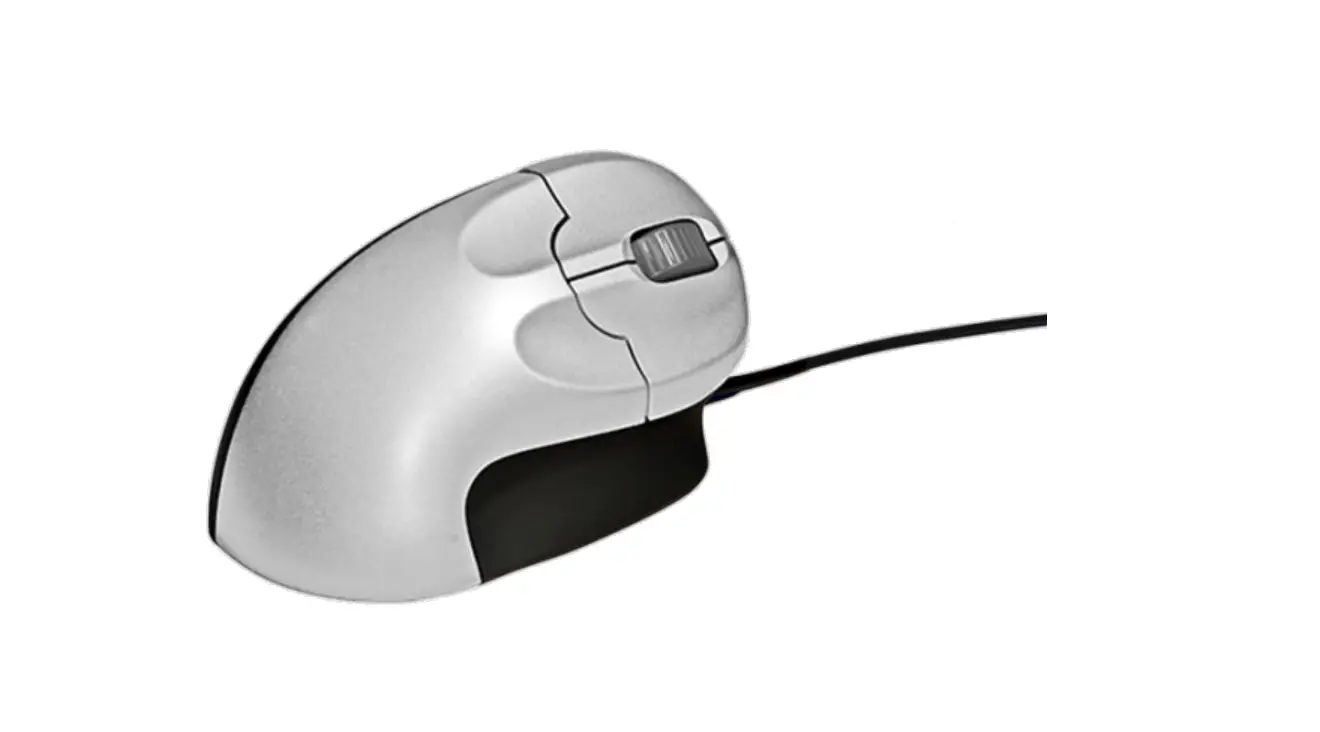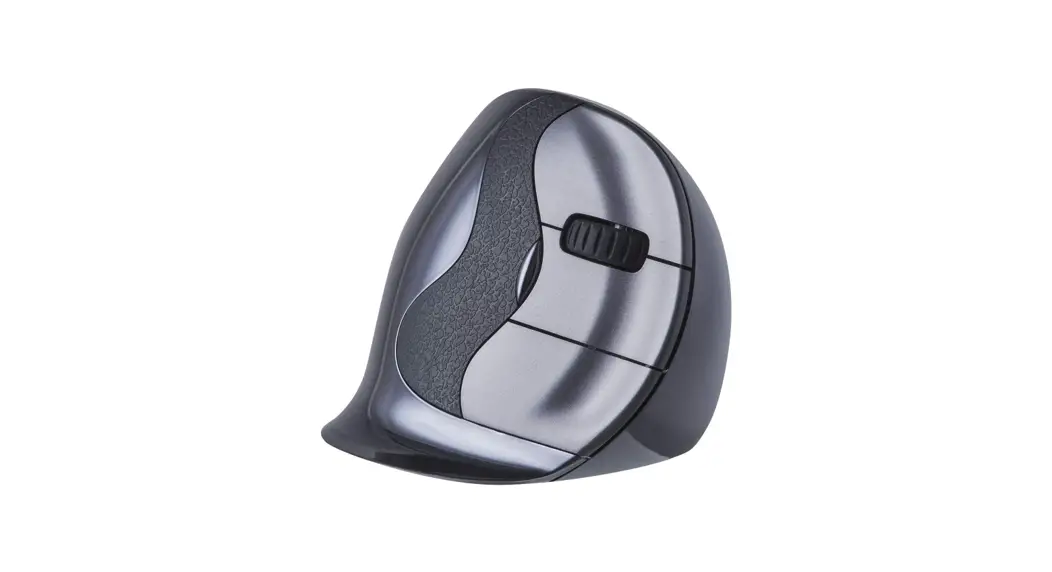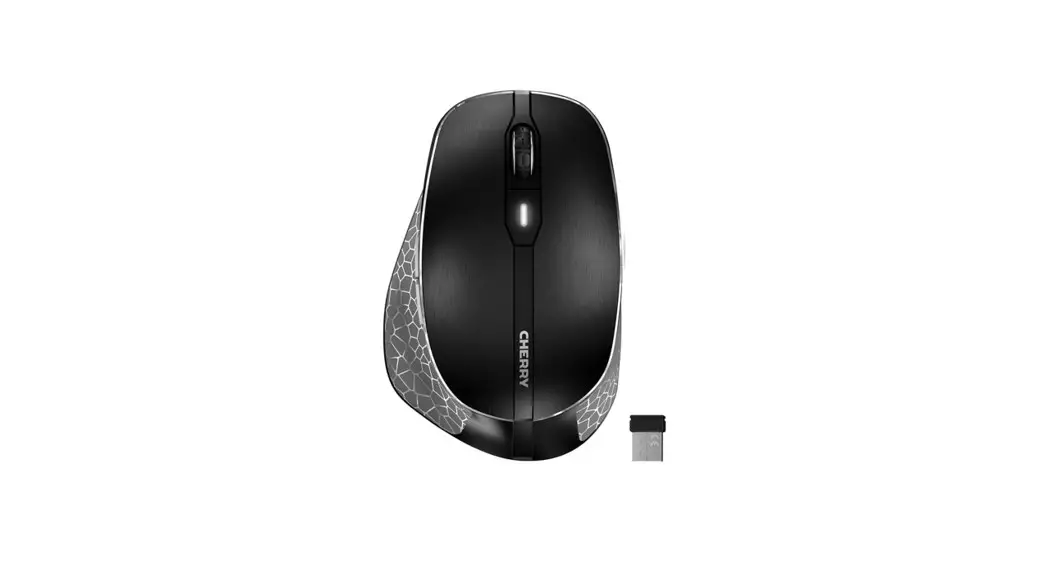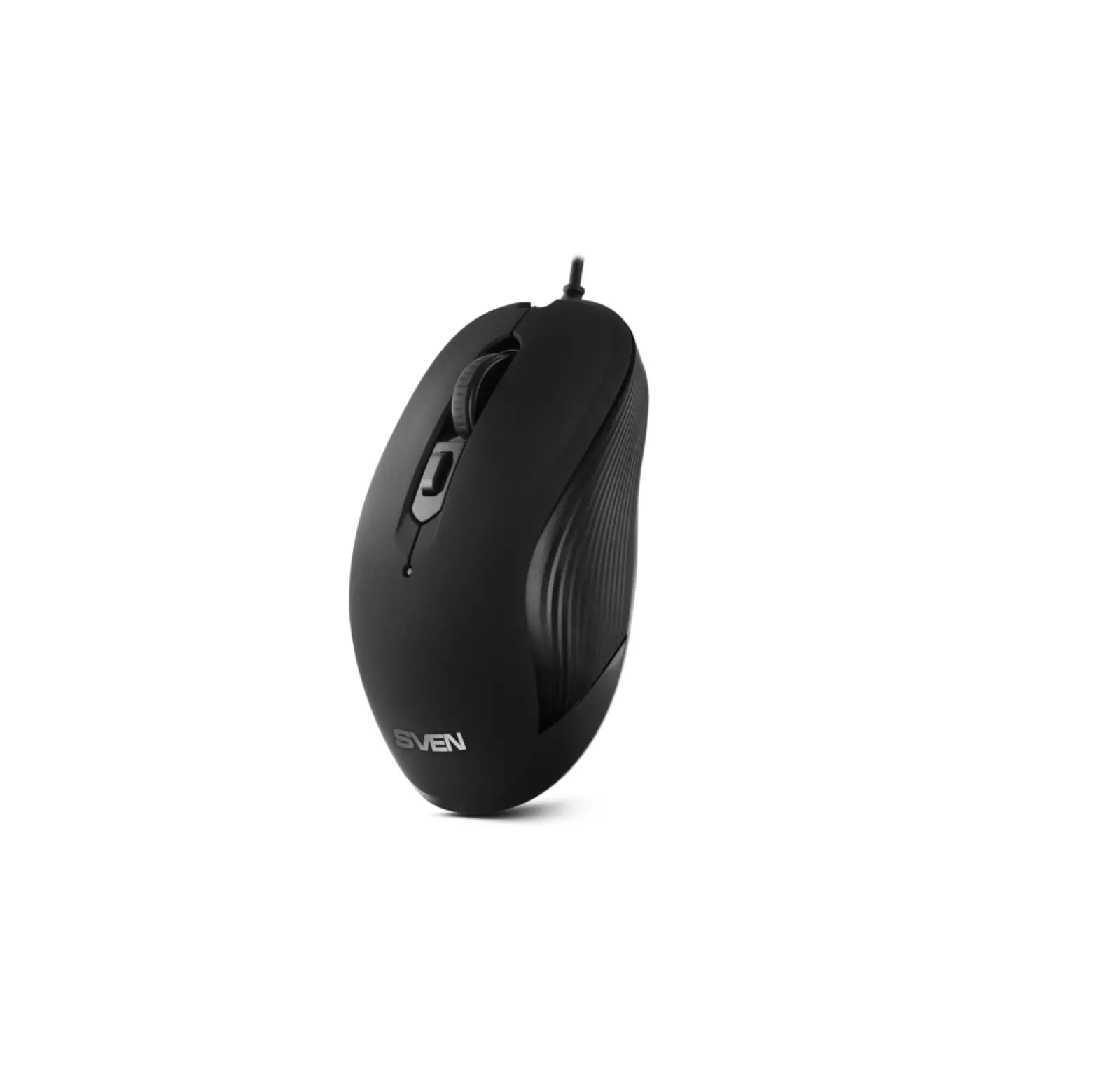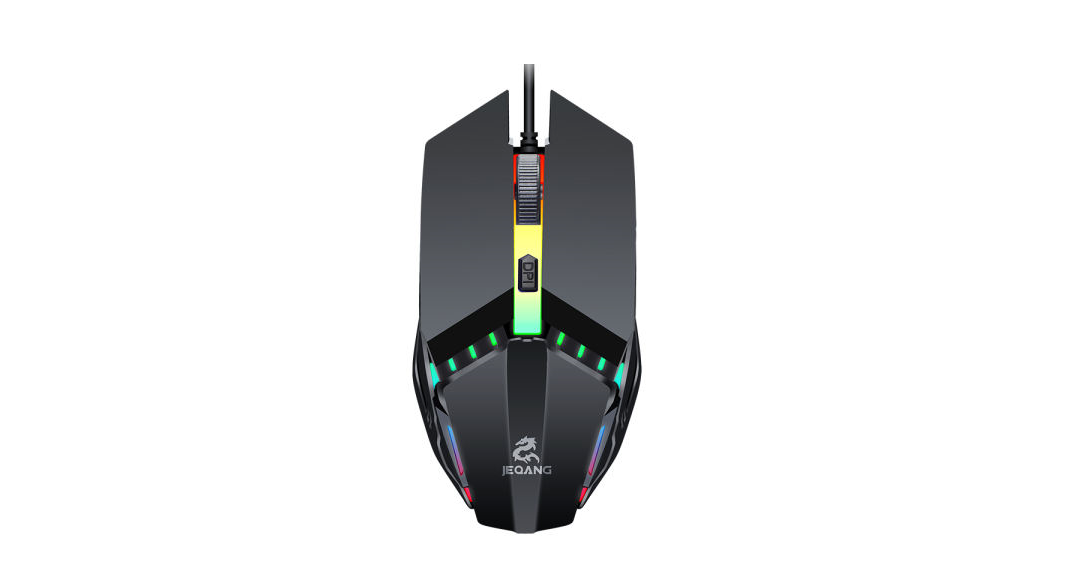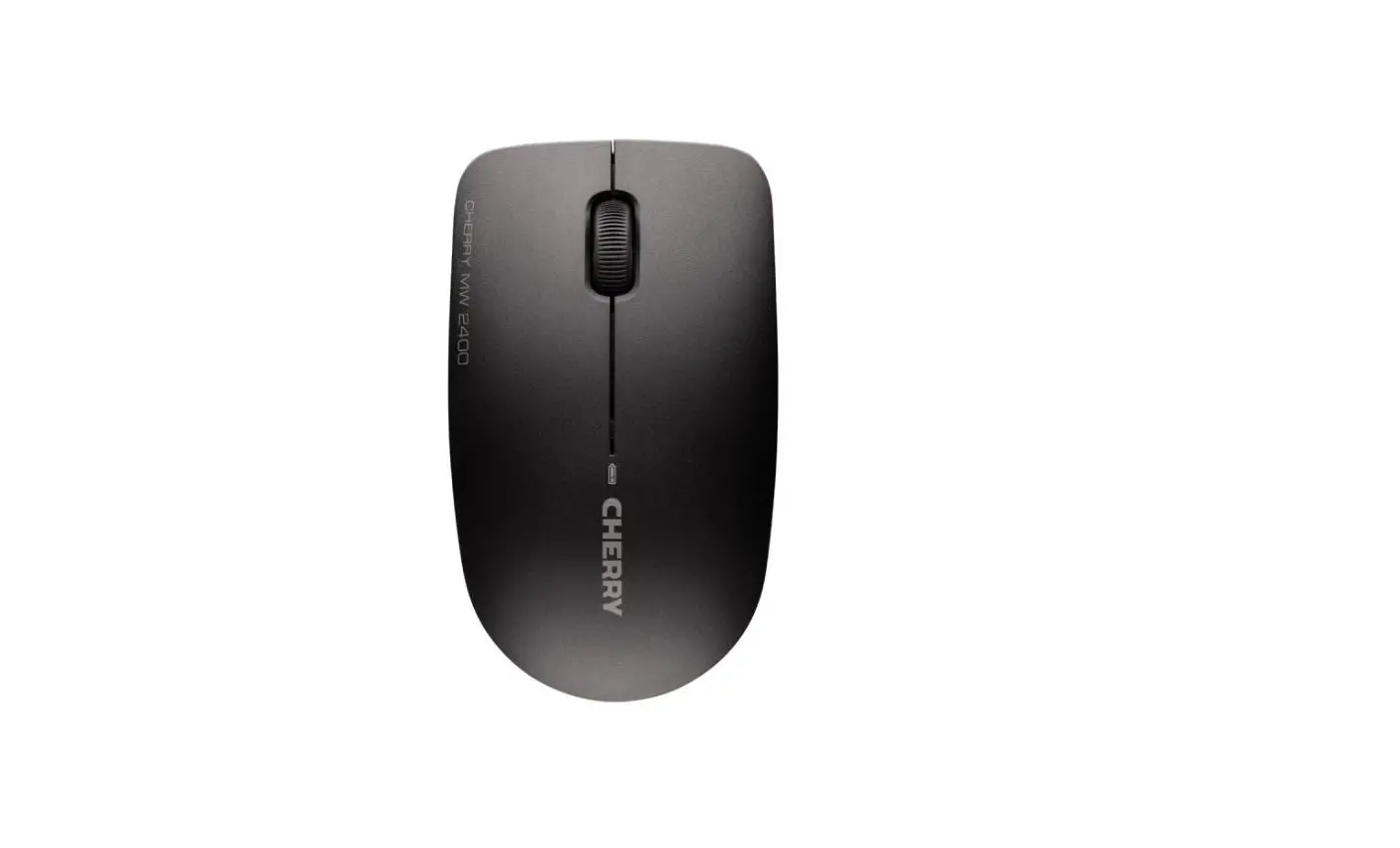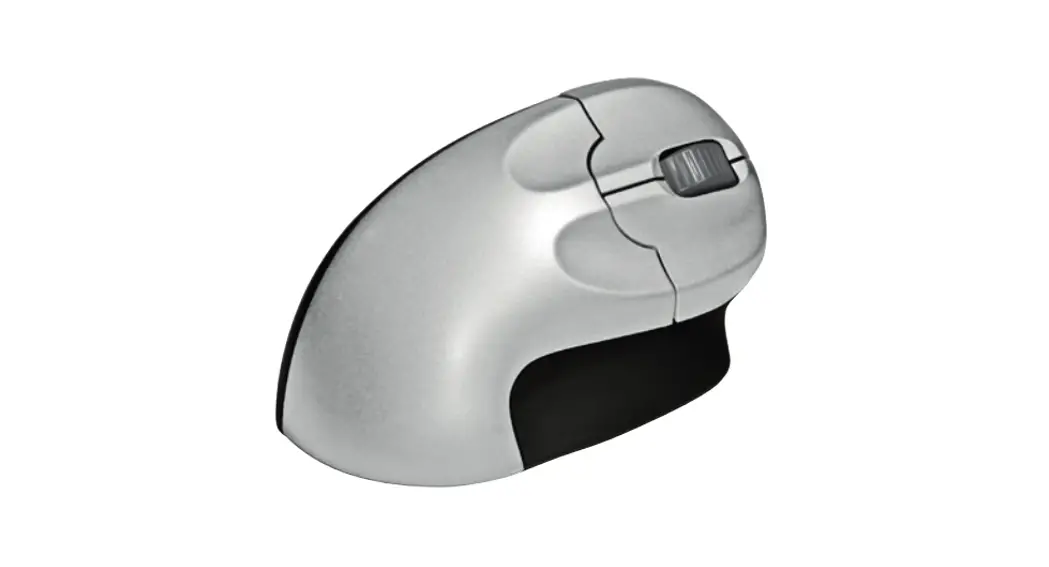
 GripMouse Wireless
User Manual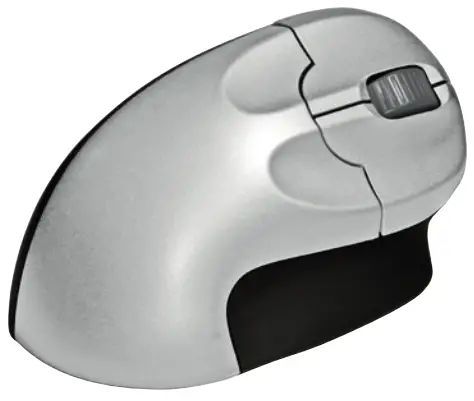
Package contents
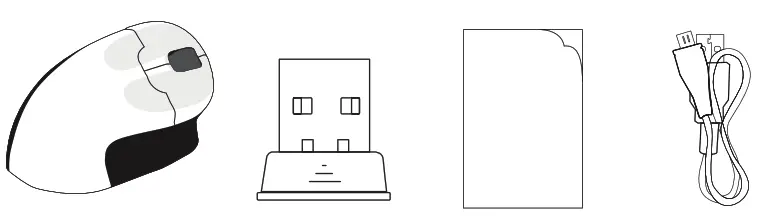 | |||
| Grip Mouse Wireless | USB receiver | User manual | USB charging cable |
Diagram
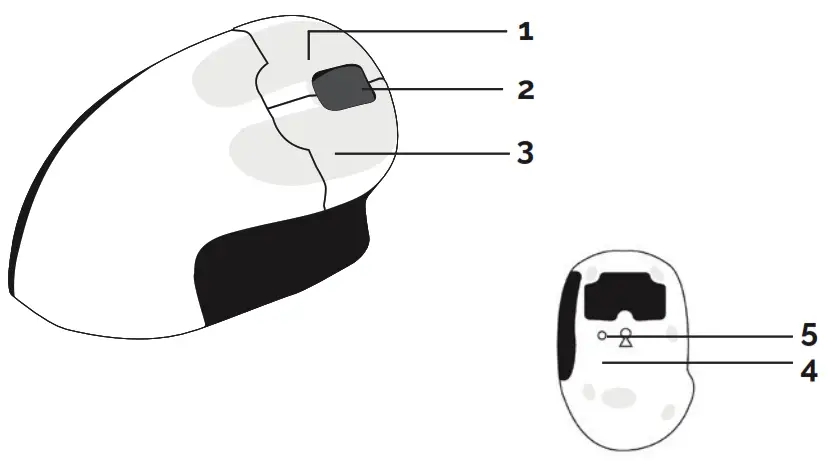
- Left button
- Scroll wheel
- Right button
- DPI button
- ON/OFF
Specification
- Optical tracking
- Interface USB
- LED Scroll wheel light
- Size: 130 x 74 x 68 mm
- Net Weight: 145 g
- Working Voltage: 1.5V
- Working Current: 11mA
- DPI: 800/1200/1600
- Compatibility: MacOS & Windows 7, 2000, NT & XP, DOS, Unix, Linux
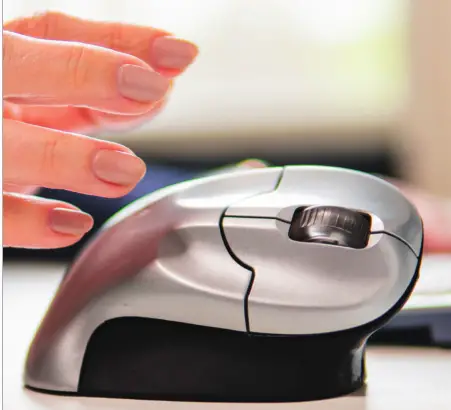
- Connect USB charging cable to the Grip Mouse and charge the battery. A red LED at scroll wheel will light up when connected.
- After fully charged connect the USB receiver at an USB port.
- Turn the mouse on with the on/off switch.
- Mouse is now installed automatically and is immediately ready to use. Plug & Play.
- Select with button 4 the requested dpi setting.
- Hint: In order to save battery switch off the device after use.