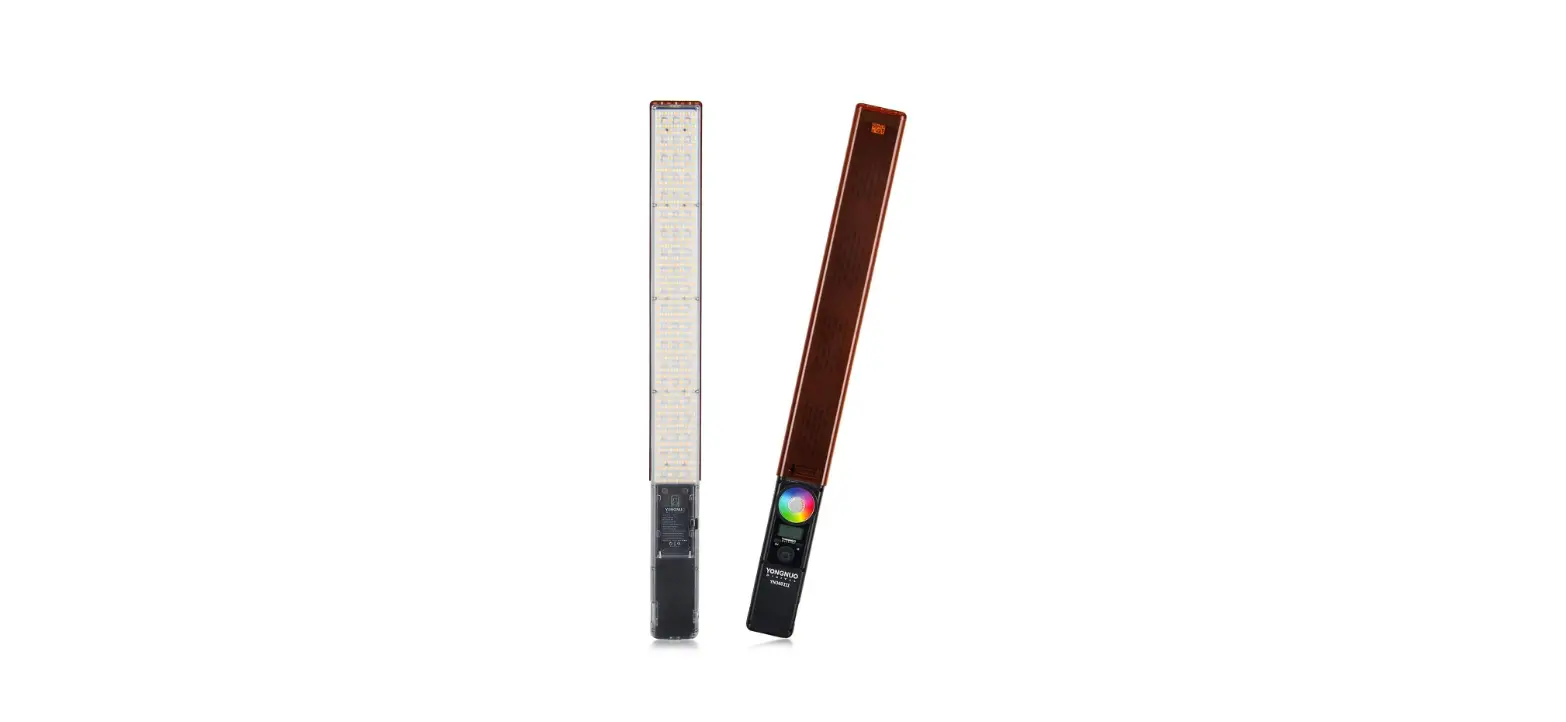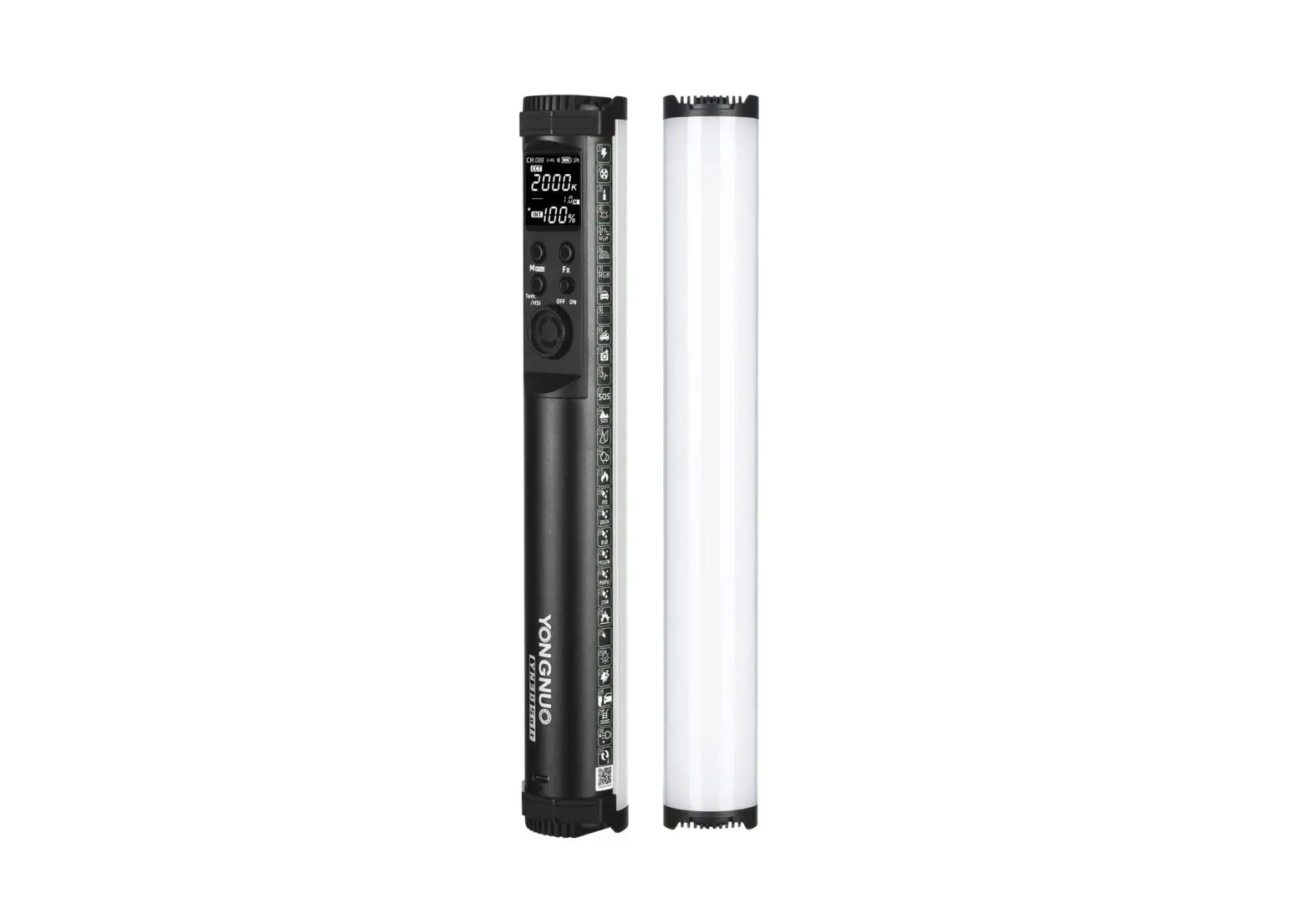

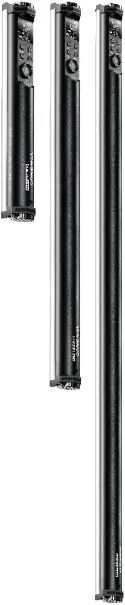
YNSOFT series
Pro LED Video Light
YN30SOFT
YN60SOFT
YN100SOFT
User Manual
Introduction
Thank you for using LED video light. Please read the manual carefully before you use it.
Precautions
- Do not put the product close to or throw it into the fire source to avoid the danger of fire and explosion.
- Do not disassemble the product,maintenance or repair of this product should be handled by technical maintenance personal of our company or authorized technical maintenance personal.
- Do not use this product in flammable and explosive place,or where it can be exposed to moisture.
Product specification YN30SOFT
| Color temperature version | 160 LED beads and 48 RGB SMD lamps | |||
| Light Source | 2000K-10000K (G/M adjustable) and RGB full color | |||
| Output power | LED: 10W RGB:10W | |||
| Charging power | USB-C power supply 5-15V/2A | |||
| 100% illumination | Distance | 0.3M | 0.5M | 1M |
| 4000K | 2473Lux | 1032Lux | 348Lux | |
| R | 764Lux | 326Lux | 101Lux | |
| G | 1825Lux | 809Lux | 245Lux | |
| B | 527Lux | 239Lux | 80Lux | |
| Product Net Weight | Approx420g | |||
| Compatible batteries | 7.2V/2600mAh/18.72Wh | |||
| External power source | USB-C power supply 5-15V/2A | |||
| Product Net Size | 301*45*44MM | |||
| Control distance | <15M | |||
| Average Service Life | 50000H | |||
| Luminance Angle | 110° | |||
| Contents:Video light*1, lanyard*1, Grate*1, Storage bag*1, USB cable*1, iron sheet*2. Note: Please contact your dealer if anything missing. | ||||
Product specification YN60SOFT
| Color temperature version | 320 LED beads and 96 RGB SMD lamps | |||
| Light Source | 2000K-10000K (G/M adjustable) and RGB full color | |||
| Output power | LED: 20W RGB:20W | |||
| Charging power | DC 12V/2A | |||
| 100% illumination | Distance | 0.3M | 0.5M | 1M |
| 7000K | 4207Lux | 1978Lux | 706Lux | |
| R | 1169Lux | 554Lux | 206Lux | |
| G | 3560Lux | 1696Lux | 587Lux | |
| B | 861Lux | 404Lux | 136Lux | |
| Product Net Weight | Approx725g | |||
| Compatible batteries | 7.2V/2600mAh/ *2 37.44Wh | |||
| External power source | DC 12V/2A | |||
| Product Net Size | 580*45*44MM | |||
| Control distance | <15M | |||
| Average Service Life | 50000H | |||
| Luminance Angle | 110° | |||
| Contents:Video light*1, Tube clip*1, Grate*1, Storage bag*1, Power adapter*1, Bracket*1. Note: Please contact your dealer if anything missing. | ||||
Product specification YN100SOFT
| Color temperature version | 480 LED beads and 140 RGB SMD lamps | |||
| Light Source | 2000K-10000K (G/M adjustable) and RGB full color | |||
| Output power | LED: 30W RGB:30W | |||
| Charging power | DC 19V/3A | |||
| 100% illumination | Distance | 0.3M | 0.5M | 1M |
| 7000K | 4421Lux | 2234Lux | 859Lux | |
| R | 1773Lux | 999Lux | 387Lux | |
| G | 3629Lux | 1950Lux | 723Lux | |
| B | 922Lux | 452Lux | 174Lux | |
| Product Net Weight | Approx1375g | |||
| Compatible batteries | 7.2V/2600mAh/*4 74.88Wh | |||
| External power source | DC 19V/3A | |||
| Product Net Size | 1000*45*44MM | |||
| Control distance | <15M | |||
| Average Service Life | 50000H | |||
| Luminance Angle | 110° | |||
| Contents:Video light*1, Tube clip*1, Grate*1, Storage bag*1, Power adapter*1, Bracket*1. Note: Please contact your dealer if anything missing. | ||||
Product structure
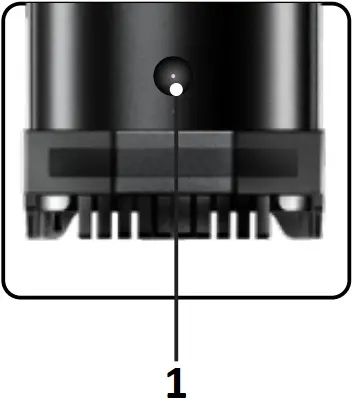
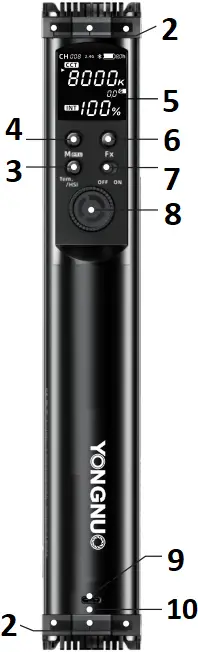
- DC power supply interface
YN60SOFT
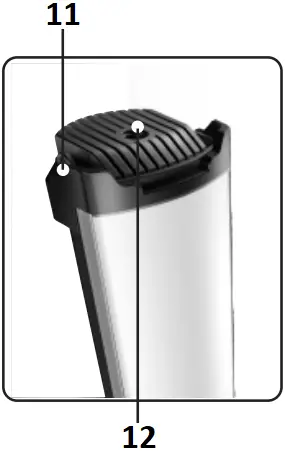
YN100SOFT - Magnet adsorption area
Note: YN60/100SOFT have canceled magnet attached area. - Color temperature modes and HSI mode switch button
- Menu button
- LCD Special Scene
- Mode button
- Power ON&OFF button
- Brightness adjustment knob and confirm button
- USB-C charging port
- Charging indicator light
- Lanyard interface
- 1/4 fixed screw hole
Note: YN60/100SOFT have canceled 1/4 interface.
Installation and use
1. USB-C charging
YN30SOFT adopts USB-C for charging; Both YN60SOFT and YN100SOFT adopt equipped power adapter for charging.
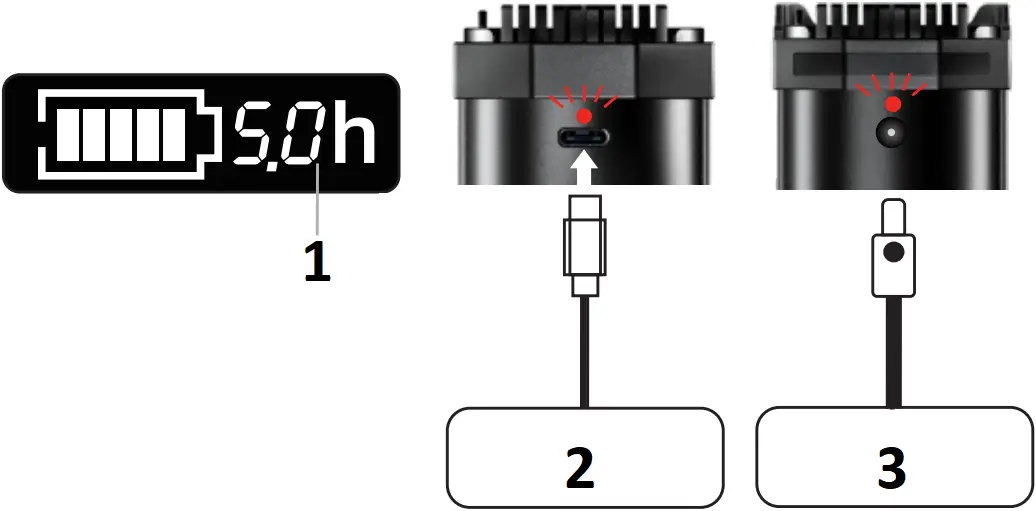
- Current Brightness Serviceable Time
- Charger output 5-15V/2A
- Power adapter
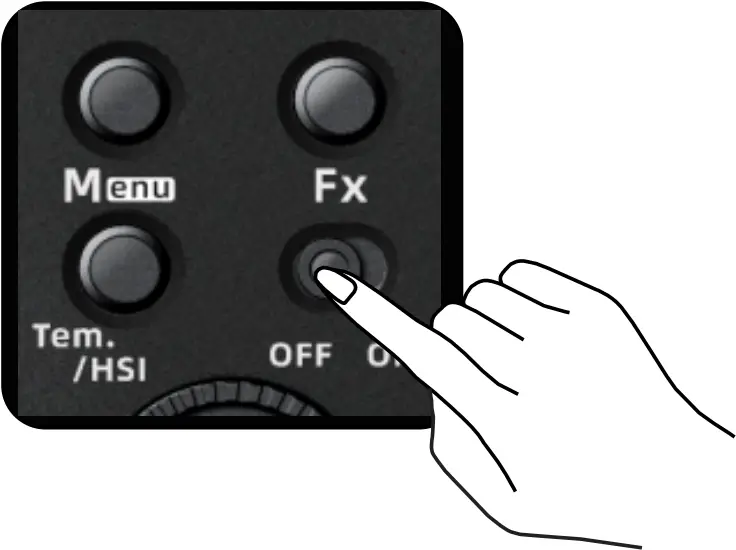
2.Power on and off
Toggle the Power ON&OFF button to switch the product on and off.
3.2000K-10000K color temperature and brightness adjustment
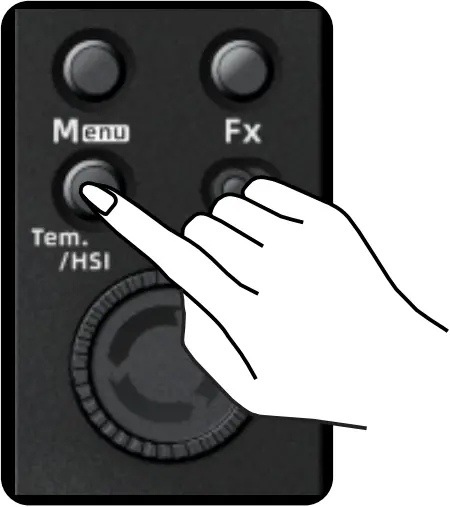
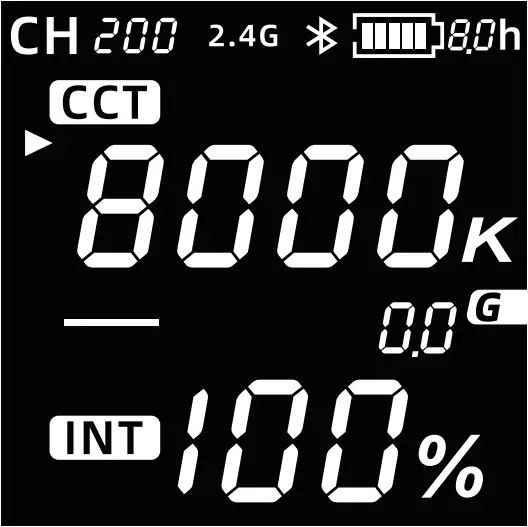
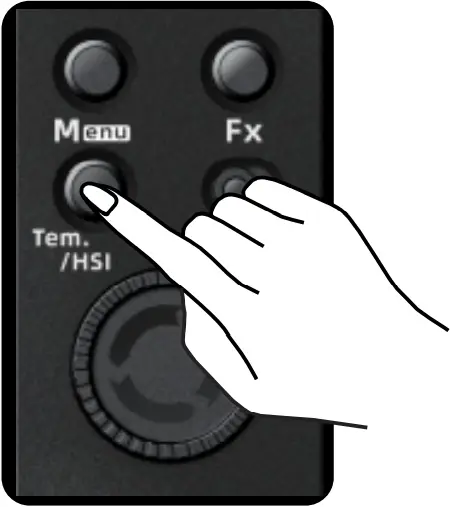
Press the button <Tem> to enter the color temperature mode,press the confirm button to switch the color temperature and brightness adjustment options, long the confirm button enter the red and green adjustment function,and turn the knob to adjust parameters.
4.HSI adjustment mode
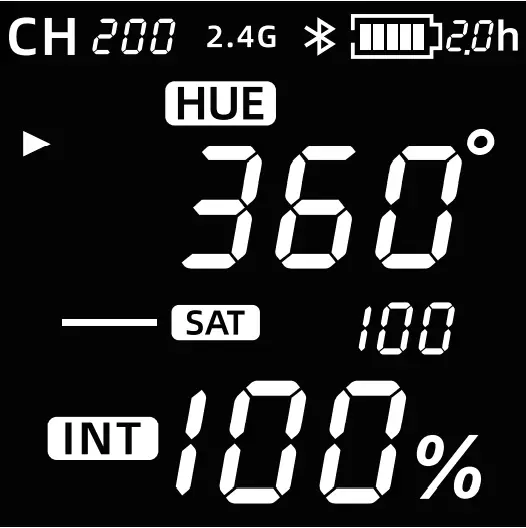
Press the button <HSI> enter the HSI mode,and press the OK button to switch to H:phase adjustment option; S:saturation adjustment option;I:brightness adjustment option,and turn the knob to adjust parameters.
5.Switch channels
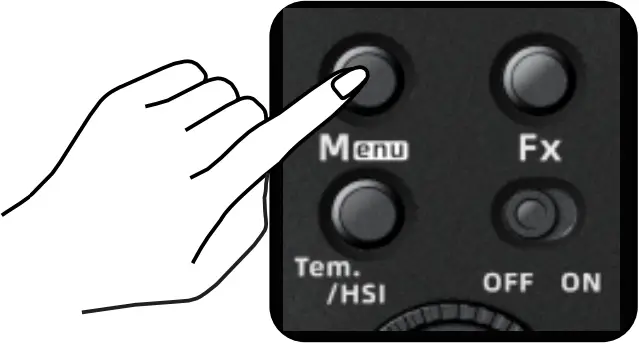
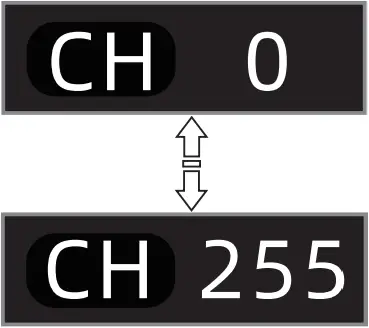
Press the button <Menu> and toggle the confirm button to select the channel CH[0] menu,then turn the knob to adjust the channel you want;press OK to complete the switch.(Note:The product provides 256 channels.)
6.Special scene modes
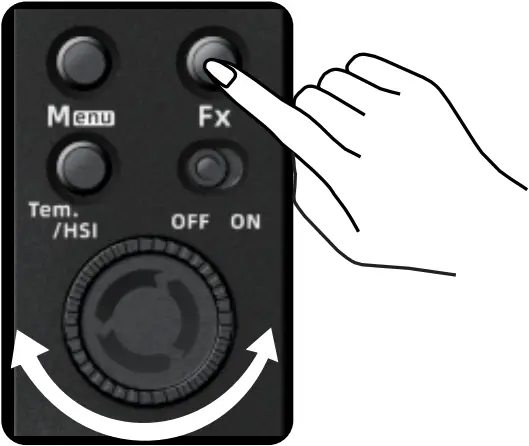
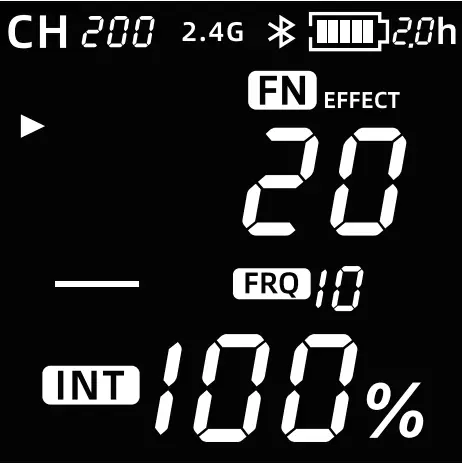
Press the button <Fx> to enter the special scene modes, short and turn the knob to switch between modes; press the confirm button to enter the special scene modes, press confirm button again to pause.
 Simulated lightning
  Fire scene
 Film screen reflection
  Red light flash
 Candlelight
  Green light flash
 Sunrise
  Blue light flash
 Fireworks
  Yellow light flash
 Rainbow Seven-color Cycle
  Purple light flash
 RGB color gamut slow loop
  Cyan light Flash
 Police car
  Explosion Simulation
 Ambulance
  Electric soldering Simulation
 Fire truck
  Bad Light Bulb Effect
 Paparazzi
  Double Flash
 Stroke
  Car Light Approaching
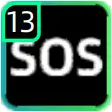 SOS
SOS 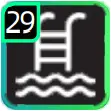 Swimming pool Simulation
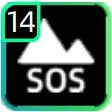 Alpine emergency signal
 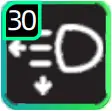 Distance Light Flash Alternately
 Party1 (fast pace)
  color temperature cycle
 Festival Atmosphere
7.The use of grid and soft light cloth
1) Install the video light from the middle of the grid,and use the rubber band to fix the video light and the grid.


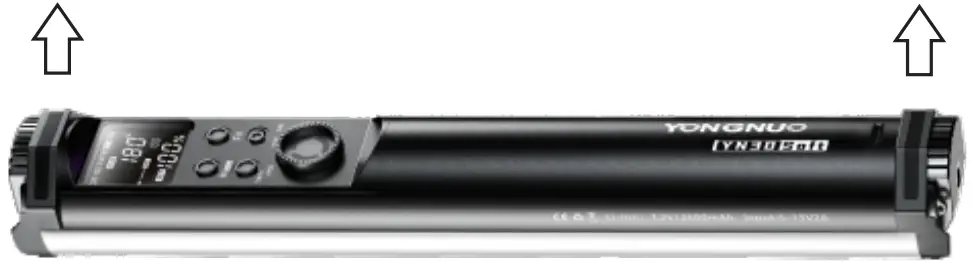
8.YN3OSOFT The use of magnet
Metal panel
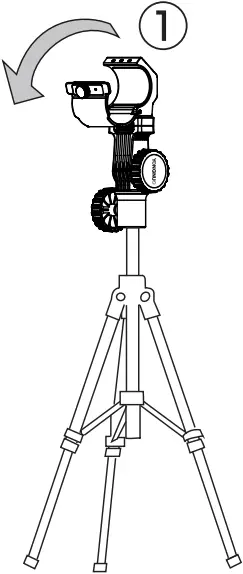
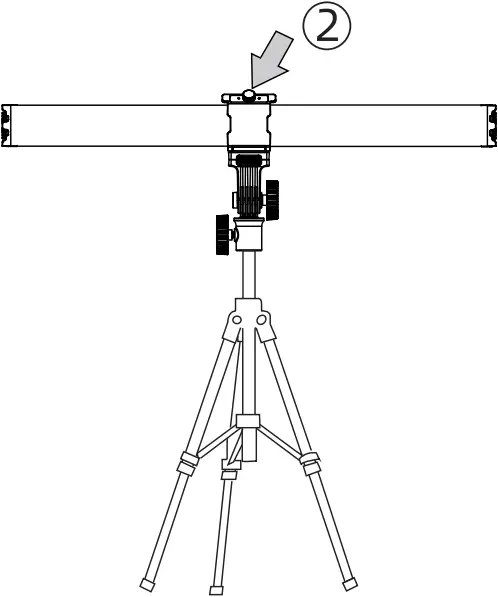
9.The use of YN6OSOFT/YN100SOFT tube clip
1) Open the tube clip, and then put the YN6OSOFT/YN100SOFT into the tube clip to clamp it.
2) Tighten the screws.
10.Use via mobile APP and remote control for wireless control
1).Press the menu button <  > and toggle the OK button to select bluetooth,press OK button to turn on bluetooth; open the mobile APP, at this time the video light is connected automatically to realize wireless control.
2).ON or OFF of 2.4G Wireless Control Mode.
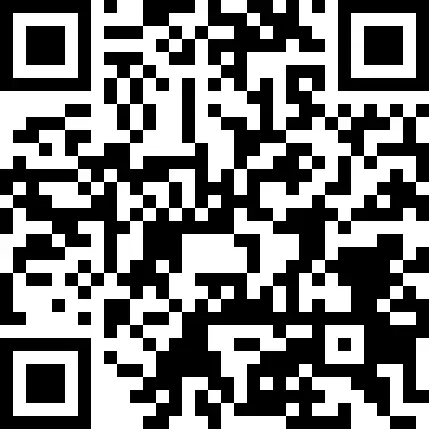
3)The APP can be downloaded from the YONGNUO official website or scanning the QR code on the gift box.
Bluetooth off Bluetooth on 2.4G off 2.4G on



The functions in this manual are based on the test conditions our company. Further notice will not be given if the design and specifications change.