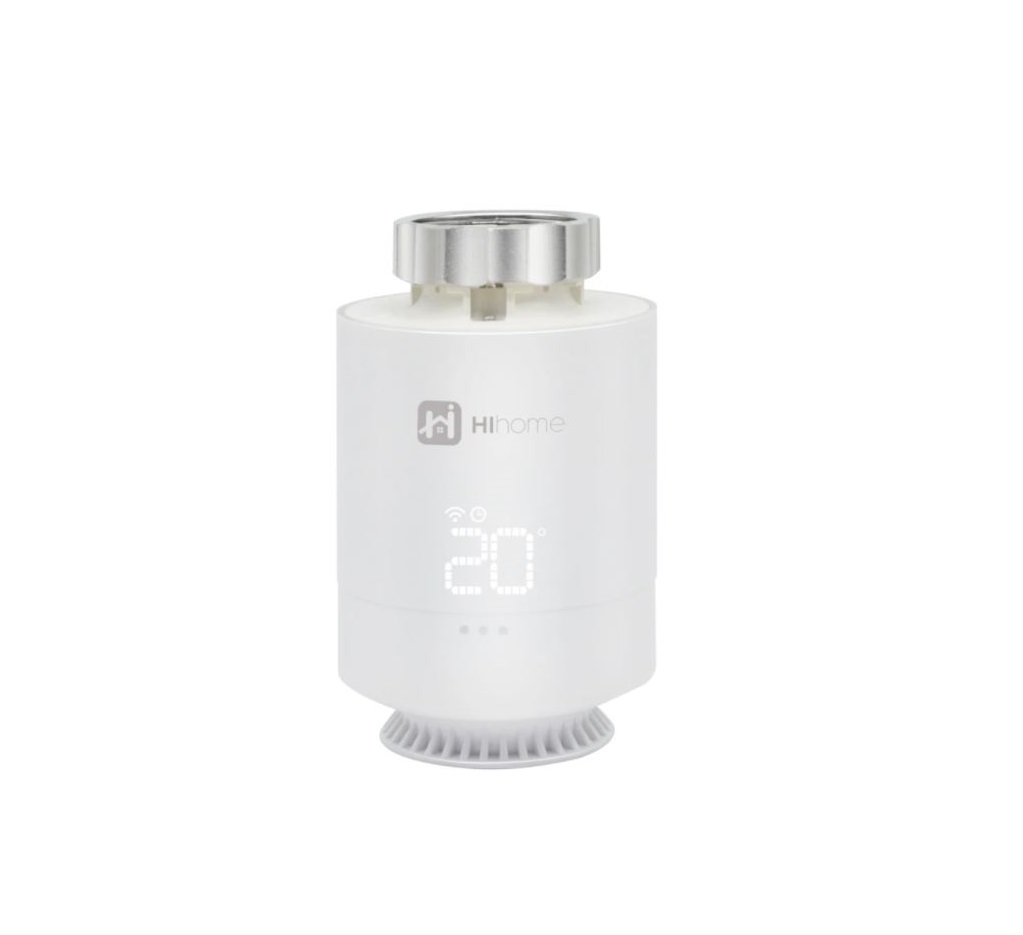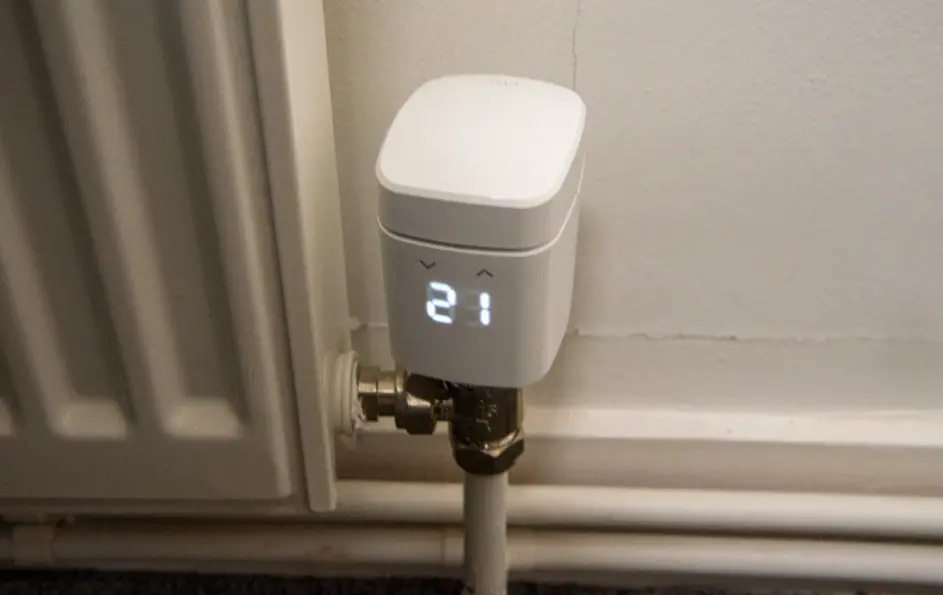

eve thermo 22088 Eve Radiator Thermostat
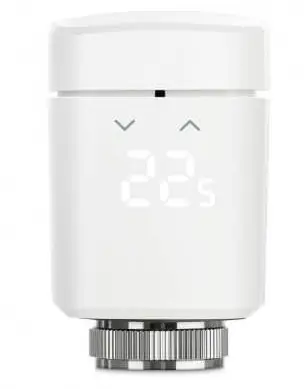
Get started
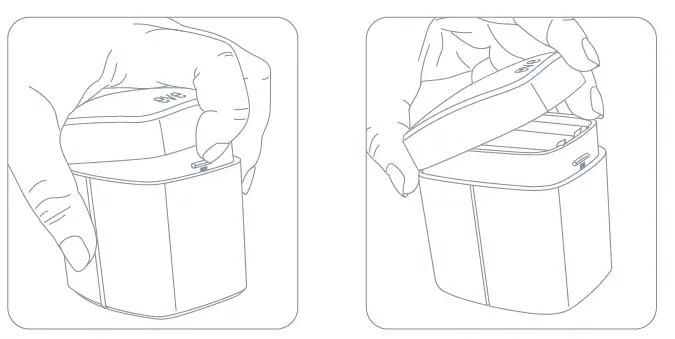
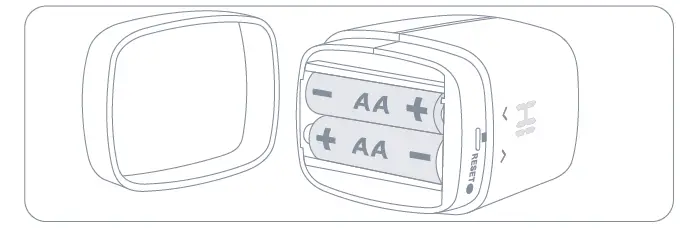
- Insert the included AA batteries before proceeding with the installation.

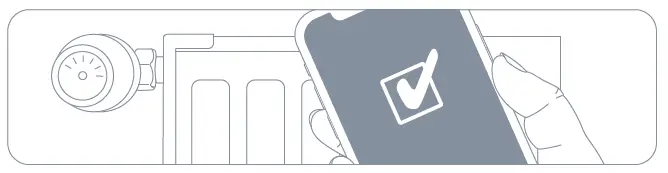
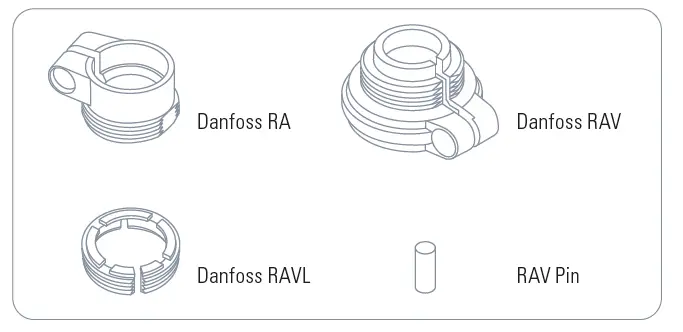
- Please wait with replacing your existing radiator valve until the Eve app has prepared Eve Thermo for installation.


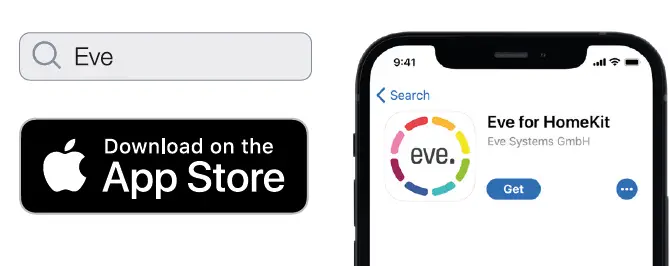
- Download the Eve app from the App Store.

- Open the Eve app and tap Add Accessory. Eve will now guide you through the setup process.
If you have already set up another accessory, go to the Eve settings to add
Enjoy
Eve Thermo can be controlled using the Eve app, the Home app, and Siri.
 Control
- Set schedules (no home hub required
- Set temperature offset
- Enable vacation mode
- Enable child lock
- Install firmware updates
 Control
- Configure guest access
 Control
 Control
 Control
 Control
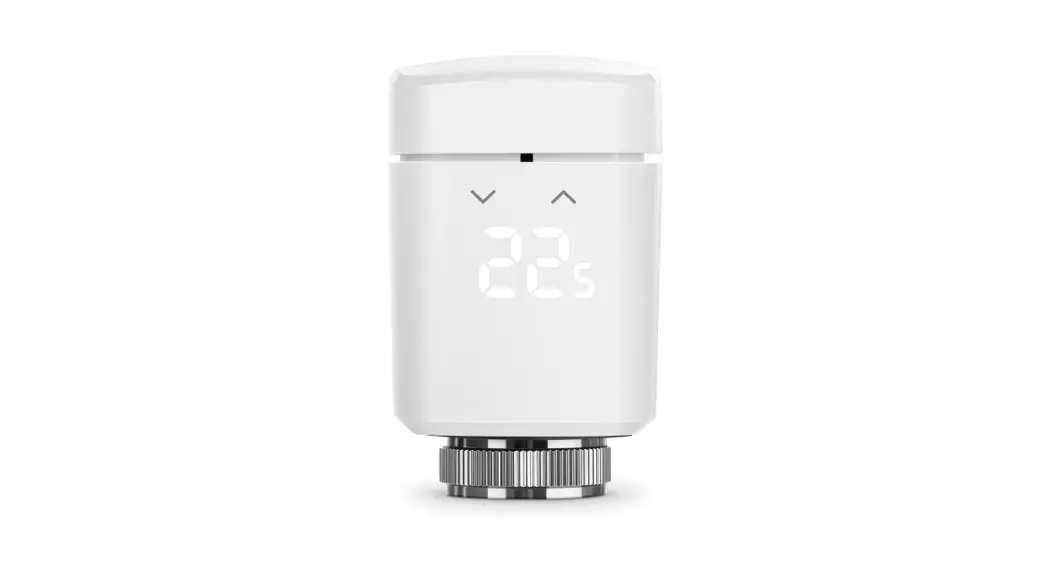
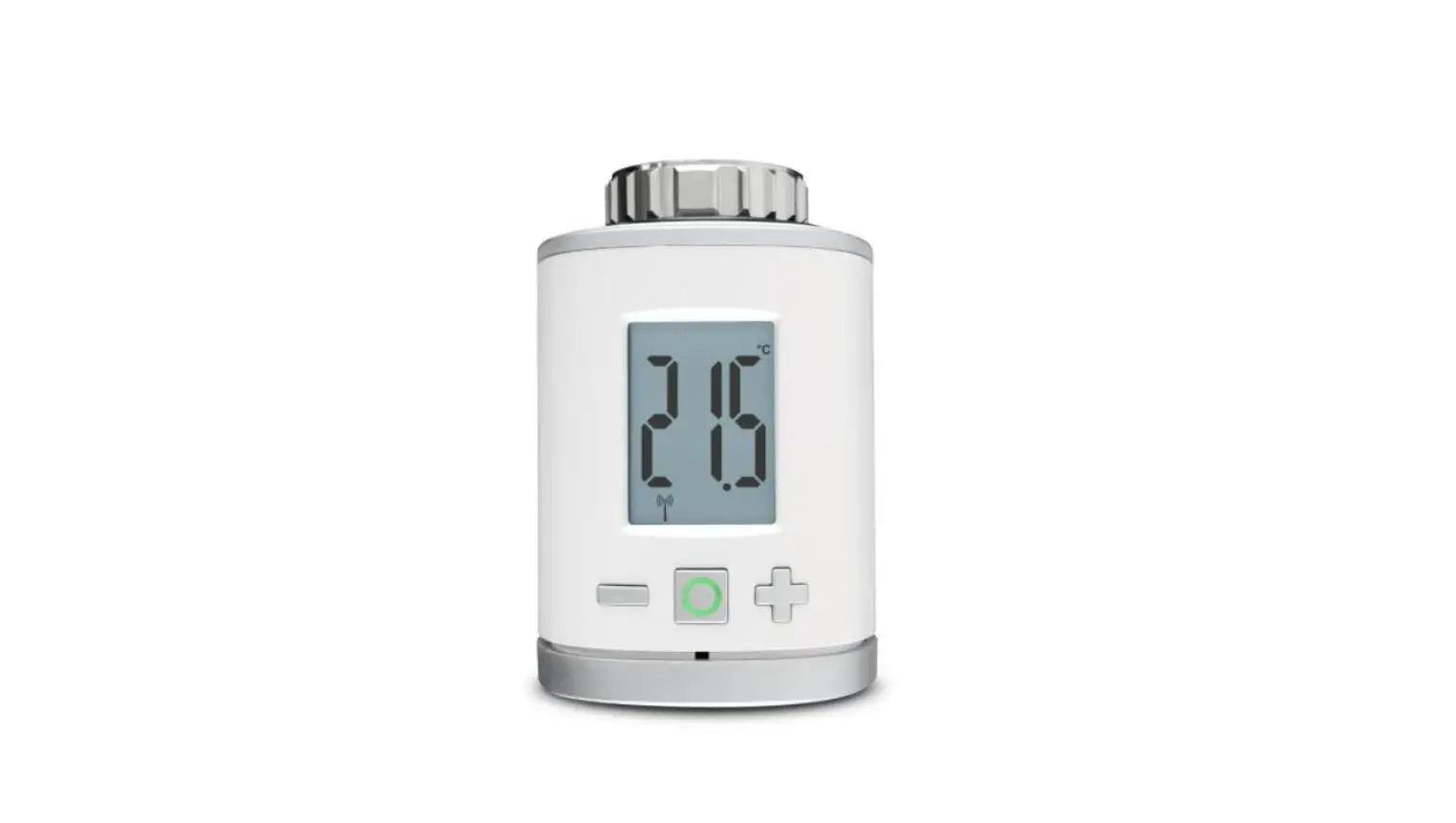
You can also tap the arrows on Eve Thermo to adjust the temperature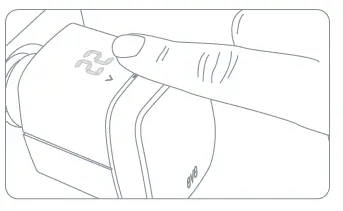
With schedules, automatically heat your home to match your daily routine – completely autonomously, independently of your iPhone or home hub. You can set schedules using the Eve app.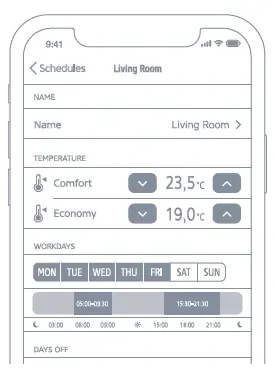
Automate your room temperature control based on presence and securely access Eve Thermo while you’re away from home. Any Apple TV HD, Apple TV 4K or HomePod using the same iCloud account as your iPhone will automatically serve as a home hub, no further setup required.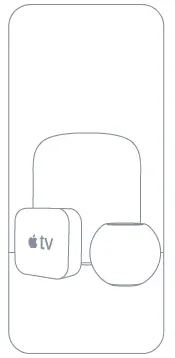
Eve is designed to safeguard your personal data. All data is fully encrypted and only transferred directly between your Eve Thermo and iPhone, iPad or home hub. Learn more at evehome.com/privacy
 Heating to target temperature
 Heating paused (window open)
 Off
Off Child lock enabled
 Ready for mounting
 Calibration in progress
 Calibration Error
- Low batteries
 Heating to target temperature
 Heating paused (window open)
 Off
Off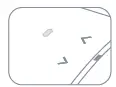 Child lock enabled
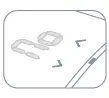 Ready for mounting
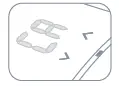 Calibration in progress
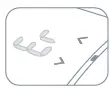 Calibration Error
 Low batteries
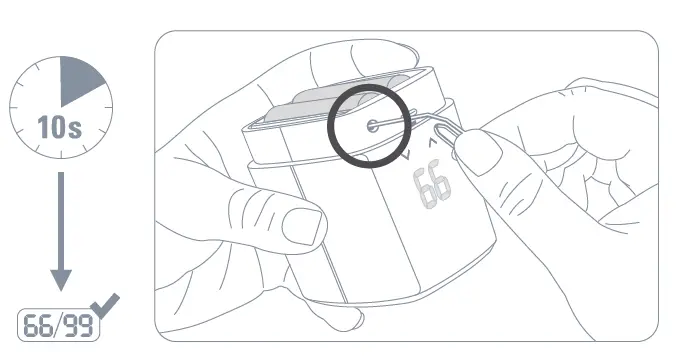
Reset 
Please keep your HomeKit Setup Code in a safe place. You need it to securely add Eve to your home, and nobody but you has a copy.
Frequency range: 2402 – 2480 MHz, RF power: < 20 dBm
Hereby, Eve Systems declares that this device is in compliance with the essential requirements and other relevant provisions of Directive 2014/53/EC.
The declaration of conformity is available at www.evehome.com/doc Product: 10EBP1701 • Model: 20EBP1701 • Part: 51EBP1703
 Privatsphäre | evehome.com
 Declaration of Conformity | evehome.com