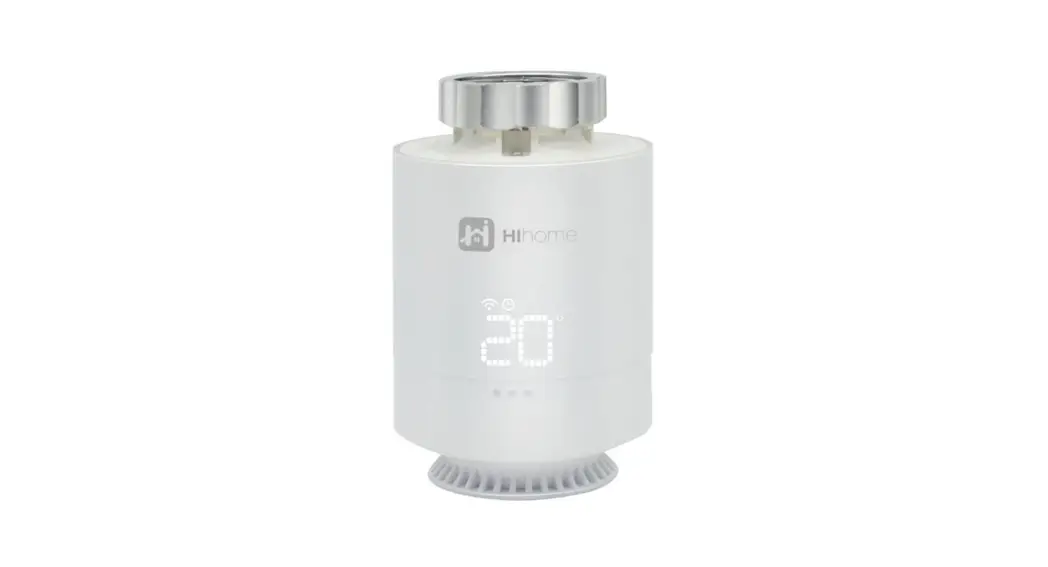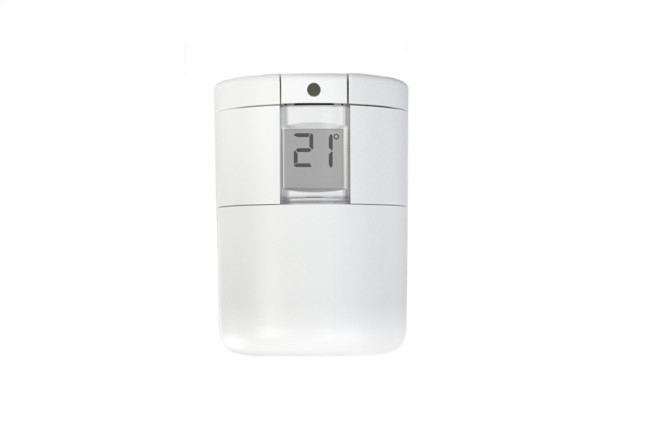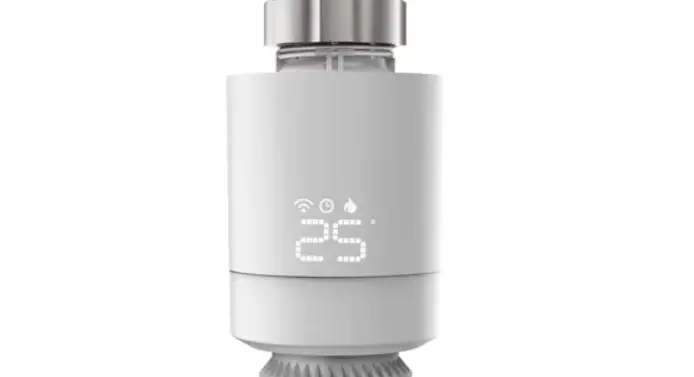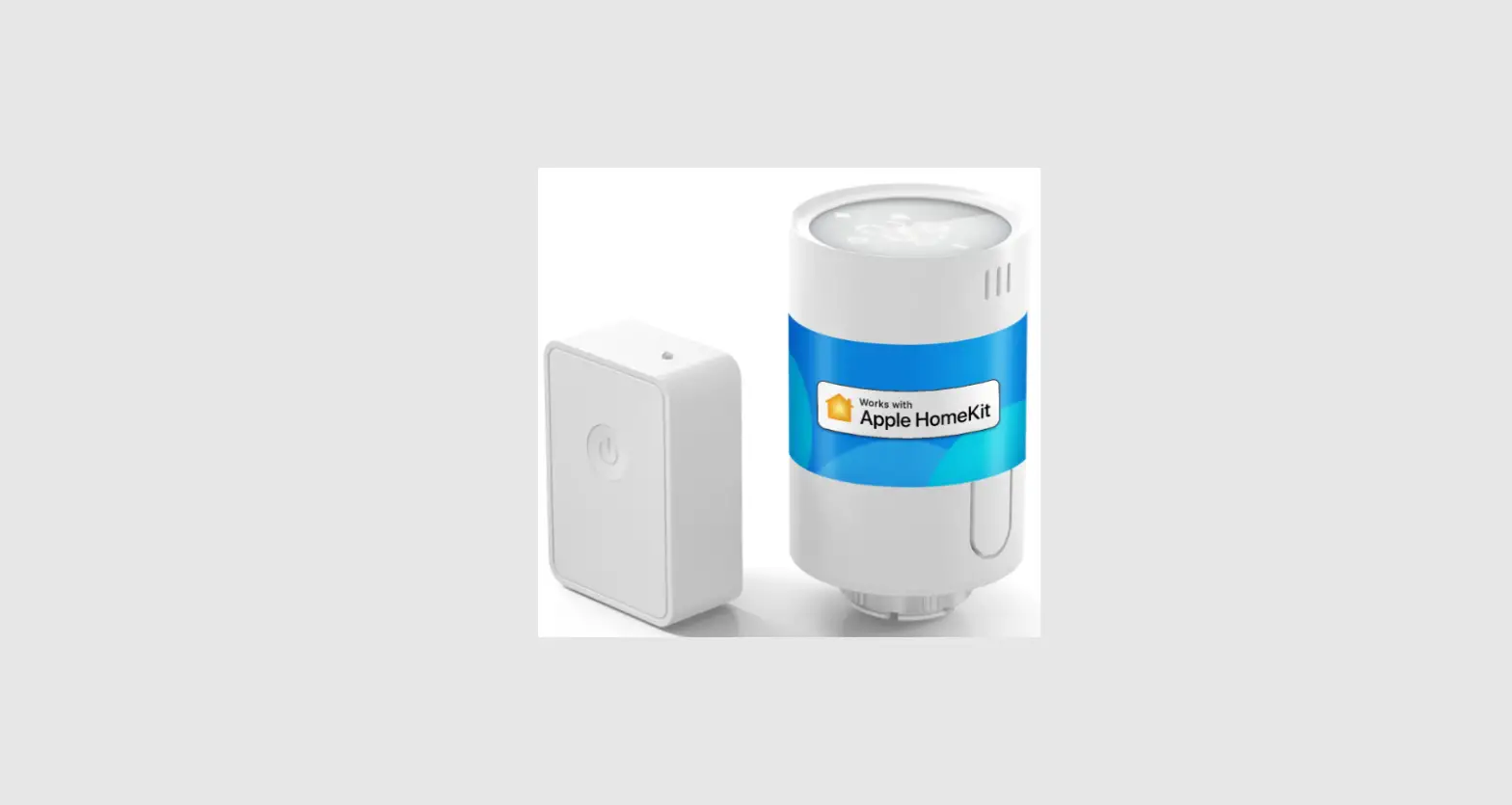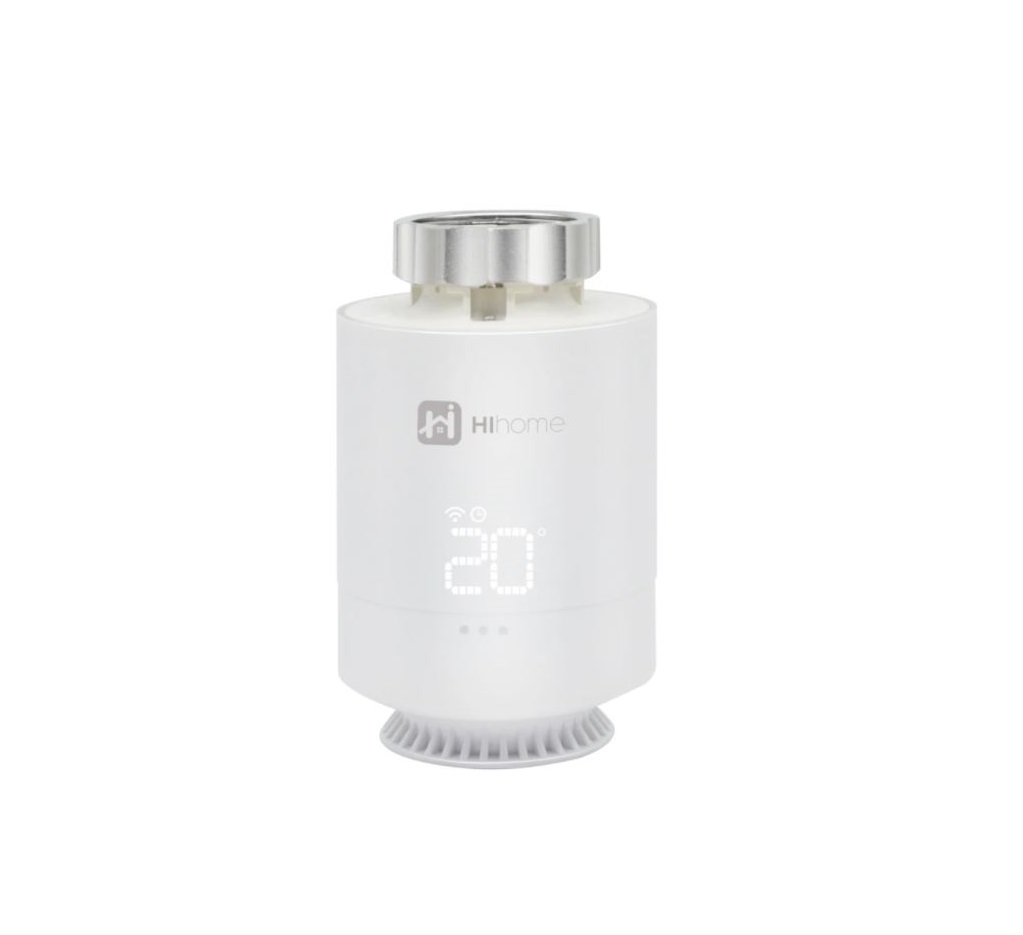
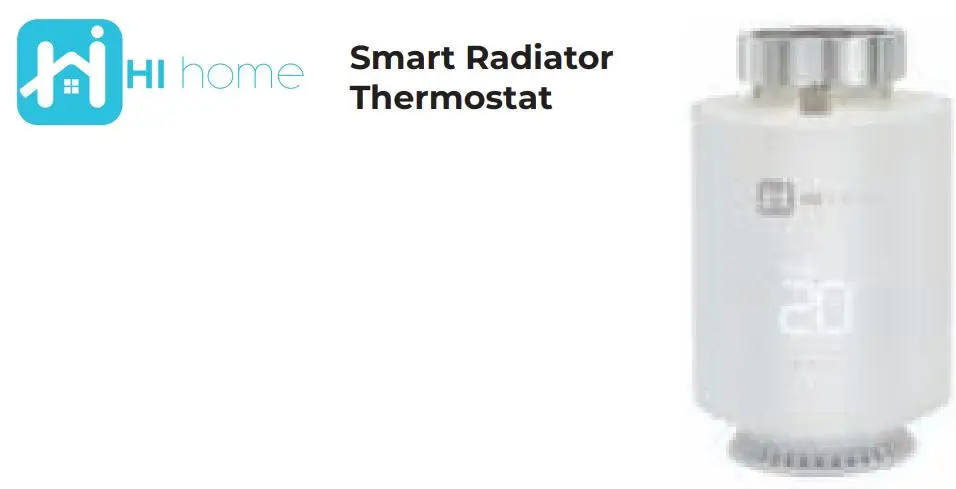
HIHOME Smart Radiator Thermostat User Manual
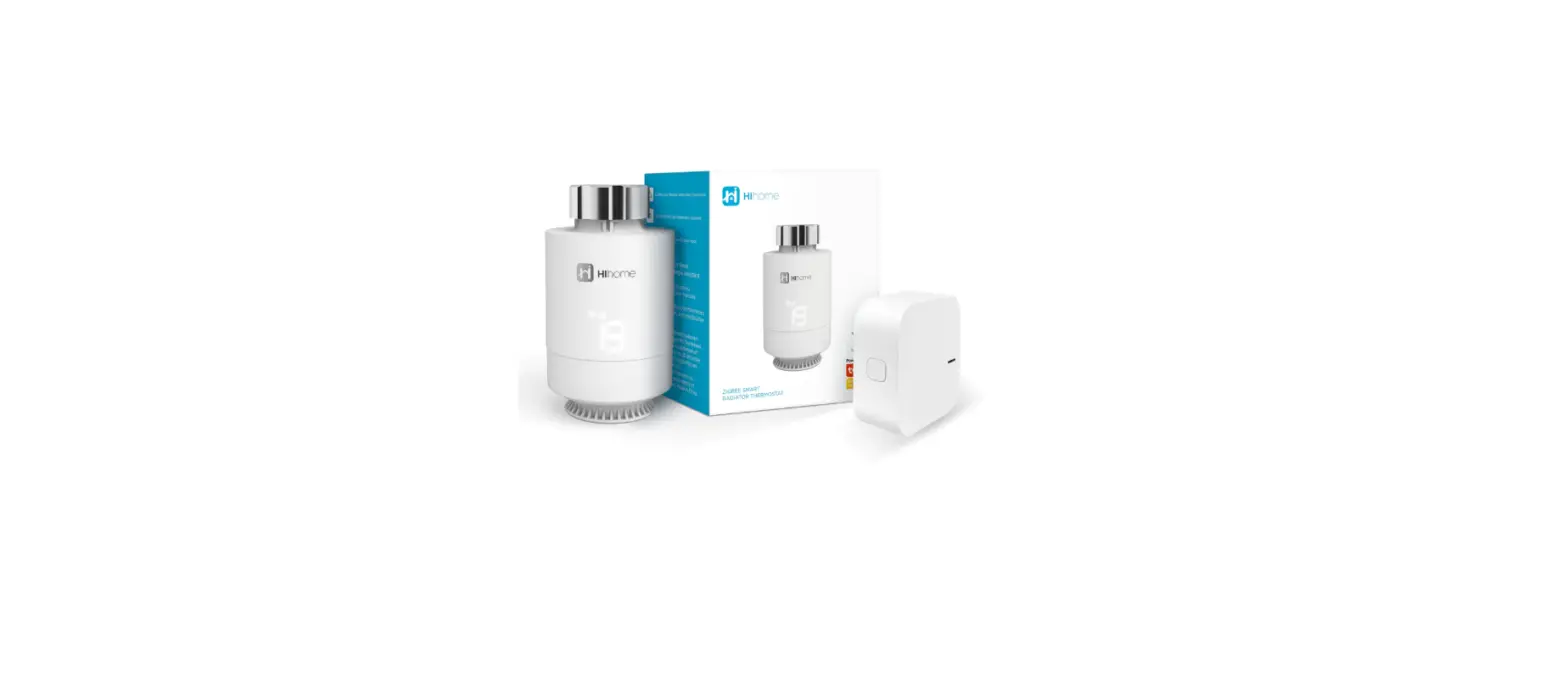
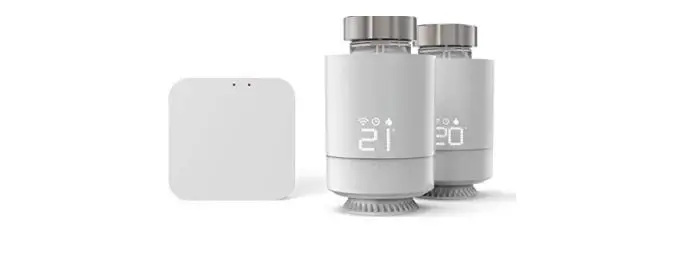
What’s inside the box
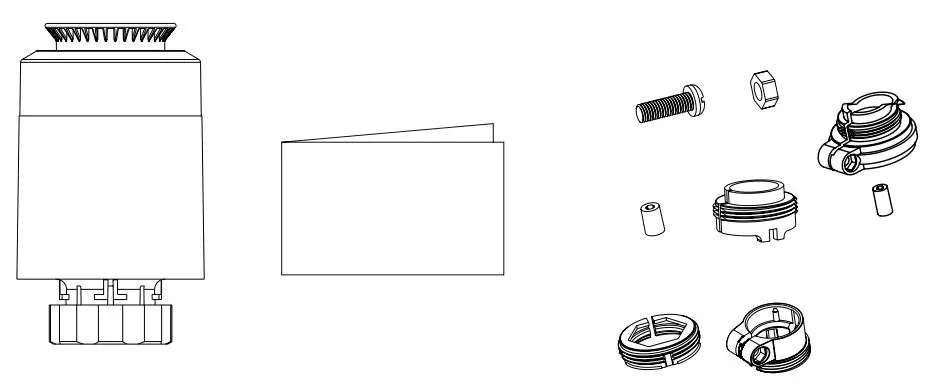
Specifications
Power source: 2x AA Battery (do not use recharable ones) Battery life: 1 year
Zigbee: 2.0 – 2.4GHz
Range: 30m Open Air
Connection: M30x1,5mm
Dimensions
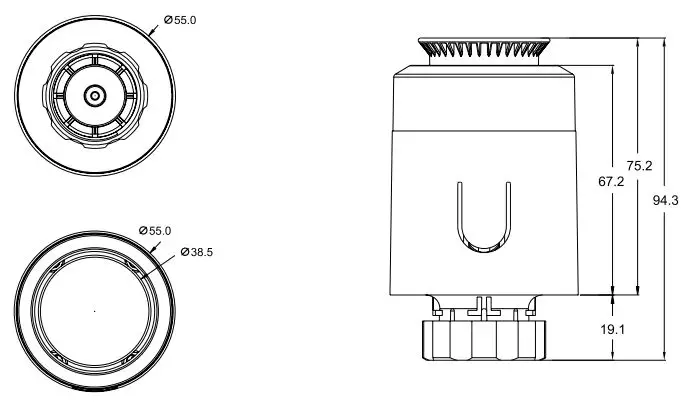
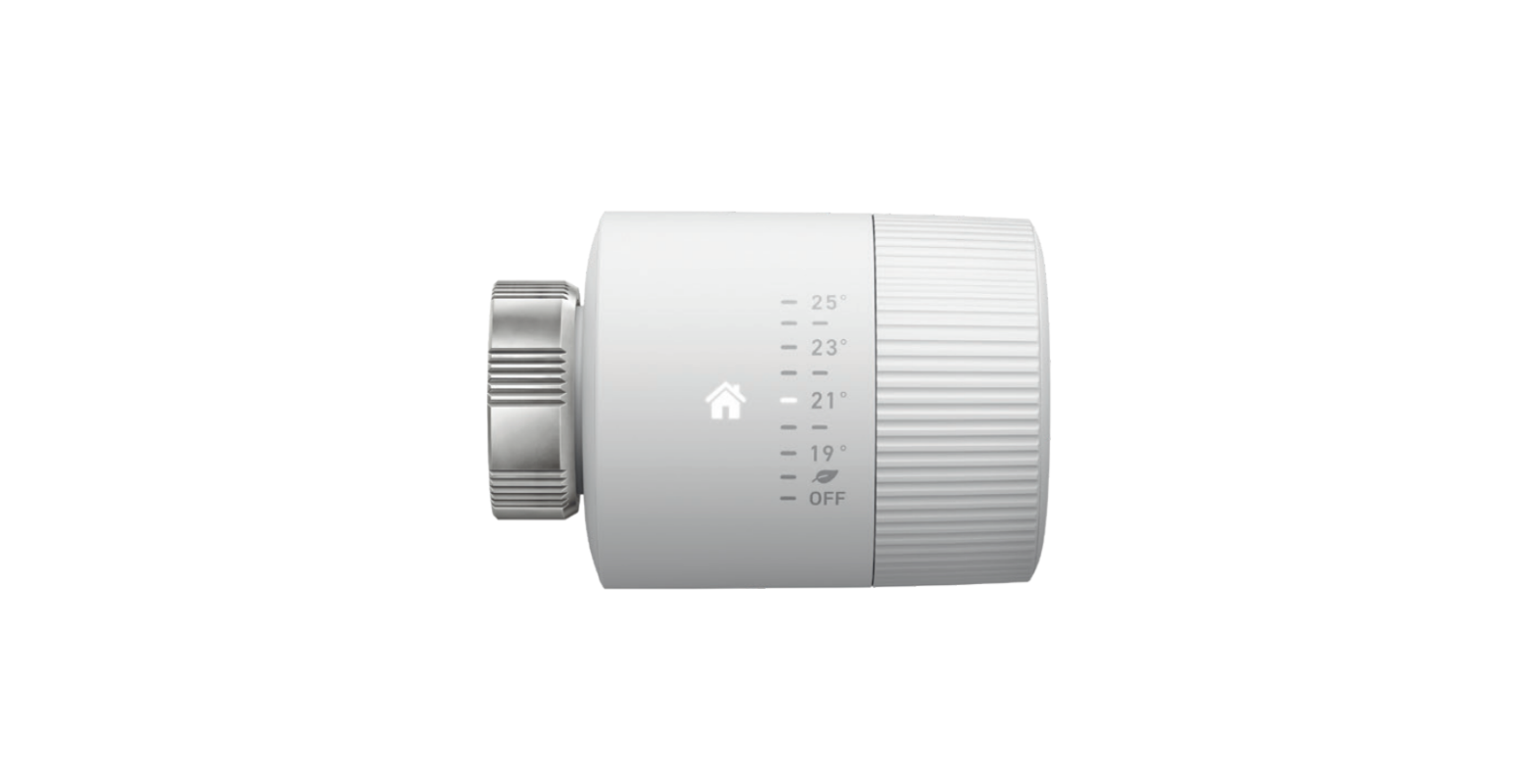
Manual Control
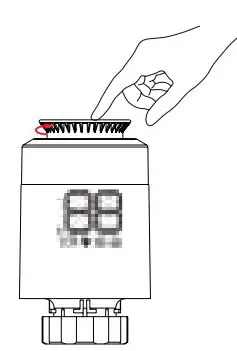 Push button for functions Rotary knob to set temperature manually
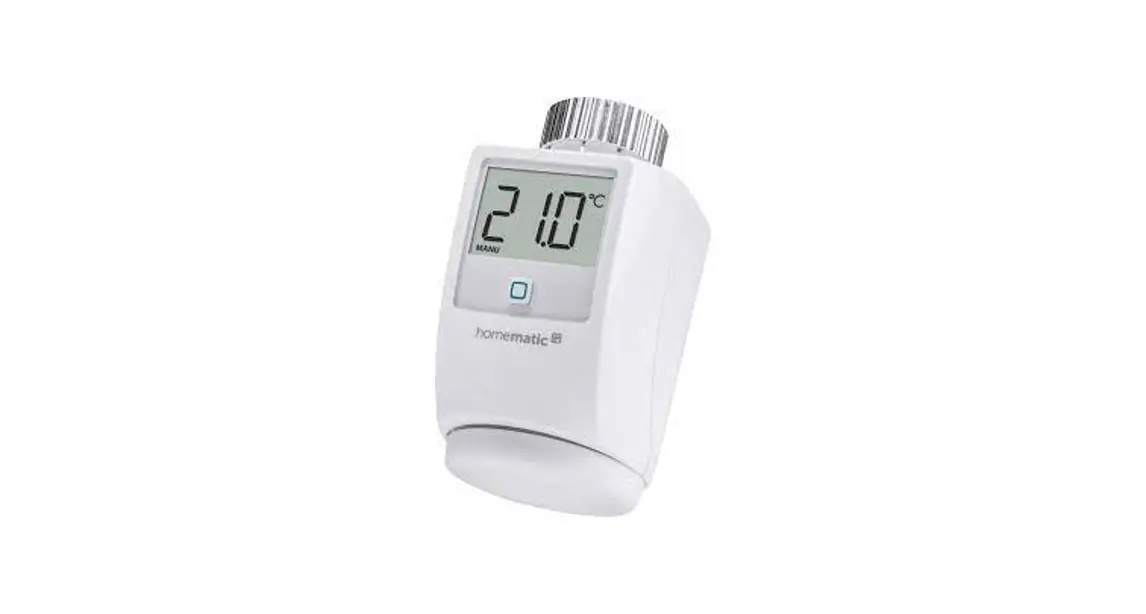
Display
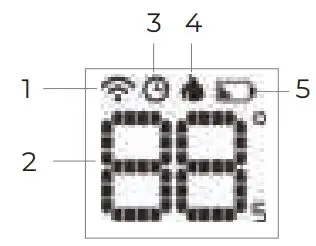
- Connection indicator
- Temperature setting
- Program active
- Heating On
- Low battery indicator
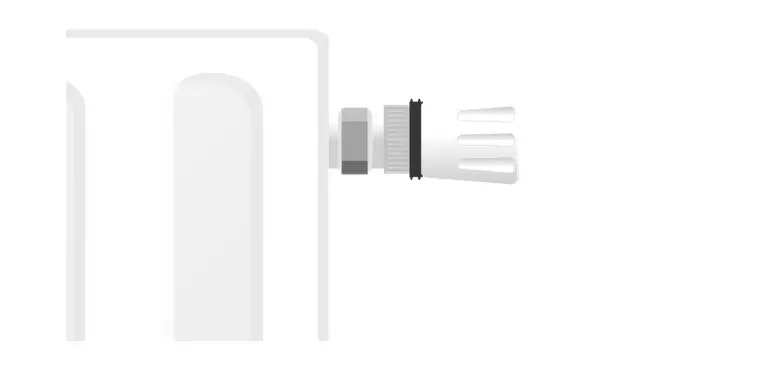
Installation
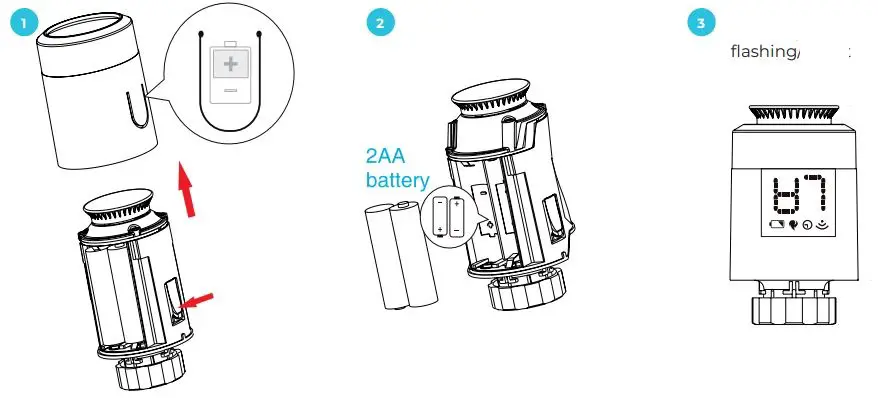
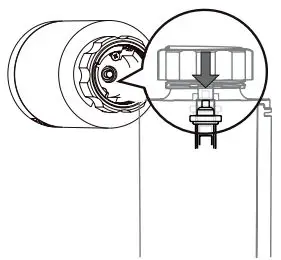
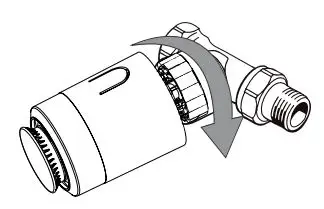
- 4· Wait until the pen is completely withdrawn

- 5· Screw the knob with M30x1.5 nut www.hihome.eu/trv-dapter

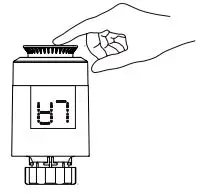
- 6. Press button. “LA” flashes for calibration – “LA” remains on as completed
Functions
 ON/OFF
Temperature setting low (<5ºC) – “OF” , Temperature setting high (>30ºC) – “ON”
 Open window function
If the radiator is on and a door or window is opened causing the room temperature to drop more than 6ºC within 4 minutes, the thermostat will close and display “OP”. If the temperature rises by 2ºC, the setting will resume.
 Anti-blocking function
To prevent the radiator valve from blocking when the radiator is not in use for a long period of time, the valve will be fully closed once every fortnight for 30 seconds and opened again. The display will show “AS”.
 Child lock
To prevent unwanted changes to settings, the button can be set to child lock. To do so, press the button for 10 seconds. Child lock is confirmed with the display “LC”. To unlock, press the button again for 10 seconds.
 Anti-freeze
When switched off, the display will show ” ” when frost protection is activated. The frost protection function comes on at temperatures below 5ºC and switches off at 8ºC.
 Alarm
Alarm
When there is a malfunction or defect, the display will show “Era”. Reset the appliance by removing the battery and see if the malfunction has been resolved. If this is not the case, contact your shop.
 Batteries almost empty
If the battery voltage is too low and the batteries need to be replaced, the symbol is displayed. Replace the batteries. (note: do not use rechargeable batteries)
 Temporary override
To temporarily adjust the temperature during a programme, the rotary knob can be operated. As soon as the next programme moment is reached, the programme will resume.
Hihome App
- Download the Hihome Smart App for iOS of Android



Zigbee Gateway
- A Hihome Zigbee Gateway is required to use the Smart Thermostat. Consult the Gateway manual to add the Gateway to your Hihome Smart Home.
Add Thermostat
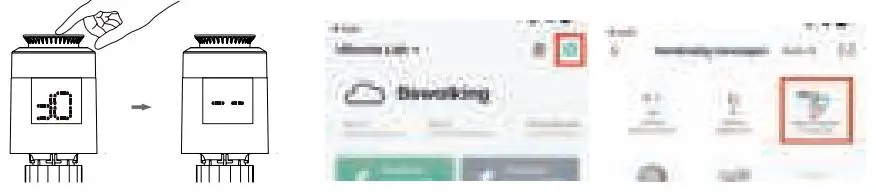
- Turn the knob to the “OF” position. Then press the knob for some time until “- – ” becomes visible. The thermostat is then reset and ready for connection. Press “+” in the App and follow the steps.
The usage
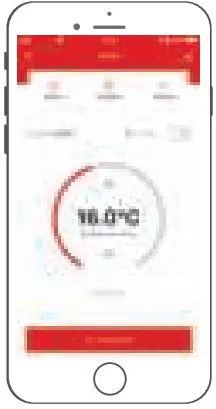
- Set the desired temperature. If the programme is active, it will resume at the next time point.
 Hereby, At Home Technologies BV, declares that the Smart Radiator Thermostat is in compliance with the essential requirements of the 2014/53/EU Directives. Full Declaration of Conformity is available on the product page on www.hihome.eu. Further manuals, FAQ and instructions can be found on https://support.hihome.eu
Set Program
 Set a day and week cycle as desired. If you are absent for a longer period of time, the “Away” mode can be activated. The temperature setting will then be set to 16ºC continuously.
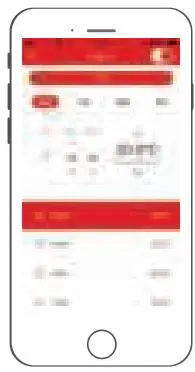 Set a day and week cycle as desired. If you are absent for a longer period of time, the “Away” mode can be activated. The temperature setting will then be set to 16ºC continuously.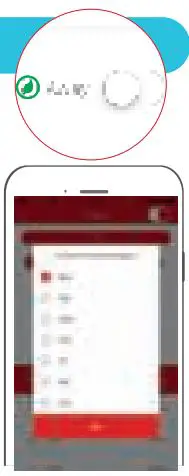

© 2020 At Home Technologies BV – Oosterbeek -The Netherlands. www.hihome.eu for more information and manuals: https://support.hihome.eu
https://support.hihome.eu