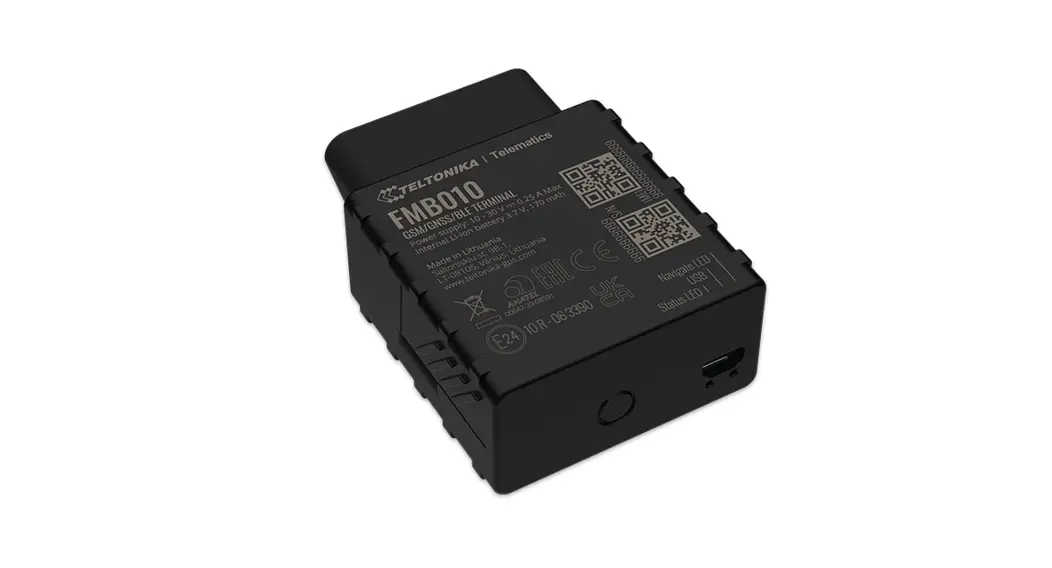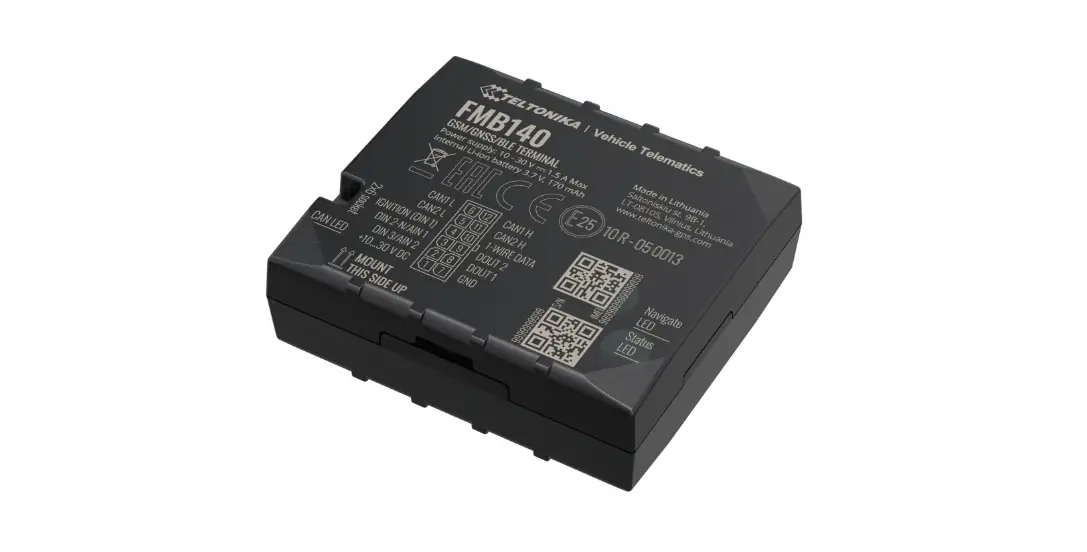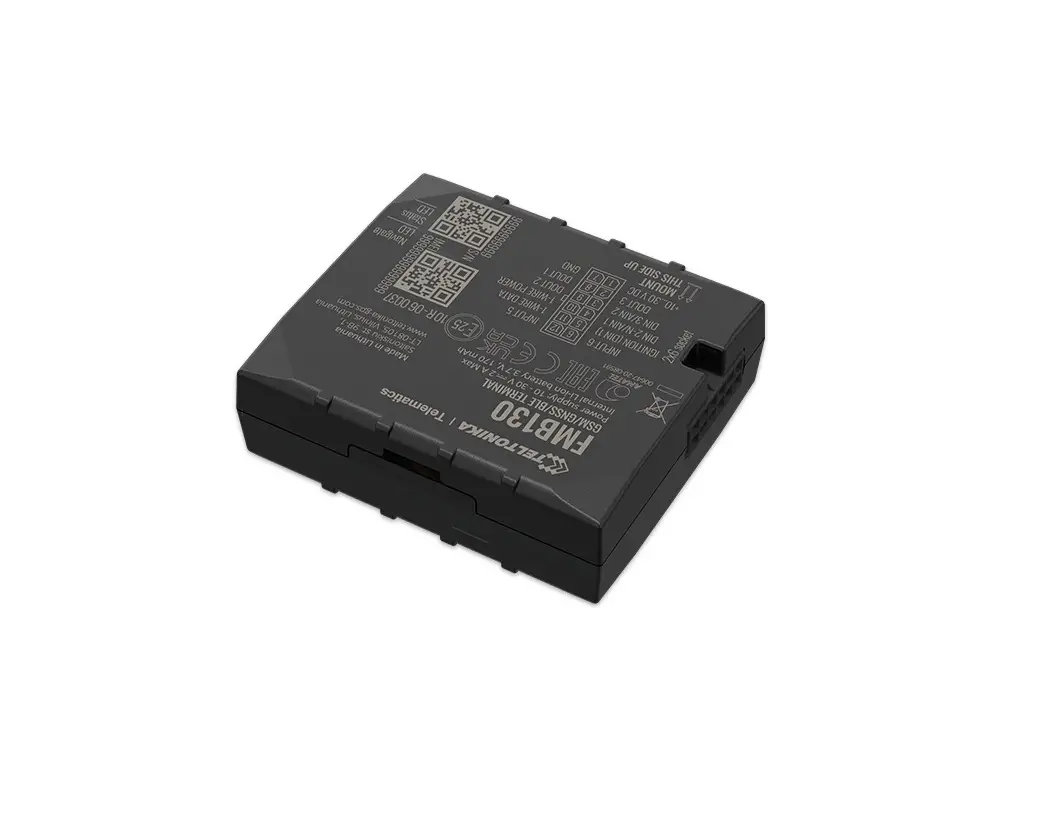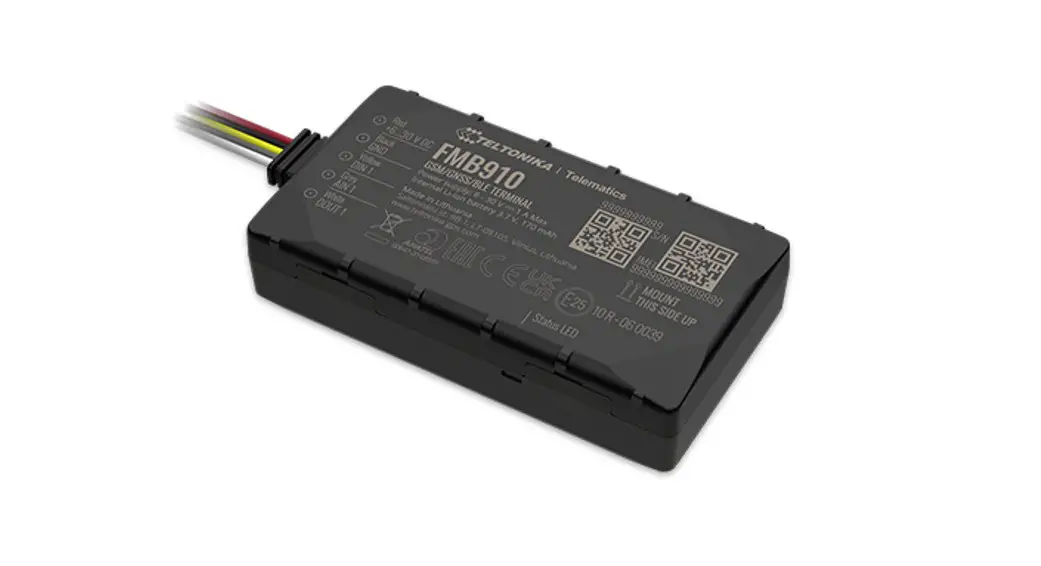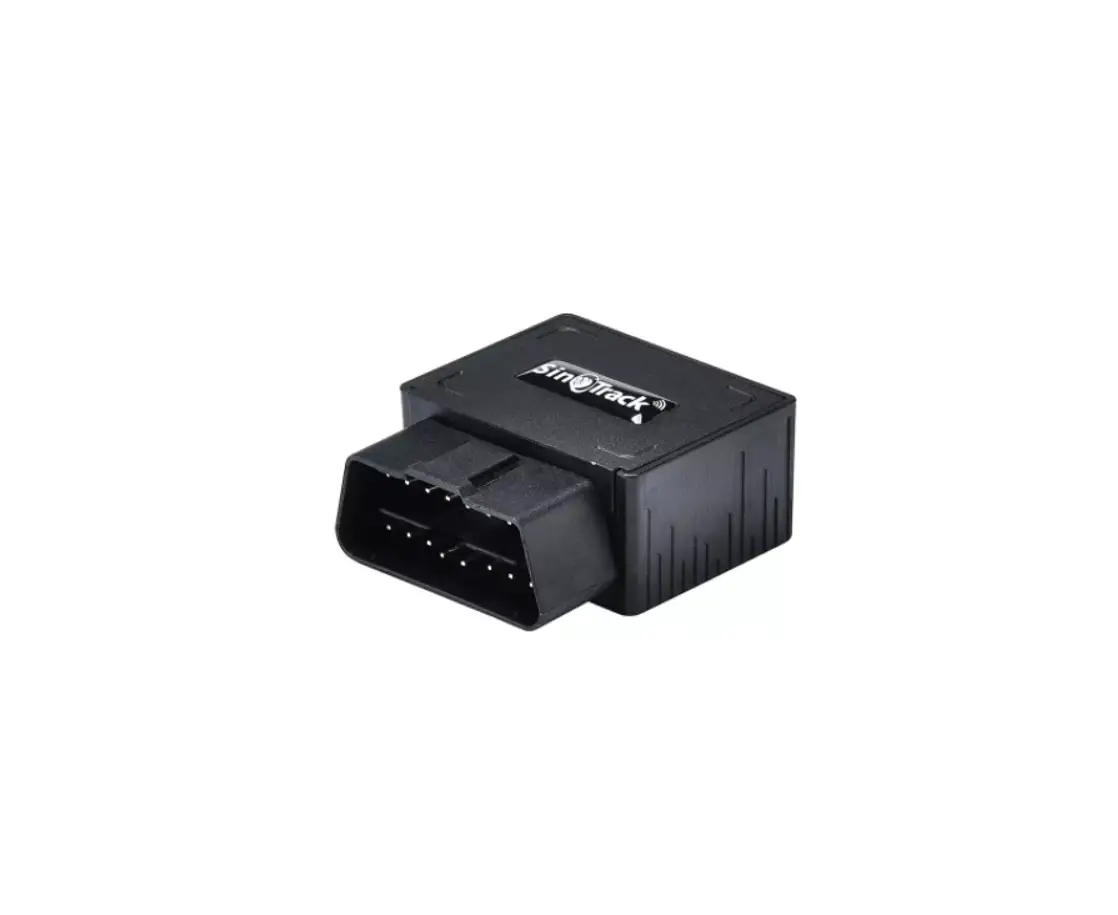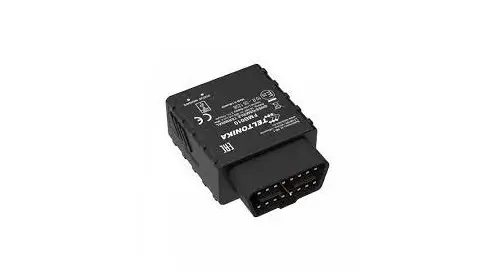

FMB010
Easy OBDII tracker
Quick Manual
v1.3
Know your device
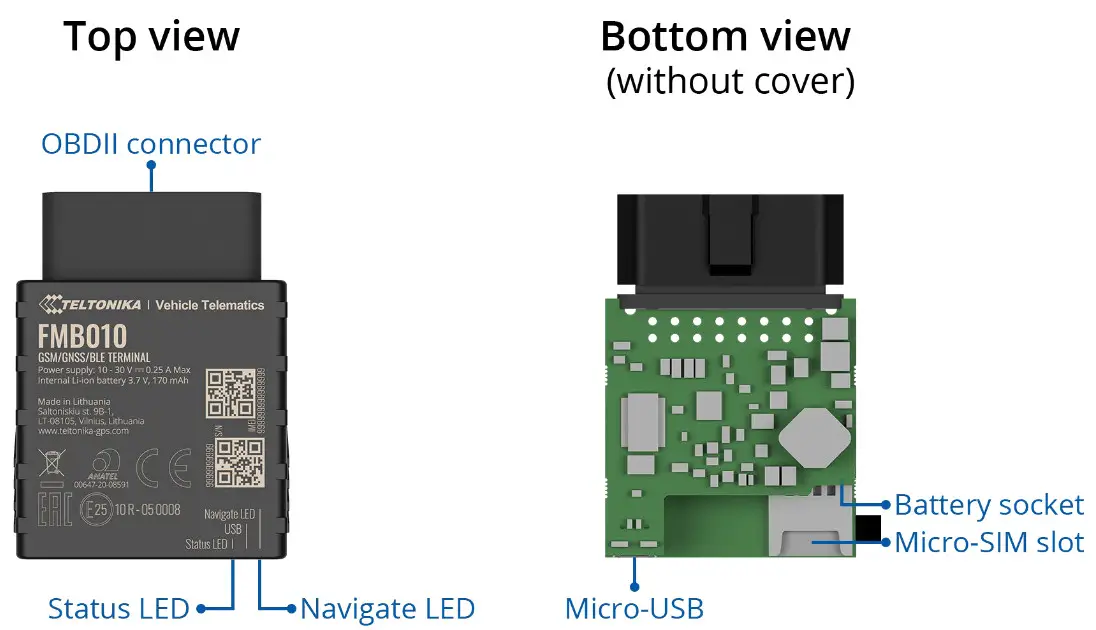
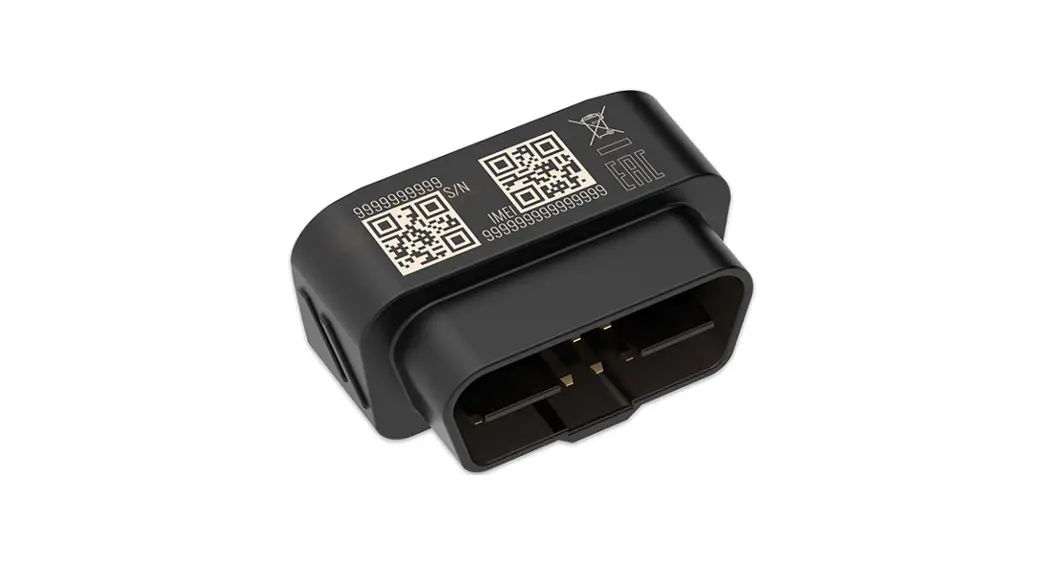
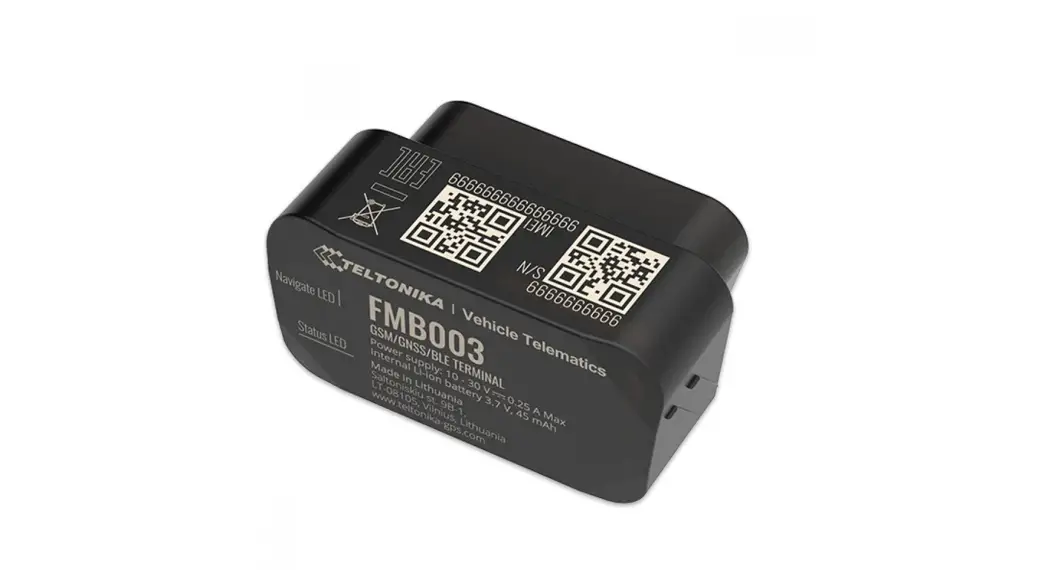
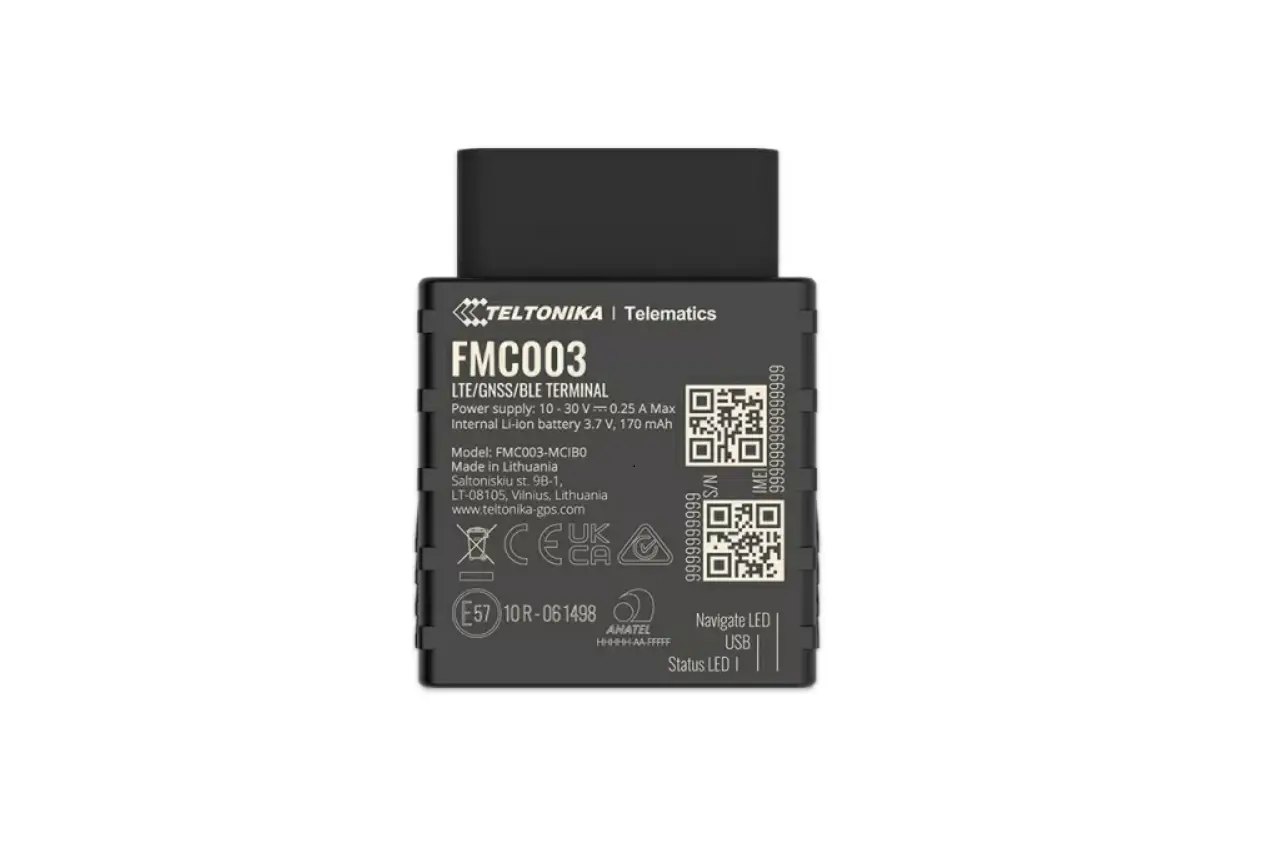
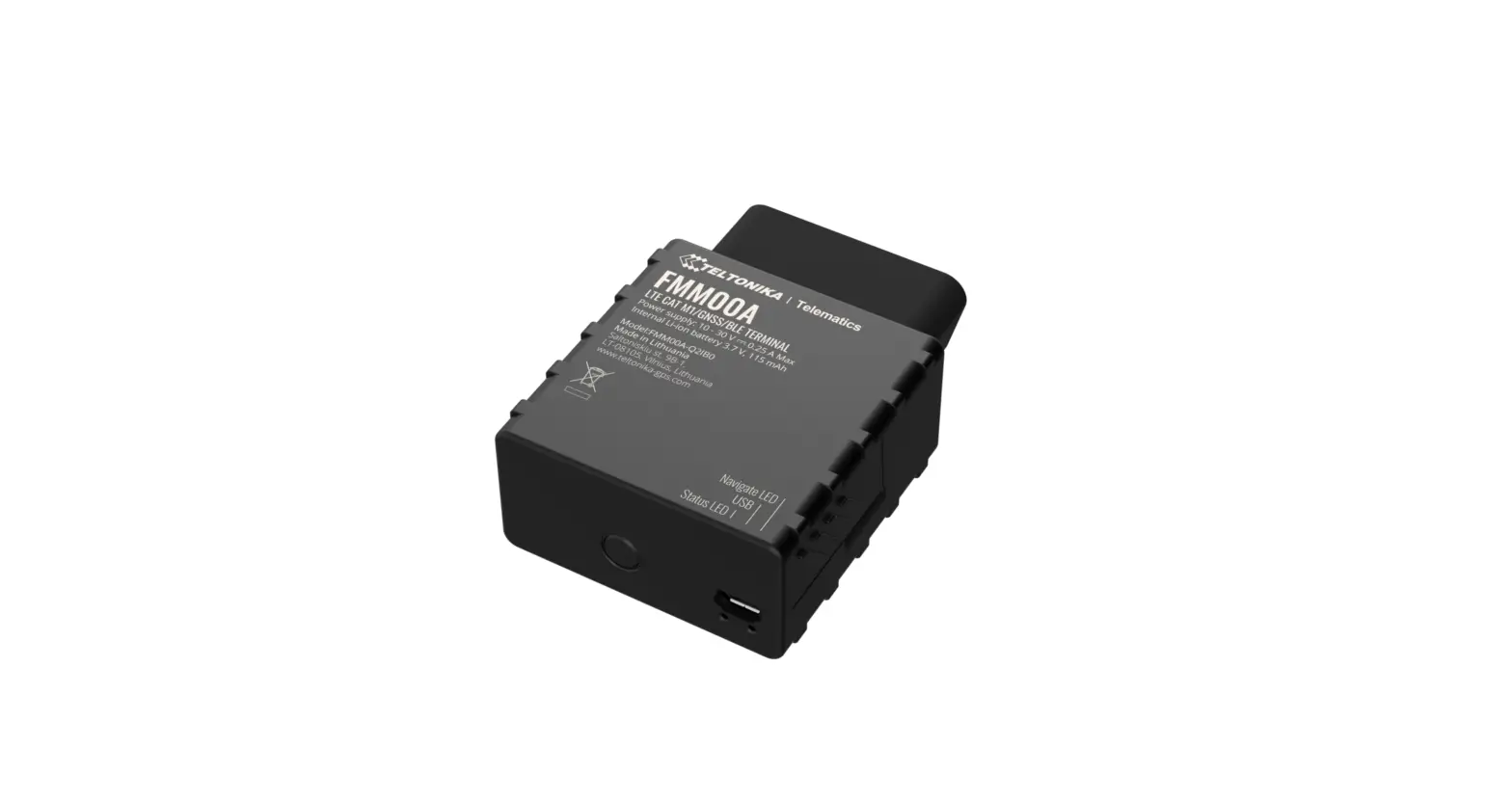
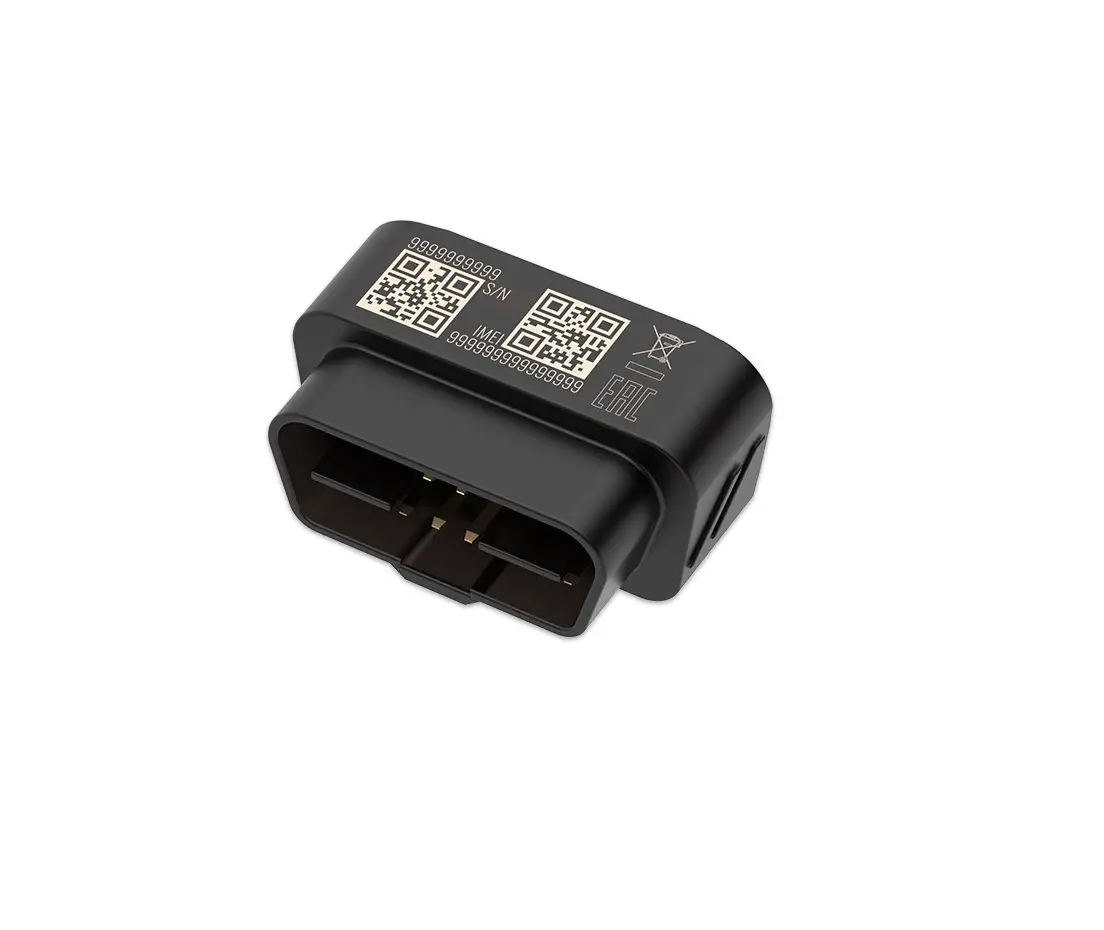
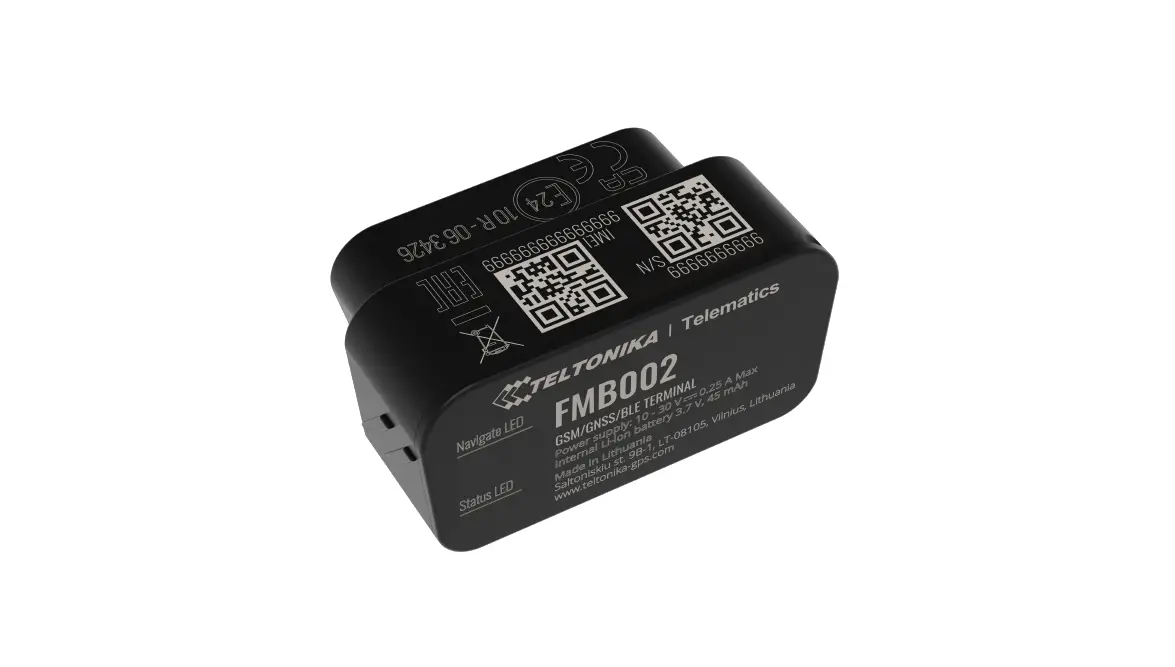
Figure 1 FMB010 device view
Pinout
Table 1 OBDII pinout
| PIN NUMBER | PIN NAME | DESCRIPTION |
| 1 | DIN1 | Ignition input |
| 2 | PWM_BUS+/VPW | |
| 4 | GND (-) | Ground |
| 5 | GND (-) | Ground |
| 10 | PWM_BUS- | |
| 16 | VCC (10 – 30)V DC(+) | Power supply (+10-30 V DC) |
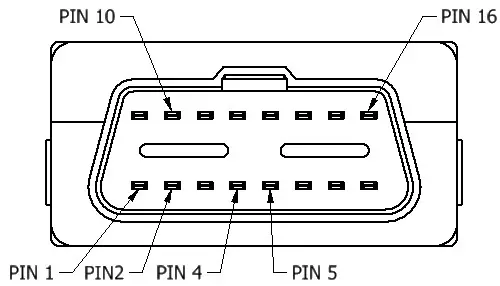
Figure 2 FMB010 OBDII socket pinout
Set up your device
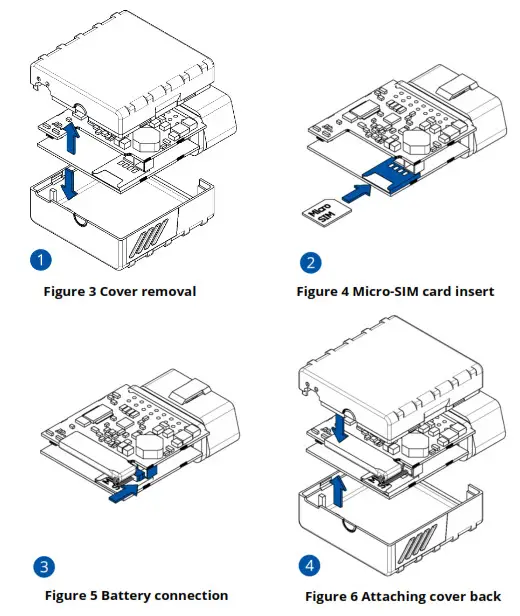
How to insert Micro-SIM card and connect the battery
- Gently remove FMB010 cover using plastic pry tool from both sides.
- Insert Micro-SIM card as shown with PIN request disabled or read our Wiki how to enter it later in Teltonika Configurator. Make sure that Micro-SIM card cut-off corner is pointing forward to slot.
- Connect battery as shown to device. Position the battery in place where it does not obstruct other components.
- Attach device cover back.
Device is ready to be connected.
PC Connection (Windows)
- Power-up FMB010 with DC voltage (10 30 V) power supply using supplied power cable. LED’s should start blinking, see “LED indications”
- Connect device to computer using Micro-USB cable or
Bluetooth connection:
• Using Micro-USB cable
• You will need to install USB drivers, see “How to install USB drivers (Windows)”
• Using Bluetooth
• FMB010 Bluetooth is enabled by default. Turn on Bluetooth on your PC, then select Add Bluetooth or other device > Bluetooth. Choose your device named “FMBxxx_last_7_imei_digits”, without LE in the end. Enter default password 5555, press Connect and then select Done. - You are now ready to use the device on your computer.
How to install USB drivers (Windows)
- Please download COM port drivers from here.
- Extract and run TeltonikaCOMDriver.exe.
- Click Next in driver installation window.
- In the following window click Install button.
Setup will continue installing the driver and eventually the confirmation window will appear. Click Finish to complete the setup.
Configuration (Windows)
At first FMB010 device will have default factory settings set. These settings should be changed according to the user’s needs. Main configuration can be performed via Teltonika Configurator software. Get the latest Configurator version from here. Configurator operates on Microsoft Windows OS and uses prerequisite MS .NET Framework. Make sure you have the correct version installed.
Table 2 MS .NET requirements
MS .NET REQUIREMENTS
| Operating system | MS .NET Framework version | Version | Links |
| Windows Vista Windows 7 Windows 8.1 Windows 10 | MS .NET Framework 4.6.2 | 32 and 64 bit | www.microsoft.com |
Downloaded Configurator will be in compressed archive. Extract it and launch Configurator.exe. After launch software language can be changed by clicking  in the right bottom corner (Figure 7 Language selection).
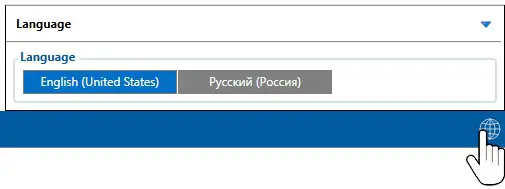 Figure 7 Language selection
Configuration process begins by pressing on connected device (Figure 8 Device connected via USB).
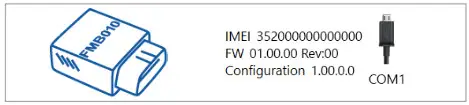 Figure 8 Device connected via USB
After connection to Configurator Status window will be displayed (Figure 9 Configurator Status window).
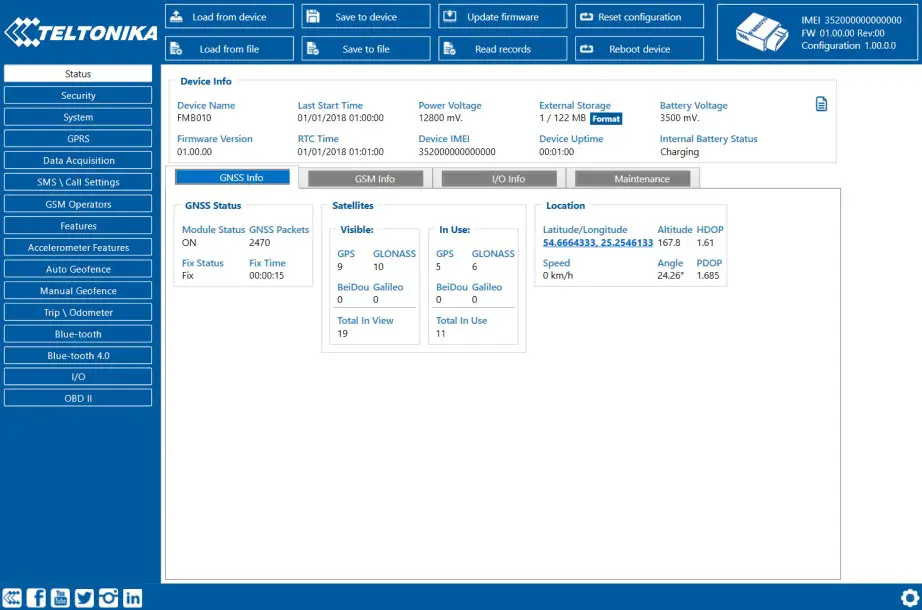 Figure 9 Configurator Status window
Various Status window tabs display information about GNSS, GSM, I/O, Maintenance and etc. FMB010 has one user editable profile, which can be loaded and saved to the device. After any modification of configuration the changes need to be saved to device using Save to device button. Main buttons offer following functionality:
| 1 |  | Load from device – loads configuration from device. |
| 2 |  | Save to device – saves configuration to device. |
| 3 |  | Load from file – loads configuration from file. |
| 4 |  | Save to file – saves configuration to file. |
| 5 |  | Update firmware – updates firmware on device. |
| 6 |  | Read records – reads records from the device. |
| 7 |  | Reboot device – restarts device. |
| 8 |  | Reset configuration – sets device configuration to default. |
Quick SMS configuration
Default configuration has optimal parameters present to ensure best performance of track quality and data usage. Quickly set up your device by sending this SMS command to it:
” setparam 2001:APN;2002:APN_username;2003:APN_password;2004:Domain;2005:Port;2006:0″
Note: Before SMS text, two space symbols should be inserted.
GPRS settings:
- 2001 APN
- 2002 APN username (if there are no APN username, empty field should be left)
- 2003 APN password (if there are no APN password, empty field should be left)
Server settings: - 2004 Domain
- 2005 Port
- 2006 Data sending protocol (0 TCP, 1 UDP)

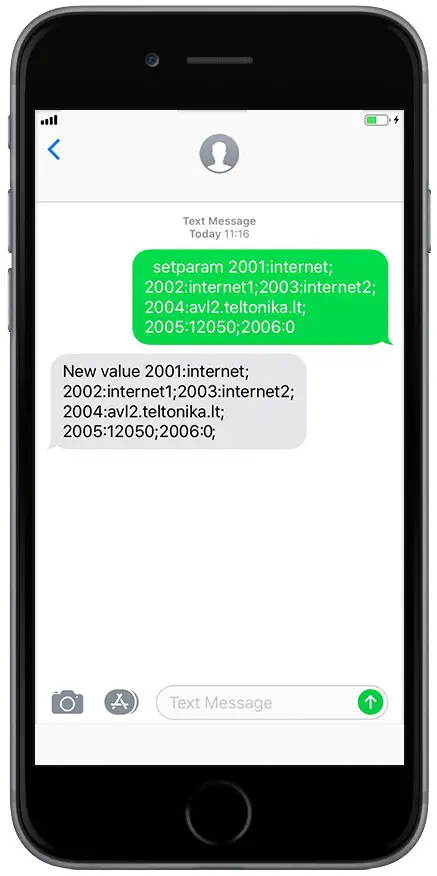
Default configuration settings
Movement and ignition detection:
 | Vehicle movement will be detected by accelerometer |  | Ignition will be detected by vehicle power voltage between 13,2 30 V |
Device makes a record On Moving if one of these events happen:
 | 300 seconds passes |  | Vehicle turns 10 degrees |
 | Vehicle drives 100 meters |  | Speed difference between last coordinate and current position is greater than 10 km/h |
 | Device makes a record On Stop if: 1 hour passes while vehicle is stationary and ignition is off |  | Records sending to server: If device has made a record it is sent to the server every 120 seconds |
After successful SMS configuration, FMB010 device will synchronize time and update records to configured server.
Time intervals and default I/O elements can be changed by using Teltonika Configurator or SMS parameters.
LED indications
Table 3 Navigation LED indications
| BEHAVIOUR | MEANING |
| Permanently switched on | GNSS signal is not received |
| Blinking every second | Normal mode, GNSS is working |
| Off | GNSS is turned off because: Device is not working or Device is in sleep mode |
| Blinking fast constantly | Device firmware is being flashed |
Table 4 Status LED indications
| BEHAVIOUR | MEANING |
| Blinking every second | Normal mode |
| Blinking every two seconds | Sleep mode |
| Blinking fast for a short time | Modem activity |
| Off | Device is not working or Device is in boot mode |
Table 5 Basic characteristics
| MODULE | |
| Name | Teltonika TM2500 |
| Technology | GSM, GPRS, GNSS, BLUETOOTH |
| GNSS | |
| GNSS | GPS, GLONASS, GALILEO, BEIDOU, SBAS, QZSS, DGPS, AGPS |
| Receiver | 33 channel |
| Tracking sensitivity | -165 dBM |
| Accuracy | < 3 m |
| Hot start | < 1 s |
| Warm start | < 25 s |
| Cold start | < 35 s |
| CELLULAR | |
| Technology | GSM |
| 2G bands | Quad-band 850 / 900 / 1800 / 1900 MHz |
| Data transfer | GPRS Multi-Slot Class 12 (up to 240 kbps) |
| Data support | SMS (text/data) |
| BLUETOOTH | |
| Specification | 4.0 + LE |
| Supported peripherals | Temperature and Humidity sensor, Headset, Inateck Barcode Scanner |
| INTERFACE | |
| Digital Inputs | 1 |
| Connection | OBDII socket |
| GNSS antenna | Internal High Gain |
| GSM antenna | Internal High Gain |
| USB | 2.0 Micro-USB |
| LED indication | 2 status LED lights |
| SIM | Micro-SIM |
| Memory | 128MB internal flash memory |
| PHYSICAL SPECIFICATION | |
| Dimensions | 50,7 x 49,6 x 25 mm (L x W x H) |
| Weight | 63 g |
| OPERATING ENVIRONMENT | |
| Operating temperature (without battery) | -25 °C to +55 °C |
| Storage temperature (without battery) | -40 °C to +70 °C |
| Operating humidity | 5% to 95% non-condensing |
| Ingress Protection Rating | IP41 |
| Battery charge temperature | 0 °C to +45 °C |
| Battery discharge temperature | -20 °C to +60 °C |
| Battery storage temperature | |
| FEATURES | |
| Sensors | Accelerometer |
| Scenarios | Green Driving, Over Speeding detection, Jamming detection, GNSS Fuel Counter, Excessive Idling detection, Unplug detection, Towing detection, Crash detection, Auto Geofence, Manual Geofence, Trip |
| Sleep modes | GPS Sleep, Online Deep Sleep, Deep Sleep, Ultra Deep Sleep |
| Configuration and firmware update | FOTA Web, FOTA, Teltonika Configurator (USB, Bluetooth), FMBT mobile application (Configuration) |
| SMS | Configuration, Events, Debug |
| GPRS commands | Configuration, Debug |
| Time Synchronization | GPS, NITZ, NTP |
| Ignition detection | Digital Input 1, Accelerometer, External Power Voltage |
Safety information
This message contains information on how to operate FMB010 safely. By following these requirements and recommendations, you will avoid dangerous situations. You must read these instructions carefully and follow them strictly before operating the device!
- The device uses SELV limited power source. The nominal voltage is +12 V DC. The allowed voltage range is +10…+30 V DC.
- To avoid mechanical damage, it is advised to transport the device in an impact-proof package. Before usage, the device should be placed so that its LED indicators are visible. They show the status of device operation.
- Before unmounting the device from vehicle, ignition MUST be OFF.
 | Do not disassemble the device. If the device is damaged, the power supply cables are not isolated or the isolation is damaged, DO NOT touch the device before unplugging the power supply. |
| All wireless data transferring devices produce interference that may affect other devices which are placed nearby. |
 | Please consult representatives of your vehicle model regarding OBDII location on your vehicle. In case you are not sure about proper connection, please consult qualified personnel. |
 | The programming must be performed using a PC with autonomic power supply. |
 | Installation and/or handling during a lightning storm is prohibited. |
 | The device is susceptible to water and humidity. |
| Teltonika is not responsible for any harm caused by wrong cables used for connection between PC and FMB010 |
| WARNING! Do not use FMB010 device if it distracts driver or causes inconvenience due to OBDII placement. Device must not interfere with driver. |
 | Battery should not be disposed of with general household waste. Bring damaged or worn-out batteries to your local recycling center or dispose them to battery recycle bin found in stores. |
Certification and Approvals
- FMB010 ANATEL
- FMB010 CE / RED
- FMB010 E-Mark
- FMB010 EAC
- FMB010 RoHS
- FMB010 REACH
- FMB010 Declaration of IMEI assignment
 | This sign on the package means that it is necessary to read the User`s Manual before your start using the device. Full User`s Manual version can be found in our Wiki. |
| This sign on the package means that all used electronic and electric equipment should not be mixed with general household waste. |
 | Hereby, Teltonika declare under our sole responsibility that the above described product is in conformity with the relevant Community harmonization: European Directive 2014/53/EU (RED). |

00647-20-08591
For more information, see the ANATEL website www.anatel.gov.br
This equipment is not entitled to protection against harmful interference and must not cause interference in duly authorized systems.
Warranty
TELTONIKA guarantees its products to be free of any manufacturing defects for a period of 24 months. With additional agreement we can agree on a different warranty period, for more detailed information please contact our sales manager.
Contact us teltonika.lt/company/contacts
All batteries carry a reduced 6 month warranty period.
If a product should fail within this specific warranty time, the product can be:
- Repaired
- Replaced with a new product
- Replaced with an equivalent repaired product fulfilling the same functionality
- TELTONIKA can also repair products that are out of warranty at an agreed cost.
Warranty Disclaimer
TELTONIKA PRODUCTS ARE INTENDED TO BE USED BY PERSONS WITH TRAINING AND EXPERIENCE. ANY OTHER USE RENDERS THE LIMITED WARRANTIES EXPRESSED HEREIN AND ALL IMPLIED WARRANTIES NULL AND VOID AND SAME ARE HEREBY EXCLUDED. ALSO EXCLUDED FROM THIS LIMITED WARRANTY ARE ANY AND ALL INCIDENTAL OR CONSEQUENTIAL DAMAGES INCLUDING BUT NOT LIMITED TO, LOSS OF USE OR REVENUE, LOSS OF TIME, INCONVENIENCE OR ANY OTHER ECONOMIC LOSS.
More information can be found at teltonika.lt/warranty-repair