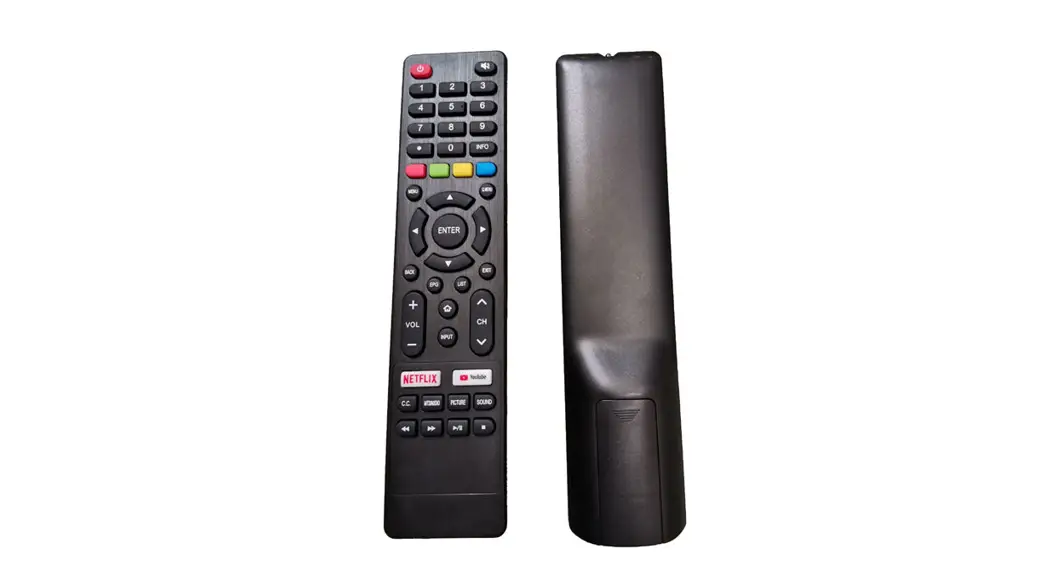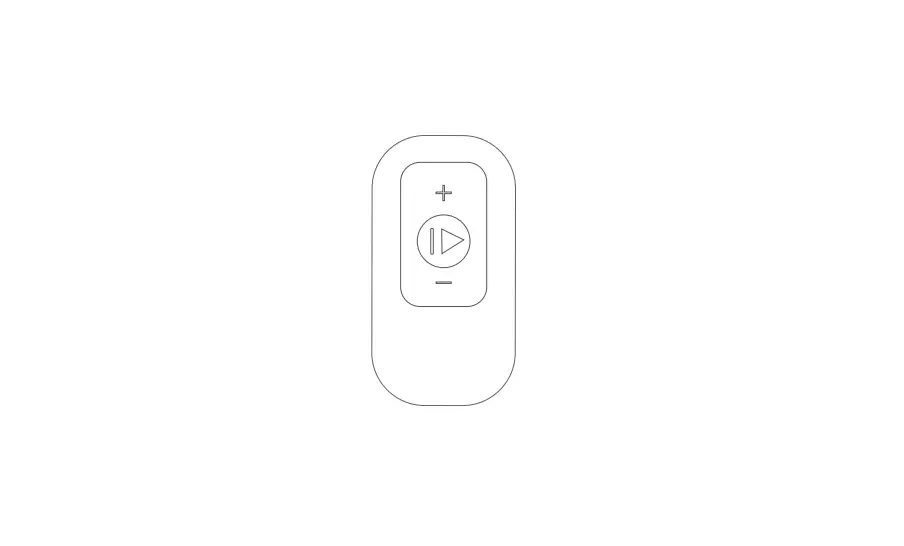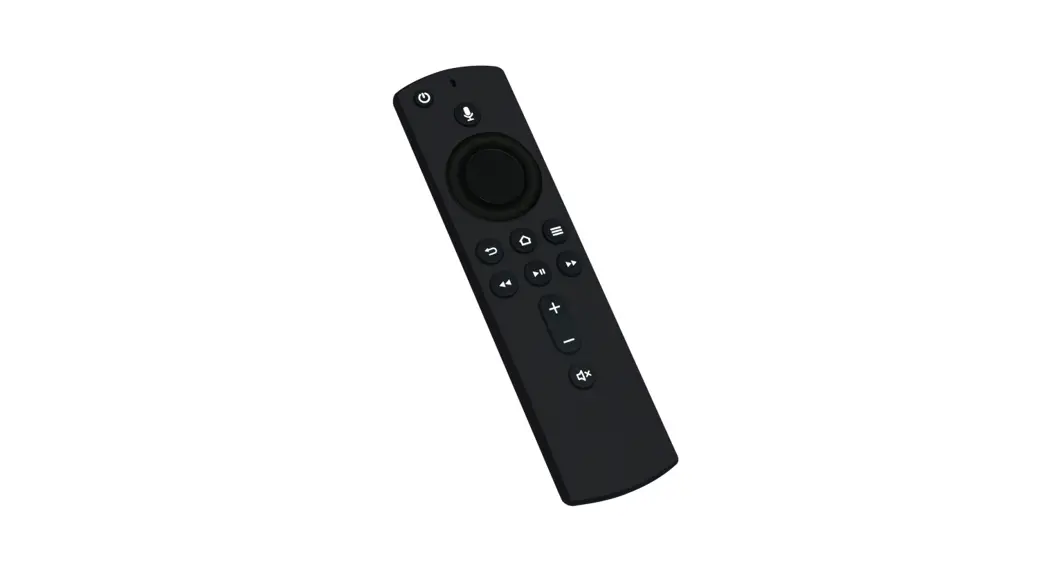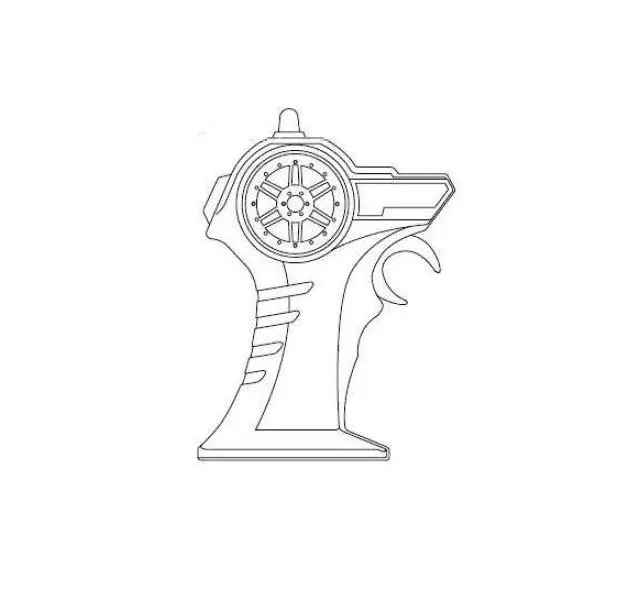

Technology A-001 Remote Control
User Manual
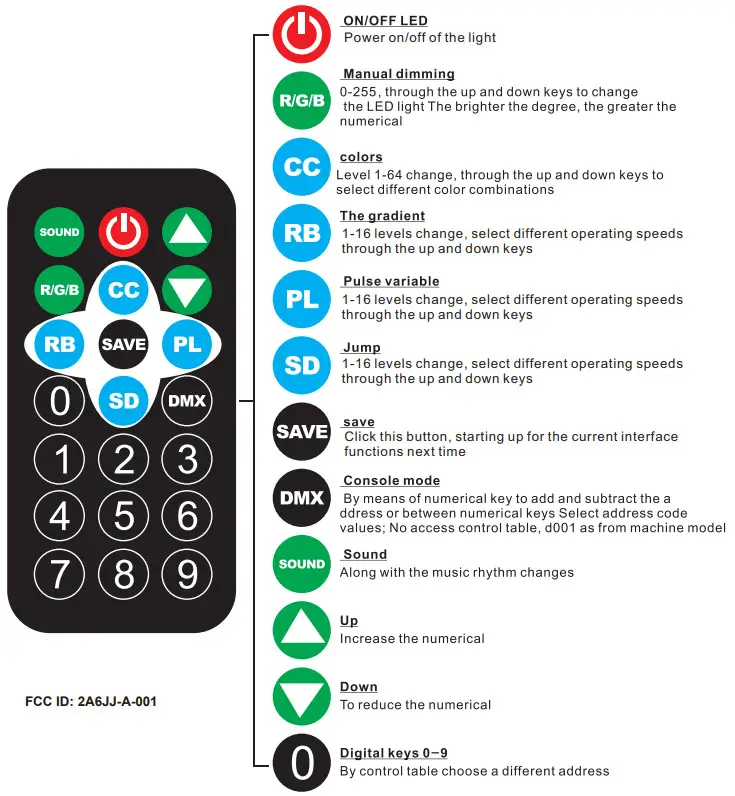
LCD Digital display function:
| Key -press | Mode | Description |
| [MENU) | Function | DMX control/colors selection/colors pulse/colors transition/sound control/amnual set |
| [UP] | Up | Increase values |
| [DOWN] | Down | Decrease values |
| [ENTER] | Enter | Confirmation button.After pressing this button,all setting values will be saved |
Operation Instructions
| MENU | Description |
| D001-D512 | DMX mode, change the numerical value by up and down |
| CCO1-CC64 | Colors selection, select different colors up and down |
| RB01-121316 | Colors shade, change speed by up and down, the bigger values, the faster |
| PL01-PLI6 | Colors pulse transform, change speed by up and down, the bigger values, the faster |
| DOI-SD16 | Colors transition, and change speed by up and down, the bigger values, the faster |
| FLO1-FL 16 | Colors Strobe flash, change speed by up and down, the bigger values, the faster |
| Sound | Sound control mode |
| R000-R255 | Manual set R, Red color brightness setting, change the brightness by up and down |
| G000-G255 | Manual set G, Green color brightness setting, change the brightness by up and down |
| B000-B255 | Manual set B, Blue color brightness setting, change the brightness by up and down |
DMX Control Parameter Chart
| Channels | Value | Function |
| ( H I | 0-255 | Color brightness control(this change should use together with CH2, CH3 or CH4) |
| CH2 | 0 | Red light off |
| 1-255 | Red brightness from dark to bright | |
| CH3 | 0 | Green light off |
| 1-255 | Green brightness from dark to bright | |
| CH4 | 0 | Blue light off |
| 1-255 | Blue brightness from dark to bright | |
| C1-15 | 0-7 | No strobe flash |
| 8-255 | Strobe flash(from slow to fast), the bigger values, the faster | |
| CH6 | 0-10 | Manual control(CH1-CH5) |
| 11-60 | Colors selection(colors contorted by CH7) | |
| 61-110 | Colors shade(colors contorted by CH7), the bigger values, the faster | |
| 111-160 | Colors pulse transform(speed contorted by GH7)the bigger values, the faster | |
| 161-210 | Colors transition(speed contorted by CH7)the bigger values,the faster | |
| 211-255 | Sound control | |
| CH7 | 0-255 | Colors selection/colors shade(the bigger values,the faster) |
FCC WARNING
This device complies with part 15 of the FCC Rules. Operation is subject to the following two conditions: (1) This device may not cause harmful interference, and (2) this device must accept any interference received, including interference that may cause undesired operation.
Note: This equipment has been tested and found to comply with the limits for a Class B digital device, pursuant to part 15 of the FCC Rules. These limits are designed to provide reasonable protection against harmful interference in a residential installation. This equipment generates, uses, and can radiate radio frequency energy and, if not installed and used in accordance with the instructions, may cause harmful interference to radio communications. However, there is no guarantee that interference will not occur in a particular installation. If this equipment does cause harmful interference to radio or television reception, which can be determined by turning the equipment off and on, the user is encouraged to try to correct the interference by one or more of the following measures:
- Reorient or relocate the receiving antenna.
- Increase the separation between the equipment and receiver.
- Connect the equipment into an outlet on a circuit different from that to which the receiver is connected.
- Consult the dealer or an experienced radio/TV technician for help.
Note: The Grantee is not responsible for any changes or modifications not expressly approved by the party responsible for compliance. such modifications could void the user’s authority to operate the equipment.
The device has been evaluated to meet general RF exposure requirements.
This equipment complies with FCC’s RF radiation exposure limits set forth for an uncontrolled environment. This device and its antenna(s) must not be co-located or in conjunction with any other antenna or transmitter.