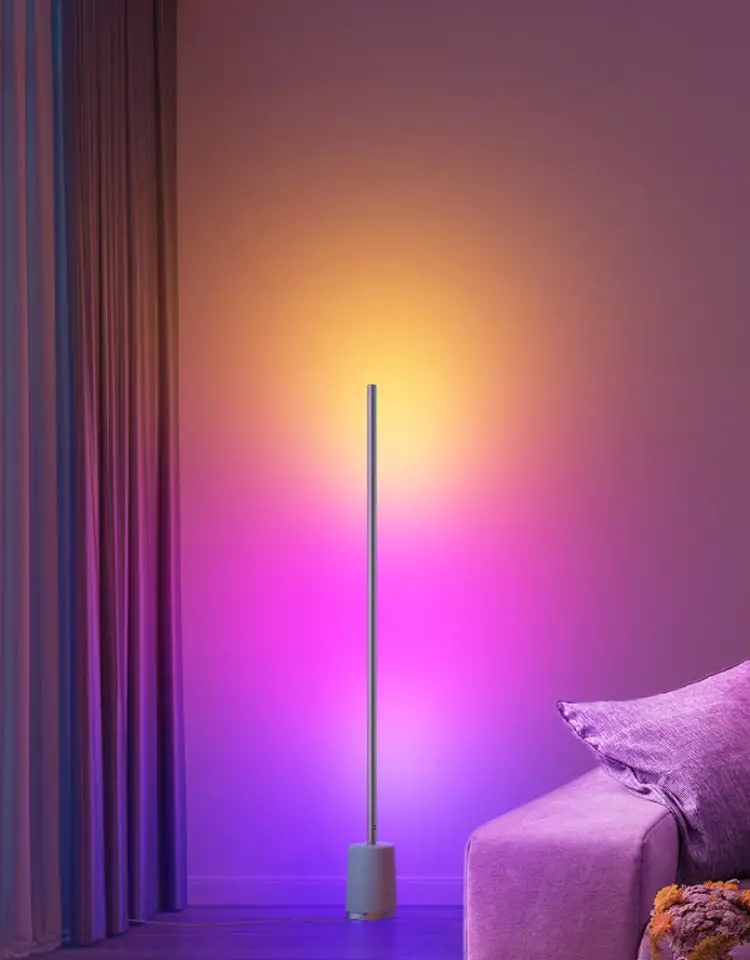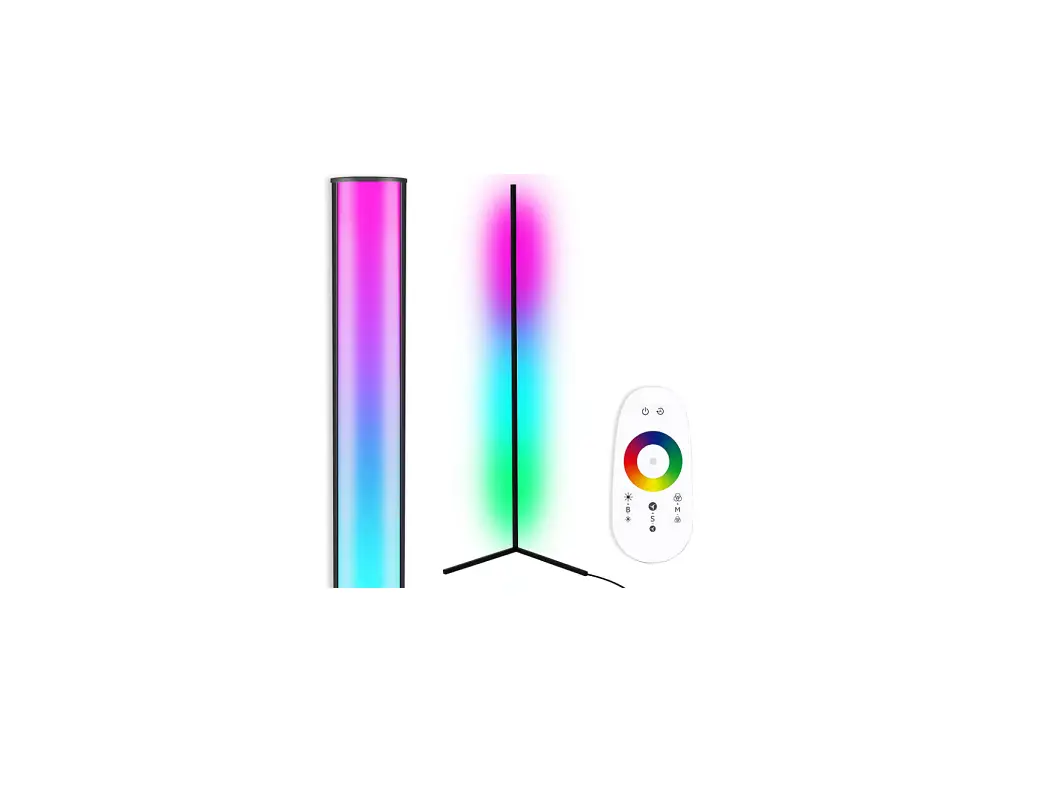
TACAHE TCH-CFL01-B Corner RGB Color Floor Lamp User Manual


Part s

- LAMP BODY
- LEG #1
- LEG #2
- REMOTE CONTROL
- POWER ADAPTER
- SCREWS
- SCREWS DRIVER BASE
- SPONGE STICKE
STEP 1
Gently pull the wire cord from the leg #1

Attach connector to lamp base.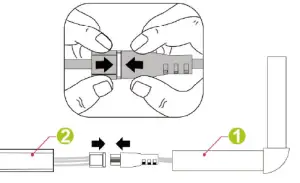
STEP 2
Slide the legs over the Lamp base until they meat at the lamp’s stem.
Gently place the lamp on its side and tighten 2 Screws on to each leg.

STEP 3
Plug in and enjoy the vibes!
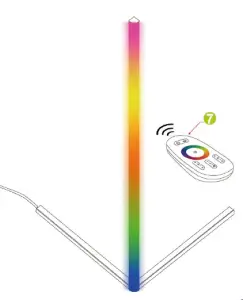
REMOTE MANUAL
Touch-Sensitive Remote

Code Matching:
Long Press & Hold “Blue” for 3-5s until the lamp flash ‘Blue- light for 3 times.
Clear the Code Matching:
Long Press & Hold “Yellow” for 3-5s until the lamp flash -Yellow light for 3 times.
6000K White Light Setting
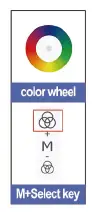
First,
press any key of the color wheel.
Second, press “M+” to select the solid color (red, green, blue, teal, yellow, purple, 6000K MIX WHITE)
Effect mode loop
The loop mode will change the light automatically in more than 300+ patterns.

- Press any key of the color wheel.
- Press “Auto” button.
Troubleshoot
Step 1: Remote Troubleshoot Does the remote indicator flash when you press?
If not, contact us for replacement remote.
If yes, follow step 2.
- The lamp stay in Colorful Light and remote doesn’t work. Follow the remote instruction, and clear the code matching by Long Press & Hold “Yellow” for 3-5s until the lamp flash “Yellow’ light for 3 times.
- The lamp stay in White/Blue and remote doesn’t work. Contact us or request an replacement from Amazon.
- The lamp can not be turn on. Contact us or request an replacement from Amazon. If there are other issue or product inquiry, please contact us.