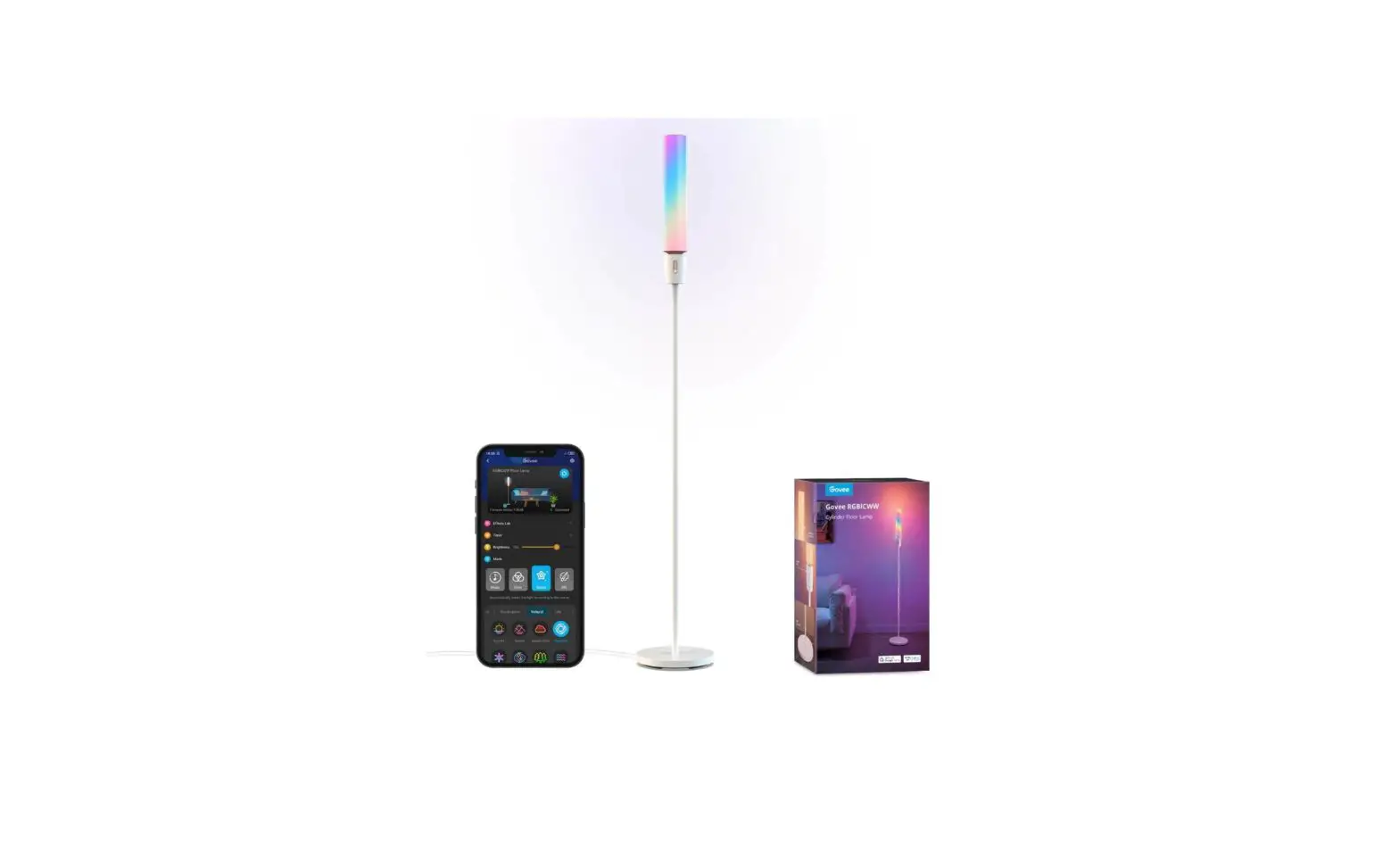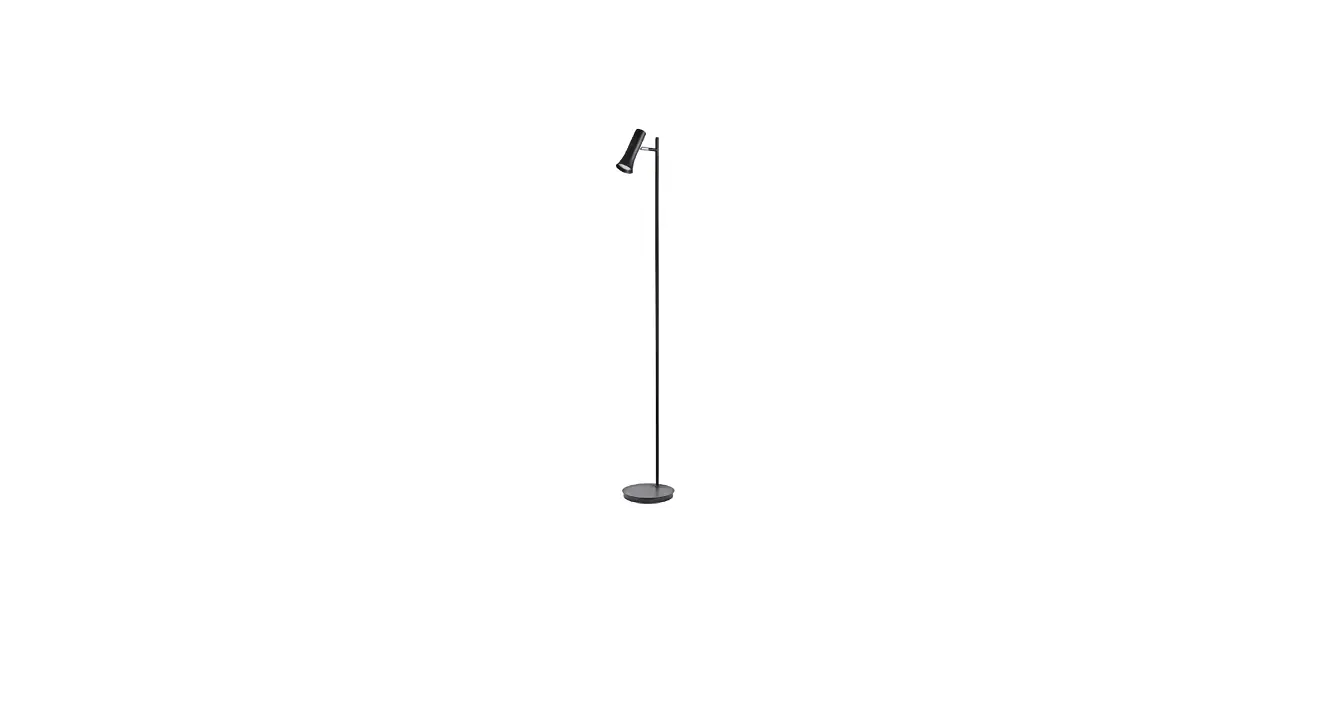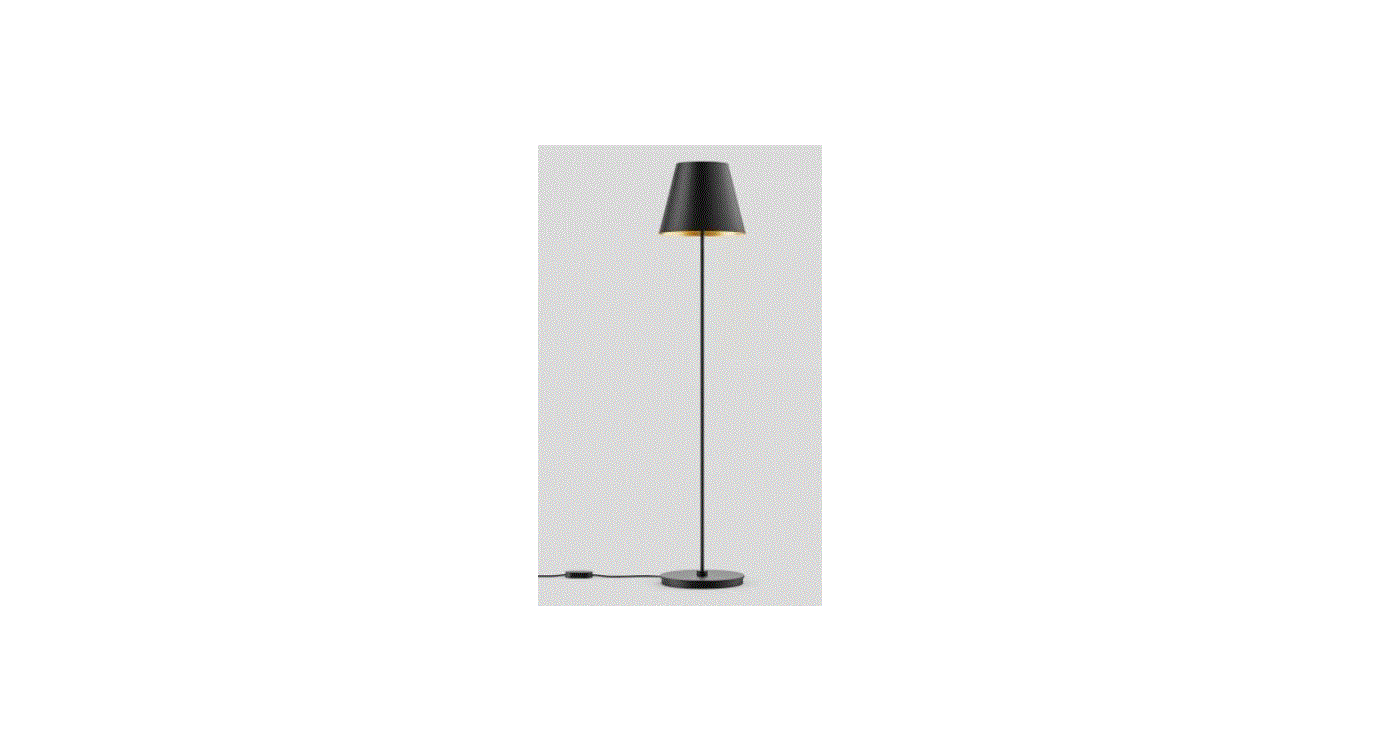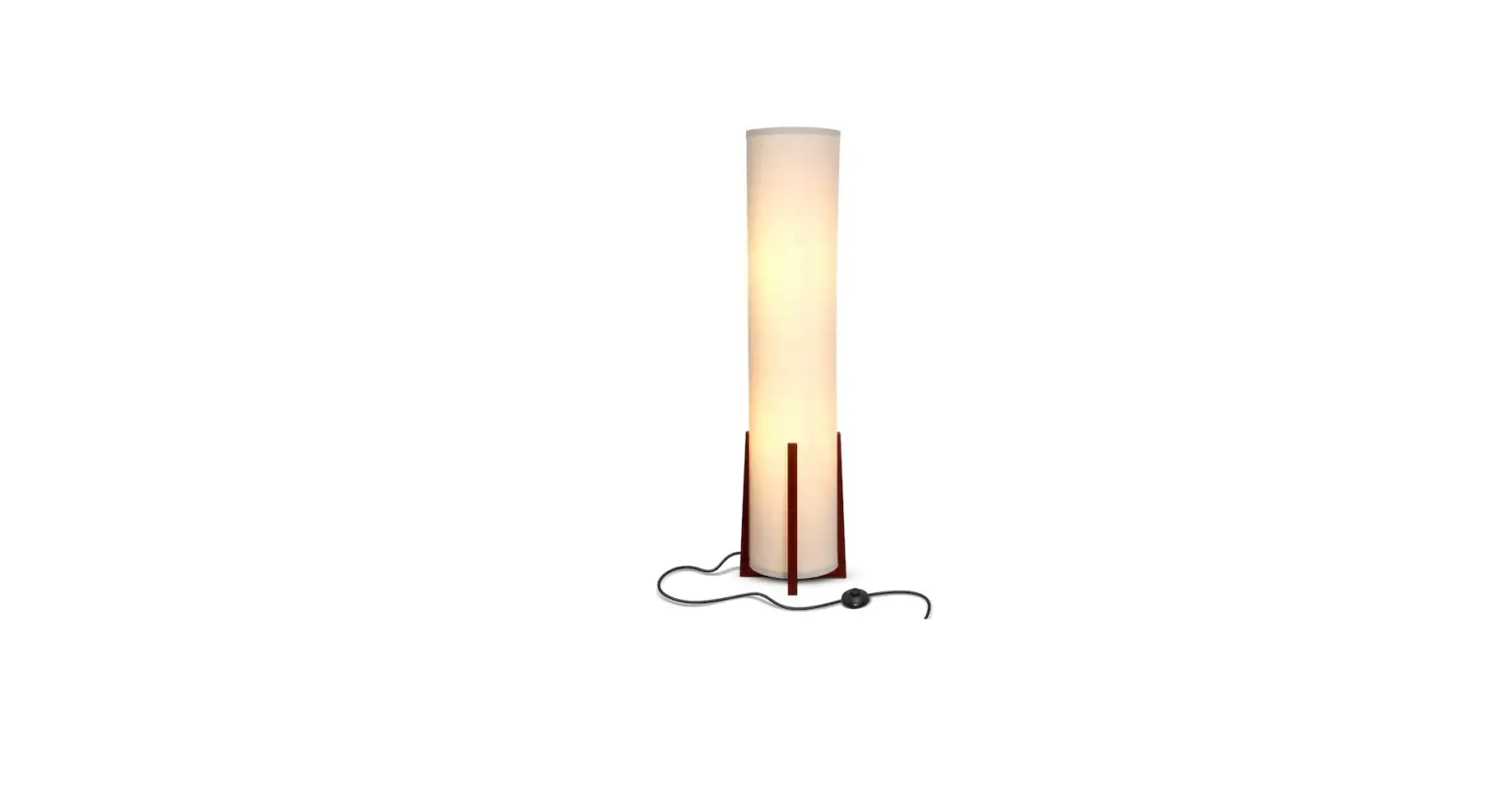

Lamps HCP20509 Cylinder Floor Lamp
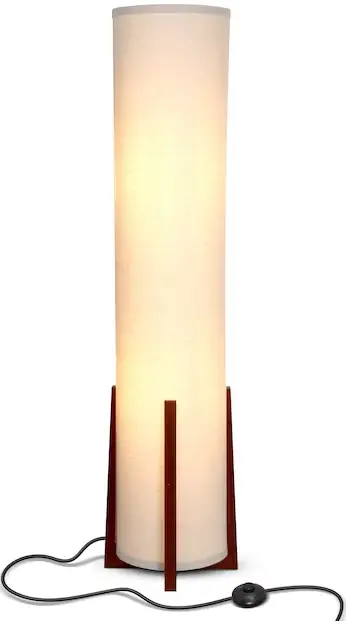
OVERVIEW
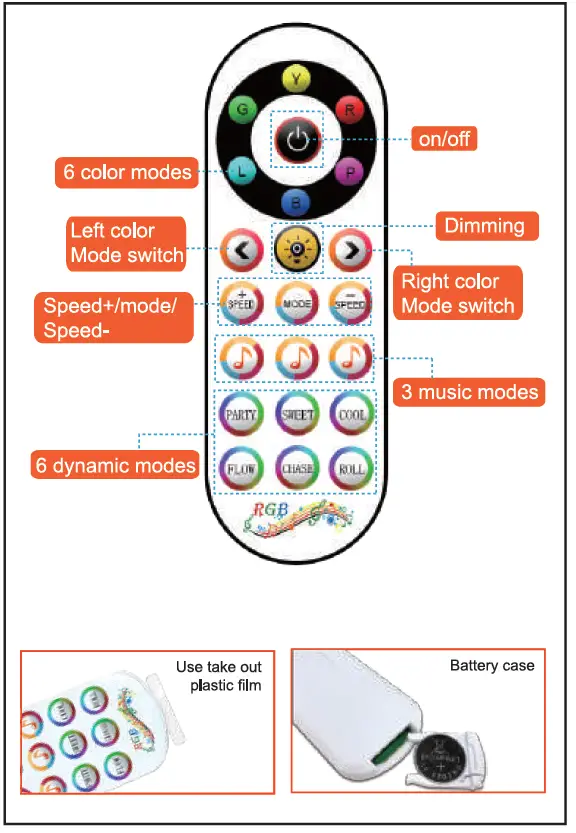
Installation Notes
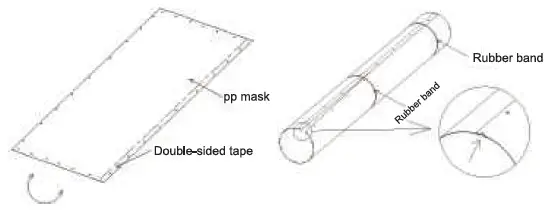
Mask installation.
- Find the PP mask and roll it up.

- Hold the product with a rubber band, Align the gap, Tear off the double-sided tape on the cover, Align the pressure line and the hole position, and Glue it step by step.
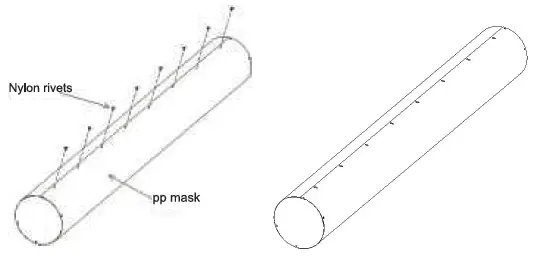
- After the product is glued, the holes are aligned Press the dough glue-point, Then press on the nylon rivets.

- The product is pressed well After nylon rivets as shown above.
Transparent bracket installation
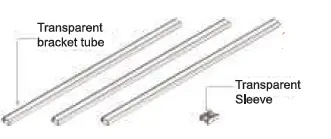
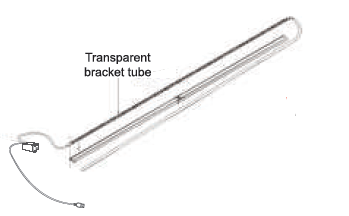
- Find lhe lransparwit brackeltube and Tr.ansparent sleeve.

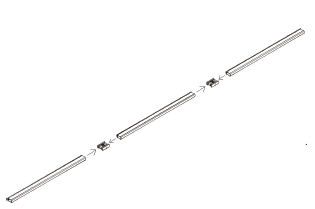
- Put three transparent brackets lubes Butt together with transparent sleeves.

- Ali9n the LED tape with the bracket The front is glued to the bracket.

Product assembly
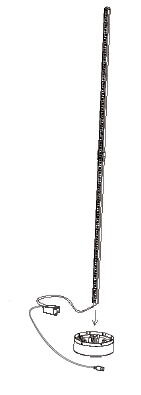
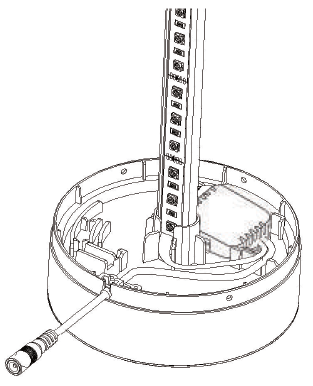
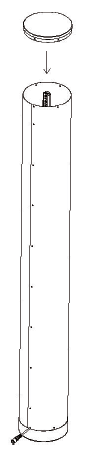
- Insert the transparent bracket lube with the light strip into the tease caver.

- Use double-sided tape ta stick the controller to the base surface, and then arrange the wire and grid-connected tail buckle into the base card slot.

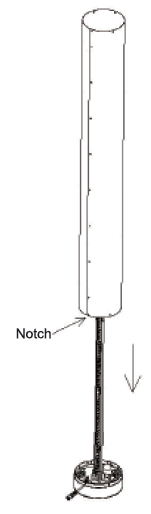
- Put the PP mask under the base Face, note that the gap is facing the input line, And align the other round holes.

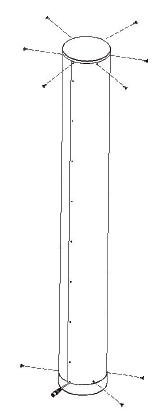
- Align the topper cover and close the upper cover, And align the other round holes.

- Put the nylon of the upper cover and the base Press the rivets to fix it.

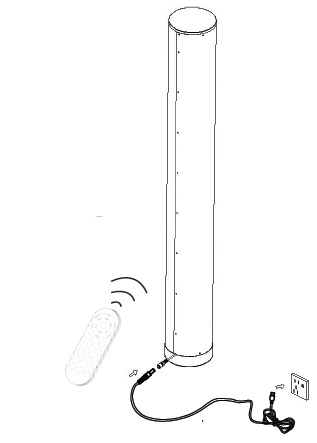
- Plug in the power cord and press the remote The controller switch is ready to use.

Download and Install the” Magic Lantern” APP

- Scan the QR-Code to download the APP or search for ” Magic Lantern” on Google Play or the APP store to download it.
- This APP supports Android 4.3 above / IOS 8.0 above.
APP Operation
Click the Magic Lantern APP icon.
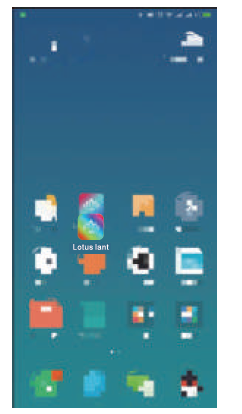
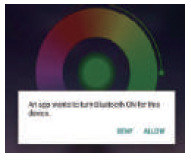
Click “Allow” to enable your Bluetooth.
- Switch to color and brightness interface:
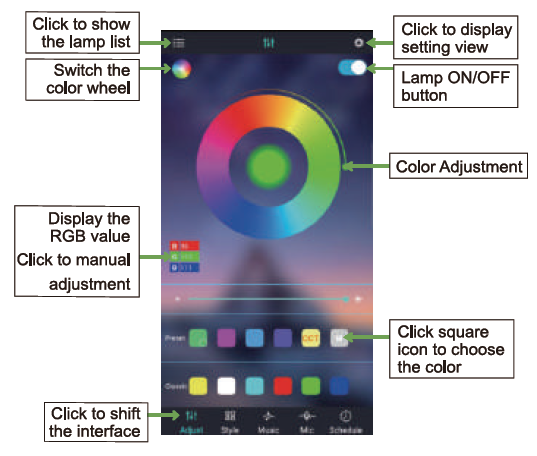
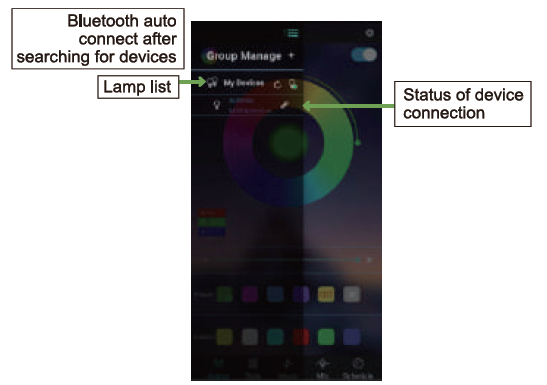
- Click to show the lamp list.
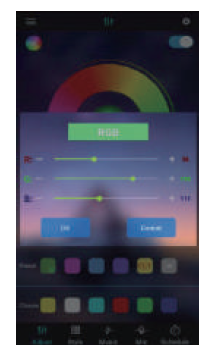
- Click on RGB manual adjustment.
- Switch to the Style Modes.
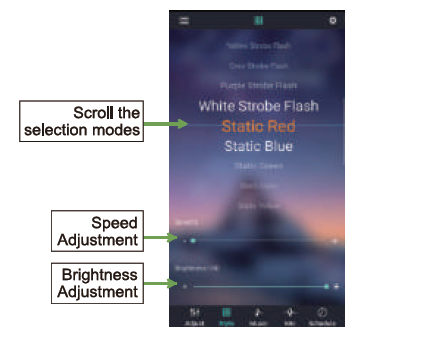
- Switch to the Music Mode.
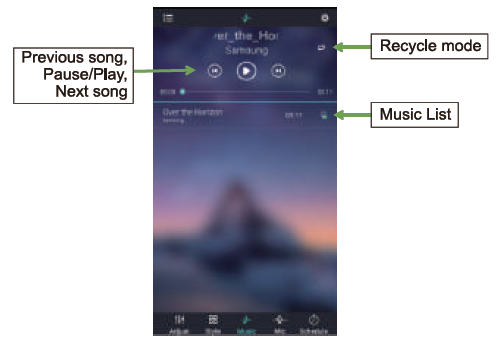
Switch to the microphone Mode.
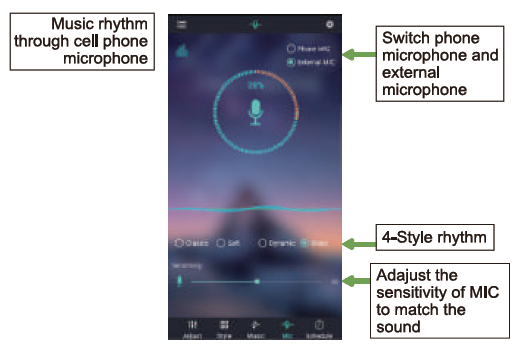
- Switch to the schedule Mode.
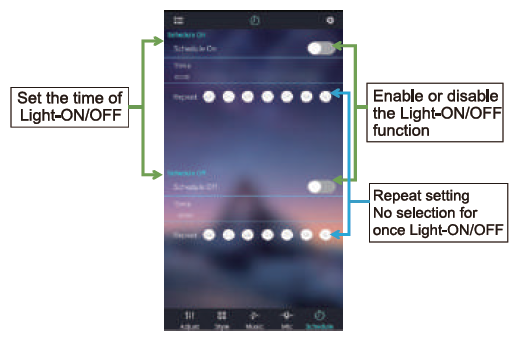
Switch to the modify pin sequence.
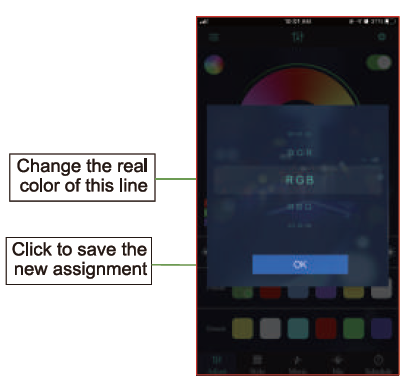
Download local music on iPhone
- Install iTunes software on your computer(Apple or Windows).
- Log in to iTunes with the same Apple ID account on your iPhone.
- Use iTunes to import downloaded music files on your computer.
- The imported music files will be synchronized to the phone in real time.
- Restart Lotuslantern and switch to Music mode to see the newly imported music files.
Product parameter
- Product Name: Cylinder floor lamp.
- The number of lamp beads: 60pcs.
- Output Voltage: DC 5V/12V.
- Model: HCP20509.
- Input Voltage: AC85V 265V.
- Storage Temperature: -20°C ~ +45°C.
- Operating Temperature: -20°C ~ +55°C.
Manufacturer: Guangdong Chuangpu Technology Co., Ltd.
Address: Fenggang Town, Dongguan City, Guangdong Province3rd Floor,
No. 20 Yinxi Road, Wulian Village