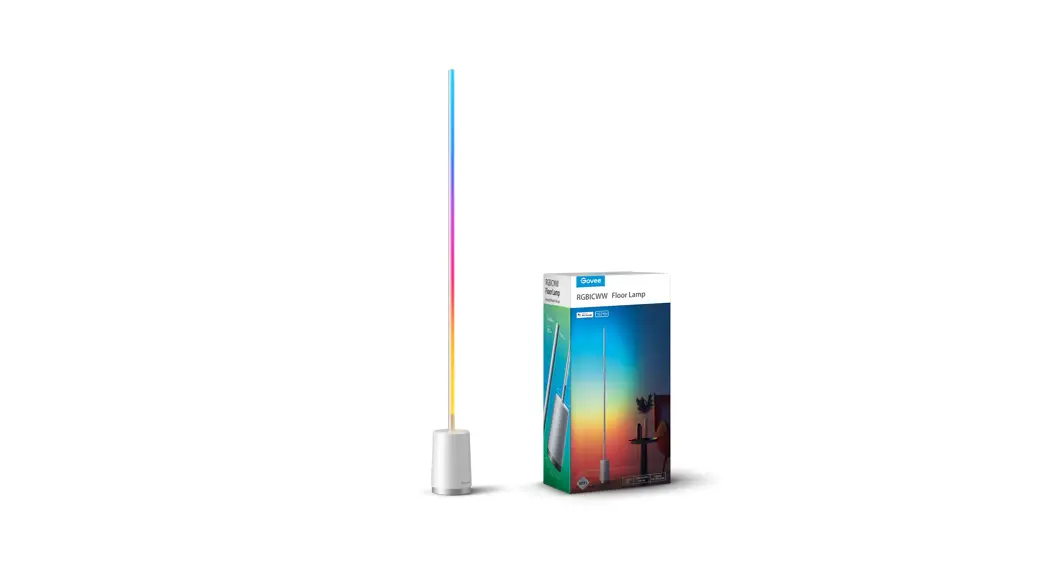
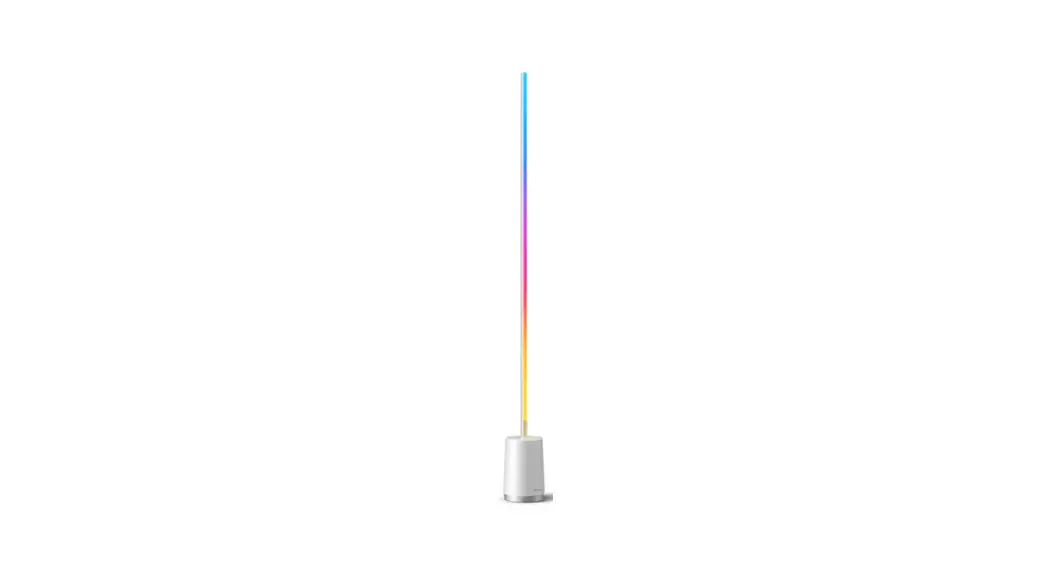
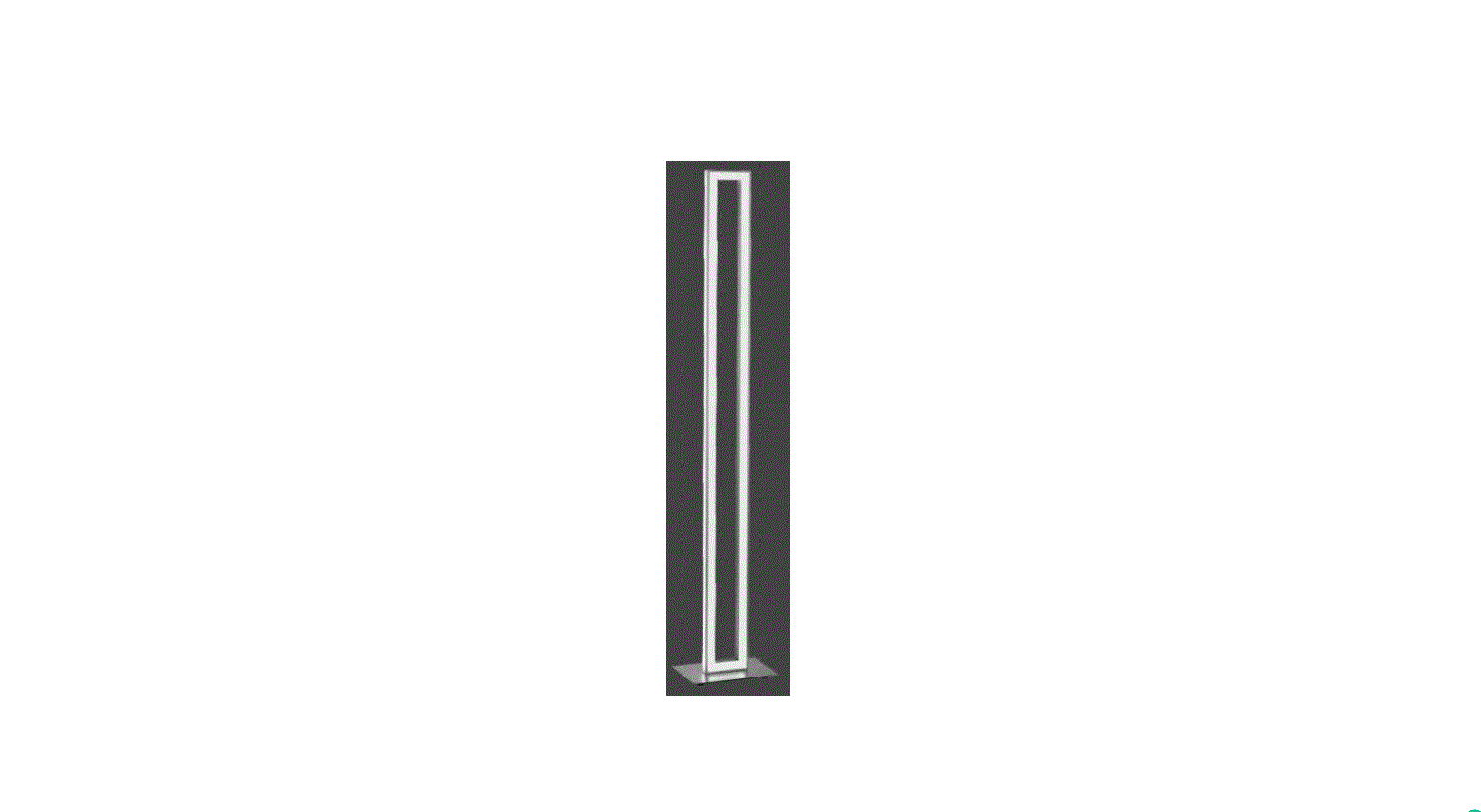
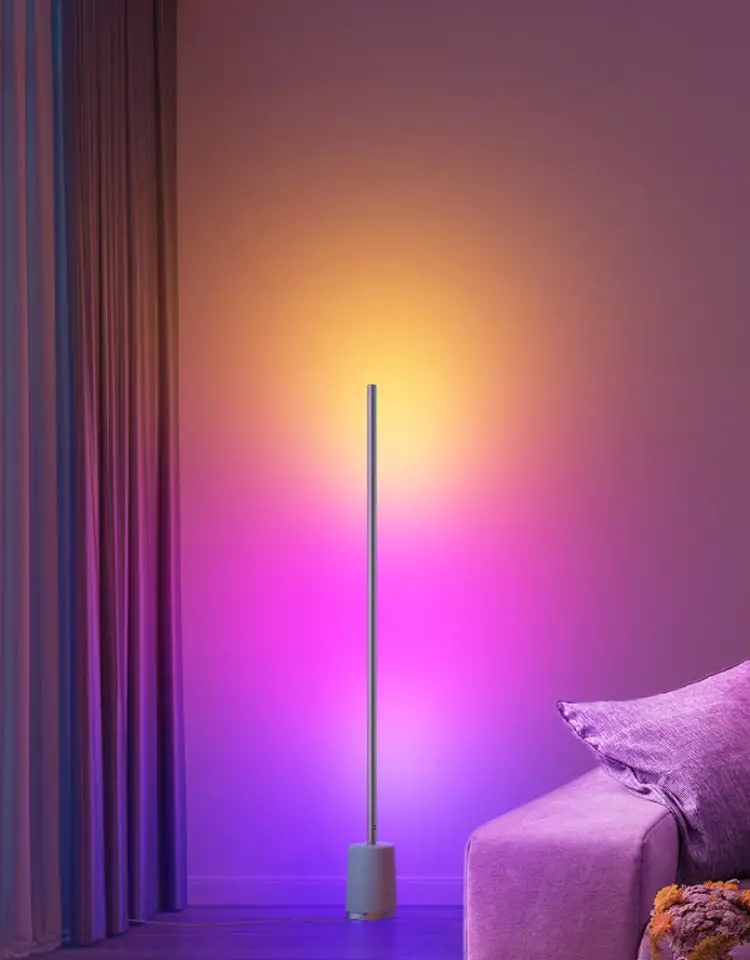
LZ1201 RGBICW Floor Lamp
Product Information
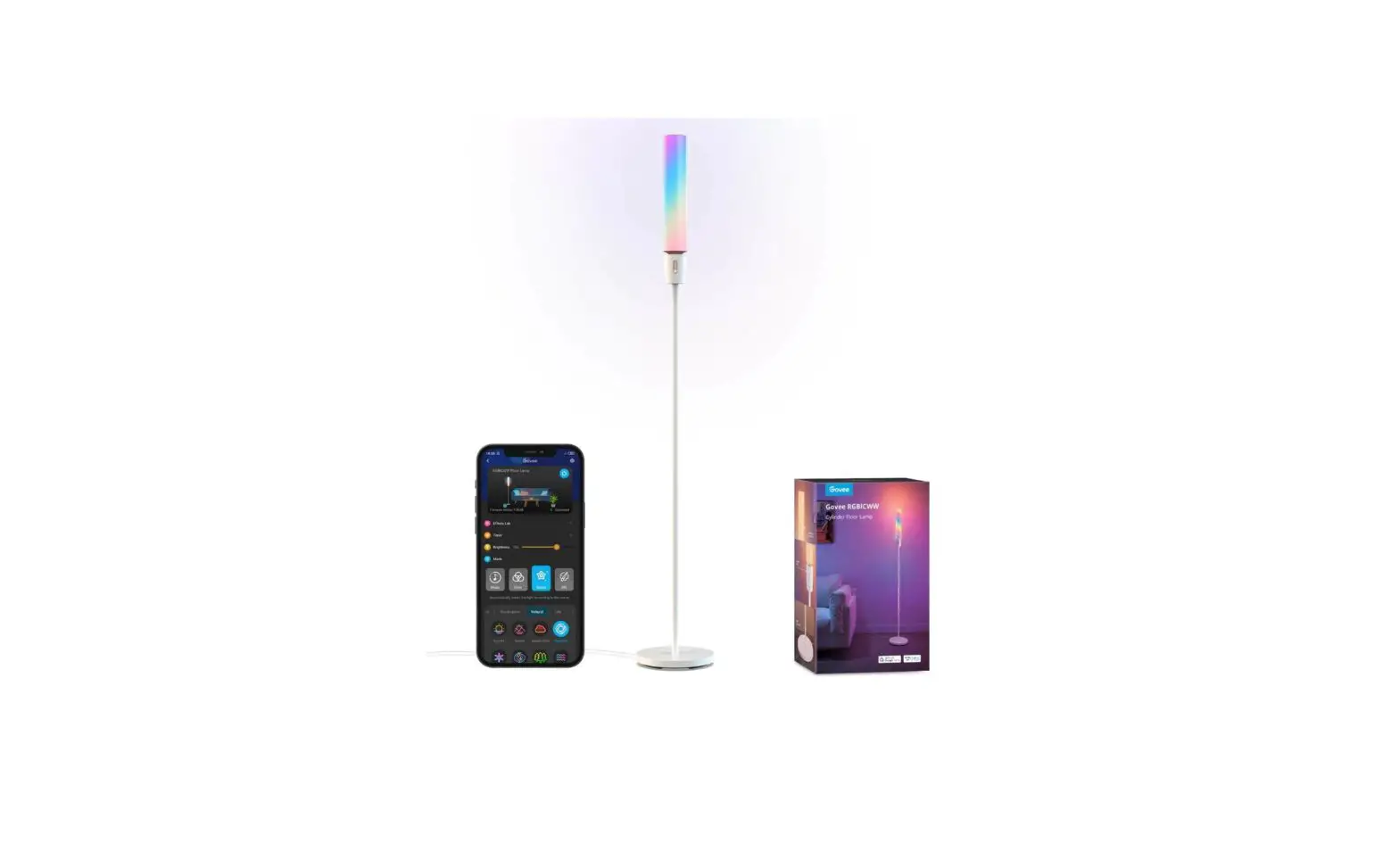
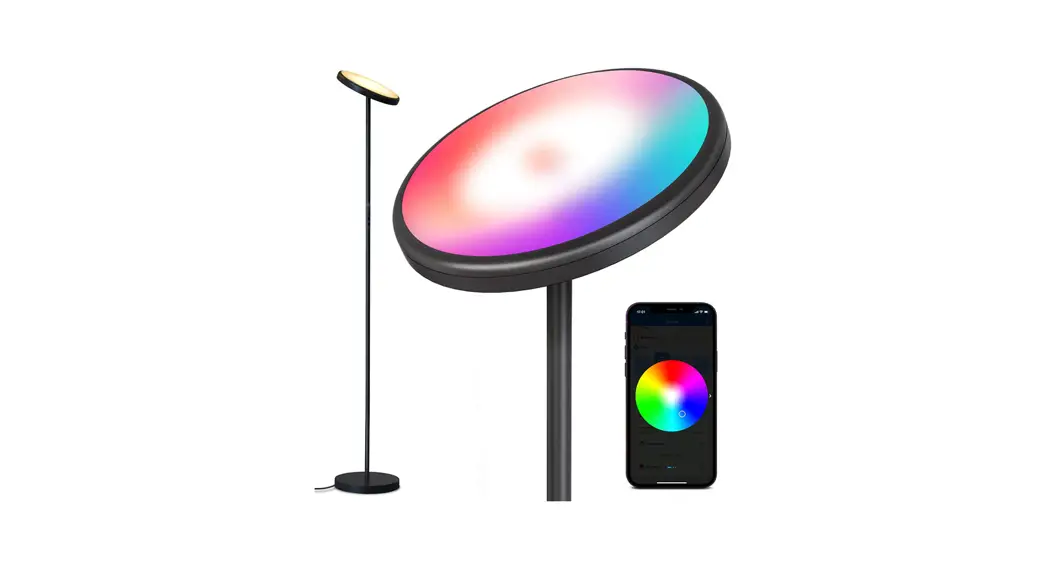
The RGBICW Floor Lamp is a stylish and versatile lighting
solution for your indoor space. Made from durable aluminum and PC
materials, this lamp offers a combination of RGB color lighting and
warm white light. With a rated power input of 12W and a maximum
luminous flux of 960lm, it provides bright and customizable
illumination. The lamp features a digital RGB+warm white LED light
source with a total of 78 LEDs, which can be controlled through
various methods such as voice commands, the app, or touch controls.
Please note that this lamp is designed for indoor use only and is
not waterproof.
Product Specifications:
- Product Name: RGBICW Floor Lamp
- Material: Aluminum & PC
- Dimension: [Insert dimension]
- Rated Power: 12W
- Input Voltage: AC 100~240V
- Color of Light: RGBICW
- Max Luminous Flux: 960lm
- LED Light Source: Digital RGB+warm white, total 78 LEDs
- Controlled via: Voice/APP/Touch
- Waterproof: Indoor Use Only
Warranty: We provide a 2-year warranty for any questions or
issues with the product. Please feel free to contact our customer
service.
Origin: Made in China
Product Usage Instructions
- Open the package and take out all the lamp components,
including:
- 1 x Lamp Base A
- 2 x Lamp B
- 1 x Lamp C
- 1 x Power adapter with wire
them clockwise using a hex wrench.
Note: When disassembling the floor lamp, gently
shake the connections and twist the screws while pulling out the
lamp bar. Avoid pulling violently as it may damage the cable.
Ensure the lamp is positioned at a proper distance from you to
avoid any interference with your in-room activities.
Control Options:
The RGBICW Floor Lamp can be controlled through the following
methods:
- Three buttons on the lamp base
- Remote controller
App Installation:
For Android users:
- You can download the app by scanning the provided QR code.
- You can go to Google Play and search for the “Symphony Lotus
Lantern” application to download it.
For iOS users:
- You can download the app by scanning the provided QR code.
- You can download “Magic Lantern” from the Apple Store.
The first time you use the app, you need to agree to use
Bluetooth. Turn on Bluetooth on your phone and connect to the new
device found in the Group Manage screen.
Safety Warning:
- The RGBICW Floor Lamp and surrounding parts might get hot after
hours of continuous use. Do not place your hands directly on the
light. - Ensure the stated minimum distance is maintained at all
times. - Keep this product away from combustible materials (e.g.,
curtains). - Power off the lamp when replacing and cleaning to avoid
electric shock. Be cautious of static electricity during
installation and usage. - Do not stare at the lamp for a long time.
- Keep the lamp away from children.
- The product is not water-resistant, so be cautious when
installing and using it.
ISED Statement: This device complies with Part 15 of FCC
Rules [ and contains license-exempt transmitter(s) that comply with
innovationScience and Economic Development Canada’s licence-exempt
RSS Standar(s)]. Operation is subject to the following two
conditions: (1) This device may not cause interference; and (2)
This device must accept any interference received, including
interference that may cause undesired operation. The digital
apparatus complies with Canadian CAN ICES 3 (B)/ NMB 3(B). This
device meets the exemption from the routine evaluation limits in
section 2.5 of RSS 102 and compliance with RSS 102 RF exposure,
users can obtain Canadian information on RF exposure and
compliance. This equipment complies with Canada radiation exposure
limits set forth for an uncontrolled environment. This equipment
should be installed and operated with a minimum distance of 200mm
between the radiator and your body.
Foreword
Thanks for buying the RGBICW floor lamp. Read the manual carefully, especially the warnings, and keep it for future reference. Follow the instructions closely for proper installation. After installation, control the lamp using the app or button.
Specification
Product Name Material Dimension
RGBICW Floor Lamp Aluminum & PC
Rated Power Inpute Voltage
12W AC 100~240V
Color of light
RGBICW
Max Luminous Flus 960lm
LED Light Source Digital RGB+warm white, total 78LEDs
Controlled
Voice/APP/Touch
Waterproof
Indoor Use Only
We provide 2 years warranty for any questions since you received the product,please feel free to contact our customer service.
Made in China
English
Open the package and take out all the lamp components,includes as following 1 x Lamp Base A 2 x Lamp B 1 x Lamp C 1 x Power adapt with wire
Put the base with the Lamp Base A in place. Insert 2 x Lamp B and 1x Lamp C into Lamp Base A Install screws on the joint of A, B and Lamp C, then tighten them clockwise with a hex wrench. Plug in the power adapter and complete the installation.
NOTE:
When disassemble the floo r lamp, keep gently to shake the connection, pull out lamp bar while twisting the screw, do not pull violently, it may damage cable.
position,keep a proper distance with you. make sure not affect your ln-room activities
2.1.Three buttons on the base 2.2.Remote controller
Android user
A:You can download it by scanning the QR code. B:You can go to Google Play and download the “Symphony Lotus Lantern” application
IOS user
A:You can download it by scanning the QR code. B:You can download “Magic Lantern” from the Apple Store.
The first time you need to agree to use Bluetooth. Turn on Bluetooth on your phone. After turning on Bluetooth, you can find the new device in the “Group Manage” screen, please connect it. connect it. Lighting styles & Music selection Timing setting & Voice or mic Mode
TPart 3 :Safety Warning
The RGBICW Floor lamp and surrounding parts might get hot after hours of continuous use, do not place your hands directly on the light.
Please ensure the stated minimum distance is maintained at all times.
This product should be kept away from combustible materials (eg. curtains).
Power off when replacing and cleaning to avoid electric shock. Be cautions of static electricity during installation and usage. Do not stare at the lamp for a long time. Please keep it away from children. The product is not water resistant, be cautions when installing and using.
ISED Statement: This device complies with Part 15 of FCC Rules [ and contains license-exempt transmitter(s) that comply with innovationScience and Economic Development Canada’s licence-exempt RSS Standar(s)]. Operation is subject to the following two conditions: (1) This device may not cause interference; and (2) This device must accept any interference received, including interference that may cause undesired operation.
The digital apparatus complies with Canadian CAN ICES 3 (B)/ NMB 3(B). This device meets the exemption from the routine evaluation limits in section 2.5 of RSS 102 and compliance with RSS 102 RF exposure, users can obtain Canadian information on RF exposure and compliance. This equipment complies with Canada radiation exposure limits set forth for an uncontrolled environment. This equipment should be installed and operated with minimum distance 200mm between the radiator & your body.
French: L’appareil est conforme à la partie 15 des règles de la FCC [et contient des émetteurs exemptés de licence qui répondent aux critères du CNR d’exemption de licence d’innovation, sciences et développement économique Canada]. L’opération doit remplir les deux conditions suivantes: (1) L’appareil ne peut pas causer d’interférence; Et (2) L’appareil doit accepter toute interférence reçue, y compris celles qui peuvent entraîner un fonctionnement indésirable. Les appareils numériques sont conformes à la norme canadienne can ICES 3 (b) / NMB 3 (b).
L’appareil est conforme à l’exemption des limites d’évaluation de routine de la section 2.5 du CNR 102, l’exposition aux radiofréquences est conforme au CNR 102 et les utilisateurs peuvent obtenir des renseignements canadiens sur l’exposition aux radiofréquences et la conformité. L’appareil est conforme aux limites d’exposition aux rayonnements établies au Canada pour les environnements non contrôlés. Lors de l’installation et de l’utilisation de cet appareil, la distance minimale entre le radiateur et le corps doit être de 200mm.
FCC WarningThis device complies with part 15 of the FCC rules. Operation is subject to the following two conditions: (1) this device may not cause harmful interference, and (2) this device must accept any inte rference received, including interference that may cause undesired operation.
Changes or modifications not expressly approved by the party responsible for compliance could void the user’s authority to operate the equipment.
NOTE: This equipment has been tested and found to comply with the limits for a Class B digital device, pursuant to part 15 of the FCC Rules. These limits are designed to provide reasonable protection against harmful interference in a residential installation. This equipment generates uses and can radiate radio frequency energy and, if not installed and used in accordance with the instructions, may cause harmful interference to radio communications. However, there is no guarantee that interference will not occur in a particular installation. If this equipment does cause harmful interferenceto radio or television reception, which can be determined by turning the equipment off and on, the user is encouraged to try to correct the interference by one or more of the following measures: -Increase the separation between the equipment and receiver. –Connect the equipment into an outlet on a circuit different from that to which the receiver is connected. –Consult the dealer or an experienced radio/TV technician for help.
Radiation Exposure Statement This equipment complies with FCC radiation exposure limits set forth for an uncontrolled environment. This equipment should be installed and operated with minimum distance 20cm between the radiator and your body.