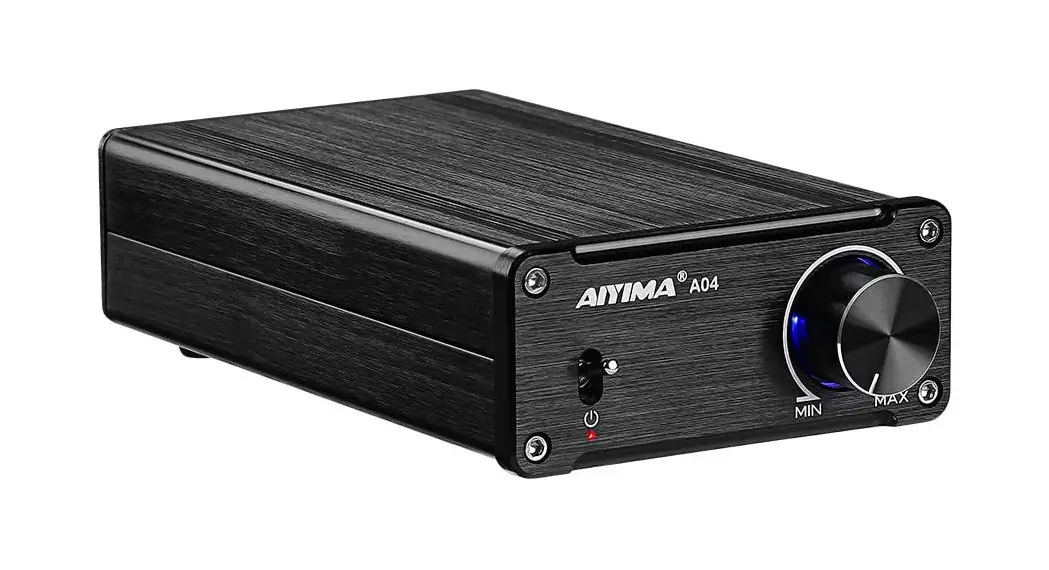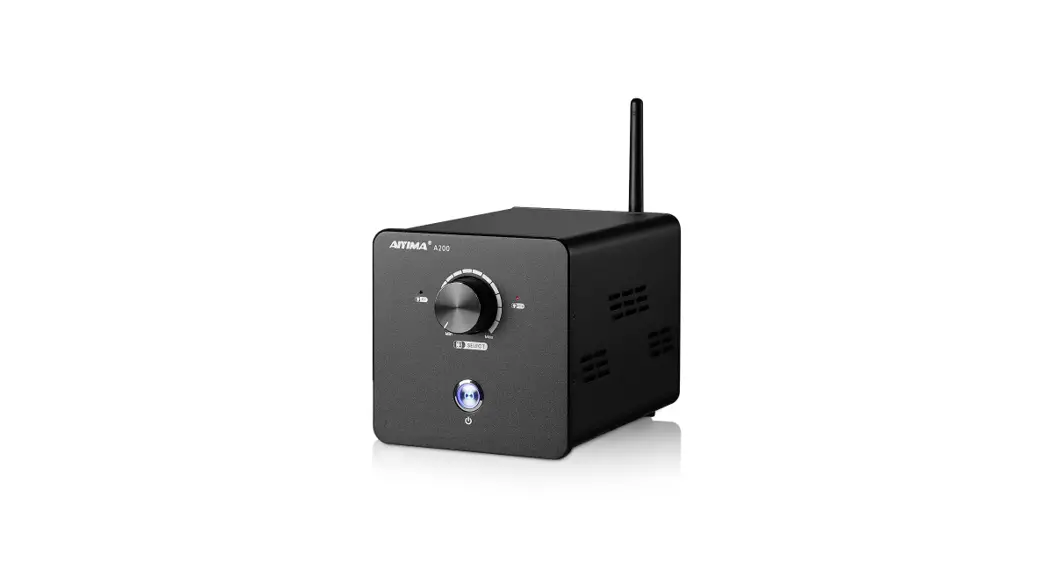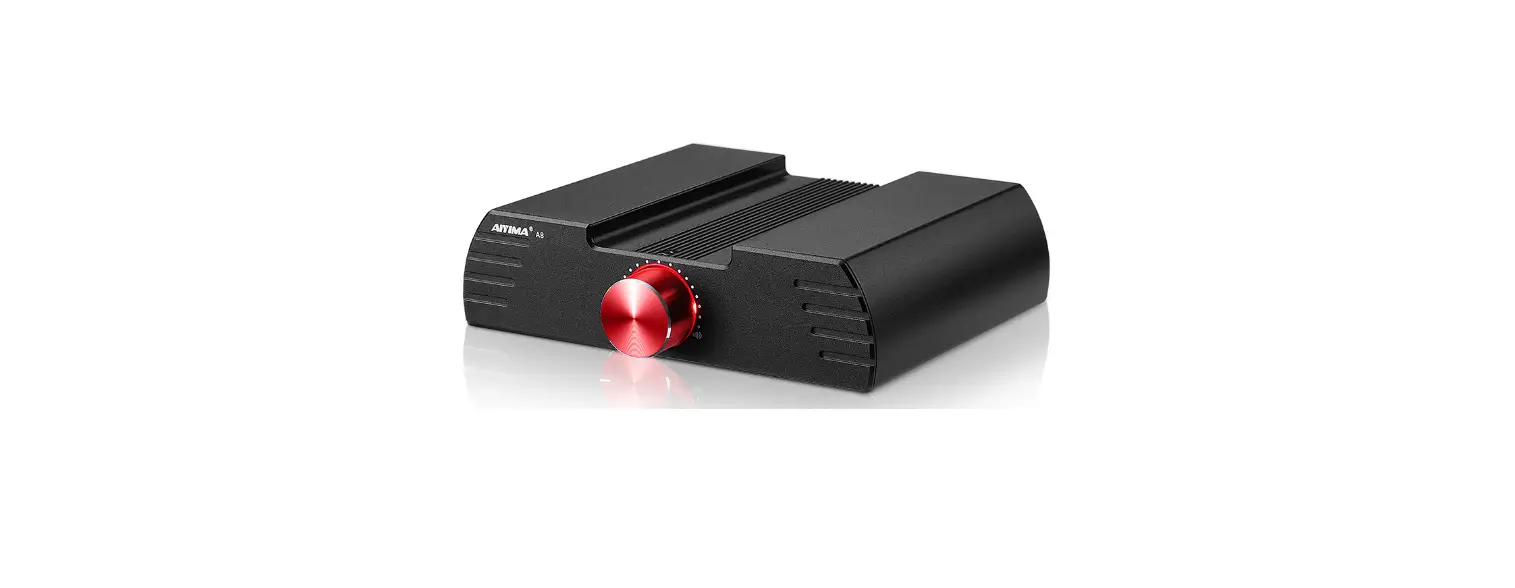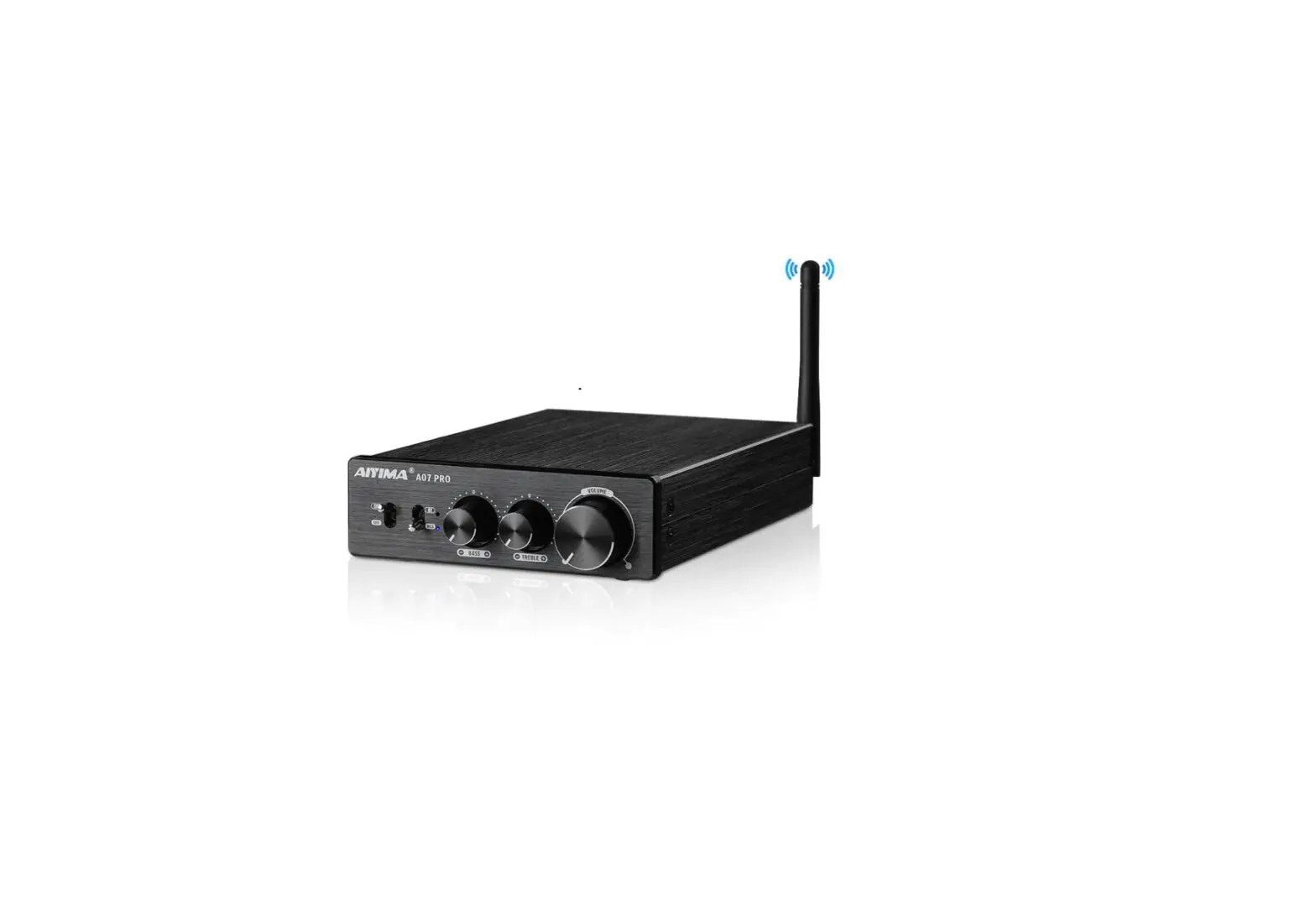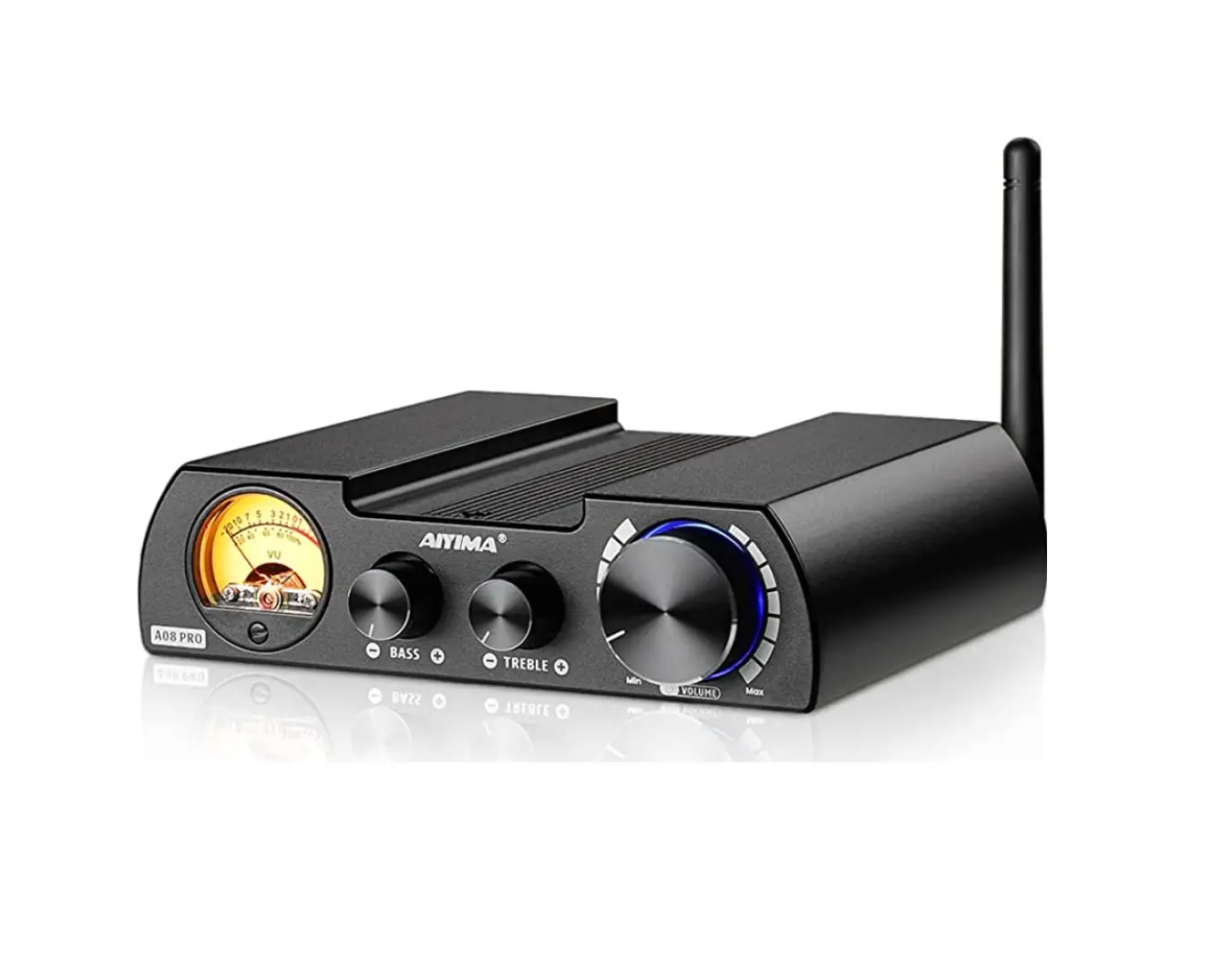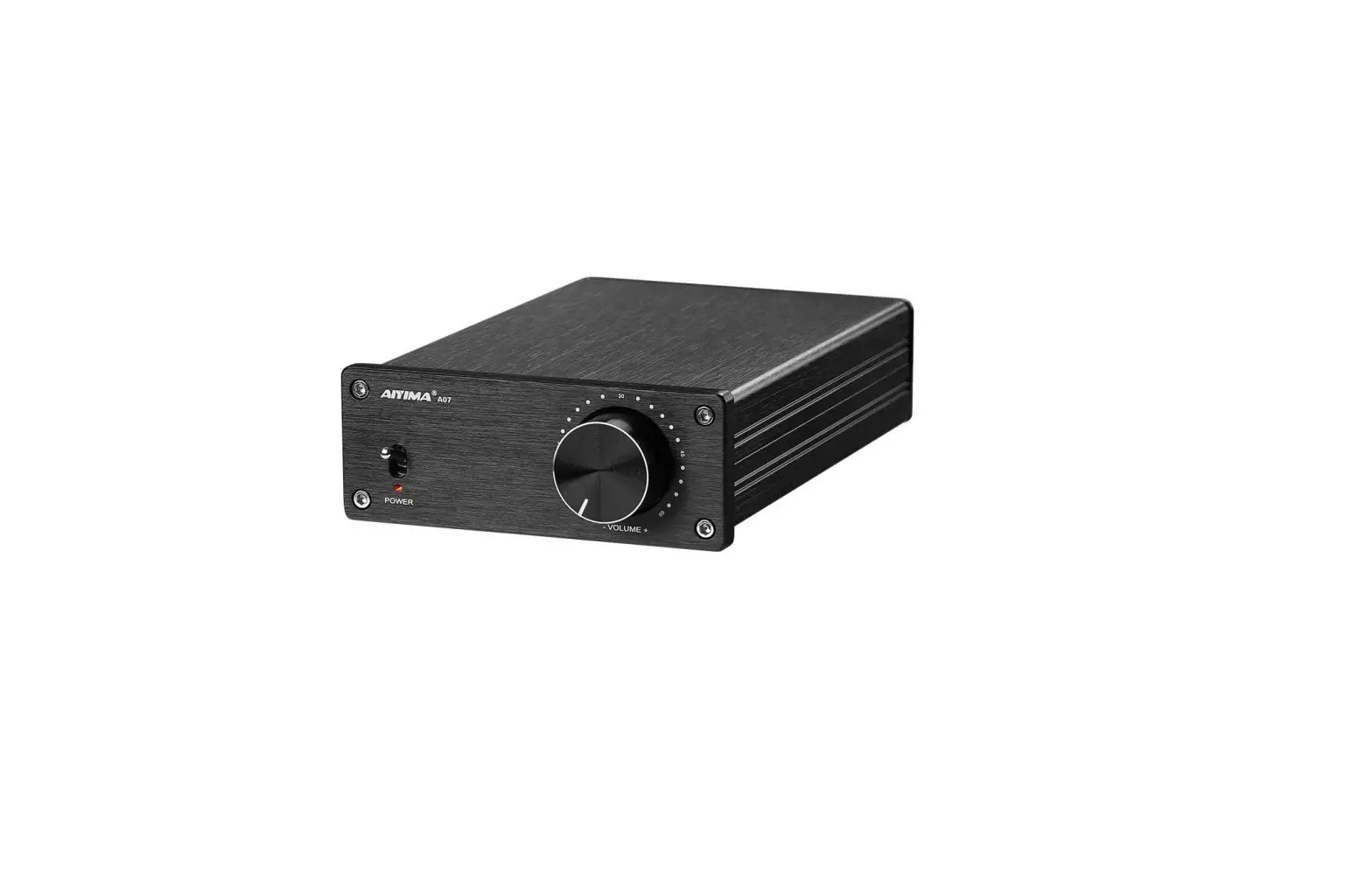
AIYIMA A07 TPA3255 2.0 Channel Digital Power Amplifier
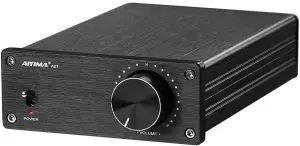
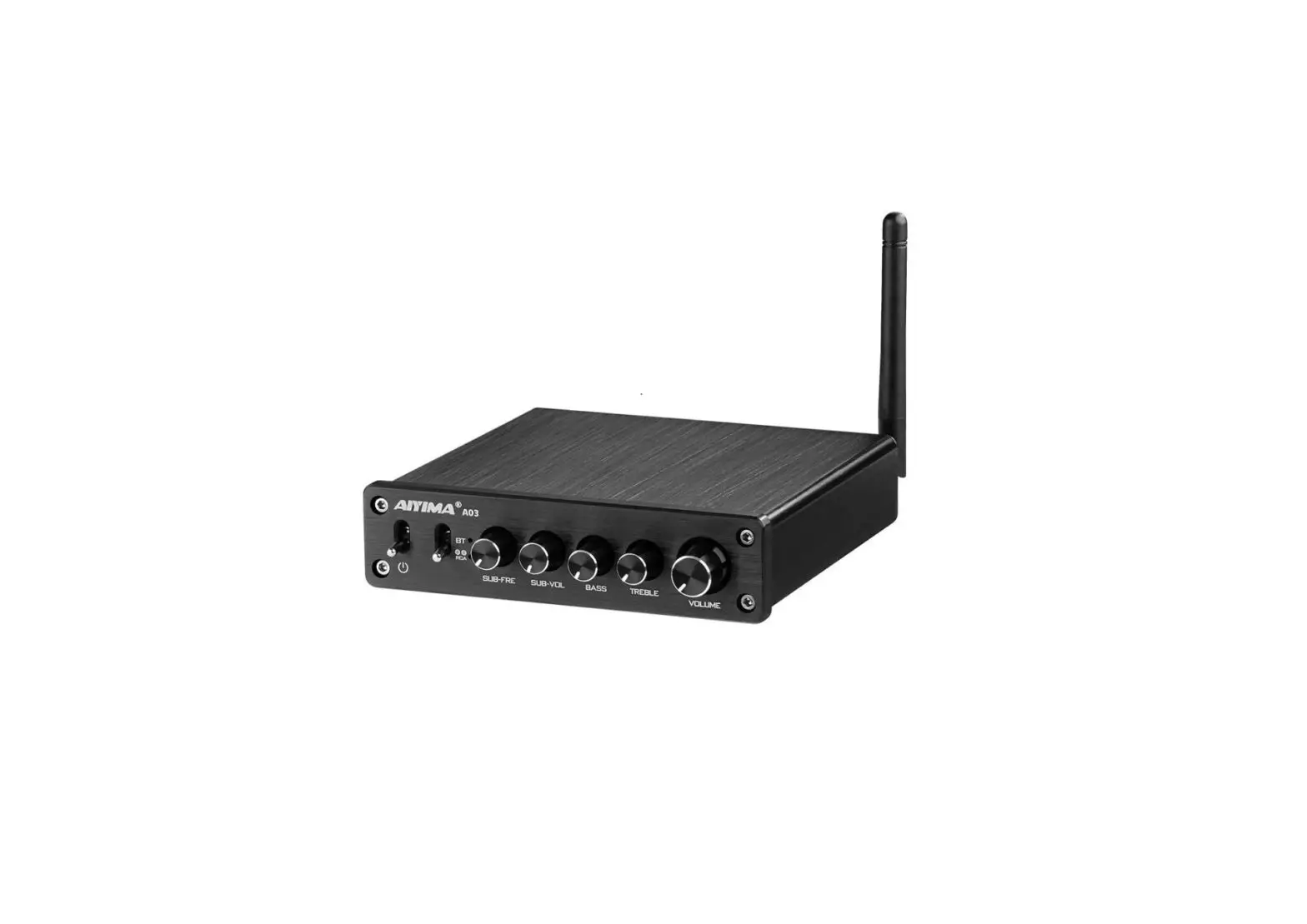
Front panel introduction
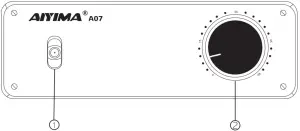
- Power switch (up to open)
- Volume knob ( counterclockwise decrease volume, clockwise increase volume)
Rear panel introduction
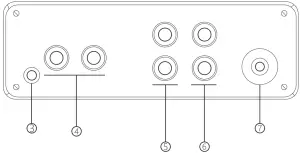
3. AUX output interface ( 3.5mm headphone interface)
4. Audio input interface ( red for right channel, white for left channel)
5. Right channel output interface ( red is+, black is – )
6. Left channel output interface ( red is+, black is – )
7. Power input interface ( DC power supply, maximum 48V)
Steps
- Turn the volume knob counterclockwise to the minimum
- Connect the speaker to the left and right channel output interfaces
- Connect the audio source to the audio input via the RCA line
- When multiple amplifiers need to be connected, connect the AUX output interface of the amplifier to the audio input of the next amplifier
- Connect to de power supply
- Turn on the power switch.Smm headphone interface)
Pare meter
| POWER | 300W+300W | VOLTAGE | 24-48V |
| GAIN | 21.5dB | RESPONSE | 20HZ-20KHZ±3dB |
| THD+N | 0.008% | SIZE | 178*104*40mm |
| SNR | 110dB | WEIGHT | 0.55Kg |
Note
Pay attention to before use:
- Only DC power supply can be used.Ac transformer needs to be less than 48V after
- Audio electronic products pay attention to the reasonable combination of use, sothatitcan achieve the greatest value and auditory experience.Please choose a reasonable power supply and passive speaker before use.The output power variesaccording to the speaker impedance.The best match is 1.2-1.5:1 (that is, the speakerpower is Sow, and the amplifier power is 6oW-75w)
- Maximum power in power 48v, 4Q speakers, distortion of 10% when measuring theresulting power
- please check it before using: When you receive the machine and find that the audioinput and output interface knobs are relatively loose, Please tighten it manually by your self.
- Please use a good quality audio cable and power supply to avoid the distortion ofthe machine due to these.
- We will provide good customer service and warranty service for our brand products. For any questions, please contact our customer service team: [email protected]
 | Note: AUX and RCA inputs cannot be connected to play at the same time otherwise there will be crosstalk |
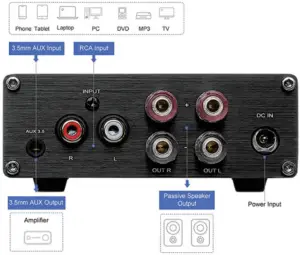
Corresponding diagram of A07 power supply output power
Supply power | Speaker impedance | Rate output power | Max output power |
| 24V 5A | 4 | 68W | 71W |
| 8 | 66W | 60W | |
| 32V5A | 4 | 78W | 80W |
| 8 | 66W | 70W | |
| 32V 10A | 4 | 170W | 177W |
| 8 | 100W | 105W | |
| 36V 10A | 4 | 190W | 200W |
| 8 | 120W | 125W | |
| 48V 7.6A | 4 | 160W | 180W |
| 8 | 120W | 140W | |
| 48V 10A | 4 | 260W | 300W |
| 8 | 180W | 190W |
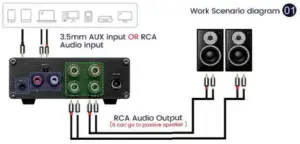
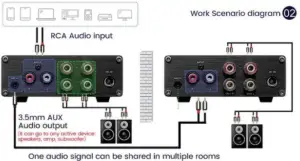
NOTE:The Volume control only wo,ks with speaker terminals not with 3.5 mm AUX Audio outp
Two input ways:3.5mm AUX Audio input/ RCA Audio input(3.5mm interface is also Aux Audio output interface)