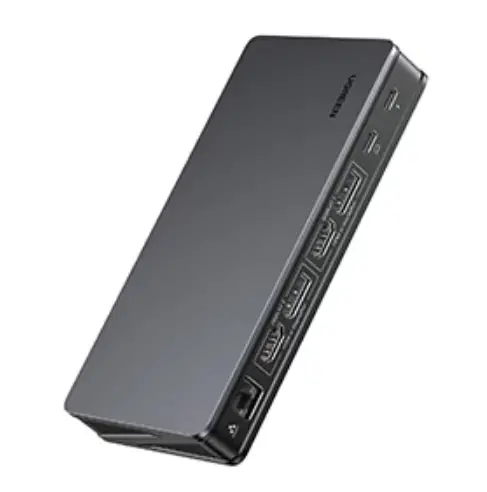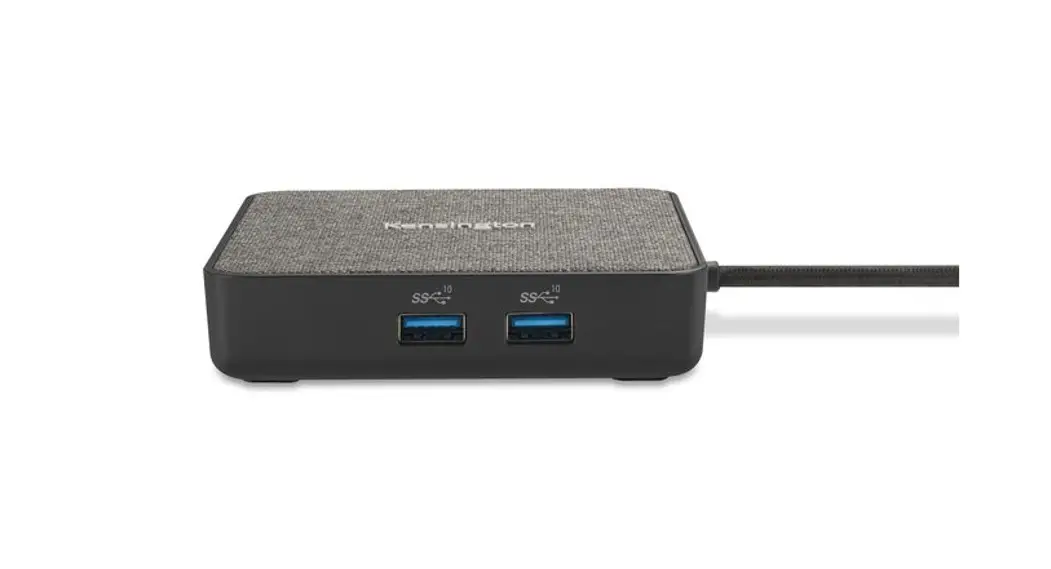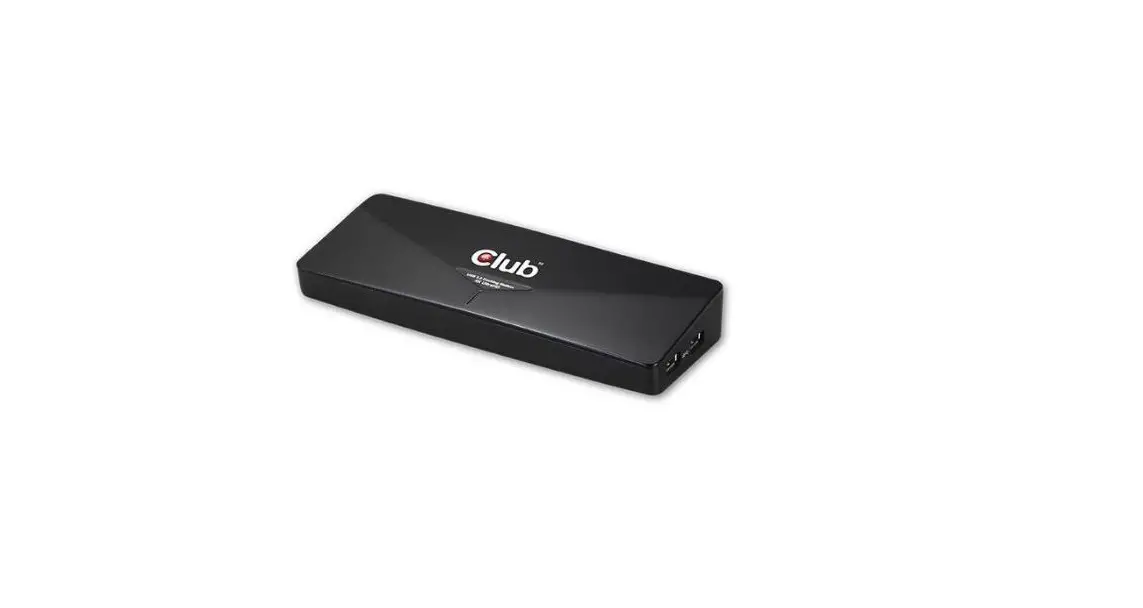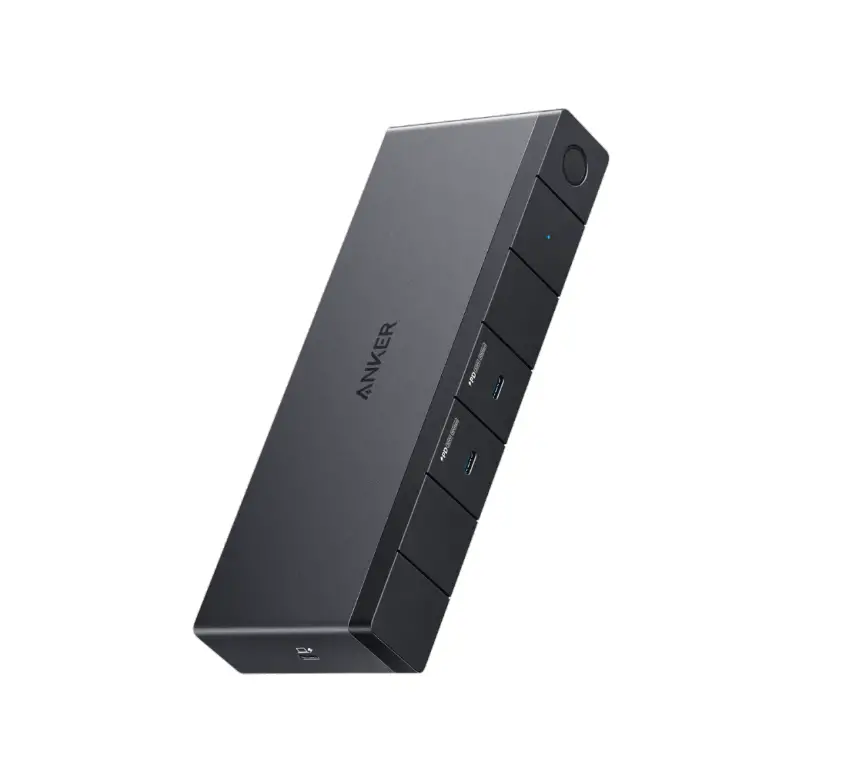

addon TRVDKC4 USB Travel Docking Station
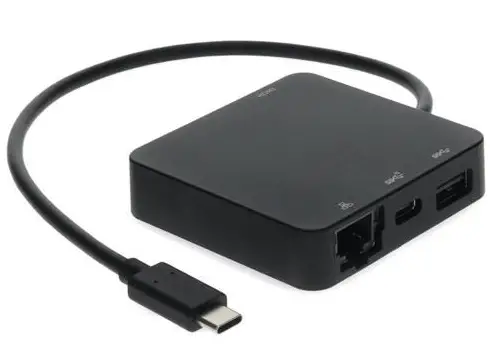
USB Travel Docking Station
USB 3.1 Gen 2 Travel Docking Station with LAN User Manual
Introduction
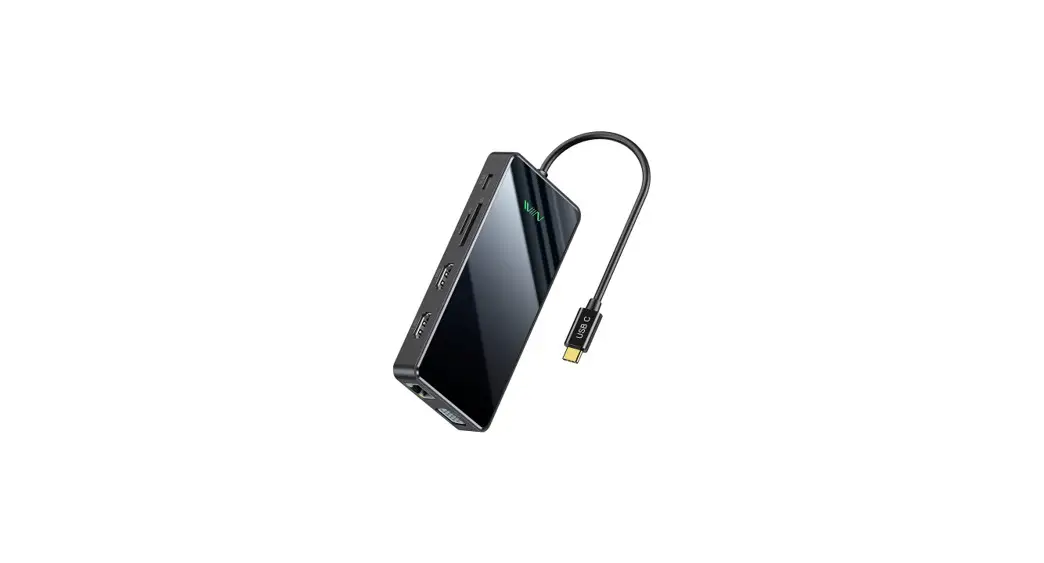
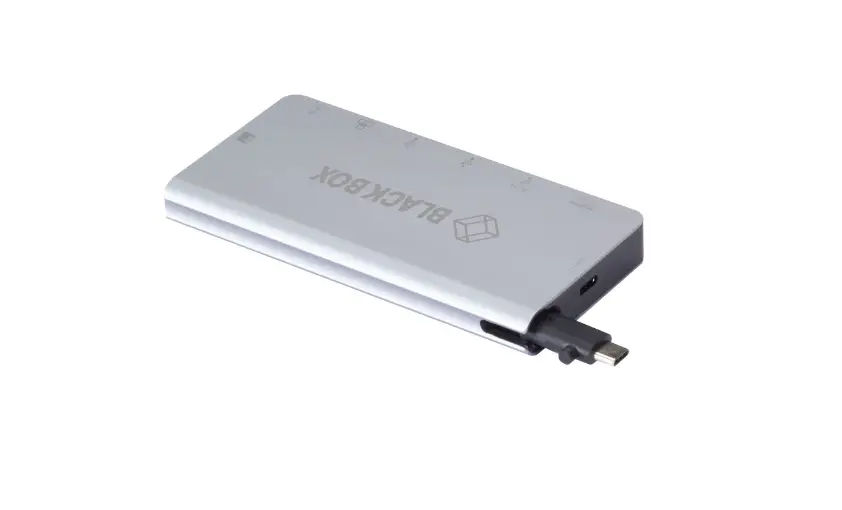
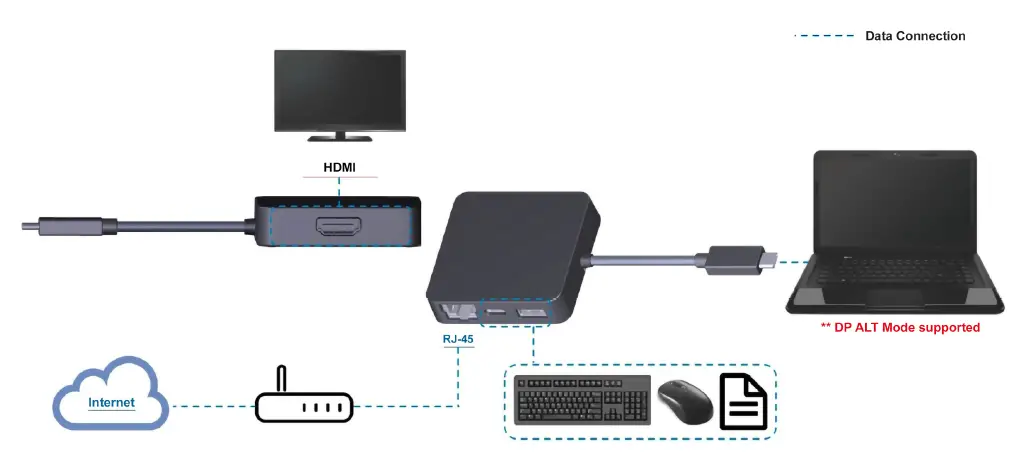
The USB 3.1 Gen 2 Travel Docking Station with LAN provides a quick and easy connection to all the workspace peripherals you use every day. It features a single HDMI video port enabled by DP Alt Mode as well as x1 Giga LAN port (RJ-45), x1 USB-C and x1 USB-A 3.1 (Gen 2) ports. Simply plug in the USB Travel Docking Station into your PC or Laptop for instant access to your preferred 4K monitor, ethernet line, and other USB peripherals such as printers, scanners, keyboard, mouse, or external storage.
Key Features
- Supports USB-A 3.1 Gen 2
- Supports USB-C 3.1
- Supports DP Alt Mode
- Supports Gigabit Ethernet
- Up to 4K resolutions/30Hz (when supported by host)
Application Diagram
Specifications
|
Interfaces | Upstream: | SB-C integrated cable ×1 |
| Downstream: | USB- Type A ×1 (USB Gen 2) | |
| USB Type c x1 (USB Gen 2 Data only) | ||
| HDMI × 1 | ||
| Gigabit Ethernet ×1 | ||
| Interface Transfer Rates | USB 3.1 Gen 2: | 10 Gbps |
| Max. Video Resolutions | HDMI: | 3840 x 2160 /30Hz (when supported by host and display) |
| USB-C Support | Upstream: | Data transfer |
| DisplayPort Alt Mode | ||
| OS Support | Windows 10 and later, Mac OS X 10.10.2 and later | |
| Power Supply | Bus-Powered | |
| Environments | Operating temperature: 0°C~60°C | |
| Storage temperature: -20°C~60°C | ||
| Humidity: <90% RH | ||
| Weight | 0.167kg | |
| Dimensions | 61x60x17mm | |