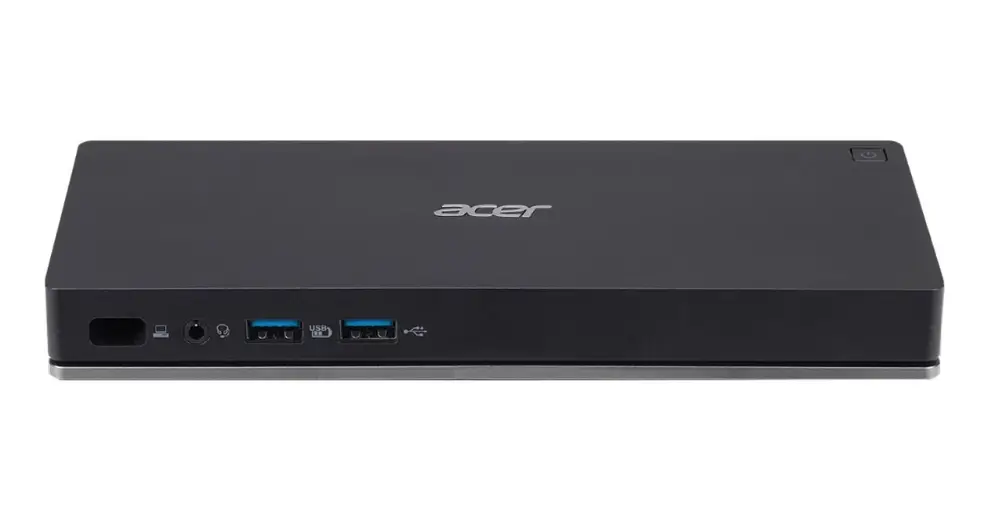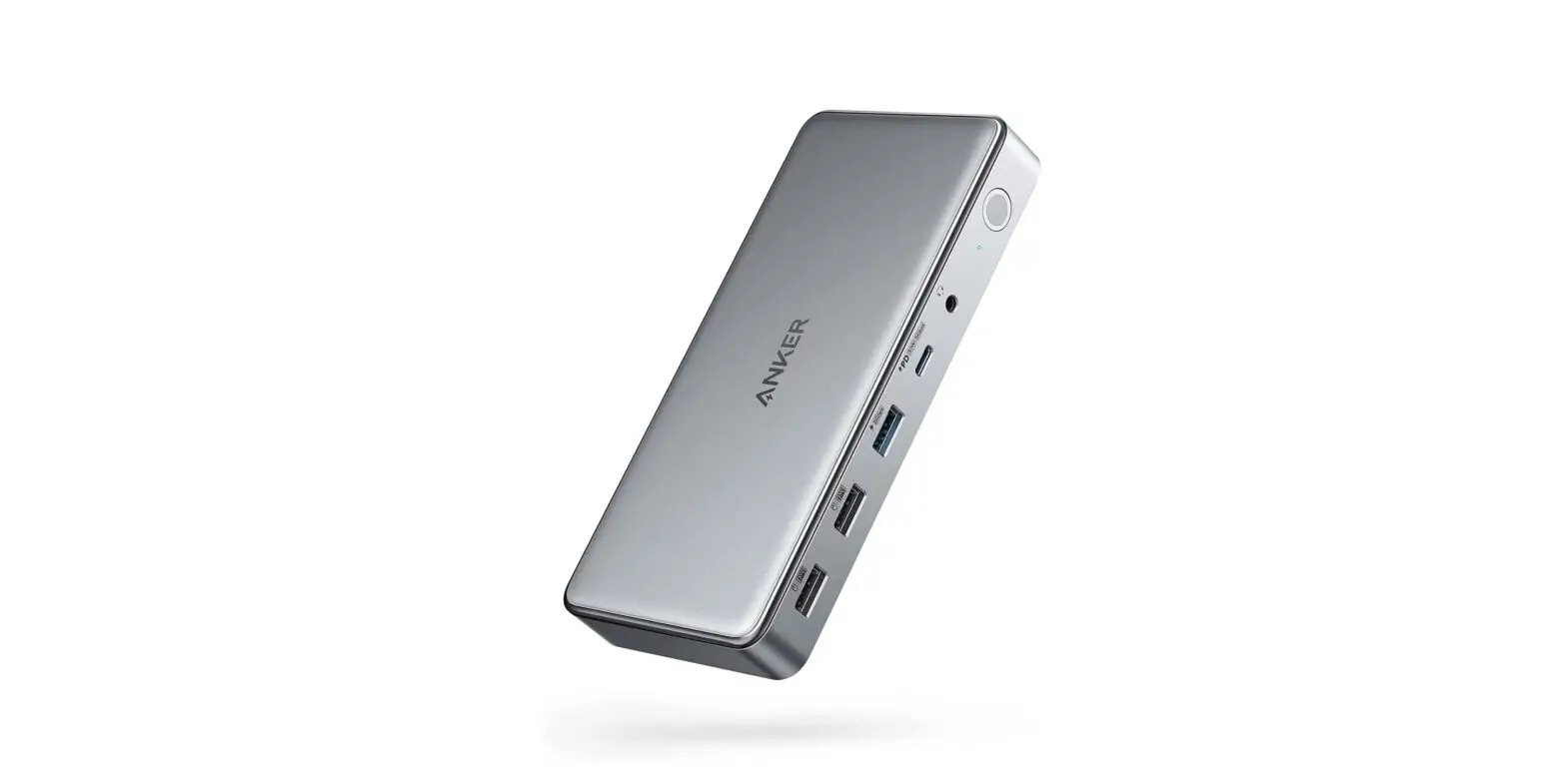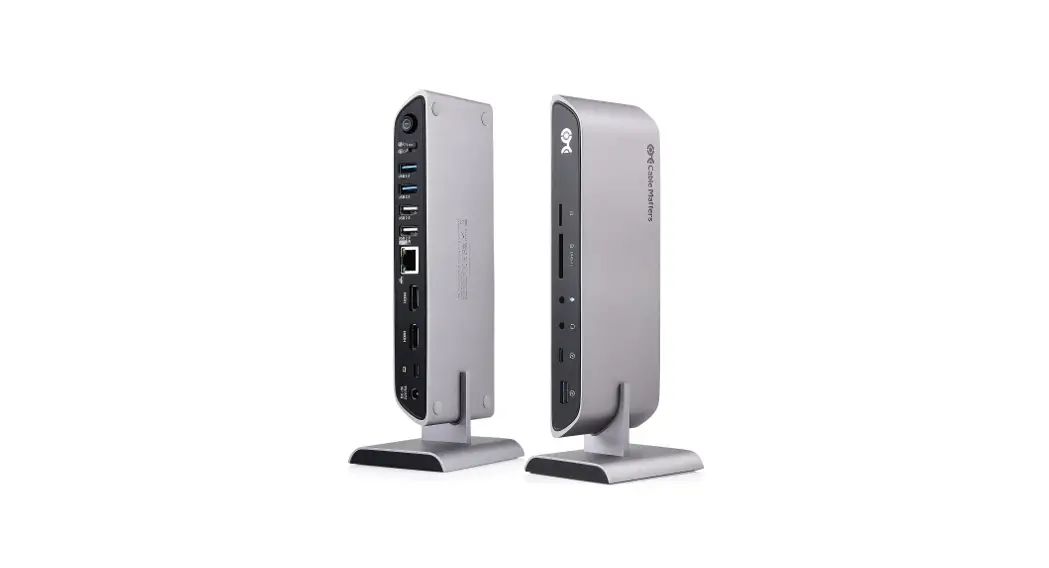
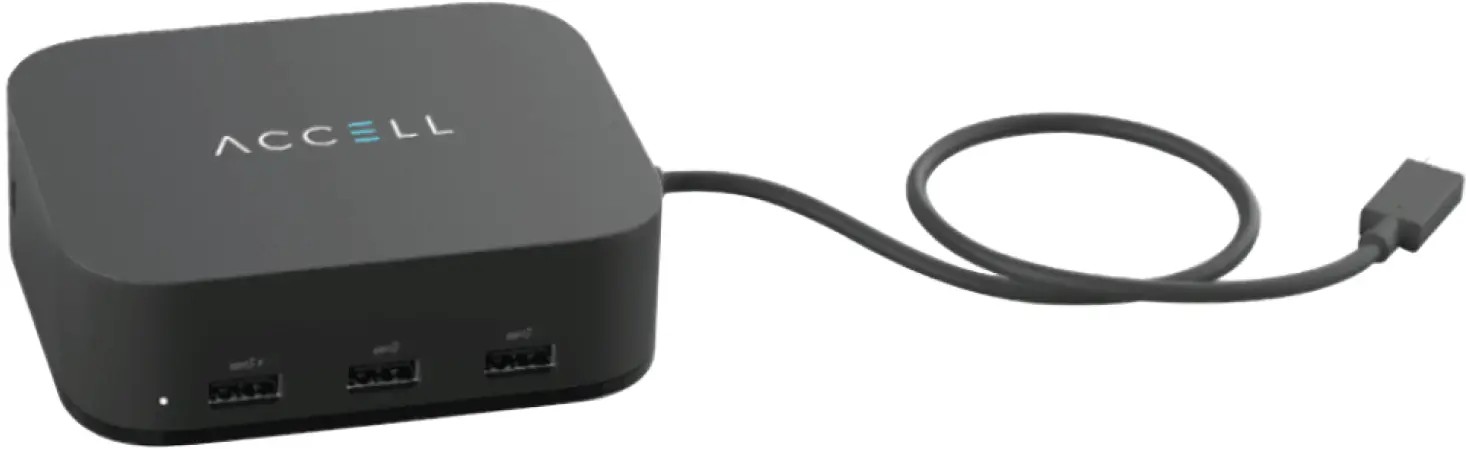
ACCELL K172B-010B Air USB-C Docking Station
Package Contents
- Accell Air USB-C docking station
- AC power adapter
- User manual
Product Overview
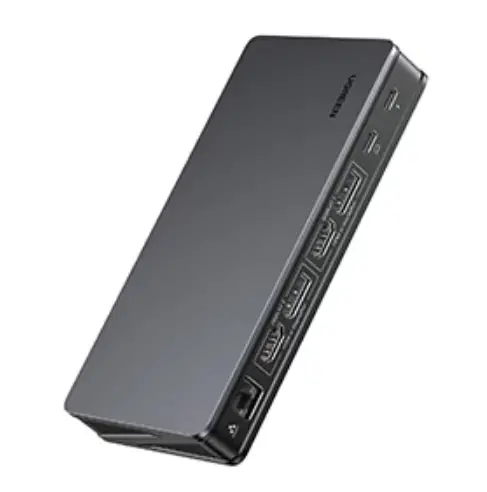
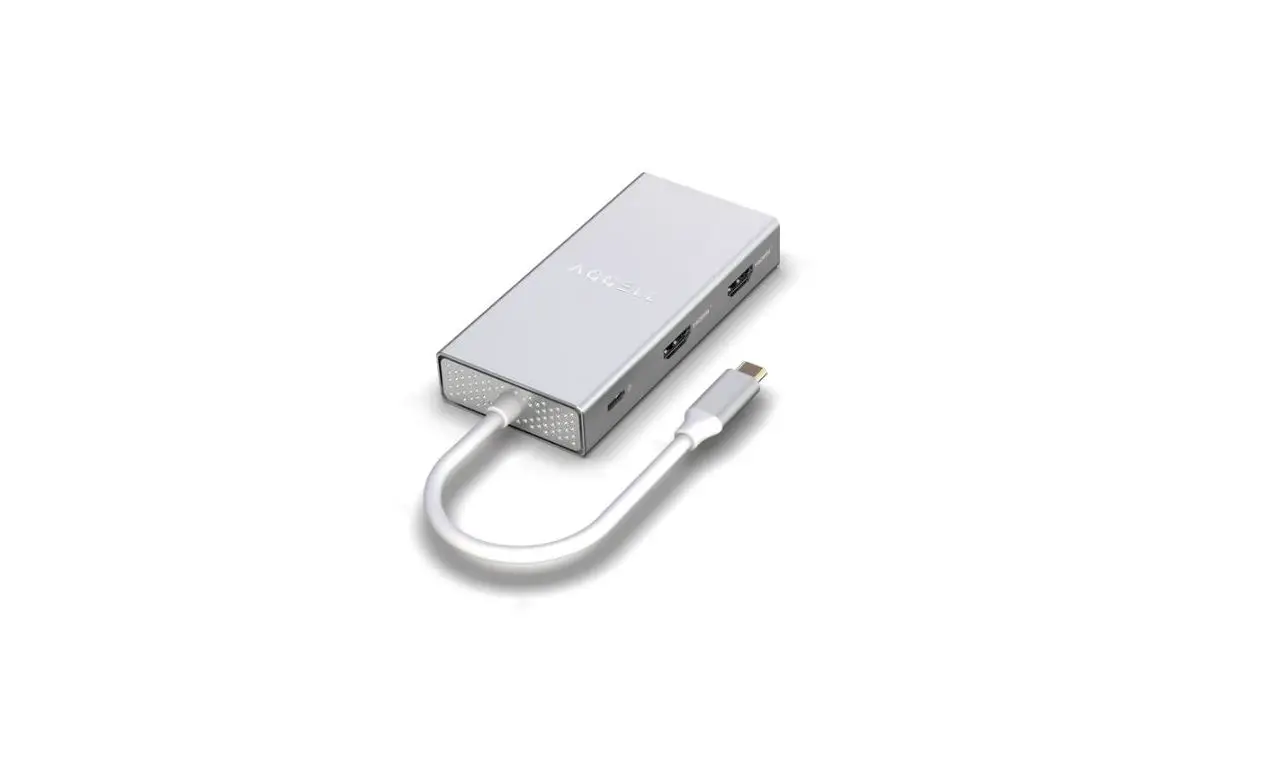
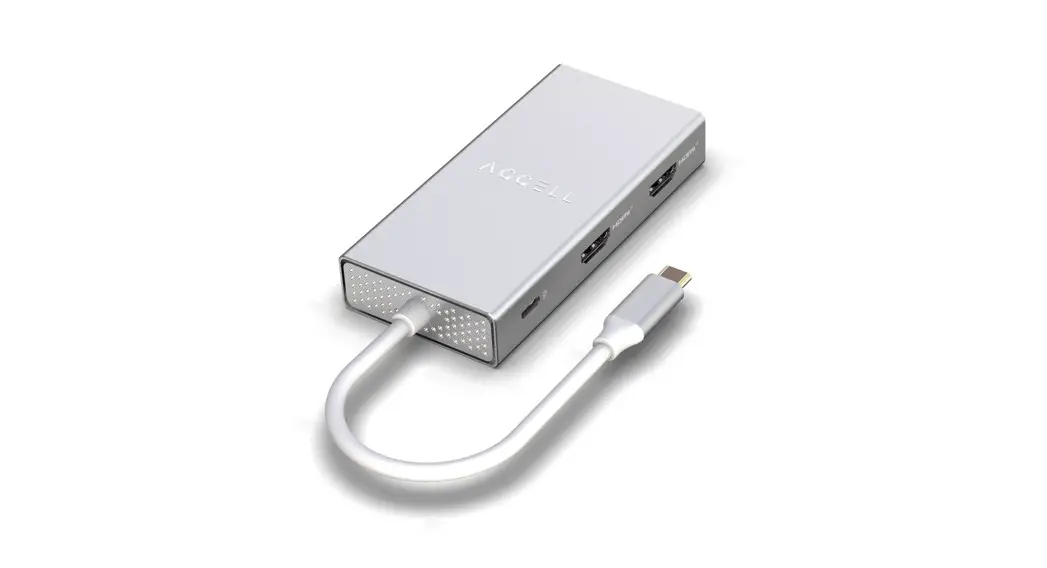
Front View
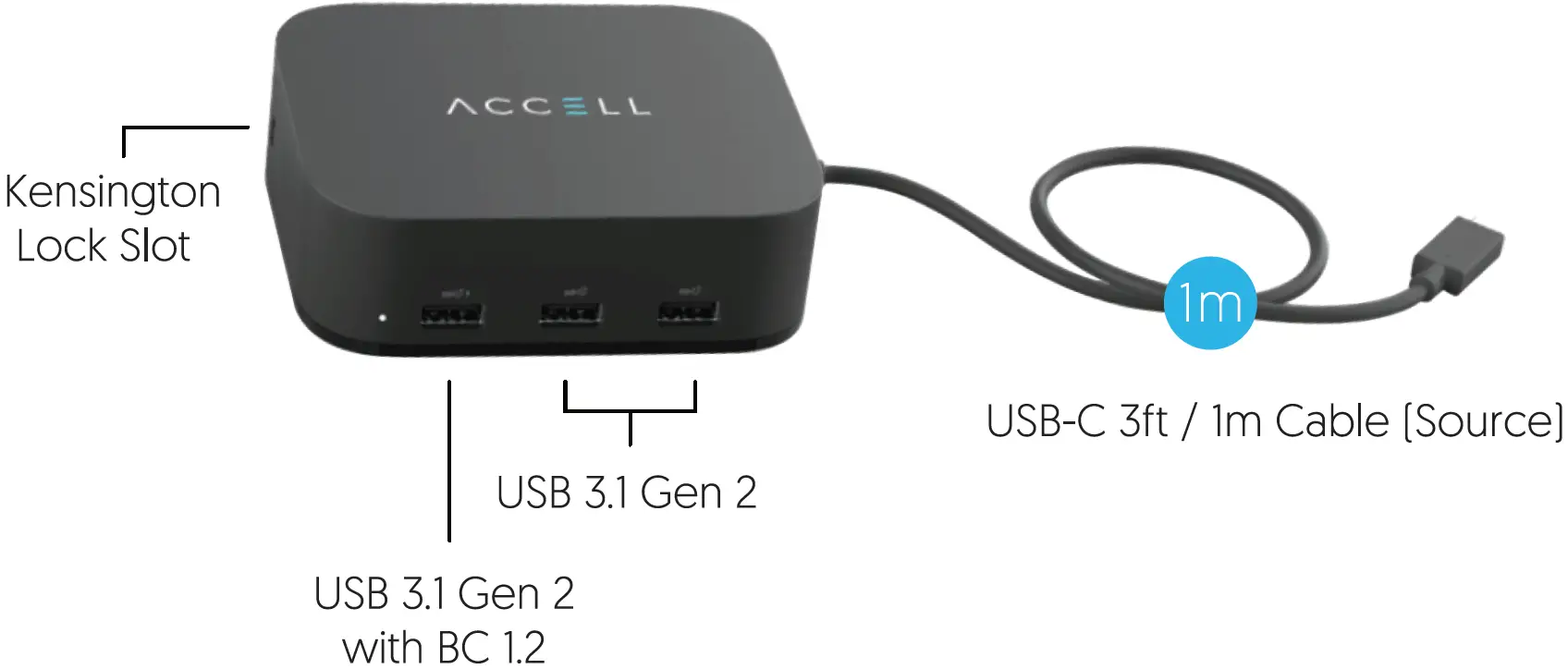
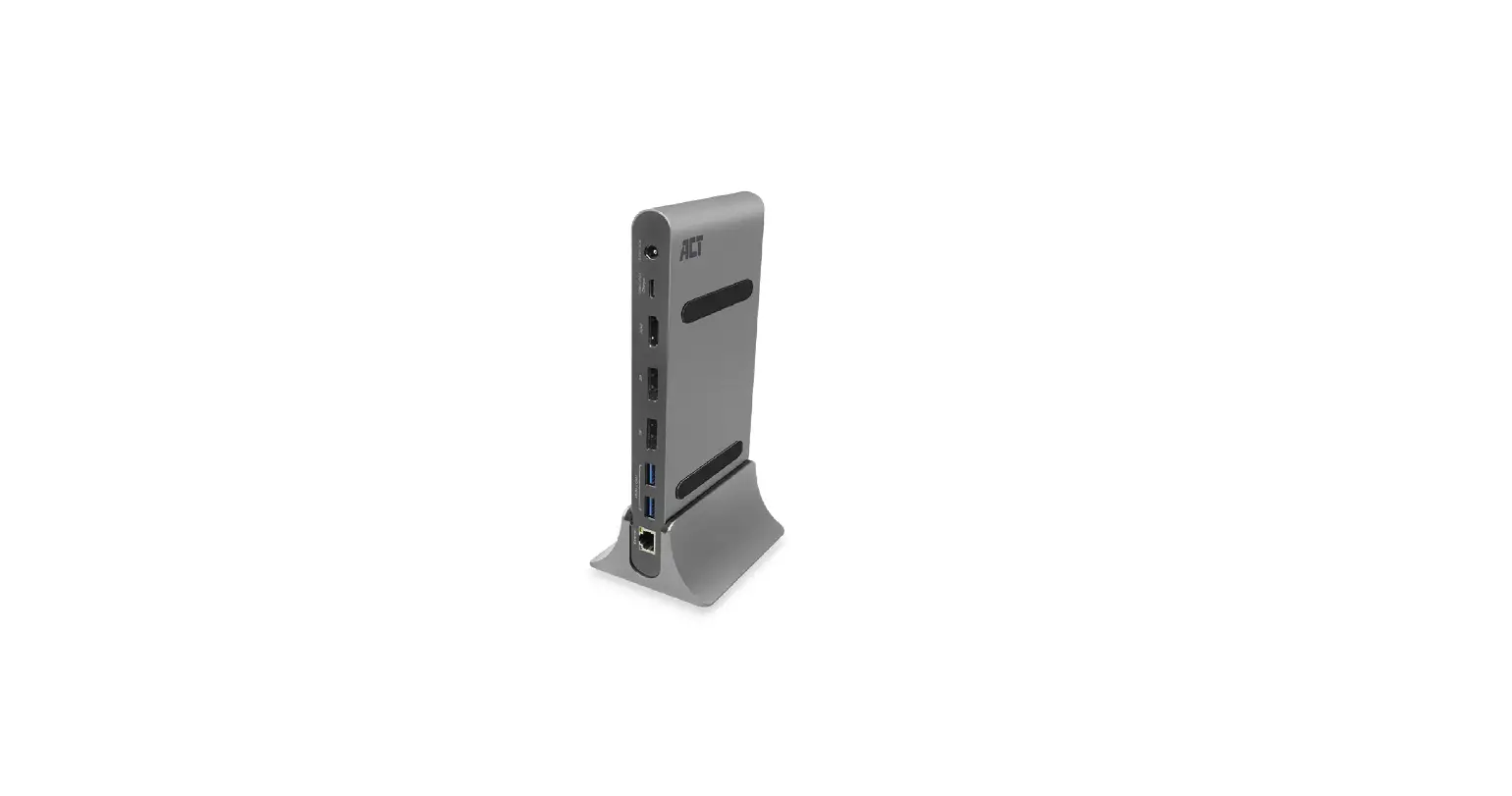
Back View
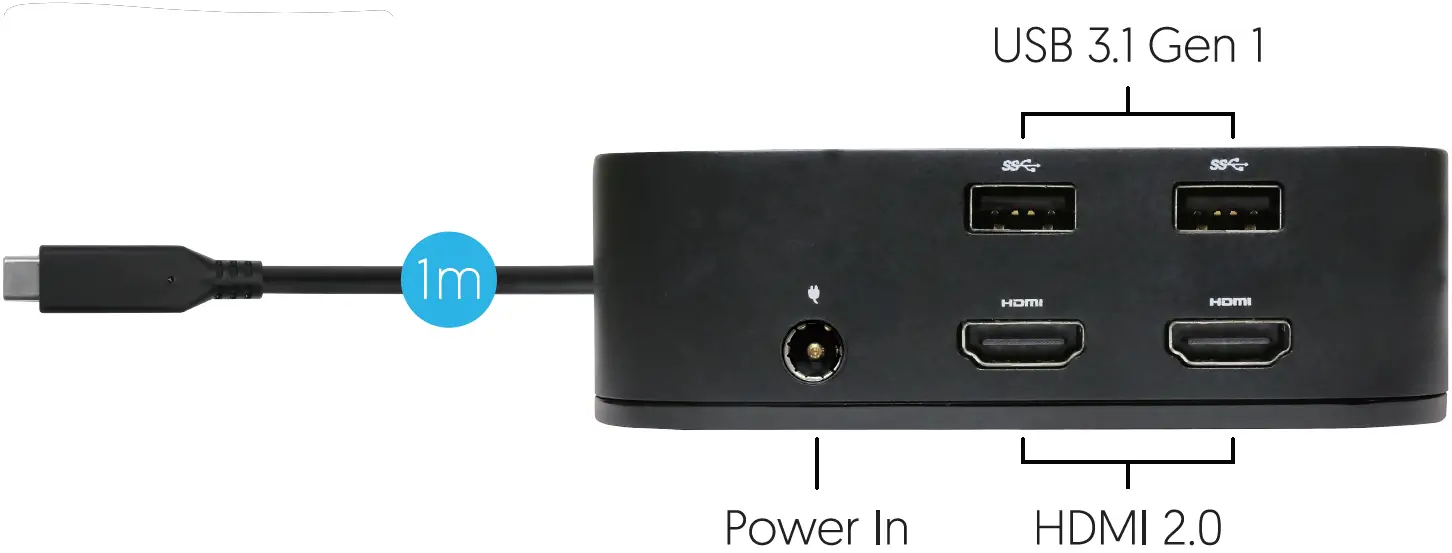
Quick Start Guide
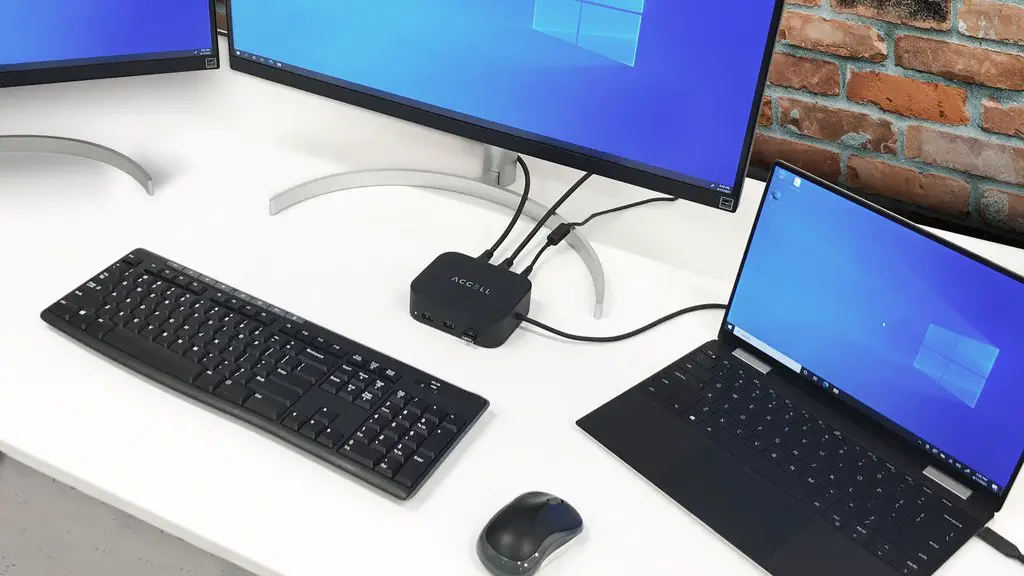
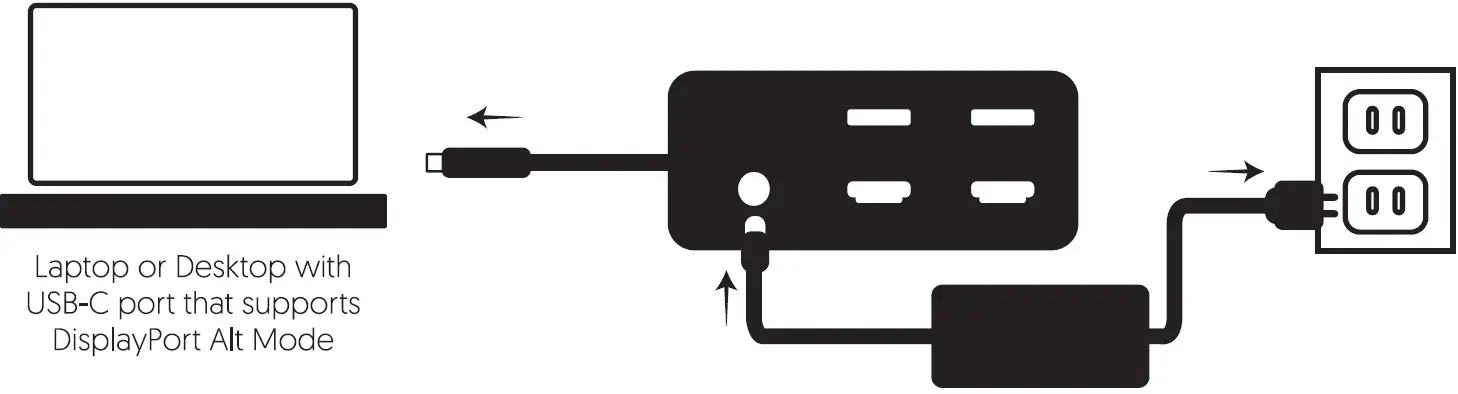
Connect the docking station to a power source with the included adapter. Then connect the docking station to a computer with a USB-C port that supports DisplayPort Alt Mode. The docking station also supports up to l00W of Power Delivery [PD] to charge the connected host device.
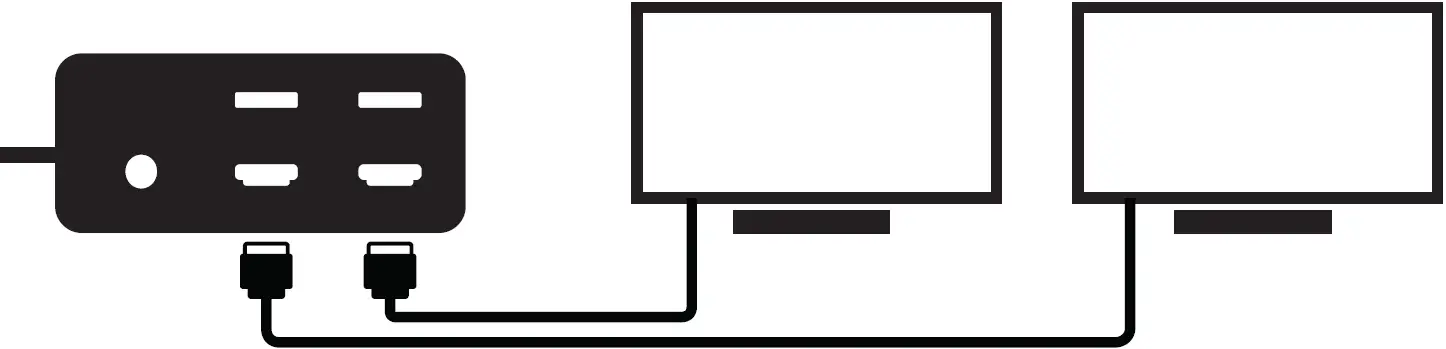
Connects up to 2 external displays, as needed, with HDMI cables [HDMI 2.0 cables for max resolutions].
Maximum Resolution and Frame Rate Supported
Without DSC 1.2 | With DSC 1.2 | ||||
HDMI 1 | HDMI 2 | HDMI 1 | HDMI 2 | ||
| Single Display | 4K@30Hz | – | Single Display | 4K@60Hz | – |
– | 4K@30Hz | – | 4K@60Hz | ||
| Dual Display | 4K@30Hz | 1080p@60Hz | Dual Display | 4K@60Hz | 4K@60Hz |
Known Computers and GPUs that support DSC 1.2:
NVIDIA TURING RTX 20 and 30 series AMD Radeon RX 5000 and 6000 series
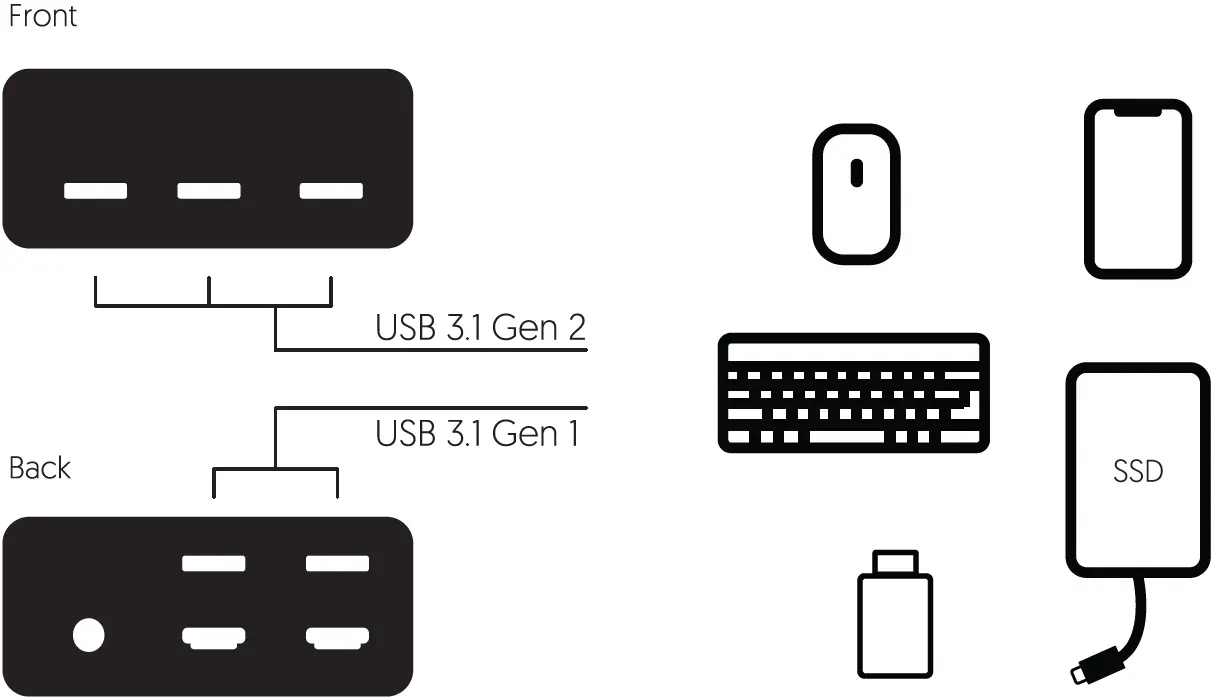
Connects up to 5 USB-A devices such as mouse, keyboard, USB flash drive, SSD storage, and smartphones to the docking stations.
Customer Support
Contact us at [email protected]
Or call toll free number
1-877-353-0772 [Monday – Friday 9am – 5pm PST]
1-Year-Limited-Warranty, please save your receipt. Designed in Fremont California. Made in China.
https://www.accellww.com/