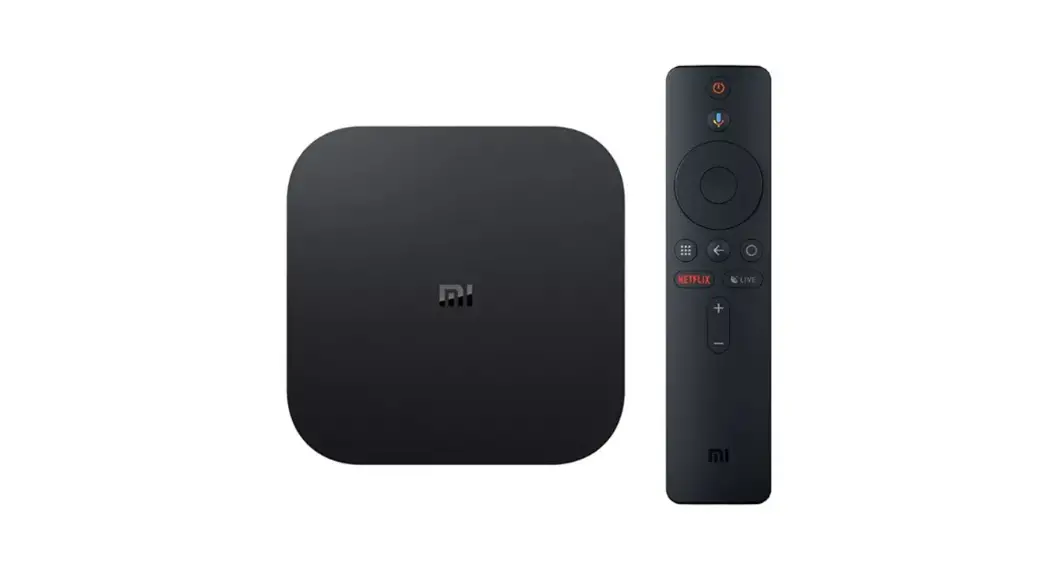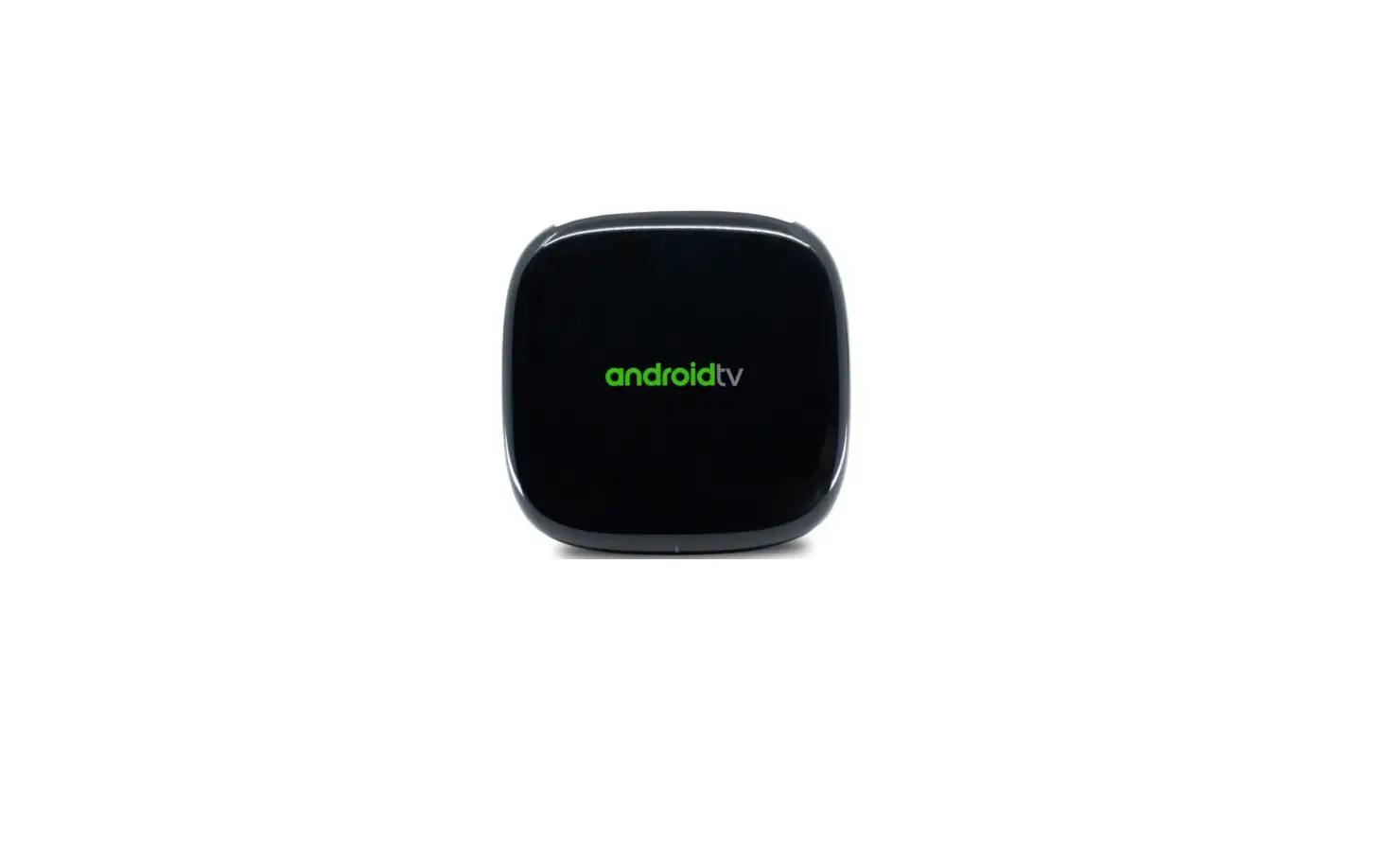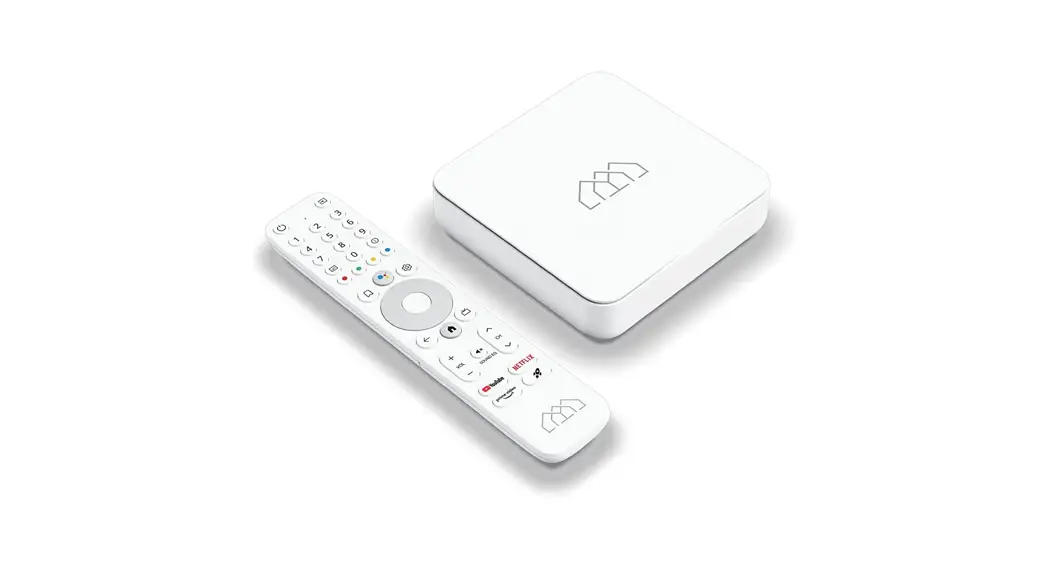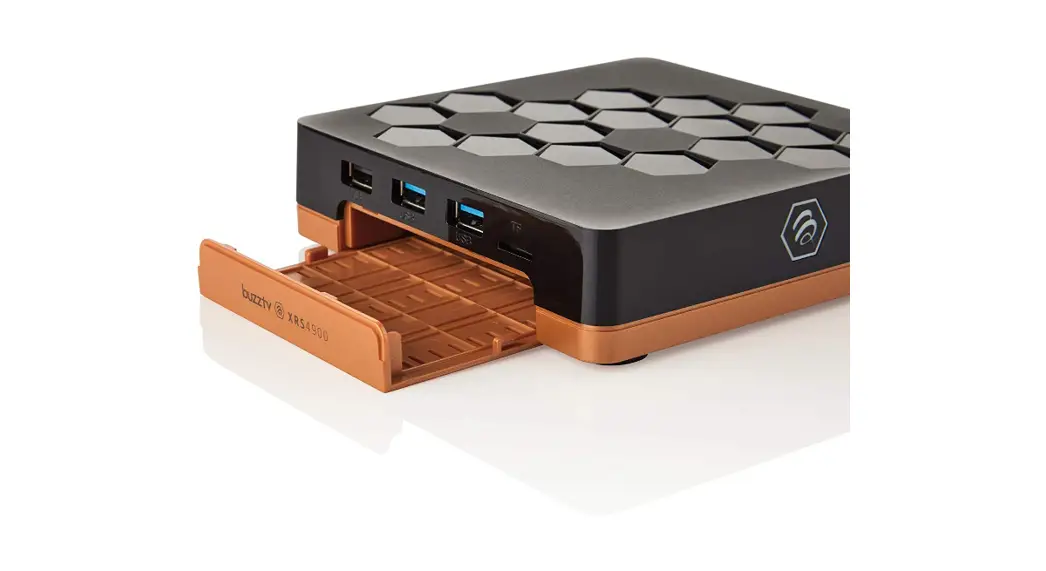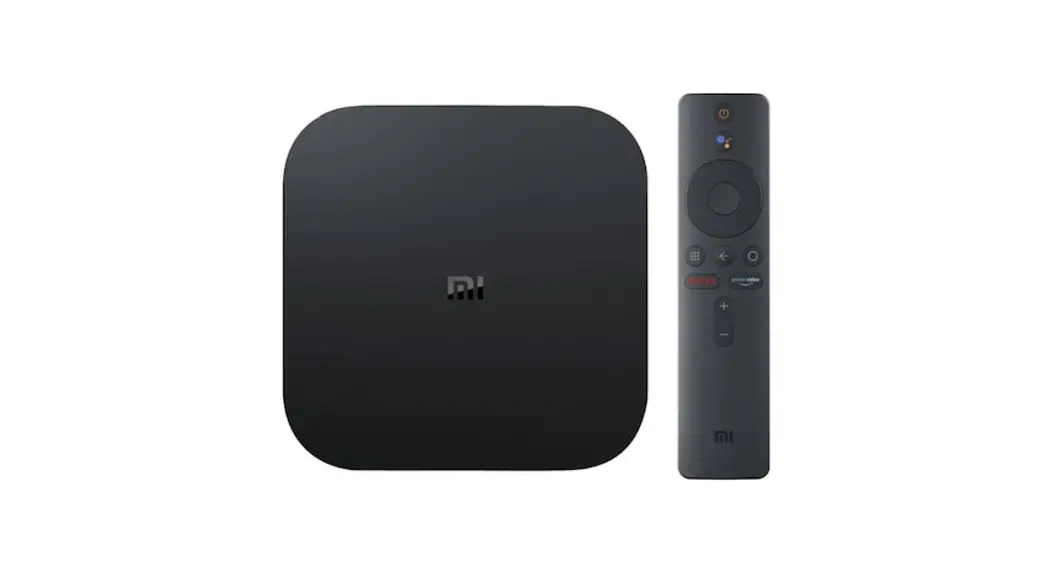
4K Android TV Set Top Box Google Voice Control
Android TV OS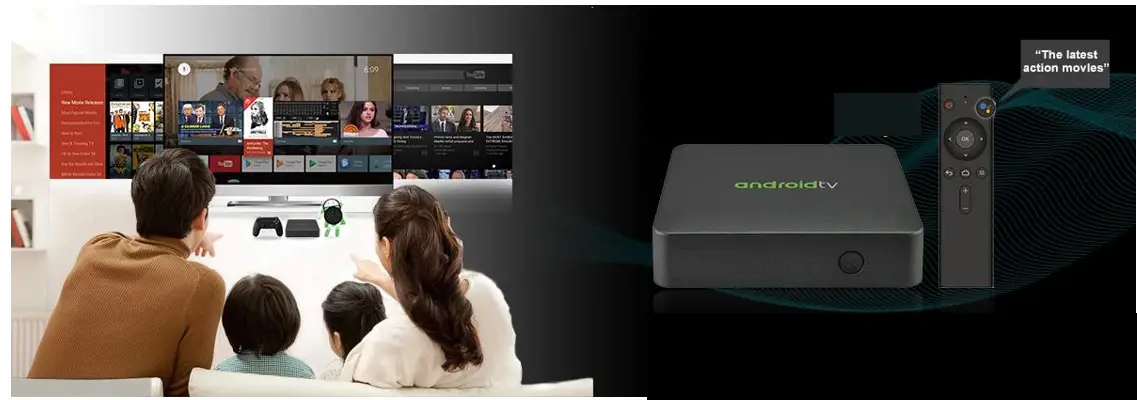

Why choose Google Android TV™ Box?
- Brings endless original content from Android Ecosystem, including YouTube, Sling and Hulu, etc.
- Netflix and other OTT services with a Google Play app out of the box
- Ultra security Playready and Widevine DRM
- Chromecast and Google Assistant built-in
- Operators tier can customize their own UI for Android TV™
Note: We have the experience and ability to get Android TV™. Since they arecertified project by project, you also need to get their authorization.
Top design in the industey
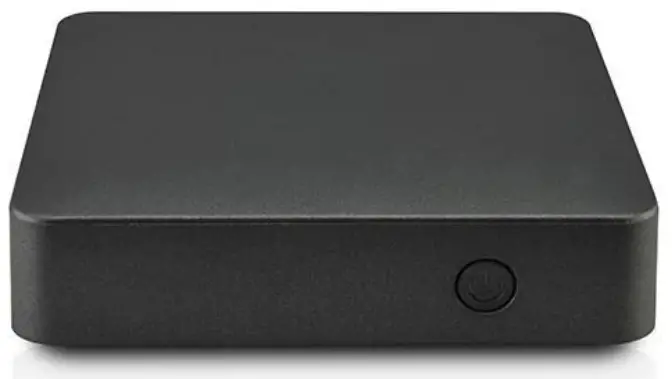
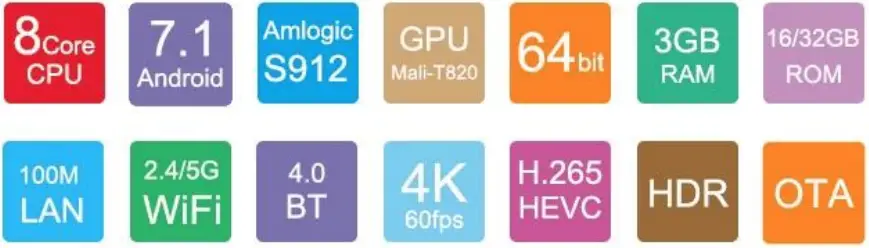
Android TV
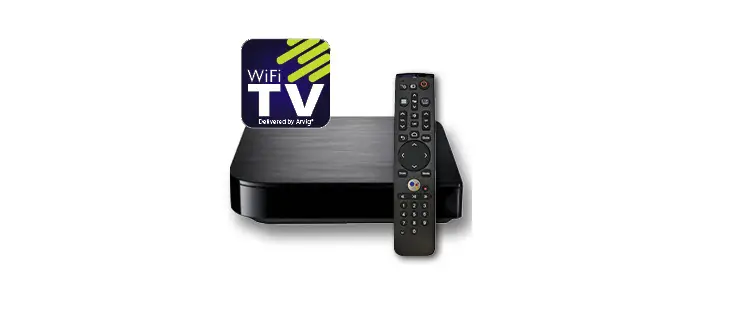
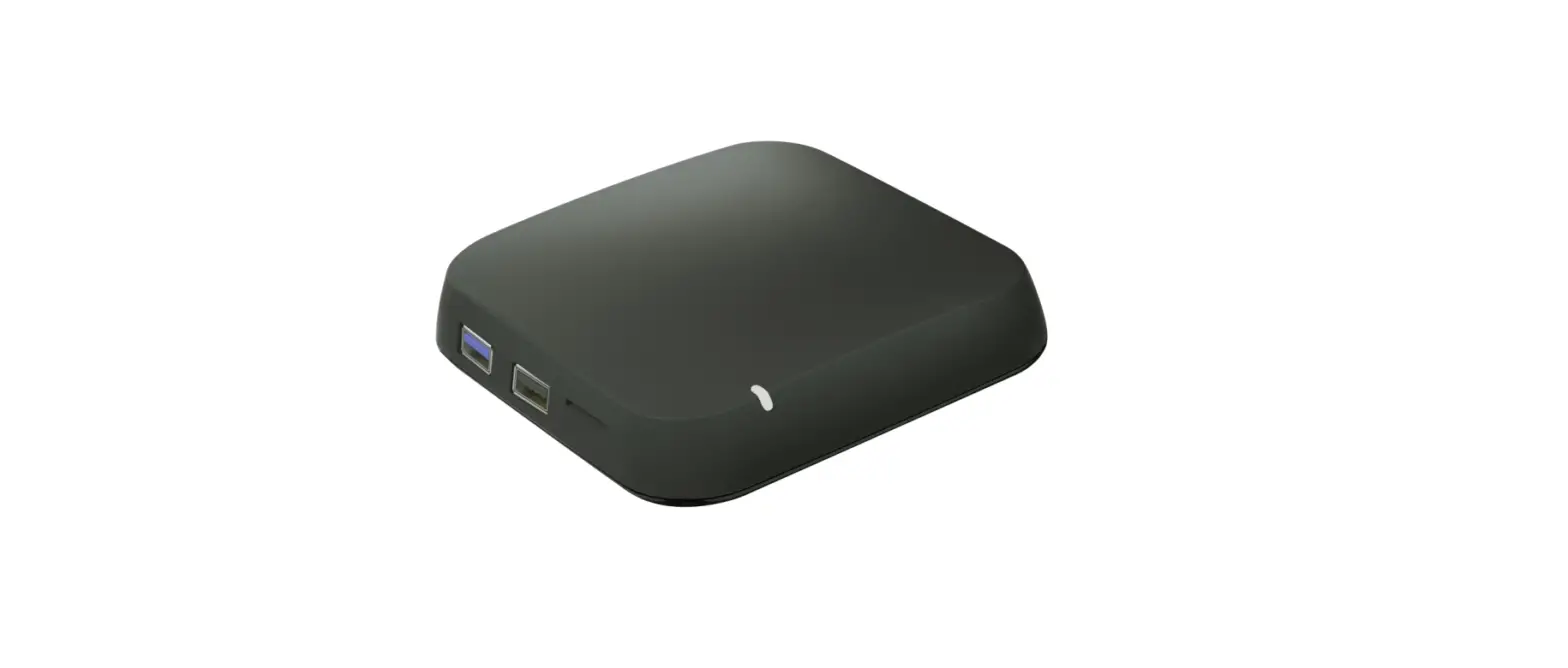
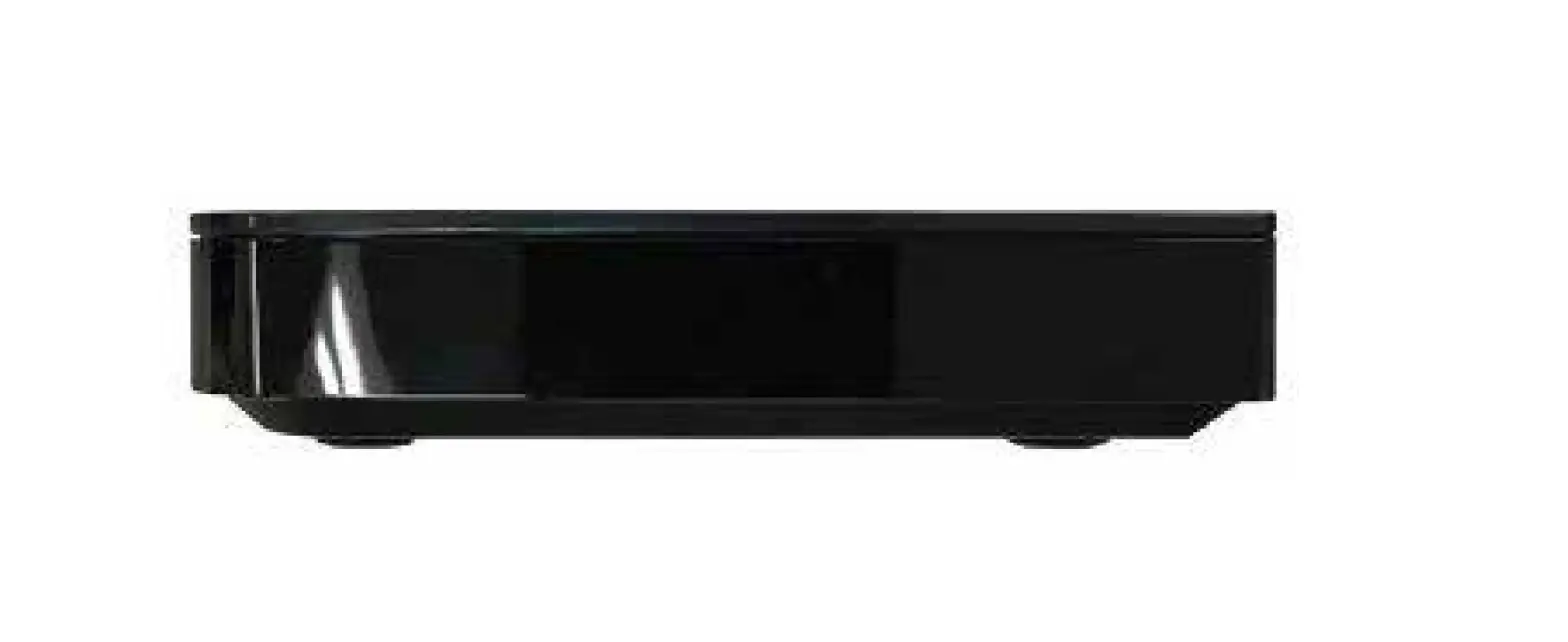
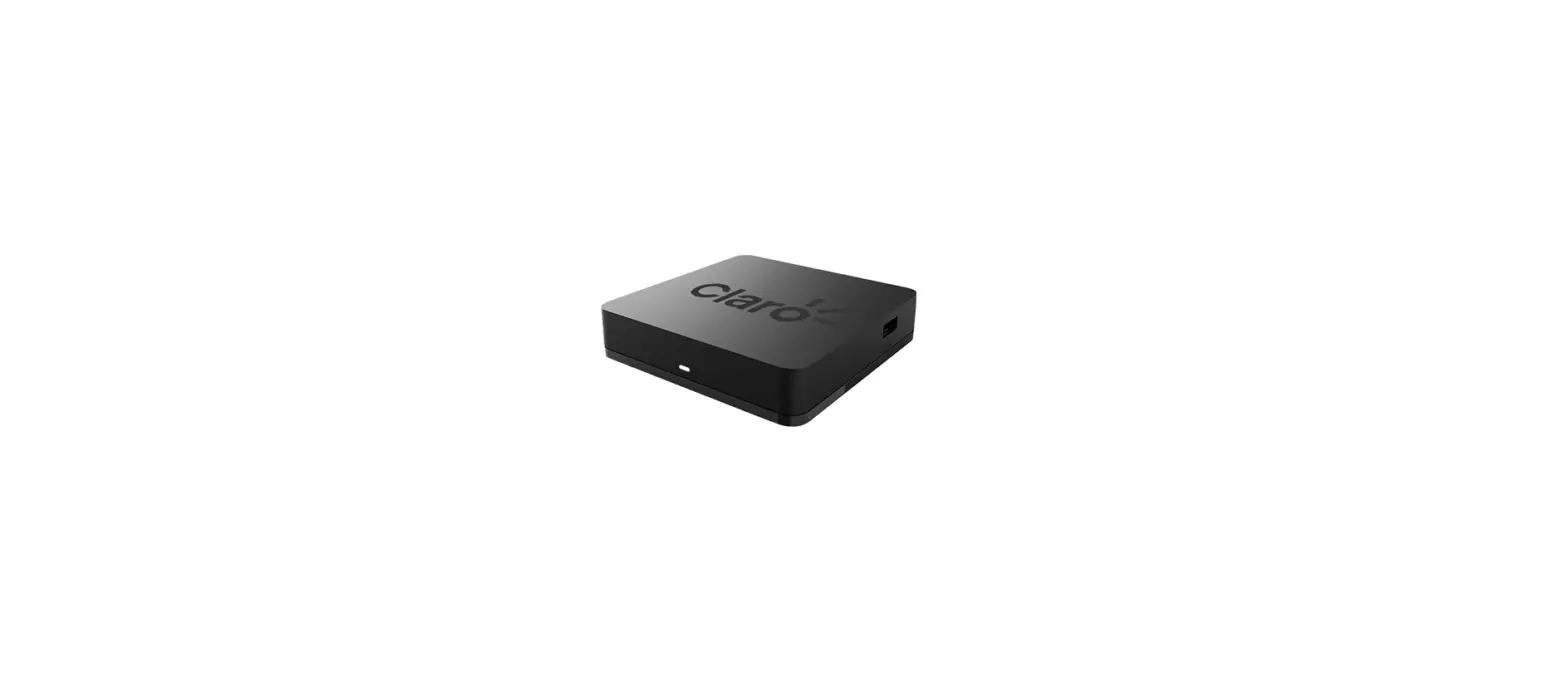
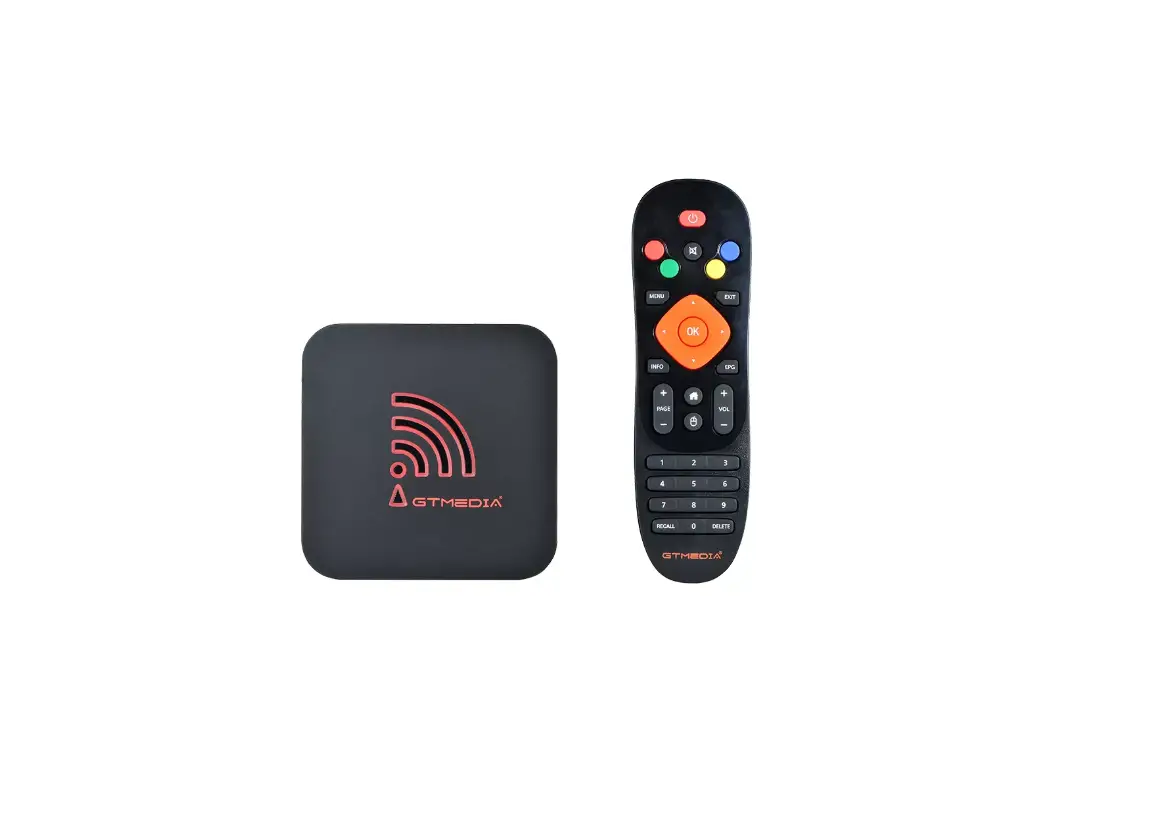
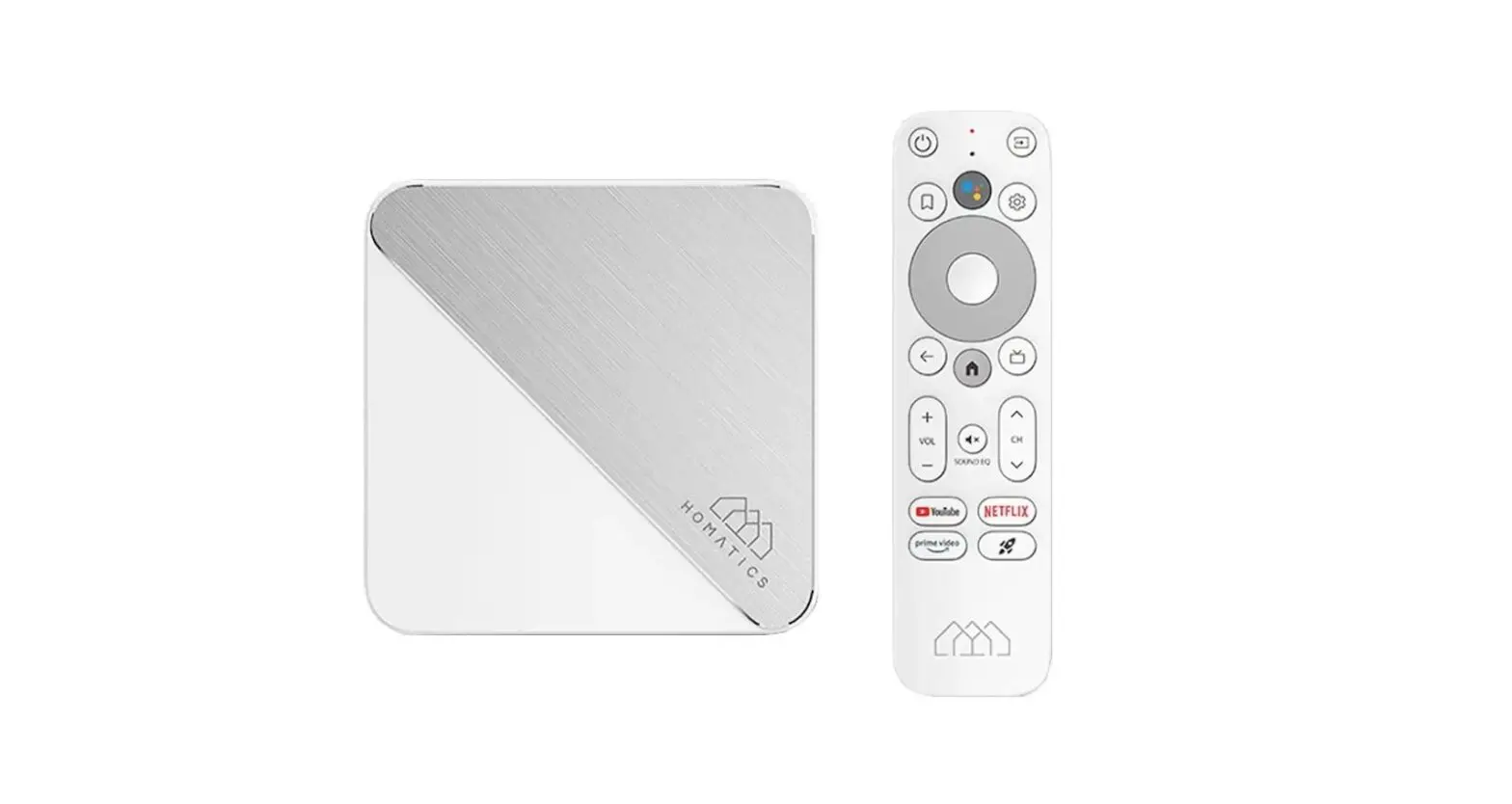
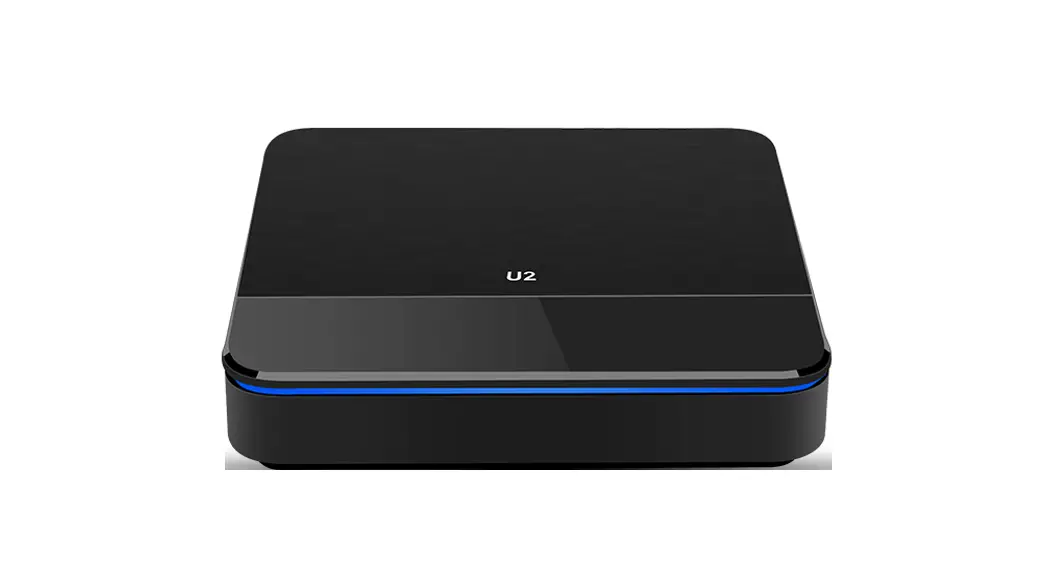
4K Android TV set-top box
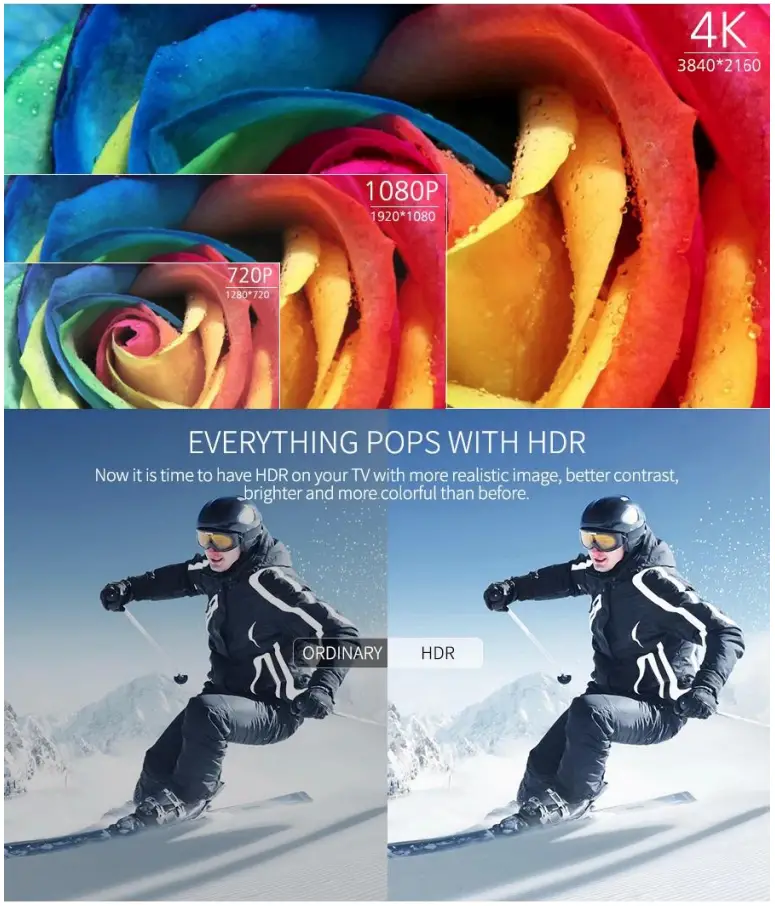
HDR video support
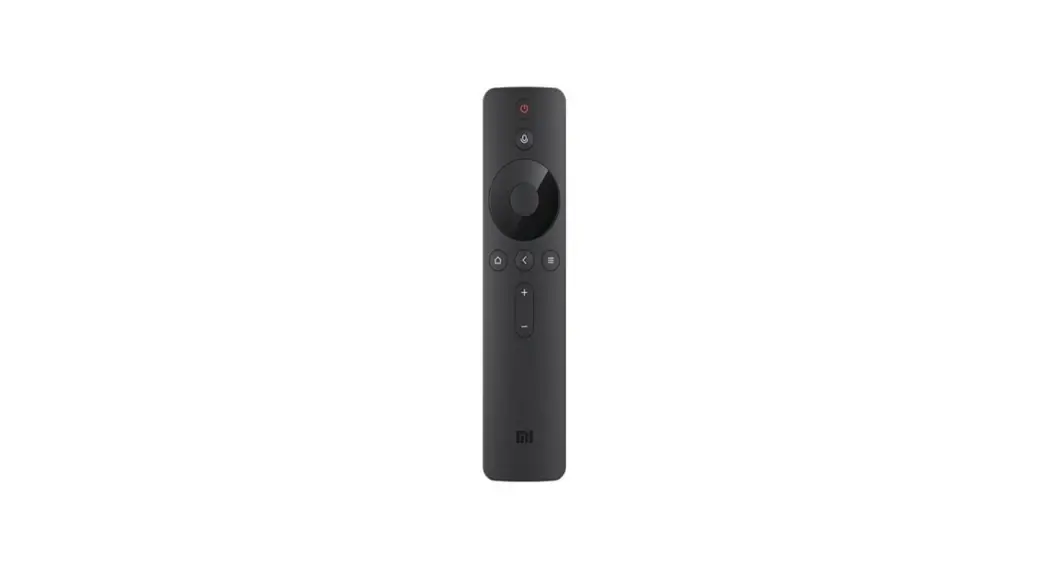
Bluetooth voice remote included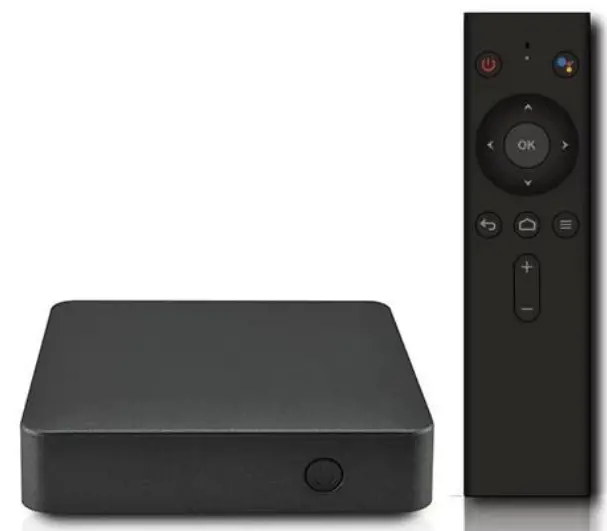
Think out of the box with Android TV 7.1
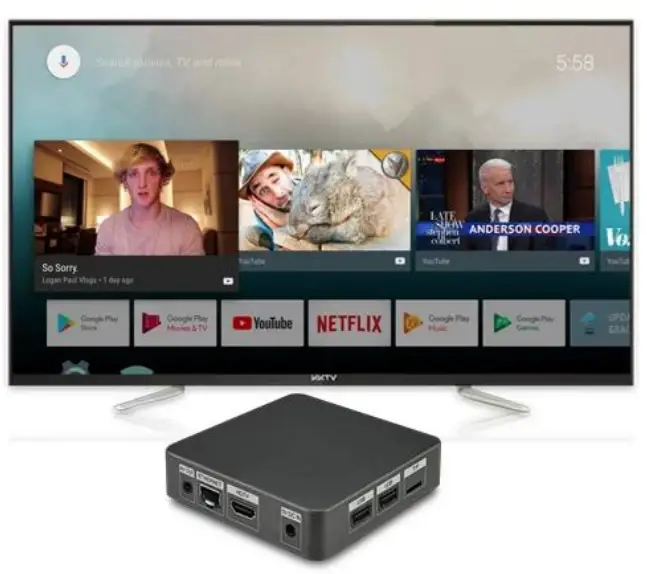
Connect to a world of content and entertainment at home with Nut 3 It runs on the latest
Android TV 7.1 which is easy to use, supports voice controls Catch your favorite TV shows, play games, watch the news or switch to radio. Nut 3 also recommends videos based on your personal Youtube and Google Play preferences!
Say it to search it
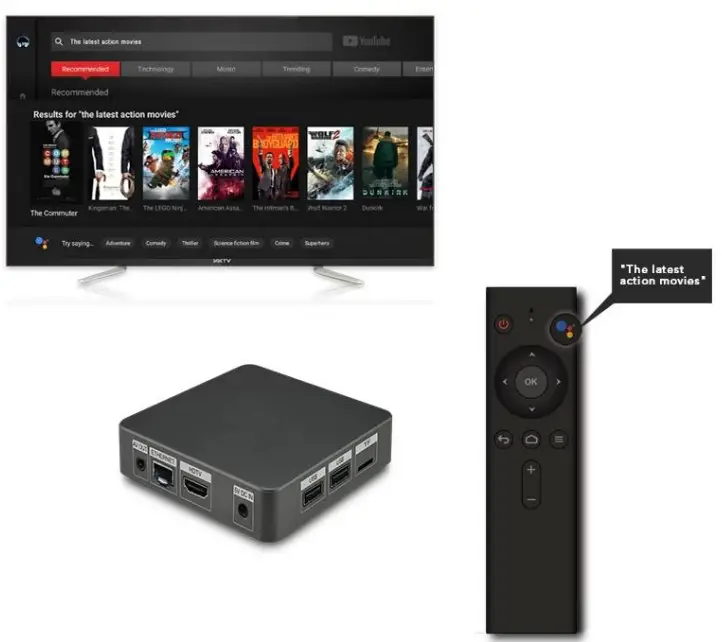
TV is listening, all you have to do is ask. Speak into the voice remote control, the TV Box will search for what you want.Simply press the
Voice control key to activate voice function, when you see the “Try saying…” on the screen, speak into the Microphone, for example
“The latest action movies”
“Today’s weather”
“The latest celebrity news” etc..
You will get what you want.
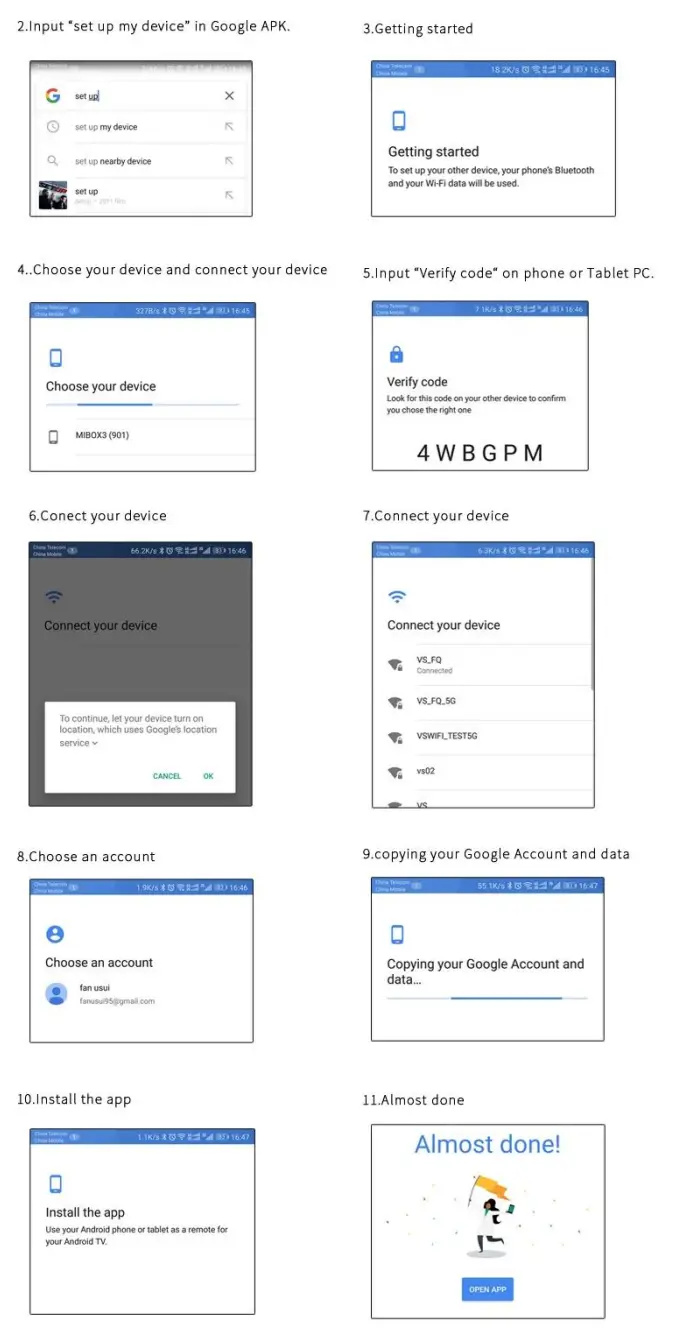
Copy your Google Account and data from Phone or Tablet PC to the device (Andorid TV Box).
- Down load and install “Google * app from play store of android phone or tablet PC
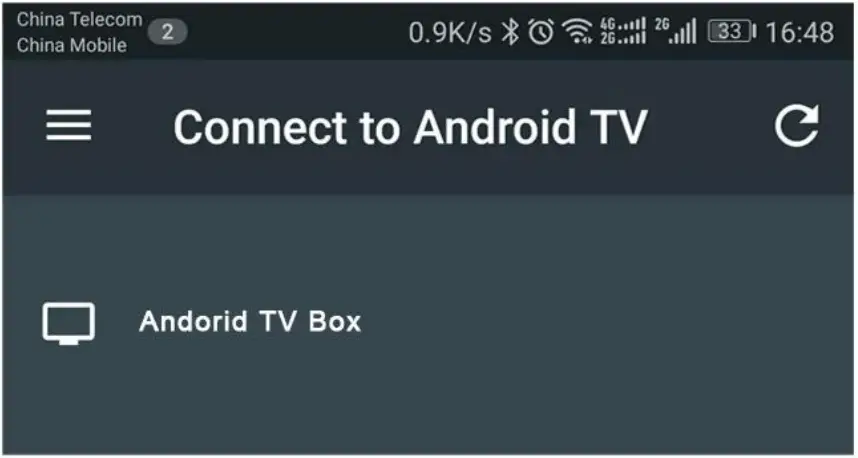
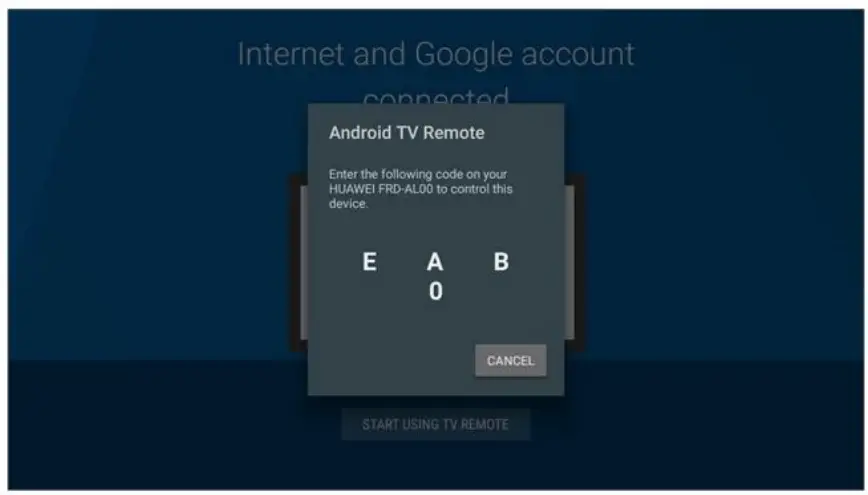
Android TV Remote Control
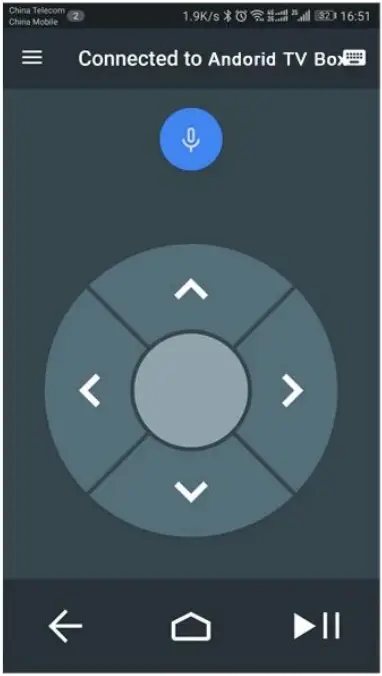
- Down load and install “Android TV Remote Control ” app from play store on android phone or tablet PC

- Find and click device “Andorid TV Box’

- Pairing phone or tablet PC with Andorid TV Box

- Phone or Tablet PC will be able to remote“Andorid TV Box’ after pairing sucessfully
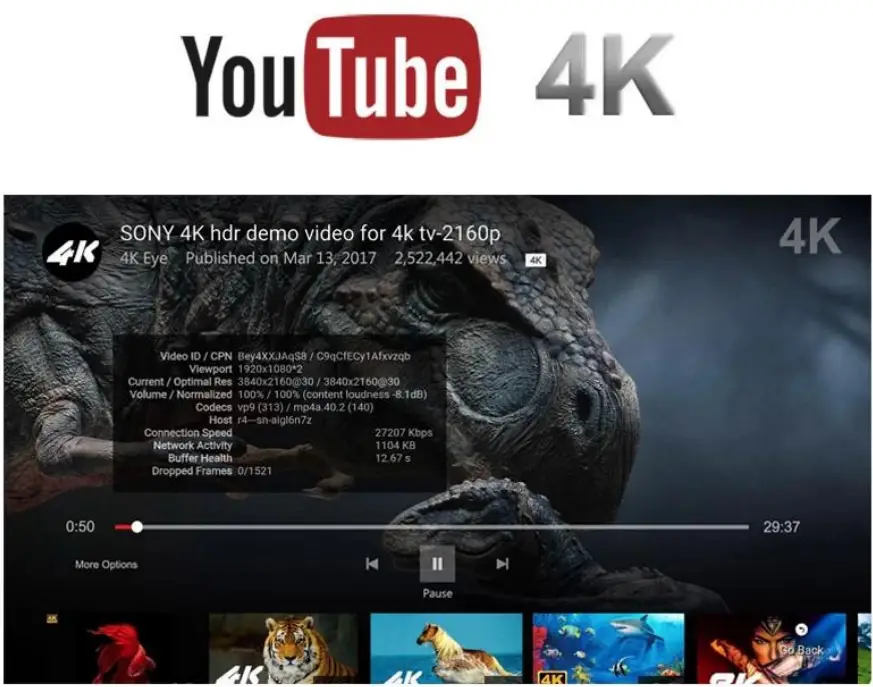
Current / Optimal Res 3840×2160@30 / 3840×2160@30
Note:
When the net speed is fast, youtube 4k can be achieved at 4K * 2K resolution playback, when the speed slows down, the resolution will automatically decline, may be reduced to 1080P / 720P / 480 or even lower to keep Play smoothly.
This is anormal phenomenon, the resolution depends on your network speed.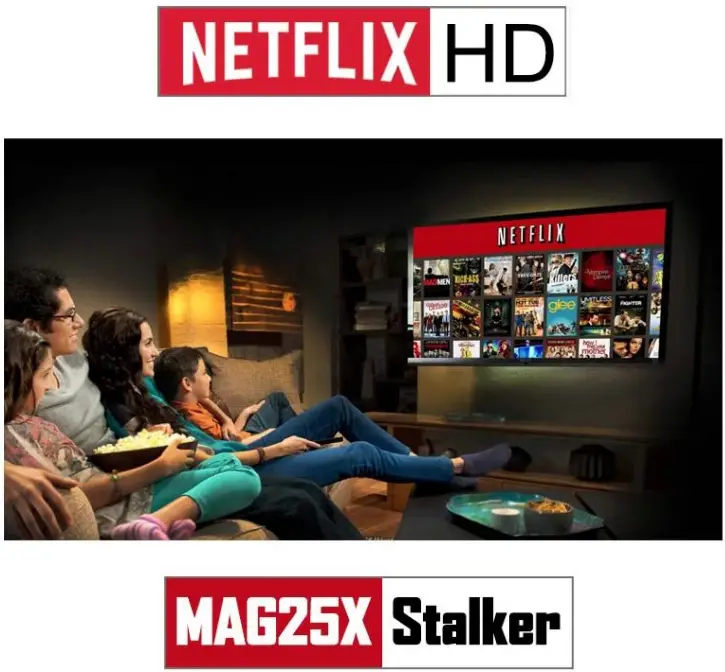
StbEmu applications can be compatible with most MAG25X stalker protocols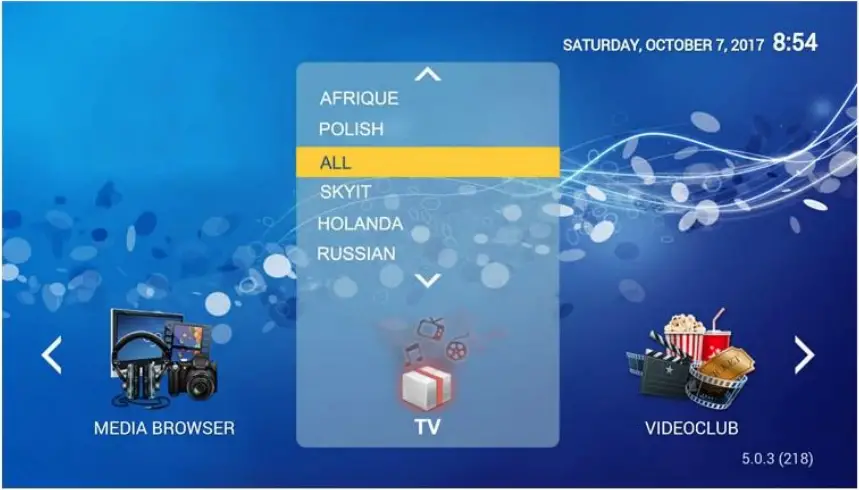
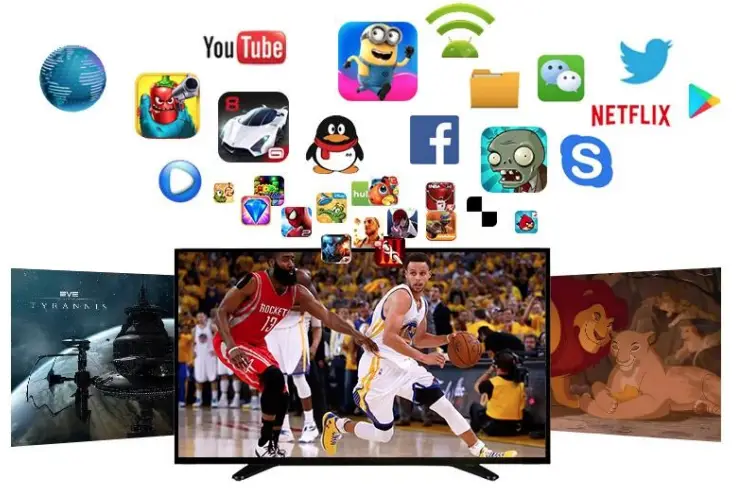
Ultra-clear Films, Animations, Games for your enjoyment at anytime !
Make you free to the theater!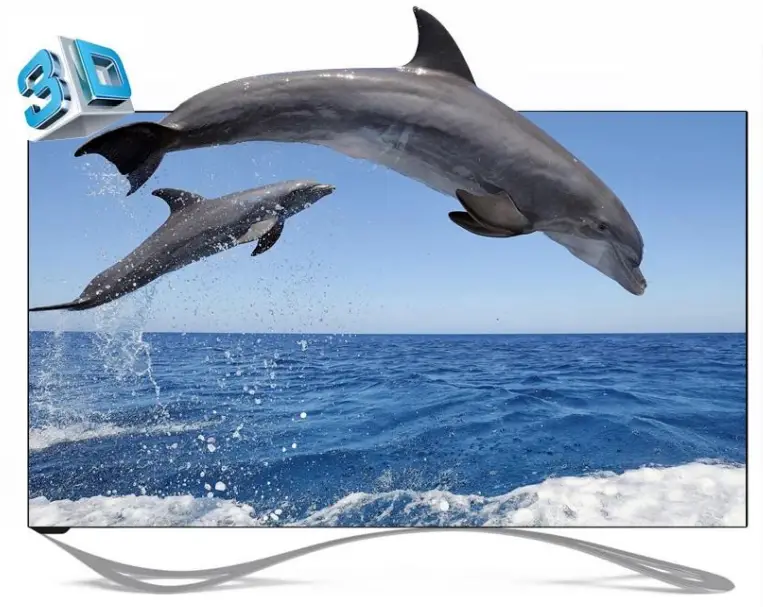
You can feel the shock of 3D cinema-like stereoscopic vision at home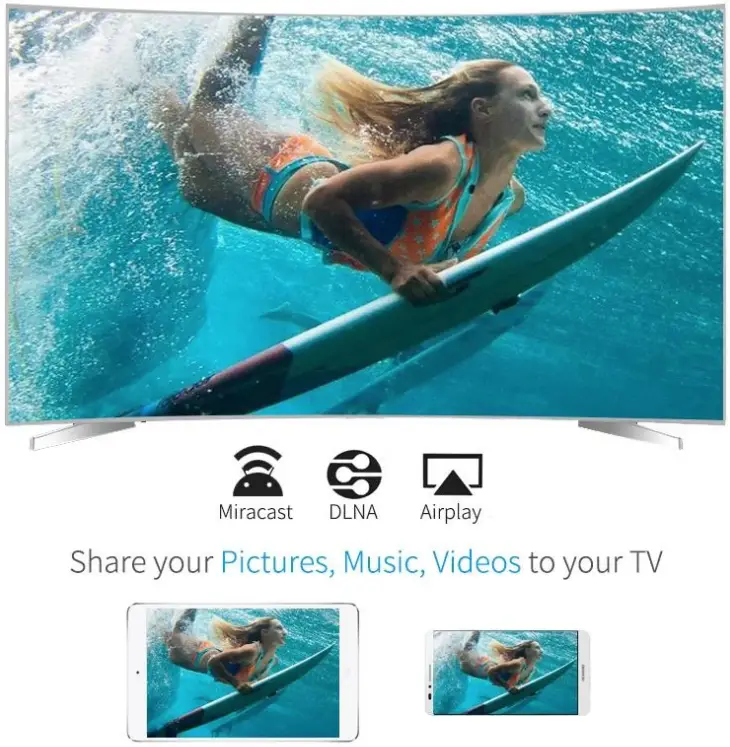

Specifications
| Model No. | Android TV |
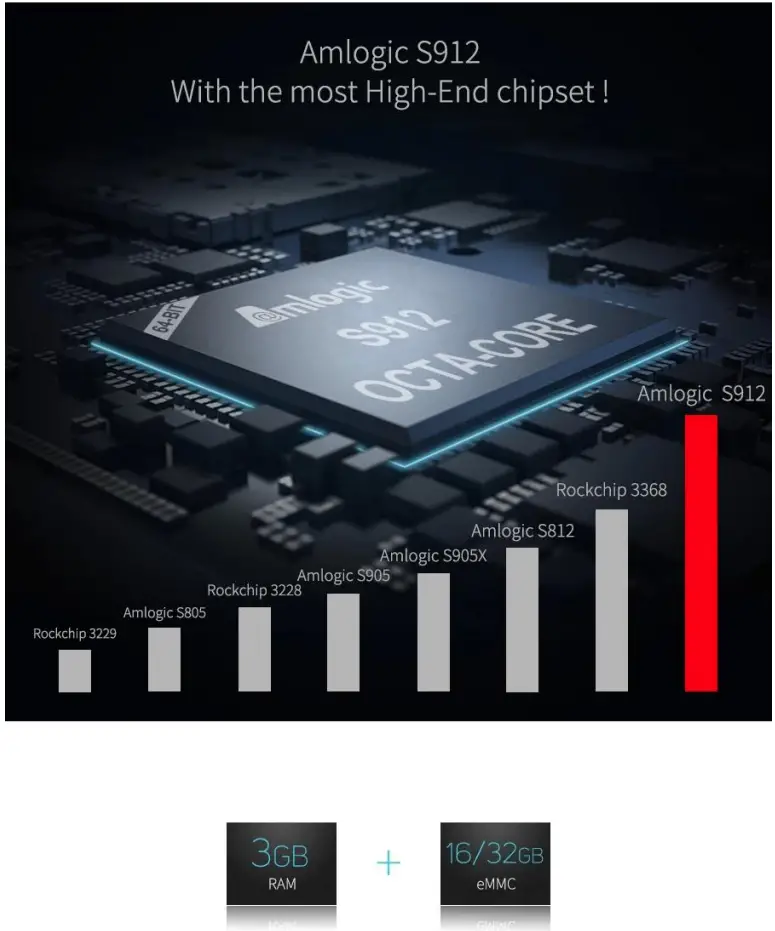
| CPU | Amlogic S912 64-Bit octa-core ARM Cortex A53 processor @ up to 2.0GHz |
| GPU | ARM Mali-T820MP3 GPU up to 750MHz (DVFS) |
| SDRAM | 2GB/3GB DDR3 |
| Flash | 16GB flash and SD slot up to 32GB |
| WiF | Built in 2.4G/5G WiFi Support IEEE 802.11 a/b/g/n/ac |
| Blutooth | Bluetooth 4.1+HS |
| LAN Ethernet | 10/100M |
| Android O | Android 7.1 (android tv™) |
Main Features
| Video Docoder | H.265 4K @60fps 10btis, VP9 Profile 2, H.264 4K@30fps, AVS+ 1080P@60fps, H.264 1080P @60fps |
| HDR | HDR 10, HLG HDR |
| Decoder format | HD MPEG1/2/4,H.265/HEVC, HD AVC/VC-1,RM/RMVB,Xvid/DivX3/4/5/6, RealVideo8/9/10 |
| Media format | Avi/Rm/Rmvb/Ts/Vob/Mkv/Mov/ISO/wmv/asf/flv/dat/mpg/mpeg |
| Music format | MP3/WMA/AAC/WAV/OGG/DDP/TrueHD/HD/FLAC/APE |
| Photo format | HD JPEG/BMP/GIF/PNG/TIFF |
| Network Function | Miracast, Airplay, Skype chatting, Picasa, Youtube, Flicker, Facebook, Online movies, etc. |
| Language | Chinese, English ,Germany, Japanese, Korea etc. |
Port Specifications
| USB host | 2* High speed USB 2.0,support U DISK and USB HDD |
| Card reader | 1* TF CARD Support 1~32GB |
| HDTV | 1* HDTV output 2.0 4K*2K @ 60Hz |
| LAN | 1* RJ45 LAN Ethernet 10M/100M |
| CVBS&L/R | 1* 3.5 Phone out CVBS&L/R output |
Others
| Power Supply | DC 5V/2A |
| Accessory | BT Remote control, User manual, Power supply, HDMI cable |
| Option | Support mouse and keyboard via USB or BT; Support 2.4GHz wireless mouse and keyboard via 2.4GHz USB dongle |