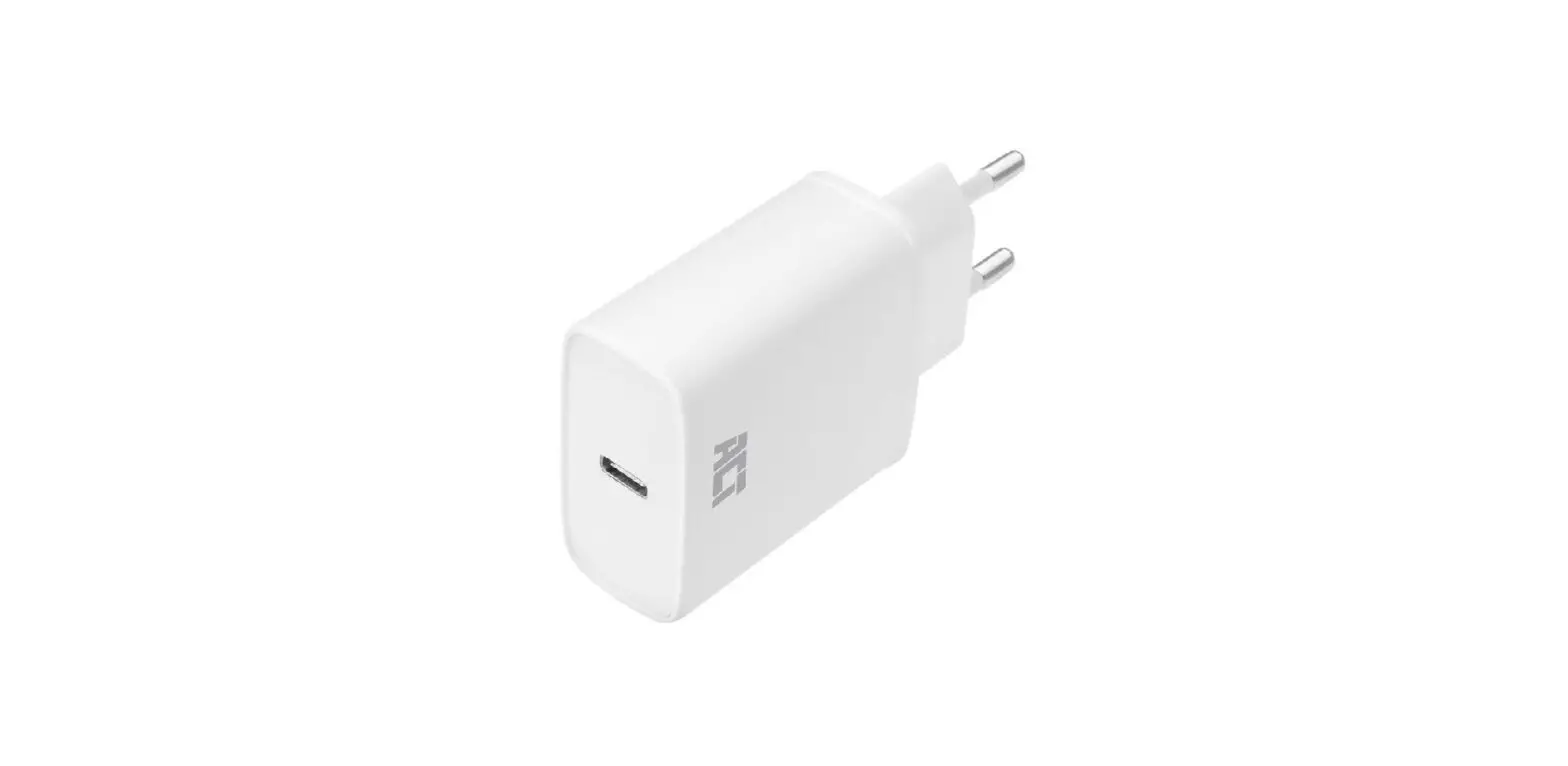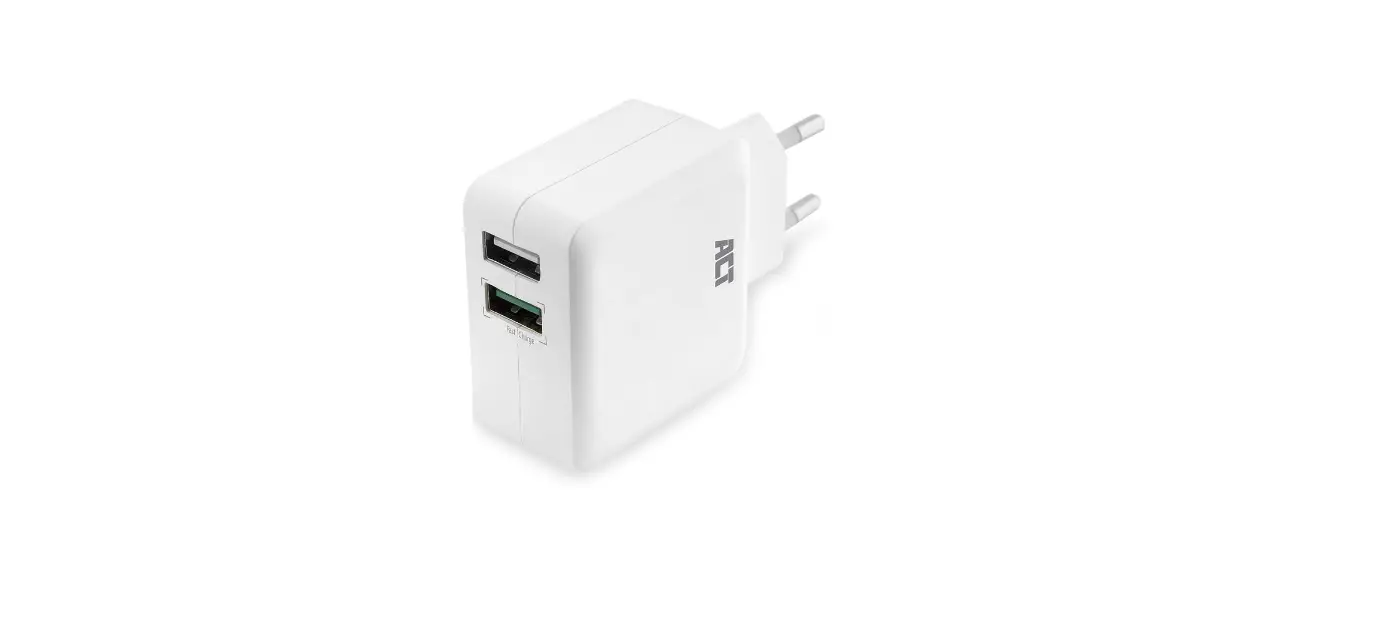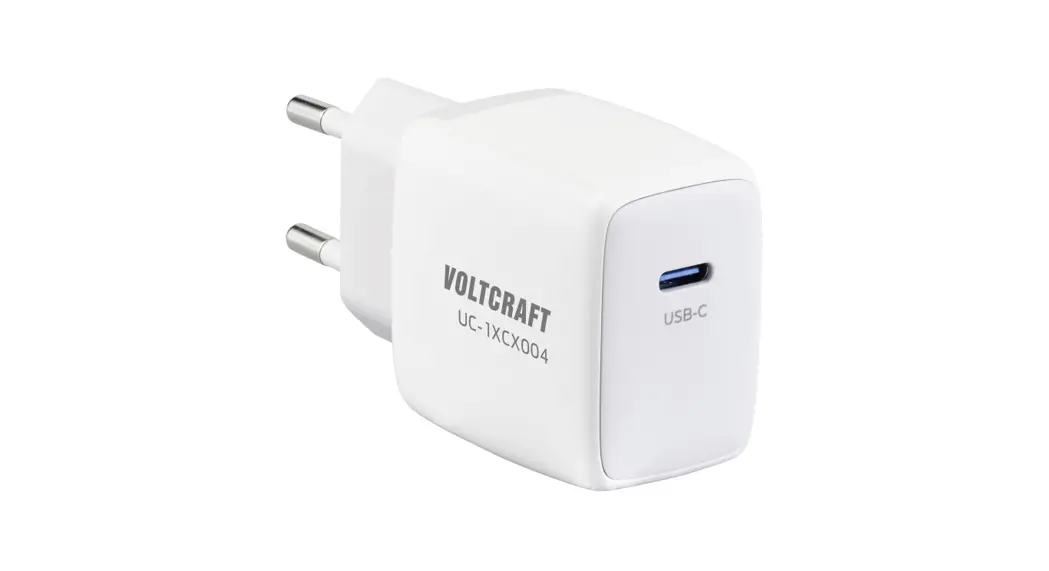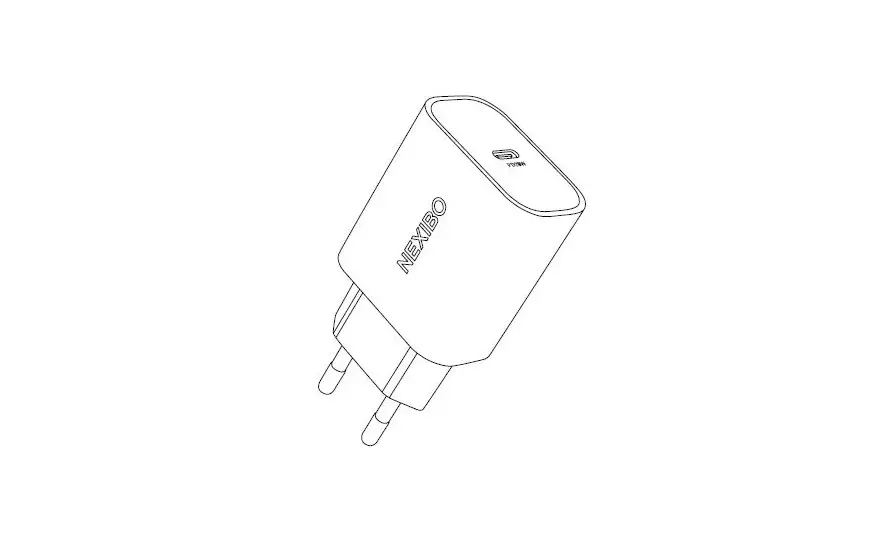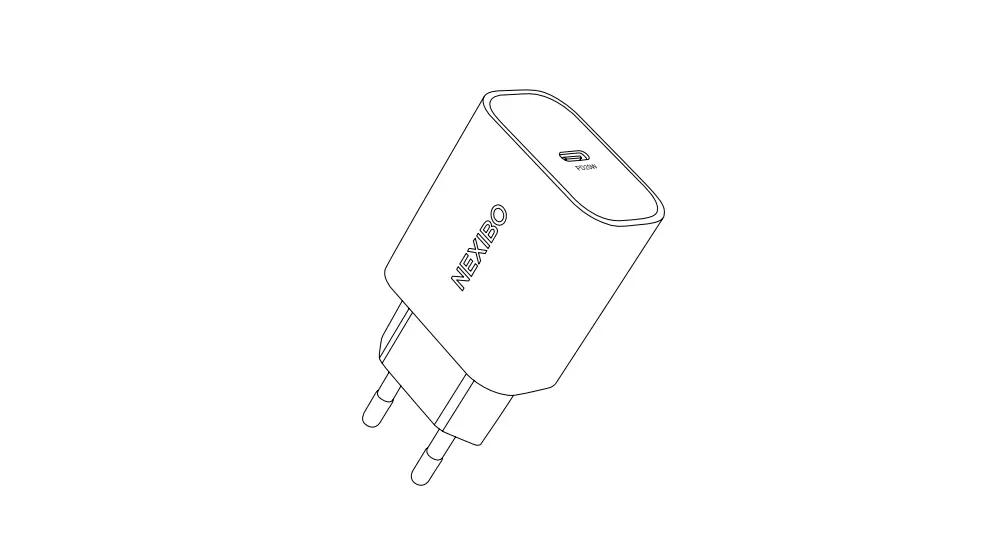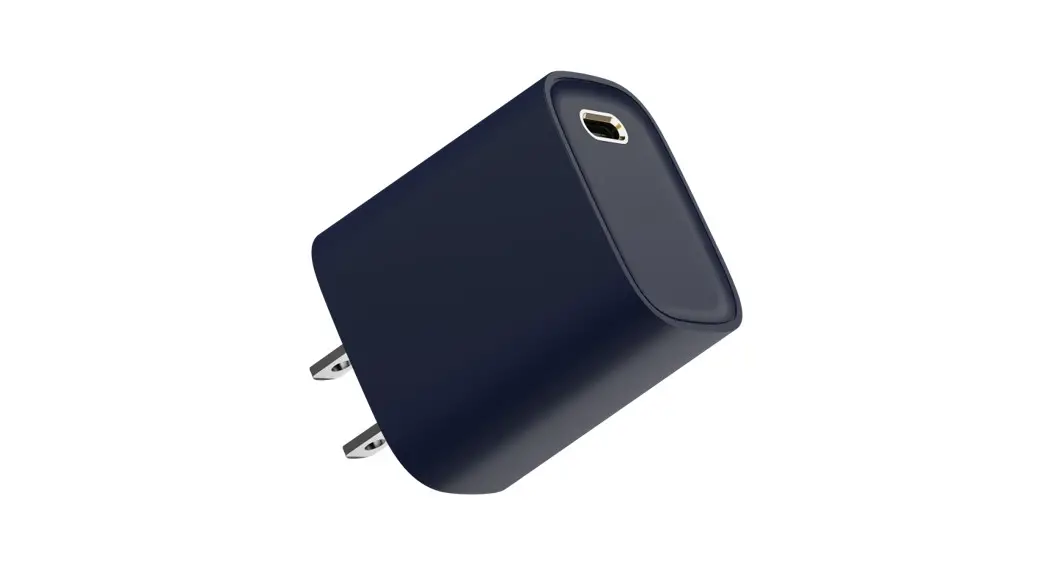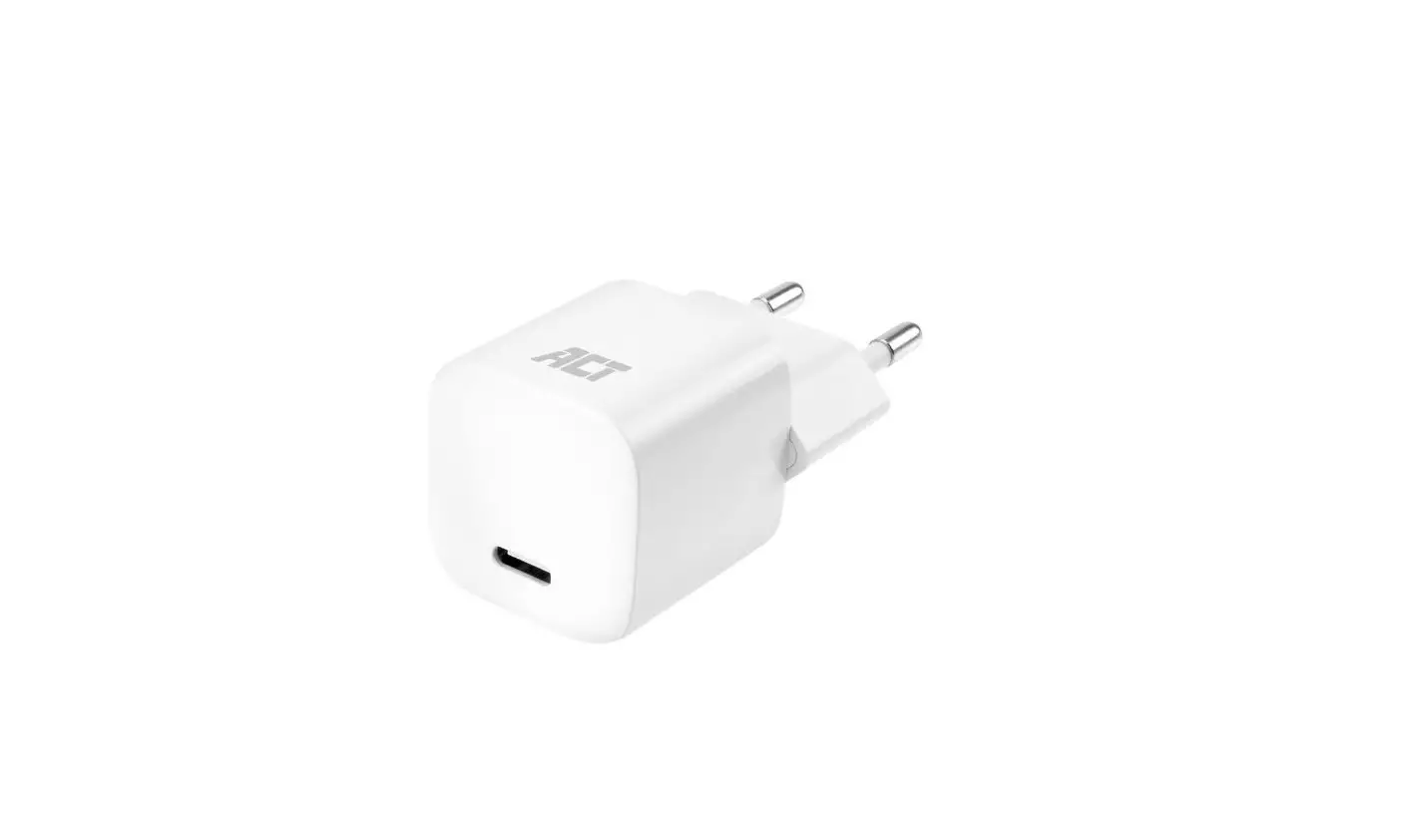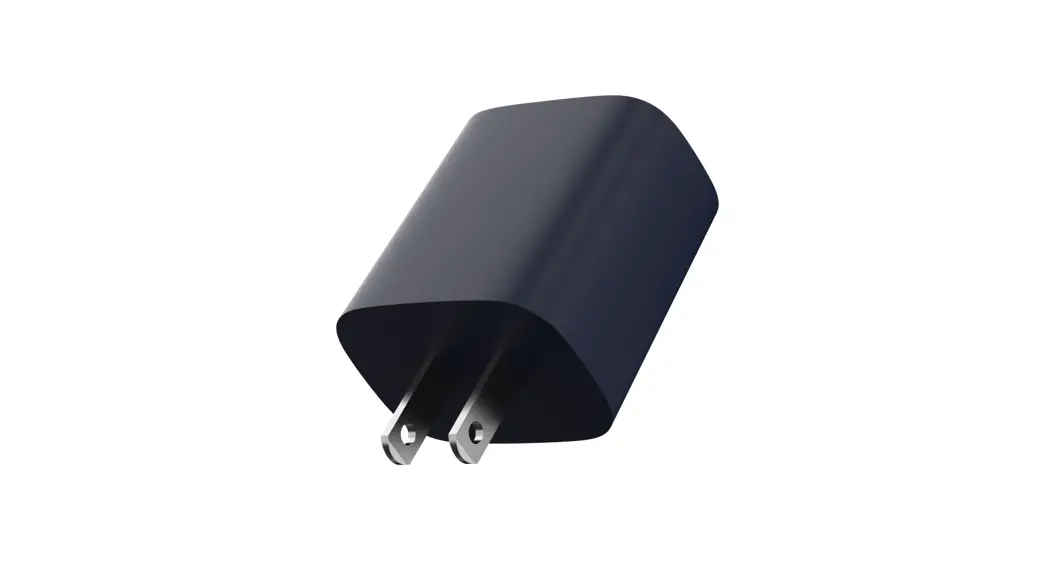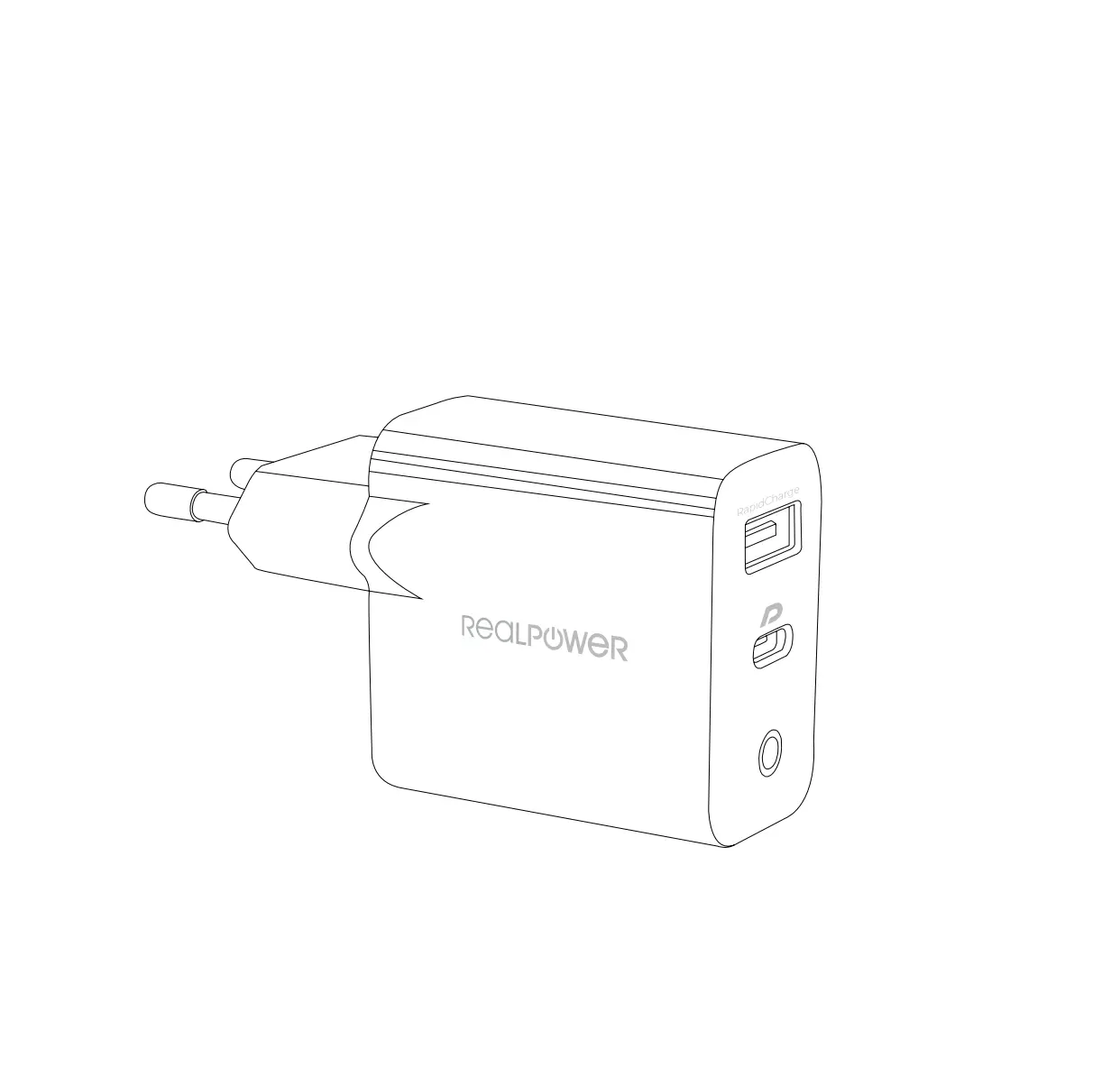
REALPOWER PC-20 20w USB Charger
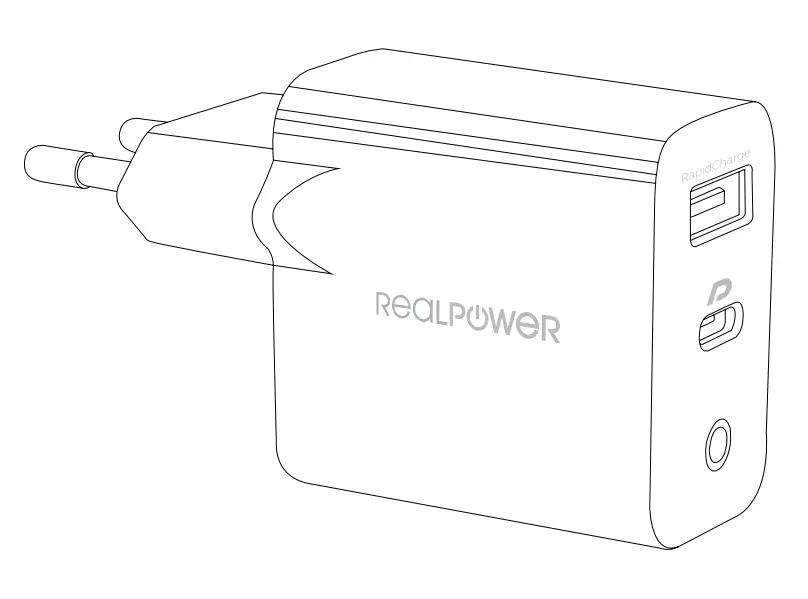
Thank you for choosing a Real Power product!
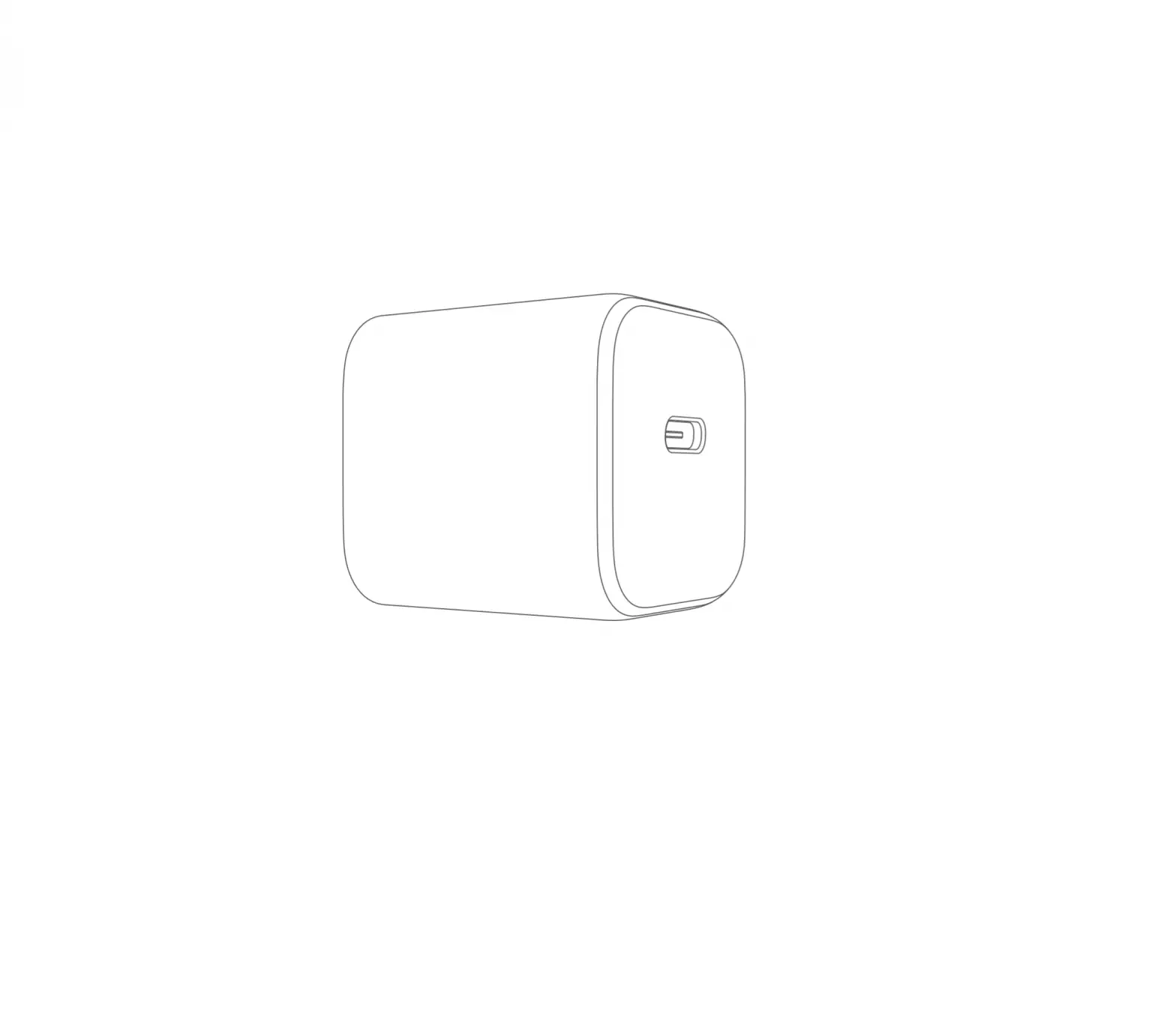
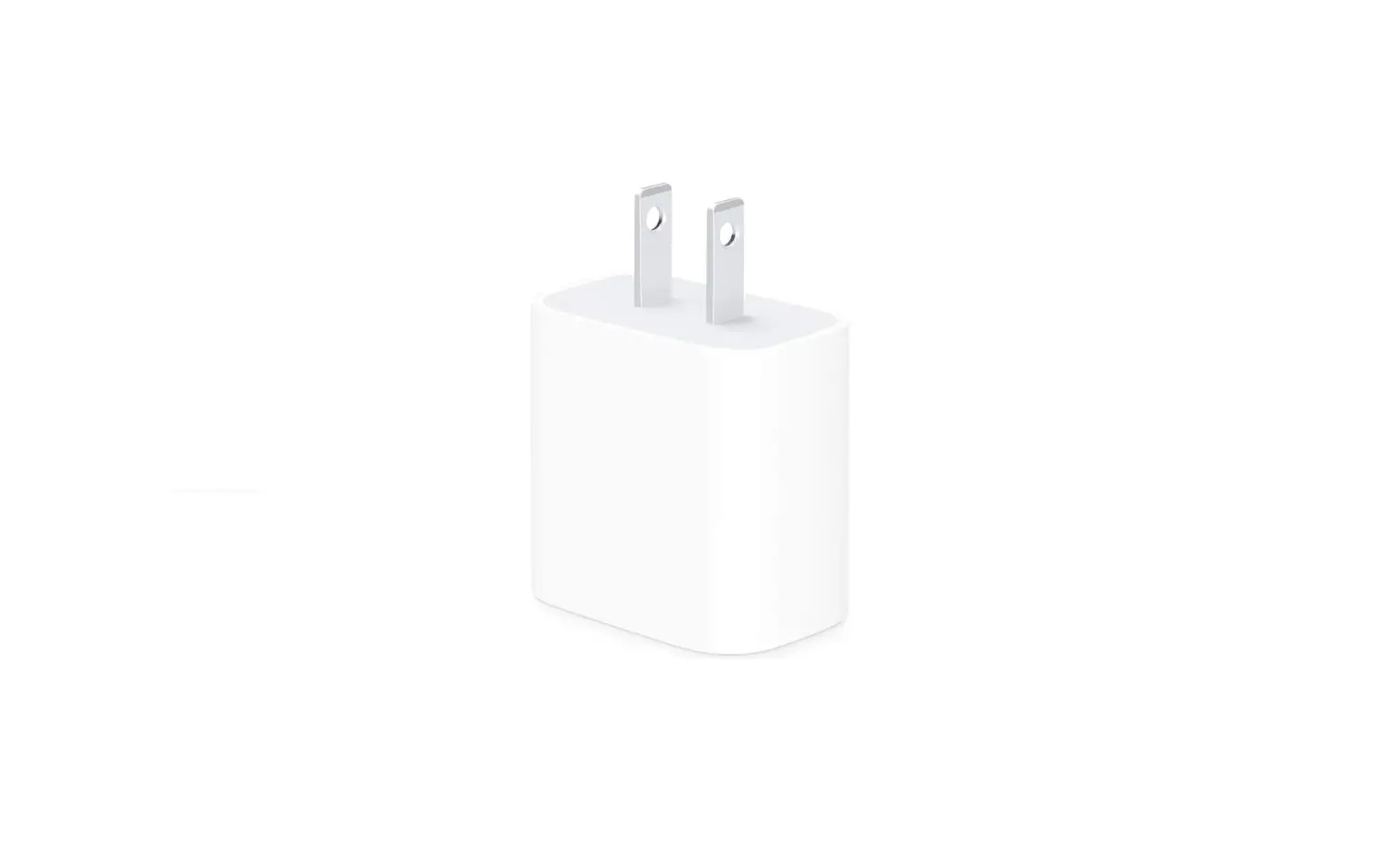
Real Power PC-20
20 watt USB wall charger with USB /Type-CPD
Installation
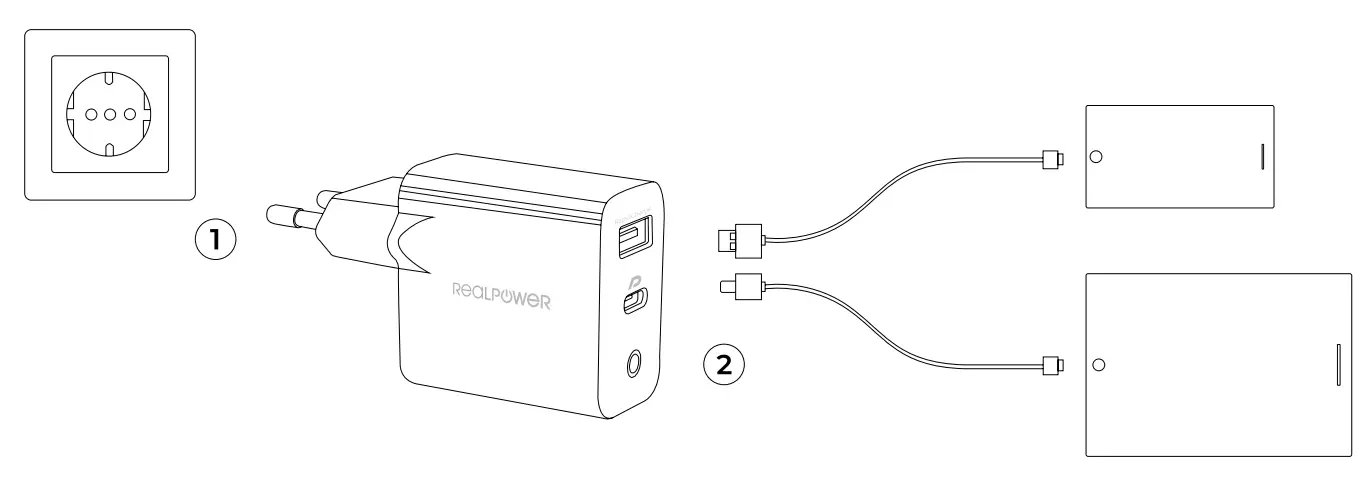
Step l: Plug your Real Power PC-20 into the socket
Step 2: Connect your smartphone or tablet with the appropriate charging cable and the charging process begins – quickly and safely.
Specifications
Output: 20 W max.
USB: DC5V= 3A/DC9V =2A/DC12V= 7.5A
Type-C PD: DC 5 V = 3 A/ DC 9 V = 2.22 A/ DC 12 V = 7.66 A
Input: AC 100 ~ 240 V
Dimension: 47 x 35,3 x 85 mm
Weight: 60 g
Safety instructions
- Use only original or certified charging cables
- Protect the charger from a fall/ fall – do not continue to use it after a fall/ fall
- Do not open the housing – if there are defects, please contact support or your specialist dealer
- Do not use the device in extremely cold, hot, humid or dusty areas
- Do not bridge any contacts – risk of short circuit
Nur in Deutschland
Kunde Hotline 0800 I 85 87 66 24
RMA-Technik Hotline 0800 I 85 87 66 762
International
Kunde Hotline/ costumer hotline/ conceal-client +49 (0) 2404 / 918-100
RMA-Technik Hotline/ service hotline/ Service Apres – Vente telephonies +49 (0) 2404 / 918-132
FAX +49 (0) 2404 / 918-120
Kontakt
August-Schmidt-Str.7 I D-52477 Altdorf /Germany
E-Mail: [email protected]
Internet: www.ultron.de