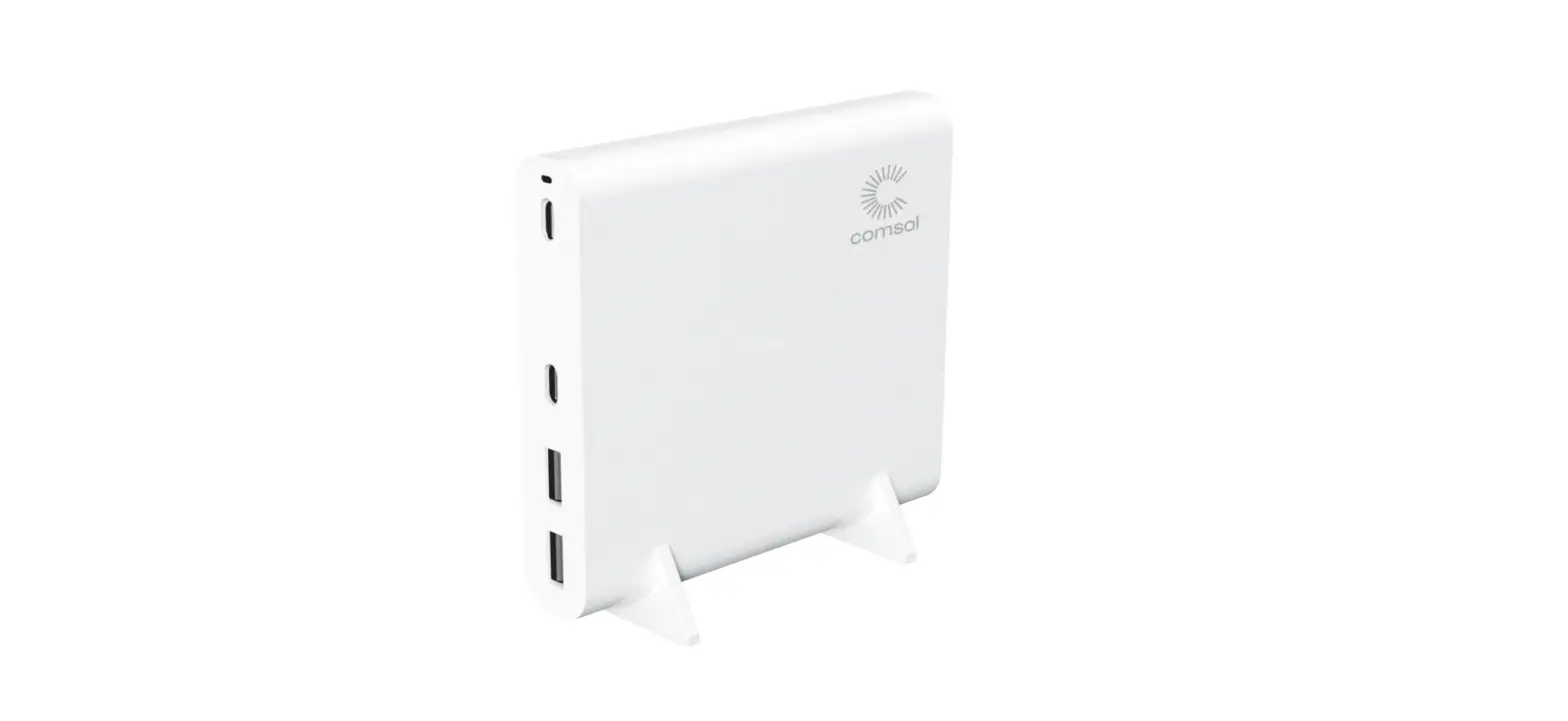

comsol DCC120 120W USB-C Desktop Charger
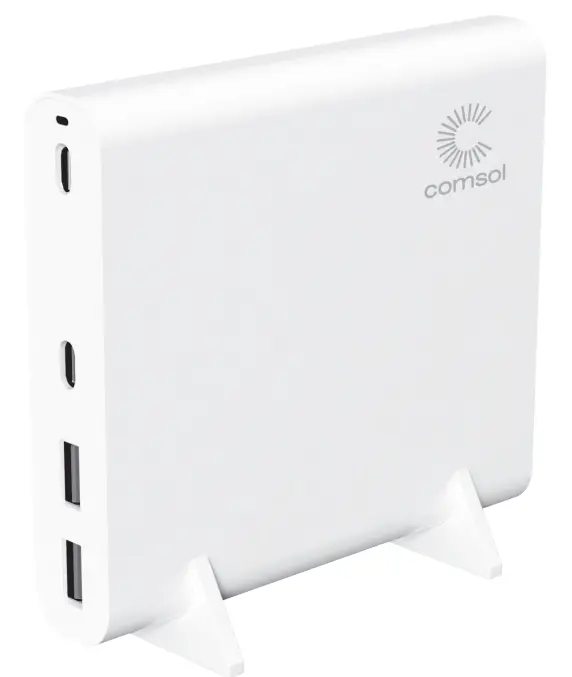
Product Features
Charge your MacBook Pro, MacBook Air, Windows laptop, Ultrabook, Chromebook™ equipped with a USB-C charging port Compatible with most USB-C laptops, Ultrabooks & Chromebooks
- Apple
- HP
- Dell
- Lenovo
- Microsoft
- Acer
- Asus
- The latest GaN charging technology ensures more efficient charging, with less heat in a smaller size
- Ideal for the latest MacBook Air, MacBook Pro 13”, 15” and 16”
- Ideal for most Windows laptops and Chromebooks with USB-C charging
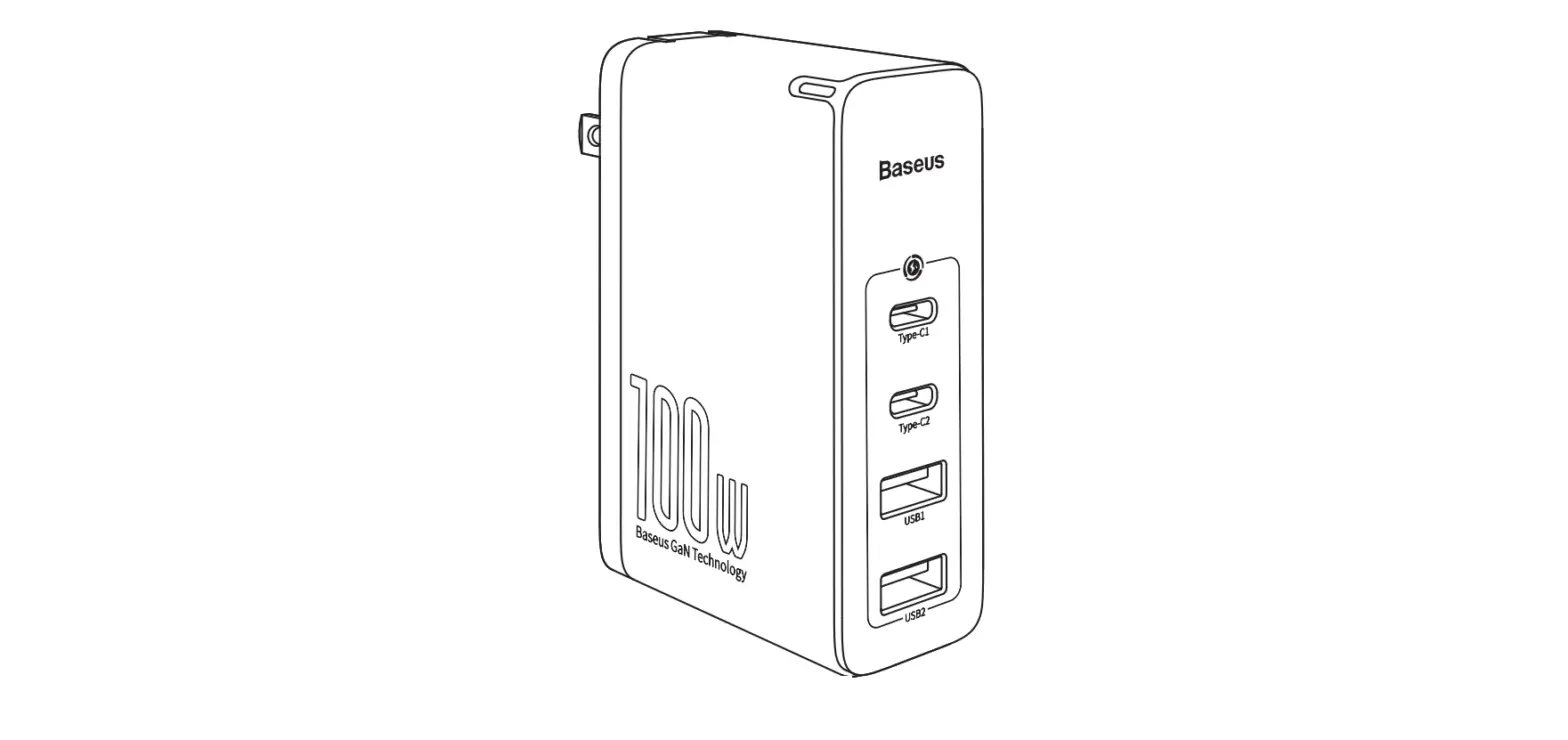
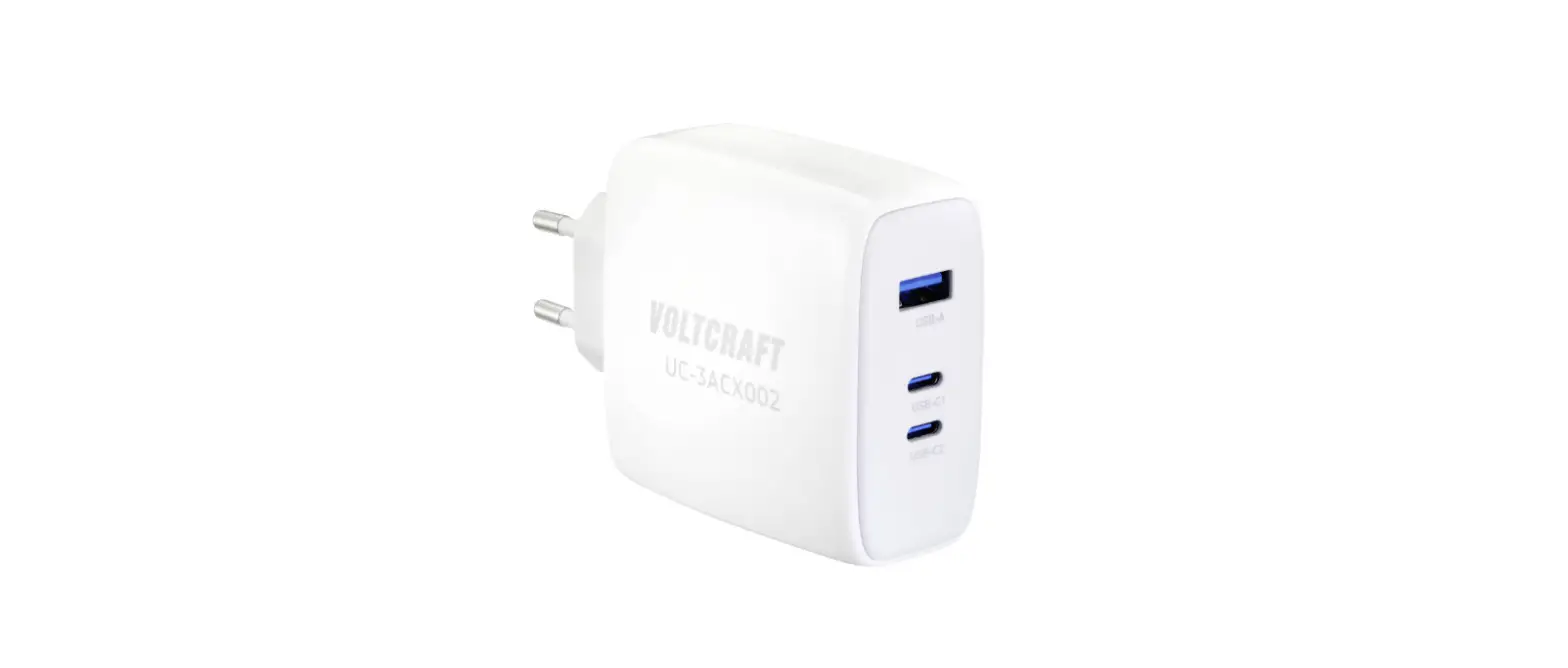
- 120W of power allows you to charge up to four devices at the same time
- Two USB-C ports for charging two laptops, tablets or phones
- Two USB-A ports for charging two phones, tablets or other USB devices
- Built-in over charging, over current, over heating & short circuit protection
Product Specifications
- Model: DCC120
- Input: AC 100-240V 50/60Hz 2.4A
- USB-C Output 1 & 2: USB PD3.0 each port supports 100W Max
- 5V/3A 9V/3A 12V/3A 15V/3A 20V/5A
- USB-A Output 1 & 2: QC 3.0 each port supports 18W Max
- 5V/3A 9V/2A 12V/1.5A
- Total Power Output: 120W
- Dimensions: 110mm (W) x 98mm (D) x 20mm (H)
- Net Weight: 240g
Product Diagram
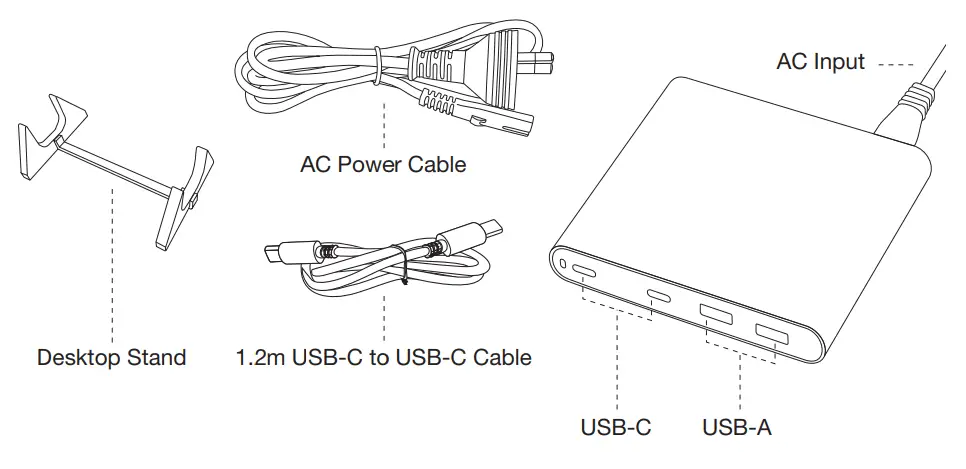
Package Contents
- 1 x 120W USB-C Desktop Charger
- 1 x Desktop Charger Stand for cooling performance
- 1 x 1.5m AC Power Cable
- 1 x 1.2m USB-C to USB-C cable that supports 5A/100W charging
- 1 x User Manual
Operating Instructions
- Connect your MacBook, laptop or Chromebook to either of the USB-C ports to start charging
- Connect your iPhone, iPad, smartphone, tablet or other USB device to either of the USB-A ports to start charging
Power Distribution Table
| Ports | Total Output | USB-C1 | USB-C2 | USB-A1 | USB-A2 | |
|
Single Output | USB-C1 | 100W | 100W | / | / | / |
| USB-C2 | 100W | / | 100W | / | / | |
| USB-A1 | 20W | / | / | 20W | / | |
| USB-A2 | 20W | / | / | / | 20W | |
|
2 Outputs | USB-C1+C2 | 120W | 60W | 60W | / | / |
| USB-C1+A1 | 120W | 100W | / | 20W | / | |
| USB-C1+A2 | 120W | 100W | / | / | 20W | |
| USB-C2+A1 | 120W | / | 100W | 20W | / | |
| USB-C2+A2 | 120W | / | 100W | / | 20W | |
| USB-A1+A2 | 40W | / | / | 20W | 20W | |
|
3 Outputs | C1+C2+A1 | 120W | 50W | 50W | 20W | / |
| C1+C2+A2 | 120W | 50W | 50W | / | 20W | |
| C1+A1+A2 | 120W | 80W | / | 20W | 20W | |
| C2+A1+A2 | 120W | / | 80W | 20W | 20W | |
| 4 Outputs | C1+C2+A1+A2 | 120W | 40W | 40W | 20W | 20W |
Caution
- This power supply is only suitable for use with Information
- Technology Equipment
- Do not apply external force on any connected cable
- Do not unplug by pulling the cable
- Do not place the power cable or device near heating elements
- Do not bend the pins of the power cable
- If there are any strange sounds, smoke or odour, disconnect the power cable immediately
- Do not disassemble (it may cause fire or electric shock)
- Ensure to plug the cable firmly into the socket
- Do not use any cable that is damaged (it may cause fire or electric shock)
- If dirty, wipe the product with a soft dry cloth (do not use water as it may cause electric shock)
- Keep the power plug clean (dirt may cause a short circuit or fire)
- Keep the product out of reach of small children Don’t unplug the power cable with wet hands (it may cause electric shock)
- If you do not intend to use the product for an extended period of time, unplug the power cable from the wall socket to avoid any chance o over heating or unwanted damag
 myComsol - Stay Connected