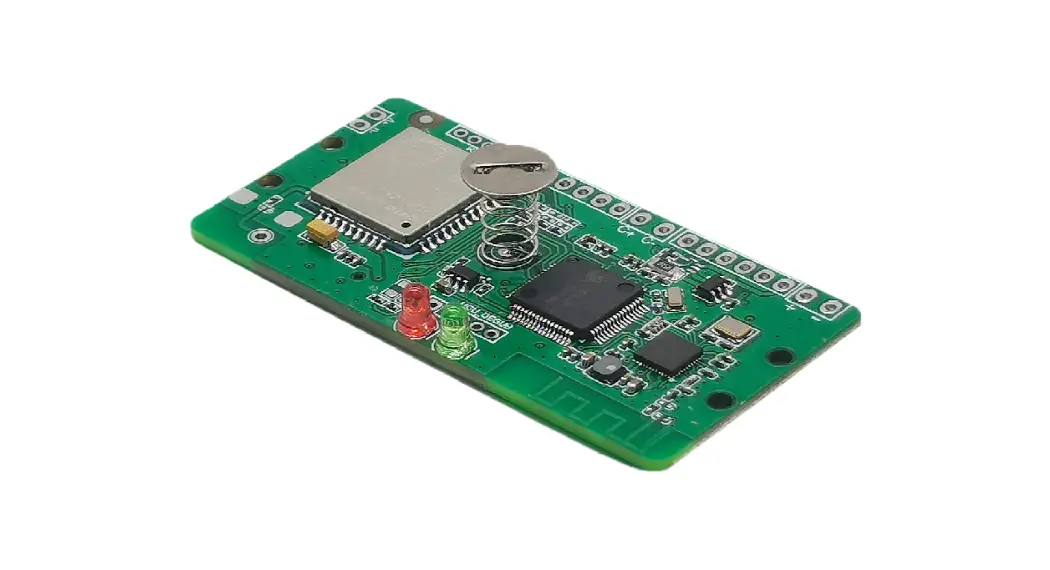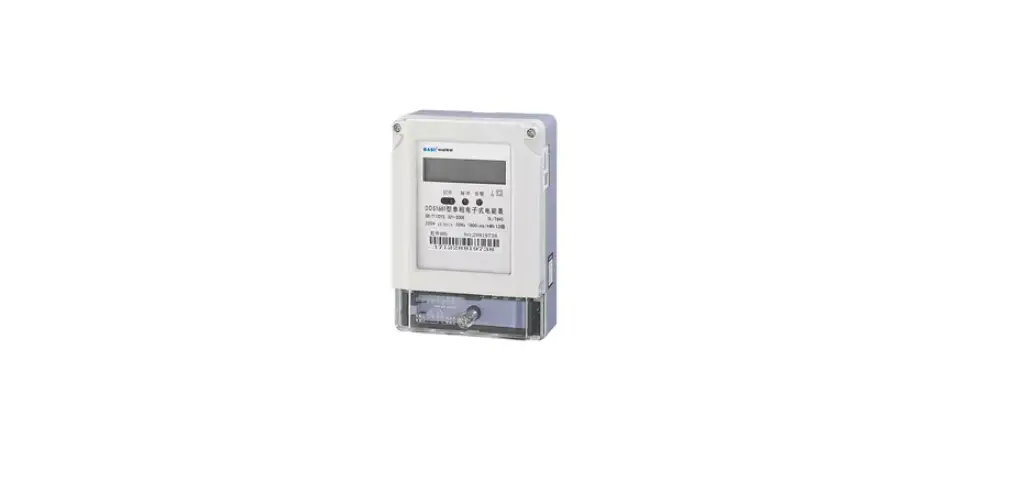

Shenzhen Xiaoguan Technology XG-H102 Electronic Meter 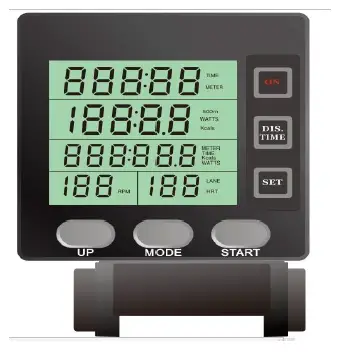
Key definition description
- ON key: press for 3 seconds, press to end the movement; 4 minutes without movement, automatically shut down
- DIS./TIME key: Press to set the target distance, and then press to switch to select the target TIME;
- UP KEY: setting;enactment TIME/ COUNT/DISTANCE/CALORIES/PULSETarget value of;
- MOED key:, motion mode switch
- STARTKey: Start your movement;
- SET key: Set the motion mode
Data display range:TIME Display range 000:00 ~ 999:59; set range 1:00 ~ 999:00 minutes METER Display range 0 ~ 99999; set range 1 ~ 99999 DISTANCE Display range 0 ~99999; set range 0.1 ~ 99999m WATTS Display has a range of 0 ~ 9999 CALORIES Showing a range of 0~9999 RPM Displays the frequency of the current strokes, showing the range 1-99
operation declaration
- Install the battery, press ON key for 3 seconds (Figure 2), then press START, and the electronic meter starts to record the motion data. If no data is detected, the data display window is always 0. When a signal input is detected, the TIME / COUNT / DISTANCE /CALORIES window value will count up;
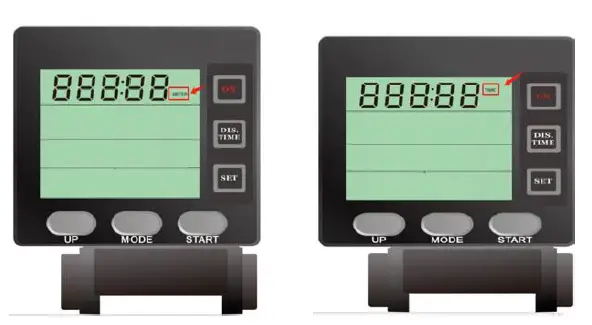
- 1.1 In the boot state, the first value of the first window of the electronic watch will flash, the user can press UP health, set the movement Target distance, press SET to switch to the second value, set in turn. After setting OK, press STARTJ to start Counter movement.
- In the boot state, the first value of the first window of the electronic watch will flash If the user needs to set the motion target time, Press DIS.TIME health, you can switch to the time setting bar, the user can press UP health, set the movement target distance Off, press SET to switch to the second bit value and set it in turn. After setting OK, press STARTJ to start moving (Figure 3, graph 4)
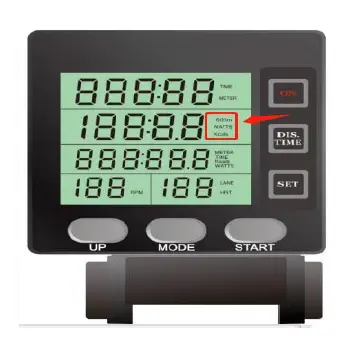
- In motion; press MODE, switch TIME / 500m; WATTS; switch one function per cals press (Figure 5)
- When there is no power operation, or when there is no RPM signal input detected, enter the sleep 4 minutes later, and the electronic watch is not displayed;
Note: When the battery is low, the display will not appear clearly, and Bluetooth will be easily disconnected or searched, Please replace the battery right now.
FCC Warning Statement
Changes or modifications not expressly approved by the party responsible for compliance could void the user’s authority to operate the equipment. This equipment has been tested and found to comply with limits are designed to provide reasonable protection against harmful interference in a residential installation. This equipment generates uses and can radiate radio frequency energy and, if not installed and used in accordance with the instructions, may cause harmful interference to radio communications. However, there is no guarantee that interference will not occur in a particular installation. If this equipment does cause harmful interference to radio or television reception, which can be determined by turning the equipment off and on, the user is encouraged to try to correct the interference by one or more of the following measures:
- Reorient or relocate the receiving antenna.
- Increase the separation between the equipment and receiver.
- Connect the equipment into an outlet on a circuit different from that to which the receiver is connected.
- Consult the dealer or an experienced radio/TV technician for help.
This device complies with part 15 of the FCC Rules. Operation is subject to the following two conditions: (1) This device may not cause harmful interference, and (2) this device must accept any interference received, including interference that may cause undesired operation. The device has been evaluated to meet general RF exposure requirements.