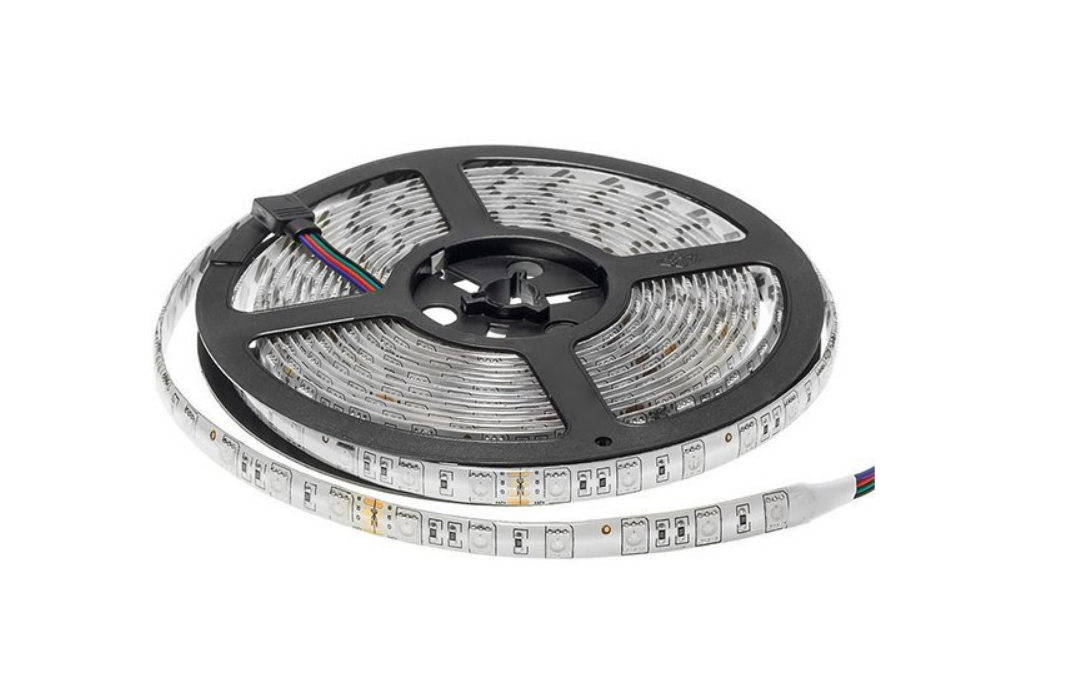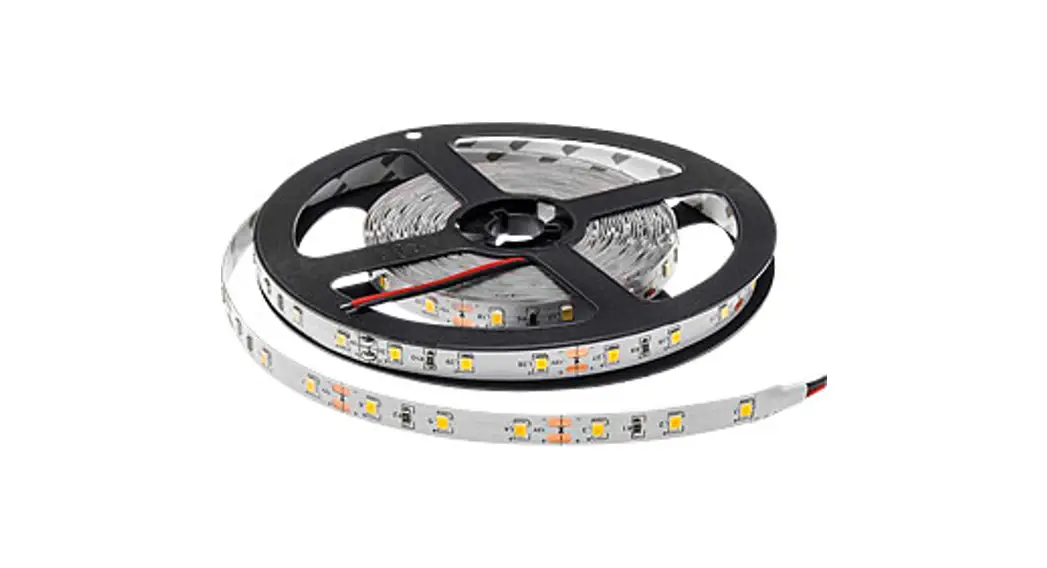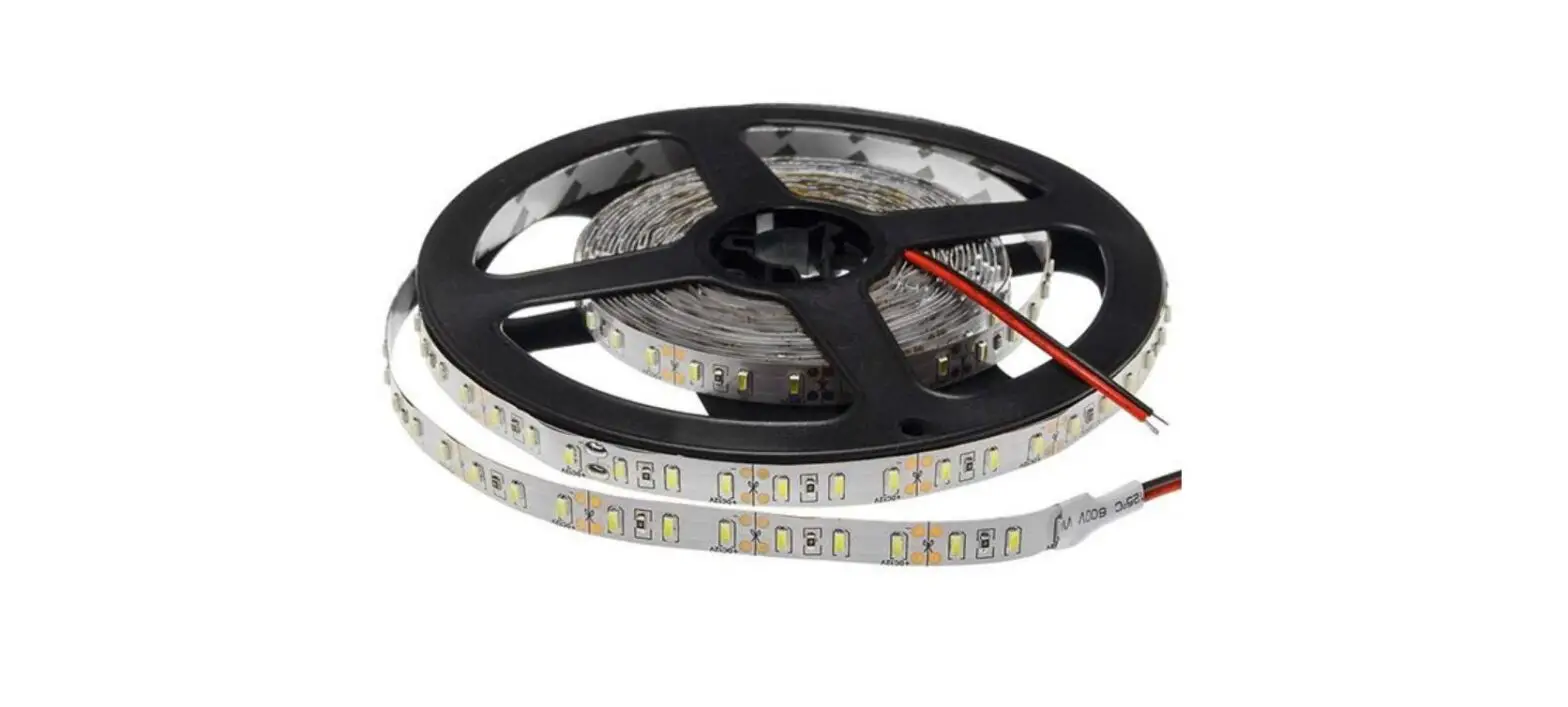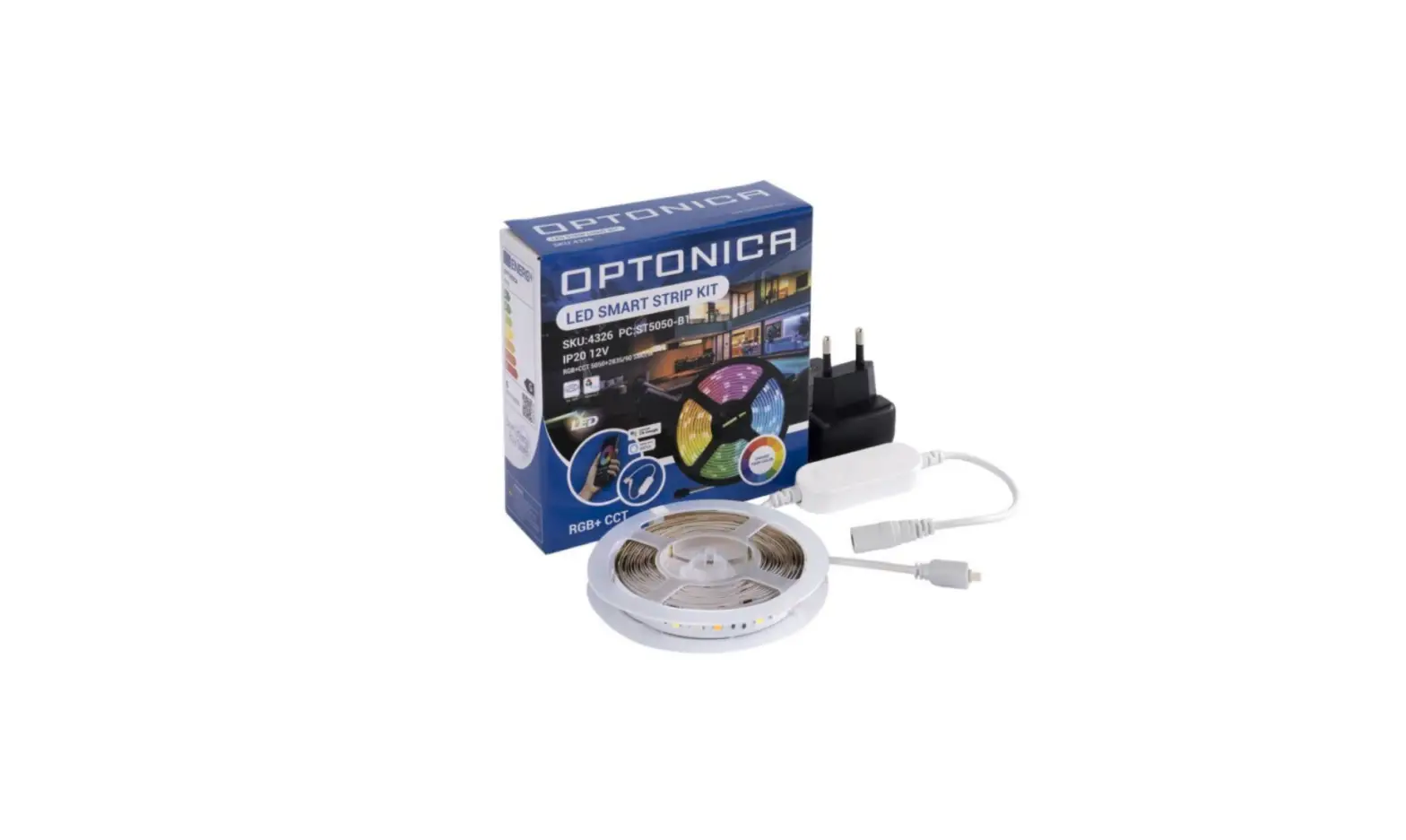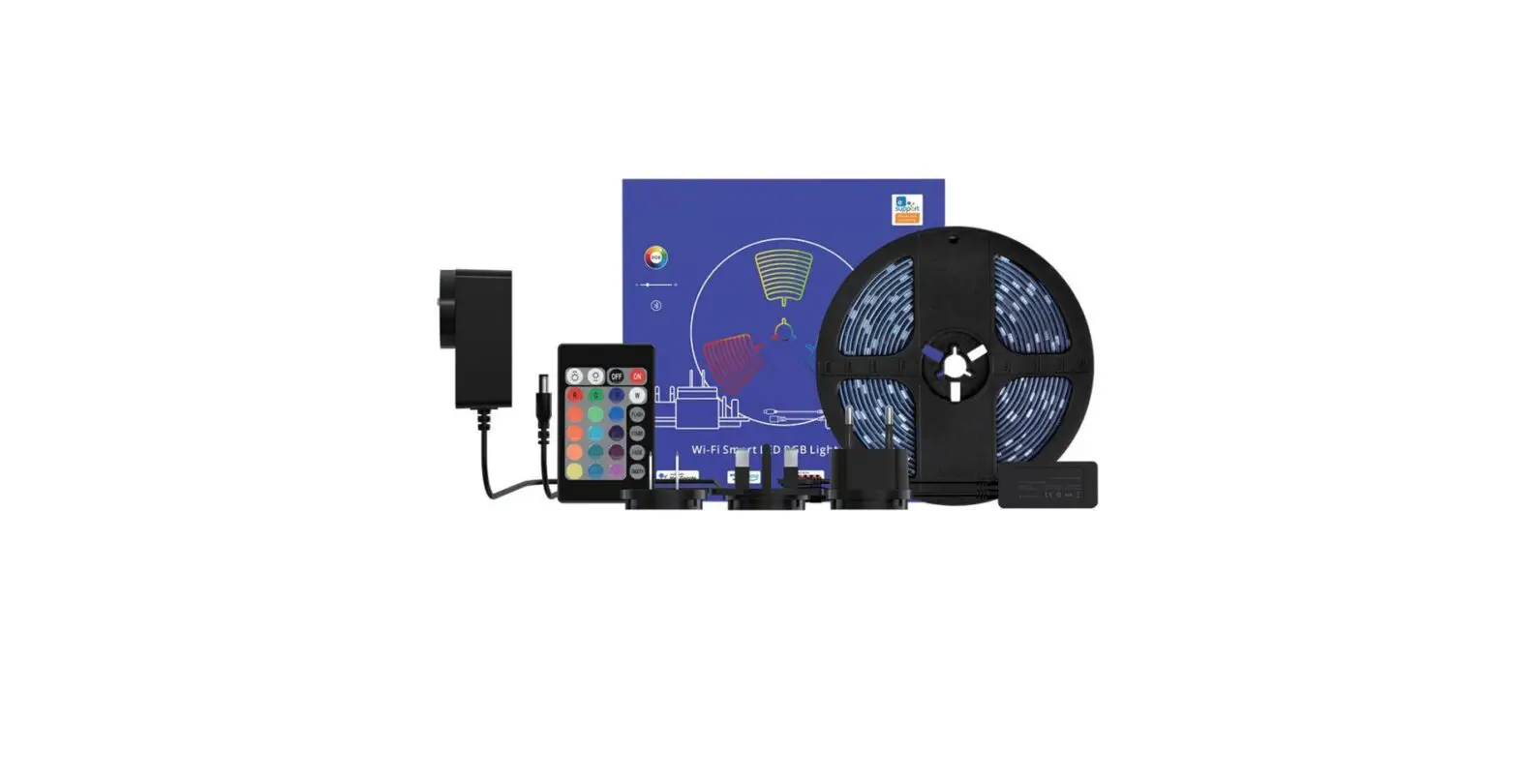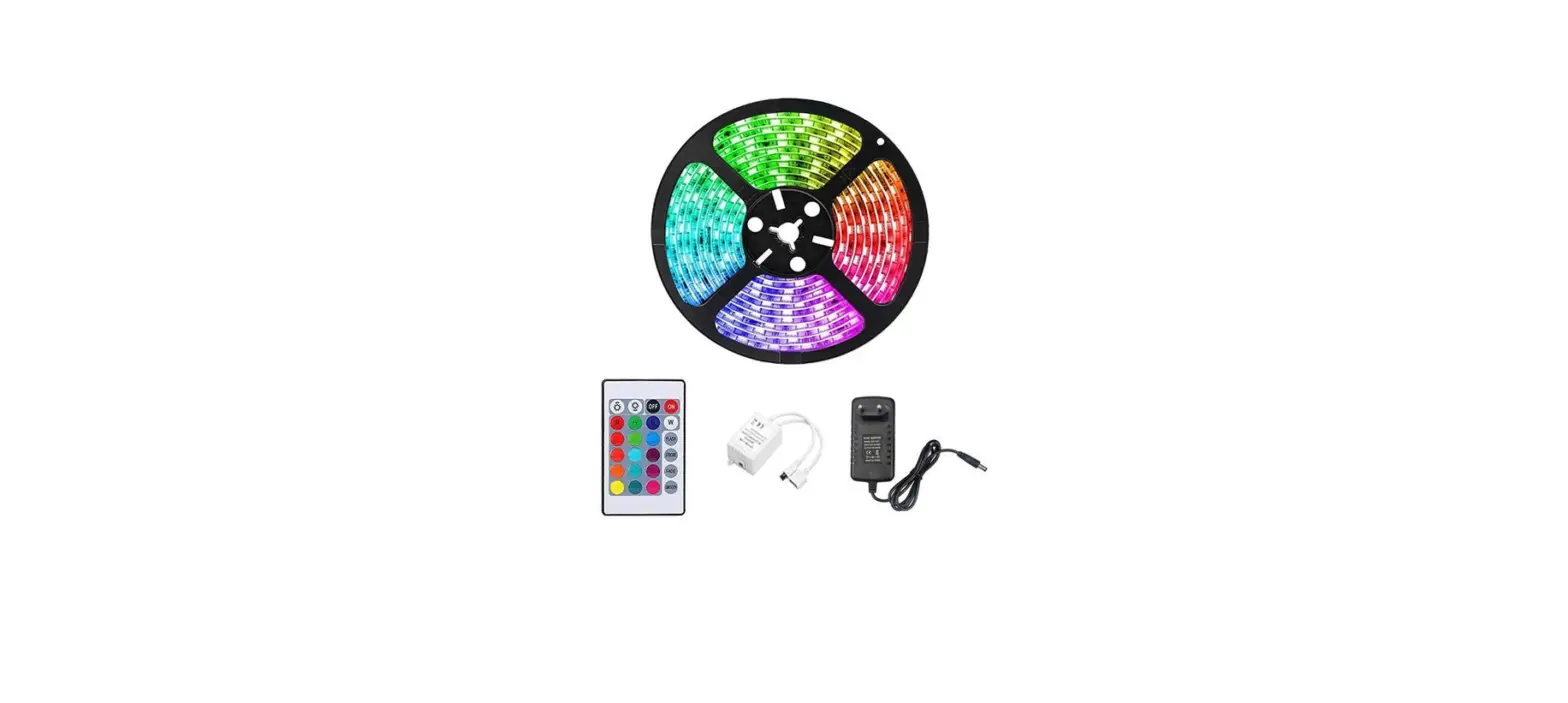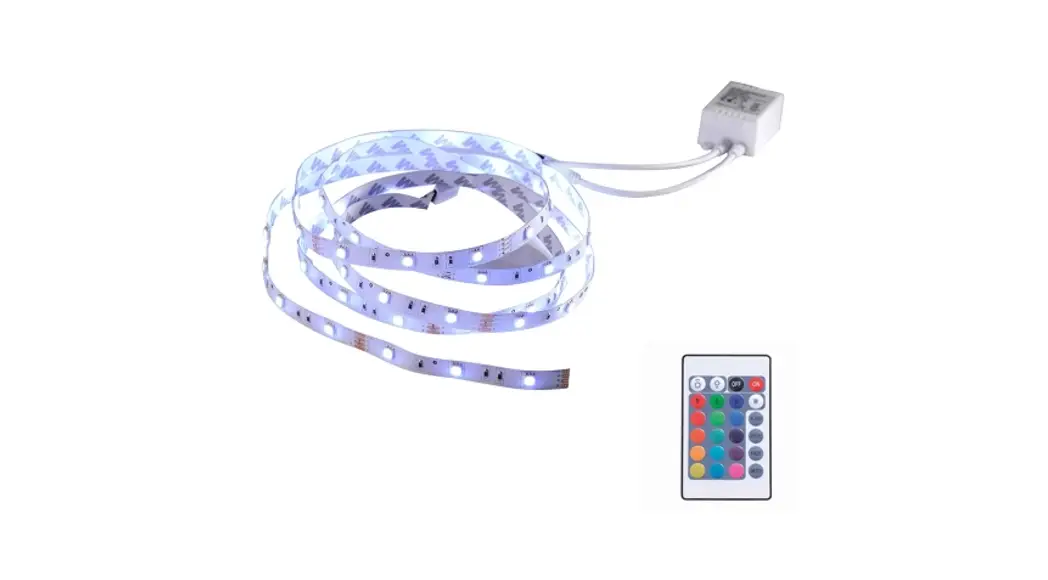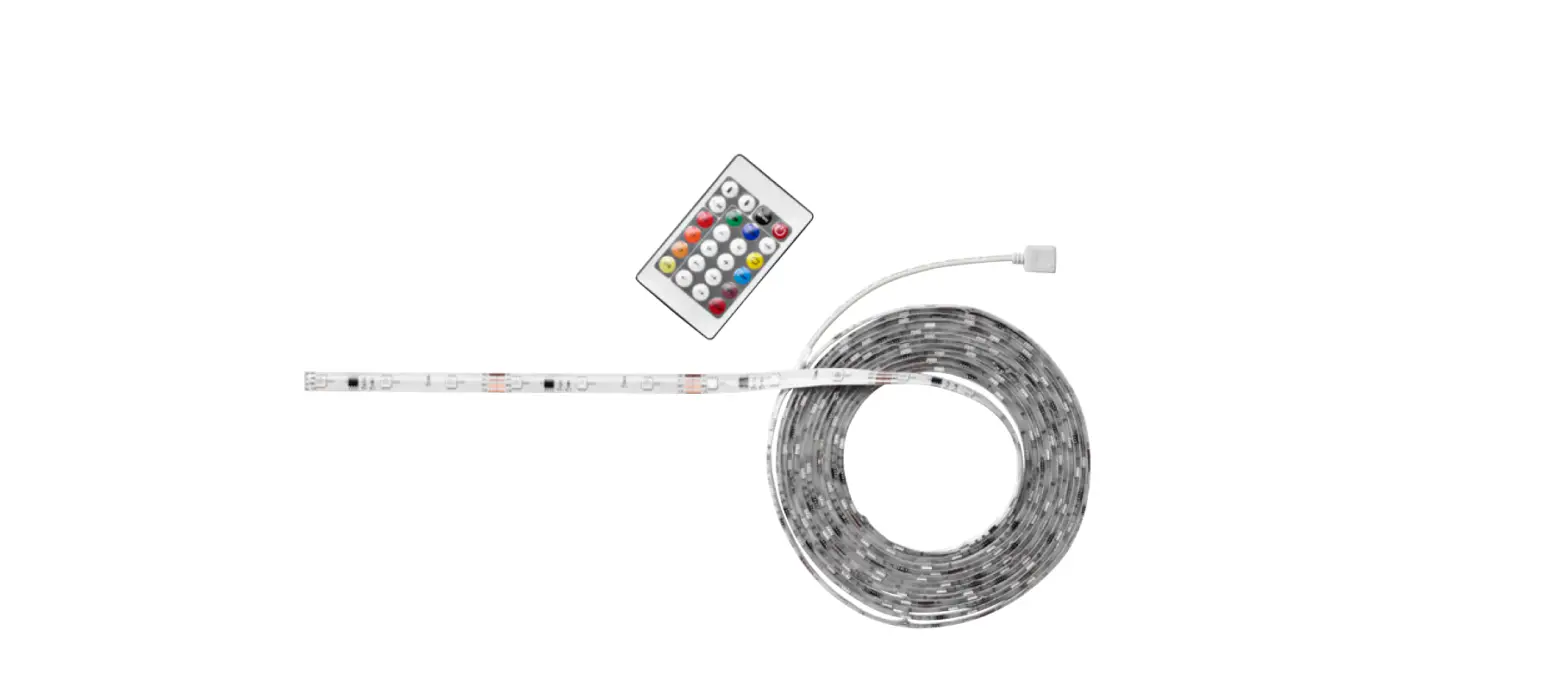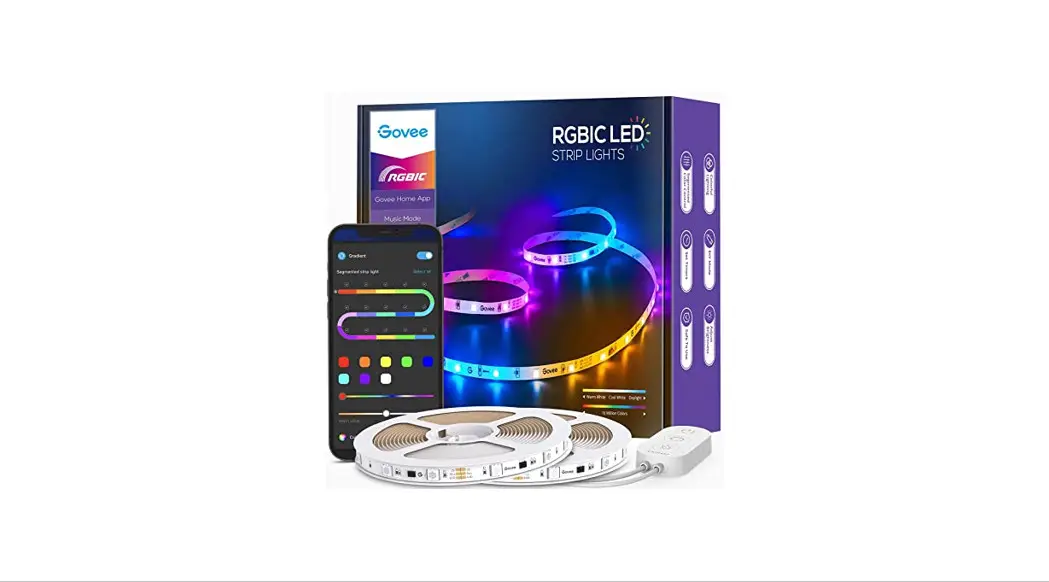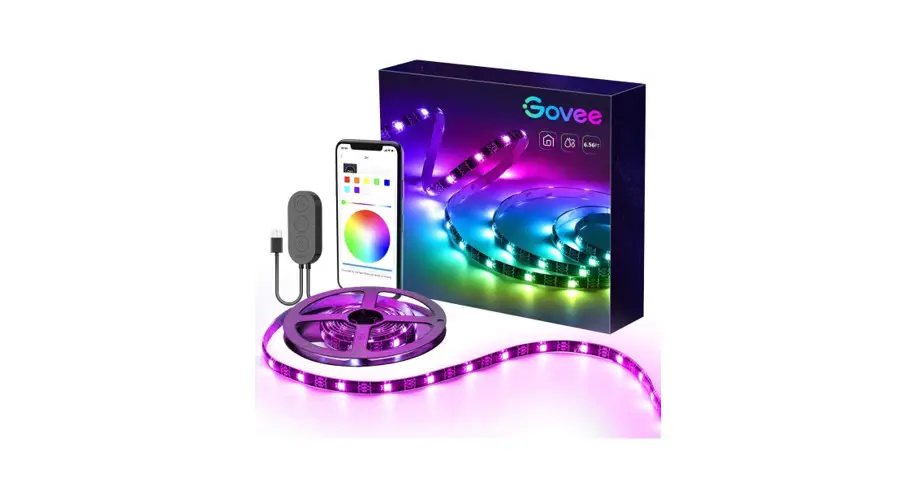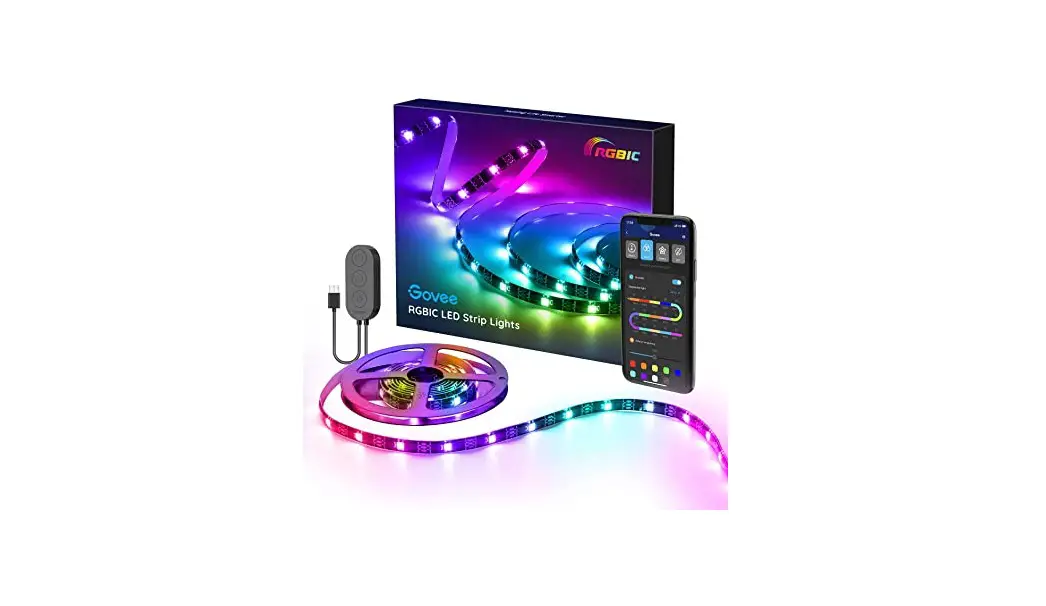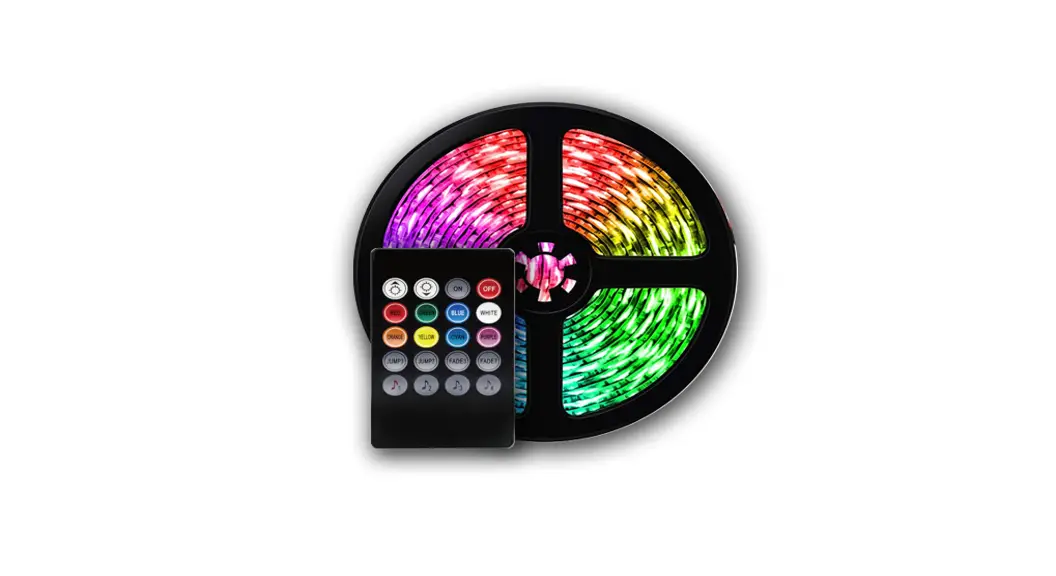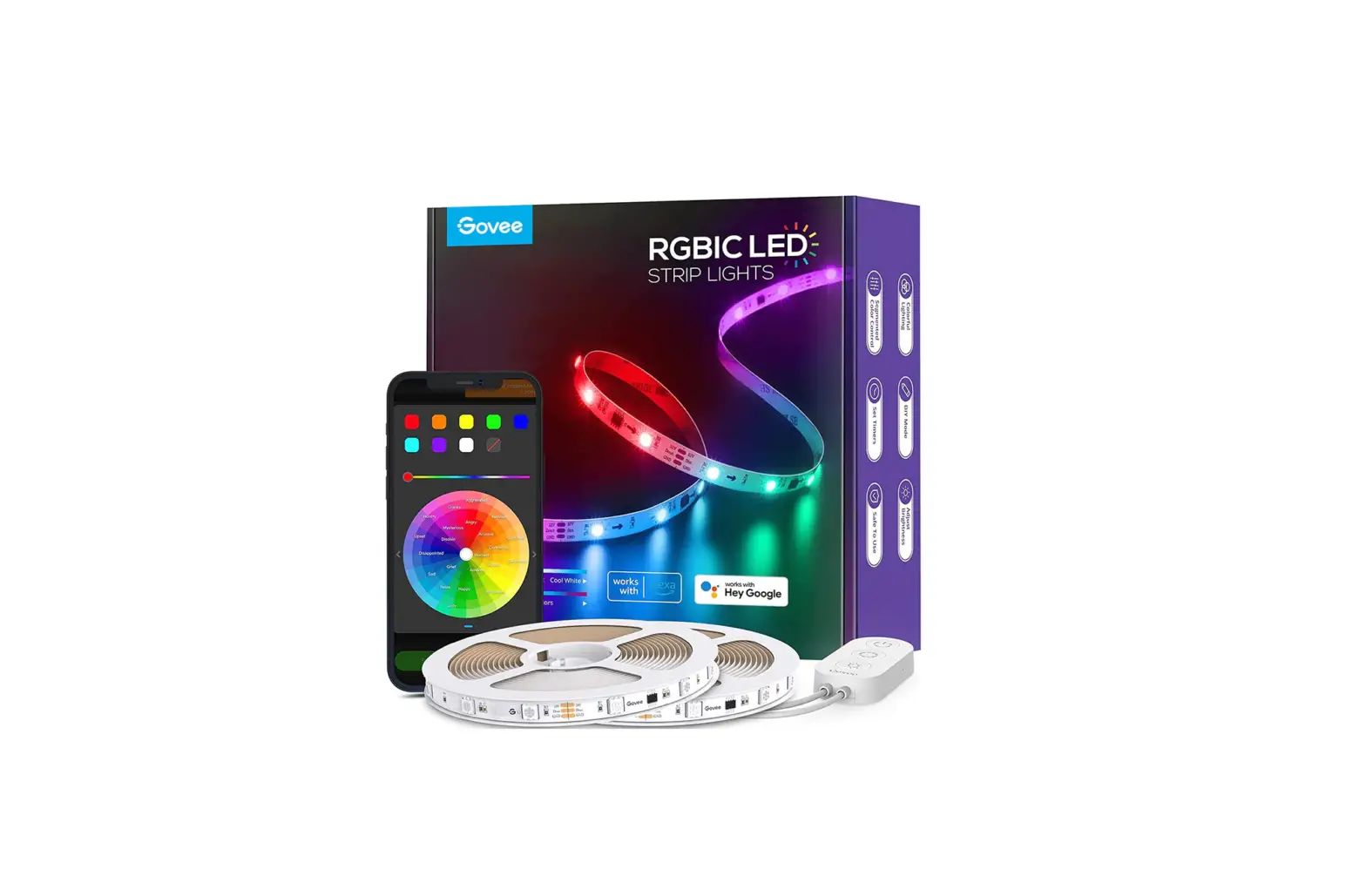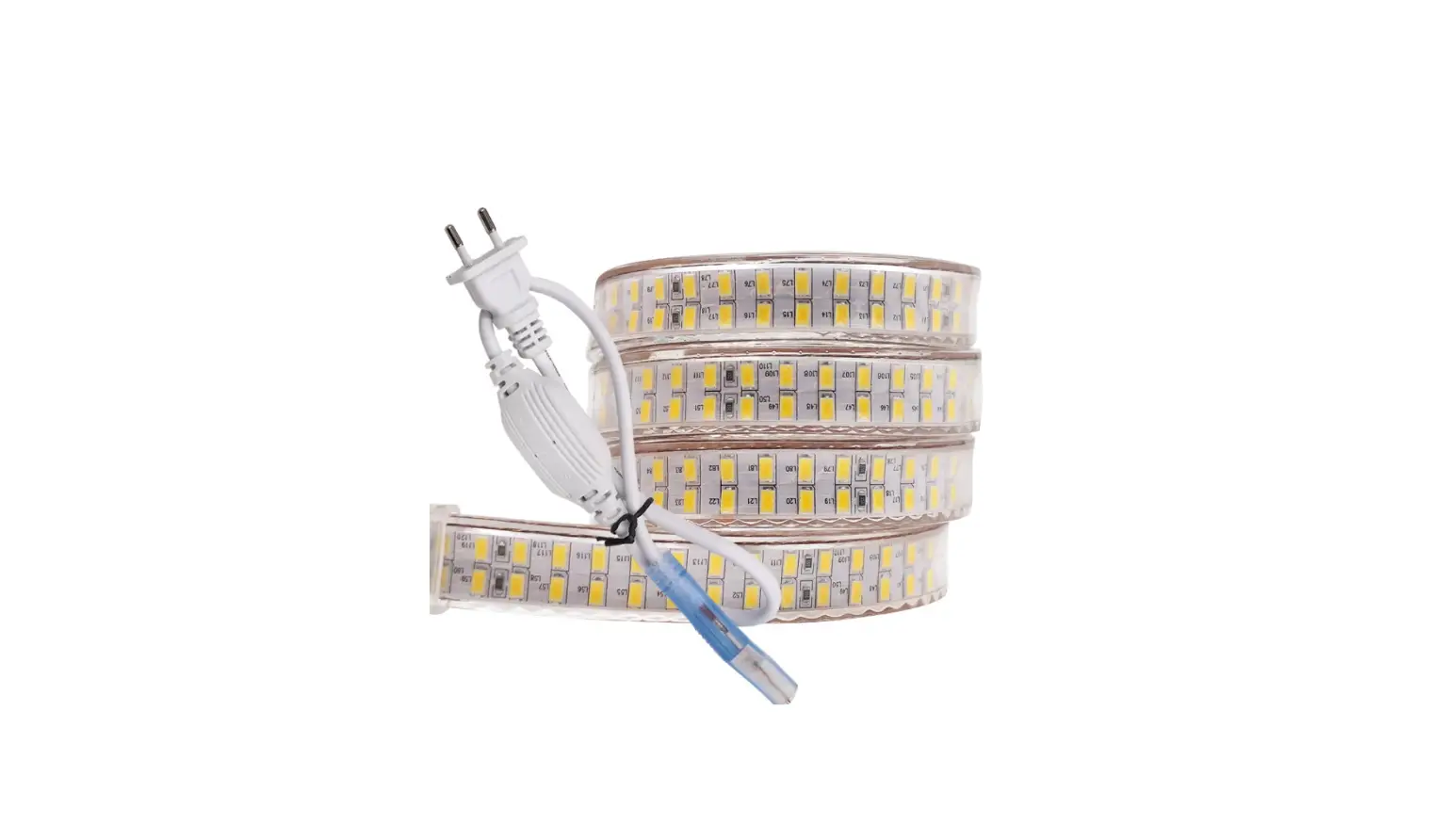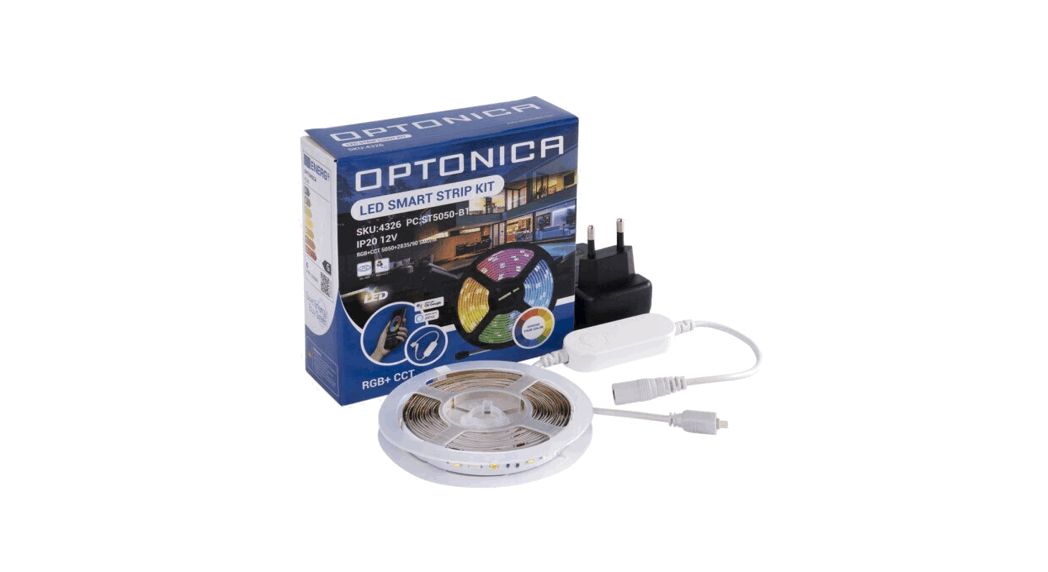

4326 LED Strip RGB
Instructions
LED STRIP-RGB
CIPTEINICR Check Points:
- Please check the lamp carefully before the installation.
- Ensure the power is off before wiring and installation.
How to Choose a Power Supply
Tips
- Please be kindly informed that the total wattage of LED strip lights should not exceed the max wattage of the adaptor you chose.
- All the Adapters mentioned in this User Guide have only one DC output terminal. Thus they can only be used for one single strip light or a strip connected in series.
- To guarantee the lighting uniformity of both the front and the end of the strip light, please do not connect the led strip light more than 5m.
- If you want to use several strip lights together, please connect them in parallel and choose another adapter with more than one output terminal.
HOW TO INSTALL
STEP 1
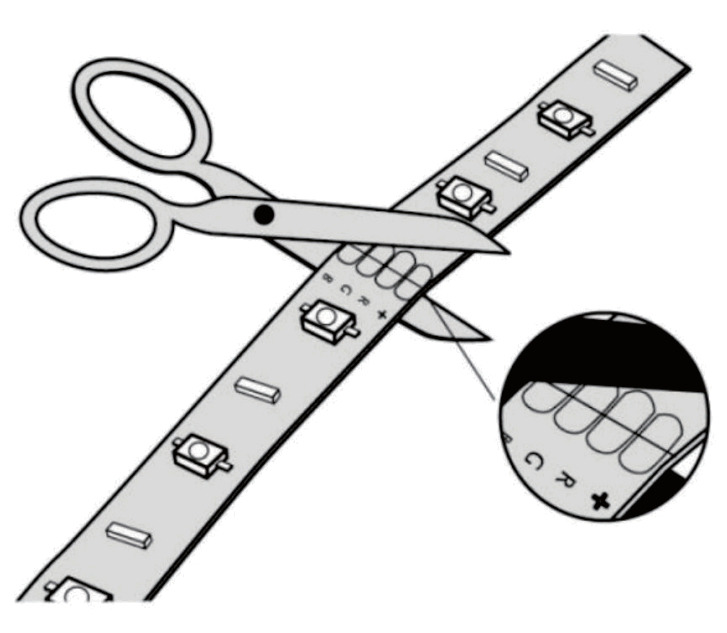
If you want to cut this strip light, please refer to the detailed instructions of LED Strip DIY(following).
STEP 2
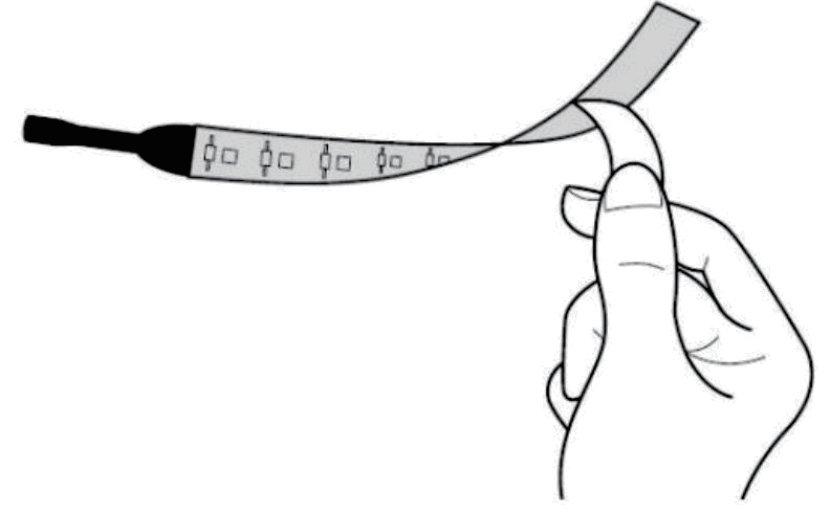
Tear off the covering of the adhesive back of the LED strip light.
STEP 3
Stick up the adhesive strip onto where you want to use it. 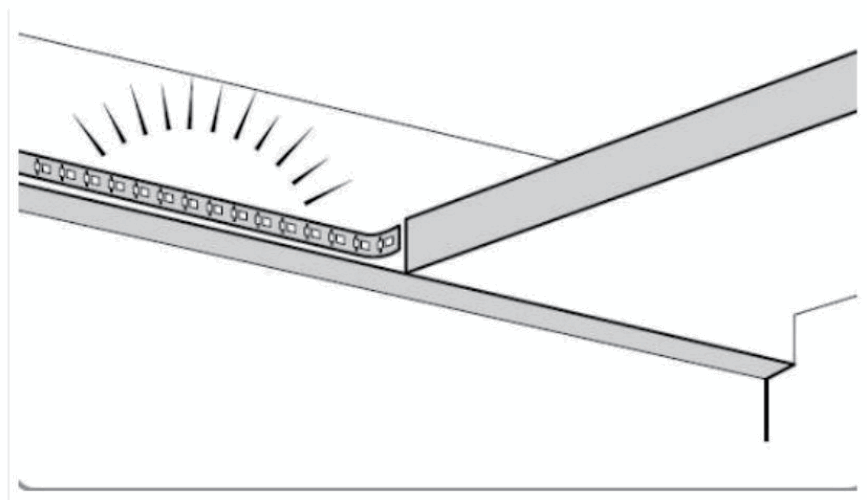
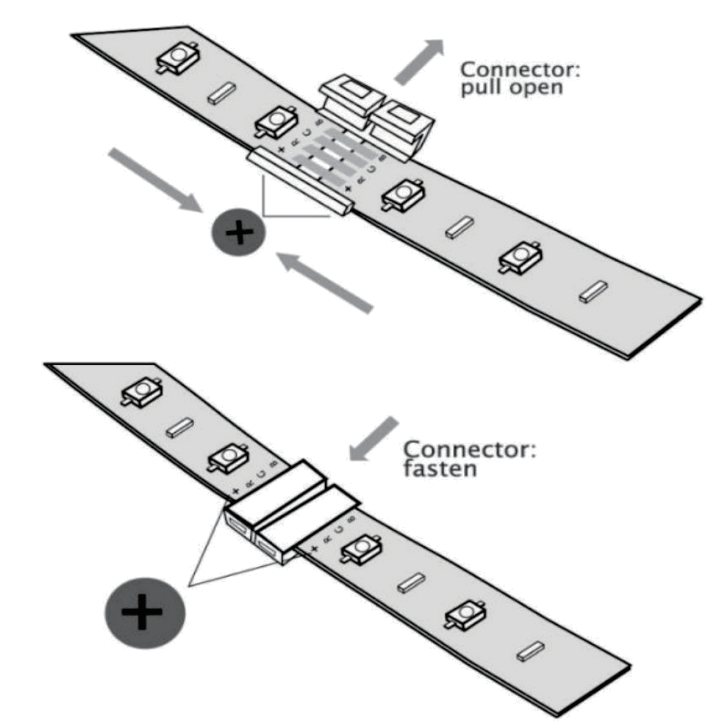
- Please use the strip connectors (included in the packing box) to connect two parts of the cut-down LED strip light.
- Please make sure the positive and negative of the two LED strip parts be connected correctly.
- To guarantee the lighting uniformity of both the front and the end of the LED strip, please do not connect the led strips in a series of more than 5m.
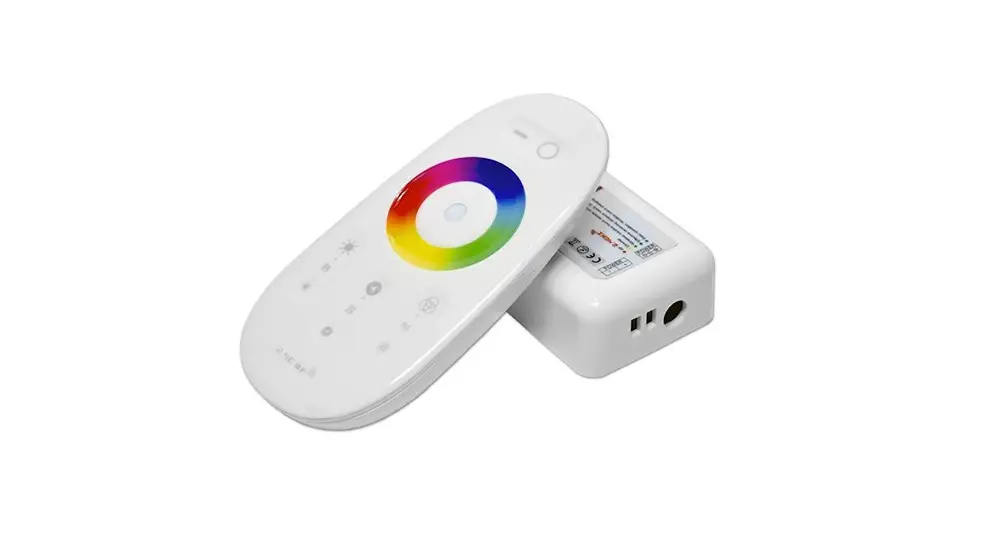
- Connect the LED strips to the remote controller box. Insert the DC plug of adapter into the remote controller box
- Connect the adapter to the main sockets to power it on.
STEP 4
Connect the LED strip and adapter with the remote controller box, and then insert the DC plug of the adapter into the remote controller box. At last, connect another plug of adapter into the main socket to power it on.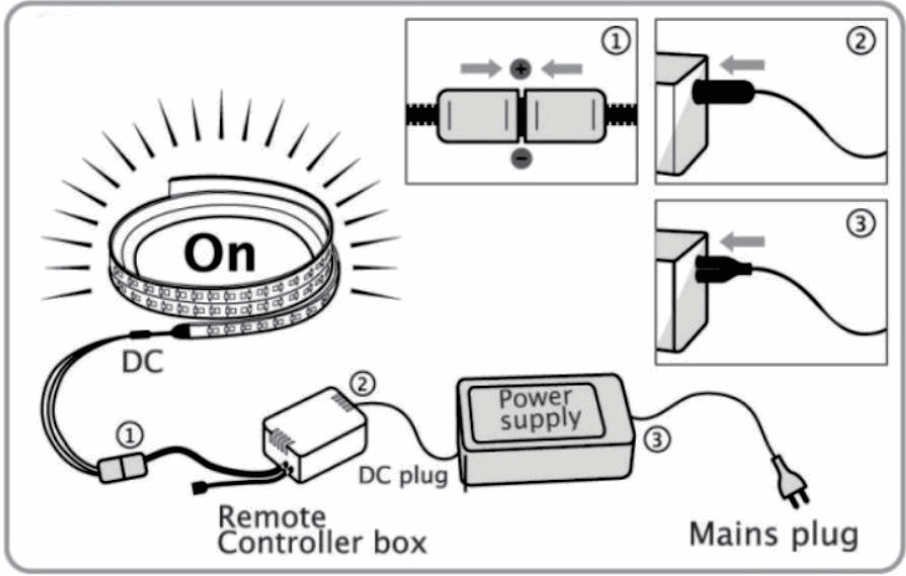 STEP 5
Use a remote controller (not included if you ordered a single product of LED RGB strip) to se the color and lighting mode you want.
LED Strip DIY
How to cut the LED strip
How to connect LED strip lights in parallel
- Please prepare two or more LED strips, and make sure the total wattage of LED stops should not exceed the max wattage of the adaptor you chose.
- Please prepare a multi-ports adapter. (All the Adapters mentioned in this User Guide have only one DC output terminal)
- Please ensure that all the LED strips be equipped with the remote controller box.
- When all the strips are equipped with the remote controller boxes, connect them to the multi-ports adapter.
- Connect the multi-ports adapter into the main sockets to power it on.
IMPORTER:
Prima Group 2004 LTD,
Bulgaria, 1784 Sofia,
Mladost 1, bI. 144,
Ground Floor;
Phone: +359 2 988 45 72;