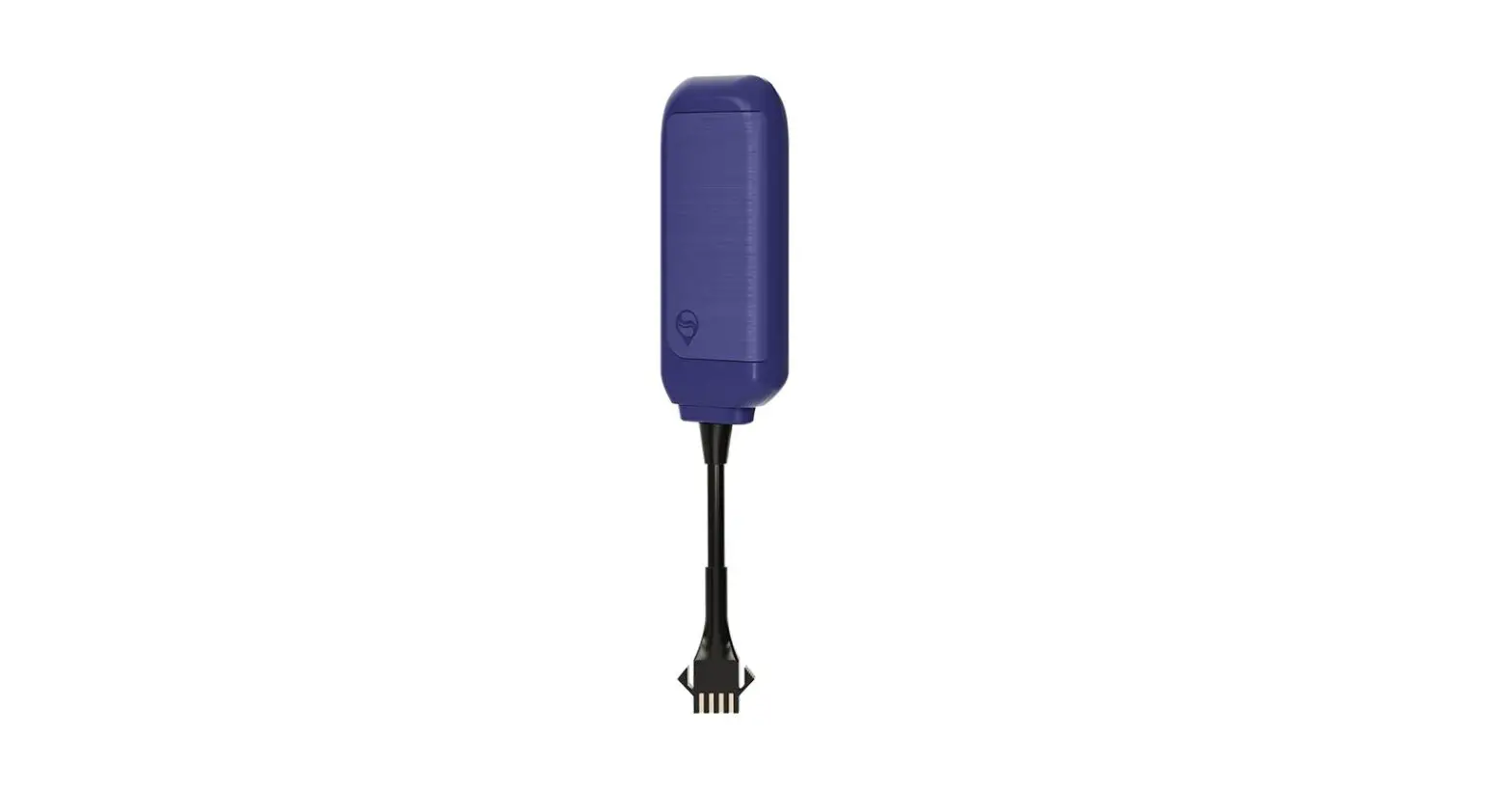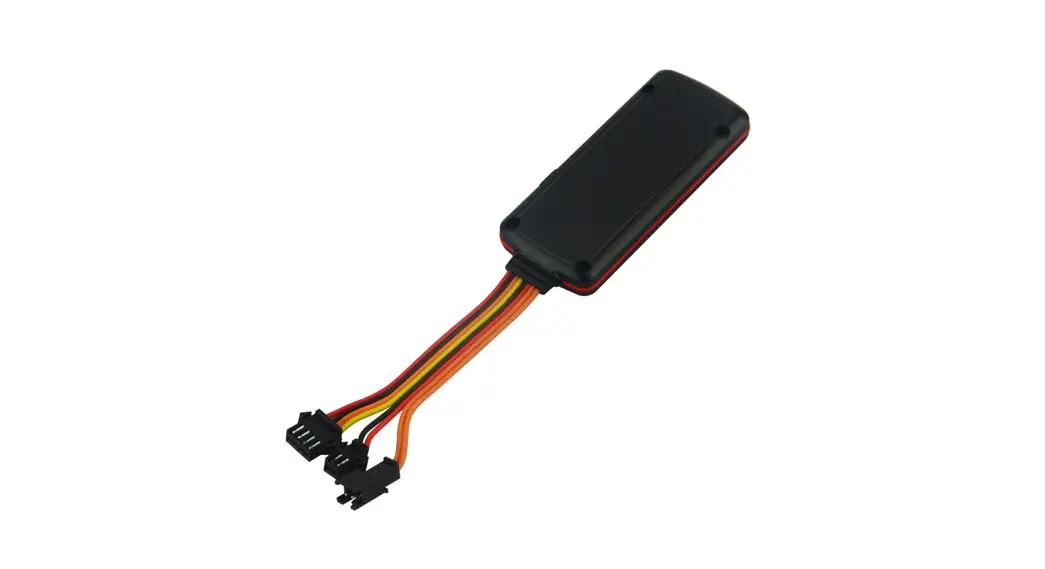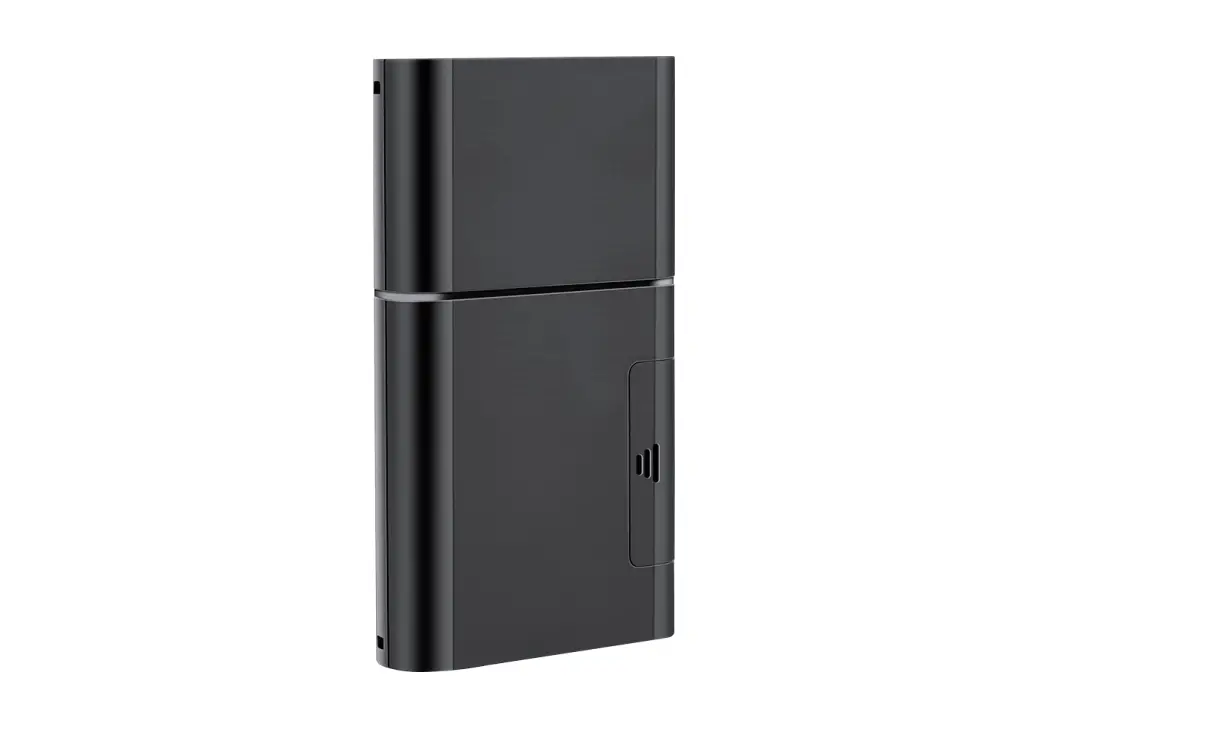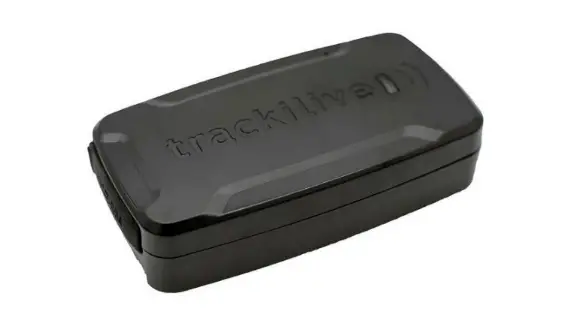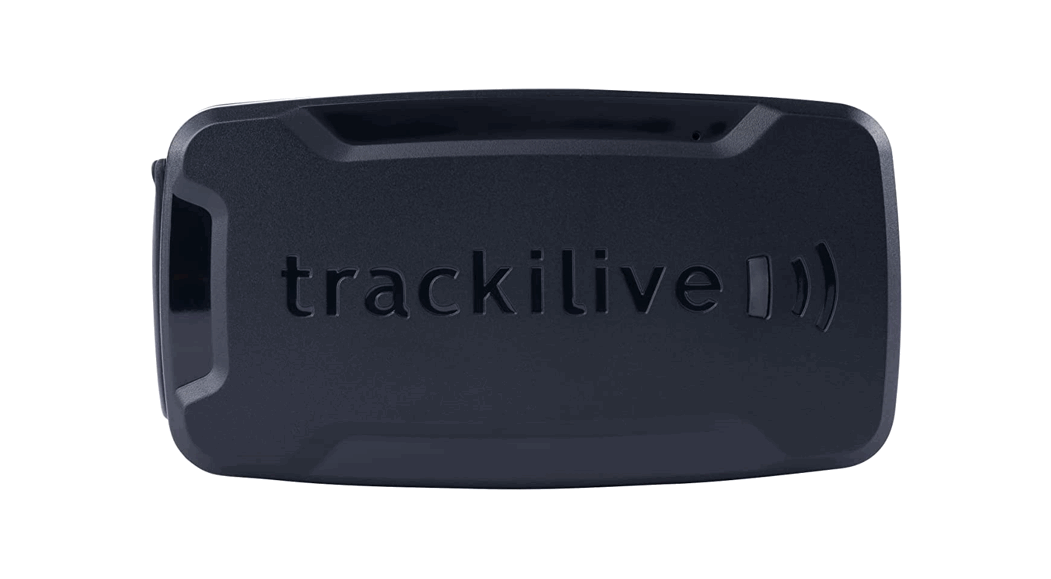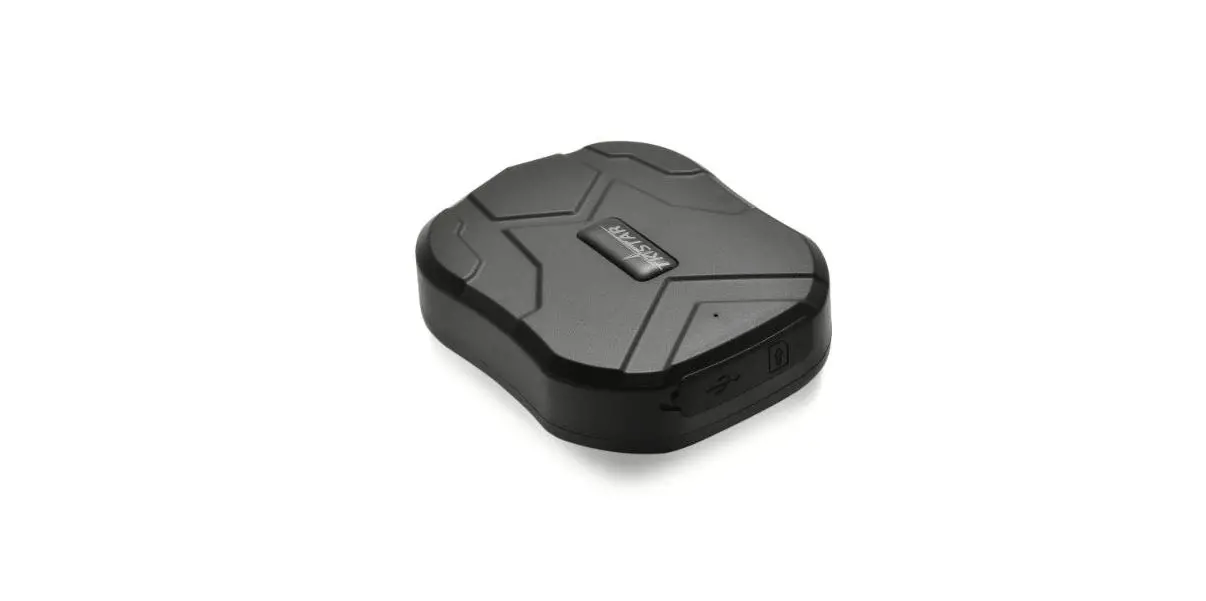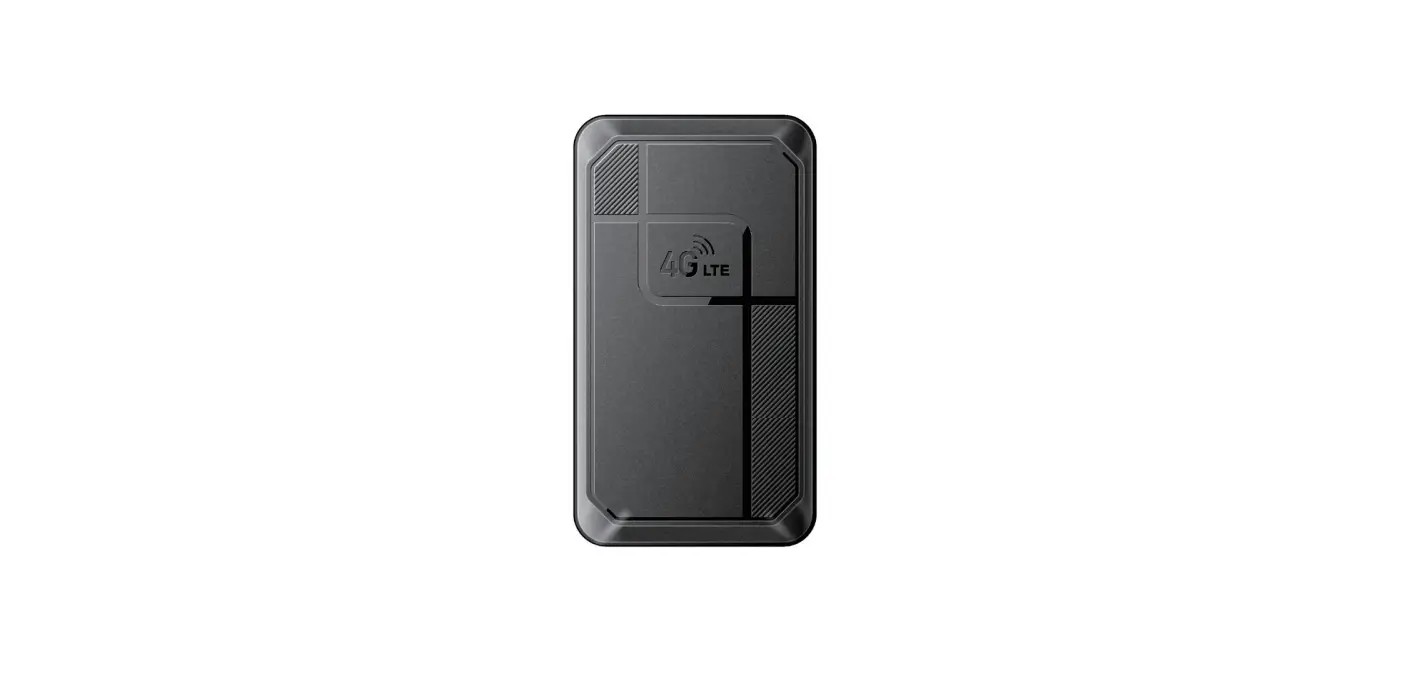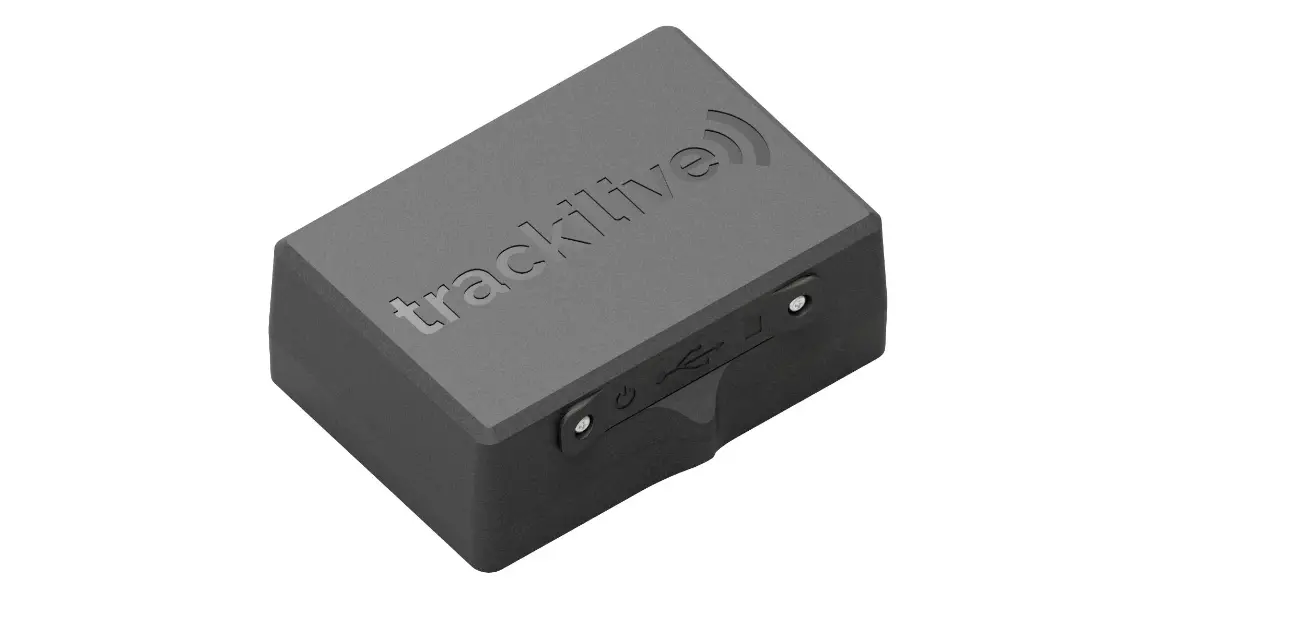
QUICK TOUR
Accurate Tracking | Power standby
Please carefully read the user guide before use in order to quickly get the right to operate. Product appearance, color, and accessories are subject to change without prior notice in this manual!
Functions and Product parameters
- Real-time tracking
- Vibration/Displacement/Low battery/Power off/over speed alert
- Main power cut off alert
- ACC detection
- Geo-fence
- History Route
- Cut and resume oil remotely
- AGPS locating
Products list
| number | products name | count | remark |
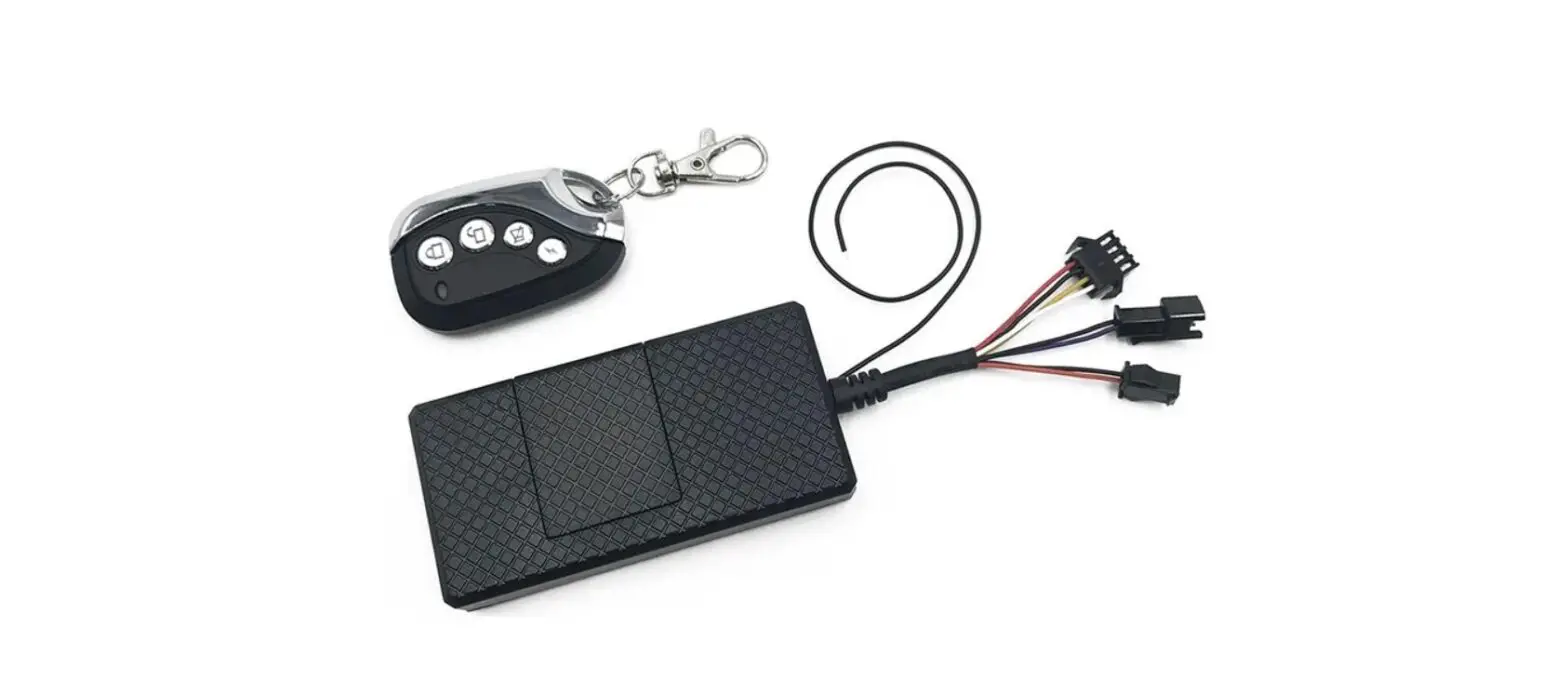
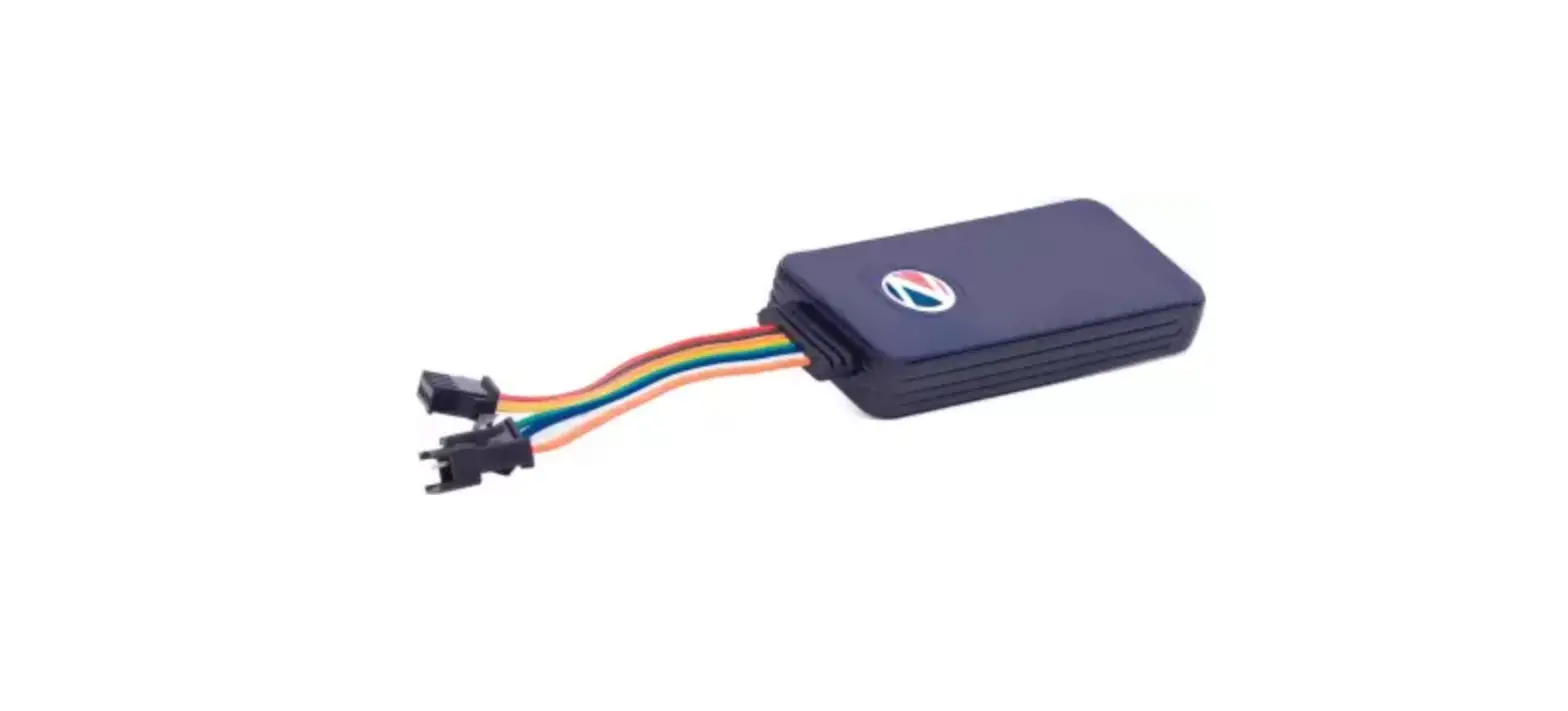
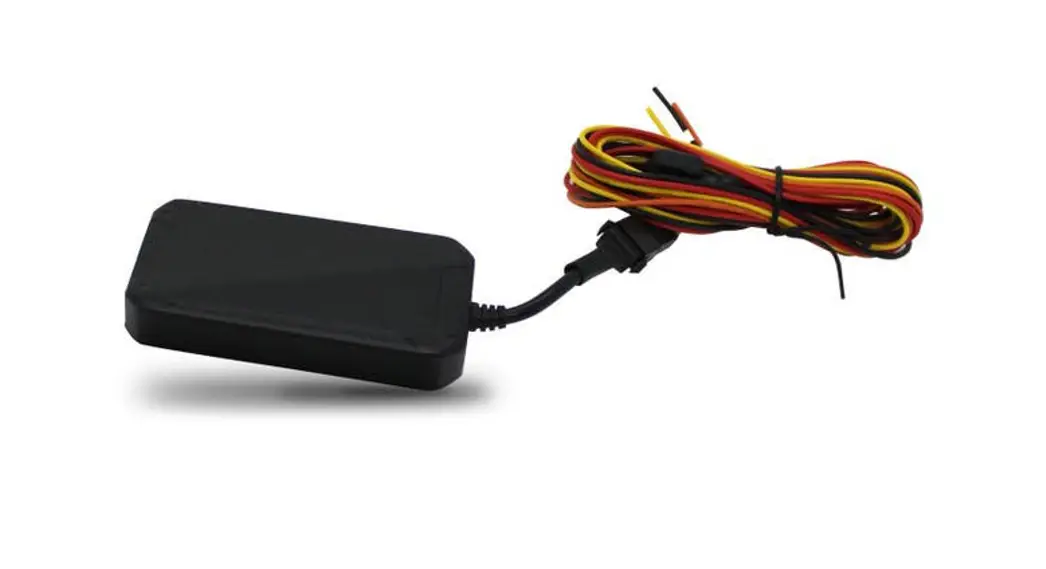
1 | Device | 1 | |
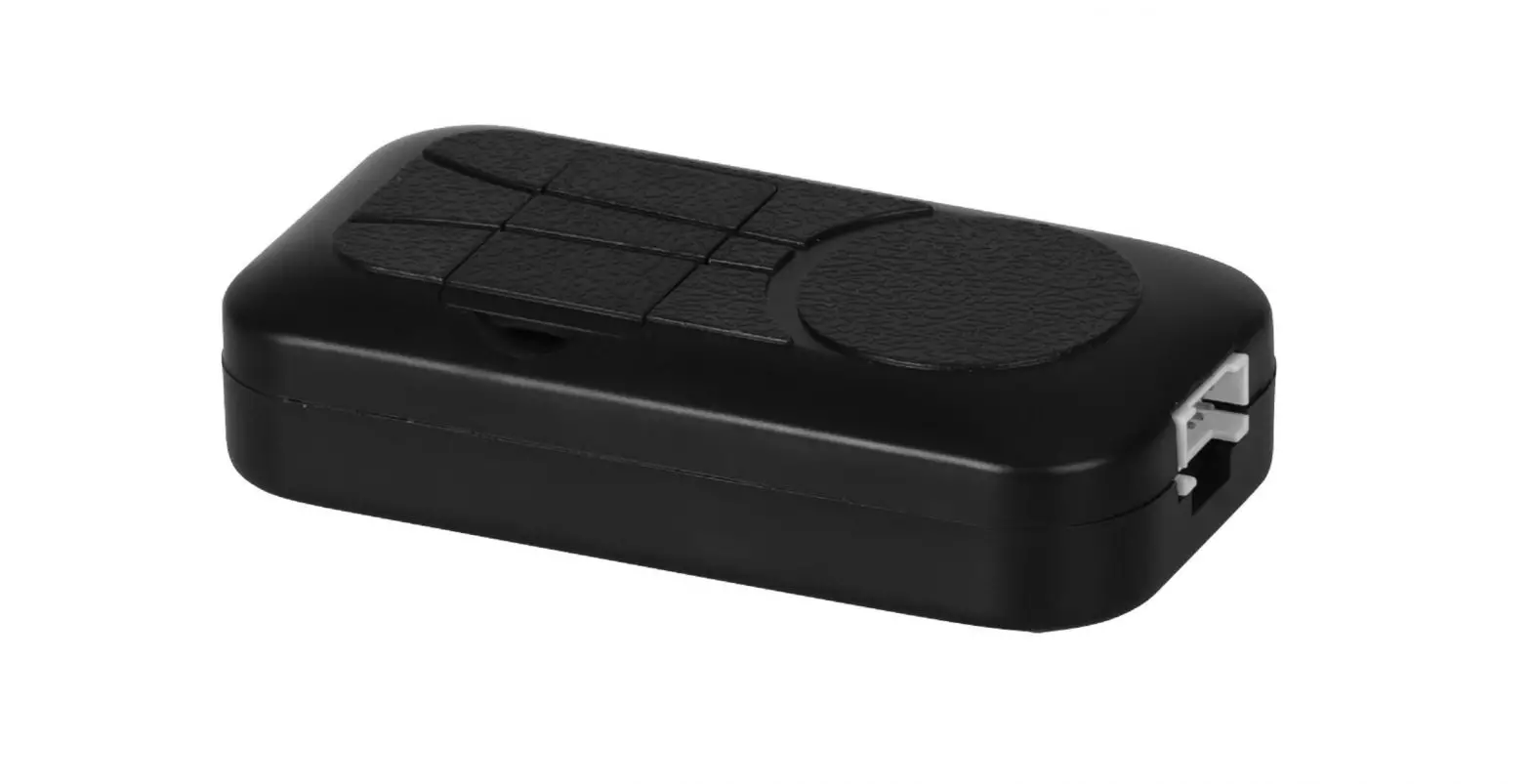
2 | relay | 1 | |
3 | oil break line | 1 | Connection line 150mm |
4 | Power line | 1 | 1.0m |
5 | Operation manual | 1 |
Spe.
| Frequency | 1) North America Version: LTE 82/84/1312 etc:WCDMA :B2/B5 |
| 2) VerSiOn:LTE-FDD:B1 83 B5 B7138 B20 LTE-TDD:838 840 841 :WCDMA:81 82 85 88 GSM:850/900/1800/1900MHZ | |
| 3) South American VerSiOn:LTE-FDD:81 82 83 84 B5 87 88 828 LTE-TDD:840;WCOMA:B1 82 B5 B8 GSM:850/900/1800/1900MHZ | |
| Networks | 4G /3G |
| Backup Battery | 3.7V 200mAh polymer battery |
| Operating voltage | 9-100V |
| Location time | Cold start 35s-80s |
| Hot start 1s | |
| Location accuracy | 5 meters |
| Operating temperature | -20℃~+55℃ |
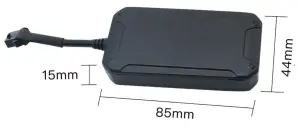
| Dimension | 84*444,16(mi |
| Weight | 50.6g |
Device enabling and wiring
LED Indicator Definition
Green Indicator: LTE
| Status of indicator | Meaning |
| Flash | LTE conversation start |
| Continuously in bright status | No LTE signal |
| Green Led off | Power off or in sleep mode |
Blue Indicator: GPS
| Status of indicator | Meaning |
| Flash | GPS location successful |
| Continuously in bright status | GPS signal searching |
| Blue led off | Power off or in sleep mode |
Red Indicator: Power charge
| Status of indicator | Meaning |
| Flash | GPS location successful |
| Continuously in bright status | GPS signal searching |
| Blue led off | Power off or in sleep mode |
NOTE: When the equipment is in power-saving sleep mode, the light will turn off after about 10 minutes(settable) without any operation.
4.1.1 Locate the area shown below and open the top cover.
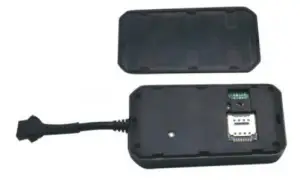
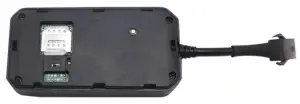
4.1.2 Put in SIM card the support 4G signal
4.1.6 Schematic diagram of the wiring principle
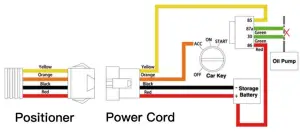
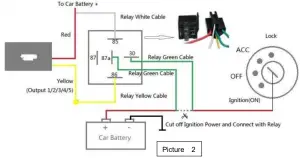
Turn on the unit outdoors by Pushing the button to“On” the indicator is on. (when the green light and blue light are both flashing, you can do setting command by step)
a, Open the rubber plug, Insert a mini-SIM card support WCDMA or LTE network into the slot and make sure the chip side is up.
b, Connect the power cable and relay following picture 2 and picture 3.
c, Set admin number, by sending an SMS command to the SIM card inside the device.
For example: admin123456 +86186******** (+86186********should be your phone number)
d, Set APN: APN123456 CMNET (please use your local APN instead of CMNET, if you do not know the APN content, you should contact your SIM card supplier)
More Commands
| APN Function admin number time zone | Command Format | Reply | Delete | for example |
| apn+123456+space+content | apn ok | apn123456 cornet | ||
| apnuser+123456+space+c ontent | apnuser ok | |||
| apnpasswd+123456+space +content | apnpass wd ok | |||
| admin123456+space+admi n phone number | admin ok | noadmin 123456 | admin123456 186………. | |
| timezone+123456+space+ GMT No. | timezone ok | timezone123456 +1 | ||
| time sleep shock sleep(defa ult) | sleep123456 time | sleep time ok | ||
| sleep123456 shock | sleep shock ok | |||
| no sleep upload y frequent Cut and resume oil Arm&Disar | sleep123456 off | sleep off ok | ||
| upload123456+space+time 555 | uploadok Cut oil OK | 666 | upload123456 120 | |
| 111 or SF | Arm delay in Os | 000 or CF | ||
| Position | G123456# or where | Google map | ||
| Restart Back to factory | rst | restart ok | ||
| format | No reply |
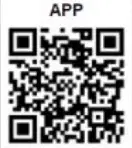
① Download phone APP

Method 1: Scan above QR to download;
Method 2: search “LKGPS2” in the app store or Google play store to download.
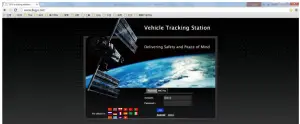
② Log in by website and phone APP
 http://www.lkgps.net/DownloadENLH.htm
Log in by Website:
Open the website www.lkgps.net, choose IMEI, enter the 10-digit bar code of the device, the default password is 123456, click “GO” to log in to the platform.
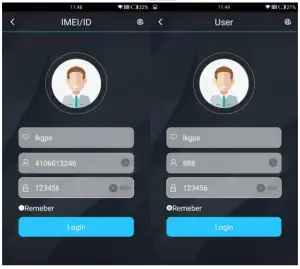
Log in by Phone APP:
Please see the following photo:
Faults & The solutions
Q: Startup Fail?
A: Check the cable connects right or not.
Q: The device can not obtain location information?
A: Place the unit in the open area to test.
Q: How to choose a SIM card?
A: The SIM card must support GSM&GPRS,and ensure that the card has enough currency and credit.
Q: How to use in foreign countries?
A: please set the APN before use,please edit the text “APN123456 CMNET “ and send it to the SIM card of the device,CMNET is Chinese operator’s APN, Replace the corresponding APN when use in other countries, APN details, please consult your local SIM card carrier
Cautions
Please comply with the instructions to extend the unit life:
- Keep the unit dry. Any liquid, i.e. rain, moisture, may destroy or damage the inside circuitry.
- Don’t use & store the unit in dusty places.
- Don’t put the unit in overheated or over-cooled places.
- Handle carefully. Don’t vibrate or shake it violently.
- Clear the unit with a piece of dry cloth. Don’t clean in chemicals, detergent.
- Don’t paint the unit, this may cause some foreign materials left in between the parts.
- Don’t disassemble or refit the unit.
- Please use the battery and charger provided by the manufacturer. Using other batteries and chargers will cause unwanted situations.