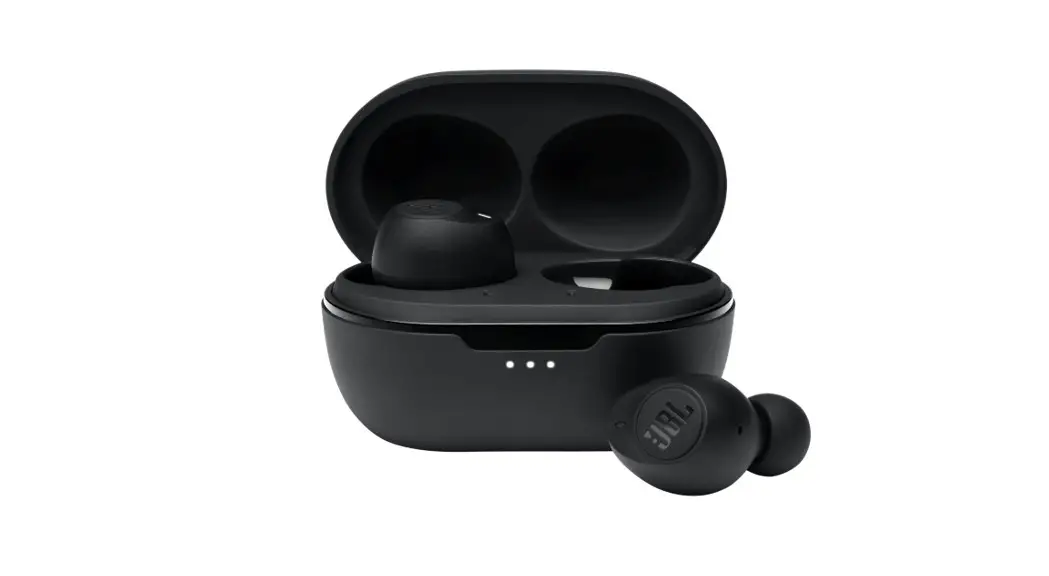
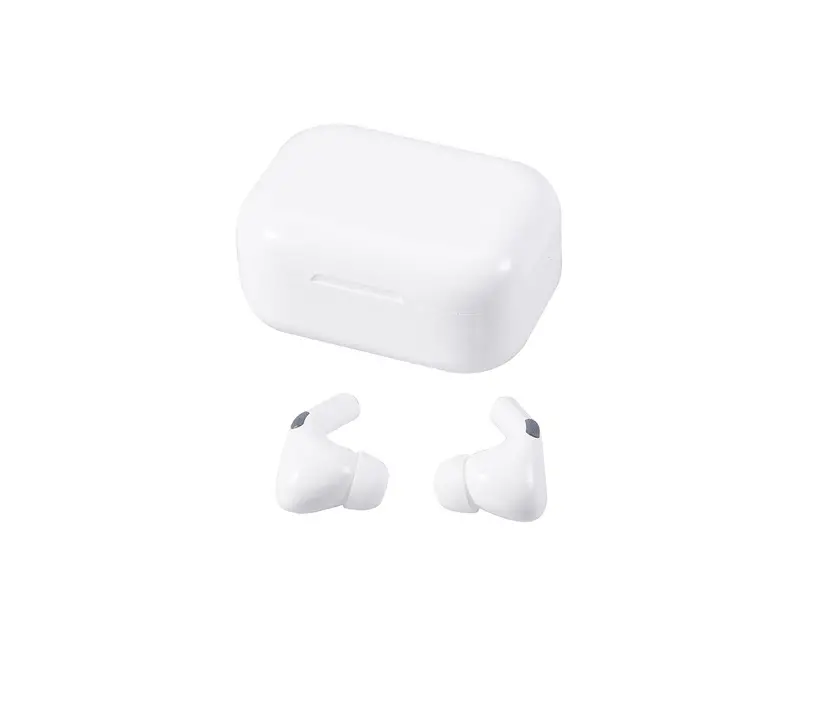
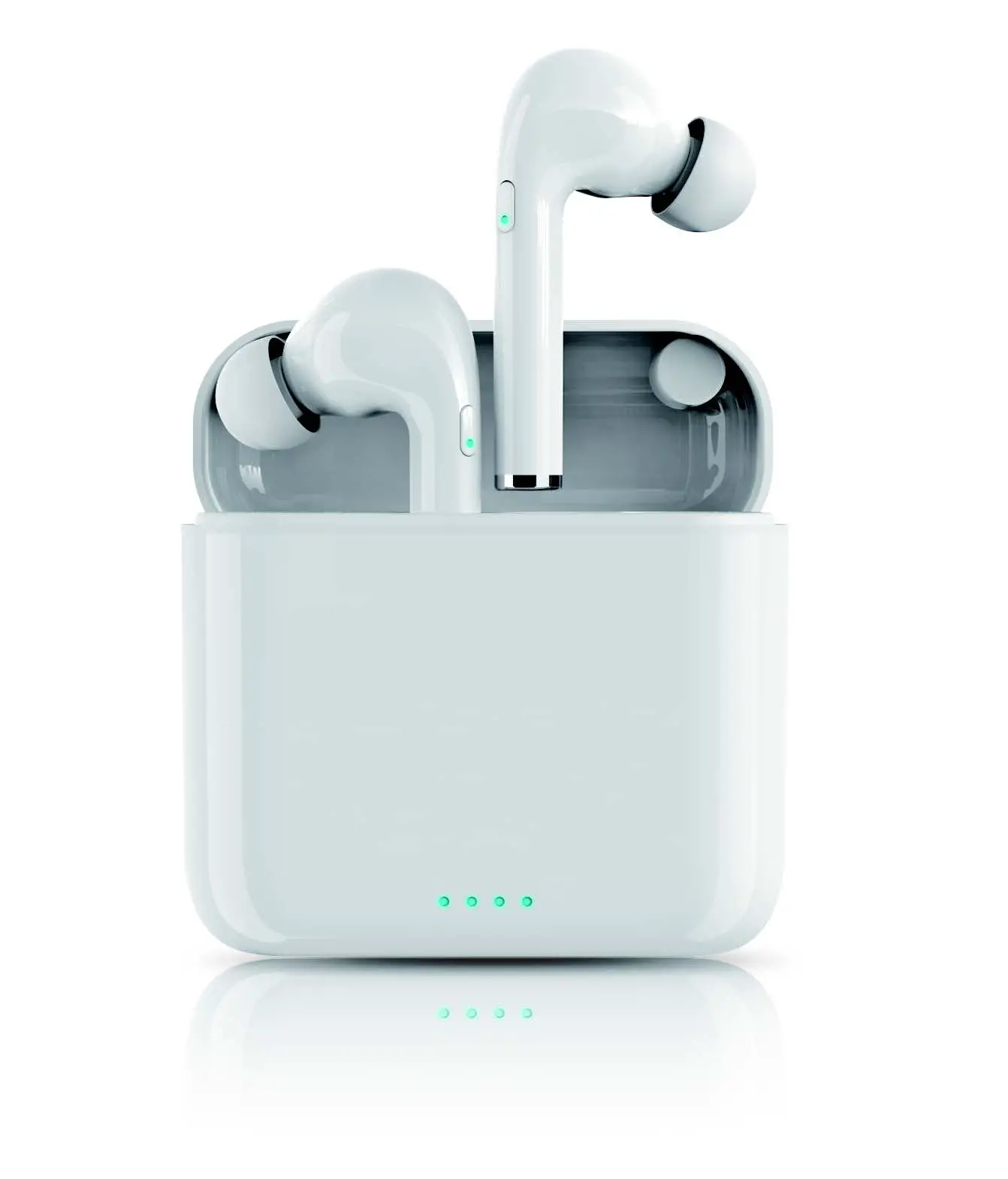
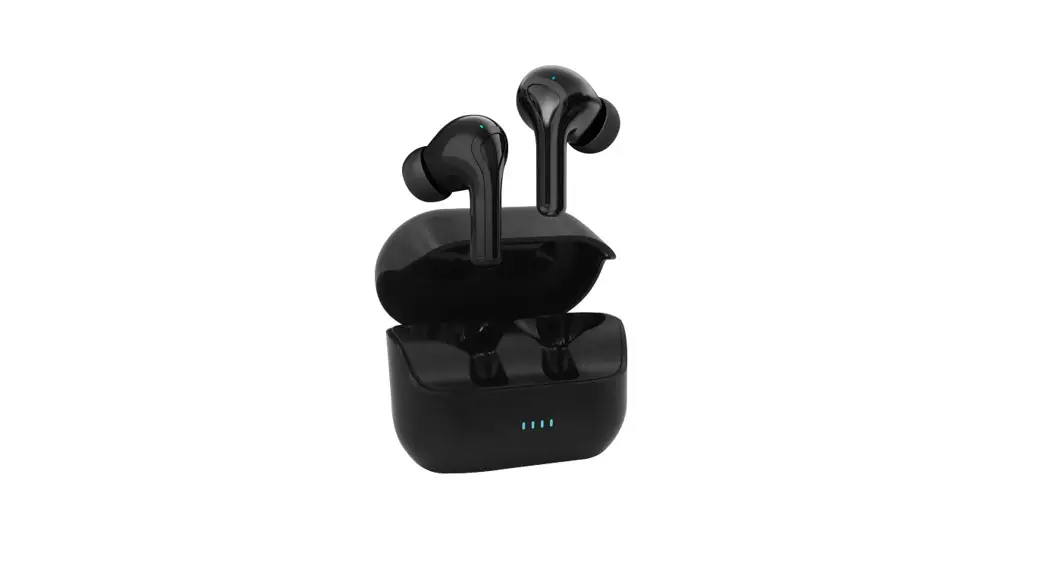
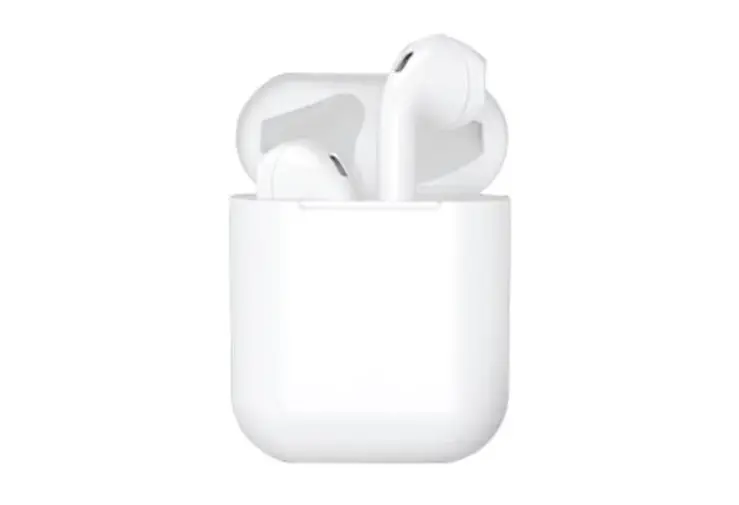
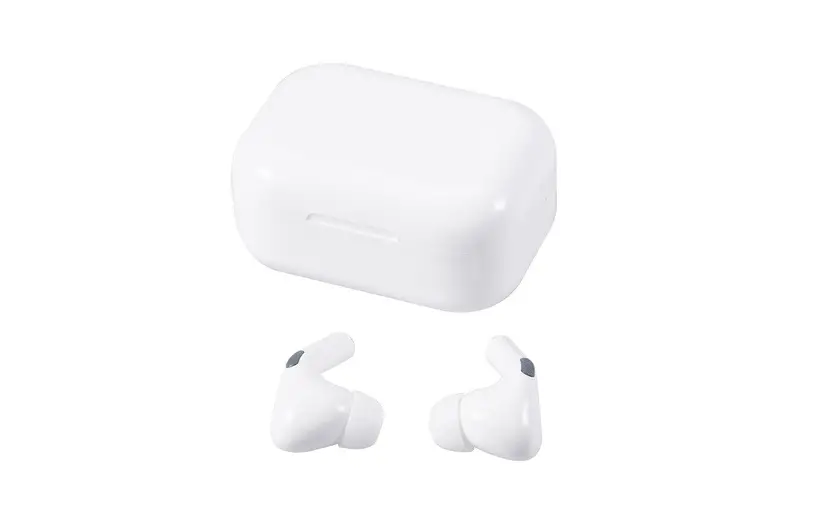
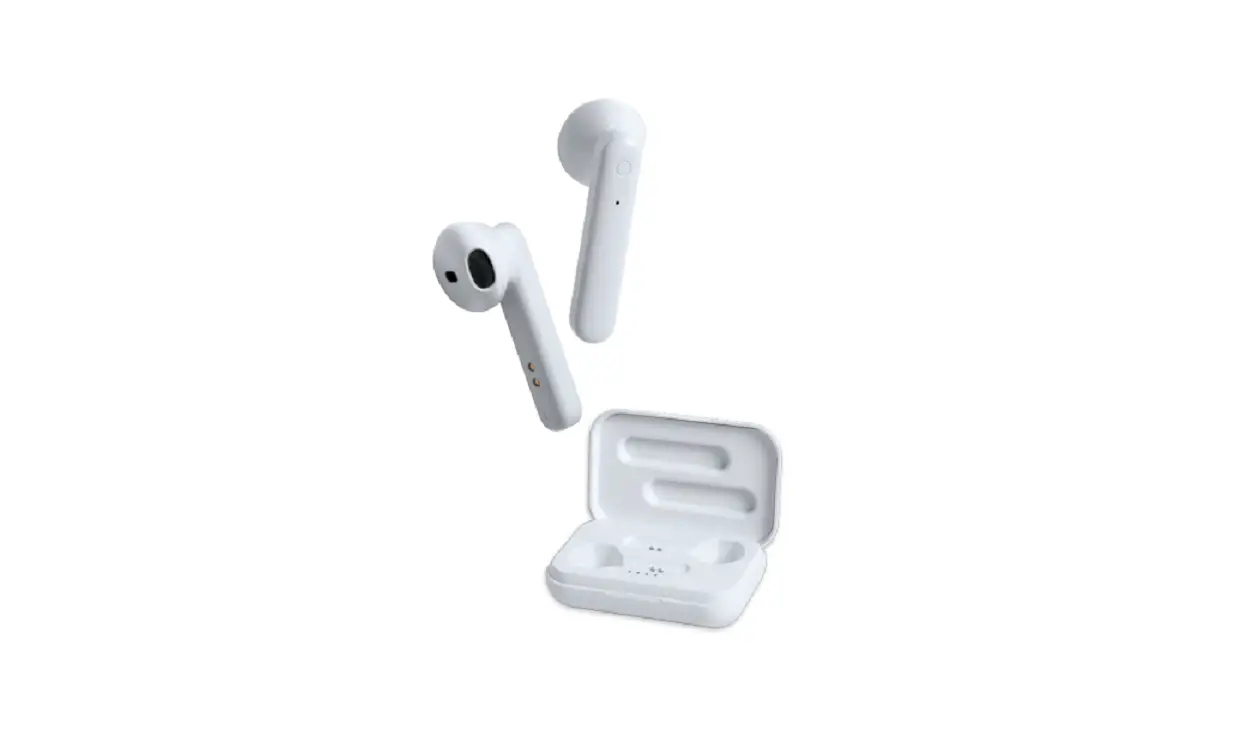
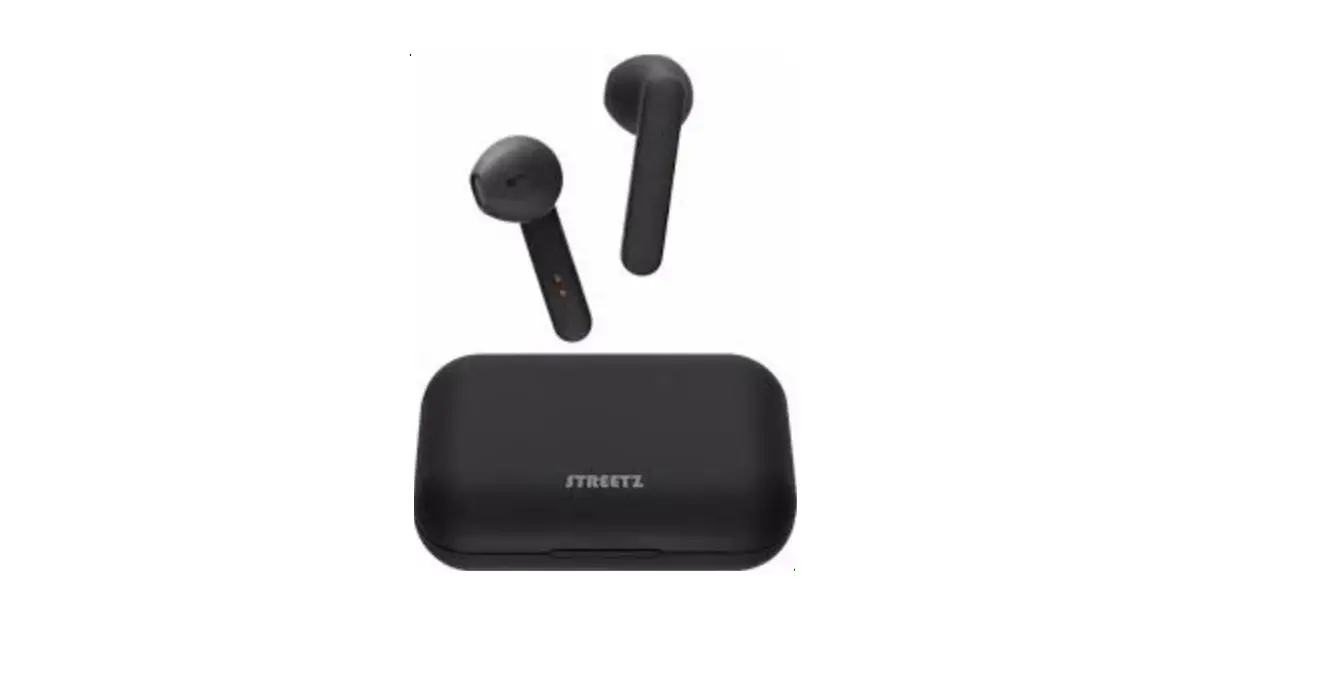
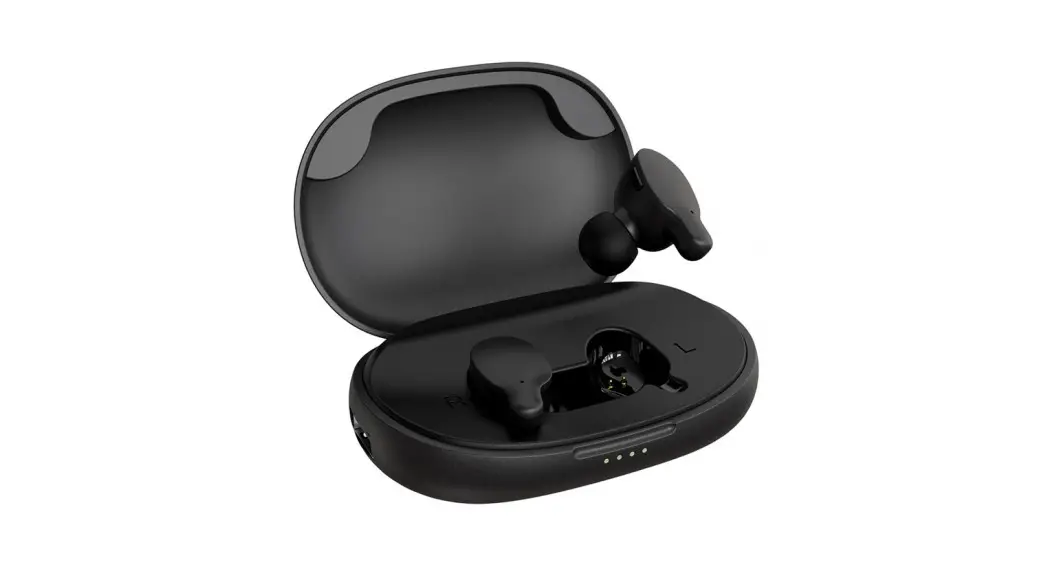
43277414 TWS Earphone
Product Information
Product Name: KMT Earphone TWS
Model Number: 43277414
Specifications:
- Bluetooth Version: V5.3
- Charging Voltage: D.C 5V
- Earphone Charge Time: 1.5 hours
- Charging Case Battery Capacity: 250mAh
- Charging Case Charge Time: 2 hours
- Frequency Response: 20Hz-20KHz
- Rated Power: 3mW
- Working Distance: 10 meters
- Max Power: 5mW
- Music Time: 4 hours
- Talk Time: 3.5 hours
- Standby Time: 40 hours
- Charging Port: Type-C
Product Usage Instructions
Function Overview:
- Play / Pause / Volume up / Next track: Touch
either L/R earbud - Siri: Triple-touch either Left or Right
earbud - Previous track: Long touch Left earbud
- Next track: Long touch Right earbud
- Volume up: Double-click Right earbud
- Volume down: Double-click Left earbud
Power ON / OFF:
- Power ON: Removing Earphones from charging
case will automatically turn them on - Power OFF: Placing Earphones into charging
case will automatically turn them off - Note: The earbud will automatically turn off
in 3-5 minutes without any connection.
Usage Instructions:
- Make sure the earphones are charged by placing them in the
charging case and connecting the charging case to a power source
using the Type-C charging port. The LED indicator on the charging
case will show the charging status. - To turn on the earphones, remove them from the charging case.
The LED indicator on the earphones will indicate that they are
powered on. - To play or pause music, touch either the left or right
earbud. - To activate Siri, triple-touch either the left or right
earbud. - To skip to the previous track, long touch the left earbud.
- To skip to the next track, long touch the right earbud.
- To increase the volume, double-click the right earbud.
- To decrease the volume, double-click the left earbud.
- To turn off the earphones, place them back into the charging
case. They will automatically turn off. - For optimal performance, ensure that the earphones are within
10 meters of the connected device.
If you encounter any difficulties with your product or have
warranty claims, please retain your receipt as proof of purchase
and contact our Customer Service Centre on 1800 124 125 (Australia)
or 0800 945 995 (New Zealand) or via Customer Help at kmart.com.au.
Warranty claims and claims for expense incurred in returning this
product can be addressed to our Customer Service Centre at 690
Springvale Rd, Mulgrave Vic 3170.
Note: This product comes with a 12-month warranty from the date
of purchase, provided it is used in accordance with the
accompanying recommendations or instructions. The warranty does not
cover defects resulting from alteration, accident, misuse, abuse,
or neglect.
For Australian customers, this warranty is in addition to your
rights under the Australian Consumer Law. For New Zealand
customers, this warranty is in addition to statutory rights
observed under New Zealand legislation.
KMT 128g 89*127mm
12 month warranty
Thank you for your purchase from Kmart.
Kmart Australia Ltd warrants your new product to be free from defects in
materials and workmanship for the period stated above, from the date of
purchase, provided that the product is used in accordance with the
accompanying recommendations or instructions where provided. This
warranty is in addition to your rights under the Australian Consumer Law.
Kmart will provide you with your choice of a refund, repair or exchange
(where possible) for this product if it becomes defective within the
warranty period. Kmart will bear the reasonable expense of claiming the
warranty. This warranty will no longer apply where the defect is a result of
alteration, accident, misuse, abuse or neglect.
Please retain your receipt as proof of purchase and contact our Customer
Service Centre on 1800 124 125 (Australia) or 0800 945 995 (New Zealand) or
alternatively, via Customer Help at kmart.com.au for any difficulties with
your product. Warranty claims and claims for expense incurred in
returning this product can be addressed to our Customer Service Centre
at 690 Springvale Rd, Mulgrave Vic 3170.
Our goods come with guarantees that cannot be excluded under the
Australian Consumer Law. You are entitled to a replacement or refund for
a major failure and compensation for any other reasonably foreseeable
loss or damage. You are also entitled to have the goods repaired or
replaced if the goods fail to be of acceptable quality and the failure does
not amount to a major failure.
For New Zealand customers, this warranty is in addition to statutory rights
observed under New Zealand legislation.
WARNING: · Battery cannot be subjected to high or low extreme temperatures, low air pressure at high altitude during use, storage or transportation. · Replacement of a battery with an incorrect type that can result in an explosion or the leakage of flammable liquid or gas. · Disposal of a battery into fire or a hot oven, or mechanically crushing or cutting of a battery, that can result in an explosion. · Leaving a battery in an extremely high temperature surrounding environment that can result in an explosion or the leakage of flammable liquid or gas. · A battery subjected to extremely low air pressure that may result in an explosion or the leakage of flammable liquid or gas. · This product shall not be connected to power supply source exceeding PS1 . Rated 5V d.c. 1A . · Marking information is located at bottom of the unit. · Please note the product working temperature is : 0-40 ¥. · This TWS earphones shall be charged by the supplied charging unit only.
EARPHONE TWS
Operating instructions
Includes: · TWS earphone · Charging cable · User manual
Function overview:
Play / Pause / Volume up / Next track Earphone LED indicator
Charging case LED indicator
Play / Pause / Volume down / Previous track
Please touch operate in the designated earbud position.
USB-C charging port
How to use the earphone : Specifications:
Model No : 43277414 Bluetooth Version: V5.3 Function Operation Play / Pause : Touch either L/R earbud
Siri : Triple-touch either Left or Right earbud Previous : Long touch Left earbud Next : Long touch Right earbud Volume up : Double-click Right earbud Volume down : Double-click Left earbud
Power ON / OFF Power ON : Removing Earphones from charging case will automatically turn them on
Power OFF : Placing Earphones into charging case will automatically turn them off
Note : The earbud will automatically turn off in 3-5 mins without any connection.
Pairing the Earphones with Bluetooth® devices ³Go to ” Bluetooth Settings on your Bluetooth device (phone, tablet, etc.) ³ Turn the Bluetooth ON at your device, Open the charging case and remove the earphones, they will automatically turn on. The LED indicators on the left earbud flash blue and red as they already automatically sync to each other and a voice prompt “Connected” alerts, and they’re ready for connection with your device. On your Bluetooth Device, select the pairing name on the list of available devices, select pairing name : KM 43277414 . ³The Earphone LED indicator will slowly flash blue once connected, and a voice prompt “Connected ” will alert again when connected successfully. ³Trouble shooting tip: if the Earphones do not connect to your device, turn the Earphones OFF, turn your device’s Bluetooth OFF and then back ON, then repeat the pairing process.
Pairing between left and right earphones If the connection between the left and right earphones is lost, put both earphones back inside the charging box, close it and wait a few seconds before reopening. The earphones will automatically re-connect to each other. If the process just described does not work, disconnect the earphones from your device, wait a few minutes then reconnect them ( the earphones must be placed inside the charging box ). For both procedures, it is necessary that the earphones inside the charging box are charging, so make sure that the charging box has a sufficient charge level to ensure the charging of the earphones.
Phone calls When there is an incoming call, the unit will pause the playback and ring to alert you of the call. To answer the call, double-click the earphone . To end a call, double-click the earphone when finished. To decline an incoming call, press and hold either earbud for 1 seconds. Playing music Click either the left or right earphone once to pause playback, click either earphone once again to resume playback. Long Press the Left earbud for 2 seconds to play previous track. Long Press Right earbud for 2 seconds to play next song. Battery Charging When using for the first time, charge the battery to maximum capacity. To recharge, plug the charging cable into the charging port. The flashing Red light at the top of the charging box indicates that charging is in progress. When the Red light turn solid, charge is completed for charging box. When the earphones are placed inside the charging box, charging will begin and a Blue light indicates the charging case and a red flashing light will light up on each earphone. When the light off, the earphones will be fully charged.
Charging voltage: D.C 5V
Earphone charge time: 1.5 hours
Charging case battery capacity: 250mAh Charging case charge time: 2 Hours
Frequency response: 20Hz-20KHz
Rated power: 3mW
Working Distance: 10 meters
Max power: 5mW
Music Time: 4 Hours
Charging port: Type-C
Talk time: 3.5 Hours
Standby time: 40 Hours
The Bluetooth® word mark and logos are registered trademarks owned by Bluetooth® SIG, Inc., and any use of such marks by KMART AUSTRALIA is under license
 kmart.com.au