V2 CB Sidekick with Club Booster
Product Information
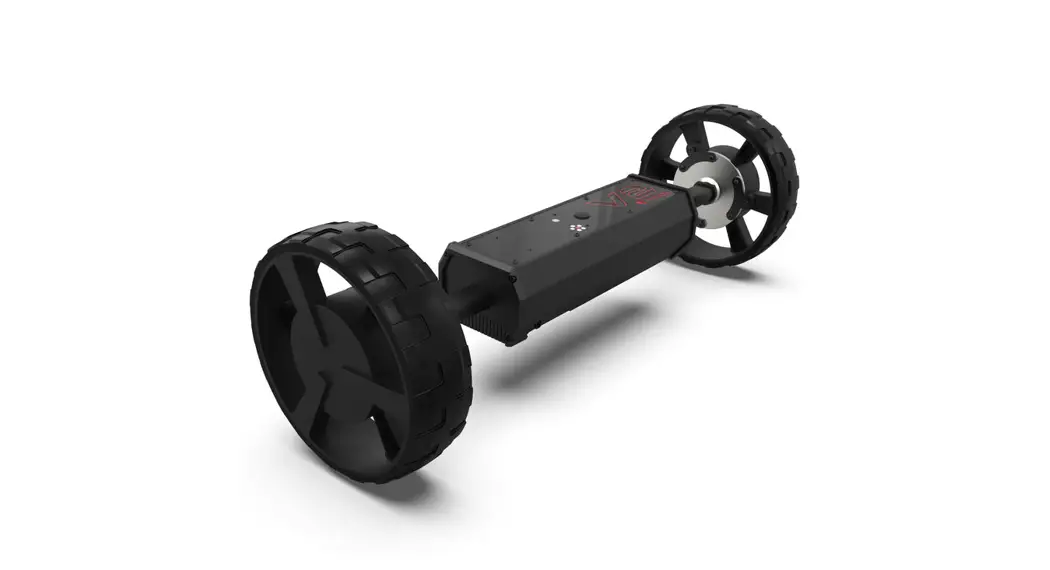
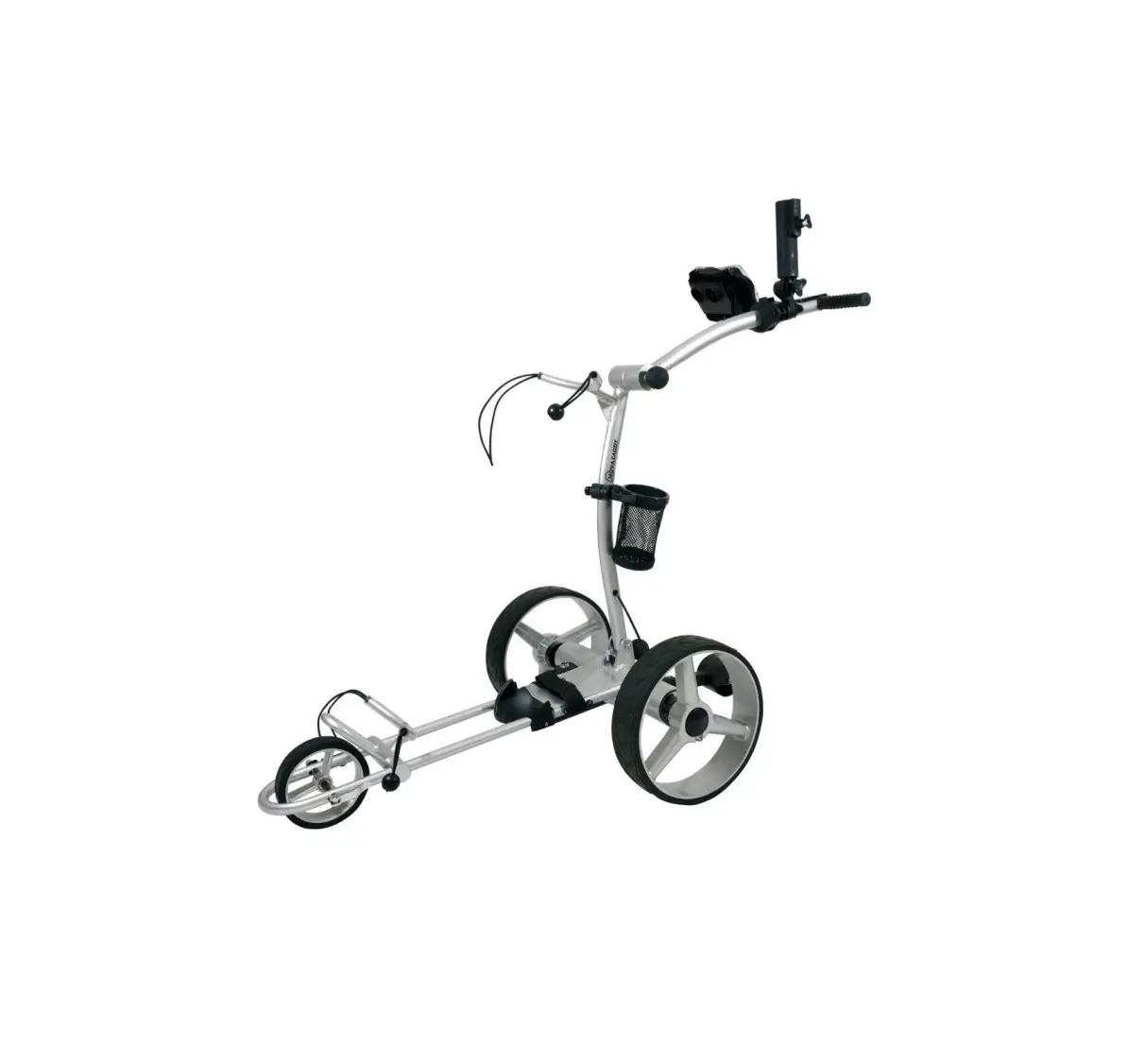
The CB Sidekick is a golf cart device that can be paired with
the Club Booster V2 to follow the golfer around the course. It has
a Bluetooth connection to the Club Booster V2 and an RF connection
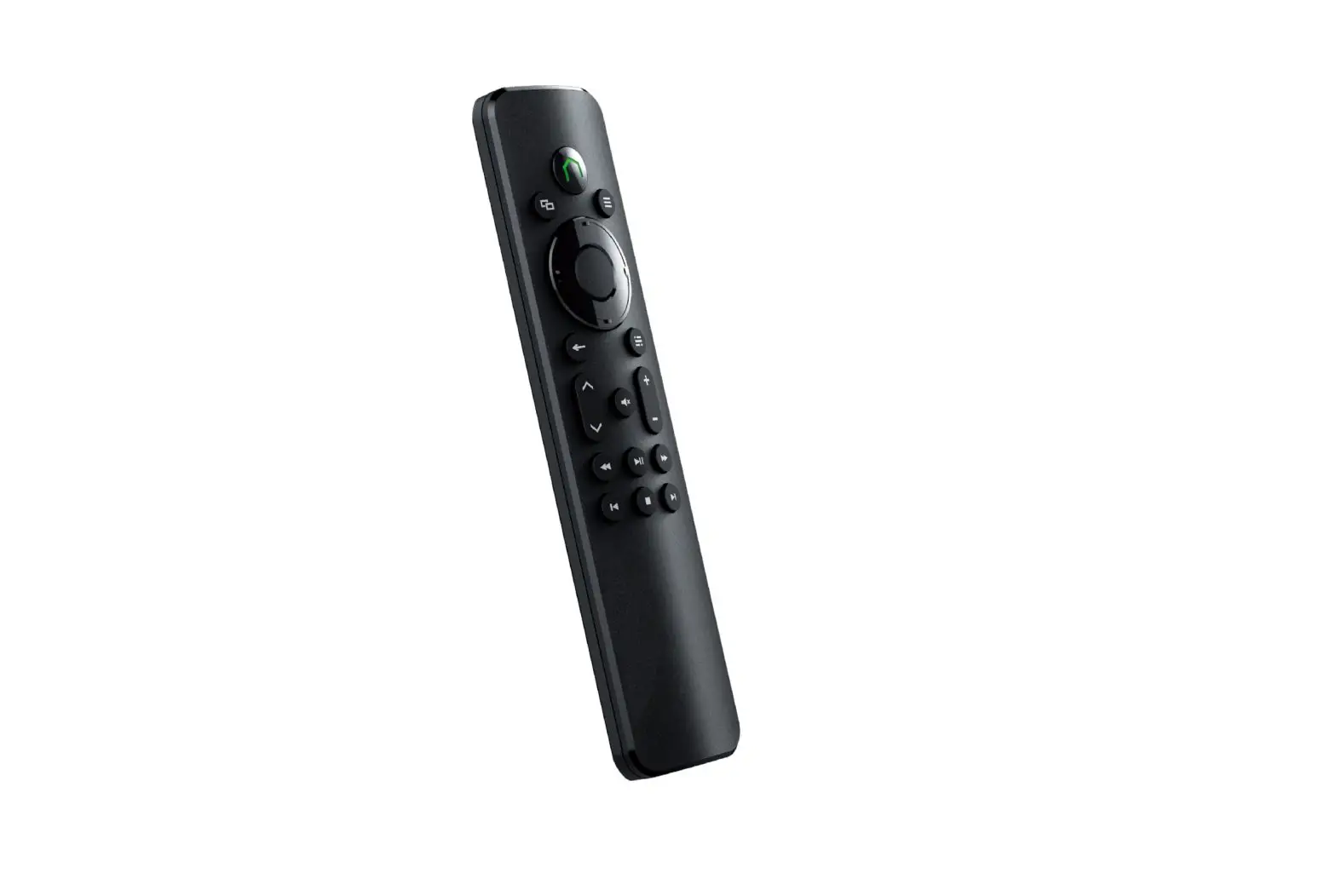
to the remote controller. The device has a power switch, charging
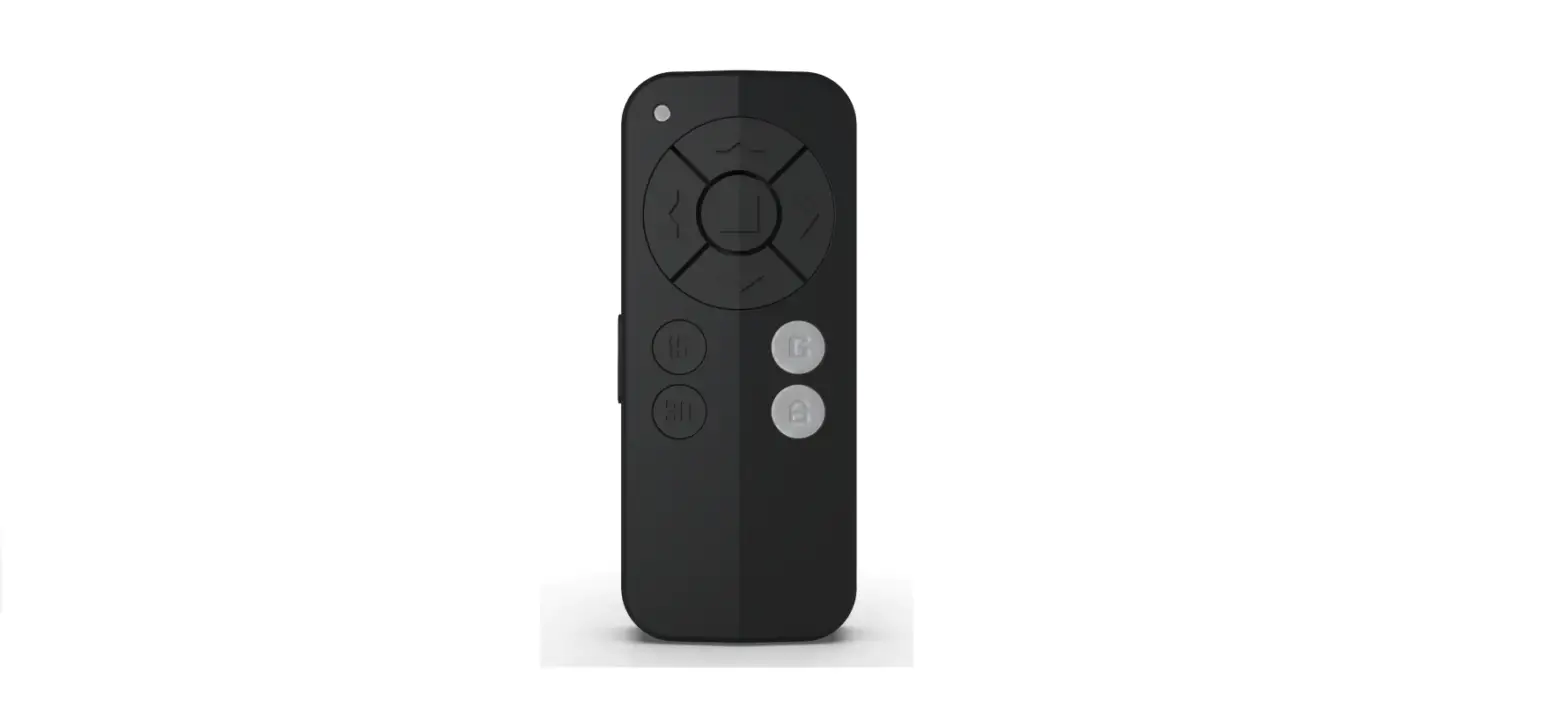
inlet (USB C), and gyro on/off switch. The remote controller has a
keypad lock/unlock, follow/unfollow, left turn, reverse/speed down,
power on/off, change mode, charging inlet (USB C), go/speed up,
right turn, stop, and gyro on/off button. The CB Sidekick has a
blue LED that flashes rapidly when it is ready to pair with the
Club Booster V2 and turns solid when the pairing is successful. It
also has a slow flashing green LED when it is in standby mode and a
flashing red LED when it is following the remote controller.
Product Usage Instructions
Setting Up The First Time
Step 1: Pair the remote with Club Booster
V2
- Switch on the remote controller by pressing and holding the
power button for 3 seconds. - Press both the stop and G button for 3 seconds until the remote
display shows Remote Pairing. - Switch on Club Booster V2 and wait for 5 seconds. The RC sign
appears on the remote display indicates the two are paired
successfully. - Switch off both devices.
Step 2: Pair CB Sidekick with Club Booster
V2
- Switch on CB Sidekick by pressing and holding the power button
for 3 seconds. - Once it is on, press the same button once, the blue LED flashes
rapidly. - Switch on your Club Booster V2 and wait for 10 seconds.
- The blue LED then turns solid indicates the two are
paired.
Setting Up At the Course
Step 1: Place the mounting on the handle
If you are a right-handed golfer, place the mounting on the left
side of the handle. Tighten it by turning the latch and press down
on it.
Step 2: Place CB Sidekick onto the mounting
Place the CB sidekick onto the mounting and tighten it with the
knob. Make sure it is as level to the ground as possible. Rotate it
so that the arrow that says Cart Direction points forward.
Step 3: Switch on V2, CB Sidekick, and the
remote
Switch on all 3 devices. Press the FL button on the remote. The
CB Sidekick starts rotating until it finds the remote’s direction.
A slow flashing green LED indicates that it is standing by. Press M
to choose between following from the left, right, or behind. Press
FL again and the LED turns flashing red. Walk away and it starts
following. Deactivate it by pressing FL or Stop buttons.
How to Use
The CB Sidekick is designed to be used on fairways. Switch to
remote mode on cart path and near the green. It is set to be 6 feet
away from the remote. Place the remote inside your pocket or the
included belt clip. Holding the remote on your hand makes jerking
motion due to your arm swing.
When using the CB Sidekick with your friend who also has one,
set one that follows on the left and the other on the right to
avoid collision.
Calling-in: you may ask the cart to come to you when you are
within the signal range. The range depends on the elevation and
other factors, but it is typically 30 yards.
Important:
- Practice on your backyard before using the CB Sidekick at the
golf course. - Plan your path wisely – avoid getting too close to
hazards. - Charge both the CB Sidekick and the remote controller every
time after the round. - Move the handlebar to the highest position avoids blockage of
the signal.
FCC regulatory conformance:
This device complies with Part 15 of the FCC Rules. Operation is
subject to the following two conditions: (1) This device may not
cause harmful interference. (2) This device must accept any
interference received, including interference that may cause
undesired operation.
User Guide
CB Sidekick
Bluetooth Connection to Club Booster V2 Power Indicator RF Connection to Remote Controller
Power Switch Charging Inlet(USB C)
Remote Controller
Keypad Lock/Unlock Follow/Unfollow
Left Turn Reverse/Speed Down Power On/Off, Change Mode
Charging Inlet(USB C)
Go/Speed Up Right Turn Stop
Gyro On/Off
Remote Controller
Keypad Lock/Unlock
Sidekick Signal
Remote RF Signal
Remote Battery Indicator
Follow Mode Indicator
Club Booster V2 Status
Setting Up The First Time
StepPair the remote with Club Booster V2
1: Switch on remote – press and hold the “power” button for 3 seconds. 2: Press both the “stop” and “G” button for 3 seconds until the remote display shows “Remote Pairing”. 3: Switch on Club Booster V2, wait 5 seconds. The “RC” sign appears on the remote display indicates the two are paired successfully. 4. Switch off both devices.
Setting Up The First Time
Step 2: Pair CB Sidekick with Club Booster V2
Switch on Sidekick by pressing and holding the power button for 3 seconds. Once it is on, press the same button once, the blue LED flashes rapidly. Switch on your Club Booster V2 and wait for 10 seconds. The blue LED then turns solid indicates the two are paired.
Blue LED
Setting Up At the Course
Step 1: Place the mounting on the handle
If you are a right handed golfer, place the mounting on the left side of the handle. Tighten it by turning the latch and press down on it.
Latch
Setting Up At the Course
Step 2: Place CB Sidekick onto the mounting
Place the CB sidekick onto the mounting and tighten it with the knob. Make sure it is as level to the ground as possible. Rotate it so that the arrow that says “Cart Direction” points forward.
Knob
Setting Up At the Course
Step 3: Switch on V2, CB Sidekick, and the remote
Switch on all 3 devices. Press the “FL” button on the remote. The CB Sidekick starts rotating until it finds the remote’s direction. A slow flashing green LED indicates that it is standing by. Press “M” to choose between following from the left, right, or behind. Press “FL” again and the LED turns flashing red. Walk away and it starts following. Deactivate it by pressing “FL” or “Stop” buttons.
Follow Modes
Green/Red LED
How to Use
The CB Sidekick is designed to be used on fairways. Switch to remote mode on cart path and near the green. It is set to be 6 feet away from the remote. Place the remote inside your pocket or the included belt clip. Holding the remote on your hand makes jerking motion due to your arm swing.
How to Use
When using the CB Sidekick with your friend who also has one, set one that follows on the left and the other on the right to avoid collision.
How to Use
Calling-in: you may ask the cart to come to you when you are within the signal range. The range depends on the elevation and other factors, but it is typically 30 yards.
Important
1.Practice on your backyard before using the CB Sidekick at the golf course.
2.Plan your path wisely – avoid getting too close to hazards.
3.Charge both the CB Sidekick and the remote controller every time after the round.
4.Move the handle bar to the highest position avoids blockage of the signal.
FCC regulatory conformance
This device complies with Part 15 of the FCC Rules. Operation is subject to the following two conditions: (1) This device may not cause harmful interference. (2) This device must accept any interference received, including interference that may cause undesired operation.
NOTE: This equipment has been tested and found to comply with the limits for a Class B digital device, pursuant to part 15 of the FCC Rules. These limits are designed to provide reasonable protection against harmful interference in a residential installation. This equipment generates uses and can radiate radio frequency energy and, if not installed and used in accordance with the instructions, may cause harmful interference to radio communications. However, there is no guarantee that interference will not occur in a particular installation. If this equipment does cause harmful interference to radio or television reception, which can be determined by turning the equipment off and on, the user is encouraged to try to correct the interference by one or more of the following measures: – Reorient or relocate the receiving antenna. – Increase the separation between the equipment and receiver. -Connect the equipment into an outlet on a circuit different from that to which the receiver is connected. -Consult the dealer or an experienced radio/TV technician for help
NOTE: The manufacturer is not responsible for any radio or TV interference caused by unauthorized modifications to this equipment. Such modifications could void the user’s authority to operate the equipment.
RF Exposure
This equipment complies with FCC radiation exposure limits set forth for an uncontrolled environment.
IC regulatory conformance This device complies with CAN ICES-3 (B)/NMB-3(B). This device complies with Industry Canada licence-exempt RSS standard(s). Operation is subject to the following two conditions: (1) this device may not cause harmful interference, and
(2) this device must accept any interference received, including interference that may cause undesired operation. Cet appareil est conforme à la norme CAN ICES-3 (B)/NMB-3 (B). Le présent appareil est conforme aux CNR d’Industrie Canada applicables aux appareils radio exempts de licence. L’exploitation est autorisée aux deux conditions suivantes : (1) l’appareil ne doit pas produire de brouillage, et (2) l’utilisateur de l’appareil doit accepter tout brouillage radioélectrique subi, même si le brouillage est susceptible d’en compromettre le fonctionnement.
RF Exposure
This equipment complies with IC radiation exposure limits set forth for an uncontrolled environment.
Cet équipement est conforme aux limites d’exposition aux radiations de la IC définies pour un environnement non contrôlé.
UWB devices may not be employed for the operation of toys. Operation onboard an aircraft, a ship or a satellite is prohibited. This device is approved under Part 15.519 for handheld use. antennas mounted on the outside of a building or on a telephone pole, or any fixed outdoors infrastructure is prohibited.
This device is Hand-held Communication Devices. antennas mounted on the outside of a building or on a telephone pole, or any fixed outdoors infrastructure is prohibited. Ce dispositif est un appareil de communication portatif. Les antennes montées à l’extérieur d’un batiment, sur un poteau téléphonique ou sur toute autre infrastructure fixe à l’extérieur sont interdites. infrastructure extérieure fixe est interdite.