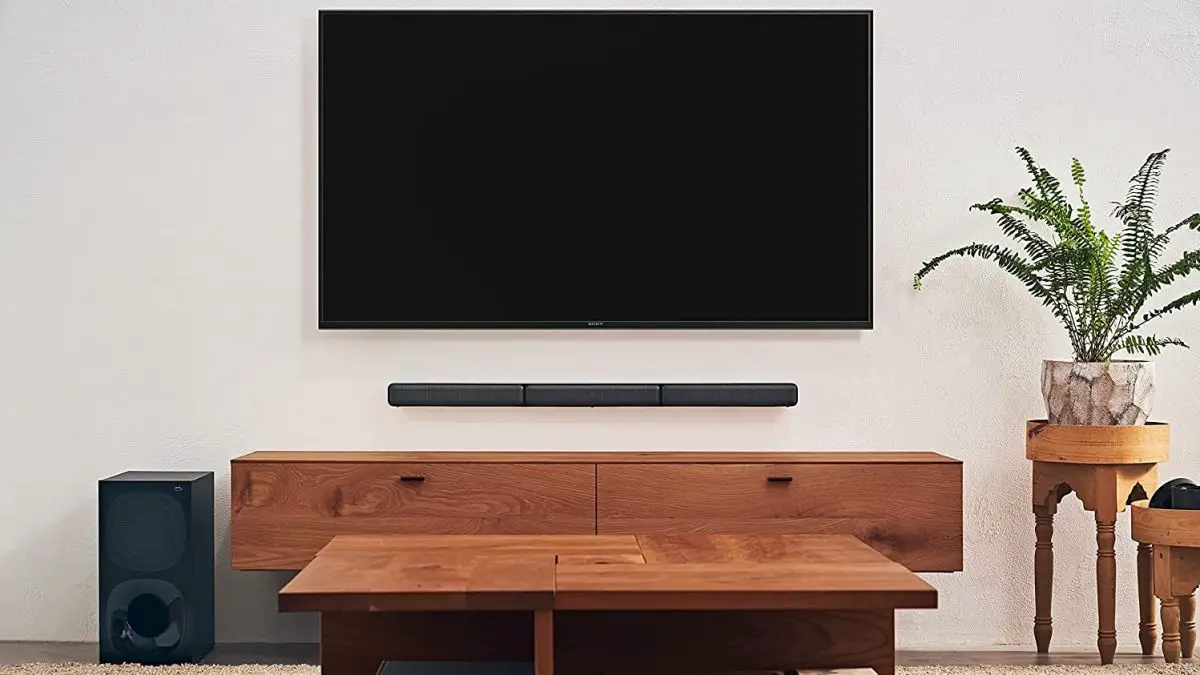
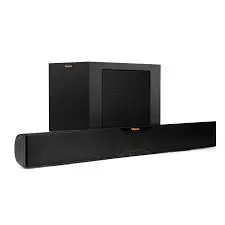
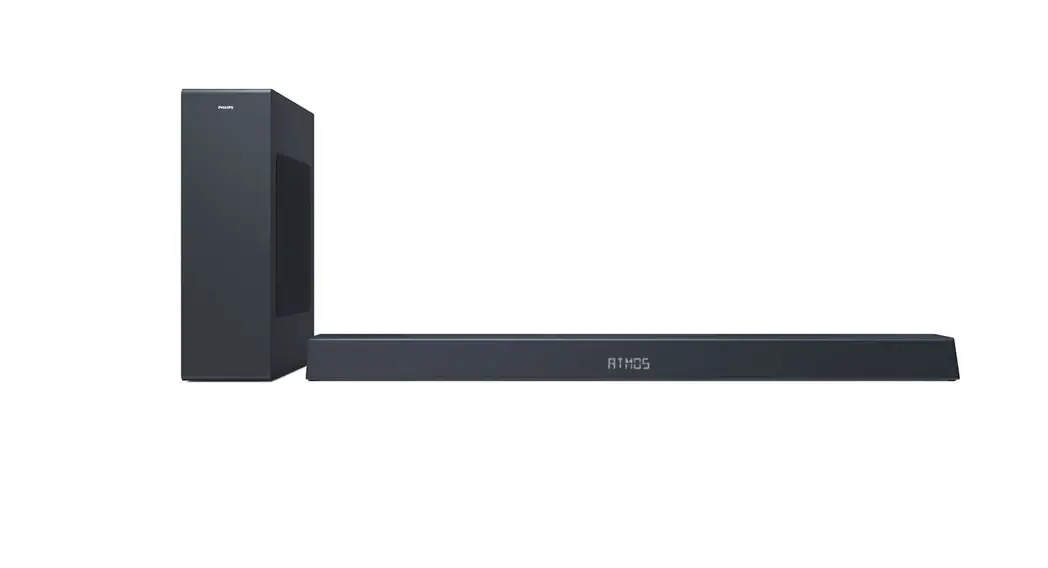
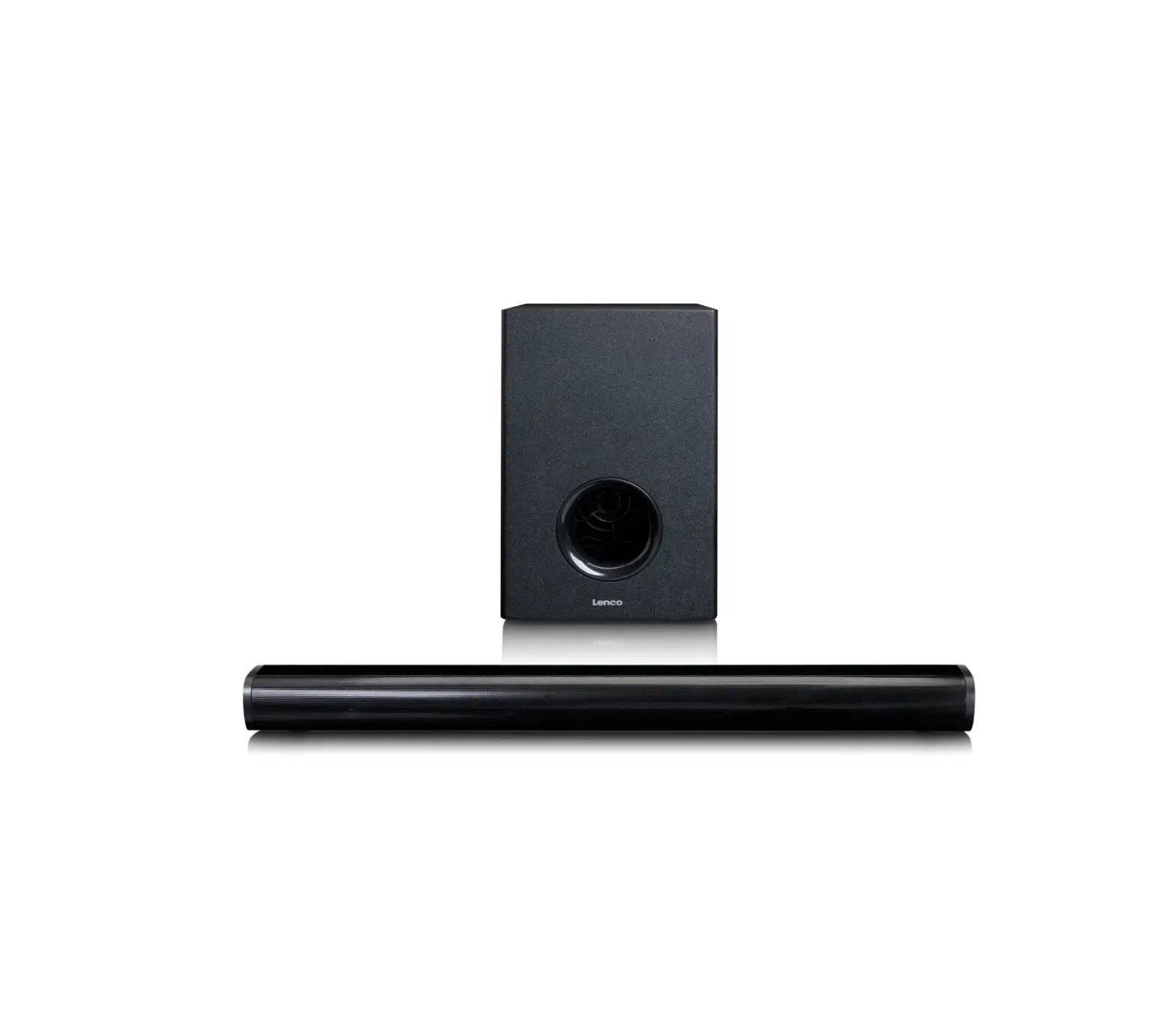
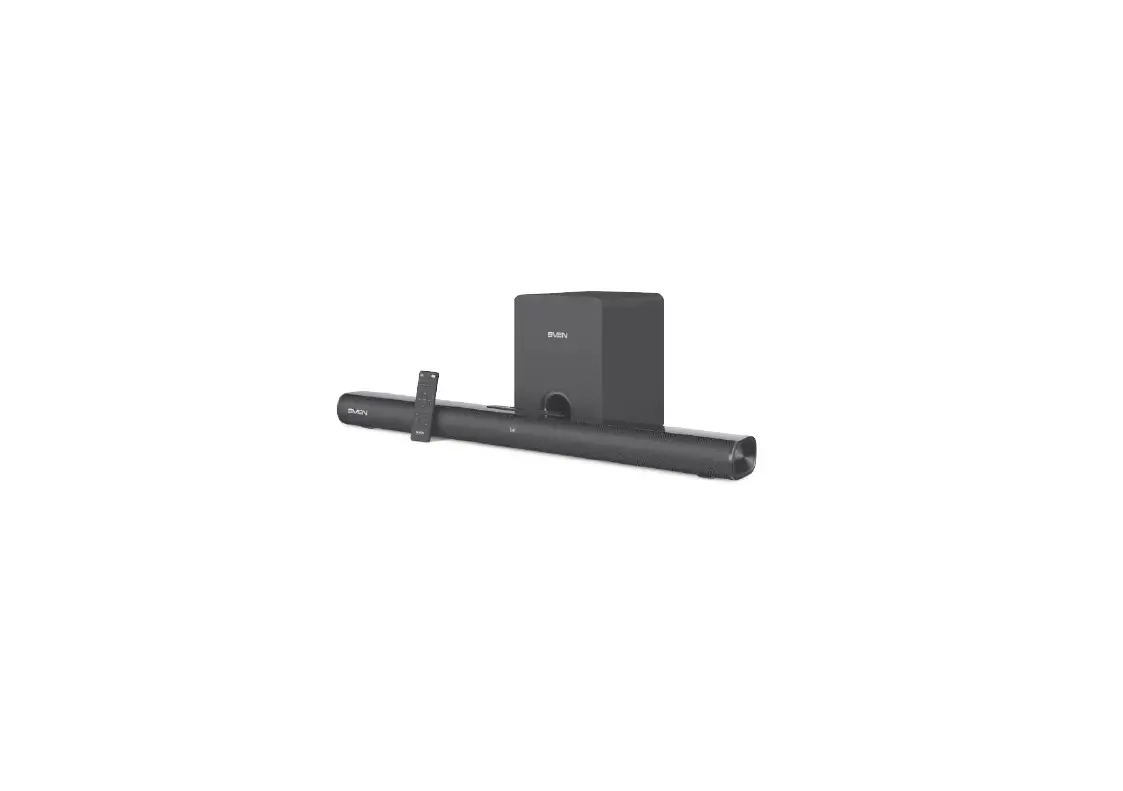
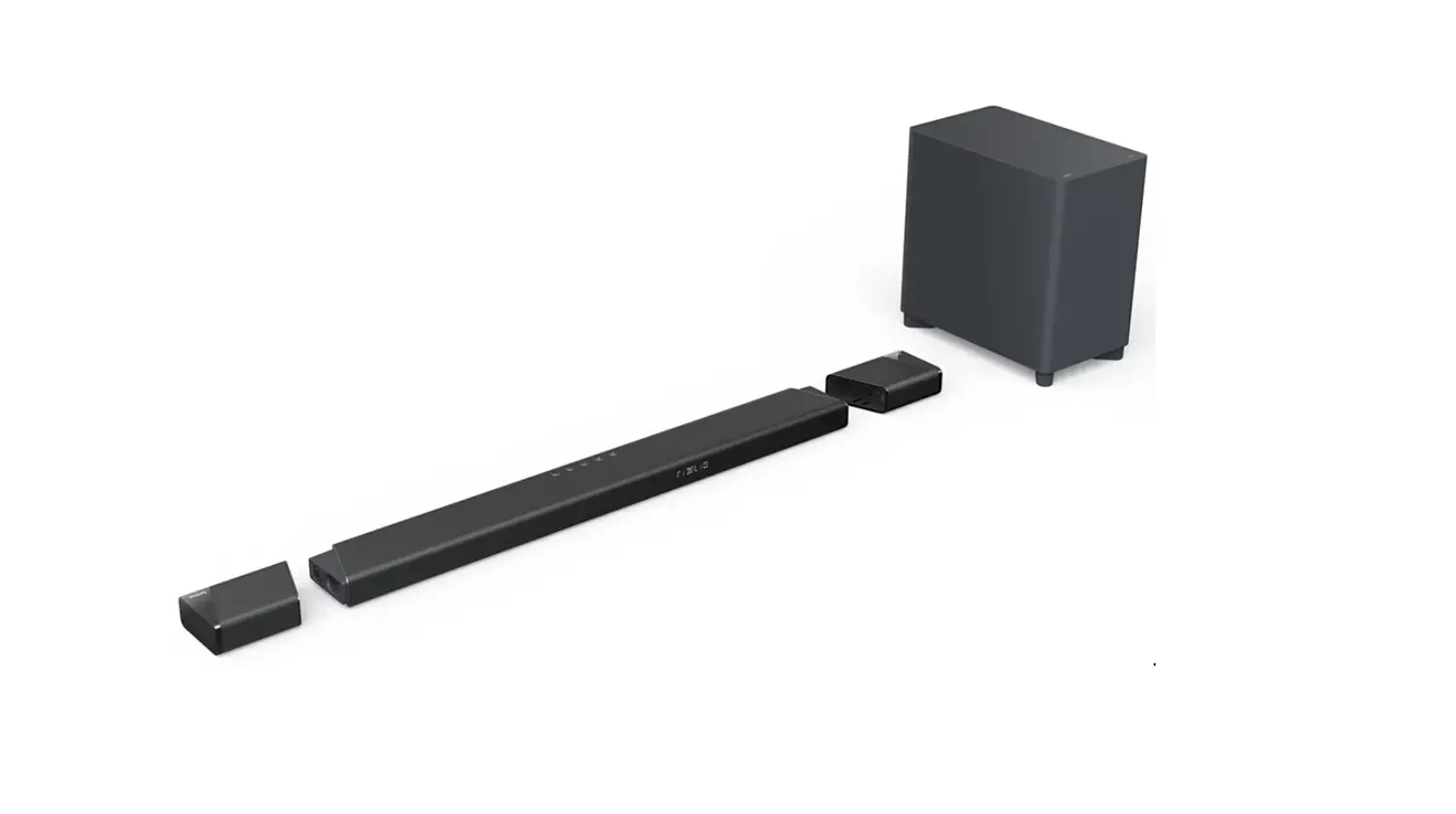
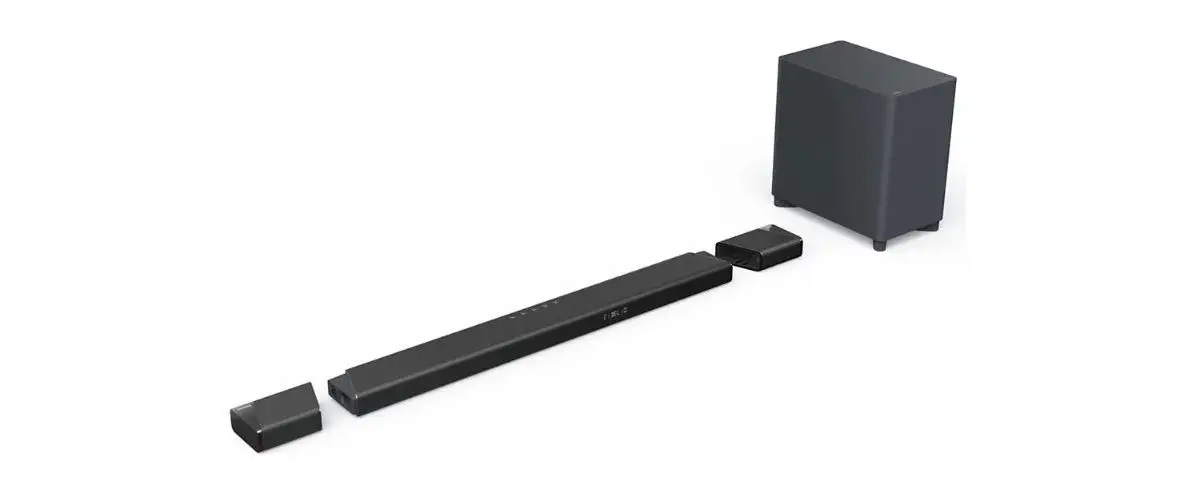
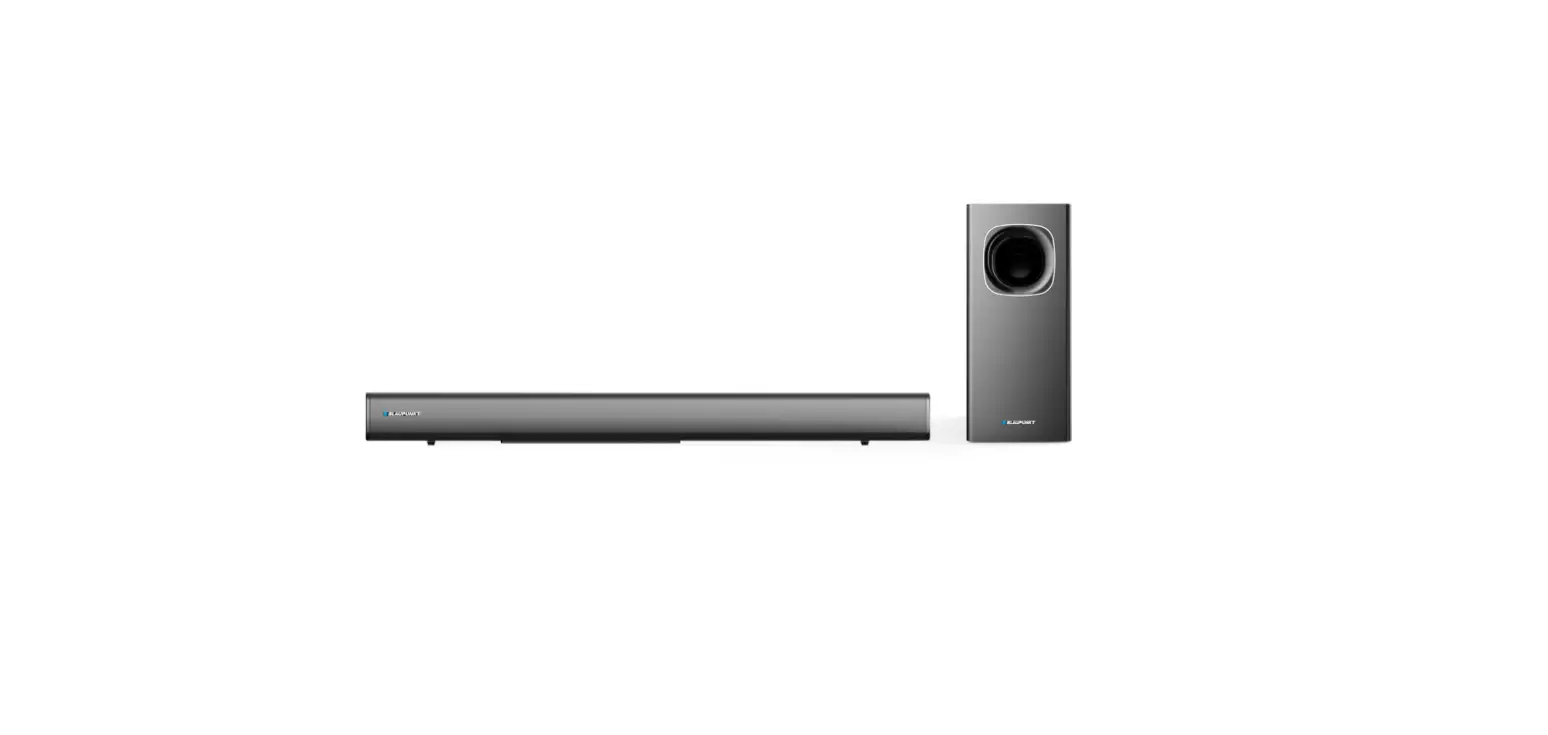
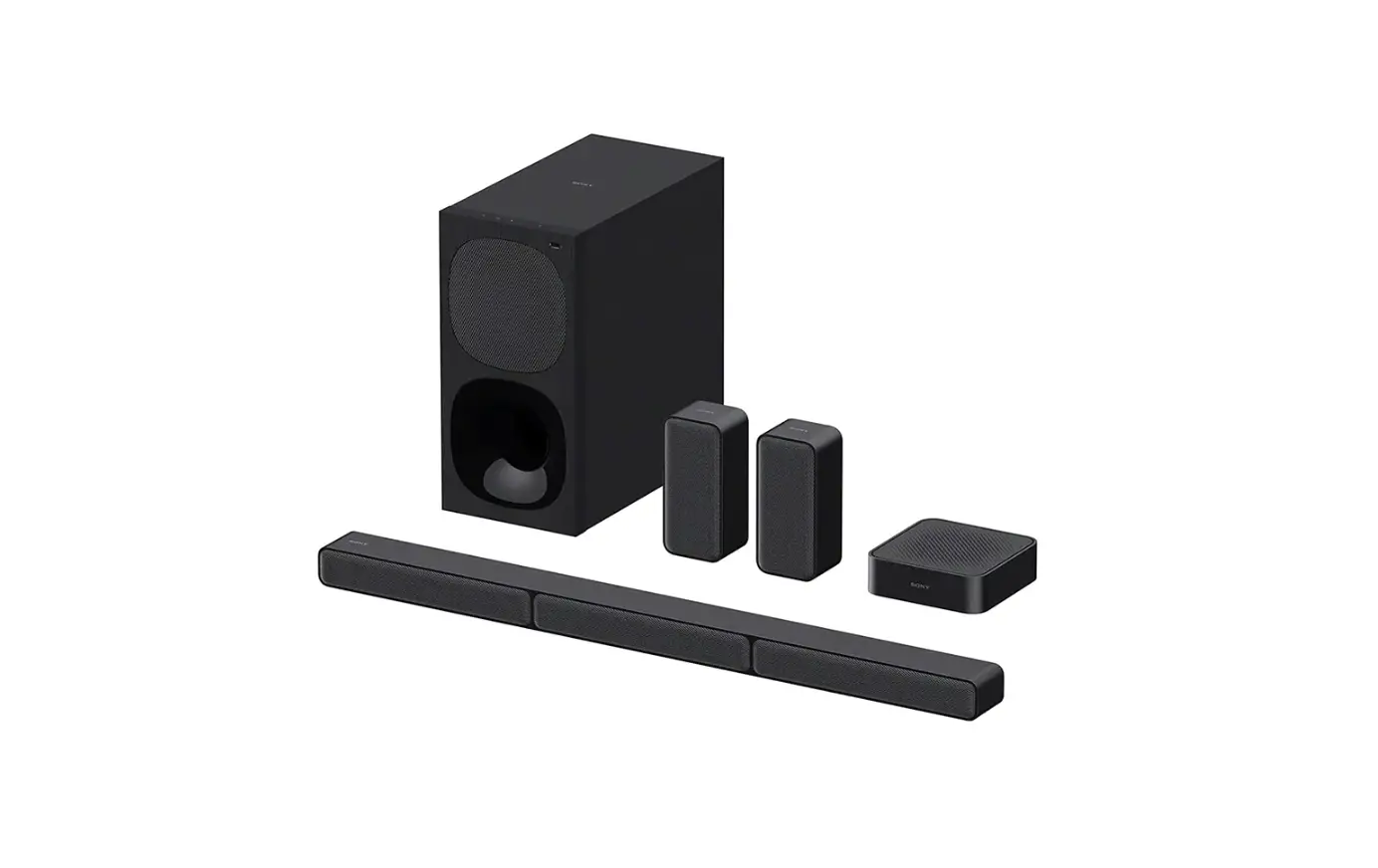
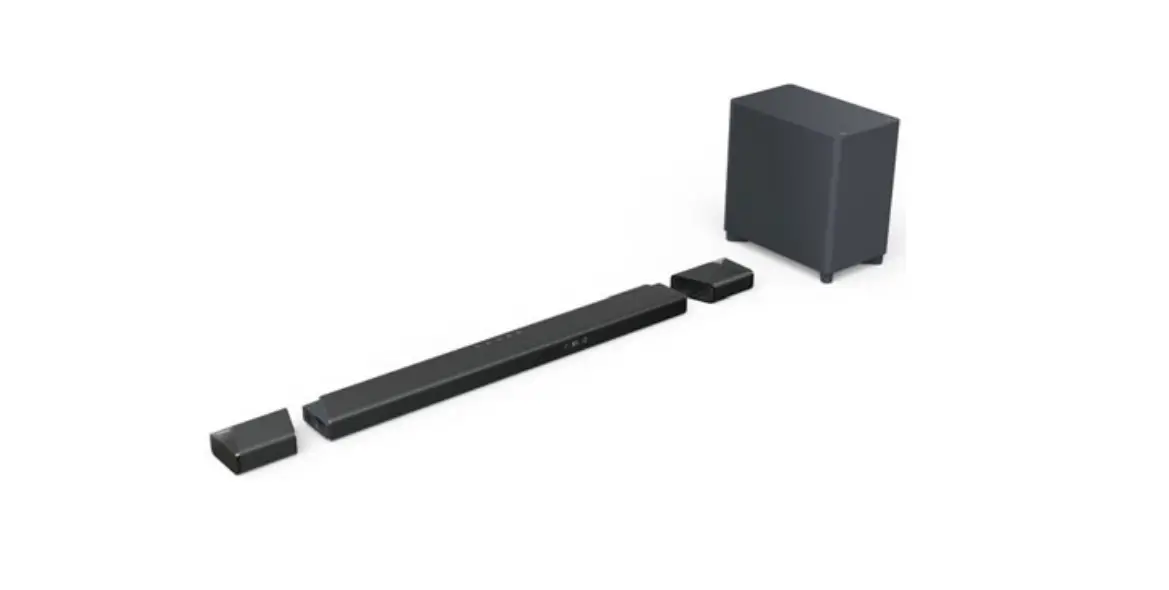
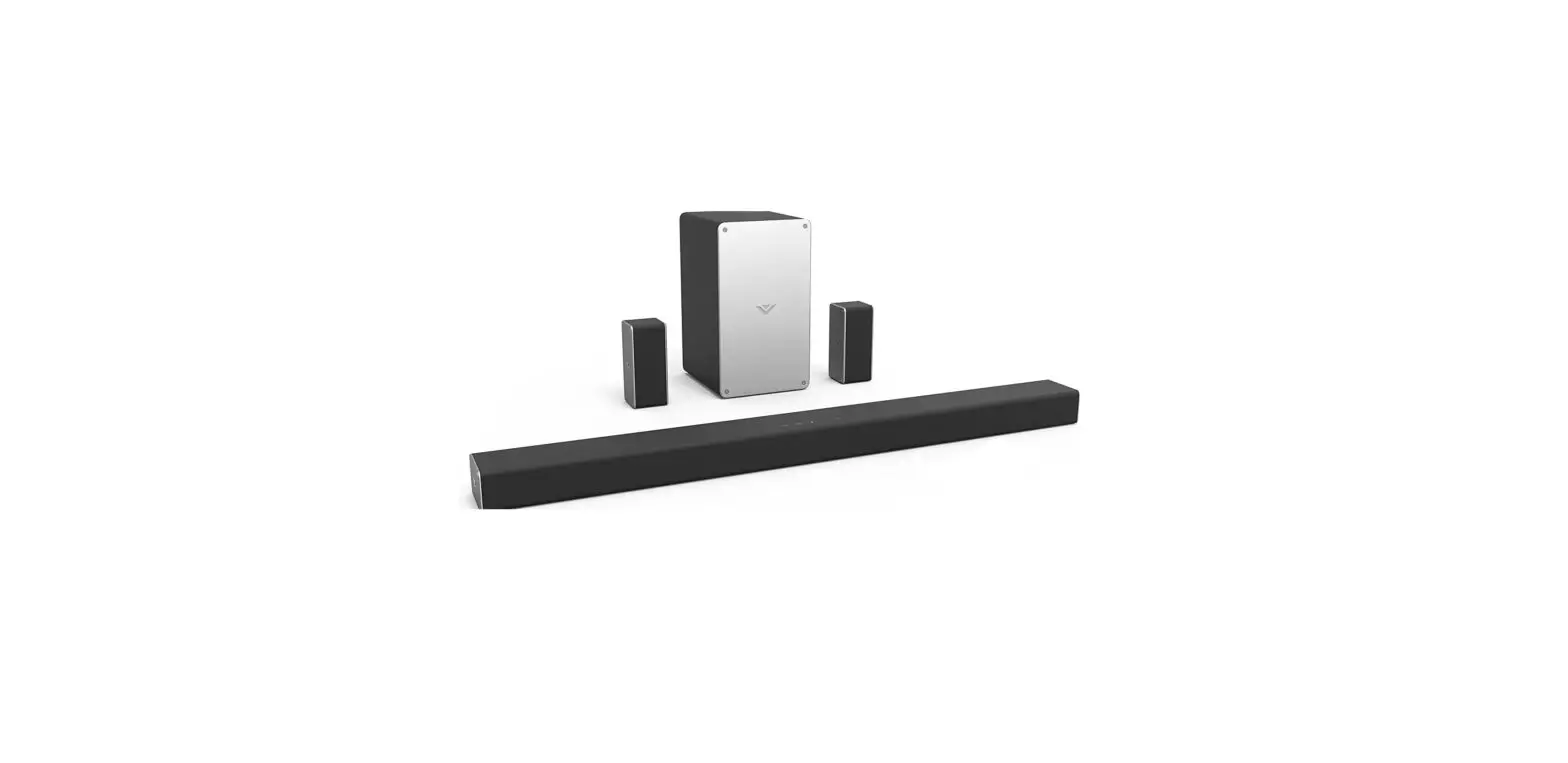
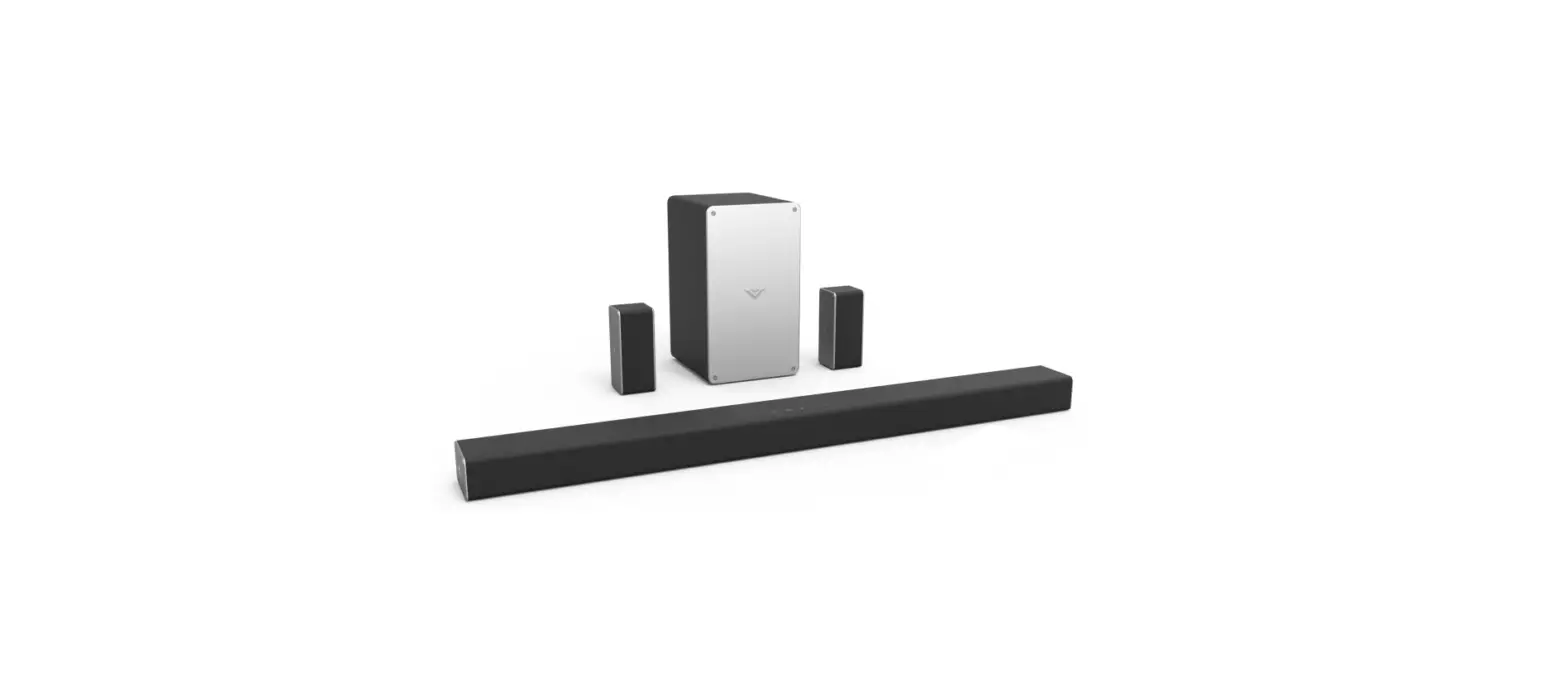
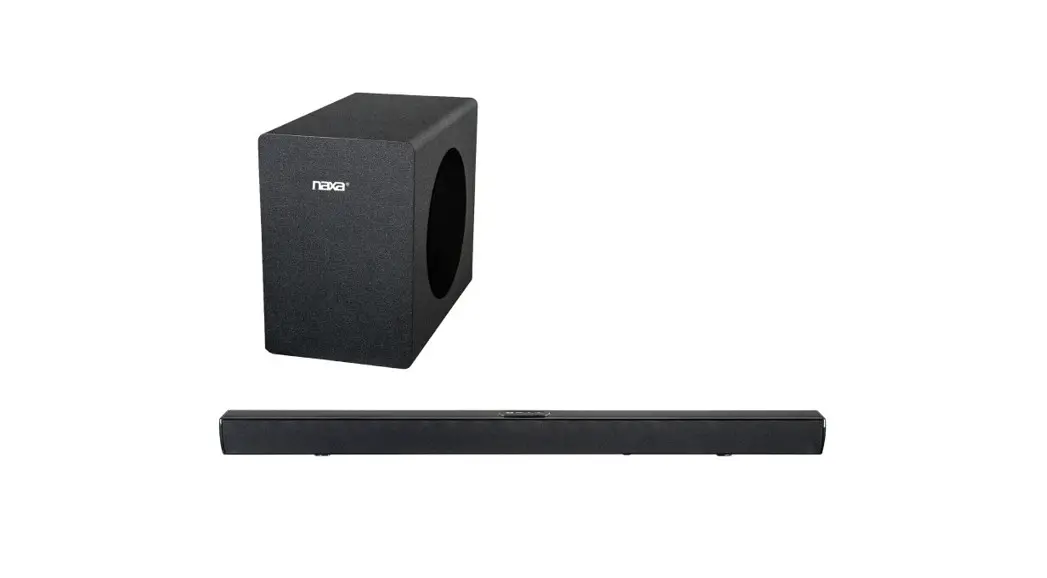
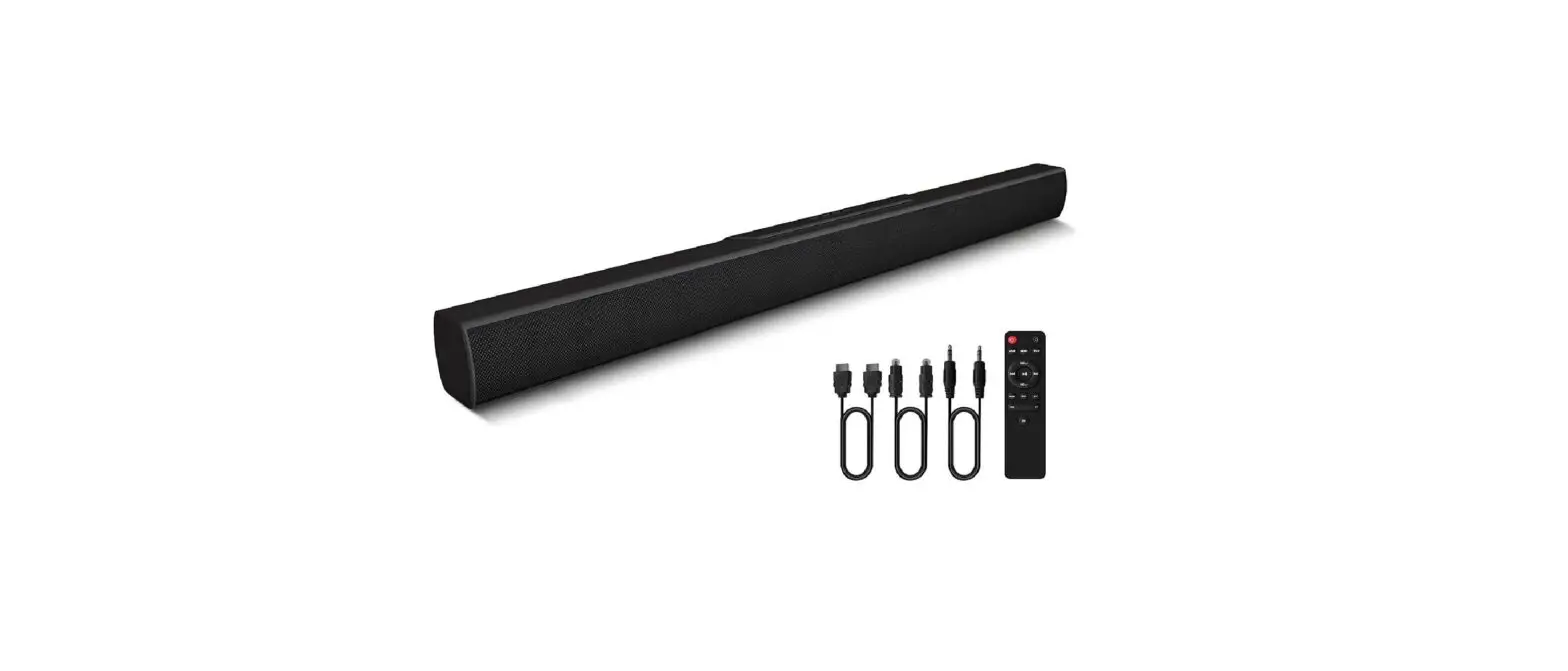
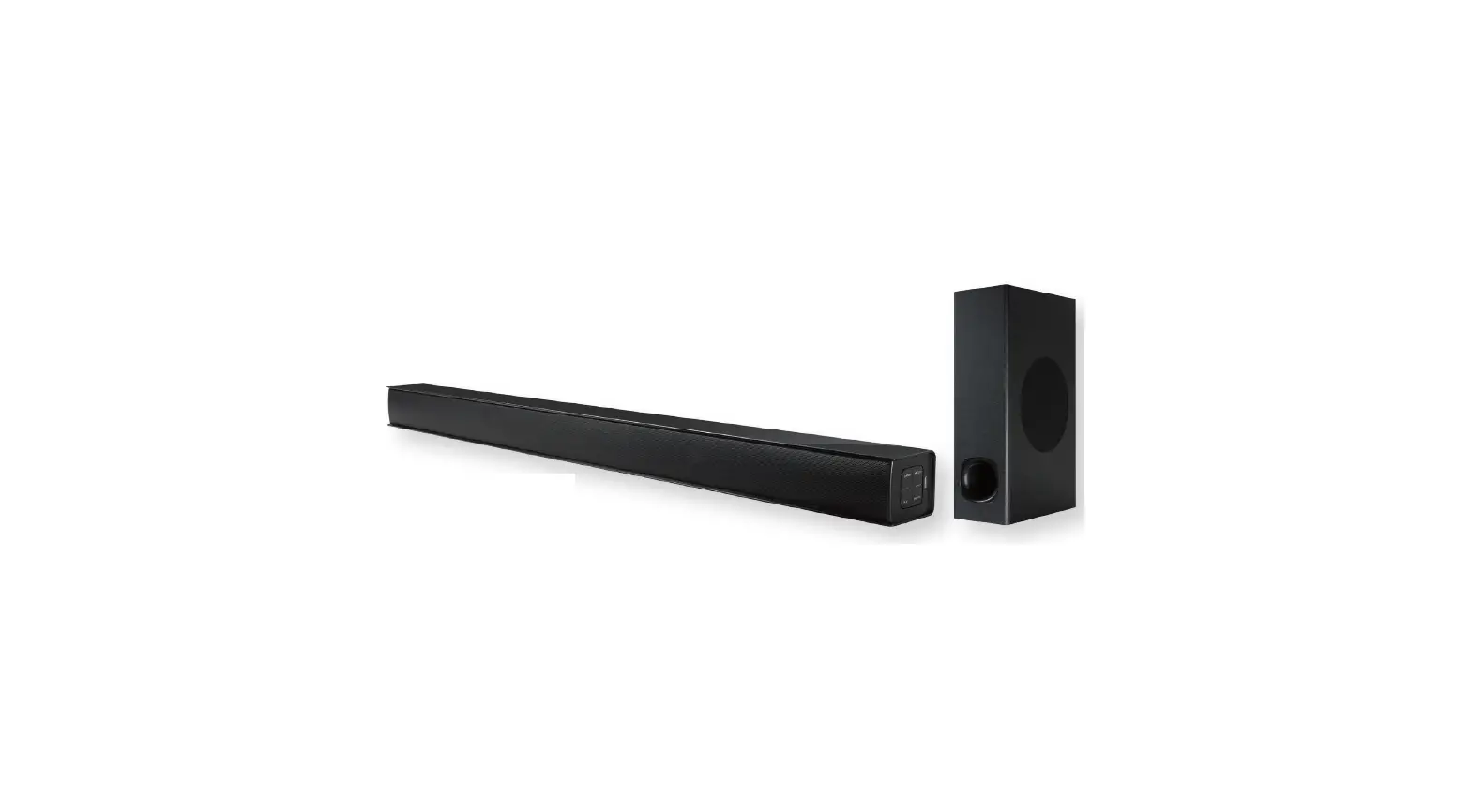
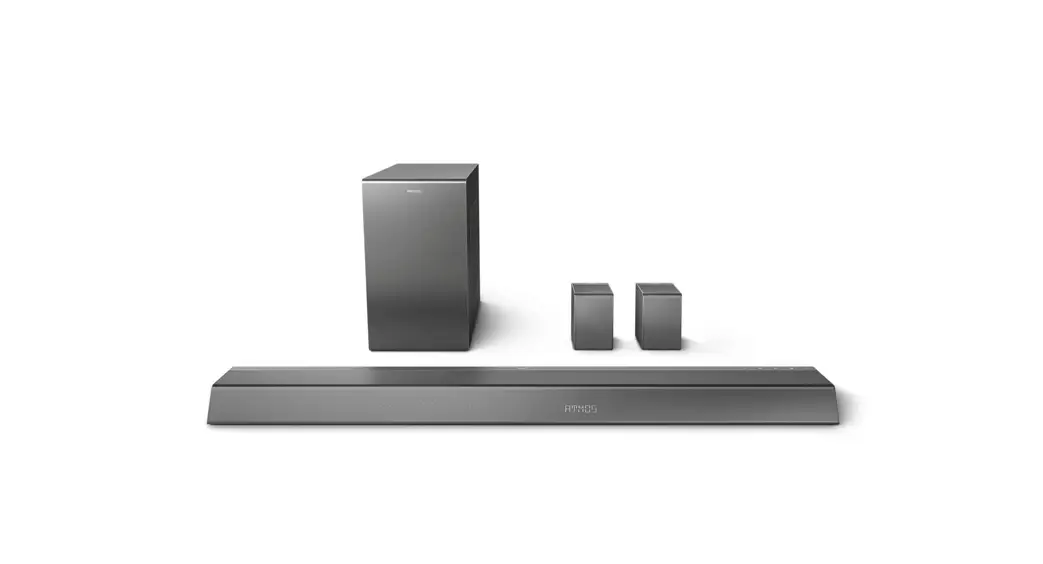
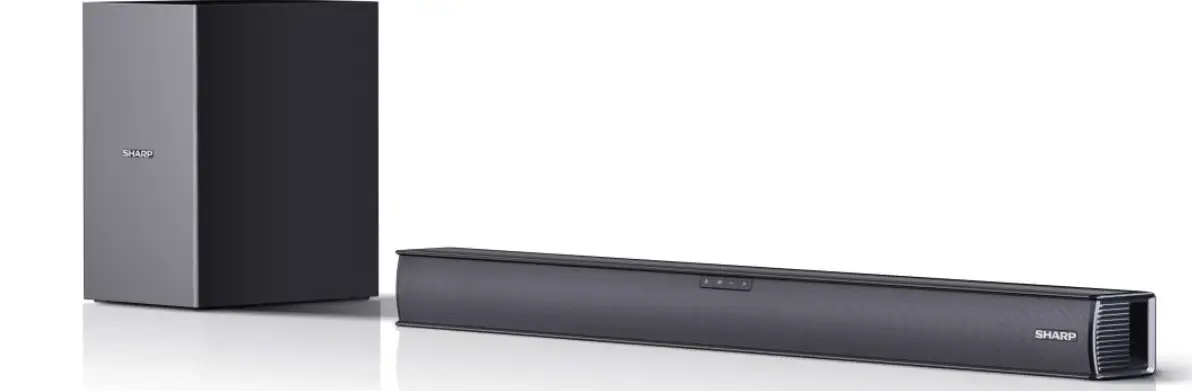
EHS-2050 Home Theater Bluetooth Soundbar with Wireless Subwoofer
Product Information
- Dimensions: 210*148mm
- Weight: 80g
- Package Contents:
- Soundbar – 1 Piece
- Subwoofer – 1 Piece
- RCA Audio Cable – 1 Piece
- Auxiliary Cable – 1 Piece
- Warranty Card – 1 Piece
- AC Power Adapter – 1 Piece
- Wall Mount Kit – 1 Piece
- Remote Control – 1 Piece
- User Manual – 1 Piece
- Device Specifications:
- Soundbar Power Output: DC 12V, 1.5A, 10W each speaker, total
output 20W - Subwoofer Power Output: DC 12V, 1.5A, 30W
- Bluetooth Effective Open-Area Working Range: up to 32 Feet
- Remote Control Effective Working Range: up to 16 Feet
- Soundbar Power Output: DC 12V, 1.5A, 10W each speaker, total
Product Usage Instructions
Please read the safety and operation instructions carefully
before using the product and keep them for future reference. Here
are some important usage instructions:
Safety Instructions:
- Read all the safety and operation instructions before operating
the product. - Retain the safety and operation instructions for future
reference. - Adhere to all warnings on the appliance and in the operation
instructions. - Do not use the product near water or moisture.
- Clean only with a dry cloth.
- Do not block any ventilation openings.
- Do not operate or place near any heat sources such as
radiators, heat registers, stoves, or other apparatus including
amplifiers that produce heat. - Protect the power cord from being walked on or pinched,
particularly at the plug’s power outlets and at the point where
they exit from the apparatus. - Only use attachments and accessories specified by the
manufacturer. - Unplug the apparatus during lightning storms or when unused for
long periods of time. - Refer all servicing to qualified personnel. Servicing is
required when the product has been damaged in any way, such as
power supply cord or plug is damaged, liquid has been spilled or
objects have fallen into the product, the product has been exposed
to rain or moisture, does not operate normally, or has been
dropped.
Remote Control Usage:
To use the remote control, make sure to install the CR2025
battery correctly. Follow these steps:
- Remove the battery insulation film if it’s the first time
installing the battery. - Push in the holder release and then pull out the battery
holder. - Place a new CR2025 battery in the battery holder per the
markings displayed on the back of the remote. - Push the battery holder into the remote.
Note: Do not use the product if it has been damaged in any way
that can cause choking, poisoning, or other hazards.
: 210*148mm : 80g : : 1pc
3020329001
HOME THEATER BLUETOOTH® EHS-2050
USER MANUAL
PLEASE READ CAREFULLY BEFORE USE AND KEEP FOR FUTURE REFERENCE.
SAFETY INSTRUCTIONS
1. Read these instruc ons All the safety and opera n instruc ons should be read before this product is operated.
2. Keep these instruc ons. The safety and opera n instruc ons should be retained for future reference.
3. Heed all warnin s. All warnin s on the appliance and in the opera n instruc ons should be adhered to.
4. Do not use this apparatus near water. The device should not be used near water or moisture for e ample in a wet basement or near a swimmin pool and the like.
5. Clean only with a dry cloth. 6. Do not block any ven la on openin s. 7. Do not operate or place near any heat sources such as radiators heat re isters
stoves or other apparatus includin ampli ers that produce heat. 8. Protect the power cord from bein walked on or pinched par cularly at the plu s
power outlets and at the point where they e it from the apparatus. 9. Only use a achments accessories speci ed by the manufacturer. 10. Unplu the apparatus durin li htnin storms or when unused for lon periods of
me. 11. Refer all servicin to uali ed personnel. Servicin is re uired when the
apparatus has been dama ed in any way such as a dama ed power supply cord or plu . 12. WARNING: To reduce the risk of re or electric shock do not e pose this apparatus to rain or moisture. The apparatus shall not be e posed to drippin or splashin and that no ob ects lled with li uids such as vases shall not be placed on the device. 13. Only use the device in moderate climates. 14. The ven la on should not be impeded by coverin the ven la on openin s with items such as newspapers tablecloths curtains etc. 15. Do not place open ame sources such as li hted candles on the apparatus. 16. CAUTION: These servicin instruc ons are for use by uali ed service personnel only. 17. To reduce the risk of electric shock do not perform any servicin other than that contained in the opera n instruc ons unless you are uali ed to do so.
2
PACKAGE CONTENTS
Soundbar ………………. 1 Piece Subwoofer …………….. 1 Piece RCA Audio Cable…….. 1 Piece Au iliary Cable……….. 1 Piece
arranty Card……….. 1 iece
AC Power Adapter ….. Piece Wall Mount Kit ………. 1 Piece Remote Control ……… 1 Piece User Manual ………….. 1 Piece
DEVICE SPECIFICATIONS
So nd ar ower O tp t woo er ower O tp t
Soundbar Audio Output Each Speaker Soundbar Audio Output Total: Subwoofer Audio Output Bluetooth E ec ve Open-Area Workin Ran e Remote Control E ec ve Workin Ran e
DC 12 , 1.5A DC 1 , 1. A
10 Wa s 20 Wa s 30 Wa s Up to 32 Feet Up to 16 Feet
NOTE: SPECIFICATIONS AND ACCESSORIES ARE SUBJECT TO CHANGE WITHOUT NOTICE
is a trademark on a re istered trademark of Bluetooth SIG Inc. All other trademarks and trade names are those of their respec ve owners.
3
Top View Rear View Subwoofer
CONTROL FEATURES
1. Standby/Source u on
2. Play/Pause u on
3. ol u on 4. ol u on 5. HDMI In arc Jack 6. FM Antenna 7. p cal In Jack 8. Aux In Jack 9. Line In Jacks 10. DC In Jack 11. Subwoofer
speaker 12. Subwoofer
Indicator Light 13. Subwoofer Power
Indicator Light 14. Subwoofer
Standby u on 15. Subwoofer DC In
Jack
4
REMOTE CONTROL FEATURES
1. Power u on
2.
u on
3. un /Pre ious u on
4. A u on
5. L u on
6. Sound Mode Music u on
7. Mute u on
8. FM u on
9. p cal u on
10. Play/Pause u on 11. un / ext u on 12. A C u on 13. Line I u on 14. Sound Mode Standard u on 15. L u on 16. Sound Mode alk u on 17. Sound Mode Mo ie u on
5
INSTALLING THE REMOTE CONTROL BATTERY
1. When installin for the rst me remove the ba ery insula on lm.
3. Place a new CR2025 ba ery in the ba ery holder per the – markin s displayed on the back of the remote. See Fi . 2.
2. Push in the holder release and then pull out the ba ery holder. See Fi . 1.
4. Push the ba ery holder into the remote. See Fi . 3.
Notes and Warnings
WARNING: Chokin Poisonin Ha ard. 4. To prevent dama e or in ury from
Keep ba eries away from children.
possible leaka e remove ba eries
Swallowed ba eries can cause severe in ury or death.
Seek immediate medical a en on if a ba ery is swallowed or placed in a nose or ear. Na onal Ba ery In es on Hotline: 1-800-498-8666.
if they have been drained or if the device will be unused for e tended periods.
5. Do not try to rechar e a ba ery that is intended to be rechar ed it can overheat and rupture. Follow the ba ery manufacturer s instruc ons .
1. Use only the speci ed type of ba ery.
6. Do not e pose ba eries to e cessive heat such as direct sunli ht or open
2. Follow the correct polarity when
ames.
installin the ba ery as indicated in the ba ery compartment.
7. Clean the ba ery and device contacts prior to ba ery installa on.
3. Do not mi di erent types of ba eries to ether e. . Alkaline and Carbon- inc or old ba eries with new ones.
8. If the ba ery compartment does not close securely stop usin the product and keep it away from children.
6
USING THE REMOTE CONTROL
Notes 1. When there is an obstacle between the transmitter and the unit the unit may not
operate. 2. The remote control operation is unstable in stron li ht conditions such as from
direct sunli ht incandescent lamp or fluorescent lamps. 3. Aim the remote control at the remote sensor o the so nd ar with an an le o
3 to the sides and a distance o 5 meters ma im m.
PLACEMENT & MOUNTING
CLEARANCE REQUIREMENTS · A minimum of 2 inches of ven la on
clearance is re uired when placin the Soundbar on an entertainment center bookshelf or any type of enclosed space.
CAUTION: Inade uate ven la on clearance can cause a heat ha ard.
Wall-Moun^Z IMPORTANT: Wall-moun n should only be performed by a skilled professional.
CAUTION: Improper moun n can result in dama e or personal in ury.
MounWarts 1. Moun n Brackets 2. Screws 3. Screw Anchors
Recommended Tools 1. Electric Drill 2. Drill Bits 3. Measurin Tape
Bracket Dimensions
7
Mouno a Wooden Wall 1. Mark the posi on of the moun n screws on the wall usin a pencil. 2. Use an electric drill with an appropriate drill bit to drill the pilot holes. 3. Secure the screws into the pilot holes makin sure that the screws e tend
outward appro imately 0.3 inches to support the sound bar. 4. Place the sound bar onto the moun n screws. Make sure they are rm
and stable.
Mouno a Brick Wall 1. Mark the posi on of the moun n screws on the wall usin a pencil. 2. Use an electric drill with an appropriate drill bit to drill the pilot holes. 3. Use a hammer to insert the screw anchors into the pilot holes. 4. Secure the screws into the screw anchors makin sure that the screws
e tend outward appro imately 0.3 inches to support the sound bar. 5. Put the sound bar onto the moun n screws. Make sure they are rm and
stable.
8
OPERATING MODES
General OperaZ 1. Connect the AC DC adapter to the unit and wall outlet. 2. Lon press tand y o rce tton on the so nd ar to t rn on o the
so nd ar, lon press stand y tton on the s woo er to t rn on o the s woo er. 3. Press the Standby Source button on the unit repeatedly to switch to the desired mode. 4. Operatin the Device:
· To play a track press Press a ain to pause the track.
· To select the ne t track press
· To select the previous track press · Press the VOL- VOL buttons on the unit or Remote Control to
ad ust the volume level as desired. · Press the mute button on the Remote Control to mute the sound on
the soundbar. Press a ain to resume. · When finished listenin press the Standby Source button to enter
standby mode. If the unit is not used for lon periods please disconnect the power.
5. Press the button on remote control or press the Standby/Source button on the Sound Bar repeatedly to switch to the desired mode. Or press the BT, LINE IN, AUX, OPTICAL,HDMI, FM button on remote control to turn to desired mode directly, the Indicator on front of the Sound Bar will turn to:
Blue……………………………………………………………………………Bluetooth Mode Light Green……………………………………………………………………….LINE IN Mode Indigo (blue+green+purple)…………………………………………………AUX IN Mode Purple (blue+purple)………………………………………………………..OPTICAL Mode Cyan (blue+green)……………………………………………………………… HDMI Mode Green…………………………………………………………………………………….FM Mode
9
Connect the Subwoofer to the Soundbar 1. ower ON the nit. 2. Lon press stand y tton on the s woo er to t rn on the woo er. 3. ic press lay a se tton twice on the nit, and ic press the tand y
tton twice on the s woo er. 4. A ter s ccess l connection, the indicator on the woo er will t rn solid
l e. Notes: I yo want to disconnect the s woo er rom the so nd ar, yo can press the stand y tton on the s woo er, i yo want to pair the s woo er with the o nd ar a ain, press the stand tton a ain on the s woo er.
10
Connect a Bluetooth Device 1. Power ON the unit. 2. Press the Standby Source bu on on the unit repeatedly or press the BT bu on
on the Remote Control to switch to Bluetooth mode. 3. Power on the e ternal Bluetooth enabled device and enter Bluetooth
mode to search the pairin name of the unit. 4. When EMERSON EHS-2050 appears select it to make the connec on. 5. Opera n the Device:
· To play a track press Press a ain to pause the track.
· To select the ne t track press · To select the previous track press Note: After a first time connection the unit will automatically connect with the last connected device if it s Bluetooth function is activated and in workin ran e.
To pair another Bl etooth De ice, disconnect the c rrent paired de ice y lon pressin lay a se tton on the ront panel or on the Remote
Control. The nit now can now e disco ered y other Bl etooth de ices.
RCA In (Line In) Operation
Thro h the nit yo can listen the so nd rom a connected e ternal a dio ideo de ice s ch as T , CD D D player .
1. Plu one end of the RCA Cable into the RCA in ack. 2. Plu the other end of the RCA Cable into the RCA Out ack L R on the
e ternal device. 3. Power on the unit as previously e plained. 4. Press Standby Source bu on on the unit repeatedly, or press Line
In bu on on Remote Control to switch to the RCA IN mode. 5. Power on the connected e ternal device and start playback as usual.
11
Note: Special attention should be paid to matchin the color red to red white to white when insertin the plu s of the RCA cable into the correspondin acks on the unit and e ternal A V device.
Listening to Auxiliary Source
1. Connect your au iliary source e. . iPod iPad MP3 player to the 3.5 mm AU IN ack.
2. Press the Standby Source bu on repeatedly on the unit, or press AUX bu on on the Remote Control to switch to Au iliary mode.
3. Start playback from your au iliary source. 4. Ad ust the volume to the desired level. 5. To stop playback disconnect your au iliary source from the INPUT acks.
Kal-In OperaZ Listen to music from the Op cal Out port of an e uipped video player or television. 1. Before connectin disconnect power. 2. Connect one end of the optical connection cable not supplied to the
OPTICAL IN ack on the back of the unit. 3. Connect the other end to the OPTICAL OUT port on the TV Back panel. 4. Power on the unit. 5. Press the Standby Source button on the unit repeatedly, or press Optical button on the Remote Control to switch to the OPTICAL-IN mode.
. T rn on the T or D D player and start playin it.
Note: If there is no audio output only picture or noise when your TV or DVD player is connected to the unit please check DVD player or TV audio se n and set the Di ital Audio Output to PCM format.
12
HDMI IN ARC Operation
The TV with HDMI IN ARC port can be connected to this unit and you can listen to the sound from it thou h the unit s speakers. 1. Be ore connectin , ma e s re the de ices are t rned o . 2. Plu one end of an HDMI Cable user supply into the HDMI IN ARC ack. 3. Plu the other end of the HDMI Cable into the HDMI IN ARC ack on TV. 4. Power on the unit as previously e plained. 5. Press Standby Source button on the unit repeatedly, or press ARC button on Remote Control repeatedly to switch to the HDMI IN mode.
. Power on the connected TV and start playback as usual. Notes: · The TV must have ARC capability and be connected to HDMI IN ARC ack
on the capable TV. · If there is no audio output only picture or noise when your TV is
connected to the unit please check TV audio settin and set the Di ital Audio Output to PCM format.
13
FM OperaZ 1. Power ON the unit. 2. Press Standby Source bu on on the unit repeatedly or press FM bu on on
Remote Control to switch to FM mode. 3. Long press the FM button on the remote control to search available FM
stations. 4. Press and hold TUN on remote control to auto-tune to a hi her sta on. 5. Press and hold TUN- on remote control to auto-tune to a lower sta on. 6. Press TUN on remote control to turn to a hi her fre uency. 7. Press TUN- on remote control to turn to a lower fre uency. Automa^aZ^an 1. Use the station scan feature to find stations within broadcast reception
ran e and save them to preset memory. 2. Under FM Mode lon press Play Pause button on the unit the sound bar
will search for and store stations automatically. 3. Short press Play Pause button on the unit to listen to the stored preset
station. Note: To enhance radio recep on ability fully unwind the antenna wire. E tend the antenna wire and place it in the posi on that sounds best.
14
TROUBLESHOOTING
SYMPTOM No power
No sound or sound weak
POSSIBLE CAUSE The adapter is not connected The unit is in power off mode
Volume level in minimum position
POSSIBLE SOLUTION Connect the adapter to the unit and wall outlet
Press the Standby/Source button on the unit or press the button on remote control to power on the unit
Raise the volume level by pressing the Vol+ button on the unit or the + button on remote control
The paired/connected device is not in playback mode
Play music/movie in the paired/connected device as usual and make sure the volume level of it is in high level
Input source incorrect
Press the Standby/Source on the unit to switch to desired mode
Sound distortion/rattle Volume level too high
Reduce the volume level by pressing the Vol- Button on the unit or press the button on remote control
Reduce the volume level of the paired/connected device.
Remote Control not functioning
Bluetooth reception failure
Out of working range
The battery in the remote control is drained
The external device is too far from the unit
Have not paired
Point the remote control to the remote sensor on the unit within 16 feet, +/-30 degress Replace with new battery
Put the external BT device close to the unit
Pair the unit with the BT device as the procedures stated in this manual.
15
TEATRO EN CASA BLUETOOTH® CON SUBWOOFER INALAMBRICO
EHS-2050
MANUAL DE OPERACIÓN
FAVOR DE LEER EL MANUAL COMPLETAMENTE ANTES DE OPERAR ESTE PRODUCTO. CONSERVAR EL MANUAL PARA FUTURAS REFERENCIAS
INSTRUCCIONES DE SEGURIDAD
Antes de usar el reproductor, asegurarse de leer todas las instrucciones de operación cuidadosamente. Favor de observar que estas son precauciones generales y algunas pueden no ser aplicables al producto.
1. Leer las instrucciones Deben leerse todas las instrucciones de operación y de seguridad antes de operar este producto.
2. Conservar las instrucciones Deben conservarse las instrucciones de operación y seguridad para futuras referencias.
3. Poner atención a las advertencias Todas las advertencias en el aparato y las instrucciones de operación y seguridad deben de respetarse.
4. No usar este aparato cerca del agua o humedad, por ejemplo, cerca de una bañera, lavabo, fregadero de cocina o de lavar, sótanos húmedos o cerca de una piscina.
5. Limpiar solo con una tela seca
6. Las ranuras y aberturas en la parte posterior y posterior del gabinete son provistas para la ventilación y asegurar la buena operación del reproductor y protegerlo del sobrecalentamiento. No deben bloquearse o taparse estas aberturas.
7. Este producto debe colocarse lejos de fuentes de calor como radiadores, registros de calor, estufas u otros productos que producen calor (incluso amplificadores).
8. El cordón de alimentación debe colocarse de forma tal que no exista probabilidad de pisarlo o apretarlo sobre los lugares donde será colocado o contra el aparato mismo. Poner atención particular en el cordón, la clavija, el tomacorriente y en los puntos en donde estos salen del aparato.
9. Usar solo accesorios o refacciones recomendados por el fabricante.
10. Desconectar el producto del tomacorriente durante la presencia de tormentas eléctricas o cuando no va ser usado por un periodo largo de tiempo para protegerlo.
11. Referir todo servicio a un centro de servicio autorizado o con personal calificado. El servicio es requerido cuando el aparato ha sido dañado de alguna manera, como el cordón de alimentación o clavija dañada, ha sido derramado líquido o han caído objetos en el interior del aparato, el aparato ha sido expuesto a la lluvia o humedad, el aparato no opera normalmente o se ha dejado caer.
12. ADVERTENCIA: Para reducir el riesgo de fuego o choque eléctrico, no exponer este producto al goteo o salpicadura de agua, a la lluvia o humedad. No colocar objetos con líquidos sobre el producto, como vasos con agua.
13. No deben bloquearse o taparse las ranura o aberturas de ventilación, colocando el producto sobre una cama, sofá alfombra u otra superficie similar. Esto puede generar sobrecalentamiento interno.
14. Usar el producto en climas moderados
15. No colocar objetos de flama viva, como velas, veladoras, etc. encima o cerca del producto.
16. PRECAUCION: En caso de requerir un análisis y reparación de producto, acudir al centro de servicio autorizado.
17. Para reducir el riesgo de fuego o choque eléctrico, no dar ningún servicio diferente a lo contenido en este manual.
CONTENIDO EN EL EMPAQUE
x Barra de sonido x Subwoofer x Cable de Audio/Video RCA x Cable Auxiliar x Tarjeta de garantía
x Adaptador ca/cc x 2 x Juego de montaje para pared x Control remoto x Manual de Operación
ESPECIFICACIONES
Potencia de salida de la barra de sonido
12 Vcc 1.5 A
Potencia de salida del subwoofer
16 Vcc 1.8 A
Potencia de salida de audio barra de sonido 10 W rms x 2 / 20 W rms totales
Potencia de salida de audio subwoofer
30 W rms
Distancia de operación Bluetooth®
10 metros máximo, libre de obstáculos
Distancia de operación del control remoto
5 metros máximo, libre de obstáculos
Las especificaciones y el diseño están sujetos a cambios sin previo aviso, para mejoras de los mismos.
Bluetooth® es una marca en una marca registrada de Bluetooth SIG Inc. Todas las demás marcas comerciales y nombres comerciales son propiedad de sus respectivos dueños.
Panel superior
DESCRIPCION DE PARTES
Panel posterior
1. Botón de Poder / Fuente “Standby/Source” 2. Botón de Reproducir/Pausar ” 3. Botón de Disminuir Volumen “Vol-” 4. Botón de Aumentar Volumen “Vol+” 5. Entrada HDMI “HDMI IN ARC” 6. Antena de FM 7. Entrada Optica “OPTICAL IN” 8. Entrada Auxiliar “AUX IN” 9. Entrada de Línea “LINE IN” 10.Entrada de Vcc “DC IN” 11.Bocina subwoofer 12.Luz indicadora subwoofer 13.Indicador de poder subwoofer 14.Espera subwoofer “STAND BY” 15.Entrada de Vcc subwoofer
CONTROL REMOTO
1. Poder 2. Bluetooth® “BT” 3. Sintonía – / Anterior “TUN-/” 4. Entrada Auxiliar “AUX” 5. Disminuir Volumen “VOL-” 6. Música “MUSIC” 7. Silencio “MUTE” 8. Radio FM “FM” 9. Óptica “OPTICAL”
10.Reproducir/Pausar “” 11.Sintonía + / Siguiente “TUN+/” 12.HDMI “ARC” 13.Entrada de Línea “LINE IN” 14.Sonido Estándar “ESTÁNDAR” 15.Aumentar volumen “VOL+” 16.Sonido hablar “TALK” 17. Sonido película “MOVIE
INSTALACION DE LAS BATERIAS EN EL CONTROL REMOTO
1. Al usar el control remoto por primera vez, Retirar y desechar el aislamiento plástico 2. Empujar el seguro y deslizar hacia fuera la bandeja de la batería, ver Fig. 1. 3. Colocar una batería nueva de 3 Vcc tipo botón CR2025 con el lado positivo hacia
arriba, ver Fig 2. 4. Introducir la bandeja de la batería en el control nuevamente, ver Fig 3.
Notas y advertencias:
ADVERTENCIA: Las baterías pequeñas 5. No intentar recargar baterías no
pueden causar peligro de asfixia o
recargables, esto puede
envenenamiento. Mantener las baterías
sobrecalentarlas y generar una ruptura
fuera del alcance de los niños, personas
o explosión (seguir las instrucciones del
con capacidades diferentes y mascotas.
fabricante de las baterías).
Las baterías tragadas pueden causar
6. No exponer las baterías a calor
serias lesiones e incluso la muerte.
excesivo como bajo los rayos directos
Buscar atención inmediatamente si se traga
del sol, fuego o similares.
una batería o es colocada en nariz u oído. 7. Limpiar los contactos de la batería y del
1. Usar solo el tipo y tamaño de batería
control antes de instalar la batería.
especificada.
8. El control remoto incluido cuenta con
2. Asegurase de colocar la polaridad
una batería tipo botón. Si la batería es
correcta al reemplazar la batería como
tragada, esta puede causar severas
se indica en la bandeja, una polaridad
quemaduras internas en 2 horas que
inadecuada puede causar daños al
pueden ser de consecuencias fatales.
control.
Mantener las baterías usadas y nuevas
3. No mezclar diferentes tipos de baterías
lejos del alcance de los niños. Si el
(por ejemplo, alcalinas con Zinc
compartimiento de las baterías no
carbón) o baterías nuevas con usadas.
cierra de manera segura, detener el
4. Si la batería está agotada o el control
uso del control remoto y mantenerlo
remoto no va ser usado por un periodo
lejos de los niños. Si piensa que la
largo de tiempo, remover la batería
batería ha sido tragada o colocada en
para prevenir daños o lesiones por
cualquier parte del cuerpo, acudir al
posible fuga de ácido.
médico inmediatamente.
OPERACION DEL CONTROL REMOTO
x Cuando existen obstáculos entre el emisor del control remoto y el sensor infrarrojo de la unidad, el control remoto puede no operar adecuadamente.
x Cuando los rayos directos del sol, la luz de lámparas incandescentes, lámparas fluorescentes o cualquier otra fuente fuerte de luz está dirigida al sensor infrarrojo de la unidad, la operación del control remoto puede ser inestable.
x Dirigir el control remoto al sensor remoto de la barra de sonido con un ángulo de 30 ° a los lados y una distancia de 5 metros máximo.
COLOCACION Y MONTAJE
Requerimiento de espacio libre
Al colocar la barra de sonido en un centro de entretenimiento, estantería, o cualquier tipo de espacio cerrado, asegurarse de dejar espacio libre de 5 a 8 cm alrededor de los mismos para una adecuada ventilación. PRECAUCION: Si la barra de sonido está en un espacio reducido sin ventilación adecuada, el calor generado por los mismos puede producir un riesgo potencial de sobrecalentamiento.
Montaje en pared de la barra de sonido
IMPORTANTE: El montaje en la pared solo debe ser realizado por un profesional calificado.
PRECAUCIÓN: El montaje incorrecto puede provocar daños a la barra o lesiones personales.
Partes de Montaje 1. Soportes de montaje 2. Tornillos 3. Taquetes
Herramientas recomendadas 1. Taladro 2. Brocas 3. Cinta métrica
Distancia entre los soportes
Montaje sobre una pared de madera 1. Marcar la posición de los tornillos de montaje en la pared con una separación de 74
cm (29.134″)) usando una pluma o lápiz. Usar una regla y nivel para asegurarse que los puntos marcados estén nivelados. 2. Con el taladro y broca adecuada hacer la perforación para los tornillos. 3. Atornillar los tornillos sobre los puntos marcados en la madera, dejando aproximadamente 8 milímetros del tornillo fuera de la pared para enganchar la barra de sonido. 4. Colocar la barra de sonido dentro de los tornillos de montaje. Asegurase que la barra de sonido está colocada de manera firme y estable.
Montaje sobre una pared de ladrillo 1. Marcar la posición de los tornillos de montaje en la pared con una separación de 74
cm (29.134”)) usando una pluma o lápiz. Usar una regla y nivel para asegurarse que los puntos marcados estén nivelados. 2. Con el taladro y broca adecuada hacer la perforación para los tornillos. 3. Colocar los taquetes en las perforaciones 4. Atornillar los tornillos sobre los puntos marcados en la madera, dejando aproximadamente 8 milímetros del tornillo fuera de la pared para enganchar la barra de sonido. 5. Colocar la barra de sonido dentro de los tornillos de montaje. Asegurase que la barra de sonido está colocada de manera firme y estable.
OPERACION
Operación General 1. Conectar el adaptador ca/cc a la barra de sonido y tomacorriente. 2. Presionar “Stanby/source” en la unidad o “PODER” en el control remoto para
Encender o Apagar la barra de sonido. Mantenga presionado el botón de espera en el subwoofer para encender/apagar el subwoofer. 3. Presione repetidamente el botón de “Stanby/source”en el dispositivo y cambie al modo deseado.
4. Operación de la barra xPresionar “” para Iniciar, Pausar o Reanudar la reproducción. xPresionar “” para seleccionar la pista siguiente. xPresionar “” para seleccionar la pista anterior.
xPresionar “Vol-“, “Vol+” para ajustar el volumen al nivel deseado.
xPresionar “Silencio” en el control remoto para desactivar la salida de audio. Presionar nuevamente para volver a activar la salida de audio.
xAl finalizar de escuchar la barra de sonido, presionar “Stanby/source” en la unidad o “PODER” en el control remoto para apagarla y entrar al modo de espera. Si no va usar la barra de sonido por un periodo largo de tiempo, desconectar el adaptador ca/cc de la barra de sonido y del tomacorriente.
5. Presione el botón en el control remoto o el botón de espera / fuente en el sonido
Haga clic repetidamente para cambiar al modo deseado. O presione BT, LINE IN, AUX, OPTICAL,HDMI, FM El botón en el control remoto se puede girardirectamente
al modo deseado La barra de sonido irá a:
$]XO0RGR%OXHWRRWK 9 HUGHFODUR0RGRGHHQWUDGDGHOtQHD tQGLJRD]XOYHUGHPRUDGR0RGR$8; ,1 0RUDGRD]XOPRUDGR0RGRySWLFR $]XOD]XOYHUGH0RGR+’0, 9 HUGH0RGR) 0
Conexión del Subwoofer a la Barra de Sonido 1. Encender la barra de sonido. 2. Mantenga presionado el botón de espera en el subwoofer para encender el
subwoofer. 3. Presione rápidamente el botón Play/Pause dos veces en la unidad y presione
rápidamente el botón Standby dos veces en el subwoofer. 4. Después de una conexión exitosa, el indicador en el Subwoofer se volverá azul fijo.
Notas: Si desea desconectar el subwoofer de la barra de sonido, puede presionar el botón de espera en el subwoofer, si desea emparejar el subwoofer con la barra de sonido nuevamente, presione el botón de soporte nuevamente en el subwoofer.
Sincronía a un Dispositivo Bluetooth® 1. Encender la barra de sonido. 2. Presione repetidamente el botón de Standby/Source en el dispositivo o presione el
botón BT en el control remoto para cambiar al modo bluetooth. 3. Usar el dispositivo Bluetooth® externo para buscar dispositivos Bluetooth® cercanos
(esta función se encuentra usualmente en el menú de ajustes Bluetooth®, referirse al manual de operación del dispositivo Bluetooth® externo para mayor información). El producto es identificado como “EMERSON EHS-2050” en la lista de dispositivos encontrados. 4. Seleccionar “EMERSON EHS-2050” para sincronizarlos. 5. Ahora puede iniciar la reproducción de forma inalámbrica. x Presionar “” para Iniciar, Pausar o Reanudar la reproducción. x Presionar “” para seleccionar la pista siguiente. x Presionar “” para seleccionar la pista anterior. Notas: Después de sincronizar por primera vez, los dispositivos se conectan automáticamente con el ultimo dispositivo conectado si la función de Bluetooth® esta activada y dentro del rango de operación. Para emparejar otro dispositivo Bluetooth, desconecte el dispositivo emparejado actual presionando prolongadamente el botón Reproducir/Pausar en el panel frontal o en el control remoto. La unidad ahora puede ser detectada por otros dispositivos Bluetooth. Solo un dispositivo Bluetooth® se puede sincronizar a la vez.
Entrada de Línea A través de la barra de sonido puede reproducir el sonido de un dispositivo de Audio/Video externo. Por ejemplo, de una TV, reproductor de CD/DVD, etc.
1. Insertar unos de los extremos del cable RCA incluido, en los conectores de entrada RCA de la barra de sonido.
2. Conectar los otros extremos del cable RCA en la salida de audio del dispositivo externo.
3. Encender la barra de sonido. 4. Presionar repetidamente “Stanby/source” en la unidad o “LINE IN” en el control
remoto para seleccionar el modo de Entrada de Línea.
5. Encender el dispositivo externo e iniciar la reproducción del mismo. Nota: Poner especial atención al código de colores de los conectores del cable RCA (rojo con rojo, blanco a blanco) al hacer la conexión entre la barra de sonido y el dispositivo de audio externo. Entrada Auxiliar La entrada auxiliar sirve para reproducir dispositivos de audio externos, como reproductores MP3, teléfonos, etc.
1. Conectar la salida del dispositivo de audio externo al conector de entrada auxiliar de Ø3.5 mm de la barra de sonido a través del cable auxiliar incluido.
2. Presionar repetidamente “Stanby/source” en la unidad o “AUX” en el control remoto para seleccionar el modo de Entrada Auxiliar.
3. Reproducir el audio a través del dispositivo de audio externo. 4. Ajustar el volumen al nivel deseado. 5. El control de la reproducción es a través del dispositivo de audio externo.
Entrada Óptica Una Televisión o reproductor DVD con conector de salida Óptica se pueden conectar a la barra de sonido y reproducir la salida de audio a través de la misma. 1. Antes de hacer la conexión, asegurarse que los dispositivos estén apagados. 2. Conectar un extremo del cable Óptico (no incluido) en el conector de entrada Óptica
de la barra de sonido. 3. Conectar el otro extremo del cable Óptico en el conector de salida Óptica de la
Televisión o reproductor DVD. 4. Encender la barra de sonido. 5. Presionar repetidamente “Stanby/source” en la unidad o “OPTICAL” en el control
remoto para seleccionar el modo de Entrada Óptica. 6. Encender la Televisión o reproductor DVD e iniciar la reproducción del mismo. Nota: Si no hay salida de audio (solo imagen) o se presenta ruido cuando la Televisión o reproductor DVD están conectados a la barra de sonido, verificar la configuración de audio de la Televisión o reproductor DVD y configurar la Salida de Audio Digital a formato “PCM”.
Entrada HDMI IN ARC
Una Televisión con conector de salida HDMI IN ARC se puede conectar a la barra de sonido y reproducir la salida de audio a través de la misma. 1. Antes de hacer la conexión, asegurarse que los dispositivos estén apagados. 2. Conectar un extremo del cable HDMI (no incluido) en el conector de entrada HDMI
de la barra de sonido. 3. Conectar el otro extremo del cable HDMI en el conector de salida HDMI de la
Televisión. 4. Encender la barra de sonido. 5. Presionar repetidamente “Stanby/source” en la unidad o “ARC” en el control remoto
para seleccionar el modo de Entrada HDMI. 6. Encender la Televisión e iniciar la reproducción de la misma. Notas: xLa Televisión debe tener capacidad ARC y estar conectado a la salida HDMI IN ARC. x Si no hay salida de audio (solo imagen) o se presenta ruido cuando la Televisión
está conectada a la barra de sonido, verificar la configuración de audio de la Televisión y configurar la Salida de Audio Digital a formato “PCM”.
Radio FM 1. Encender la barra de sonido. 2. Presionar repetidamente “Stanby/source” en la unidad o “FM” en el control remoto
para seleccionar el modo de Radio FM. 3. Presionar “FM ” en el control remoto para sintonizar una estación con señal. 4. Para sintonía manual, presionar y sostener “TUN+” en el control remoto para
sintonizar automáticamente la estación anterior con señal. 5. Para sintonía manual, presionar y sostener “TUN-” en el control remoto para
sintonizar automáticamente la estación siguiente con señal. 6. Para sintonía paso a paso, presionar continuamente “TUN+” en el control remoto
hasta sintonizar la estación anterior. 7. Para sintonía paso a paso, presionar continuamente “TUN-” en el control remoto
hasta sintonizar la estación siguiente.
Escaneo automático de las estaciones 1. Presionar “FM ” en el control remoto para sintonizar una estación con señal. 2. Presionar y sostener “” en la barra de sonido para iniciar el escaneo y
almacenamiento automático de las estaciones con señal en memoria. 3. Una vez finalizado el escaneo y almacenamiento de las estaciones, presionar “””
en la barra de sonido para escuchar las estaciones almacenadas.
Nota: Para mejorar la sintonía de las estaciones de radio, extender completamente y direccionar el cable de la antena.
GUIA PARA LA SOLUCION DE PROBLEMAS
Verificar la siguiente guía antes de acudir al centro de servicio autorizado.
PROBLEMA
POSIBLE CAUSA
POSIBLE SOLUCIÓN
La barra no enciende
El adaptador de ca/cc no está conectado
La barra de sonido está en modo de espera
Conectar el adaptador de ca/cc a la unidad y tomacorriente
Presionar “STANDBY/SOURCE” en la barra de sonido o ” ” en el control remoto para encenderla
No hay salida de audio o es débil
El volumen de la barra de sonido es demasiado bajo
El volumen del dispositivo conectado / sincronizado está demasiado bajo
El dispositivo conectado / sincronizado no está en modo de reproducción
Modo de fuente incorrecto
Aumentar el volumen de la barra de sonido
Aumentar el volumen del dispositivo conectado/ sincronizado
Iniciar la reproducción en el conectado / sincronizado
Presionar “STANDBY/SOURCE” de alimentación en el dispositivo para cambiar al modo deseado
La salida de audio esta distorsionada
El control remoto no opera
No opera la función Bluetooth®
El volumen de la barra de sonido es demasiado alto
El volumen del dispositivo conectado / sincronizado es demasiado alto
No se removió el aislamiento de plástico en el control remoto
La batería está débil
Hay obstáculos entre el control remoto y sensor infrarrojo
El dispositivo conectado / sincronizado está demasiado lejos de la barra de sonido
La barra de sonido y el dispositivo Bluetooth® no están
sincronizados
Disminuir el volumen de la barra de sonido
Disminuir el volumen del dispositivo conectado / sincronizado
Remover el aislamiento de plástico del control remoto
Reemplazar la batería por una nueva
Eliminar los obstáculos
Disminuir la distancia entre el dispositivo Bluetooth® y la barra de sonido
Sincronizar la barra de sonido y el dispositivo Bluetooth®
NOTICIA FCC
ADVERTENCIA: Cualquier cambio o modificación no aprobada expresamente por el fabricante de este producto puede anular la propiedad para operar el producto.
NOTA: Este producto ha sido probado y cumple con las limitaciones de un equipo digital Clase B, de acuerdo con la Parte 15 de las Normas FCC.
Estos límites están diseñados para permitir una protección razonable contra interferencia dañina en una instalación residencial. Este producto genera, usa y puede emitir energía de frecuencia radial y, de no ser instalado y utilizado de acuerdo con las instrucciones, puede causar interferencia dañina a las comunicaciones radiales.
Sin embargo, no existe garantía de que la interferencia no pueda ocurrir en una instalación particular. Si este producto causa una interferencia dañina a la recepción de la radio o la televisión, lo cual se puede determinar encendiendo y apagando el equipo, se recomienda al usuario tratar de corregir la interferencia mediante una o más de las siguientes medidas:
· Orientar o reubicar la antena receptora. · Aumentar la separación entre el producto y el receptor. · Conectar el equipo a una salida de un circuito diferente al receptor. · Consultar a su proveedor o a un técnico de Radio y televisión.
SOPORTE
Si tiene problemas con la operación de este producto, favor de consultar las instrucciones en este manual, asi como las ultimas noticias, recomendaciones y documentación que puede encontrar en nuestra pagina web www.emersonaudio.com. Si necesita asistencia futura, favor de contactar al centro de servicio autorizado o soporte técnico autorizado. Soporte Técnico EMERSON 2320 East 49th St Vernon, CA 90058 Tel: 323 583-8883 Correo Electrónico: [email protected] Hecho en China
FCC Caution: This device complies with part 15 of the FCC Rules. Operation is subject to the following two conditions:(1) this device may not cause harmful interference, and (2) this device must accept any interference received, including interference that may cause undesired operation. Any changes or modifications not expressly approved by the party responsible for compliance could void the user’s authority to operate the equipment. NOTE: This equipment has been tested and found to comply with the limits for a Class B digital device, pursuant to Part 15 of the FCC Rules. These limits are designed to provide reasonable protection against harmful interference in a residential installation. This equipment generates, uses and can radiate radio frequency energy and, if not installed and used in accordance with the instructions, may cause harmful interference to radio communications. However, there is no guarantee that interference will not occur in a particular installation. If this equipment does cause harmful interference to radio or television reception,which can be determined by turning the equipment off and on, the user is encouraged to try to correct the interference by one or more of the following measures: — Reorient or relocate the receiving antenna. — Increase the separation between the equipment and receiver. — Connect the equipment into an outlet on a circuit different from that to which the receiver is connected. — Consult the dealer or an experienced radio/TV technician for help. To maintain compliance with FCC’s RF Exposure guidelines, This equipment should be installed and operated with minimum distance between 20cm the radiator your body: Use only the supplied antenna.
 EMERSONAUDIO