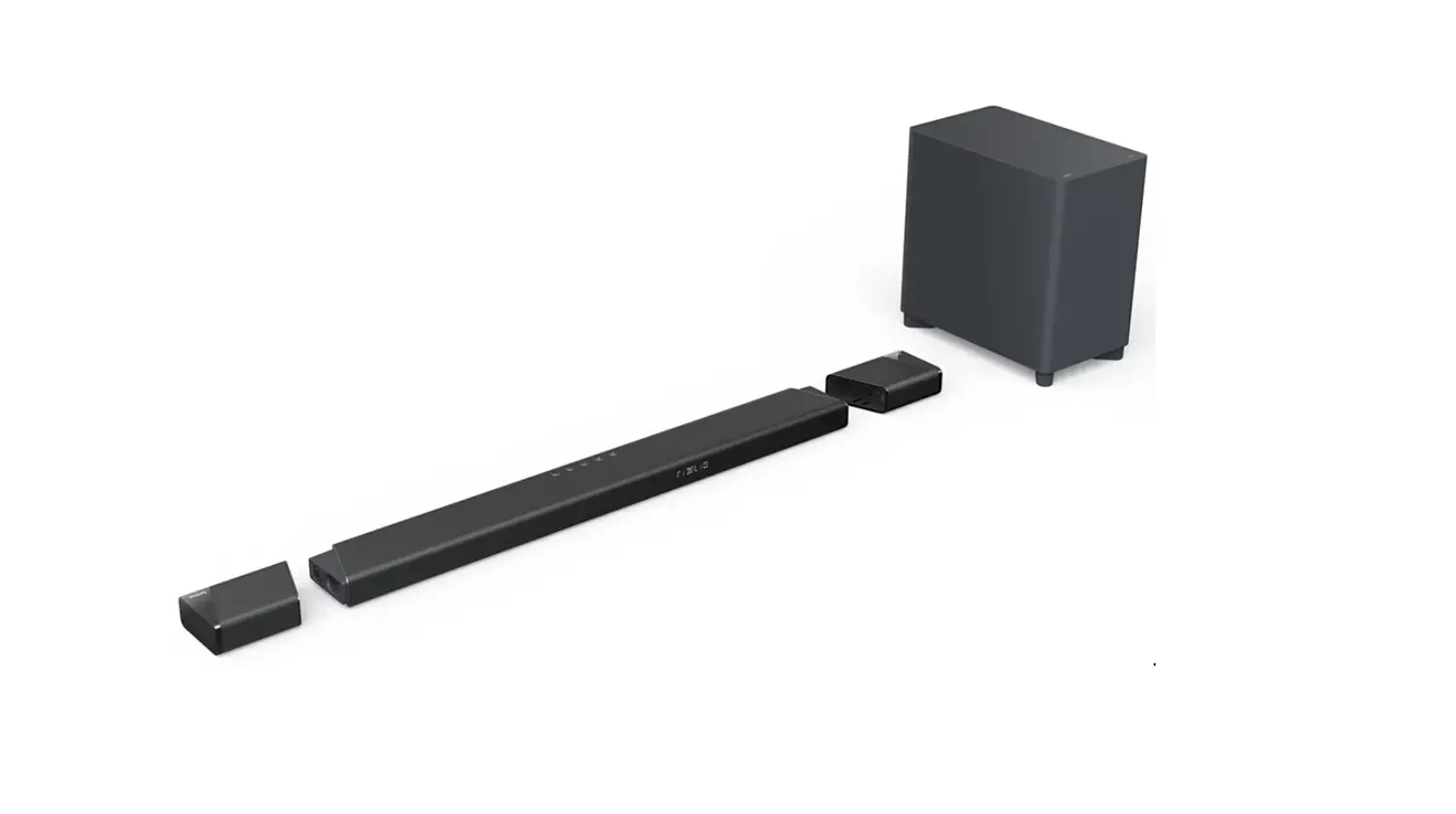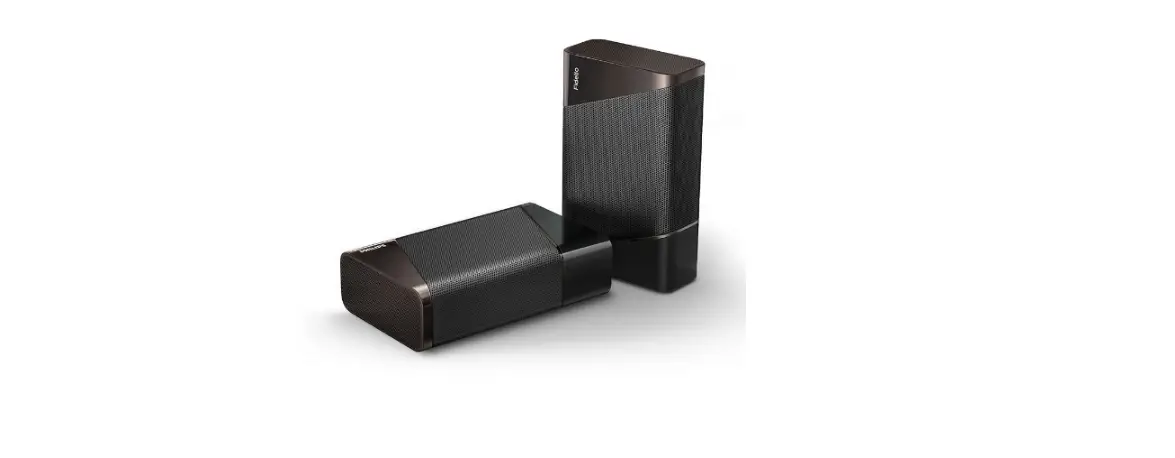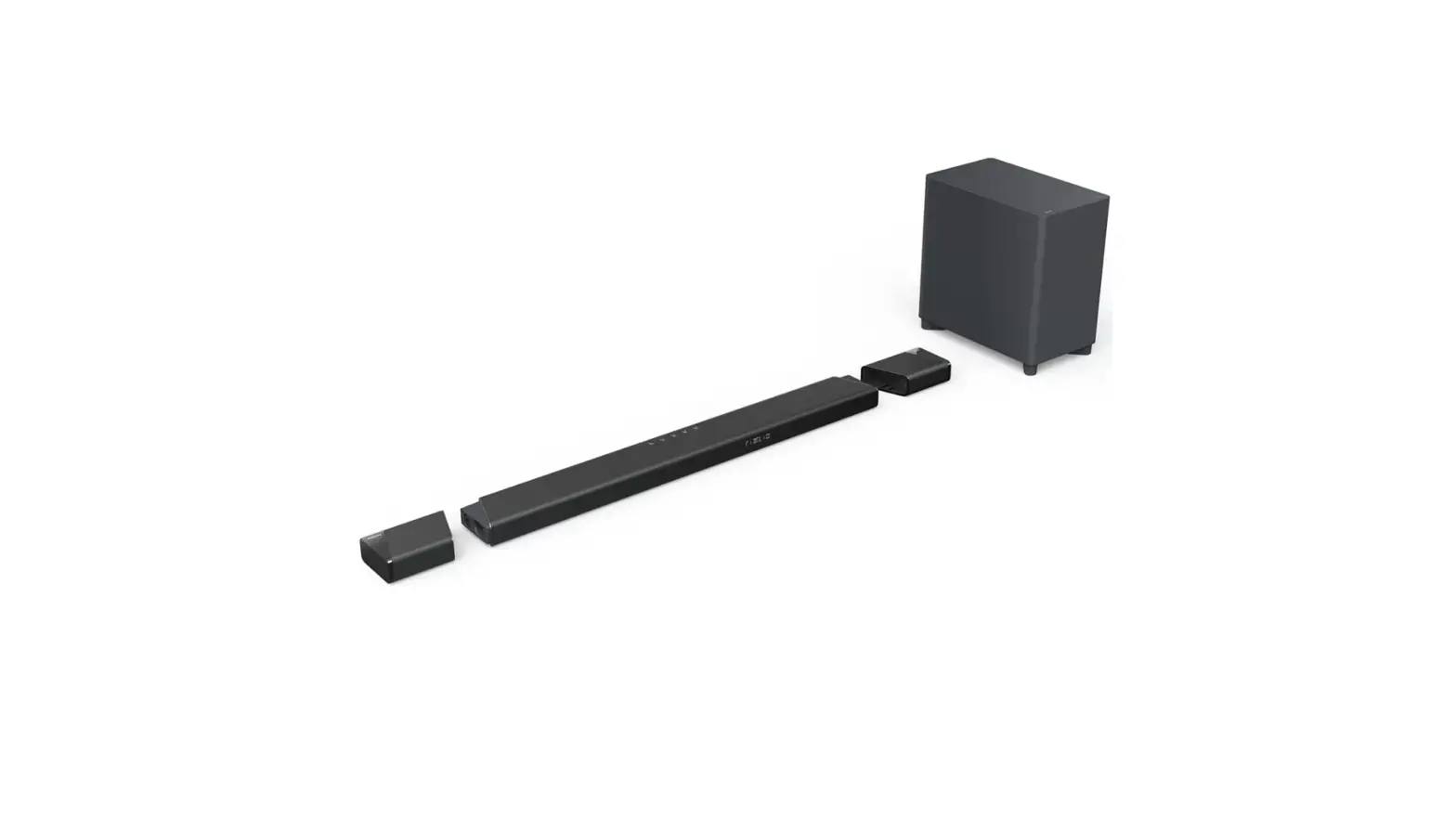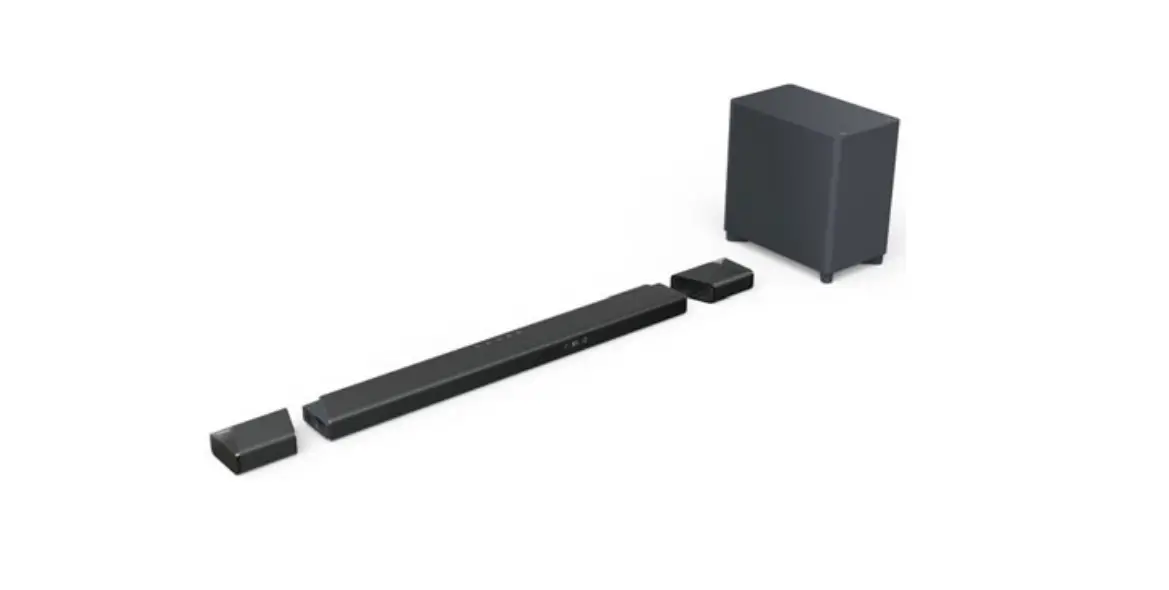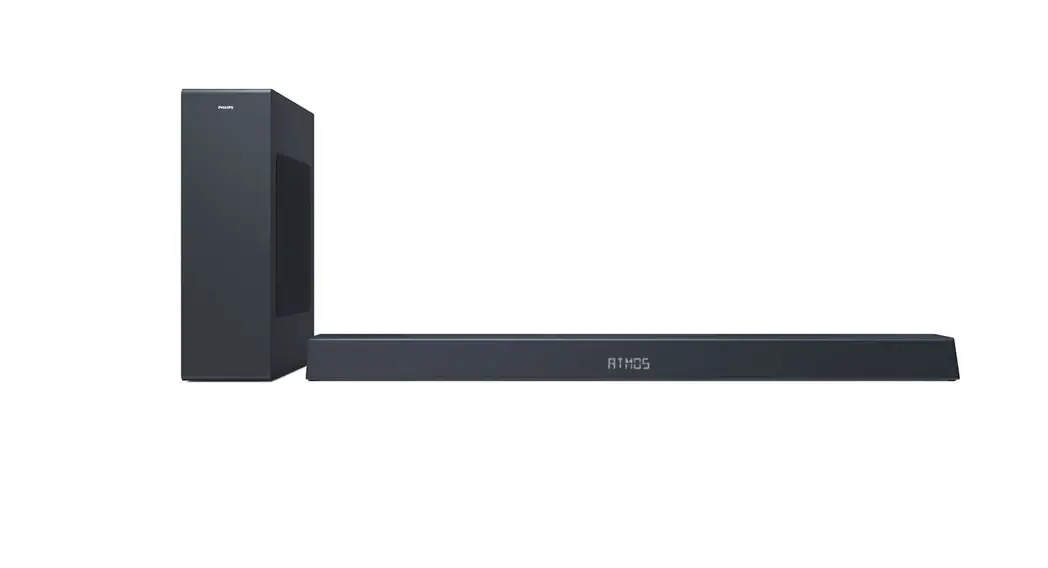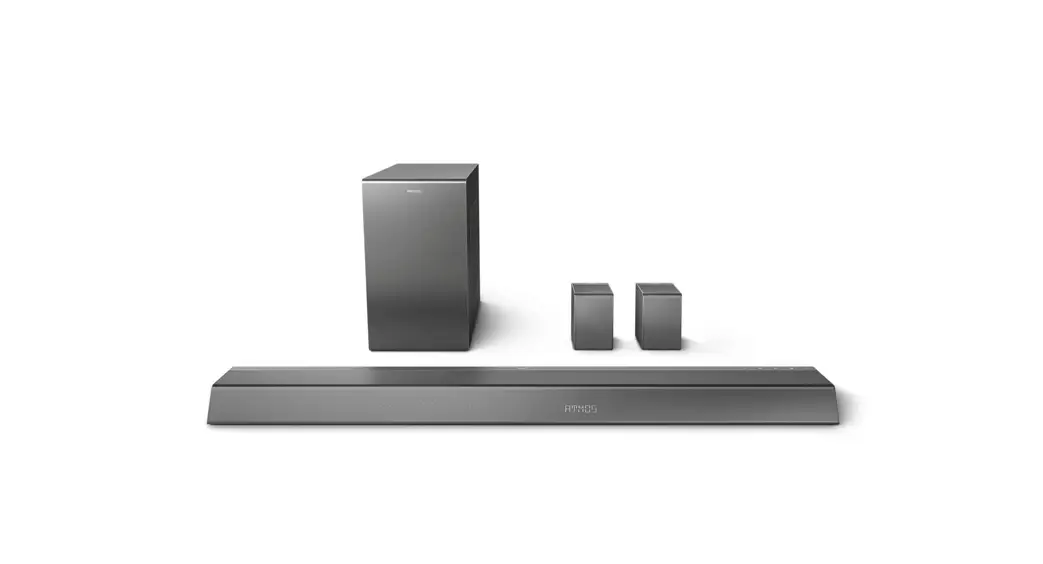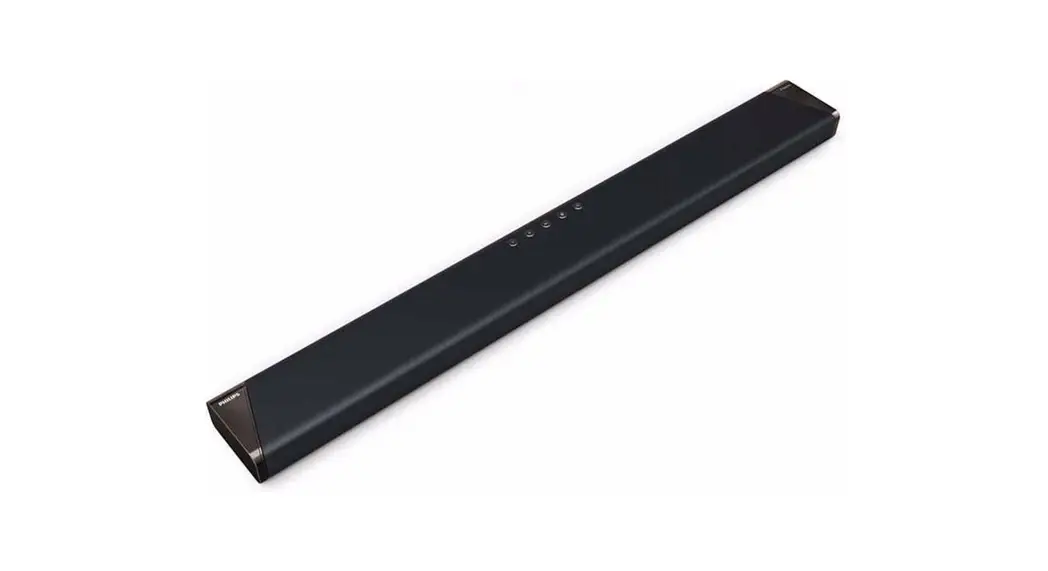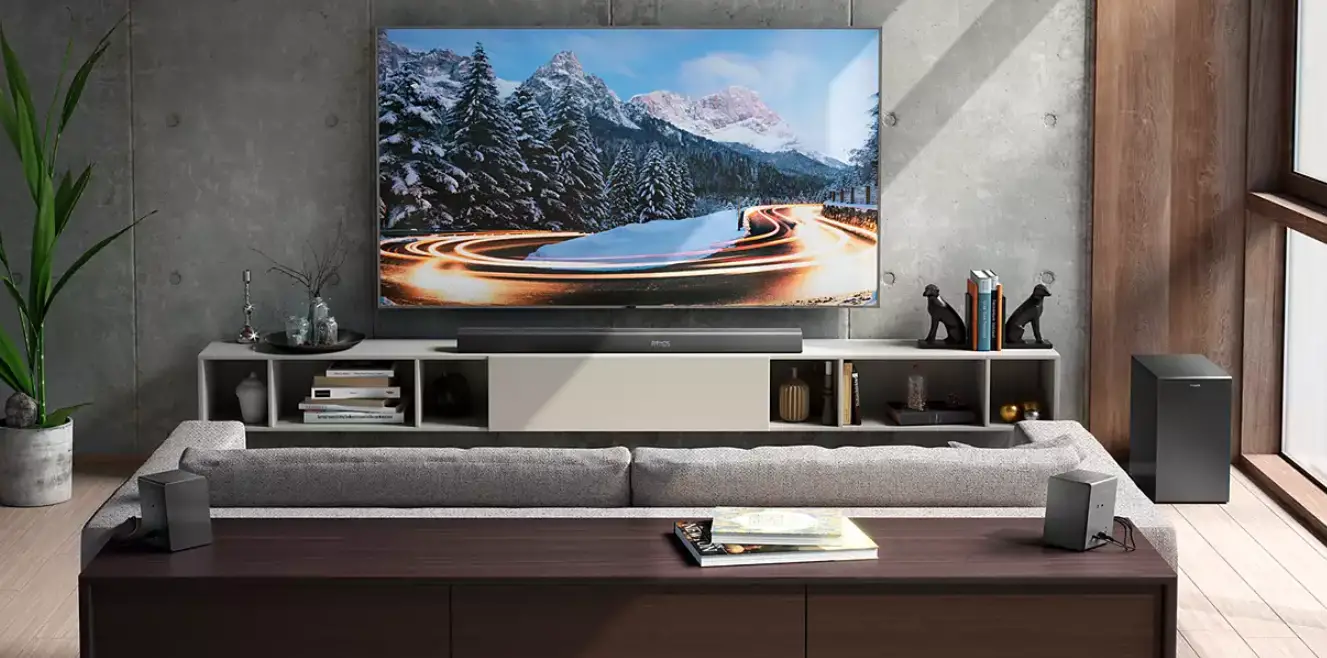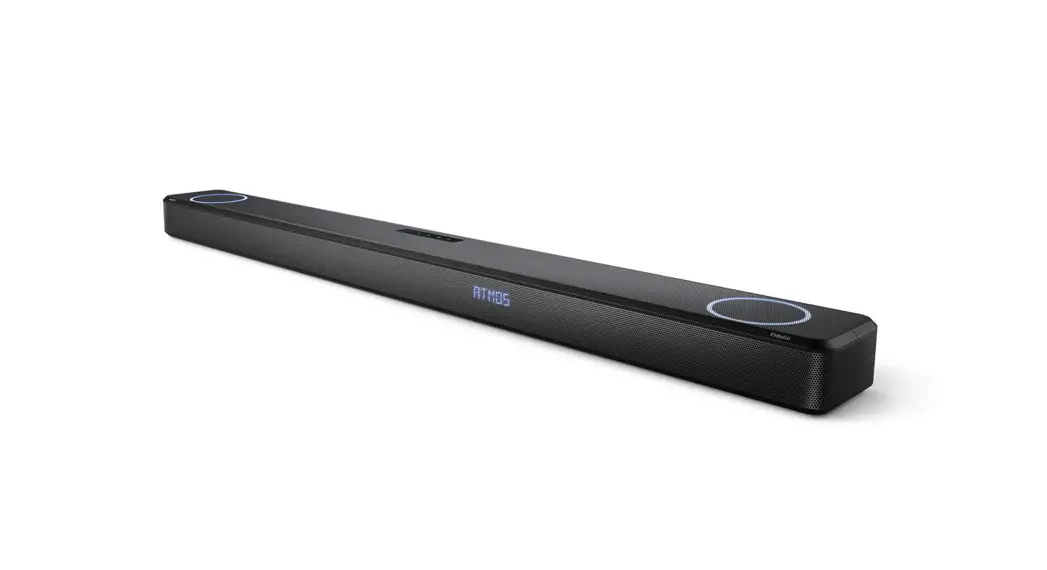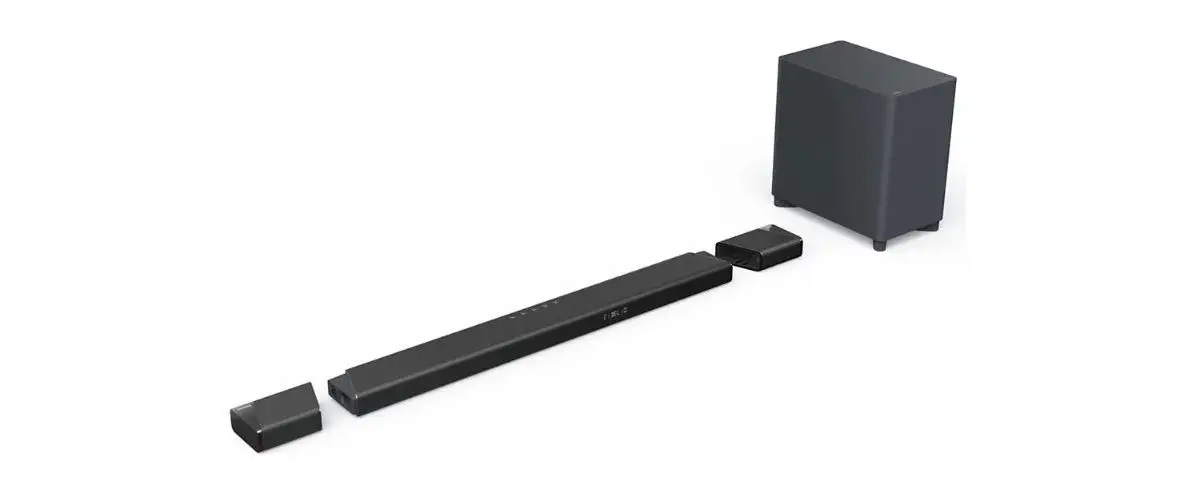
PHILIPS Fidelio B97 Soundbar 7.1.2 with Wireless
Subwoofer User Manual
Fidelio B97/B95 User Manual
Addendum
Thank you for purchasing Philips Fidelio B97/B95.
This document provides additional and updated information about the products. Please read this document as well as the user manual before using the product.
1. Bluetooth pairing
 Note: This product with Play-Fi CAP version 506.3.0.063 or 506.3.0.077requires Play-fi/Wi-fi connection to be set up and functioning before Bluetooth pairing is allowed to operate. Please follow the instructions in the section “Connect to Wi-Fi (Wireless Operation)” in B97 or B95user manual to complete Play-fi/Wi-fi setup when the product is used for the first time.
Bluetooth pairing procedure:
- Switch the device to Bluetooth source.
- Press Source button
 on remote control for more than 3 sec. Or Press setting menu
  to select BT PAIR and press > to start.
 - Find the device with name XXXXX-BT in available device list in your phone/tablet (XXXXX is the name chosen during Play-Fi setup).
- Select XXXXX-BT and wait for Bluetooth connection to be made. Normally, complete in 1-2sec.
 on remote control for more than 3 sec. Or Press setting menu
  to select BT PAIR and press > to start.