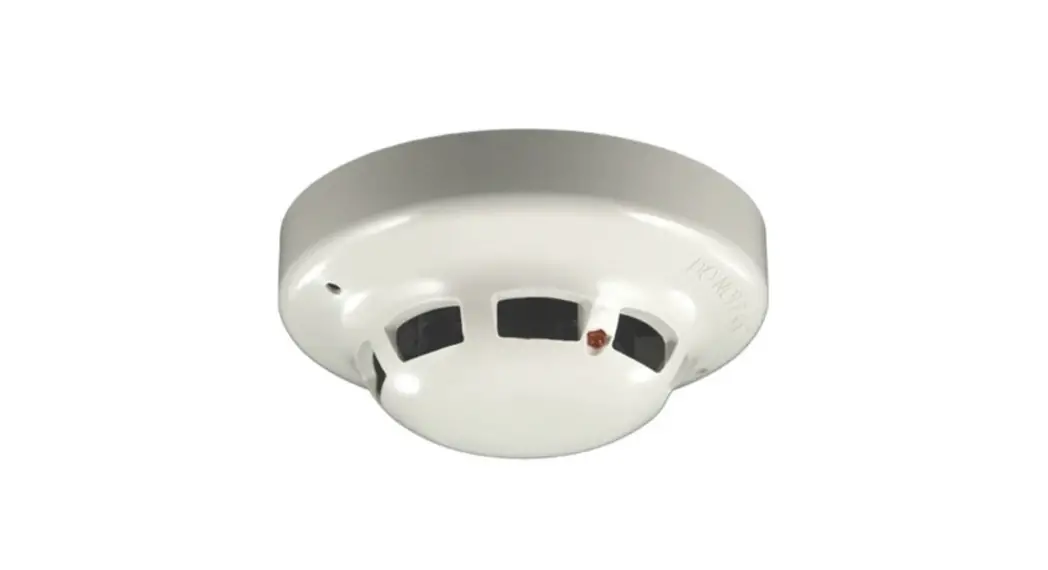
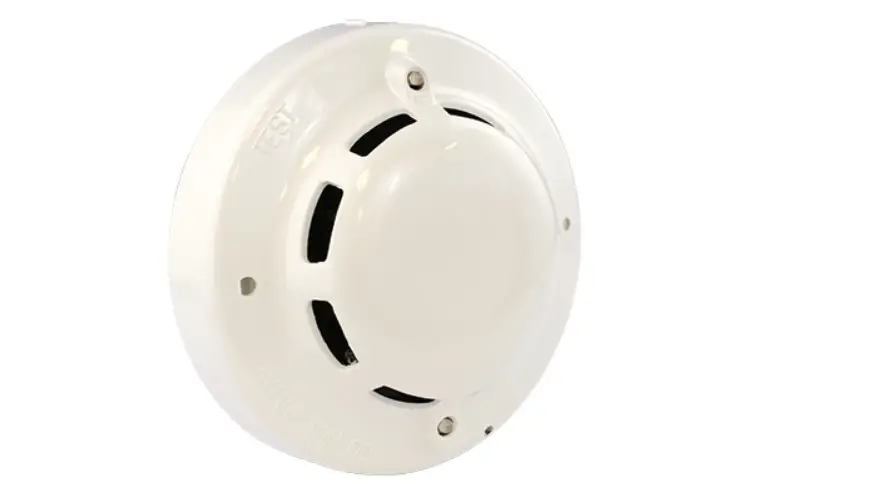
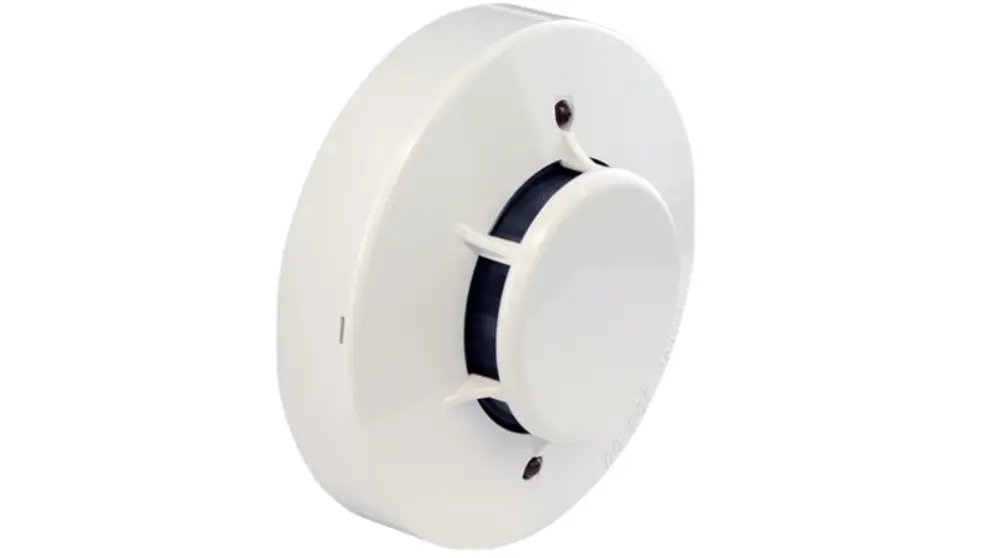
HFI-PA-05 Analogue Photo Detector
Product Information: HFI-PA-05 ANALOGUE PHOTO DETECTOR ALTAIR
SERIES 928b/02
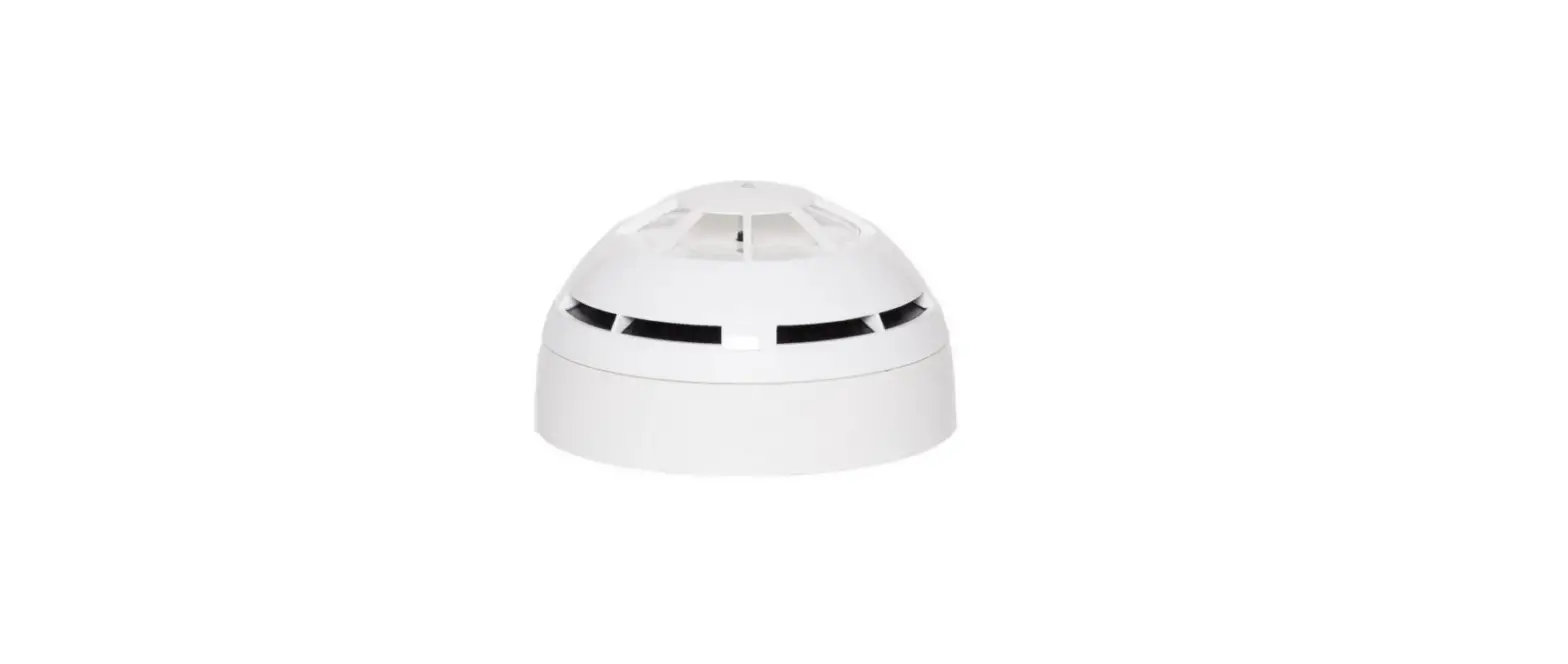
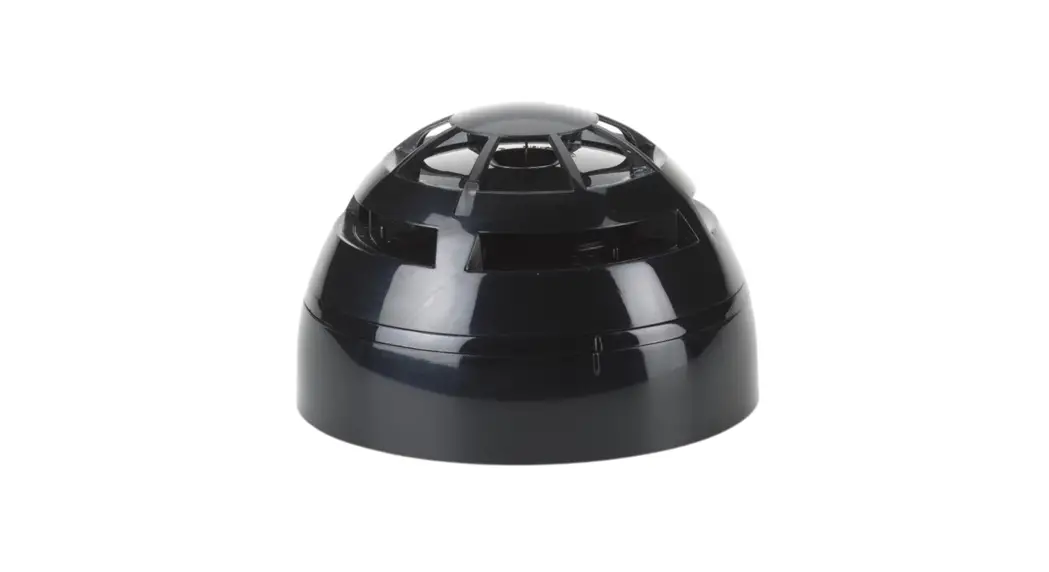
The HFI-PA-05 is an analogue photo detector part of the Altair
series designed for open area fire protection. It continuously
samples the air in the protected area, offering a high level of
false alarm rejection while providing the earliest warning of fire.
Its smoke entry ports limit potential contamination, extend
maintenance periods, and do not compromise smoke response
sensitivity.
It must only be connected to control panels that use the Altair
analogue-intelligent addressable communication protocol for
monitoring and control, providing high rates of information
exchange and fast and secure responses. Before installing the
device, please read the applicable European Standards and National
Codes of Practice for guidance on location, spacing, and acceptable
use. Seek guidance from the compatible control panel instructions
to ensure appropriate design criteria and configuration
specifications are followed.
Installation
The detector must be mounted only on the compatible adaptor
bases listed in the TECHNICAL SPECIFICATIONS table. Refer to the
specific base’s literature for further details.
Wiring
After having installed the base to the ceiling, wiring has to be
carried out to connect the base to the analogue loop and, so, to
the installation. Analogue loop wires must be correctly connected
to the base’s terminals. Check the performed wiring by referring to
figure 2 diagram.
Remote Output Capability
Remote output capability is available as a standard feature, so
a remote indication lamp or a compatible platform sounder (check
power requirements and loop drive limits) may be wired to the base
terminals (Figure 3). If other equipment is connected to the remote
output, its supply current must be eventually limited by using an
adequate resistor. Consult the TECHNICAL SPECIFICATIONS table and
assess the external device current absorption’s value.
Short Circuit Isolators
The detector is equipped with bi-directional short-circuit
isolators to help protect against wiring faults that may otherwise
result in loop failure. In the event of a short circuit isolator,
either side should open to maintain most functions. Normal
operation can be restored after the fault has been corrected.
Device Programming – Address Setting
Detectors can be addressed using a special hand-held programming
unit or they can be automatically addressed from the control panel
(if this feature exists for the model used) after they have been
installed. Addresses may be selected from a range from 1 to 240,
although, of course, each device on the loop must have a unique
address.
Device Programming – Sensitivity Setting
A choice of four sensitivity levels is available; if such
feature is provided, this level can be set through the control
panel. Level 1 is most sensitive and level 4 is the least
sensitive.
Detector Placement
The user manual recommends consulting the applicable European
Standards and National Codes of Practice for guidance on detector
placement, location, and spacing.
Note: Please refer to the user manual for detailed information
on technical specifications, cleaning and maintenance, and
troubleshooting.
HFI-PA-05
ANALOGUE PHOTO DETECTOR ALTAIR SERIES
928b/02
GENERAL DESCRIPTION
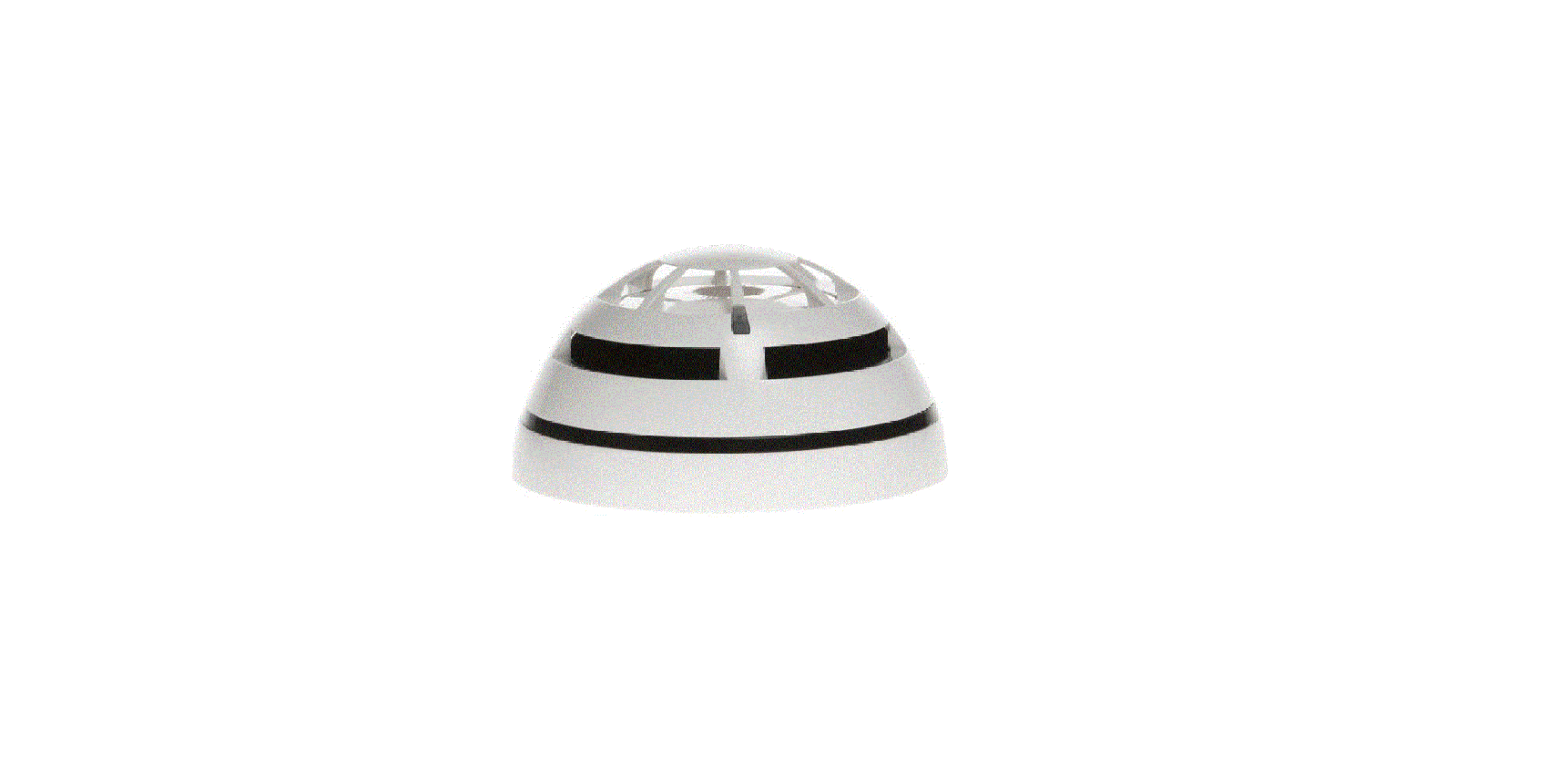
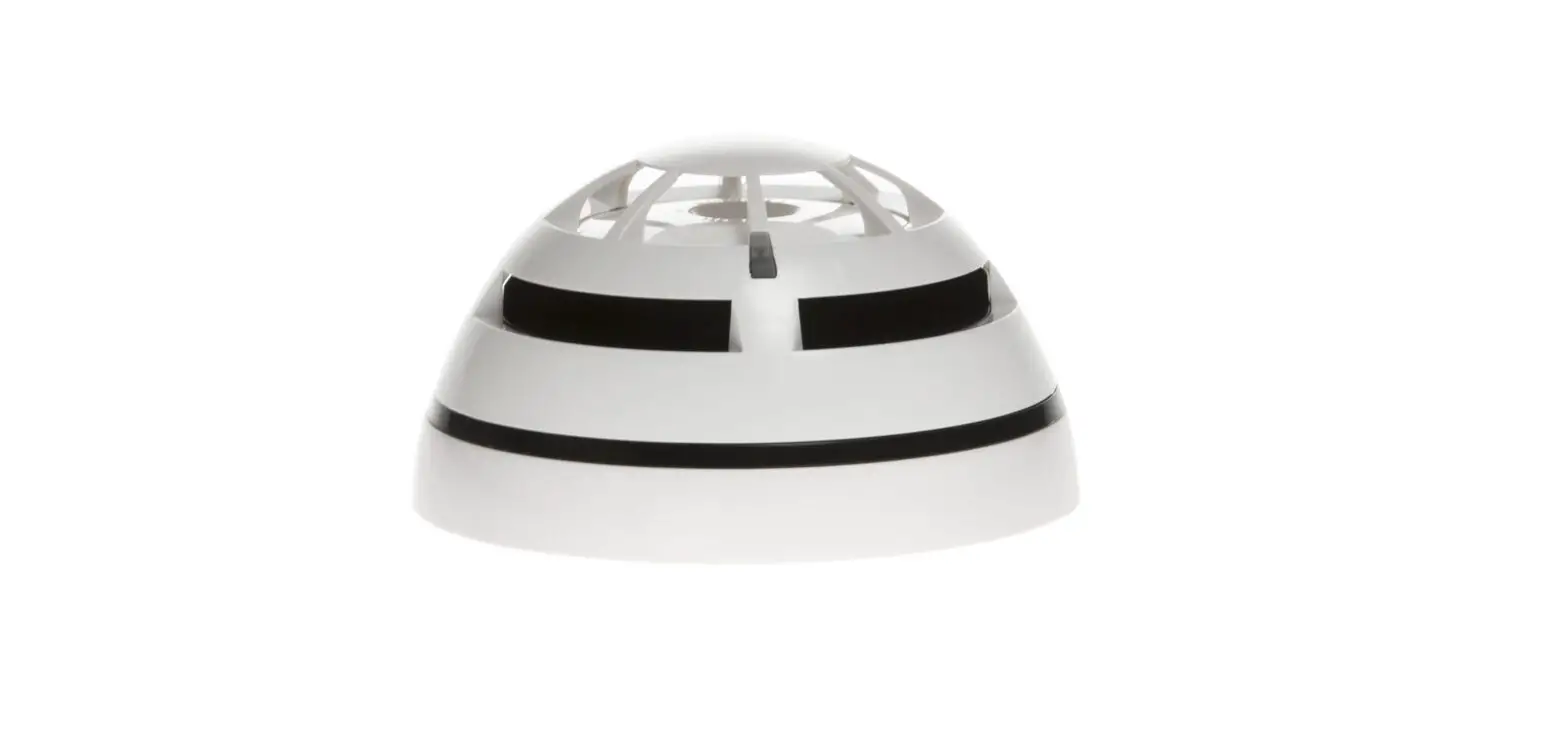
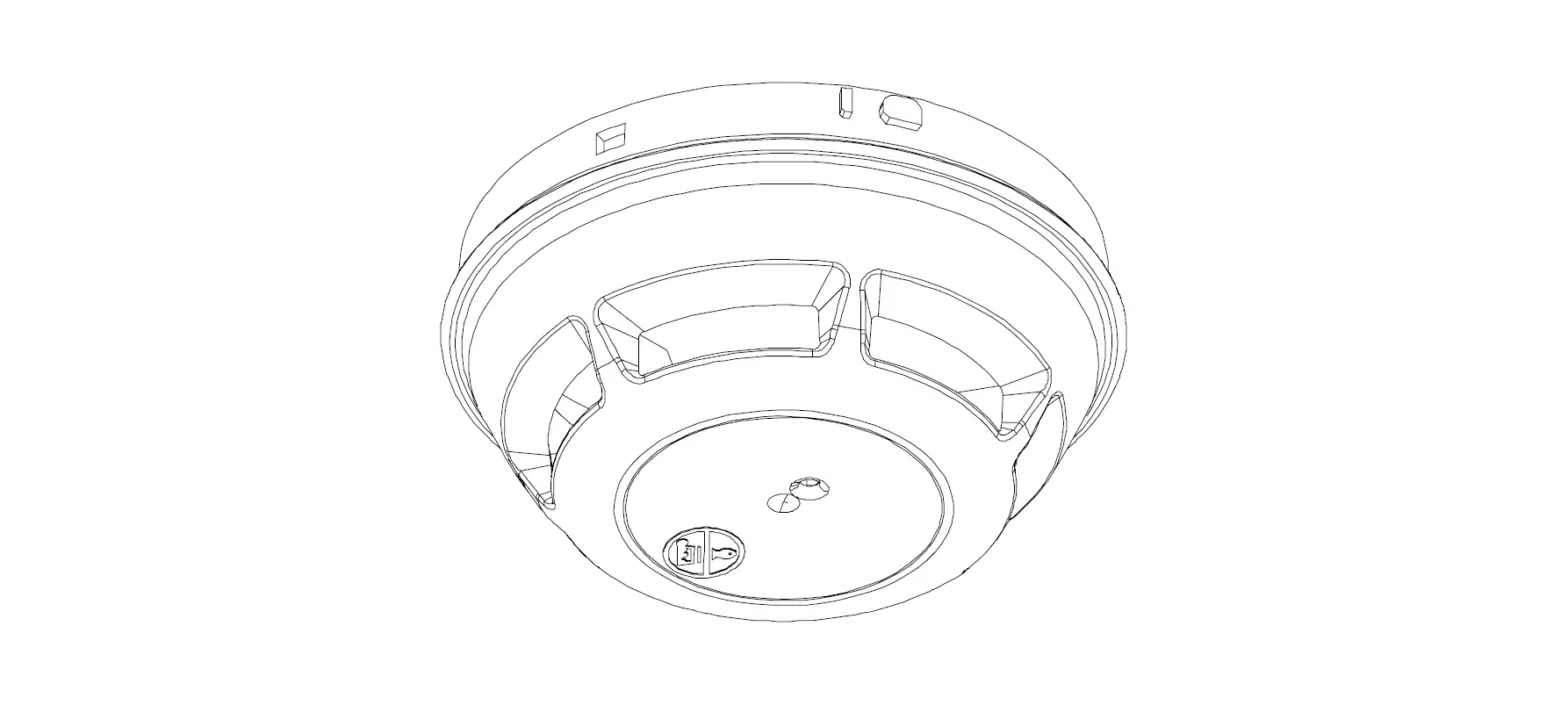
This type of detector (figure 1) continuously samples the air in the protected area to provide the earliest warning of fire, offering, at the same time, a high level of false alarm rejection.
The particular design of the smoke entry ports limits potential contamination, extends maintenance periods and does not compromise smoke response sensitivity.
These detectors are designed for an open area protection and must only be connected to control panels that use the Altair analogue-intelligent addressable communication protocol for monitoring and control, providing high rates of information exchange and fast and secure responses.
Figure 1 Note: Before installing this device please thoroughly read this leaflet and refer to the applicable European Standards and National Codes of Practice (e.g. BS5839-1:2002 for UK) for guidance on location, spacing and acceptable use. Also seek guidance from the compatible control panel instructions to ensure appropriate design criteria and configuration specifications are followed.
INSTALLATION
For the installation to the ceiling, the detector must be mounted only on the compatible adaptor bases listed in the “TECHNICAL SPECIFICATIONS” table. Refer to the specific base’s literature for further details.
WIRING
After having installed the base to the ceiling, wiring has to be carried out in order to connect the base to the analogue loop and, so, to the installation.
Analogue loop wires must be correctly connected to the base’s terminals: check the performed wiring by referring to the figure 2 diagram.
LOOP IN (+)
LOOP OUT (+)
LOOP IN (-)
SHIELD
LOOP OUT (-)
Figure 2
REMOTE OUTPUT CAPABILITY
Remote output capability is available as a standard feature, so a remote indication lamp or a compatible platform sounder (check
power requirements and loop drive limits) may be wired to the base terminals (Figure 3).
If other equipment is connected to the remote output, its supply current must be eventually limited by using an adequate resistor. Consult the TECHNICAL SPECIFICATIONS table and assess the external device current absorption’s value.
REMOTE ALARM (+)
SHORT CIRCUIT ISOLATORS
The detector is equipped with bi-directional short-circuit isolators
to help protect against wiring faults that may otherwise result in loop failure. In the event of a short circuit isolators either side
should open to maintain most functions.
Normal operation can be restored after the fault has been corrected.
DEVICE PROGRAMMING – ADDRESS SETTING
Detectors can be addressed using a special hand-held program-
ming unit or they can be automatically addressed from the control panel (if this feature exists for the model used) after they have
been installed.
Addresses may be selected from a range from 1 to 240, although, of course, each device on the loop must have a unique address.
DEVICE PROGRAMMING – SENSITIVITY SETTING
A choice of four sensitivity levels is available; if such feature is provided, this level can be set through the control panel.
Level 1 is most sensitive and level 4 is the least sensitive.
DETECTOR PLACEMENT
1) Position the detector centrally on its adaptor base ensuring it is level.
2) Rotate clockwise applying gentle pressure. The detector will drop into its keyed location.
3) Continue to rotate clockwise a few degrees until the detector has fully engaged in the adaptor base.
4) When the detector is firmly engaged, check the alignment of the raised reference marks on the detector and on the base (figure 5).
IMPORTANT NOTES ON DETECTORS PLACEMENT Disconnect loop power before installing the detector.
Dust covers help to protect the devices during shipping and when first installed. They are not intended to provide complete protection against contamination, therefore, detectors should be removed before construction, major re-decoration or other dust producing work is started. Dust covers must be removed before the system can be made operational.
Figure 4
Figure 3
REMOTE ALARM (-)
Hyfire Wireless Fire Solutions Limited – Unit B12a, Holly Farm Business Park, Honiley, Warwickshire, CV8 1NP – United Kingdom
www.hyfirewireless.com
Figure 5 L20-A1000-1400 (vA.7)
ANTI -TAMPER DETECTOR LOCK
The detector can be locked to its base as a deterrent to intentional removal performed by non authorized personnel. Using a cutter, remove the anti-tamper plastic detail, as illustrated in figure 6. To unlock the detector, insert the tip of a screwdriver into the side slot of the base by exerting only a light pressure (figure 7), and release the detector by turning it anticlockwise.
Figure 6
LED INDICATORS
This detector is equipped with dual LEDs that can illuminate Green, Red or Amber to indicate status condition:
Green: blinking, indicates the normal operative status of the detector.
Red: indicates an alarmed condition of the detector.
Amber: if implemented in panel software, indicates a fault condition of the detector.
LED indicators are managed directly by the control panel and the green blinking can be disabled
by the installer either from the control panel itself or through the programming unit.
Figure 8
Positioning of these LEDs is illustrated in figure 8.
IDENTIFICATION TAB
The adaptor base is equipped with a plastic tab where identification data can be visibly displayed. Detach the tab from the base; write or label it with the required information, then insert it into its adaptor base’s slot.
Figure 7
AEROSOL TEST (SIMULATED SMOKE TEST)
For this test only use test aerosols from an approved manufacturer, in accordance with their application instructions, in order to prevent contamination or possible damage to the detector. We suggest to spray the aerosol into the detector by using a recommended applicator. The detector should trigger an alarm message to the control panel, and, successively, the detector’s red LED should be activated by the control panel itself.
If the detector does not respond to the tests correctly it may be necessary to clean it: in this case follow the instructions indicated in the “MAINTENANCE” paragraph.
If testing fails again after maintenance then replace the detector with a new one and return the faulty one for servicing.
MAINTENANCE
Before starting any maintenance work, isolate and disable the system in order to avoid accidental and unwanted alarm or fault conditions. Remove the detector from its mounting base to allow inspection in good light at ground level. Inspect the smoke entry ports around the detector and use a small, soft bristle brush to dislodge any evident contaminants such as insects, spider webs, hairs, etc. Use a small vacuum tube or clean, dry and compressed air to suck up or blow away any remaining small particles from the smoke entry screen area. Wipe the exterior housing of the detector with a clean, damp, lint free cloth to remove any surface film that can later attract airborne contaminants. Use the hand-held programming unit to read the pollution percentage of the chamber; please, refer to the programming unit instruction manual. After all detectors have been inspected, repositioned on their mounting bases and power has been re-applied, check correct operation by testing the device.
TECHNICAL SPECIFICATIONS **
Power supply *
from 18 V (min) to 40 V (max)
Average standby current consumption
55 uA @ 24 V
Remote output max current consumption (externally limited) 20 mA
Compatible adaptor bases
HFI-DMBS-05 – “Low Profile Adaptor Base”
Operating temperature range
-30 °C / +70 °C (no icing)
Humidity
95% RH (no condensation)
IP rating
40 (42 with base’s waterproof protection)
*Product operates down to 15 V, but without LED indication. **Check latest version of document TDS-A1000 for further data, obtainable from your supplier.
TESTING THE DETECTORS – PRELIMINARY NOTE
Detectors should be tested after installation and during periodic maintenance visits; it is recommended each device should be tested at least once per year.
After each test reset the system and allow at least one minute for power stabilisation.
MAGNET TEST
Position the test magnet next to the detector, in correspondence of the raised mark, then move it 45 degrees anticlockwise (figure 10).
The magnet test simulates smoke in the optical chamber and verifies the function of all electronic circuits of the detector and its communication with the control
panel. The detector should trigger an alarm message to the control panel, and, successively, the detector’s red LED should be activated by the control panel
itself.
Figure 10
Hyfire Wireless Fire Solutions Limited – Unit B12a, Holly Farm Business Park, Honiley, Warwickshire, CV8 1NP – United Kingdom
Figure 9 www.hyfirewireless.com
WARNINGS AND LIMITATIONS
Our devices use high quality electronic components and plastic materials that are highly resistant to environmental deterioration. However, after 10 years of continuous operation, it is advisable to replace the devices in order to minimize the risk of reduced performance caused by external factors. Ensure that this device is only used with compatible control panels. Detection systems must be checked, serviced and maintained on a regular basis to confirm correct operation. Smoke detectors may respond differently to various kinds of smoke particles, thus application advice should be sought for special risks. Detectors cannot respond correctly if barriers exist between them and the fire location and may be affected by special environmental conditions. Refer to and follow national codes of practice and other internationally recognized fire engineering standards. Appropriate risk assessment should be carried out initially to determine correct design criteria and updated periodically.
WARRANTY
2831 12 HF-20-007CPR
0832 21
HF-20-007UK
Hyfire Wireless Fire Solutions Limited – Unit B12a, Holly Farm Business Park, Honiley, Warwickshire, CV8 1NP – United Kingdom
All devices are supplied with the benefit of a limited 5 years warranty relating to faulty
materials or manufacturing defects, effective from the production date indicated on each product. This warranty is invalidated by mechanical or electrical damage caused in the field by
incorrect handling or usage. Product must be returned via your authorized supplier for repair or replacement together
with full information on any problem identified. Full details on our warranty and product’s returns policy can be obtained upon request.
EN 54-7:2018 EN 54-17:2005 HFI-PA-05 For use in compatible fire detection and alarm system
L20-A1000-1400 (vA.7)