TC001 Tag
Product Information
The Silone Tag Model TC001 is a keychain designed in California
and made in China. It is a small device that can be attached to
personal items such as keys, bags, and wallets to help locate them
when lost.
Tag Appearance Overview
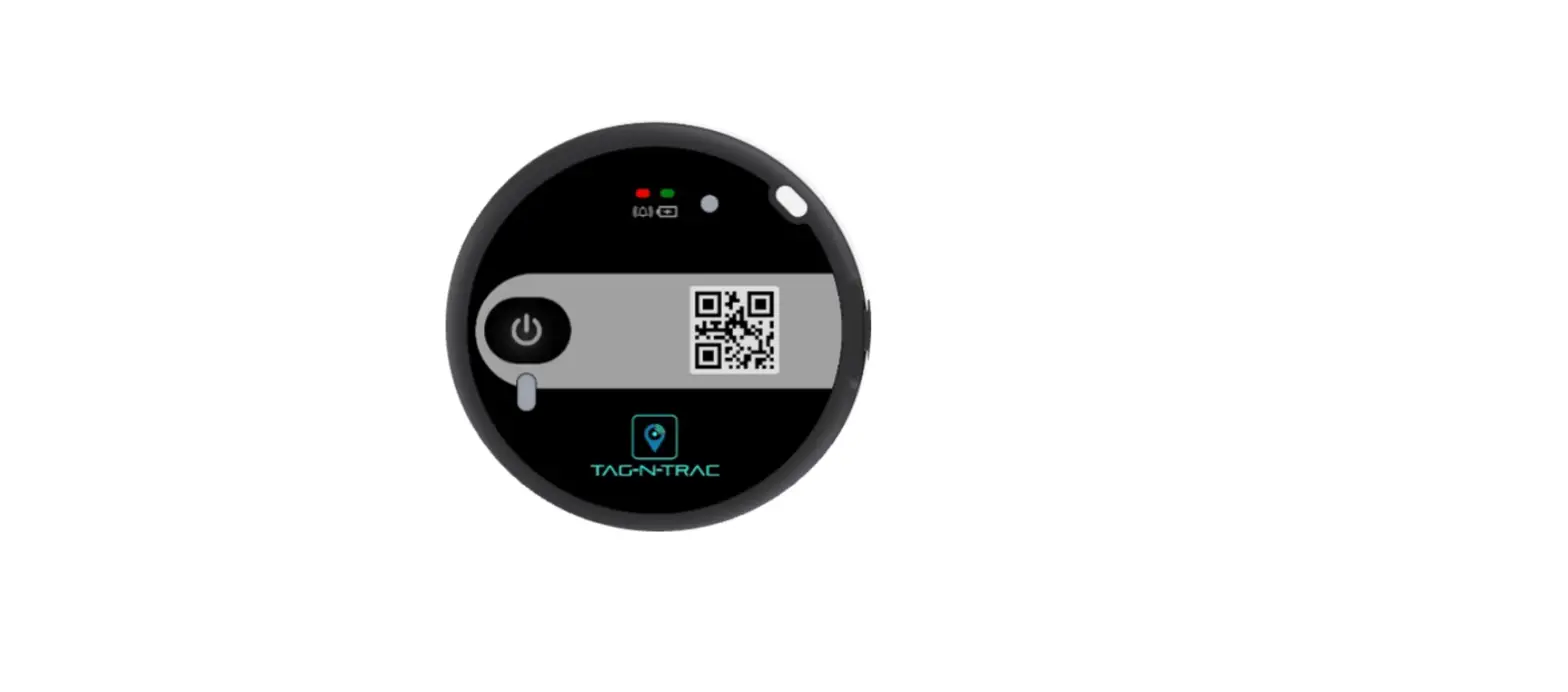
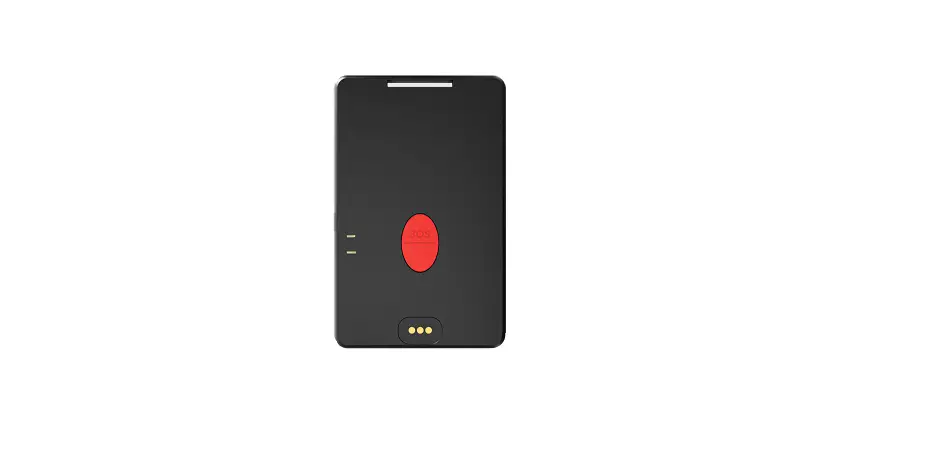
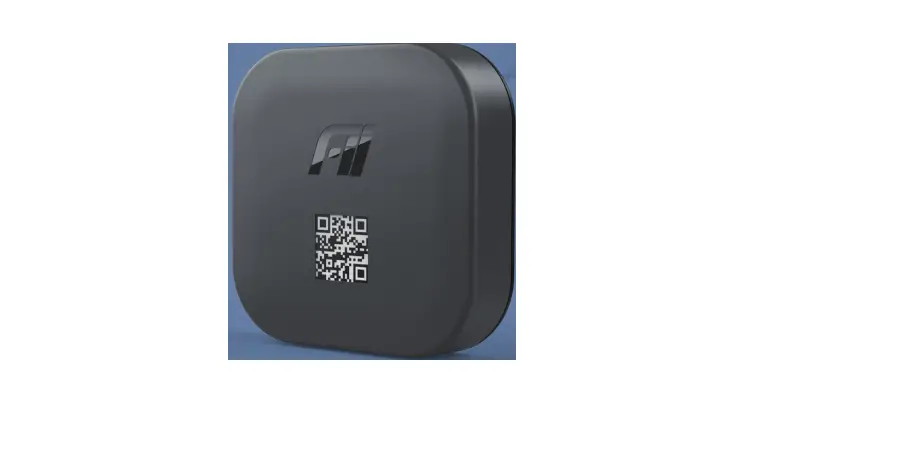
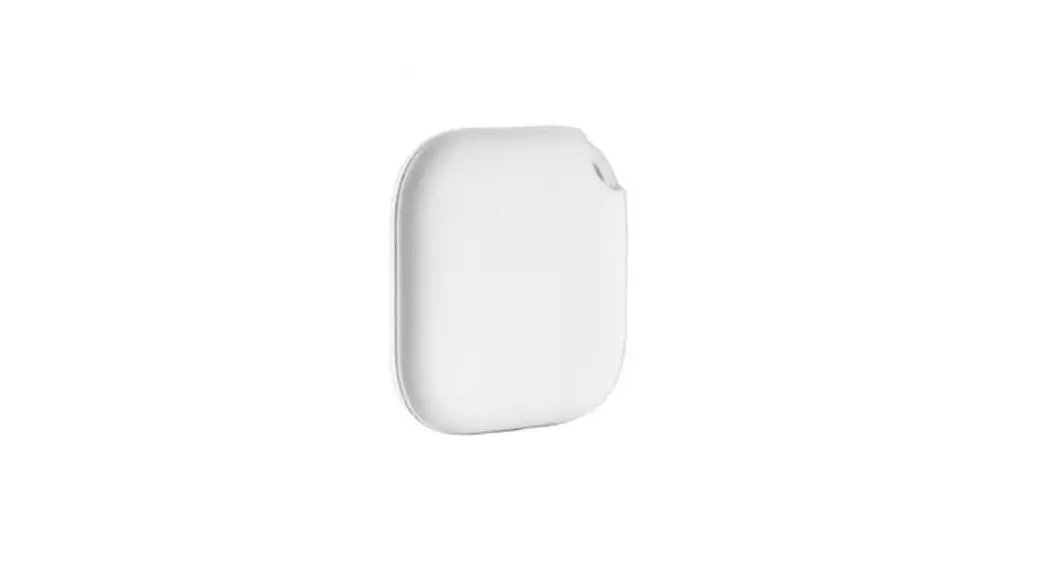
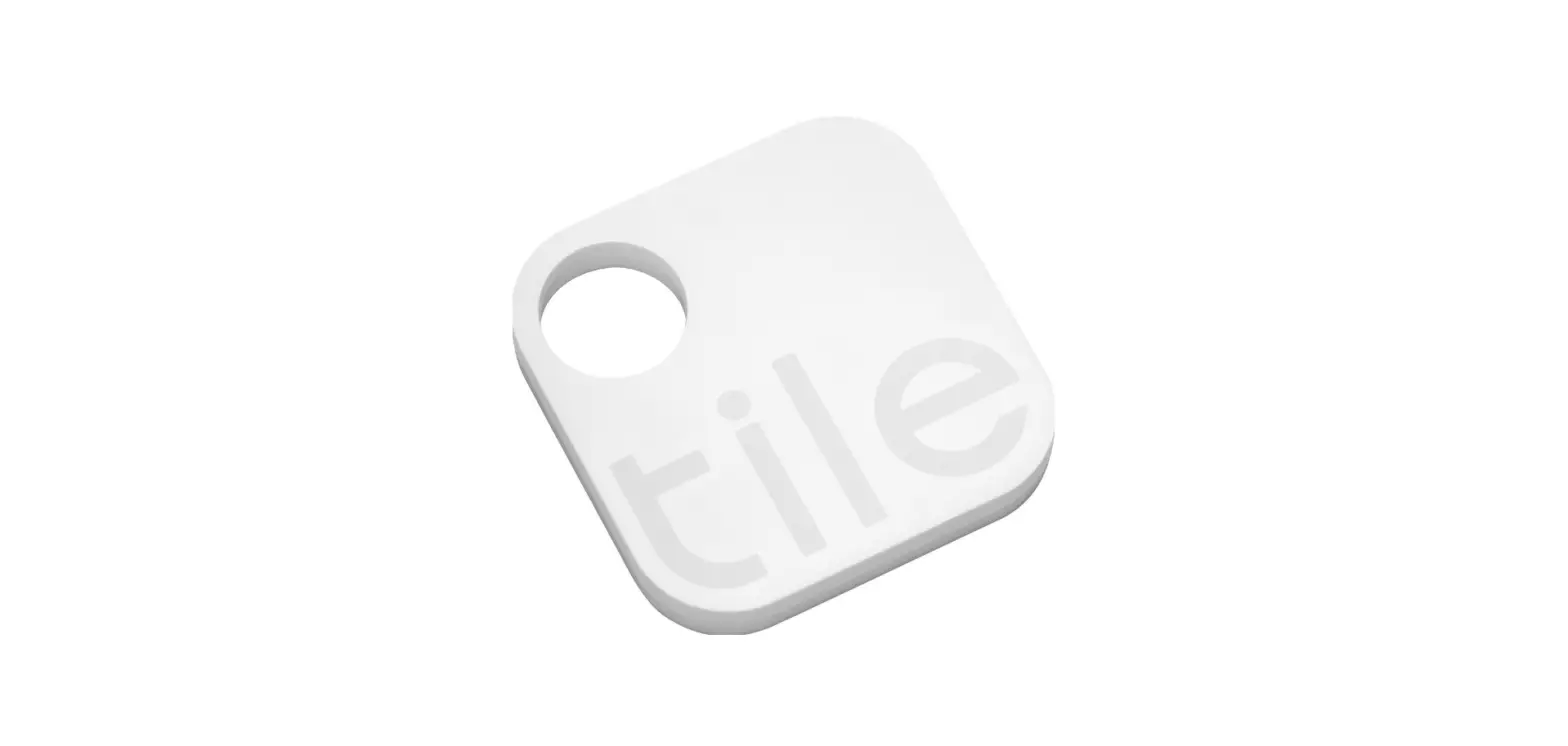
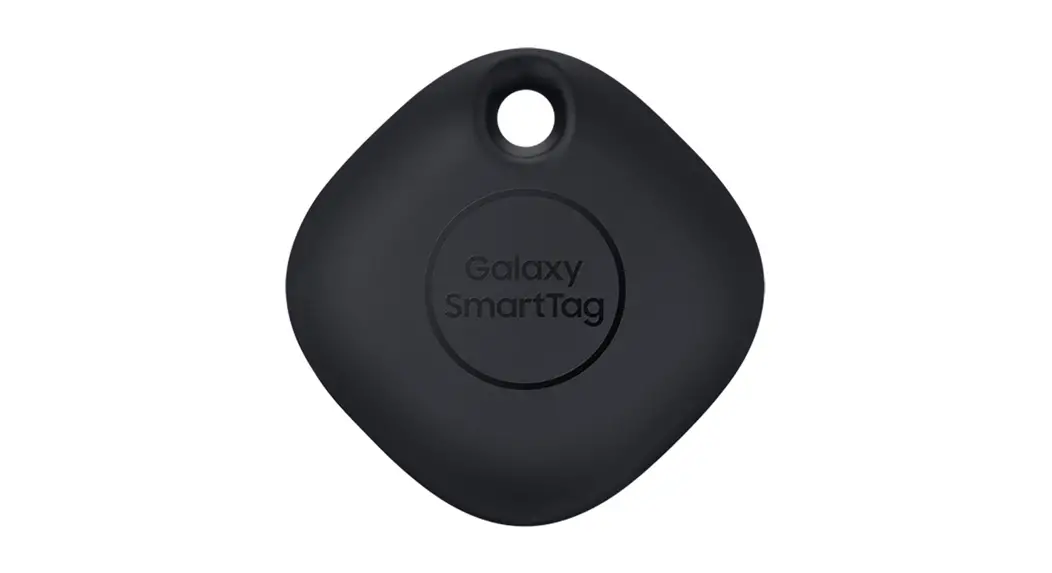
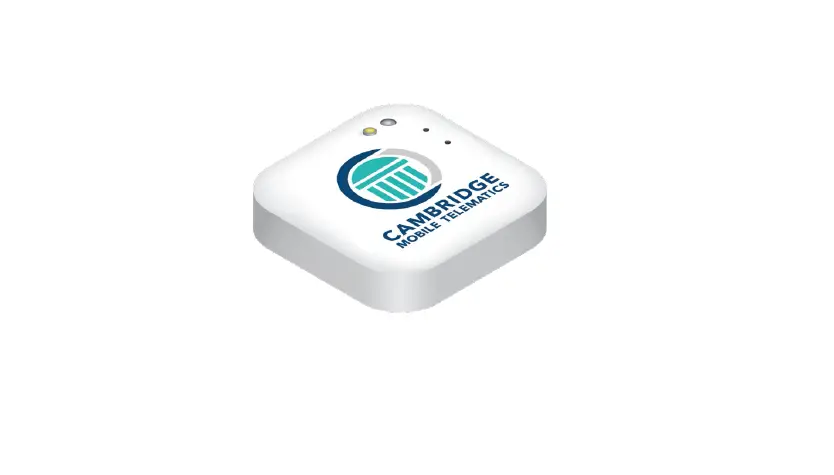
The Silone Tag model TC001 is a small keychain with the Silone
Tag logo printed on it. It is available in different colors, and it
has a CR2032 battery inside.
Product Function
The Silone Tag helps locate lost items by connecting to your
iPhone via Bluetooth. It can play a sound to help you find your
nearby items quickly. It also has a malicious tracking alert that
notifies you when an unknown tag accompanies your belongings for
more than the frequency range.
Security Information
If the Silone Tag comes into contact with your skin or eyes,
please rinse immediately with water and seek medical attention if
necessary. It is recommended to remove the battery before the first
pairing connection. Do not modify or tamper with the original
design characteristics and functions of the RF antenna and the
product without authorization. Otherwise, it will affect your right
to use the equipment or bear relevant legal liabilities.
Manufacturer Contact Information
If you have any questions or concerns regarding the Silone Tag,
please contact Silone, Inc. at 4512 Enterprise Street Fremont, CA
94538, or call +1 408 441 8858. You can also visit their website at
www.silone.com.
Apple Compatibility
The Silone Tag has been certified by the product manufacturer to
meet Apple Find My network product specifications and requirements.
However, Apple is not responsible for the operation of this device
or its compliance with safety and regulatory standards.
Product Usage Instructions
- Remove the insulation film before the first pairing
connection. - Turn on the Silone Tag by removing the battery insulation
film. - Pair the Silone Tag with your iPhone by going to the Items tab,
selecting Add New Item, and tapping Other Supported Item. - If you need to use the Silone Tag again, make sure it is within
Bluetooth range of about 20 meters and click to play a sound in the
Search app to help locate it. - If you want to delete the Silone Tag from your iPhone, it will
emit a prompt tone. - The malicious tracking alert will notify you when an unknown
tag accompanies your belongings for more than the frequency range.
Silone Tag will not shut down and can be re-paired after hearing
the beep sound.
-*/&4*/3&%%0/0513*/55)&:3&13&4&/5’0-%4″/%4″‘&-*/&4
Tag
The Apple® Find My® network provides an easy, secure way to locate compatible personal items using the Find My app on your iPhone®, iPad®, Mac®, or the Find Items app on Apple Watch®.
To use the Apple Find My app to locate this item, the latest version of iOS®, iPadOS®, or macOS® is recommended. The Find Items app on Apple Watch requires the latest version of watchOS®.
Use of the Works with Apple badge means that a product has been designed to work specifically with the technology identified in the badge and has been certified by the product manufacturer to meet Apple Find My network product specifications and requirements. Apple is not responsible for the operation of this device or use of this product or its compliance with safety and regulatory standards. Apple, Apple Find My, Apple Watch, Find My, iPhone, iPad, iPadOS, Mac, macOS and watchOS are trademarks of Apple Inc. IOS is a trademark or registered trademark of Cisco in the U.S. and other countries and is used under license.
Designed in California, Made in China
#MFFEJOHMJOF ‘PMEMJOF $VUMJOF
Product name: Silone Tag Model: TC001 Tag appearance overview:
Key chain
Silone Tag
Product Function:
Instructions:
Note: After deleting Silone Tag, Silone Tag will emit a prompt tone.
5. Malicious tracking alert
Security Information:
· If the battery leaks, do not expose skin or eyes to the leaking fluid.If
· Without permission, you shall not change, expand the transmission
At this time, Silone Tag will not shut down, and it can be re-paired
When an unknown Tag accompanies your belongings for more than
contact with skin or eyes, please rinse immediately with water and go
frequency range, increase the transmission power, change the
1.Network location When the Silone Tag is beyond the Bluetooth distance from the iPhone®, the Silone Tag can not be connected in the Find My® app. You can select: Lost mode, then select: Enable, enter your contact number, etc. If the Silone Tag is disconnected from your iPhone for more than a period of time, and there is another iPhone near the Silone Tag, you will receive a notification and the latest location in the Find My app.
2. Play the sound When the iPhone and Silone Tag are within the Bluetooth range of about 20 meters, click to play sound in the Search app, and Silone Tag will beep to help you find nearby items quickly.
1. Turn on the Silone Tag
· The battery insulation film should be
removed before the first pairing connection.
· The pairing connection can be
performed after hearing the beep sound.
Remove the battery
2. Pair Silone Tag
insulation film
· Open the Find My app on your iPhone.
· Hold the Silone Tag near your iPhone, tap the
Items tab, select Add New Item, and tap Other Supported Item.
· Select the Tag with the word Silone and tap “Connect.”
· Fill in a ” Customized Name” to name your Tag and choose an
emoji.
· Agree to register Silone Tag with your Apple® ID.
· Tap “Done” to bind successfully.
3. Remove Silone Tag from your device · Place the Silone Tag with the phone and make sure the device can search for the Silone Tag. · Open the Find My app on your iPhone, tap “Items” at the bottom of the screen, and then tap the name of the item. · Find “Remove Item” at the bottom of the list and tap “Remove” to
with app when it needs to be used again.
4. Replace the battery · Pry the housing from the notched position on the side of the device. · Take out the old battery and replace the newly purchased CR2032 battery (volTage :3V; capacity :175mAh) into the Silone Tag. The positive pole (+) must face up. If a prompt tone is heard, the battery is correctly installed. · Reinstall the device with the notch in the shell in the direction of the lanyard. · The notch of the shell should be aligned with the direction of the lanyard.
CR2032
a period of time, you will receive the following alerts: · If your iPhone, iPad® and other devices have iOS® version 14.5 or later, you will be alerted on your iPhone. · If an unknown Tag moves with you for a while, it will beep to alert you to its location. If someone happens to be carrying a Tag (Such as when traveling on a vehicle), there is no need to worry. As long as the Tag does not leave the owner’s side, it will not trigger the alarm. 6. Privacy protection · Where your Silone Tag is, only you can see. Your location data and history are never stored in Silone Tag, Apple, or Silone’s servers. The device that passes your Silone Tag location data is also always anonymous, and the location data is encrypted at every step of the lookup. Therefore, neither Apple nor Silone knows the location of your device, nor can they help you find the specific identity of the device, nor can you know which devices sent your Silone Tag location information.
Before using and operating the device, please read and follow the following precautions to ensure the best performance of the device and avoid dangerous or illegal situations. · Please use the device in the temperature range of -20 ~ +60 . When the ambient temperature is too high or too low, it may cause device failure, fire or explosion. · The radio waves generated by the device may affect the normal operation of some medical equipment (such as cochlear implants, hearing aids, etc.). It is necessary to keep a safe distance of no less than 20cm when using the device, or consult the manufacturer of the medical equipment for restrictions on the use of the device. · Tested under specific laboratory conditions, the equipment can resist splashing, water and dust, and its effect can reach the IP67 level of ISO IEC 60529: 2013 standard. The above protection performance will decrease with the wear and tear of daily use. · Do not disassemble or modify the equipment without authorization. Otherwise, the equipment will not be within the scope of our warranty. · It is strictly forbidden to heat, drop, impact, squeeze, puncture, and short connect the positive and negative batteries. The above behaviors will lead to short circuit and overheating of the battery, causing battery leakage, fire or explosion and other physical injuries.
to the hospital for medical treatment. · Please dispose batteries according to local regulations. Do not dispose batteries as household waste. Improper disposal of batteries may lead to battery explosion. · Do not throw the battery into the fire, microwave oven or high pressure container to avoid explosion. · Do not allow children or pets to swallow the battery to avoid injury or battery explosion.
Attention:
original design characteristics and functions of the RF antenna and the product without authorization. Otherwise, it will affect your right to use the equipment or bear relevant legal liabilities.
· The use of the product shall not affect aviation safety and cause harmful interference to other legitimate radio stations, weather radar stations, observatories, etc. Once the impact and interference are found, the use shall be stopped immediately and measures shall be taken to eliminate the interference before continuing to use.
If any questions, please feel free to contact us!
Silone, Inc. 4512 Enterprise Street Fremont, CA 94538
Tel: +1 408 441 8858 www.silone.com
The Apple Find My network provides an easy, secure way to locate compatible personal items using the Find My app on your iPhone, iPad, Mac®, or the Find Items app on Apple Watch®.
To use the Apple Find My app to locate this item, the latest version of iOS, iPadOS®, or macOS® is recommended. The Find Items app on Apple Watch requires the latest version of watchOS®.
Use of the Works with Apple badge means that a product has been designed to work specifically with the technology identified in the badge and has been certified by the product manufacturer to meet Apple Find My network product specifications and requirements. Apple is not responsible for the operation of this device or use of this product or its compliance with safety and regulatory standards.
Apple, Apple Find My, Apple Watch, Find My, iPhone, iPad, iPadOS, Mac, macOS and watchOS are trademarks of Apple Inc. IOS is a trademark or registered trademark of Cisco in the U.S. and other countries and is used under license.
01
02
finish.
03
04
05
06
07
08
09