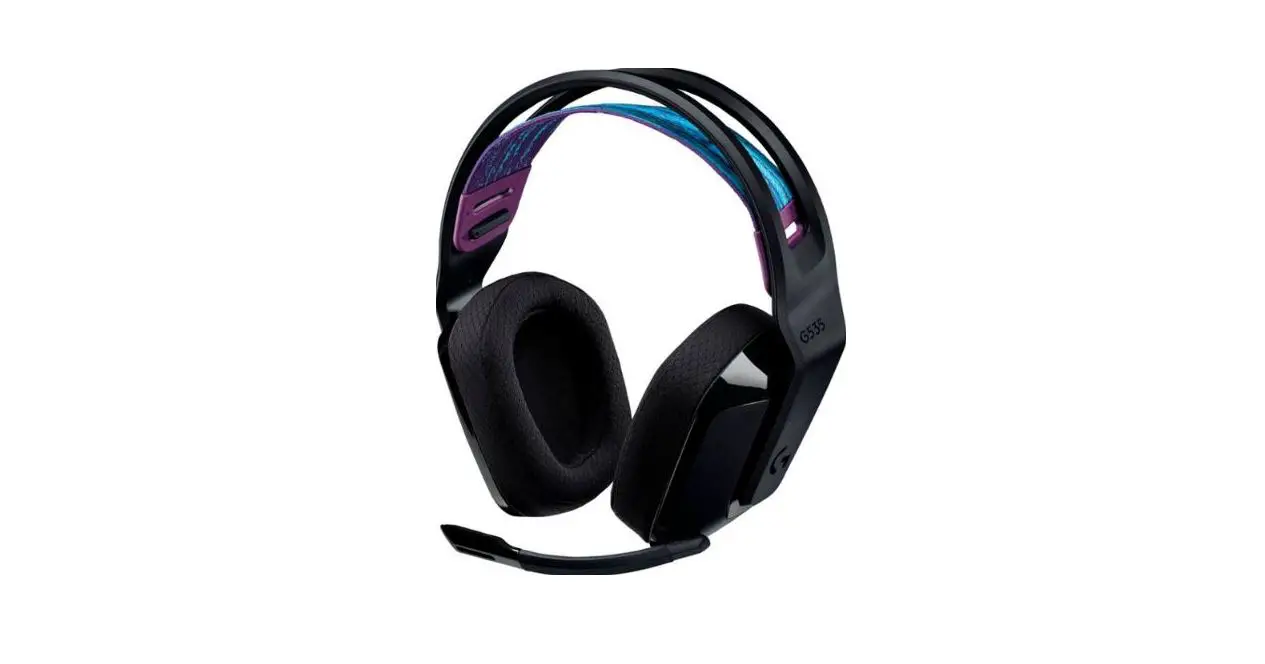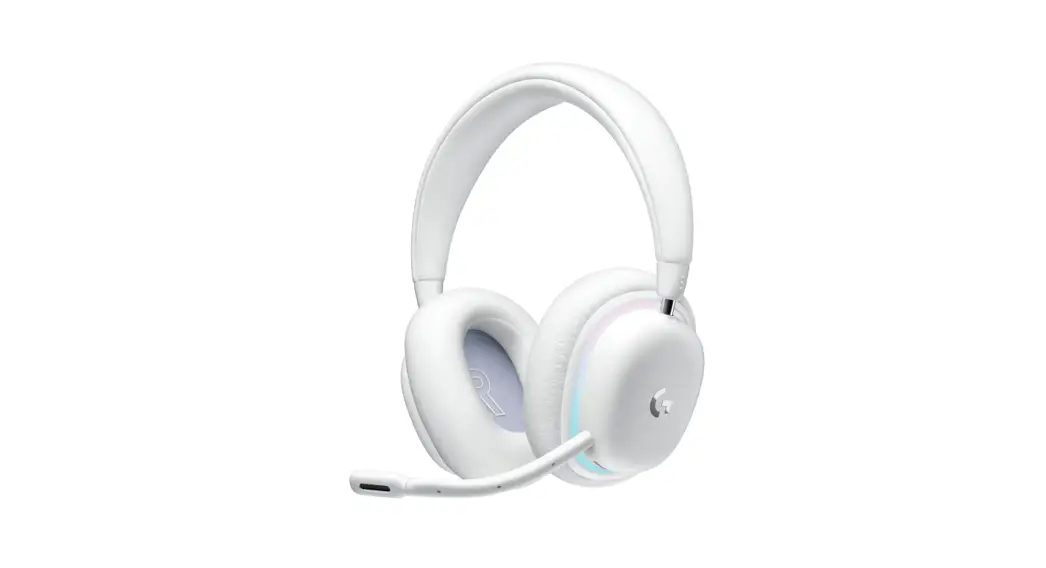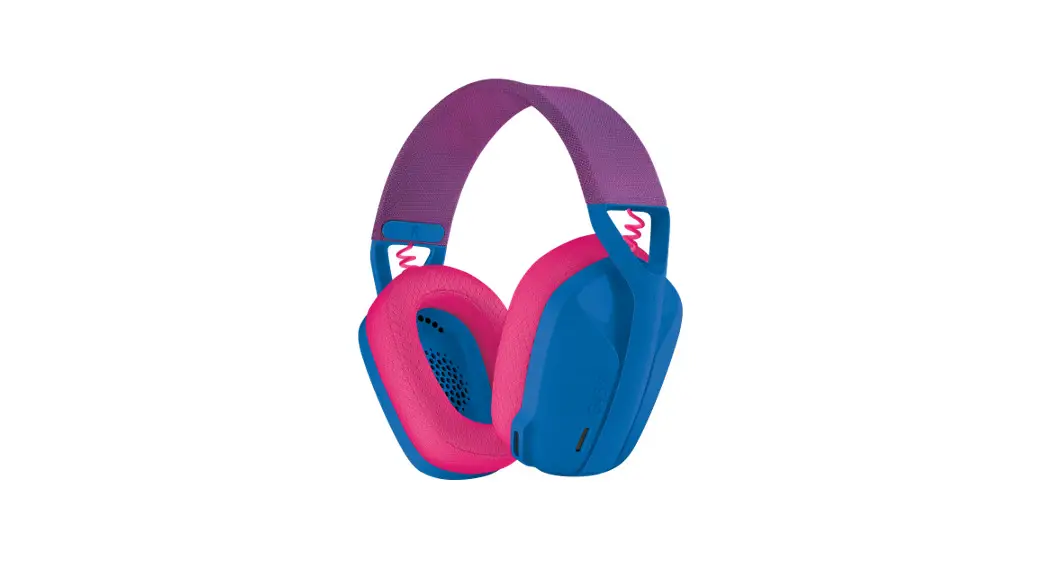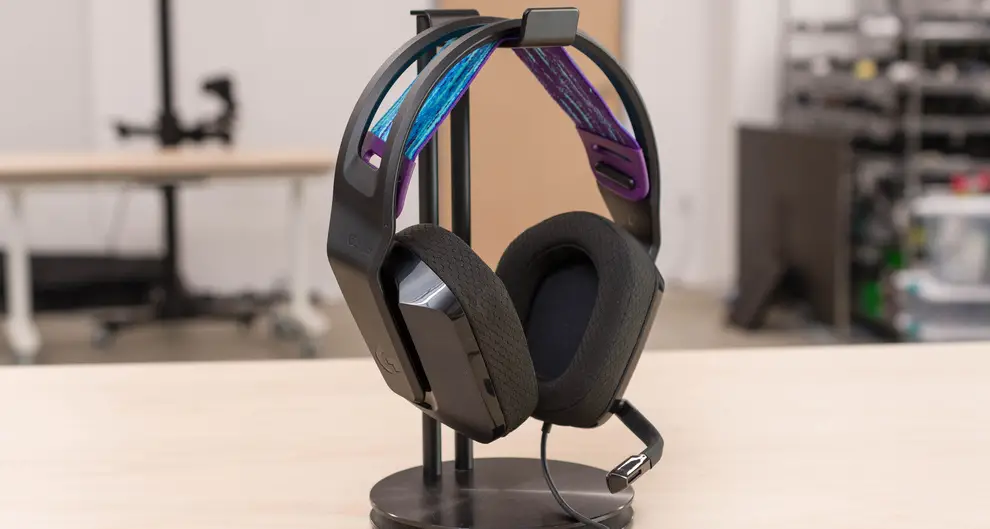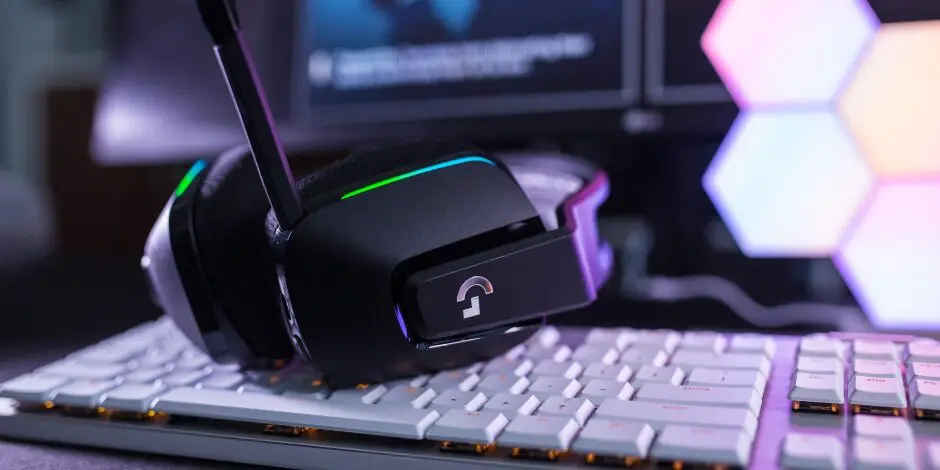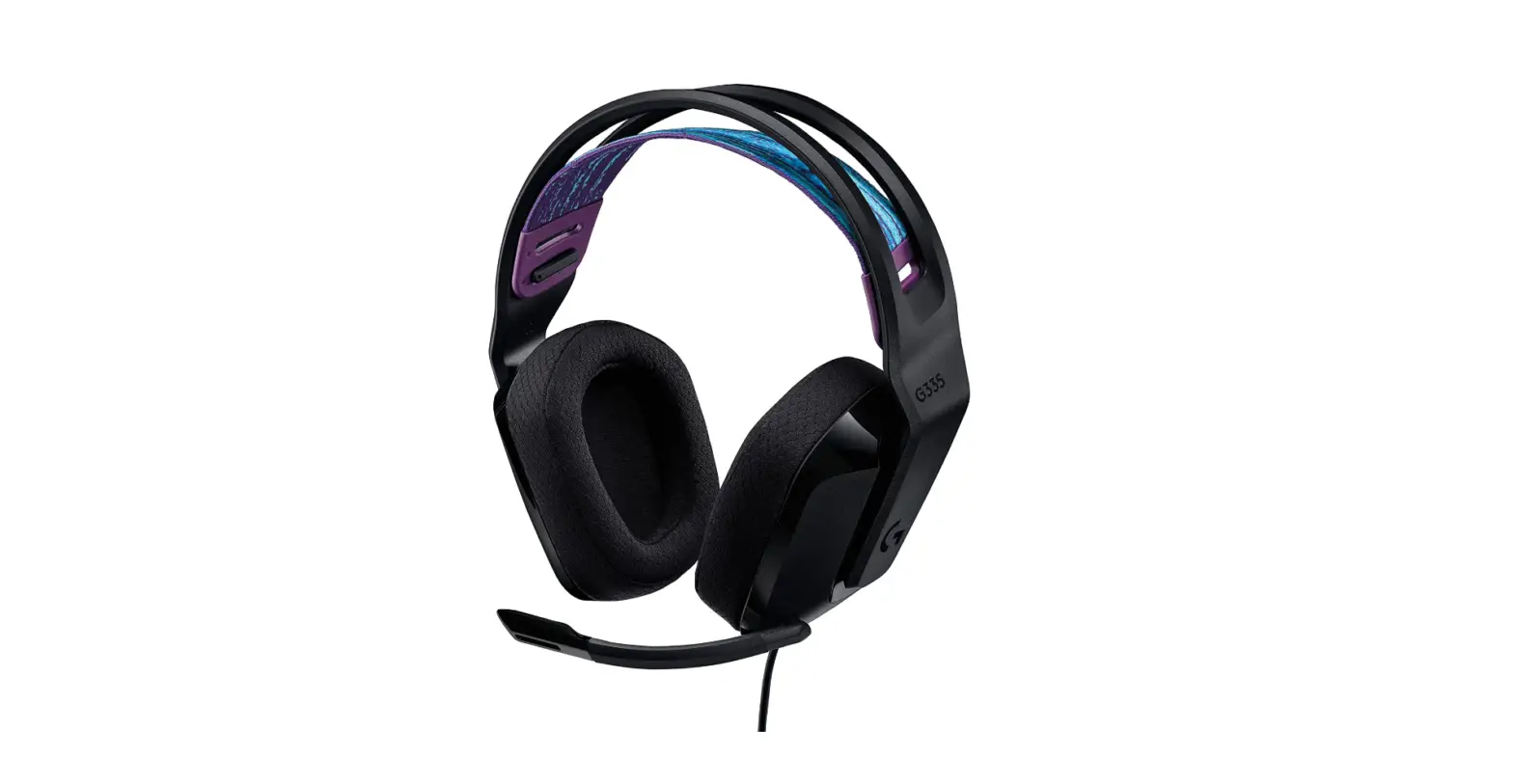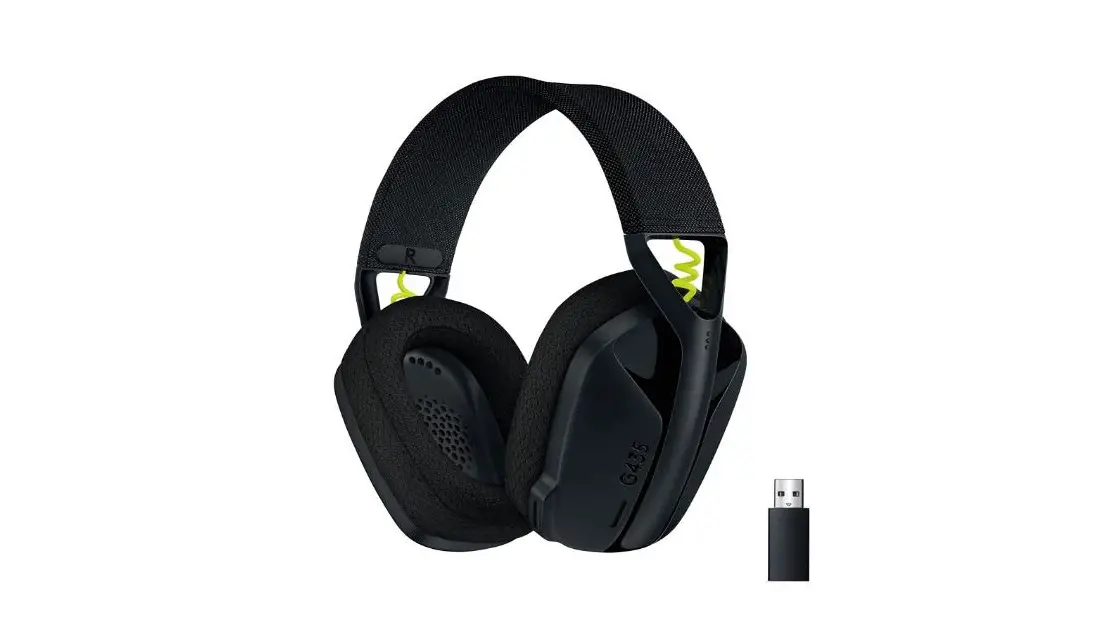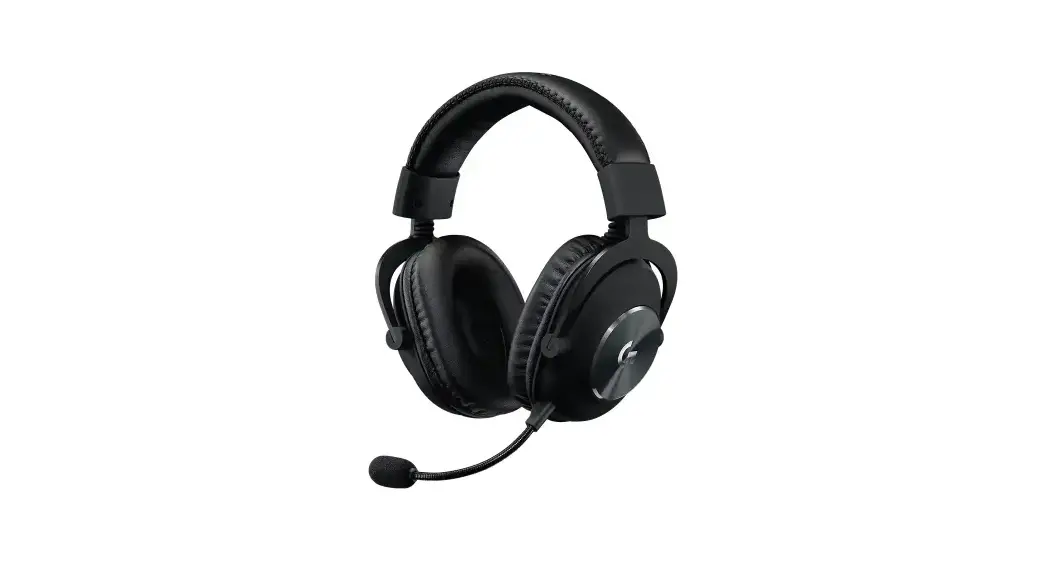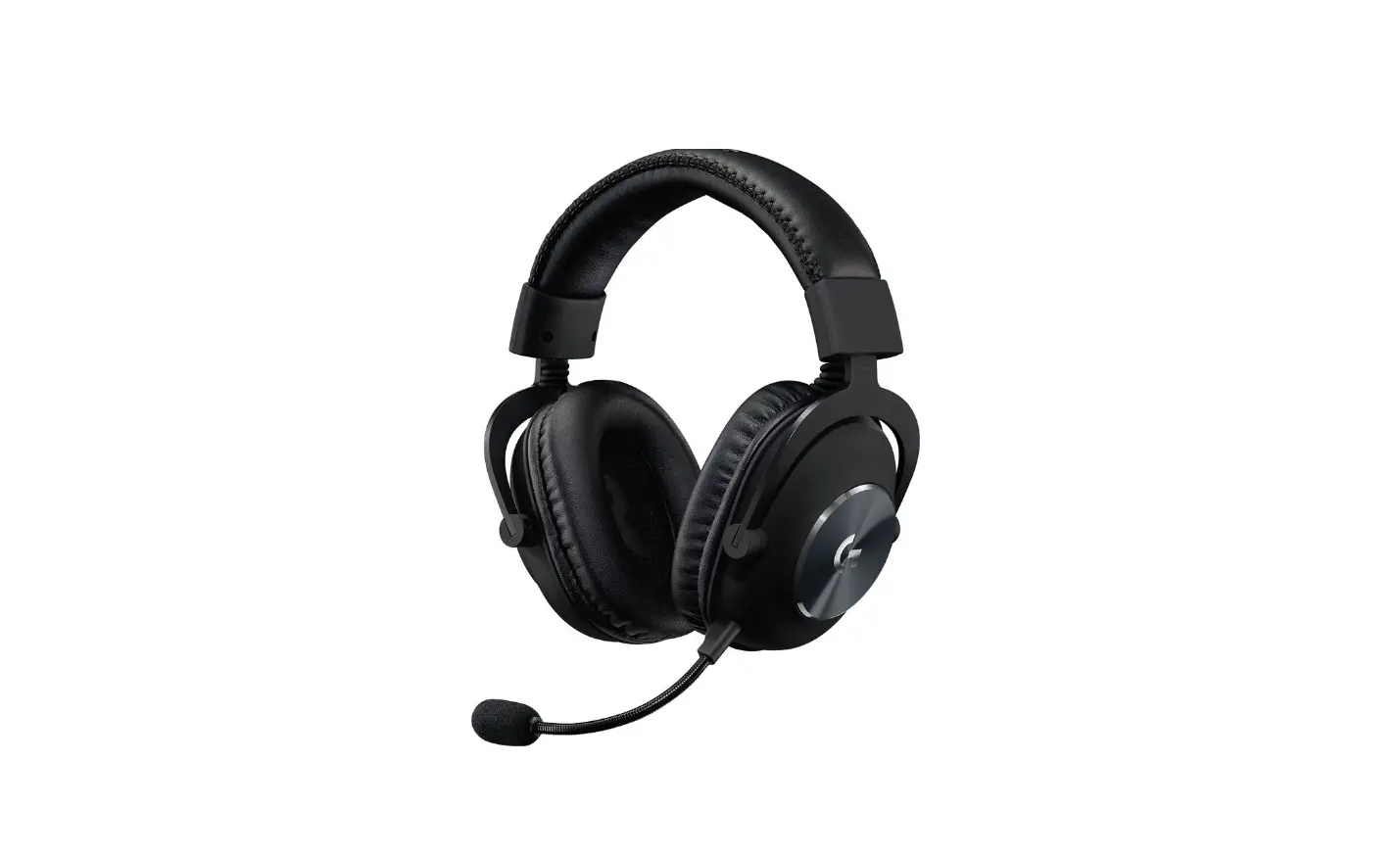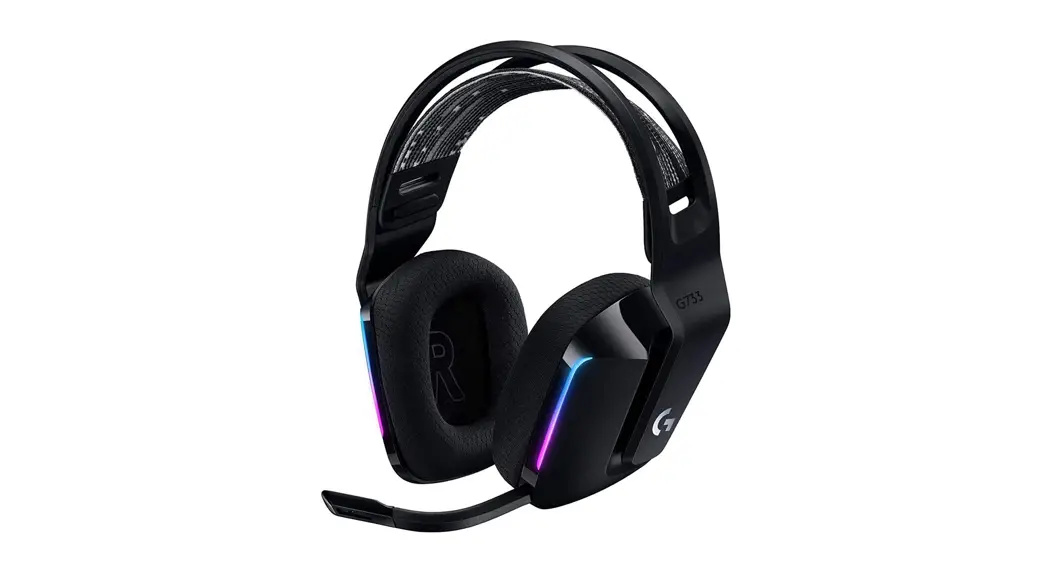
 G535
G535
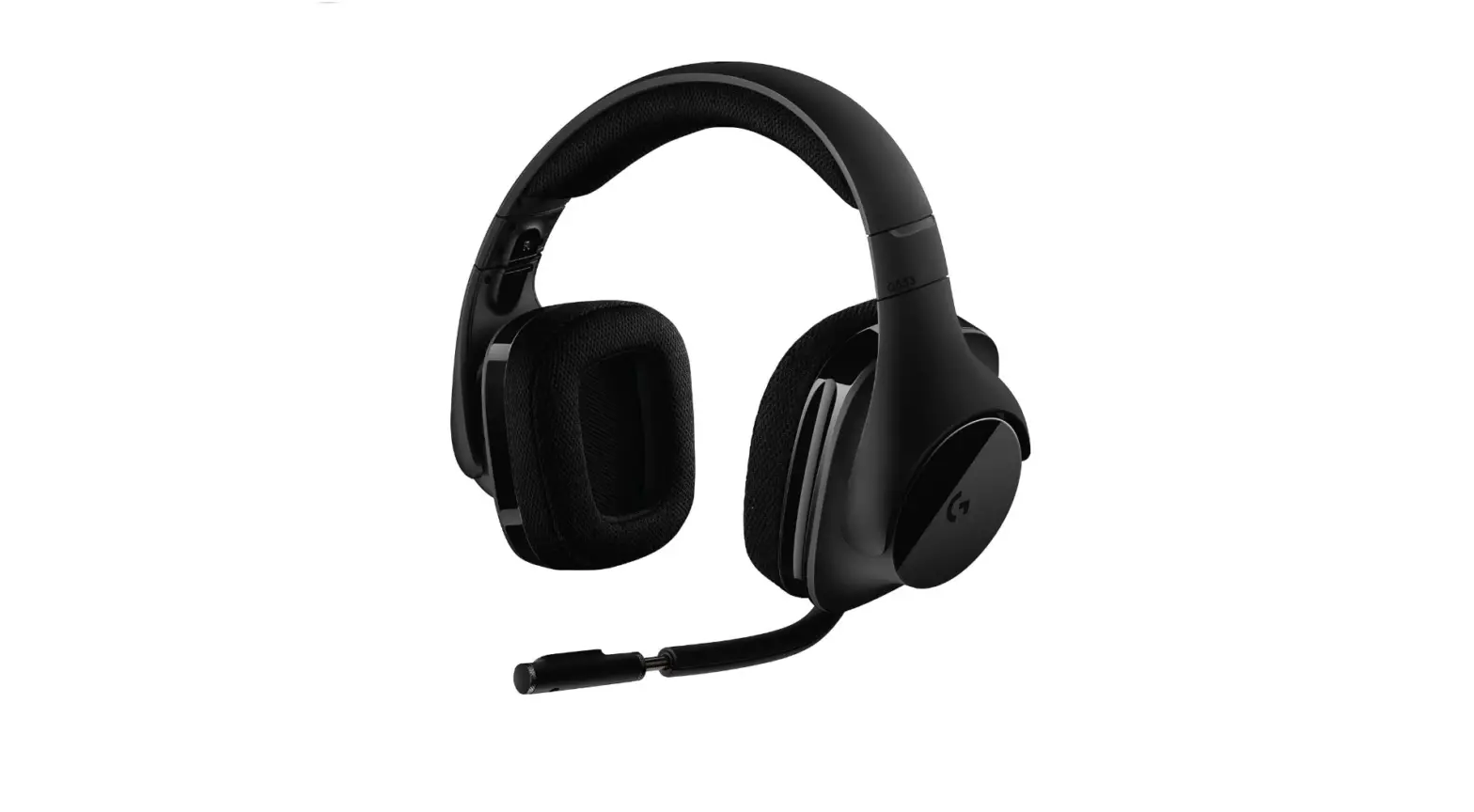
Wireless Gaming Headset
Casque gaming sans fil
SETUP GUIDE
GUIDE INSTALLATION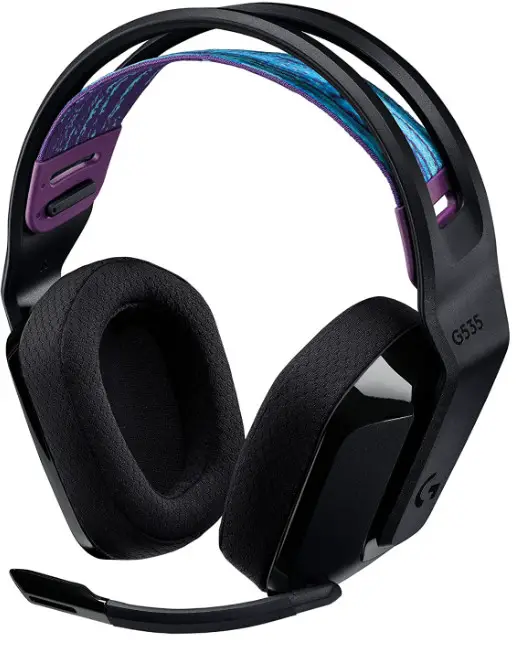
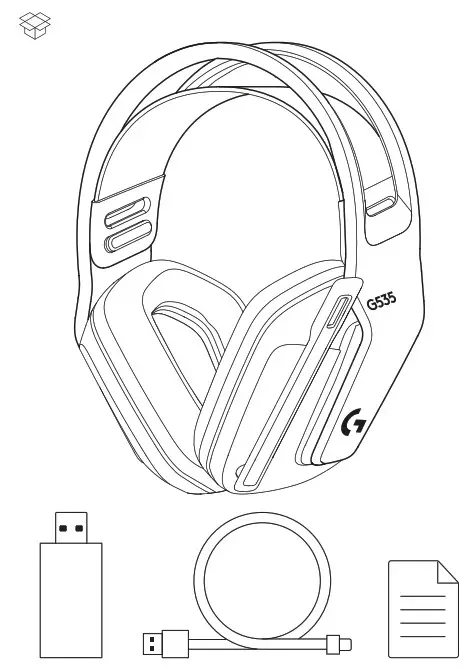
SETUP INSTRUCTIONS
– Insert the receiver into the USB port of your PC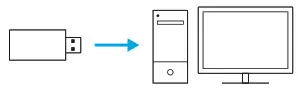 – Short press to turn ON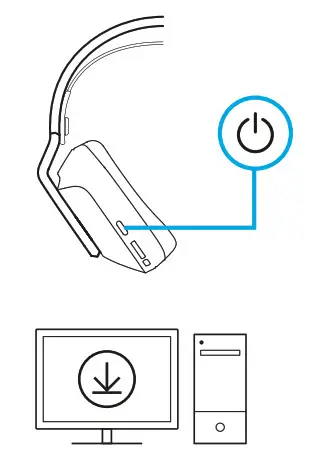
– (Optional) Download Logitech G HUB software to access advanced features Download at Logitech.com/hub
– The earcups can be adjusted up and down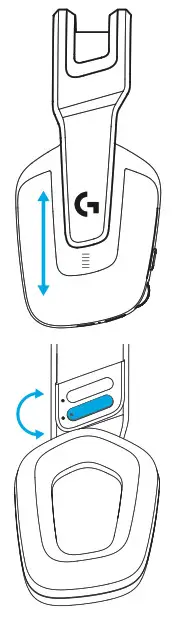 – The length of the headband can be adjusted
– Flip boom up to mute
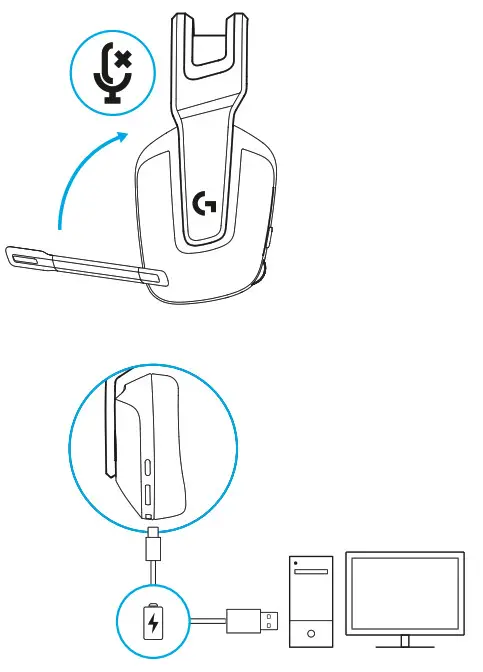 – Charge Headset when low on battery
FEATURES
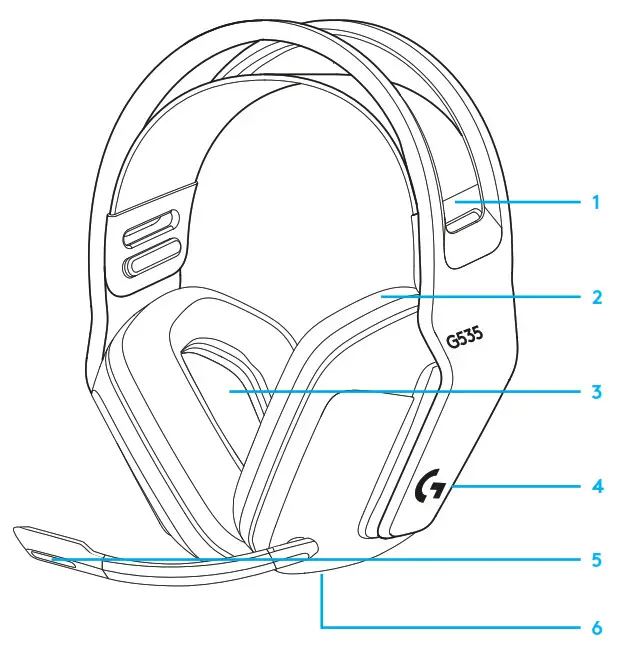
- Adjustable, reversible suspension band
- Memory foam earpads
- 40 mm drivers
- On-ear volume control
- Flip-to-mute 6-mm mic
- USB-C charging port
 ©2022 Logitech Logitech, Logitech G, Logi, and their respective logos are trademarks or registered trademarks of Logitech Europe S A and/or its affiliates in the U S and other countries All other trademarks are the property of their respective owners Logitech assumes no responsibility for any errors that may appear in this manual Information contained herein is subject to change without notice
FREQUENTLY ASKED QUESTIONS
www.logitechG.com/support/G535
 Logitech G HUB Advanced Gaming Software, RGB & Game Profiles