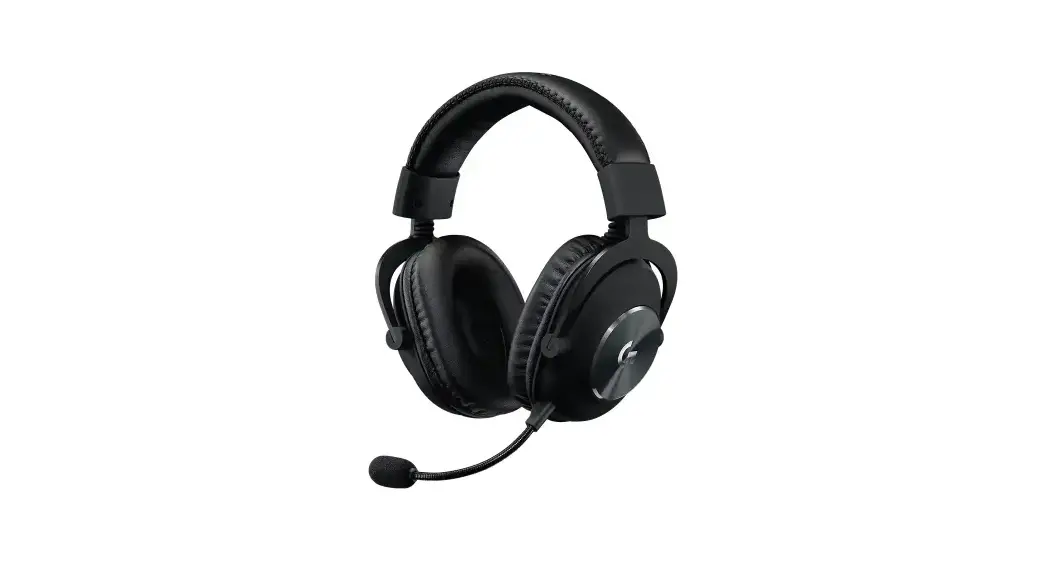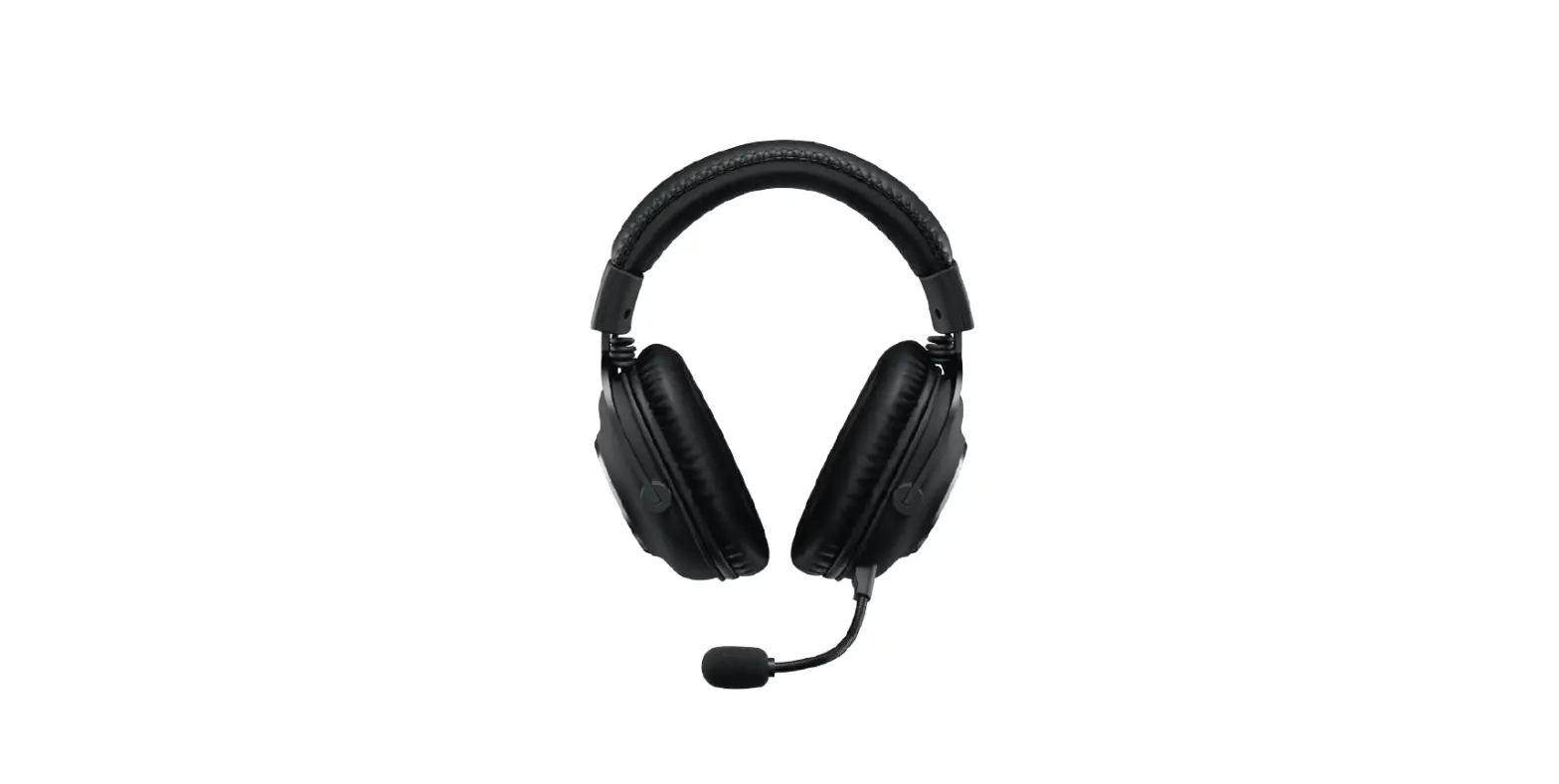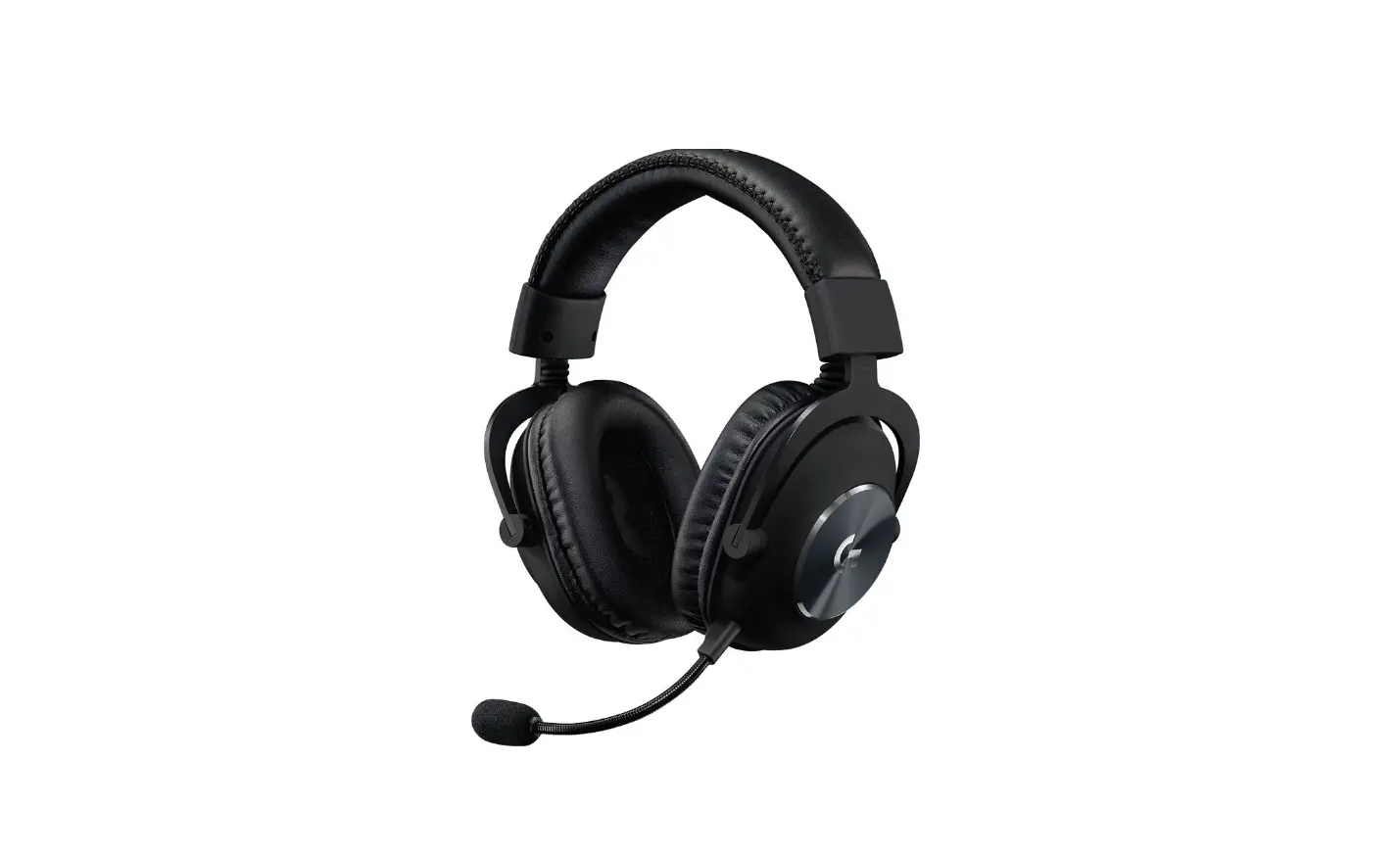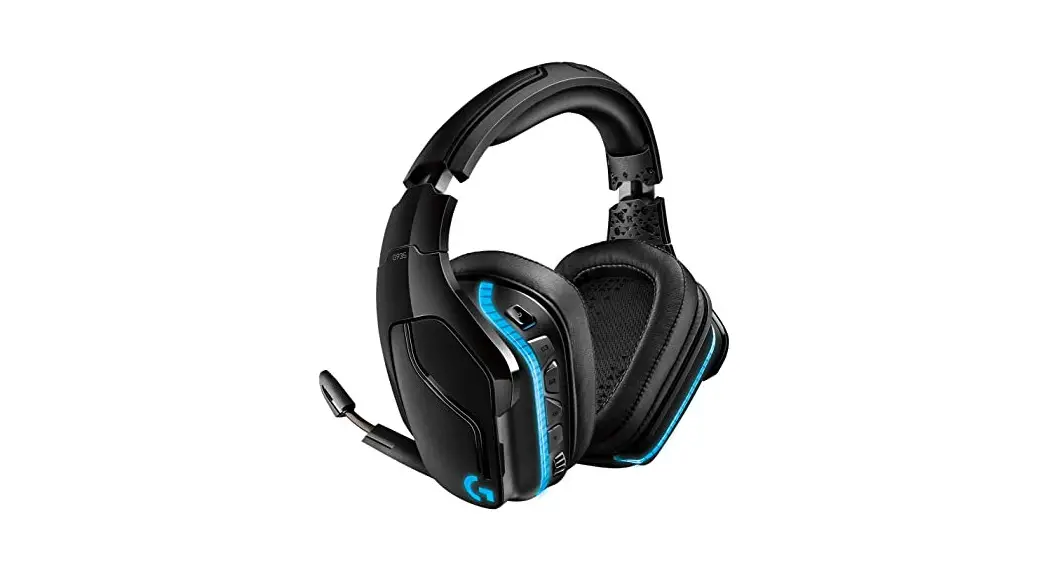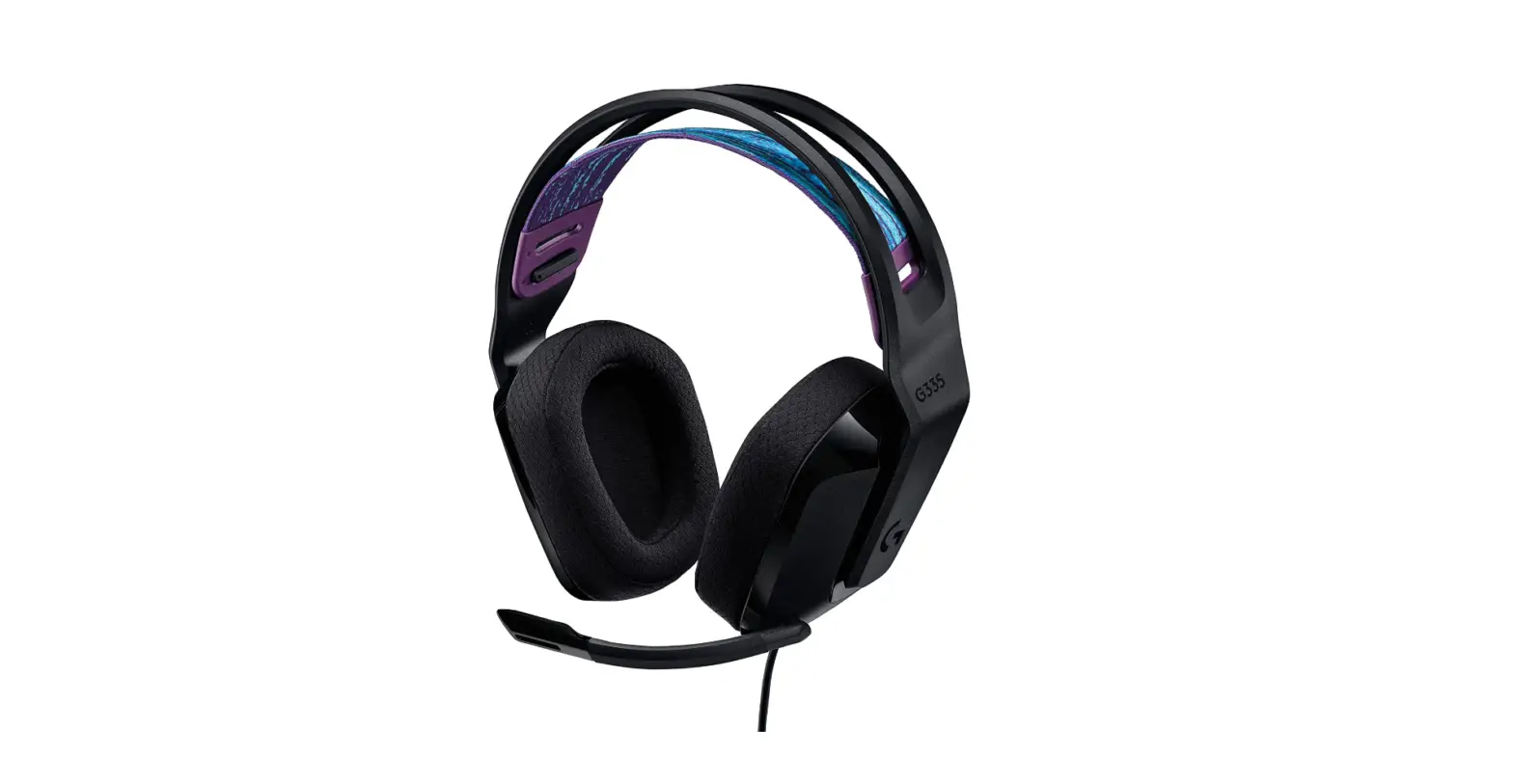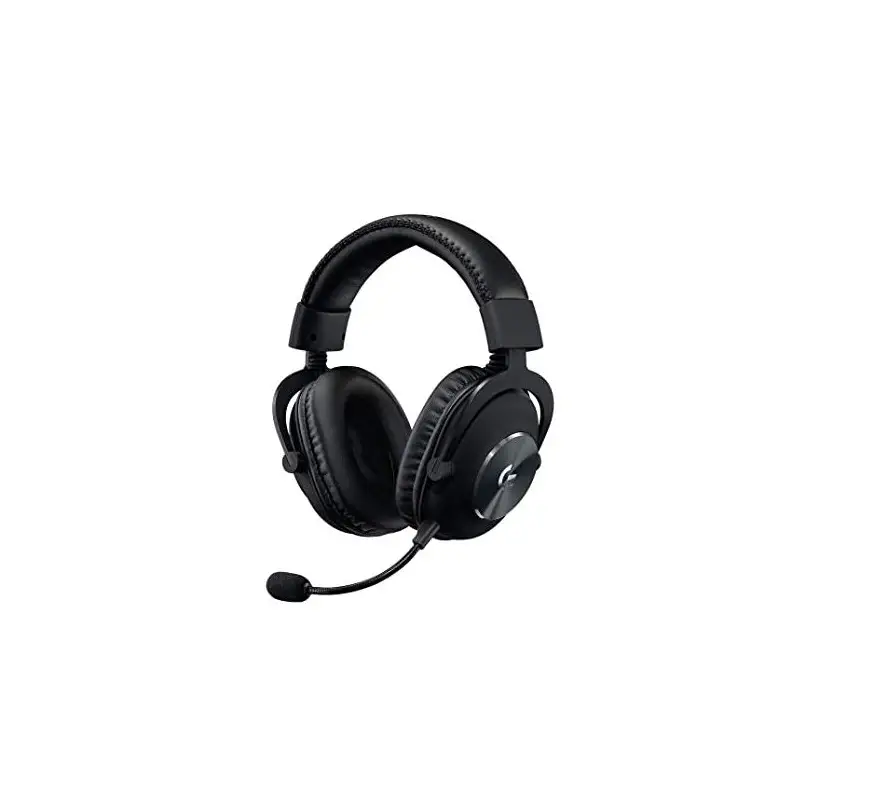
logitech Gaming Headset G PRO User Guide
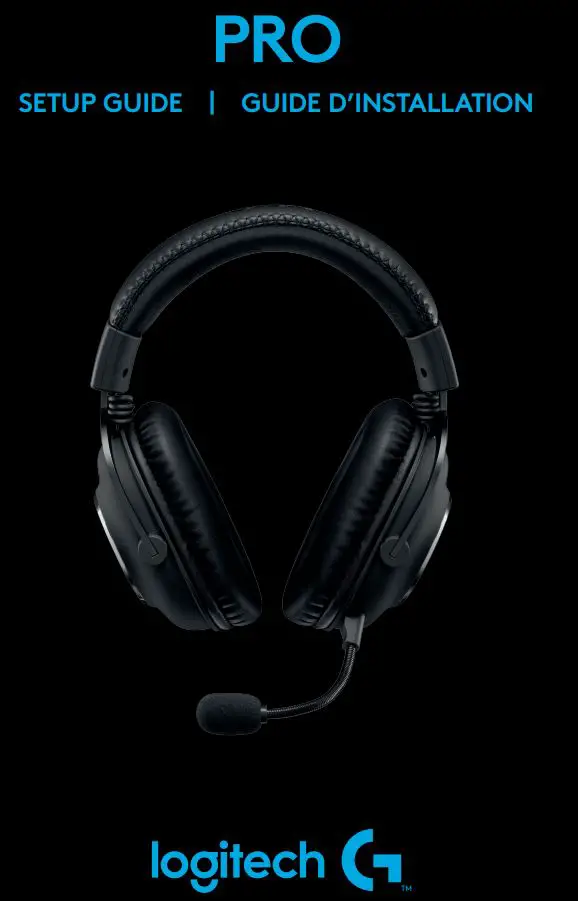
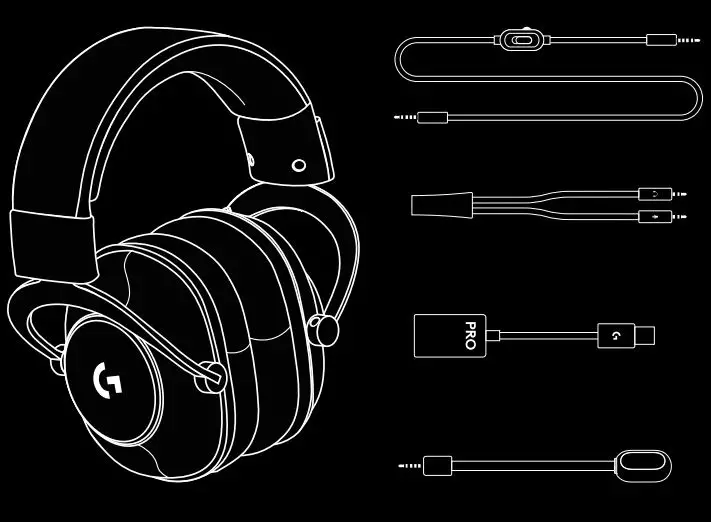
PC SETUP
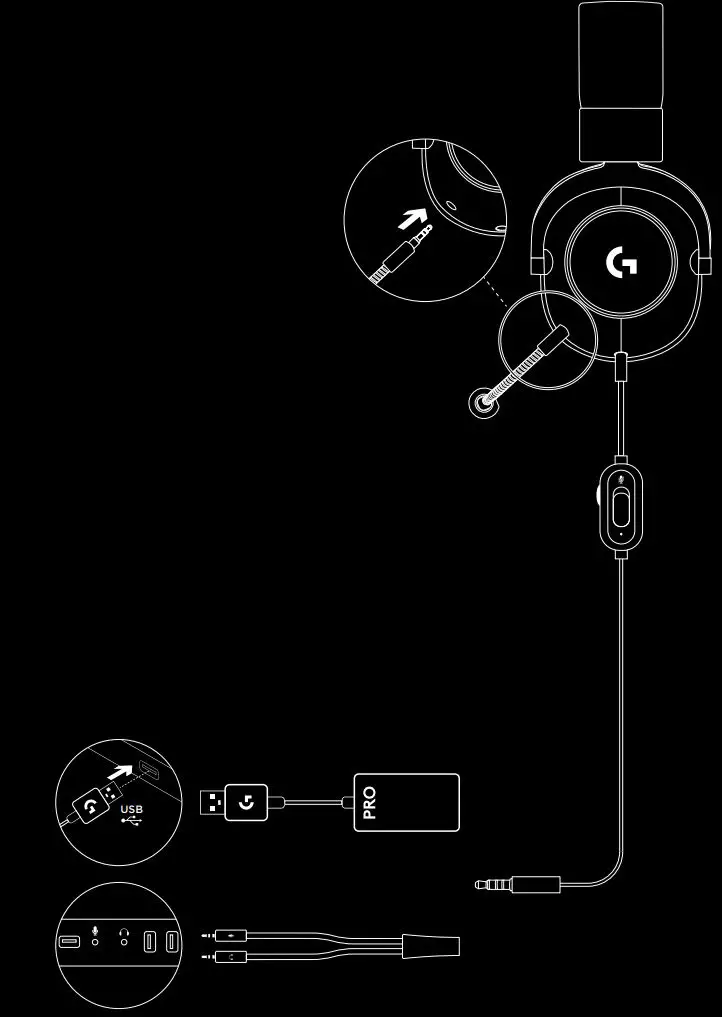
- Plugin microphone
- Plug console/PC cable into the headset
- Using USB DAC:
1 Plug console/PC cable into USB DAC
2 Plug USB DAC into PC1 - Using PC sound card:
1 Plug console/PC cable into PC splitter
2 Plug PC splitter into PC’s headphone and mic ports
1 Included USB DAC enables 5-band EQ tuning on PC Requires Logitech G HUB software download
CONSOLE SETUP (XBOX ONETM, PLAYSTATION®4)
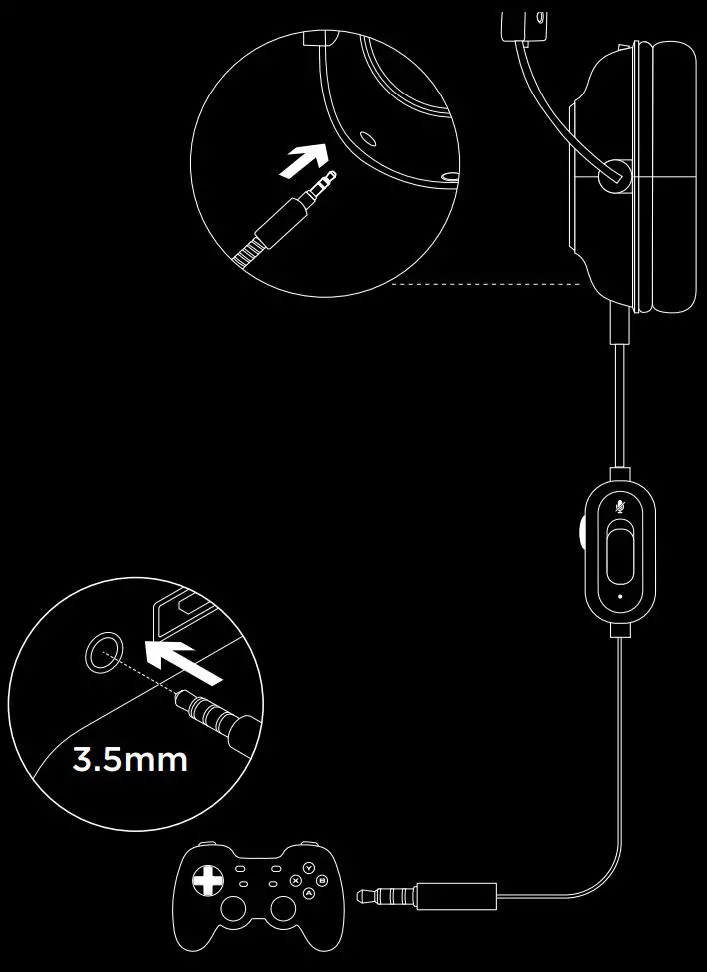
- 1 Plugin microphone
- 2 Plug console/PC cable into the headset
- 3 Plug another end into controller2
2 Instructions may vary based on your system version Please check your console manual for additional guidance Some Xbox One controllers may require Xbox One Stereo Headset Adapter, sold separately
FREQUENTLY ASKED QUESTIONS
Q: How do I save a custom EQ to the USB DAC?
A: Connect the USB DAC to a PC’s USB port and use G HUB software to download a pre-configured EQ from your favorite pro gamer, or to configure your own custom EQ settings After using G HUB to save your EQ to the DAC, you can then enjoy your custom settings even on tournament PCs with no G HUB software installed
www.logitechG.com/GHUB
www.logitechG.com/support/proheadset

© 2019 Logitech, Logitech G, Logi, and their respective logos are trademarks or registered trademarks of Logitech Europe S. A and/or its affiliates in the U.S and other countries All other trademarks are the property of their respective owners
WEB-621-001470 002