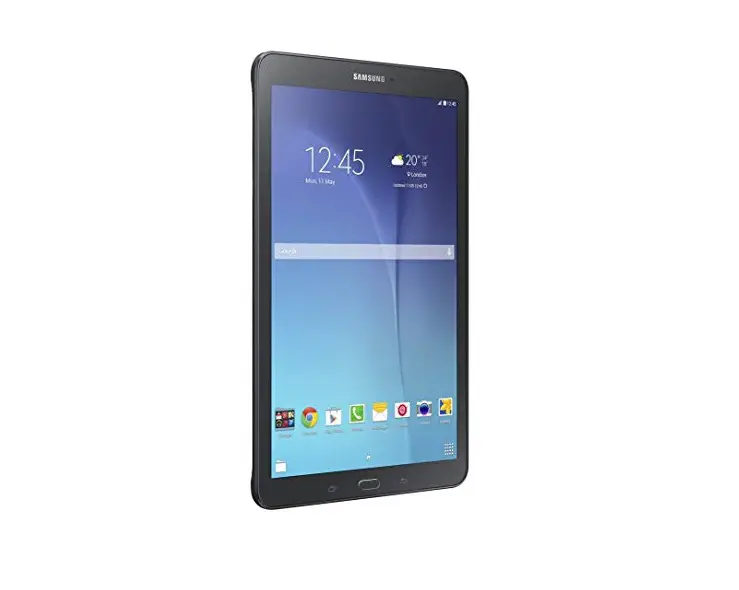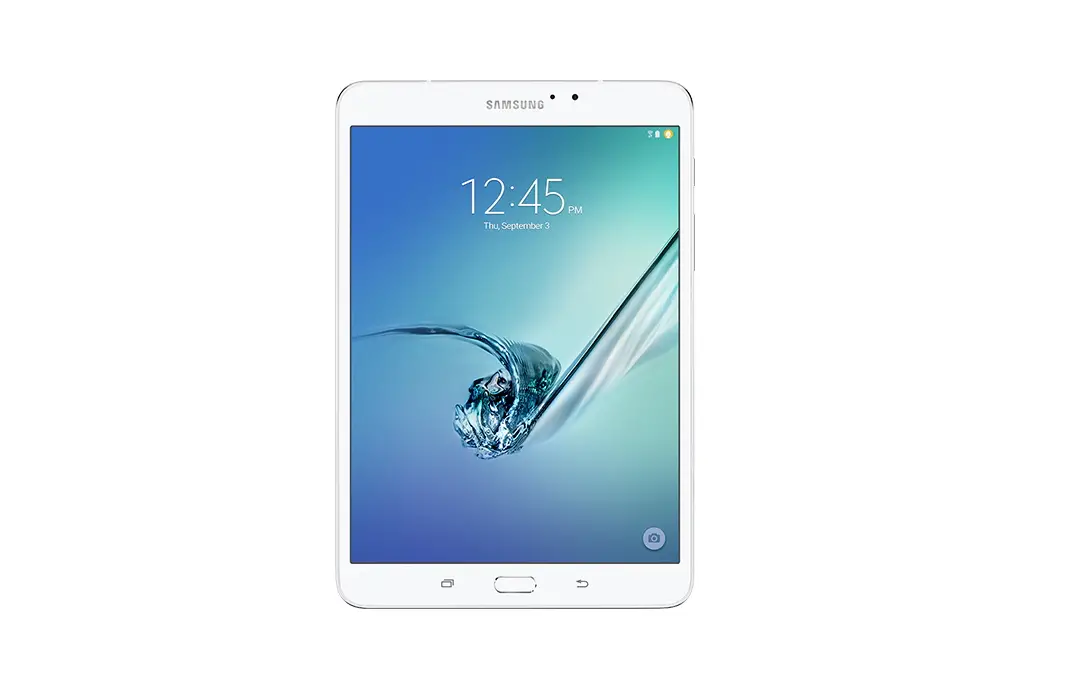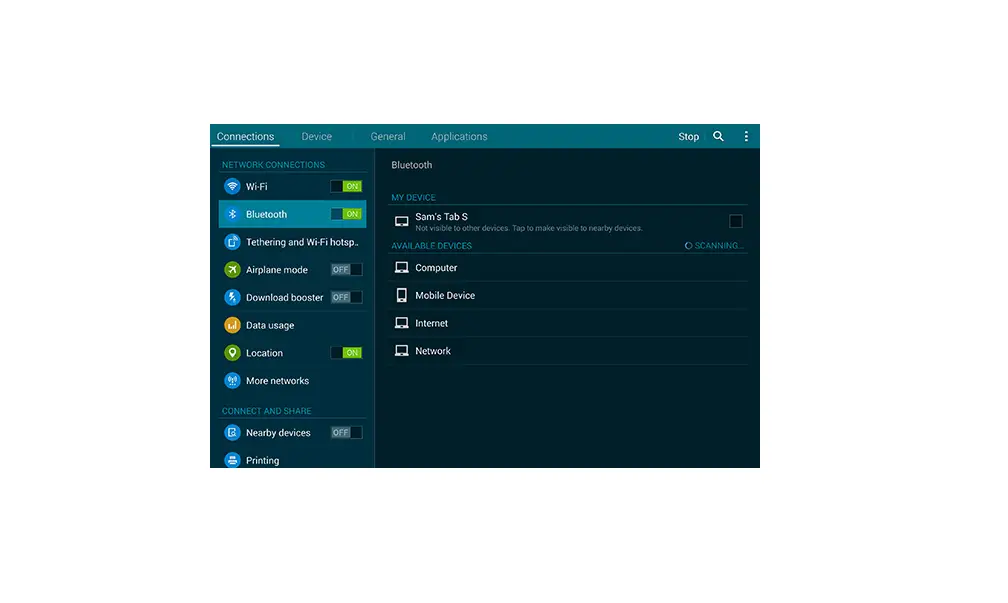
Turn Bluetooth On / Off – Samsung Galaxy Tab S 10.5
- From a Home screen, navigate: Apps icon
 > Settings.
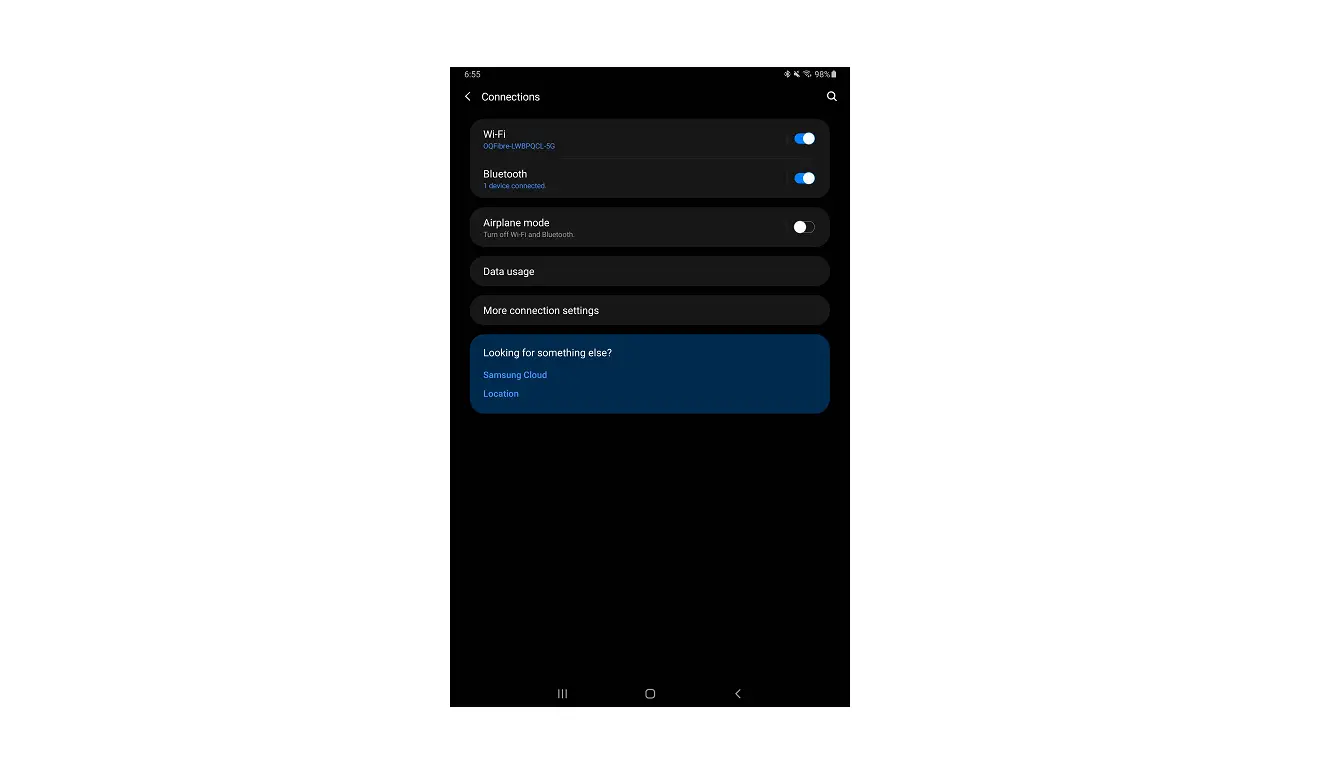
 - From the Wireless and networks section, tap the Bluetooth switch to turn on
 or off .
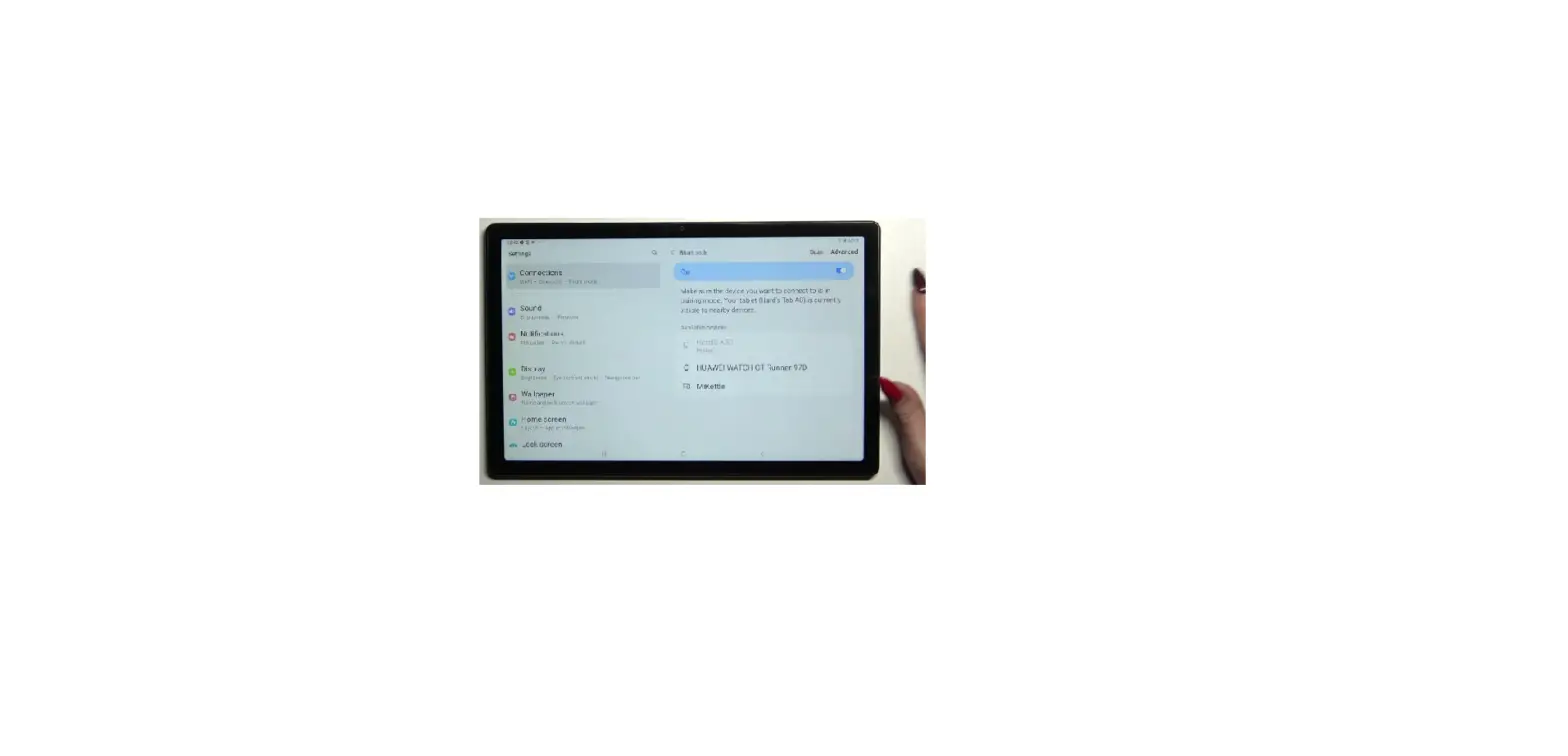
 To make your Samsung Galaxy Tab® S 10.5 to nearby Bluetooth® devices:
- Tap Bluetooth.
- Tap the device name. By default, the device is visible for 2 minutes.
- If necessary, tap the Menu icon
 (upper-right), tap Visibility timeout then select the desired option (e.g., 2 minutes, 5 minutes, etc.).
 > Settings.
 or off
  .
. To make your Samsung Galaxy Tab® S 10.5 to nearby Bluetooth® devices:
 (upper-right), tap Visibility timeout then select the desired option (e.g., 2 minutes, 5 minutes, etc.).