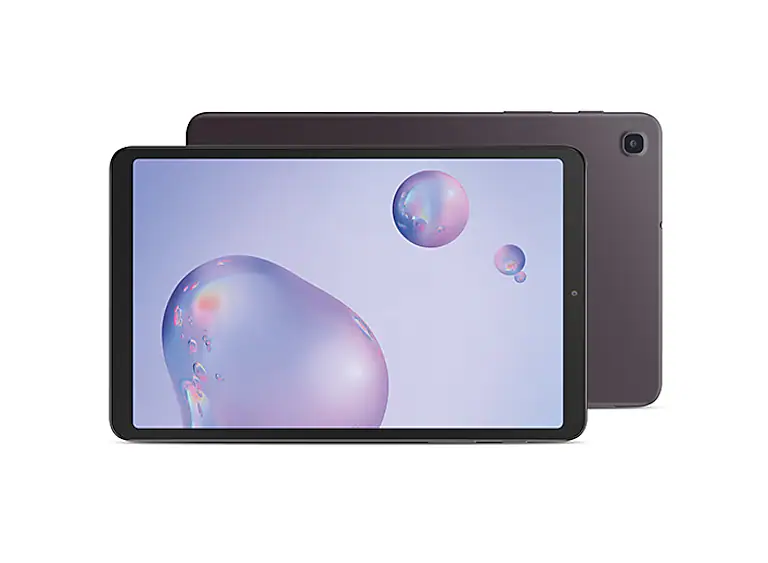
Samsung Galaxy Tab A (8.4 inch) – Turn Bluetooth On / Off
- From a Home screen, swipe up or down from the center of the display to access the apps screen.
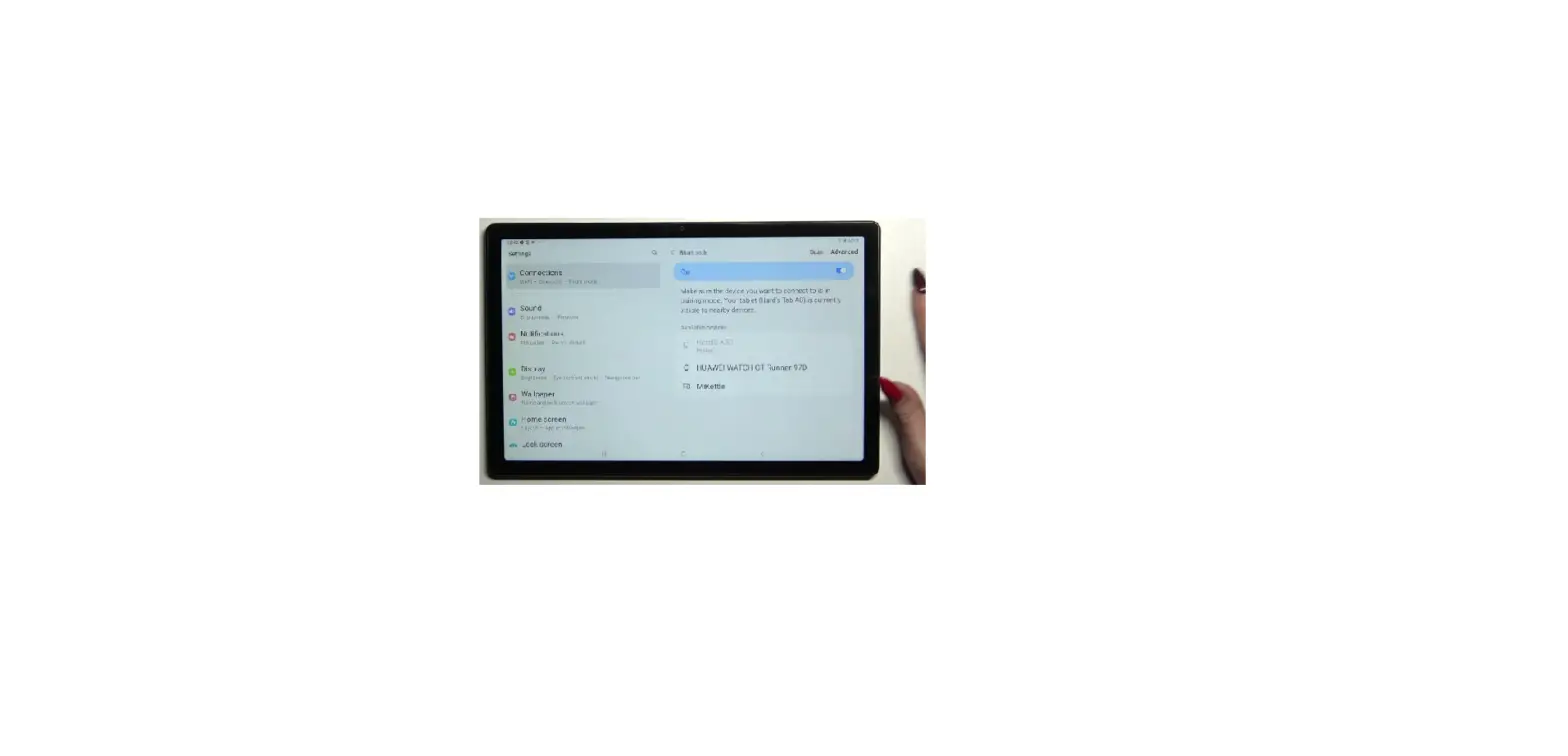
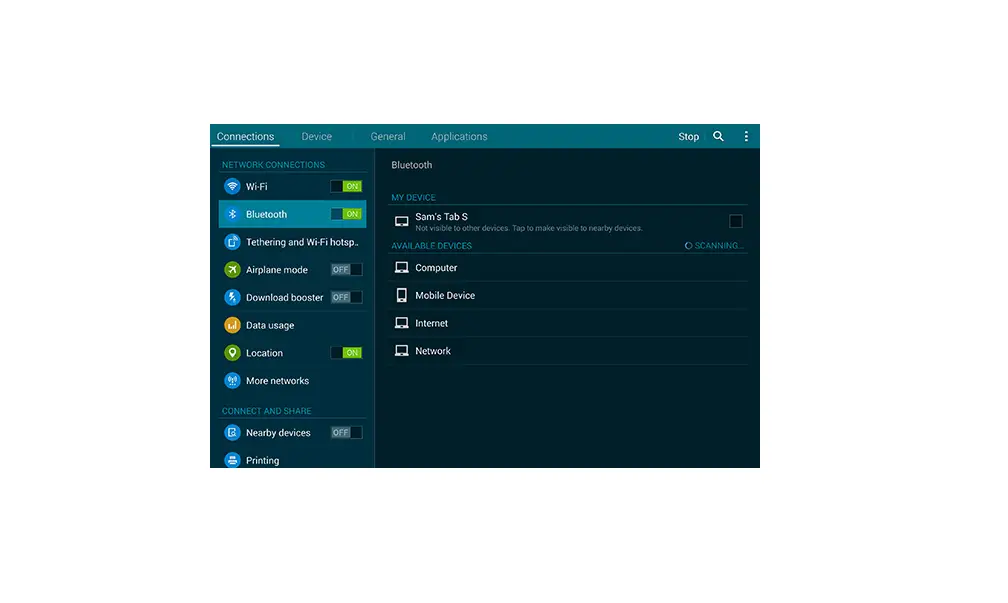
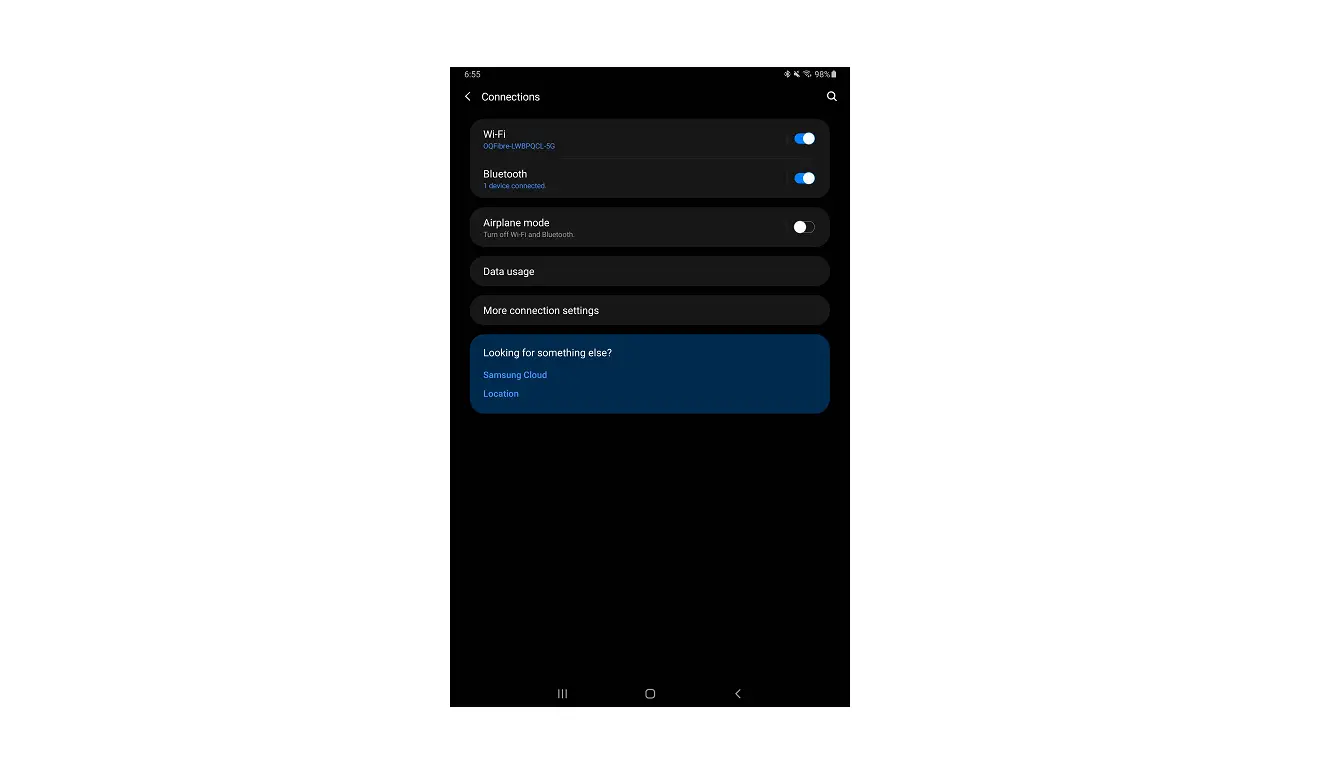
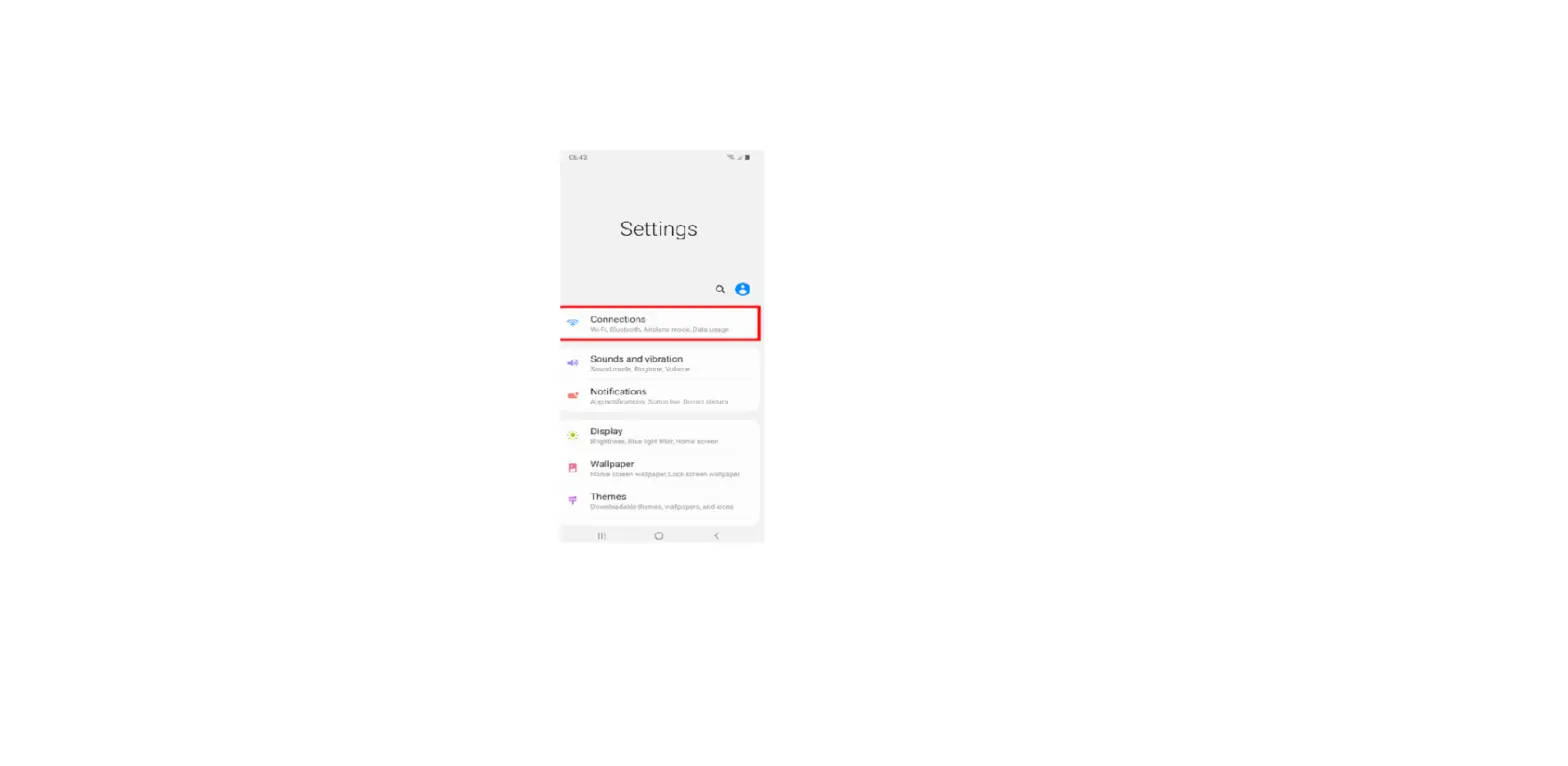
- Navigate: Settings
 > Connections > Bluetooth.
 - Tap the Bluetooth switch (upper-right) to turn on
 or off
  .
. Your Galaxy Tab A (8.4 inch) is visible to nearby devices when Bluetooth® is enabled and the Bluetooth settings screen is open.
 > Connections > Bluetooth.
 or off
  .
. Your Galaxy Tab A (8.4 inch) is visible to nearby devices when Bluetooth® is enabled and the Bluetooth settings screen is open.