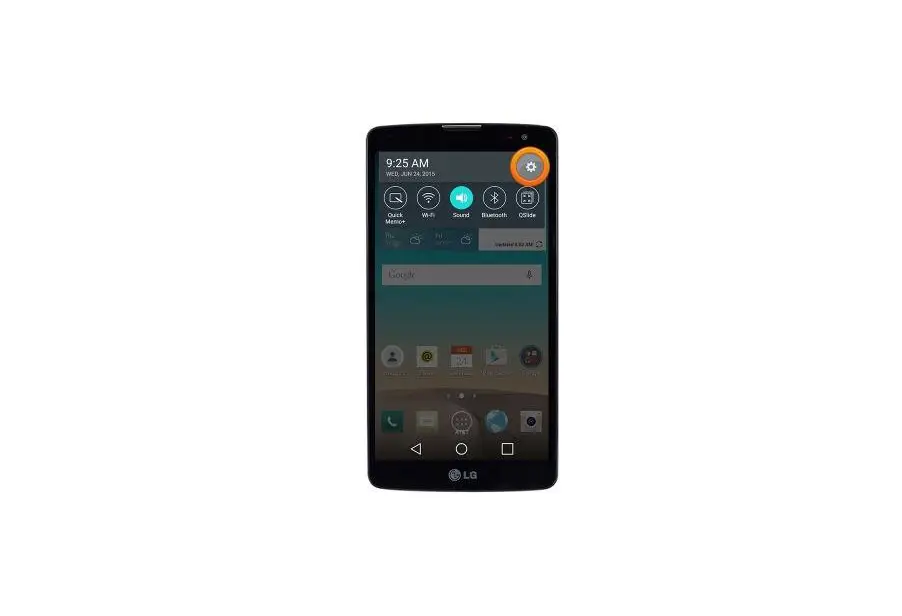
Turn Bluetooth On / Off – LG G Vista
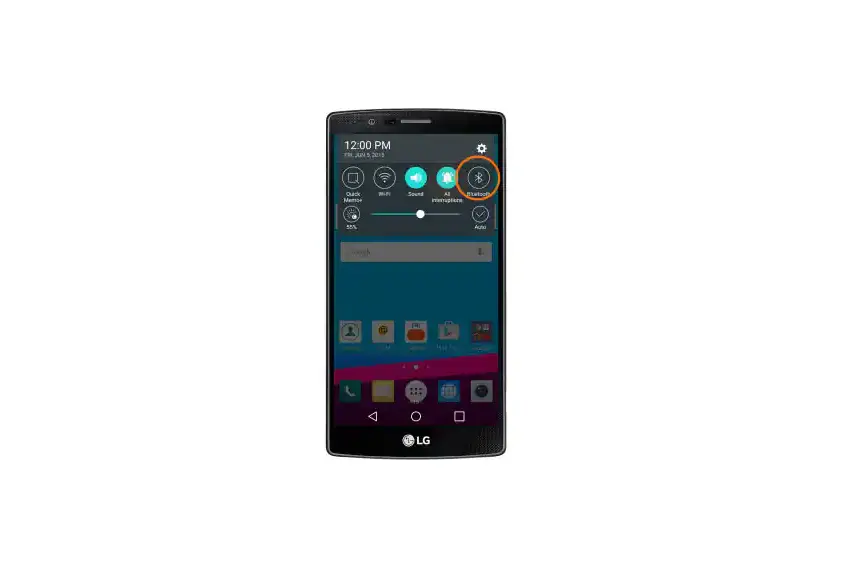
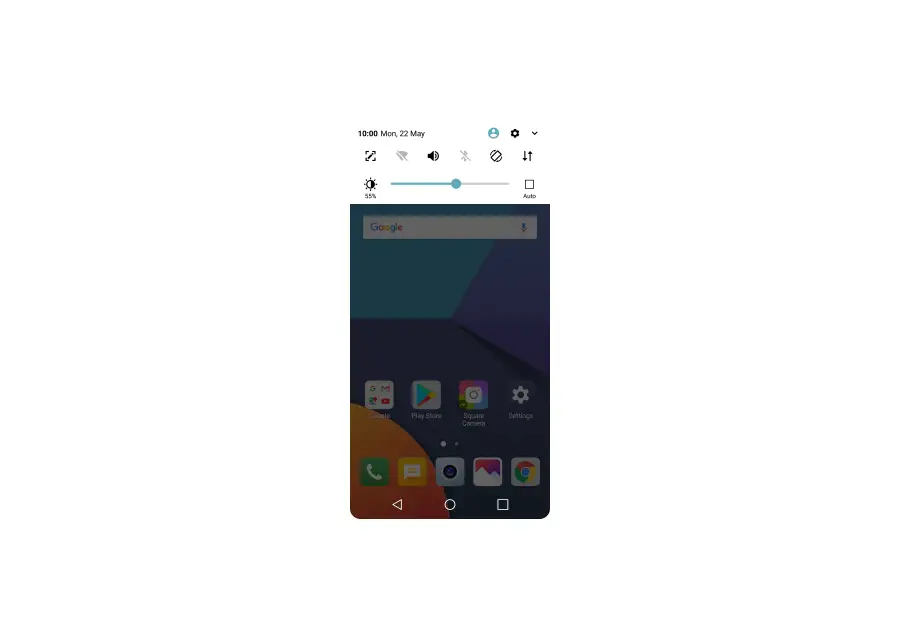
- From a home screen, tap Apps
 (at the bottom).
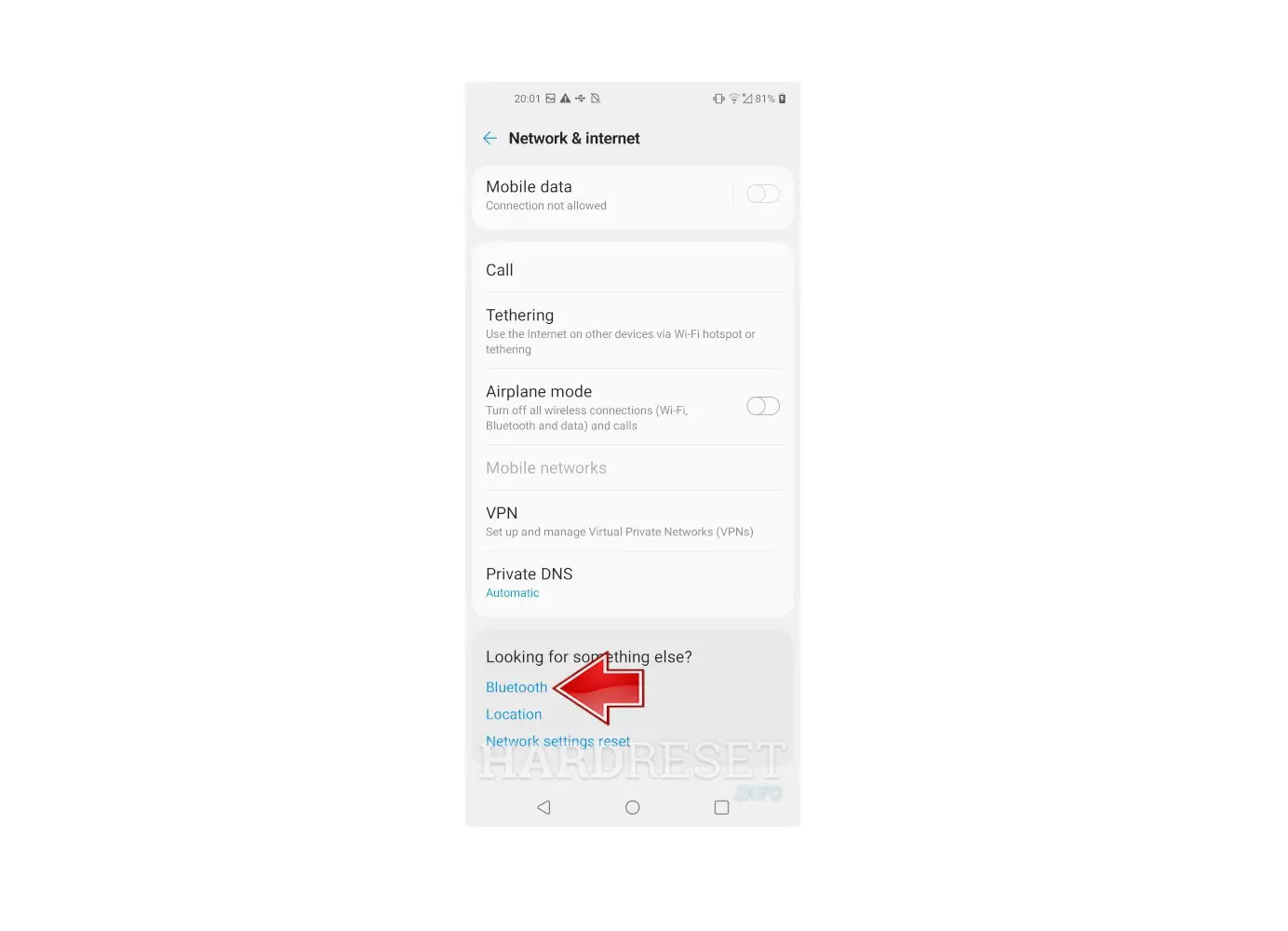
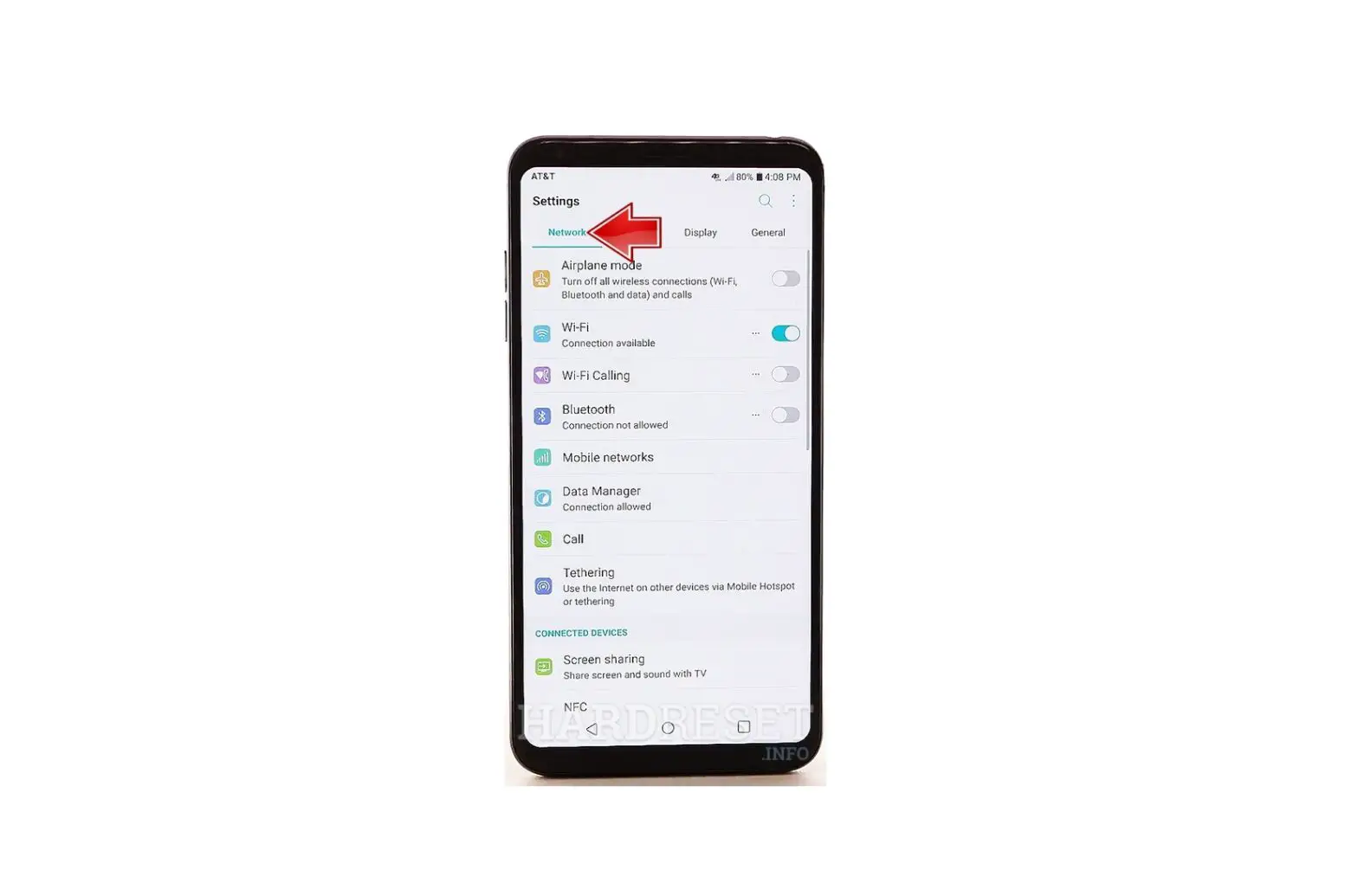
 - From the Apps tab, tap Settings .
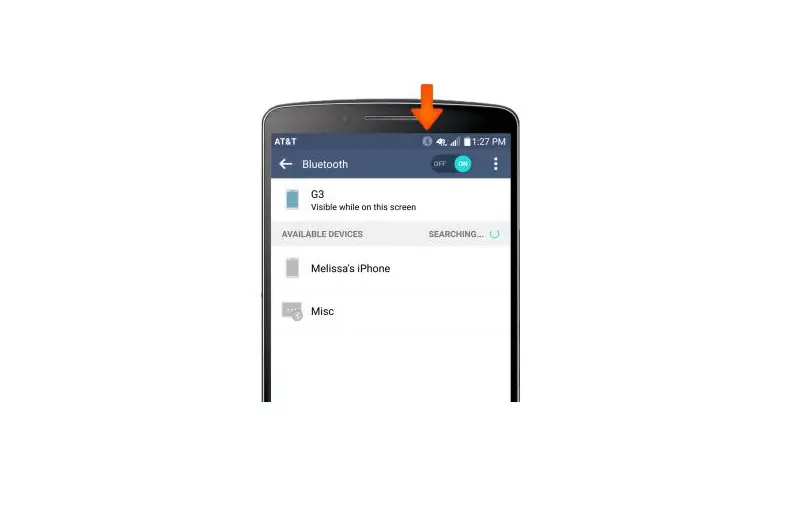
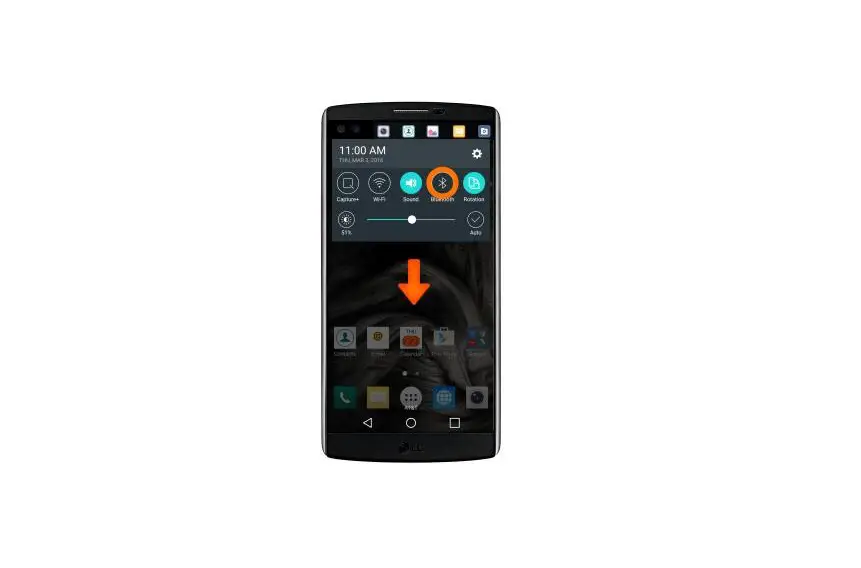
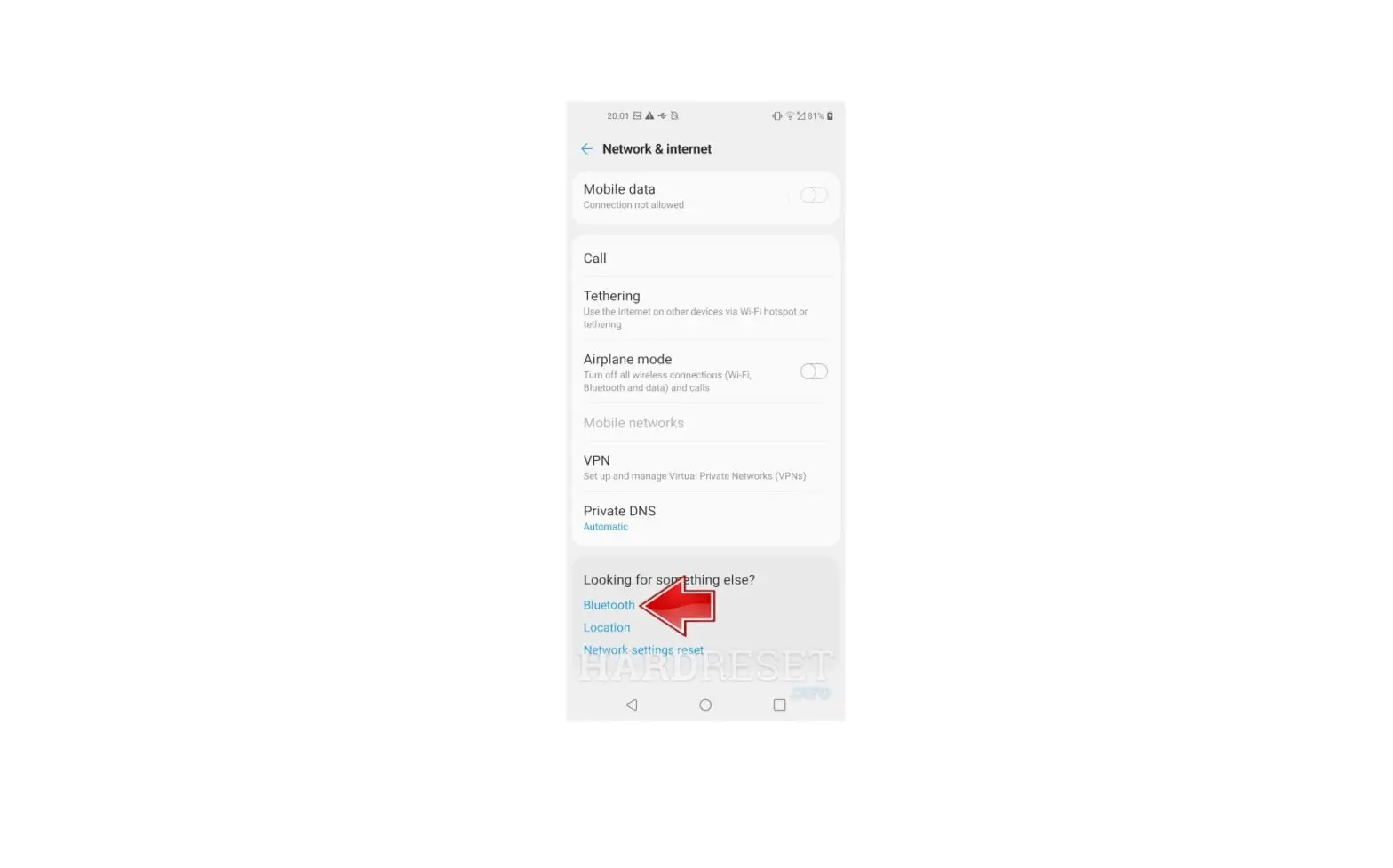
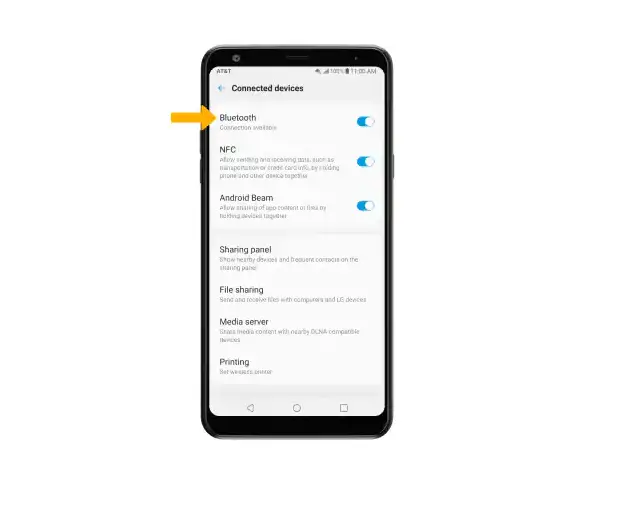
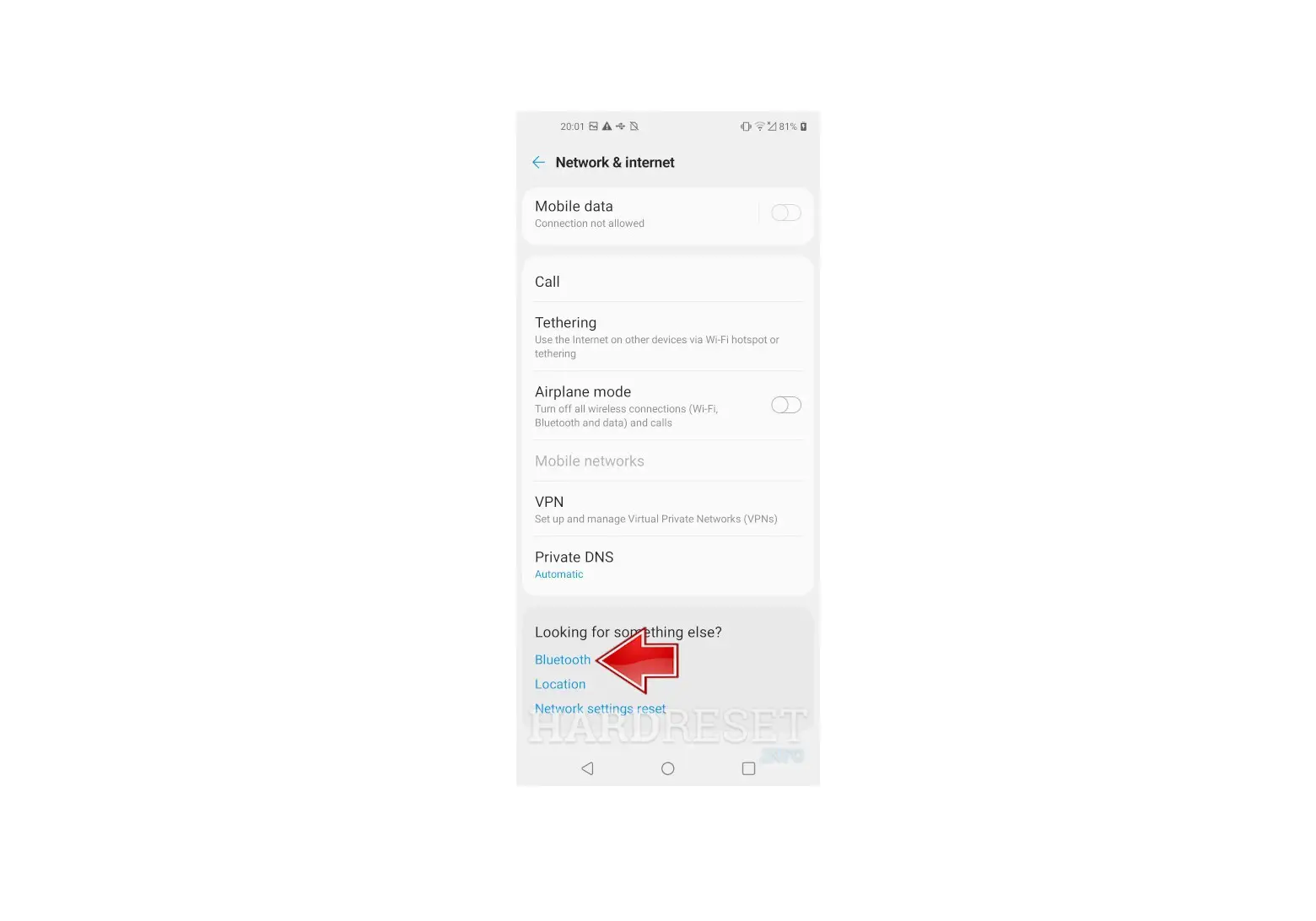
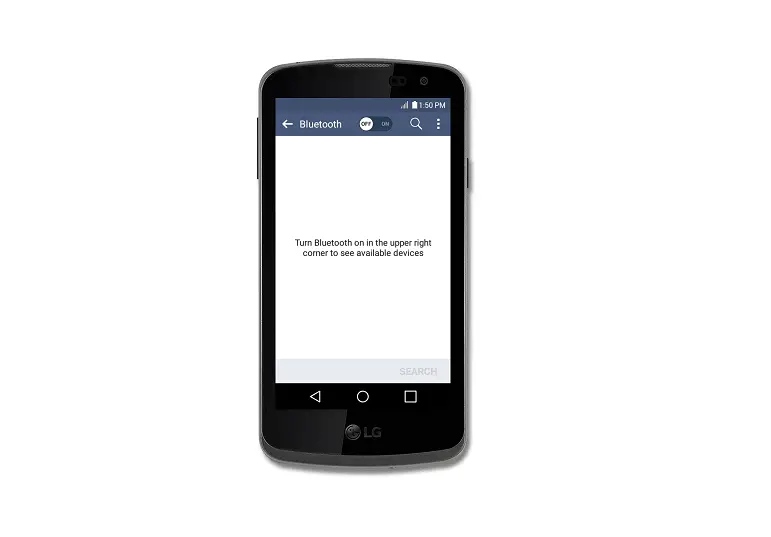
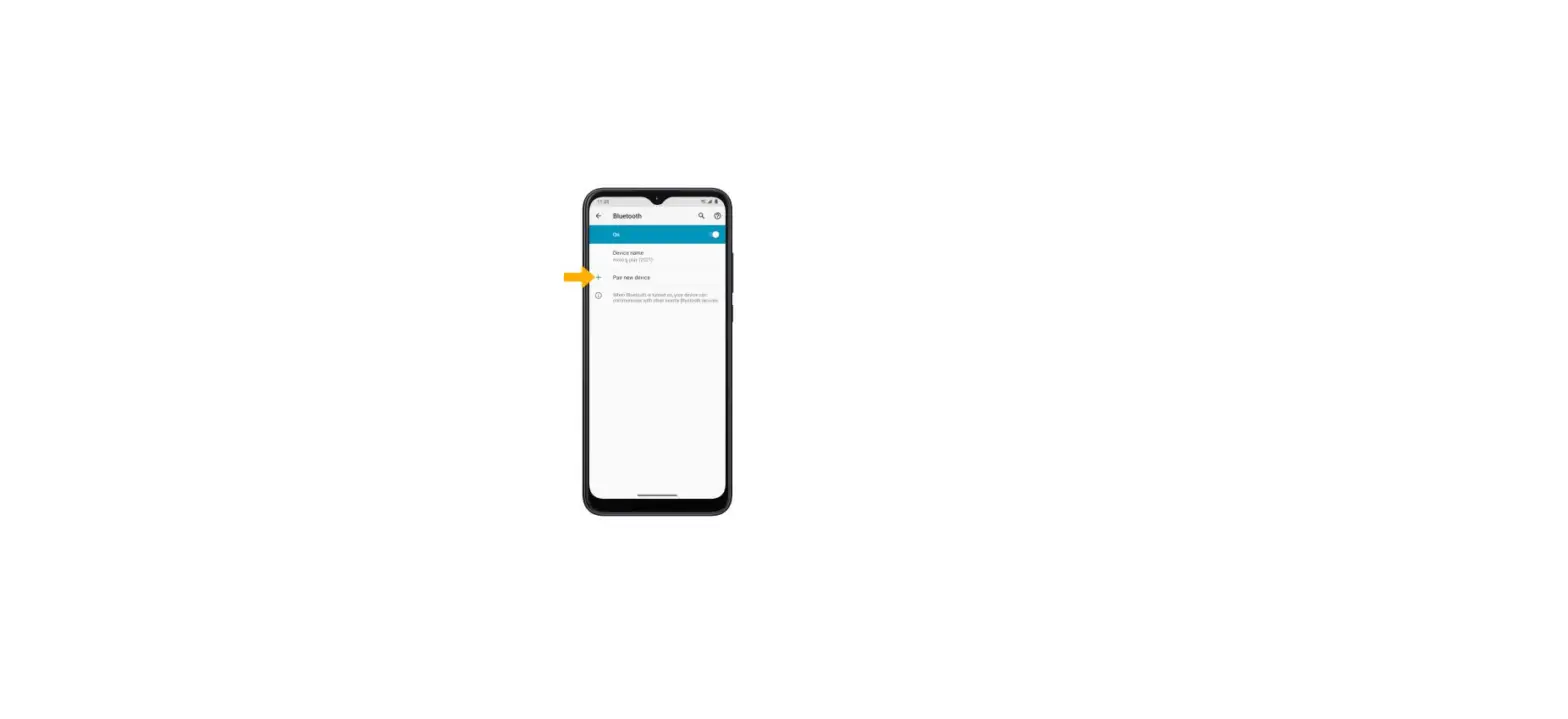
- Tap the Bluetooth switch to turn on
 or off .
 Your device is visible to other devices as long as the Bluetooth® settings screen is open and Bluetooth is turned on.
 (at the bottom).
 .
. or off
  .
. Your device is visible to other devices as long as the Bluetooth® settings screen is open and Bluetooth is turned on.