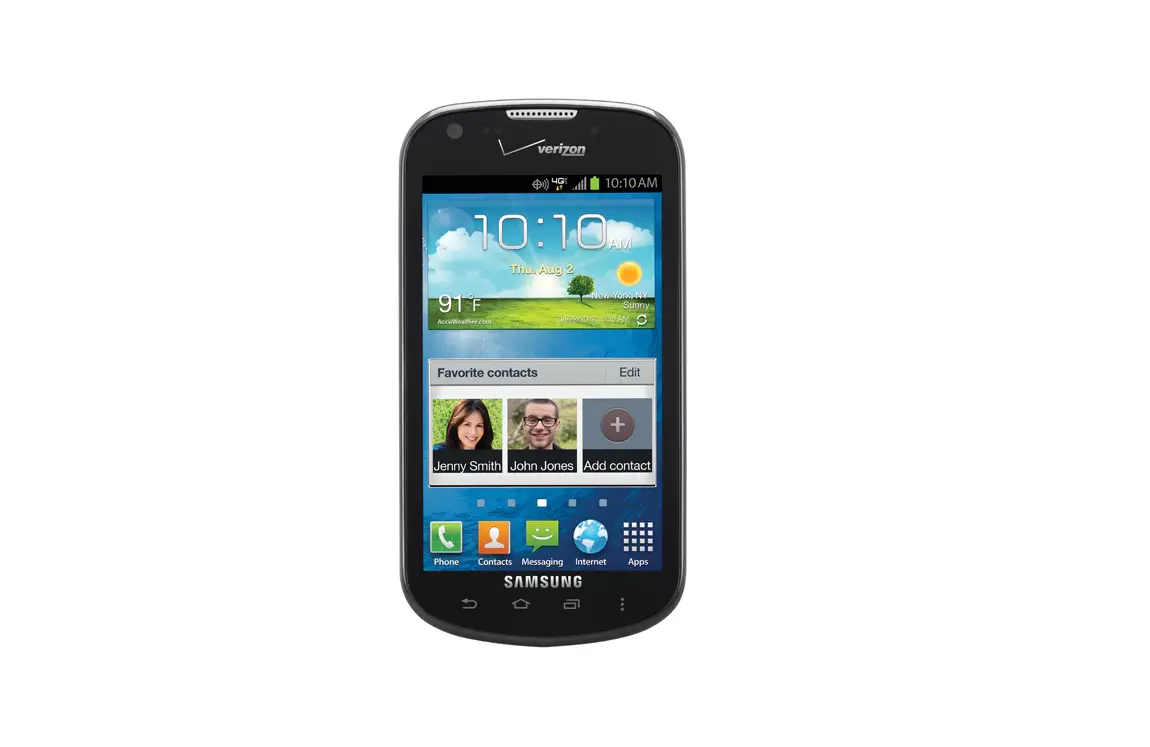
Turn Bluetooth On / Off – Samsung Galaxy Stellar
- From the Home screen, tap Apps (located on the bottom-right).
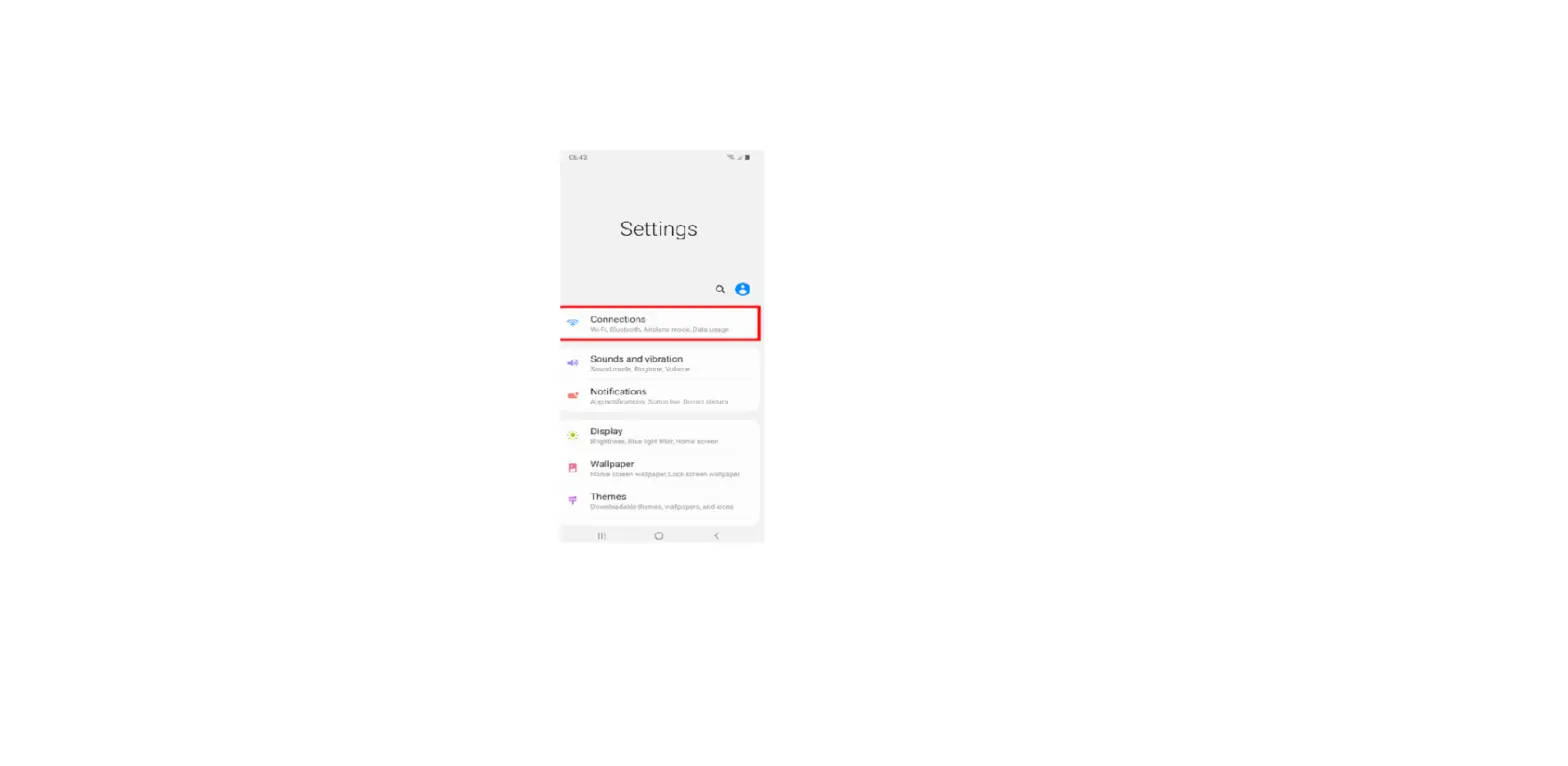
- Tap Settings.
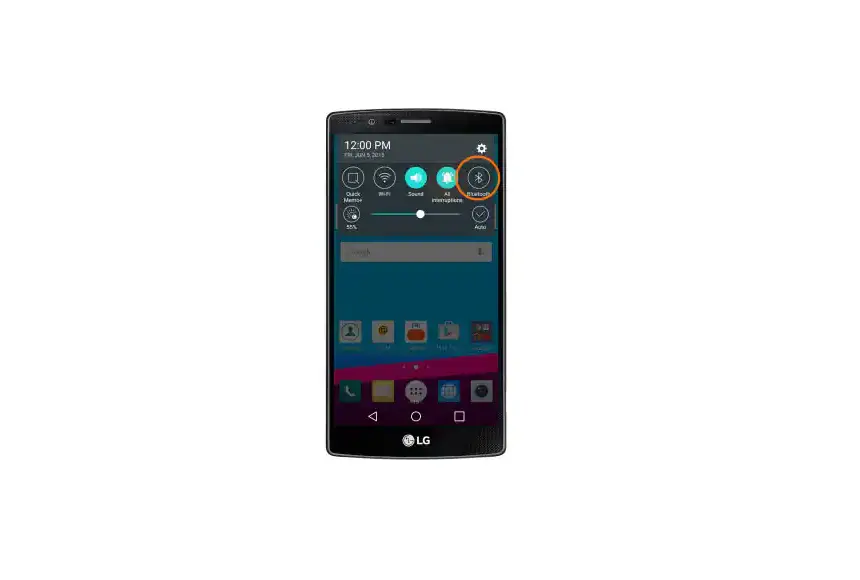
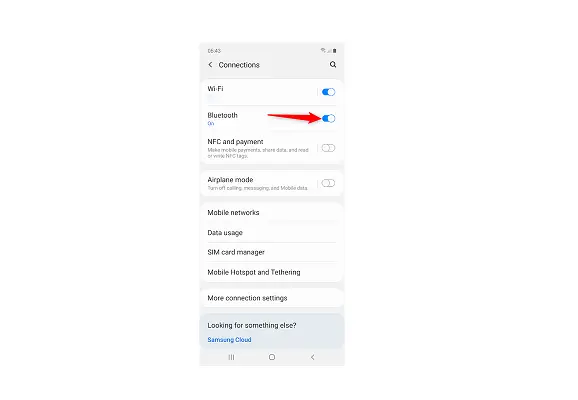
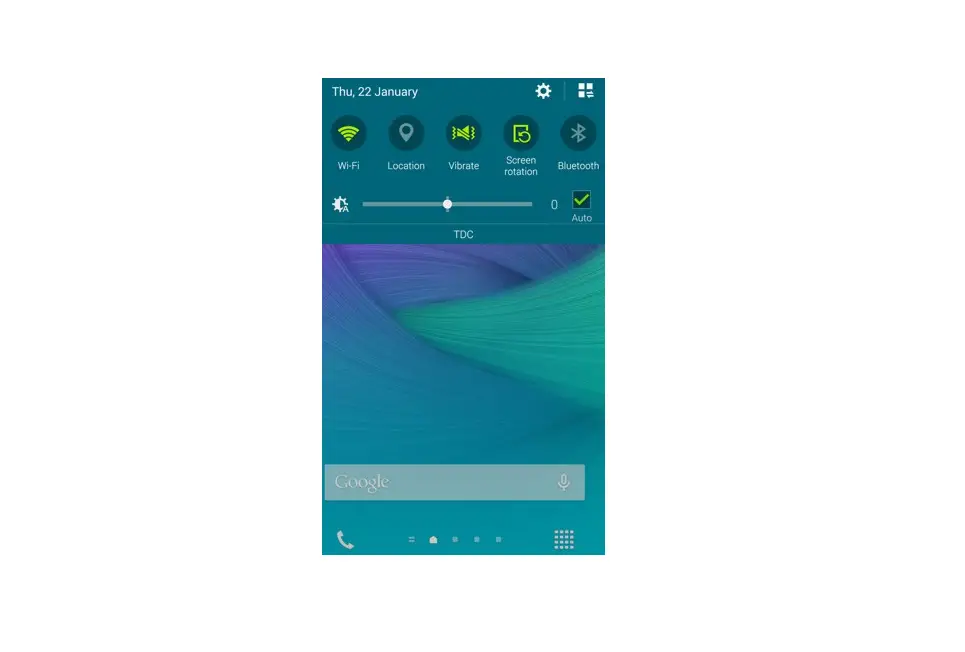
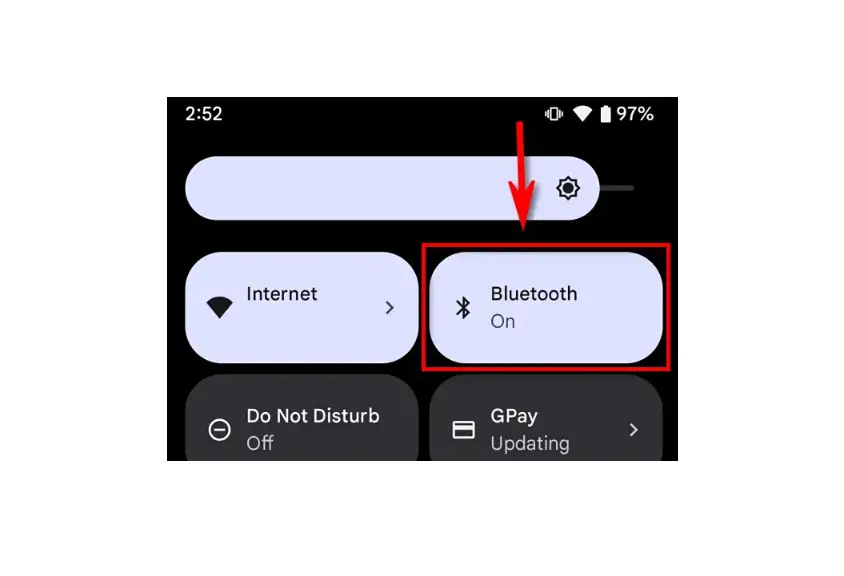
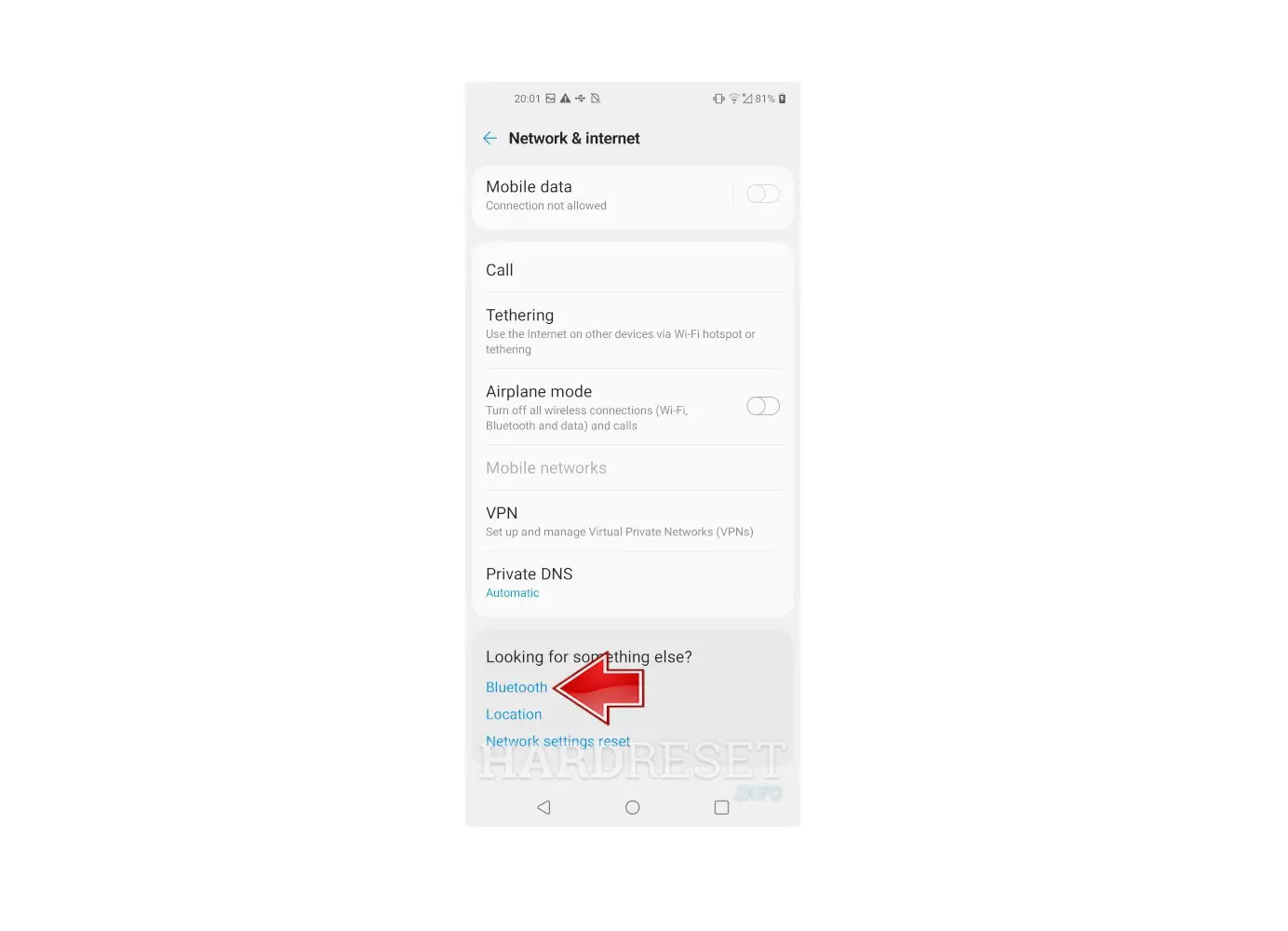
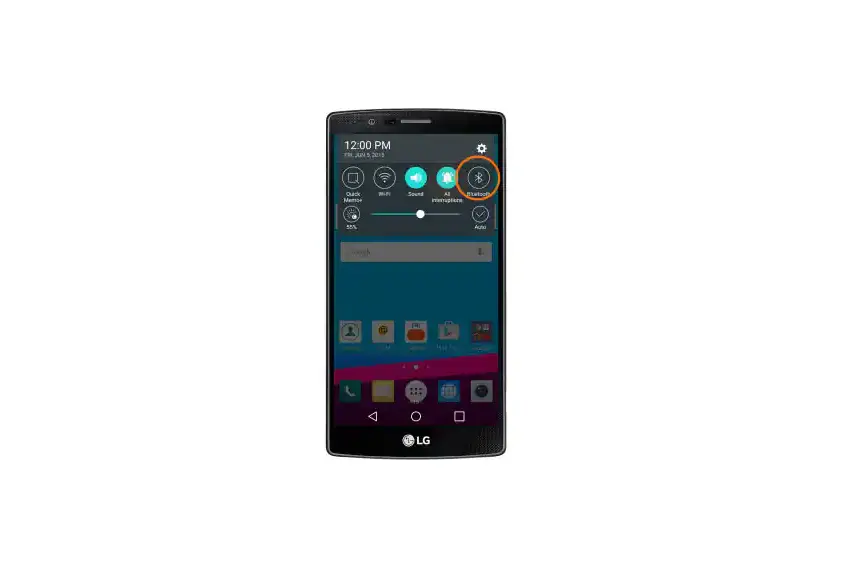
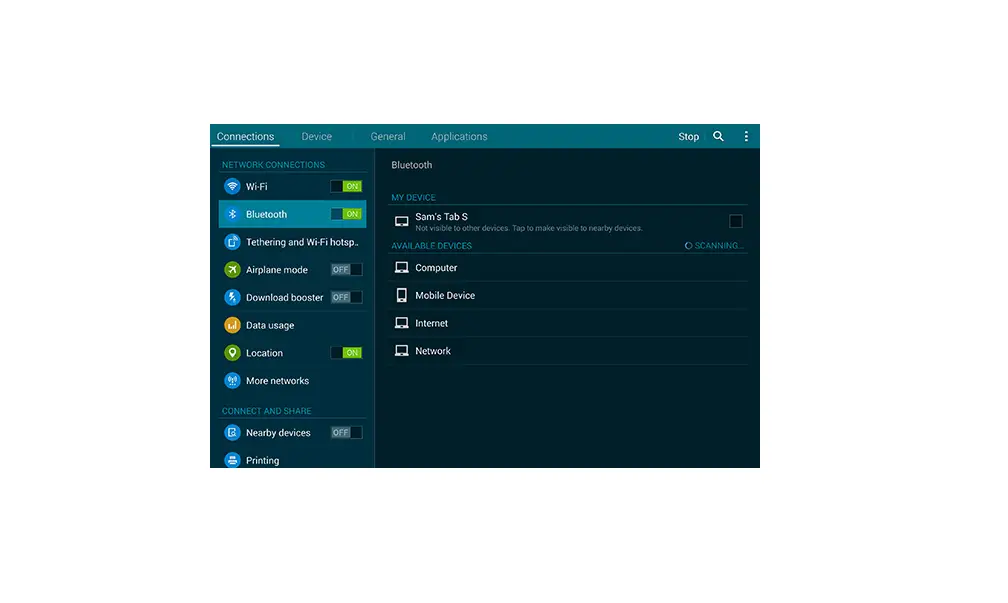
- Tap the Bluetooth switch (located to the right) to turn on or off.
 To make your Samsung Galaxy Stellar™ visible to nearby Bluetooth® devices tap SCH-I200.
 To make your Samsung Galaxy Stellar™ visible to nearby Bluetooth® devices tap SCH-I200.