Turn Bluetooth On / Off – Samsung Galaxy Gear S
- From an active Home screen, swipe up.
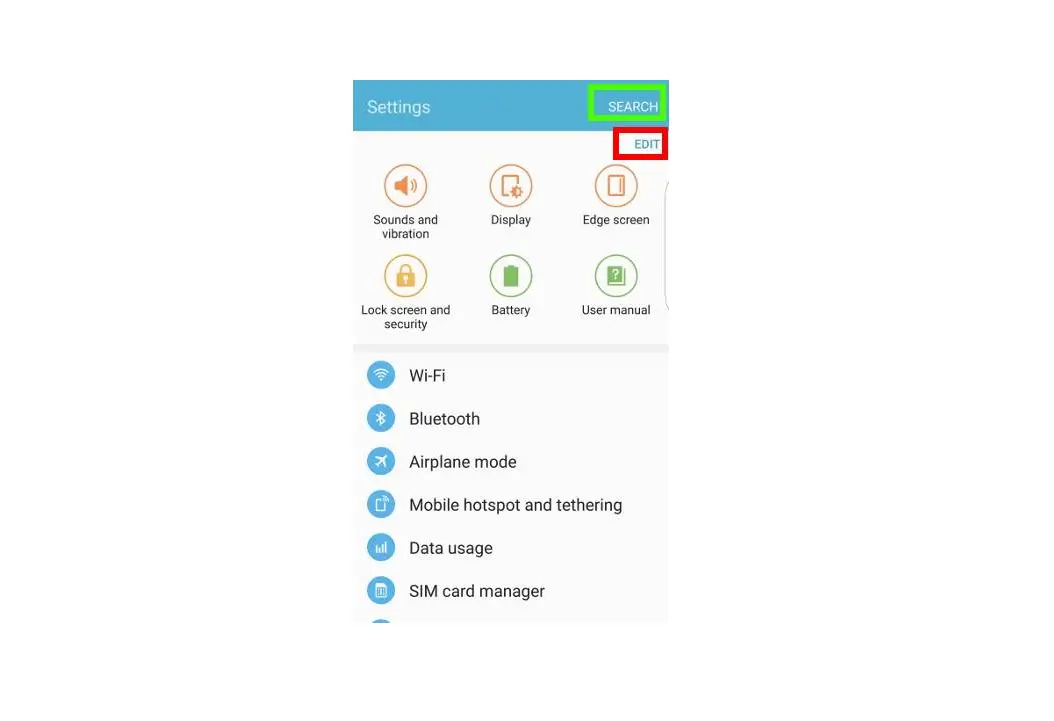
- Tap Settings.
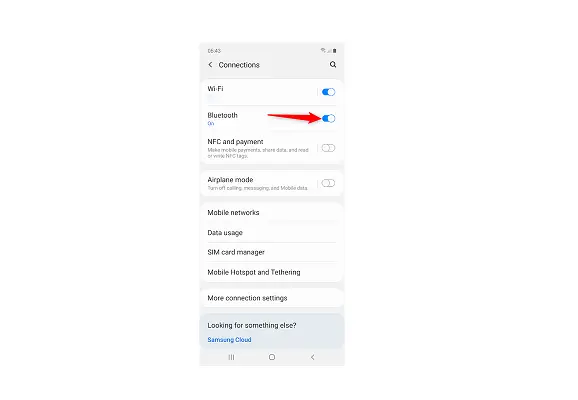
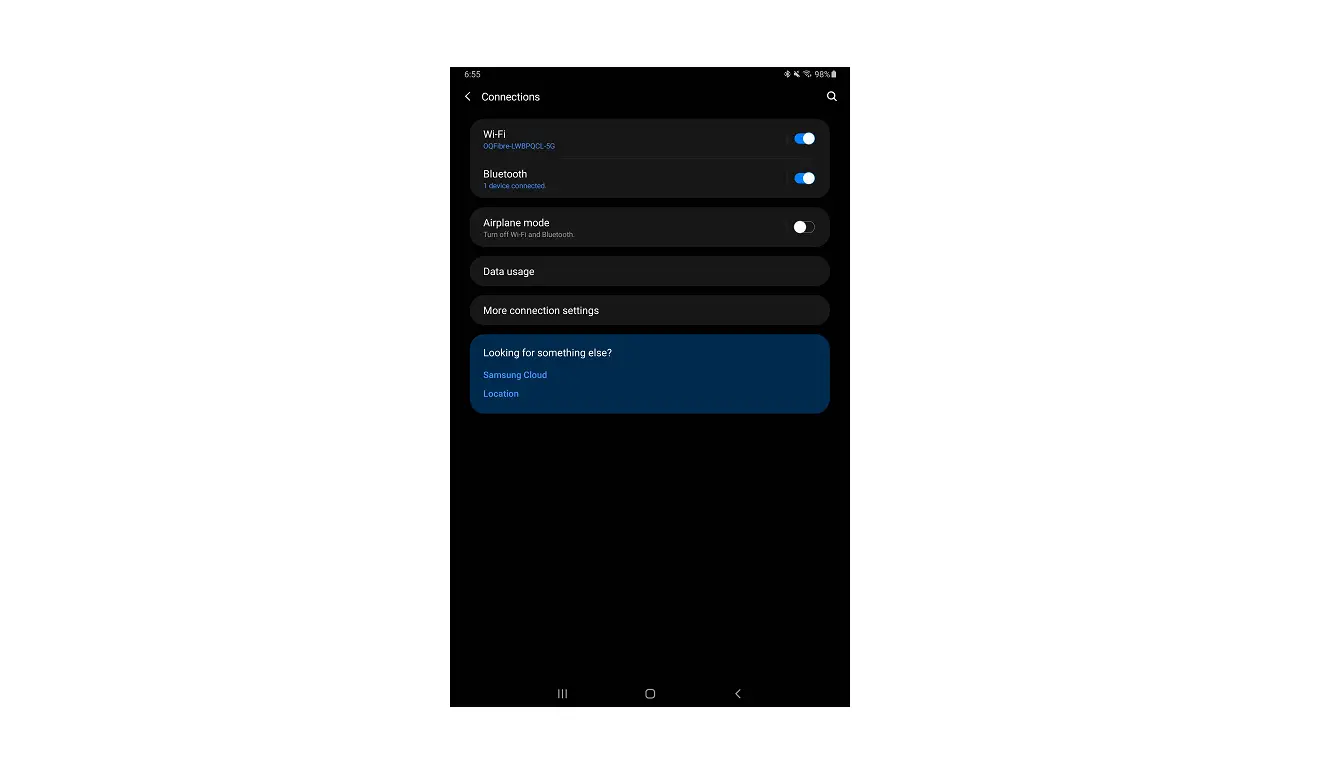
- Tap Connections.
- Tap Bluetooth.
- Tap Bluetooth to enable or disable.
 Enabled when a checkmark is present. Your Samsung Galaxy Gear™ S is visible to other devices as long as the Bluetooth® settings screen is open and Bluetooth is enabled.
 - With Bluetooth enabled, tap Make visible to enable or disable. Enabled when a checkmark is present. Device is discoverable for 2 minutes. When Bluetooth is enabled (checked) and ‘Make visible’ displays in gray, the device is actively paired with a device.
 Enabled when a checkmark is present.