

New Features Guide
Version 1.20
Features added or changed as a result of firmware updates may no longer match the descriptions in the documentation supplied with this product. Visit our website for information on the updates available for different products:
haps://fujifilm-x.com/support/downloadnimmare/
Contents
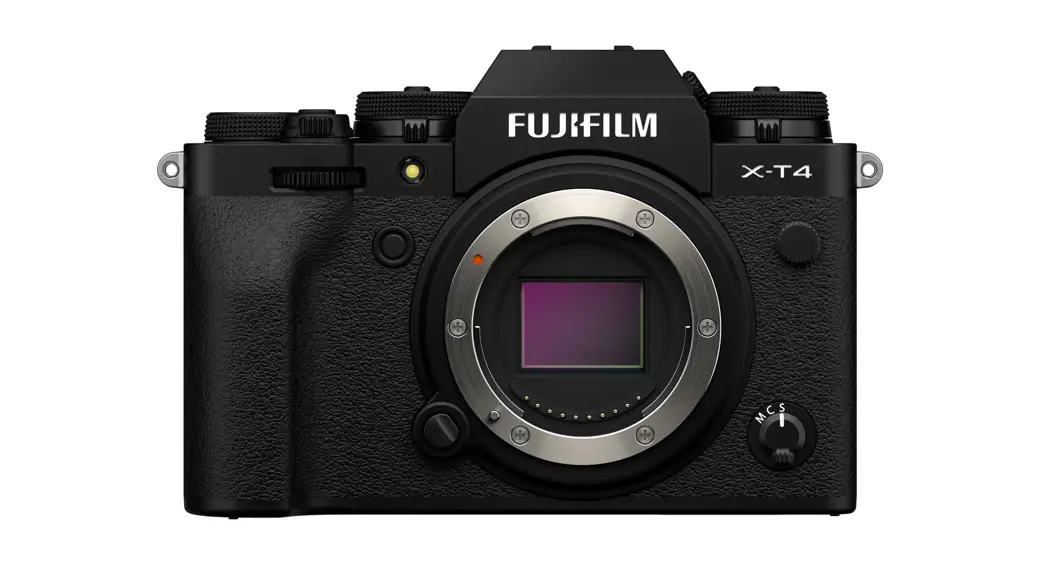
X-T4 firmware version 1.20 adds or updates the features listed below. For information on earlier versions, visit the following website.
http://fujifilm-dsccomien/manual/
| no | Description | X-T4  | See | Ver |
| 1 | An AUTO POWER OFF TEMP. item has been added to Li  POWER MANAGEMENT in the setup menu. POWER MANAGEMENT in the setup menu. | 232 | 1 | 1.20 |
Changes and Additions
Changes and additions are as follows.
X-T4 Owner’s Manual:232, Ver. 1.20
AUTO POWER OFF TEMP.
If its temperature rises beyond a certain point, the camera will first display a message and then, if the temperature rise continues, automatically end shooting and power down. Choose the temperature at which the camera turns off automatically.
| Option | Description |
| STANDARD | The camera turns off automatically when its temperature reaches the STANDARD value. |
| HIGH | Shooting can continue at temperatures higher than the STANDARD value, extending the time available to record movies and the like. Because remaining in contact with the camera at these high temperatures could result in low-temperature burns, this option should only be used after mounting the camera on a tripod or taking other steps to avoid prolonged contact with the camera. |
FUJIFILM Corporation
7-3, AKASAKA 9-CHOME, MINATO-KU, TOKYO 107-0052, JAPAN
https://fujifilm-x.com

 Model Selection
 FUJIFILM Digital Camera X Series & GFX – USA