
DIGITAL CAMERA
New Features Guide
Version 1.10
Features added or changed as a result of firmware updates may no longer match the descriptions in the documentation supplied with this product. Visit our website for information on the updates available for different products: https://fujifilm-x.com/support/download/firmware/
Contents
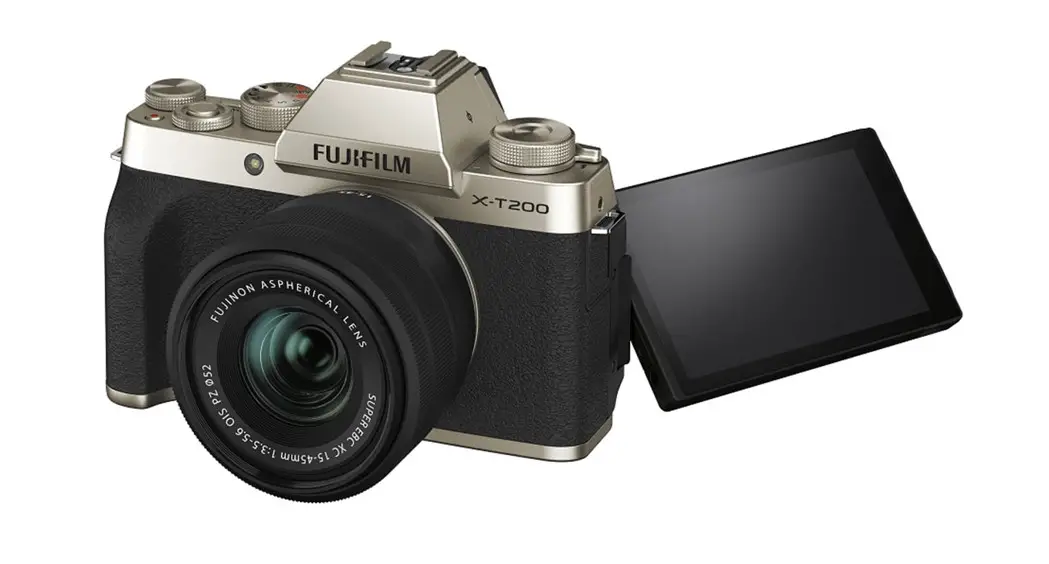
X-T200 firmware version 1.10 adds or updates the features listed below. For information on earlier versions, visit the following website.http://fujifilm-dsc.com/en/manual/
| No | Description | X- T200 | See | Ver. |
| 1 | The  CONNECTION SETTING USB IMAGE TRANSFER SETTING item in setup menu 1 has been renamed USB MODE and now contains an option that lets the camera serve as a webcam. CONNECTION SETTING USB IMAGE TRANSFER SETTING item in setup menu 1 has been renamed USB MODE and now contains an option that lets the camera serve as a webcam.
| 176 | 1 | 1.10 |

Changes and Additions
Changes and additions are as follows.
Choose a mode for USB connections to computers, smartphones, and tablets.
Option | Description |
| USB CARD READER | Pictures can be transferred when the camera is connected to a computer, smartphone, or tablet via USB. |
| USB WEBCAM | When connected to a computer via USB, the camera functions as a webcam. |
| OFF | Data transfer is disabled when the camera is connected to a computer, smartphone, or tablet via USB. |
 Select USB WEBCAM for USB MODE before connecting the camera for use as a webcam. “FUJIFILM X-T200” will be displayed when the computer detects the camera. Select USB CARD READER for USB MODE before connecting the USB cable to transfer pictures to a computer, smartphone, or tablet (X-T200 Owner’s Manual, CO 205).
 Select USB WEBCAM for USB MODE before connecting the camera for use as a webcam. “FUJIFILM X-T200” will be displayed when the computer detects the camera. Select USB CARD READER for USB MODE before connecting the USB cable to transfer pictures to a computer, smartphone, or tablet (X-T200 Owner’s Manual, CO 205).
 - The webcam feature is supported under Windows 10 (x64), macOS 10.14 (Mojave), and macOS 10.15 (Catalina).
- When USB WEBCAM is selected:
- IMAGE QUALITY SETTING and el SHOOTING SETTING cannot be adjusted, apart from the ON/OFF button and rear command dial (which can be used only for exposure compensation), camera controls cannot be used,
 SETTING > PRE-AF is fixed at ON and the camera focuses only on the subject in the center focus area,
- SETTING > FACE/EYE DETECTION SETTING is set to FACE
 SETTING > PRE-AF is fixed at ON and the camera focuses only on the subject in the center focus area,
DETECTION ON,
- HDMI output is not available,
- audio from built-in and external microphones is not output to the connected device,
- images are not displayed in the LCD monitor, and
- the AF lamp will light if the battery is low; insert a spare battery if available.
- For more information on web conferencing, see the documentation for the web conference application.

 Model Selection
 FUJIFILM Digital Camera X Series & GFX – USA