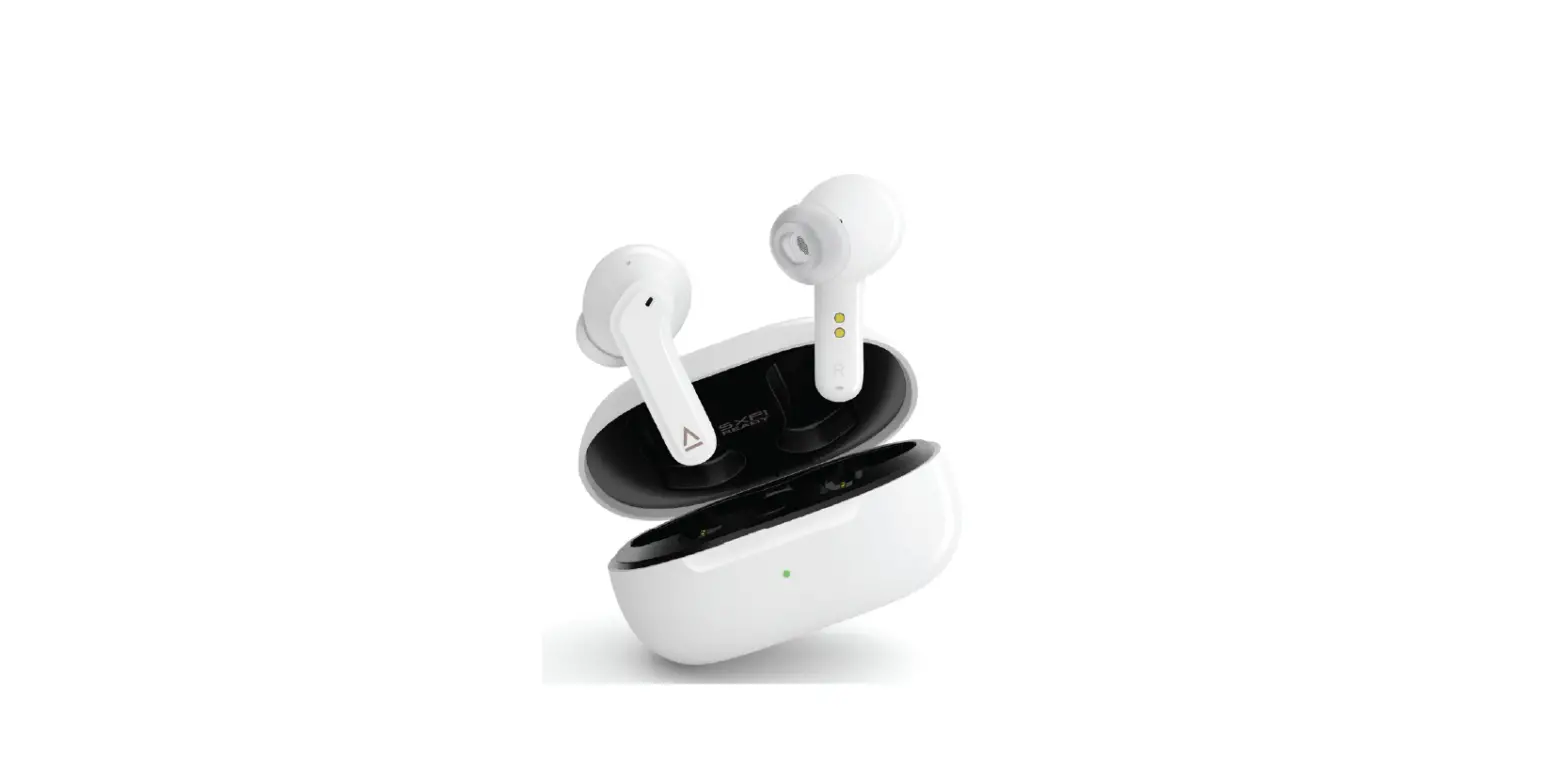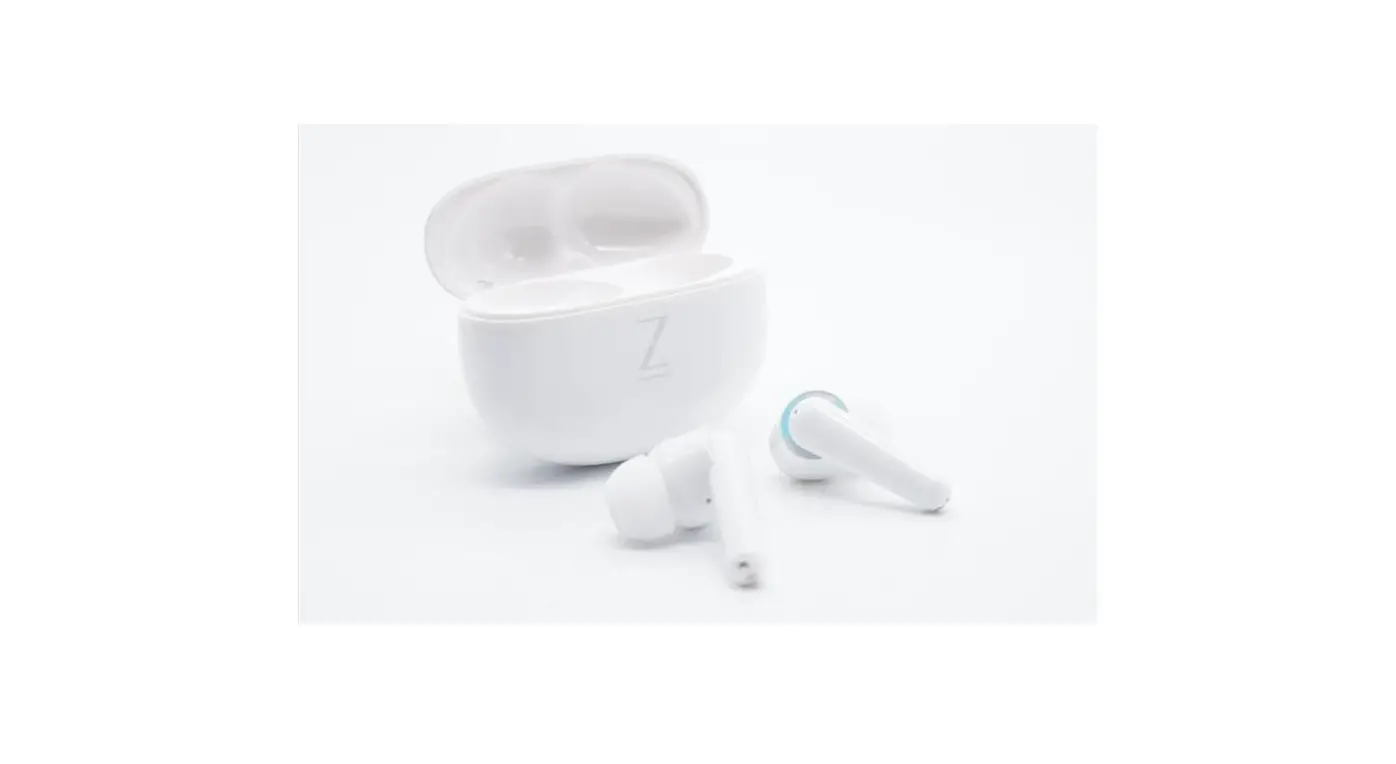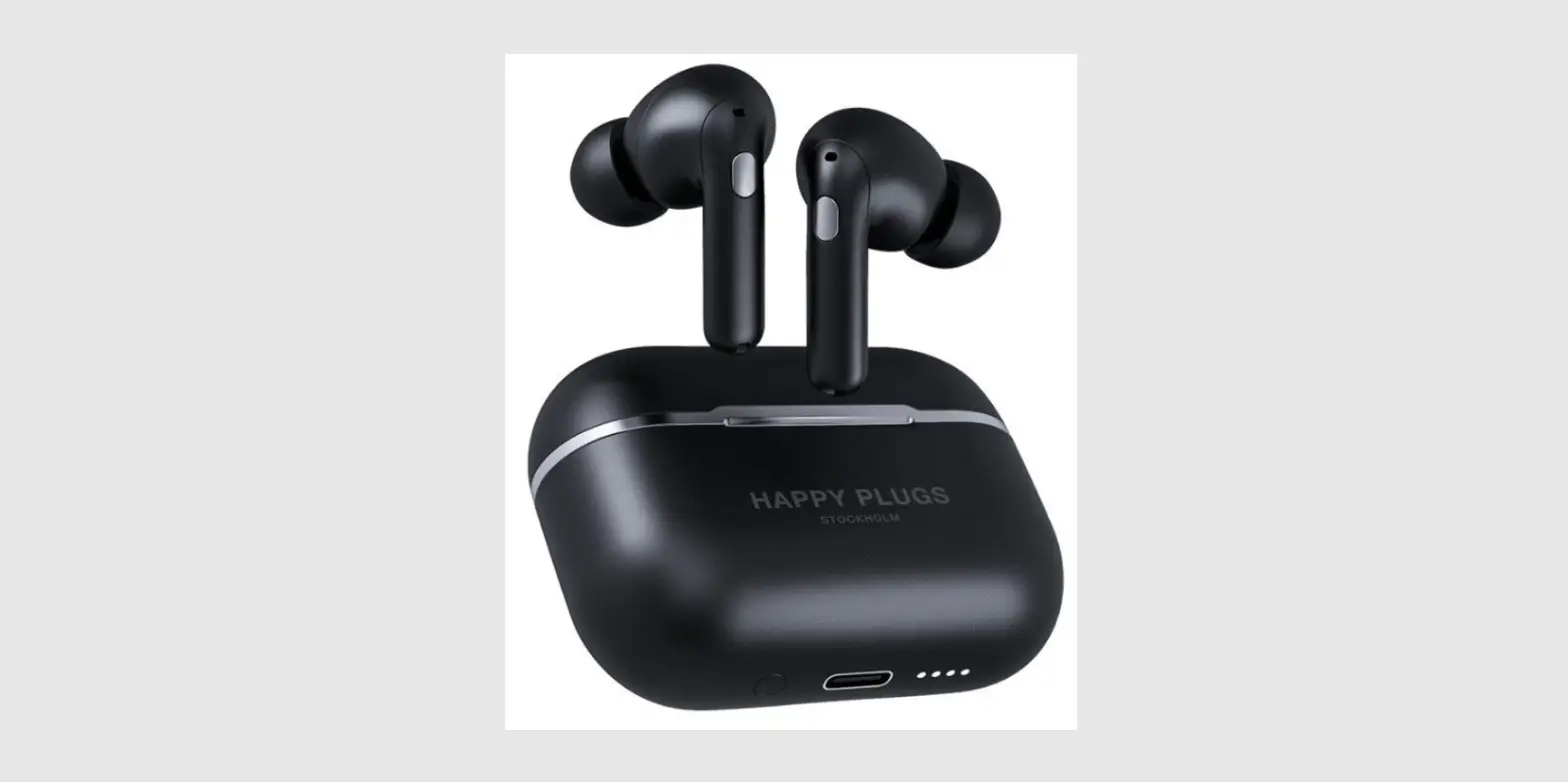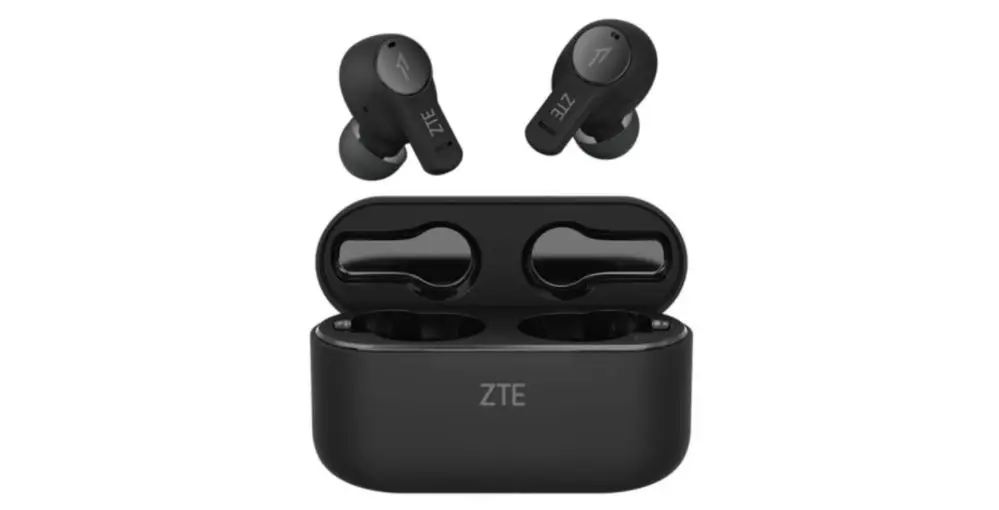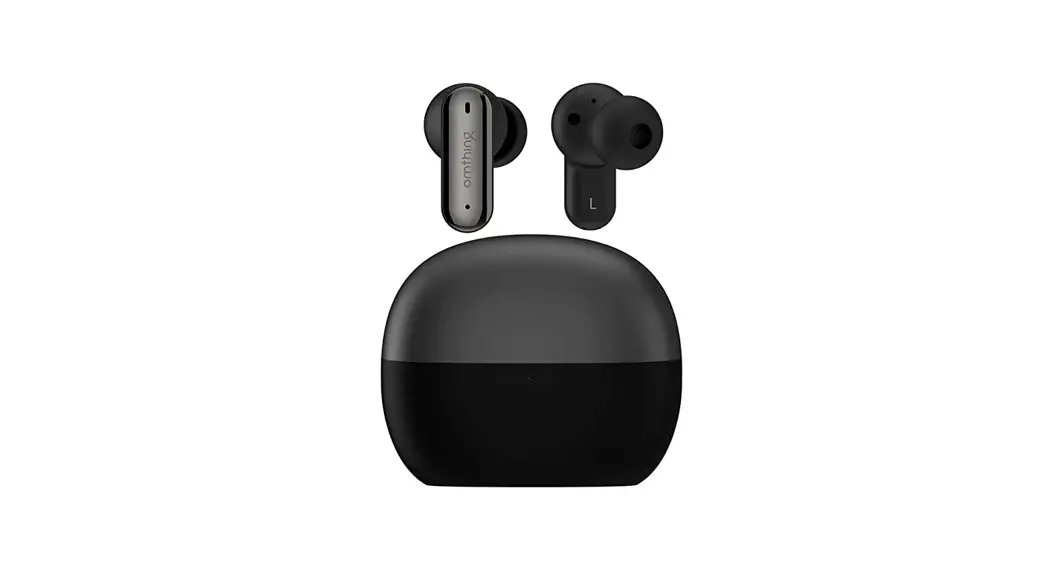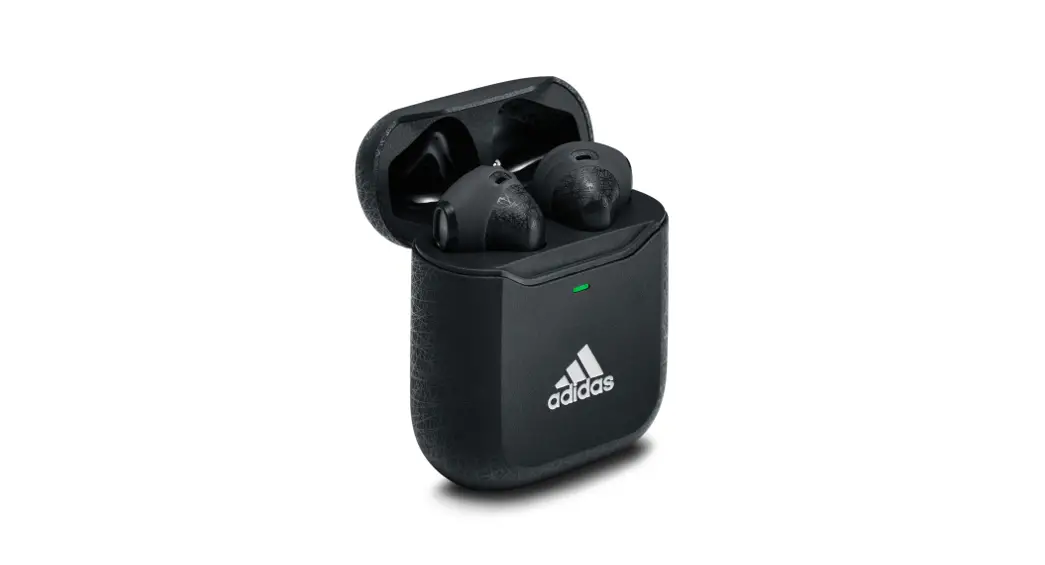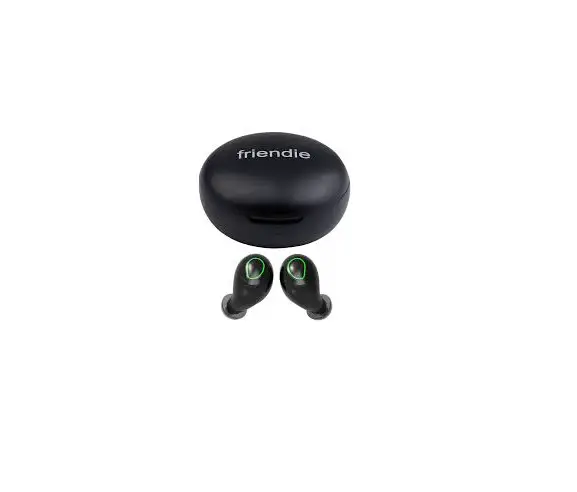
friendie AIR ZEN 2.0 WIreless In-Ear Headphone
Powering on
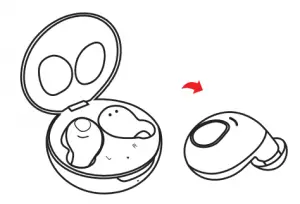
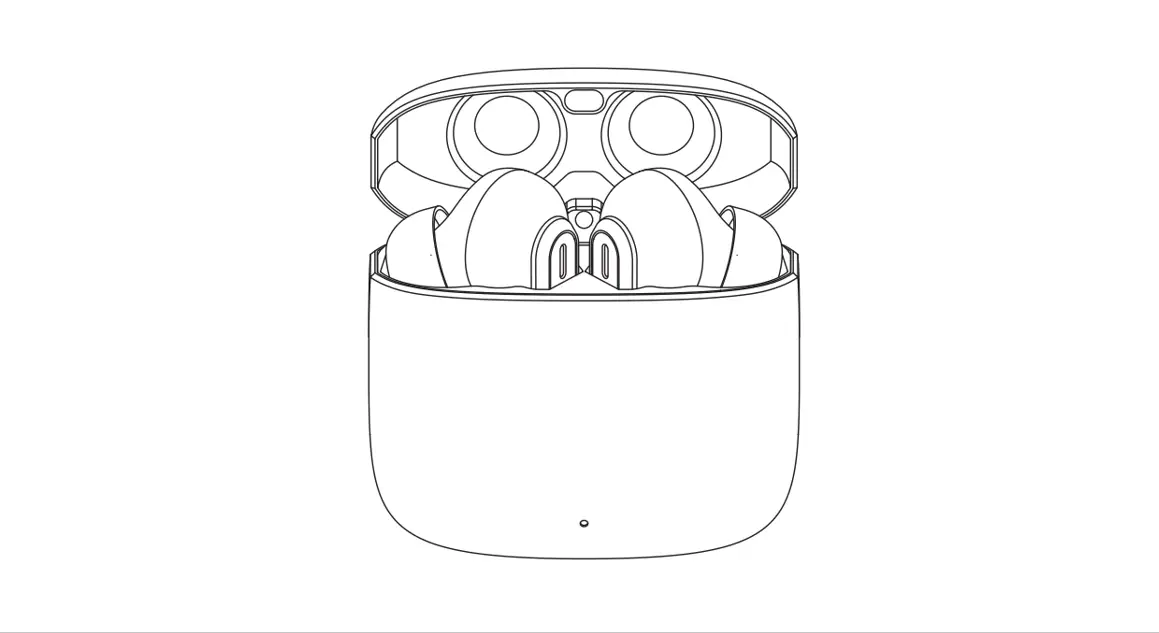
Power on by opening the charging case. Or, when earphones are off, hold down the multi-buttons on the earbuds for 5 seconds.
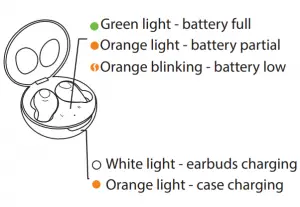
Charging
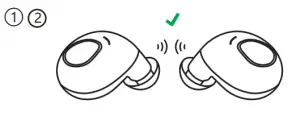
Pairing
Pair the AIR Zens to your device
- Remove earbuds from the charging case.
- Wait for 2-3 seconds, the earphone will flash orange and green light alternatively.

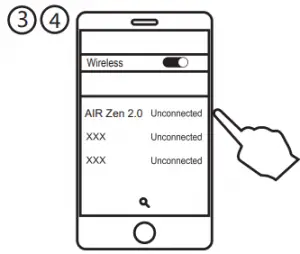
- On your device, enter settings and select Bluetooth. Scroll to the bottom.
- Select “friendie AIR Zen 2.0” .

- Your device and headphones are paired
Next time, the earbuds will automatically pair to the last connected device when turned on.
If not connected to a device, the earbuds will automatically power off after 3 minutes
Media
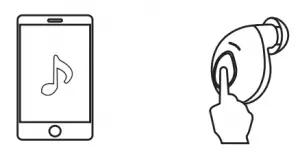
Play / Pause | Single tap either earbud | 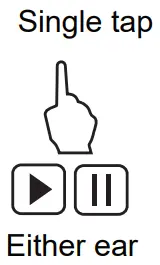 |
Vol down | Double tap the left earbud | 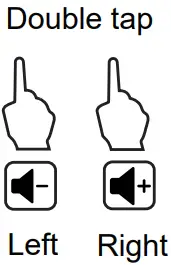 |
Vol up | Double tap the right earbud | |
Prev track | Triple tap the left earbud | 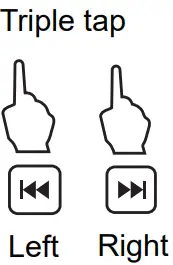 |
Next track | Triple tap the right earbud |
Phone
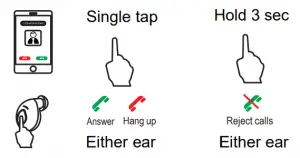
Answer/end | Single tap either earbud |
Reject | Press and hold for 3 seconds |
Powering Off
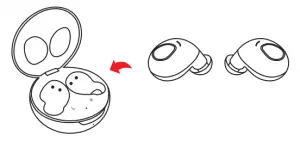
Power off by putting the earbuds back into the charging case.
Or, hold down the multi-buttons on the earbuds for 3 seconds.
Troubleshooting
| Reset factory settings | Remove the earbuds from the case. Hold down the multi-buttons for 10 seconds. Put earbuds back in the case. |
| Bluetooth not appearing | Ensure earbuds and device (e.g. phone) are within 8 metres with no interference. Ensure they are not paired to another device and are fully charged. |
| Dropouts occur | Ensure you have no interference from 2.5G devices (cordless phones, Wifi). Ensure you have no barriers (wall, table, backpack) |
| General | Ensure your batteries are sufficiently charged |
| Other questions? | Please contact us at [email protected] |
Care Instructions
When the headphones and charger are not used for long periods of time, please keep them in a dry, safe place and recharge at least every two months.
Keep away from fire, extreme cold, heat, dust and humidity, especially:
- Moist or underwater conditions
- Near a heater or similar
- Places they can fall
- Never disassemble
Warning
Listen responsibly.
Headphones are capable of delivering sounds at loud volumes and high pitched tones. Prolonged exposure to loud sounds can cause irreversible hearing damage.
It is dangerous or even illegal in some areas to use your headphones in situations that require your full attention, such as driving a car, bicycle, motorcycle, using machinery or as a pedestrian.
Specifications
Charge Case
| Battery size | 300mAh (lithium) |
| Charge time: | 2 hours (5V/1A |
| Usage | 3 charges (12 hours of usage) |
| Charge: | Micro USB2.0 or Qi Charge pad |
| Dimensions | 5.3cm x 5.3cm x 2.7cm |
Earphone
| Battery size | 55mAh each (lithium |
| Charge time: | 1 hour (via charge case) |
| Music playback | 4 hours usage |
| Talk time | 2.5 hours |
| Connection: | Left, right or as a pair |
| Power on/off: | Automatic when removed from charge case |
Audio
| Sensitivity: | 95dB +-3dB |
| Impedance: | 16 Ω |
| Frequency: | 20-20KHz |
| Speaker | 6mm |
Wireless Connections
| Standard: | BT 5.0 |
| Frequency: | 2.5G ISM (2.4Ghz – 2.8Ghz) |
| Distance: | 10 metres (dual earphones) |
| Protocol: | HSP/HFP/A2DP/AVRCP |
Weight
| Charger: | 37 grams |
| Earphone | 4 grams each |

friendie is a trademark of
Friendie Audio Pty Ltd.
AUSTRALIAN OWNED | MADE IN CHINA