
User Manual and Warranty
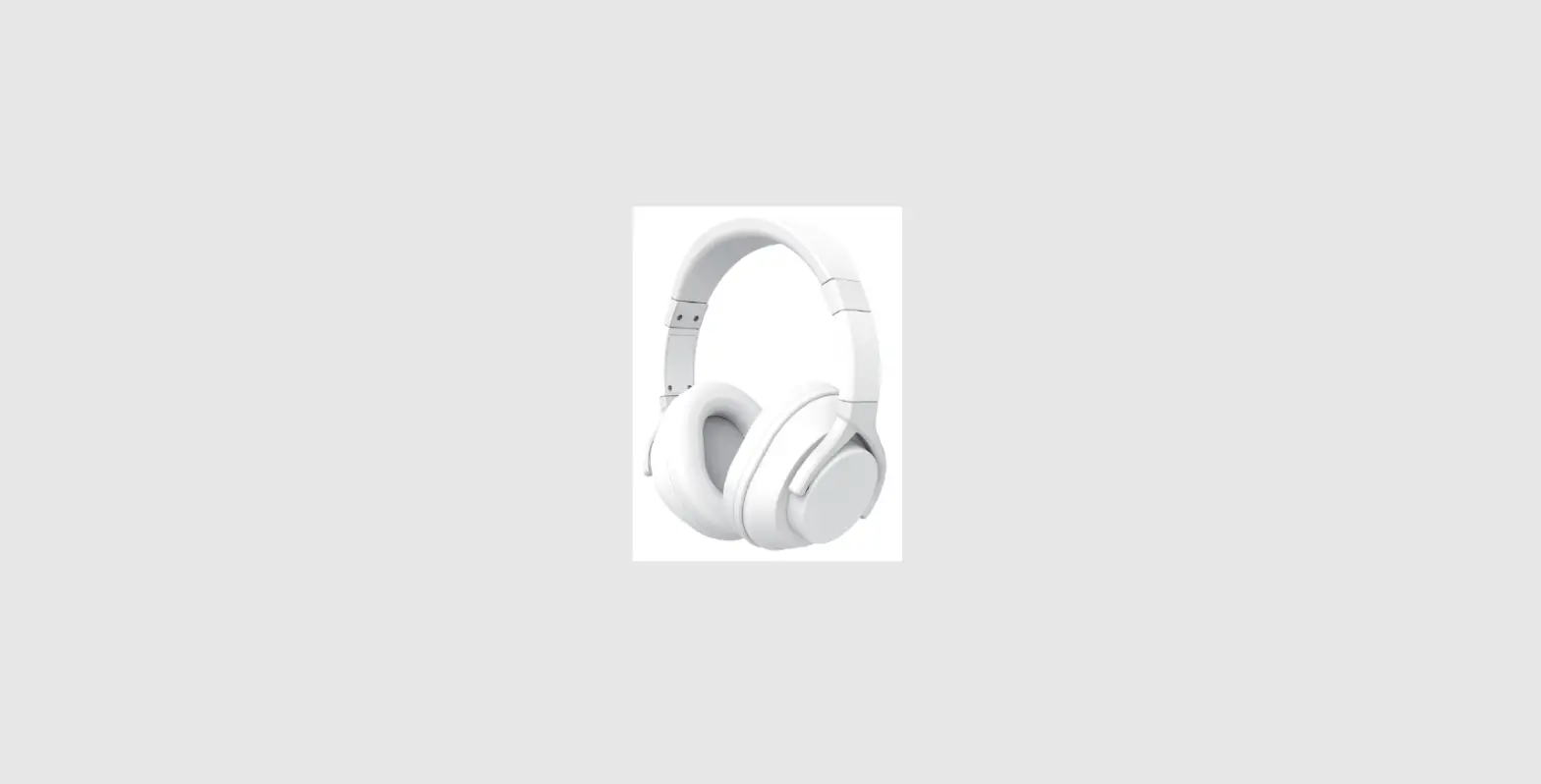
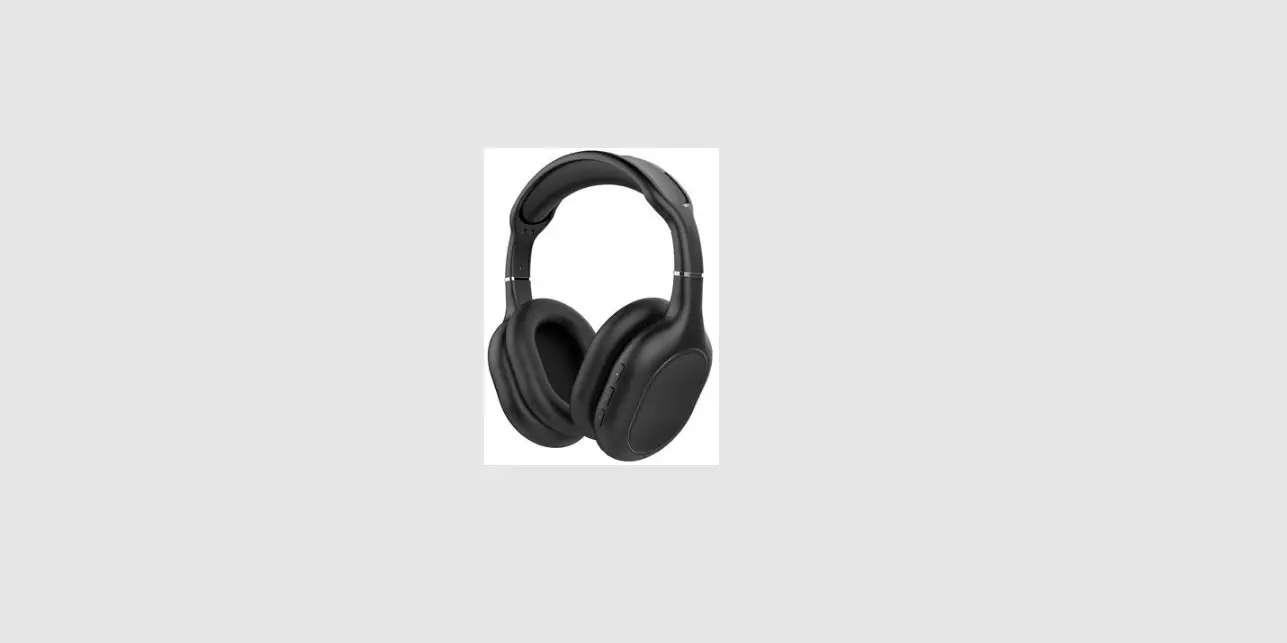
MA-1550
FEATURES STORY
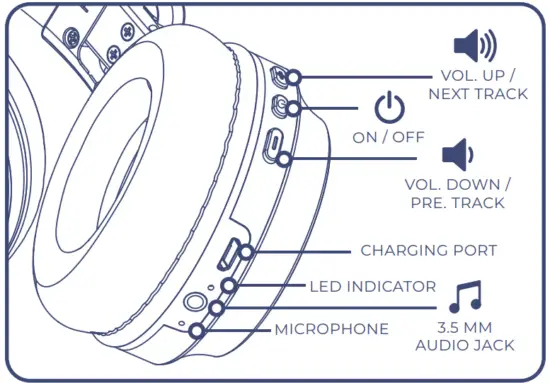
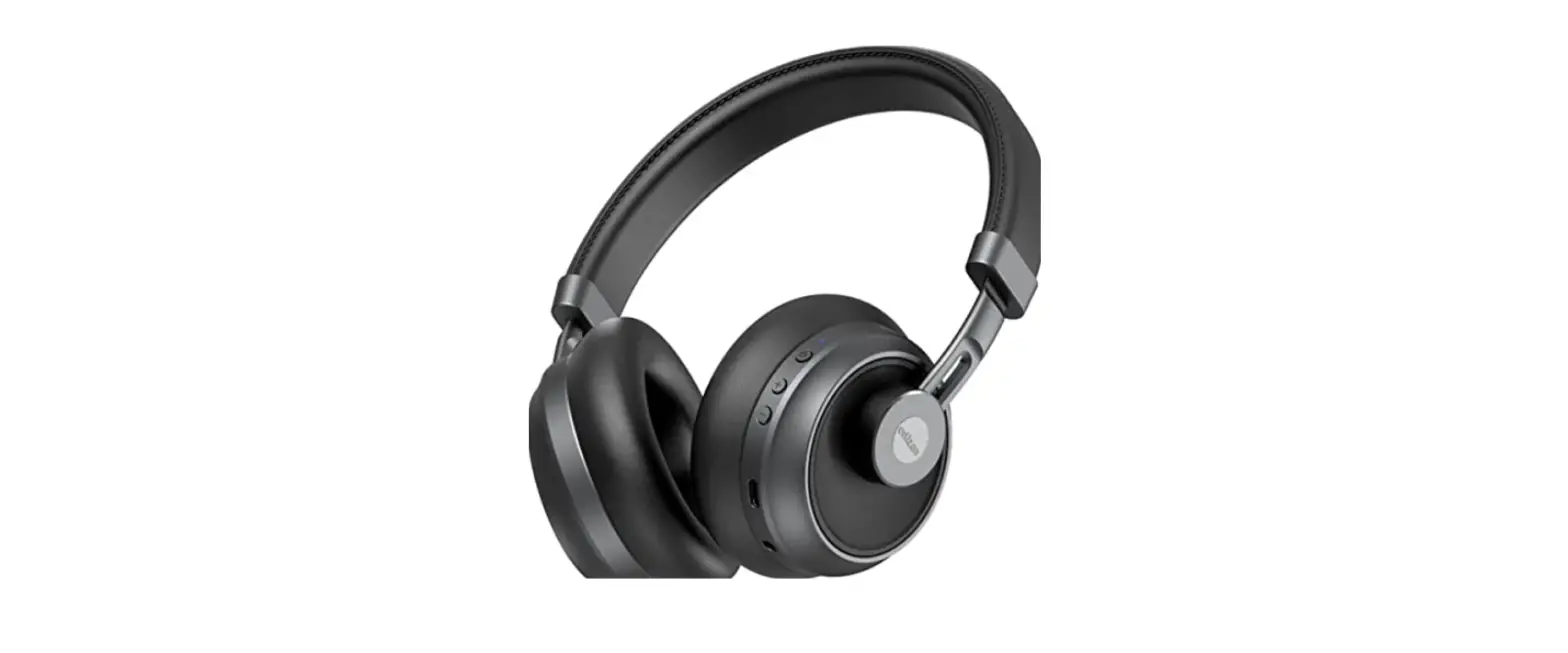
DETACHABLE CABLE WITH IN-LINE MICROPHONE AND QUICK RESPONSE BUTTON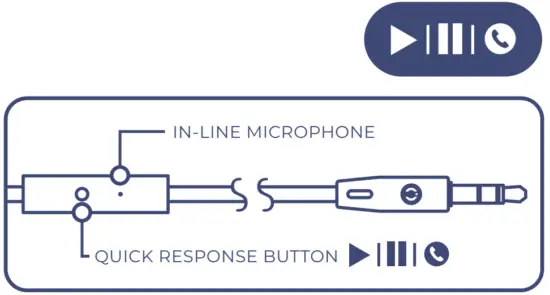 Functions vary depending on your phone, tablet or application.
PRODUCT SPECIFICATIONS
| Bluetooth Bluetooth profiles Connectivity class High-performance driver Frequency response Sensitivity Impedance Signal to noise ratio Charging method Battery type Battery capacity Play time Recharge time Dimensions | 5.1 A2DP, HSP, HFP, AVRCP Bluetooth Class 2 (10 meters) 2 x Ø40 mm 20 Hz – 20 kHz 105dB +/- 3dB at 1kHz 64 Ω > 94 dB Micro USB charging Lithium-ion polymer battery 350 mAh up to 20 hours (varies by volume level and audio content) Approx. 2 hours 170 x 185 x 72 mm |
OPERATE YOUR HEADPHONES
Bluetooth Connection
Devices with Bluetooth 5.1 wireless technology-equipped computers, smartphones, and MP3 players.
To use Bluetooth for your audio connection, first pair CORE with your audio source (music player, smartphone, laptop, or another Bluetooth-equipped device that can act as an audio source). Make sure CORE is fully charged (without the audio cable plugged in) and turn it on by pressing and holding the Power button for 3 seconds. Once the power is turned on, CORE is in Bluetooth pairing mode. You can hear a voice notification – “Power on, pairing” and the LED indicator is blinking in red/blue quickly. Make sure Bluetooth is enabled on your audio source and in a few moments ‘MUVEACOUSTICS: CORE’ will appear on your list of possible Bluetooth connections. Press ‘pair’ or ‘connect’ on your device and after the connection is made, the LED indicator will turn to steady blue and you can hear “your device is connected”. Then your device is paired.
From now on, when you turn on CORE, it will automatically search for the last Bluetooth device it was paired with.
While there is no pairing with a Bluetooth device within 5 minutes, CORE will turn off automatically with a voice notification – “power off” and you need to switch it on again for further use.
Battery Charging
Please use the cable provided to recharge the headphones. It will take 2 hours to fully charge.
Wired Connection
CORE has a 3.5mm audio cable. If there is no Bluetooth source available or if you simply prefer a wired connection, you can connect your CORE directly to your audio source using a stereo male 3.5mm connector at the end of the cable.
CORE headphones come with an audio cable included. Control and talk functions vary depending on your phone, tablet, or application. The Bluetooth function will be shut off automatically when the audio cable is plugged in.
OPERATIONAL GUIDANCE
| Function | Button | Audio | LED |
| Power on the headphone | Press and hold the On/Off button for 3 second | Power On | The blue light goes on for 1 second |
| Pairing with a Bluetooth device | Pairing | Blue and red lights flashing quickly | |
| Pairing success | N/A | Your device is connected | The blue light goes on constantly |
| Play/ pause | Press the On/Off button once | N/A | Play mode: blue light flashing once every 5 seconds Pause mode: blue light goes on constantly |
| Function | Button | Audio | LED |
| Answer Incoming call | Press the On/Off button once | caller’s number | Blue light goes on constantly |
| A phone call in progress | N/A | N/A | Blue light goes on constantly |
| End a call | Press the On/Off button once | N/A | Resume to that of play mode or standby mode |
| Refuse incoming call | Press and hold the On/Off button for 2 seconds | N/A | N/A |
| Redialling (last call) | Press the On/Off button twice | N/A | Blue light goes on constantly |
| Function | Button | Audio | LED |
| Increase volume | Press and hold the “+” button | with maximum volume alert | N/A |
| Decrease volume | Press and hold the “2 button | N/A | N/A |
| Next song | Press “+” button once | N/A | N/A |
| Previous song | Press “-” button once | N/A | N/A |
| Function | Button | Audio | LED |
| The batterylevel is low | N/A | Battery Low (every 30 seconds) | Red light flashing once every S seconds |
| Power off the headphone | Press and hold the On/Off button for 4 seconds | Power off | LED light turns off |
| Battery charging mode | N/A | N/A | The red light goes on constantly |
| The battery has been fully charged | N/A | N/A | The blue light goes on constantly |
SAFETY INSTRUCTIONS
Warnings
- Contains small parts which may be a choking hazard. Not suitable for children under age three.
- Set a low-volume setting before using the headphones.
- Long-term exposure to loud music or sounds may cause hearing damage. It is best to avoid high volume levels when using these headphones, especially for extended periods.
- Do not use these headphones when operating a motor vehicle, a bicycle, machinery or where your inability to hear outside sounds may present a danger to you or others.
Cautions
- Using these headphones limits your ability to hear noises around you, regardless of listening volume.
Please use caution when using these headphones. - Do not drop, sit on, or allow the headphones to be immersed in water.
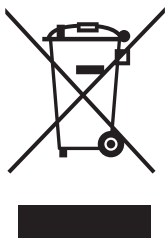 This symbol indicates that this product shall not be treated as household waste. Instead, it shall be handed over to the applicable collection point for the recycling of electrical and electronic equipment.
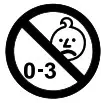 Unsuitable for children under three years because it might, for instance, contain small parts.
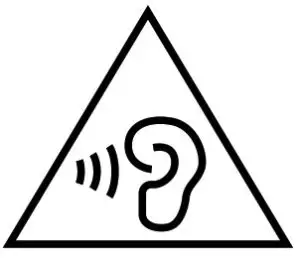 To prevent possible hearing damage, do not listen at high volume levels for long periods.
 The input voltage to the product is 5V 1A. For your safety, please always use the appropriate 5V output charger/Adapter to charge the product. DO NOT USE Quick Charging USB Adapter to charge the product, as it might damage the product. Only charge the product at ambient temperatures between 10 deg °C / 50 deg °F and 40 deg °C / 104 deg °F. Do not heat above 70 deg °C / 158 deg °F, eg. Do not expose yourself to sunlight or throw into fire. Switch off the product after use. Please note that we won’t take any responsibility for any wrong operation (eg. Voltage higher than 5V) as this may result in severe injury or loss of property, and we cannot control the operating process during the time the user using this product. In extreme cases, abuse or misuse of the Lithium battery packs can lead to explosions, heat generation, fire development or smoke development.
FCC Statement
NOTE: This equipment has been tested and found to comply with the limits for a Class B digital device, pursuant to part 15 of the FCC Rules. These limits are designed to provide reasonable protection against harmful interference in a residential installation. This equipment
generates uses and can radiate radio frequency energy and, if not installed and used in accordance with the instructions, may cause harmful interference to radio communications. However, there is no guarantee that interference will not occur in a particular installation. If this equipment does cause harmful interference to radio or television reception, which can be determined by turning the equipment off and on, the user is encouraged to try to correct the interference by one or more of the following measures: Reorient or relocate the receiving antenna. Increase the separation between the equipment and receiver. Connect the equipment into an outlet on a circuit different from that to which the receiver is connected. Consult the dealer
or an experienced radio/TV technician for help. Changes or modifications not expressly approved by the party responsible for compliance could void the user’s authority to operate the equipment. This device complies with Part 15 of the FCC Rules. Operation is subject to the following two conditions: (1) this device may not cause harmful interference, and (2) this device must accept any interference received, including interference that may cause undesired operation.

FCC ID: 2ADM5-MA-1550

ONE-YEAR LIMITED WARRANTY
MUVEACOUSTICS CORE headphones have been subjected to a thorough series of tests to ensure the highest level of dependability. It is unlikely that you will experience any problem, but if a defect should become apparent during the use of this product, MUVEACOUSTICS warrants to the original purchaser that this product will be free from defects in material and workmanship for a period of 12 months from the date of your original purchase from an authorized dealer. If a defect is covered by this warranty occurs, MUVEACOUSTICS, at its option, will repair or replace the product purchase at no repair charge (postage charges will apply). If a replacement is necessary and your product is
no longer available, a comparable product may be substituted at the sole discretion of MUVEACOUSTICS. This warranty does not cover normal wear and tear, abusive use or misuse, modification, tampering, or by any other cause not related to either materials or workmanship. This warranty does not apply to products used for any industrial, professional, or commercial purposes.
CUSTOMER SERVICES
 For service on any defective under 12 months warranty policy, please contact Consumer Support.
 Email: [email protected]
Keep all relevant information for future reference Imported and distributed by Zeeva International Limited.
All rights reserved 2011003 Suite 1007B–1008, 10/F, Exchange Tower,
33 Wang Chiu Road, Kowloon Bay, Hong Kong
Thank you for trusting MUVEACOUSTICS with delivering you excellence in sound. We encourage you to connect with us and become a part of our community!
 MuveAcoustics
 muveacoustics usa
 MuveAcoustics
 MuveAcoustics - Wireless Headphones, Speakers & Earphones