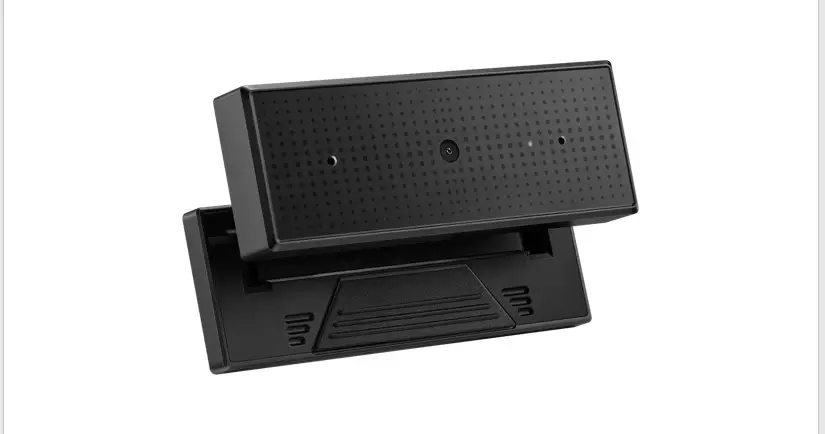


Q15332
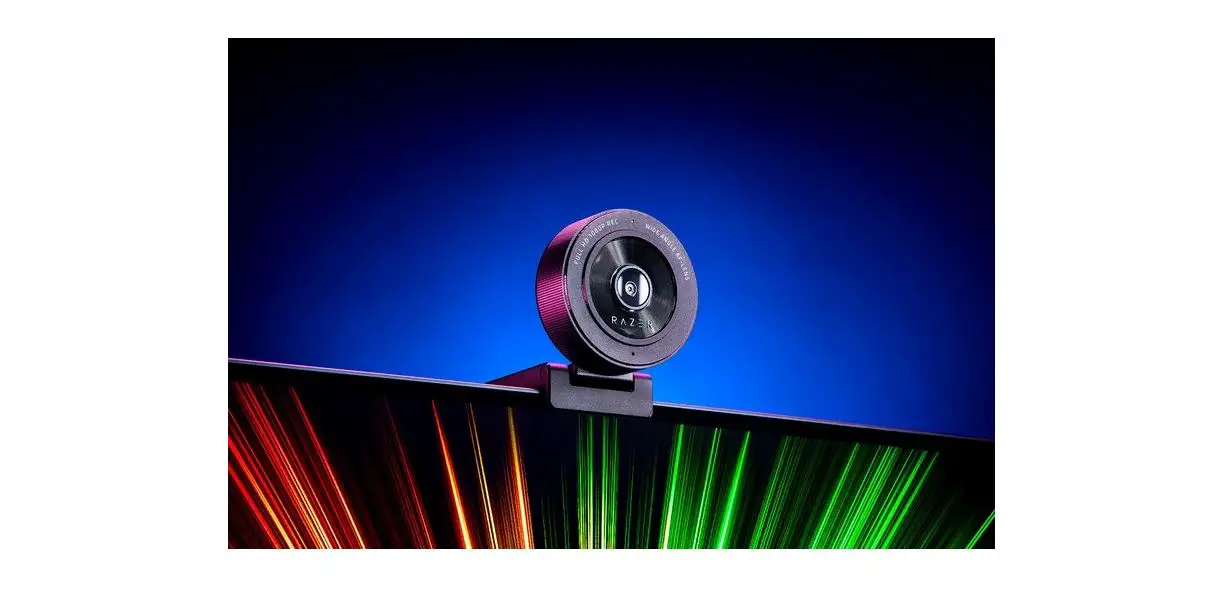
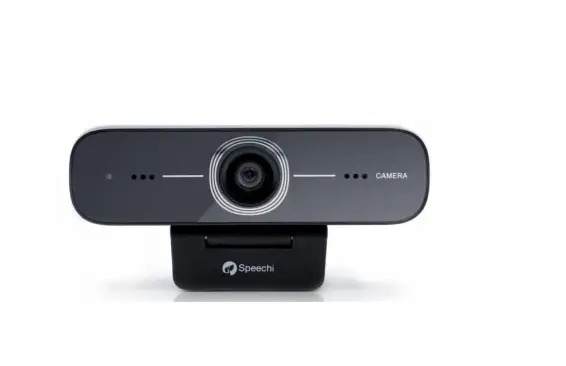
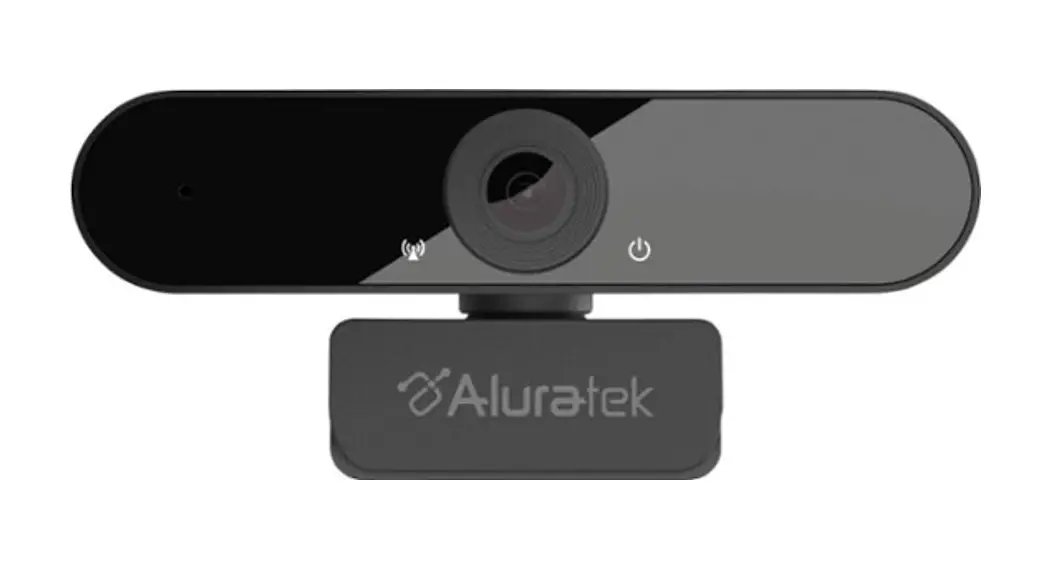
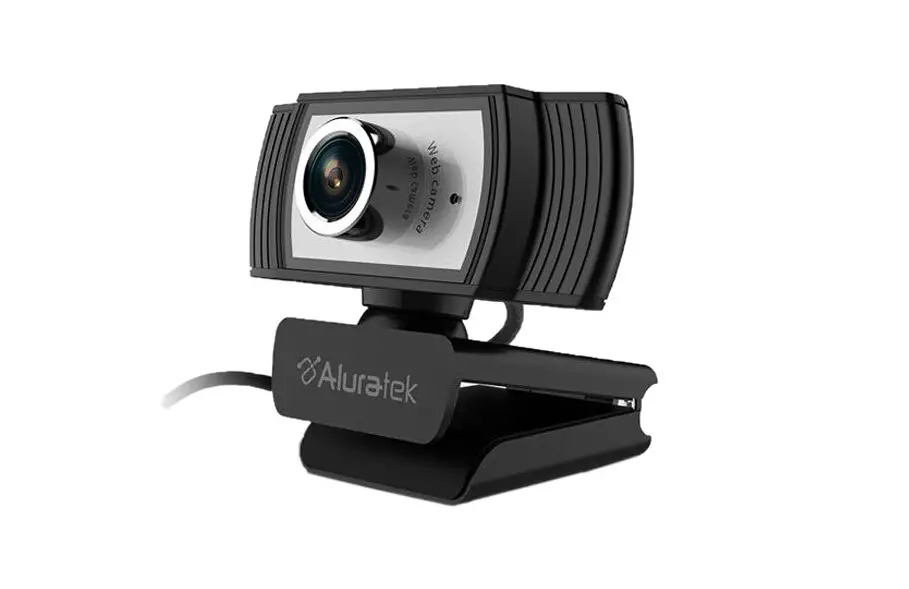
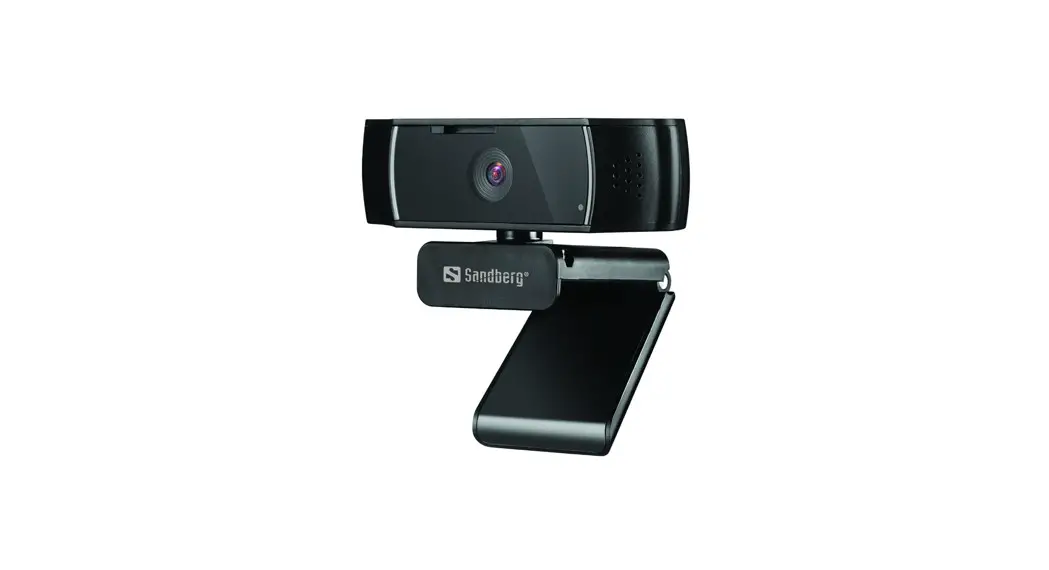
ROG EYE WEBCAM
Quick Start Guide
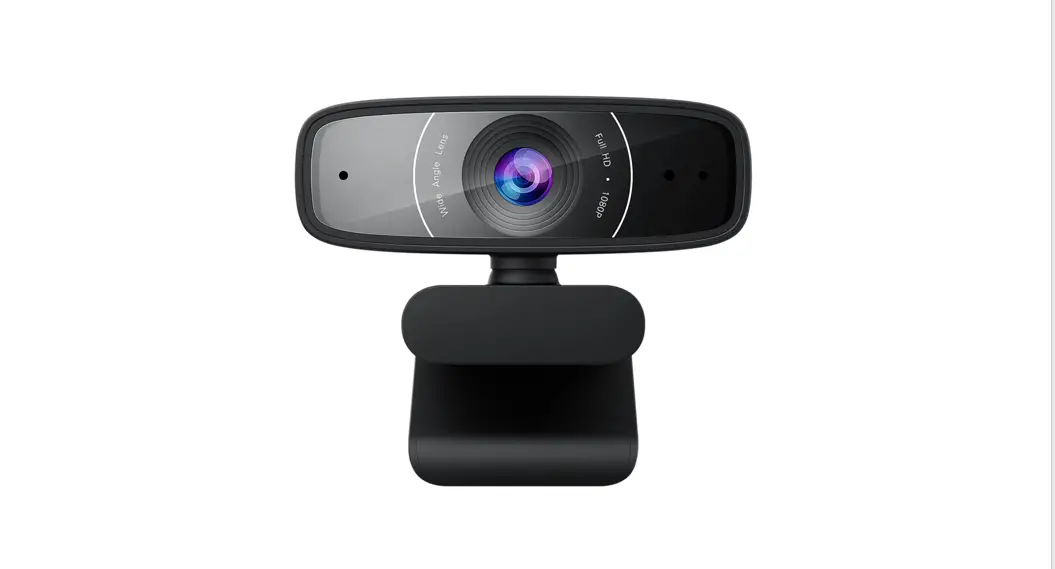
Features
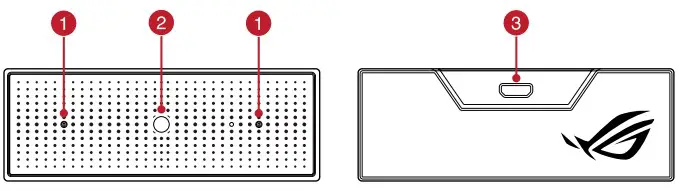
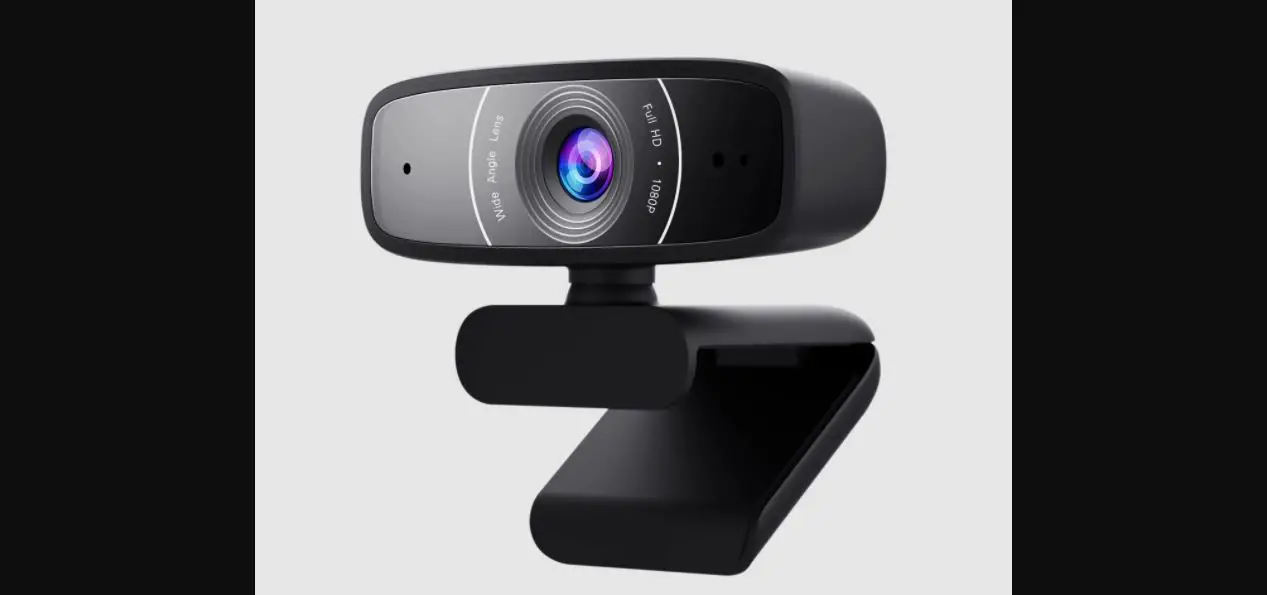
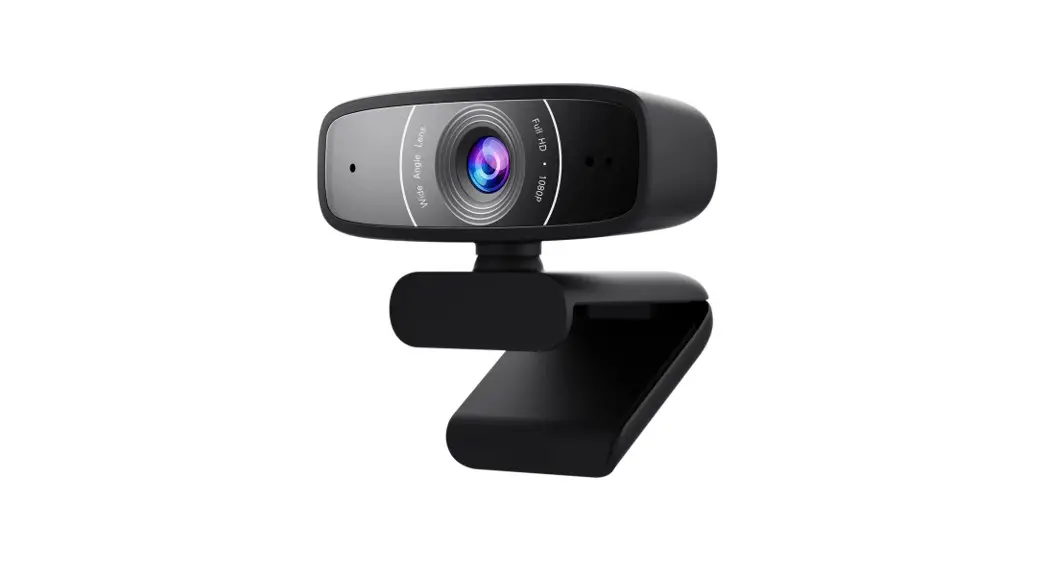
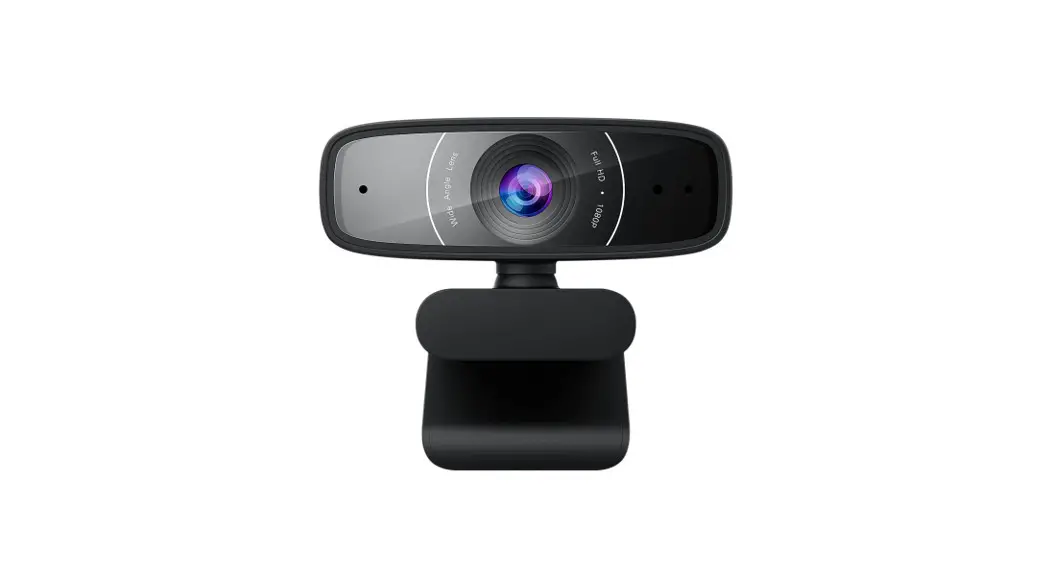
- Directional microphones
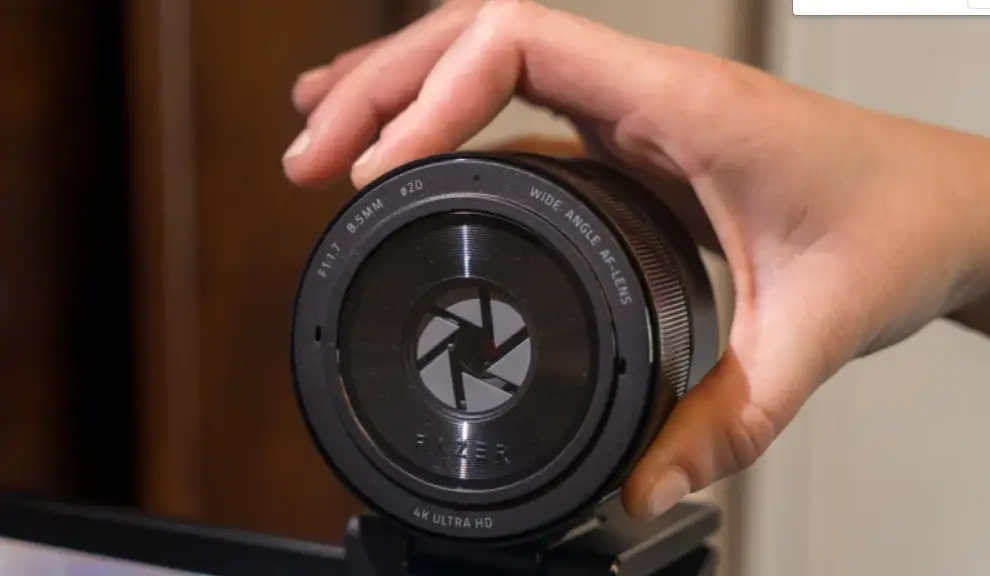
- Camera lens
- Micro USB 2.0 connector
Package contents
- ROG EYE Webcam
- User documentation
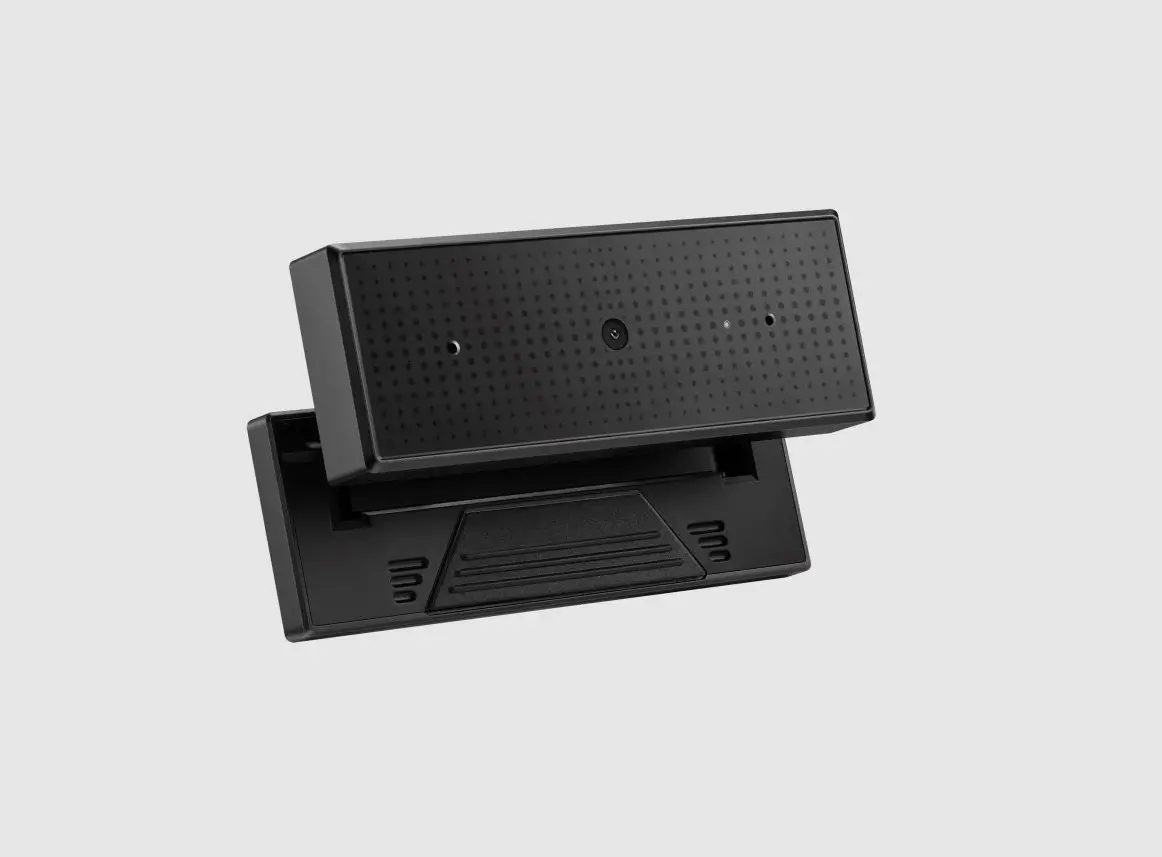
- Standing base
System requirements
- Windows® 10 / Windows® 8.1 / Windows® 7
- 100 MB of hard disk space (for optional software installation)
- Internet connection (for downloading optional software)
- USB port
Getting started
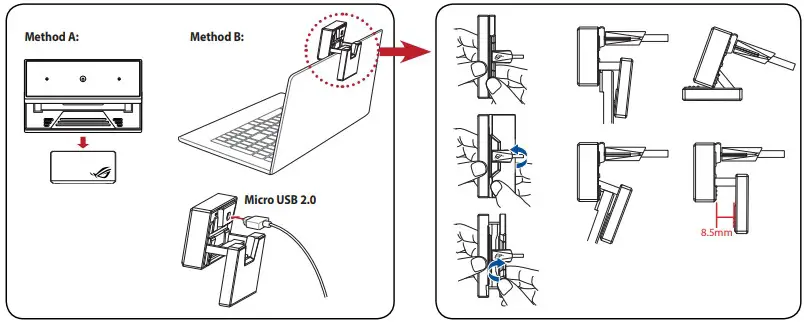
To set up your webcam:
- Connect the USB cable to your computer’s USB port.
- Download the driver from http://www.asus.com then install it on your computer.
Installation
 ASUS Global
 ASUS Global