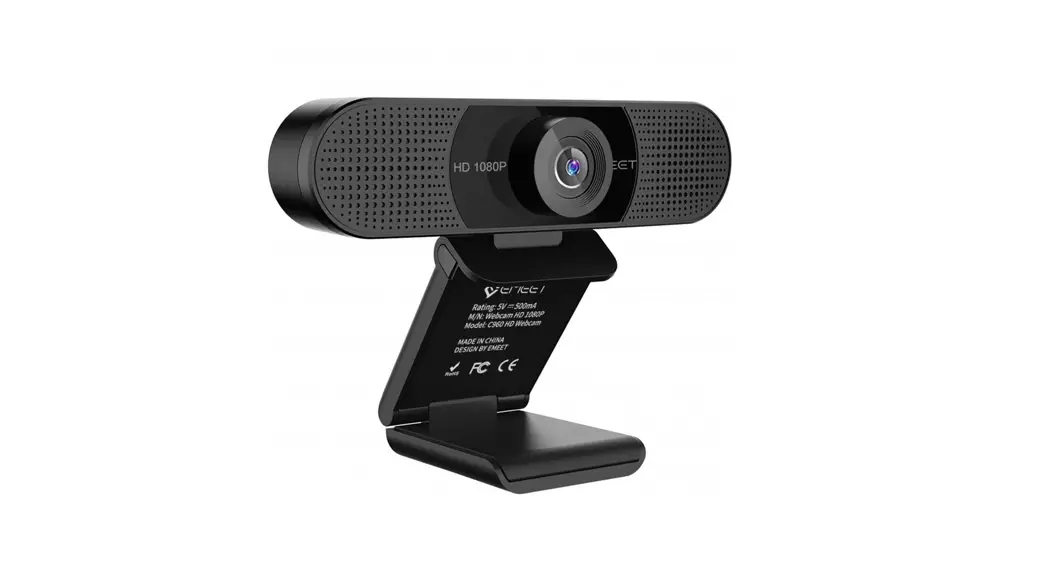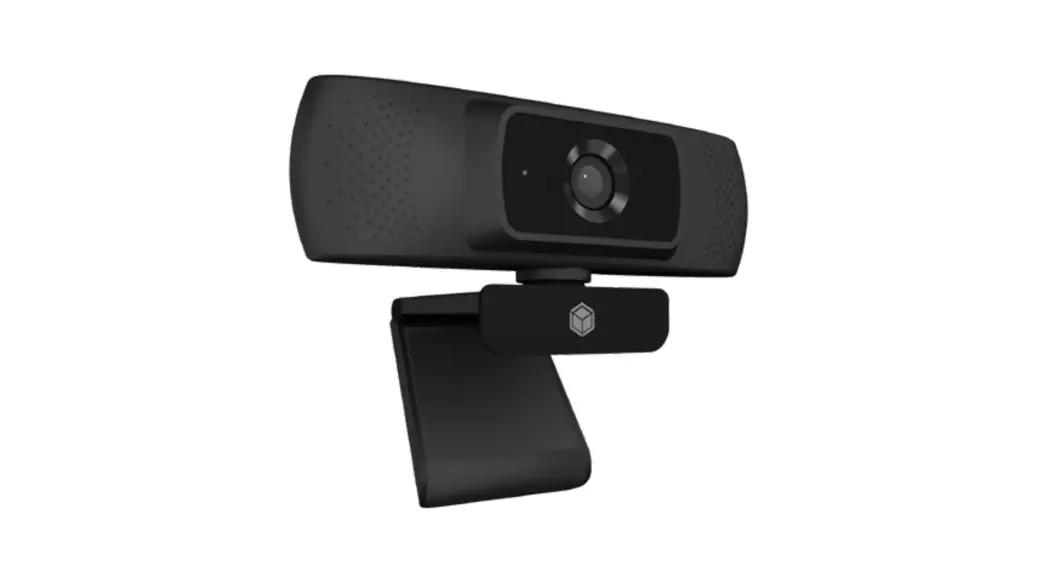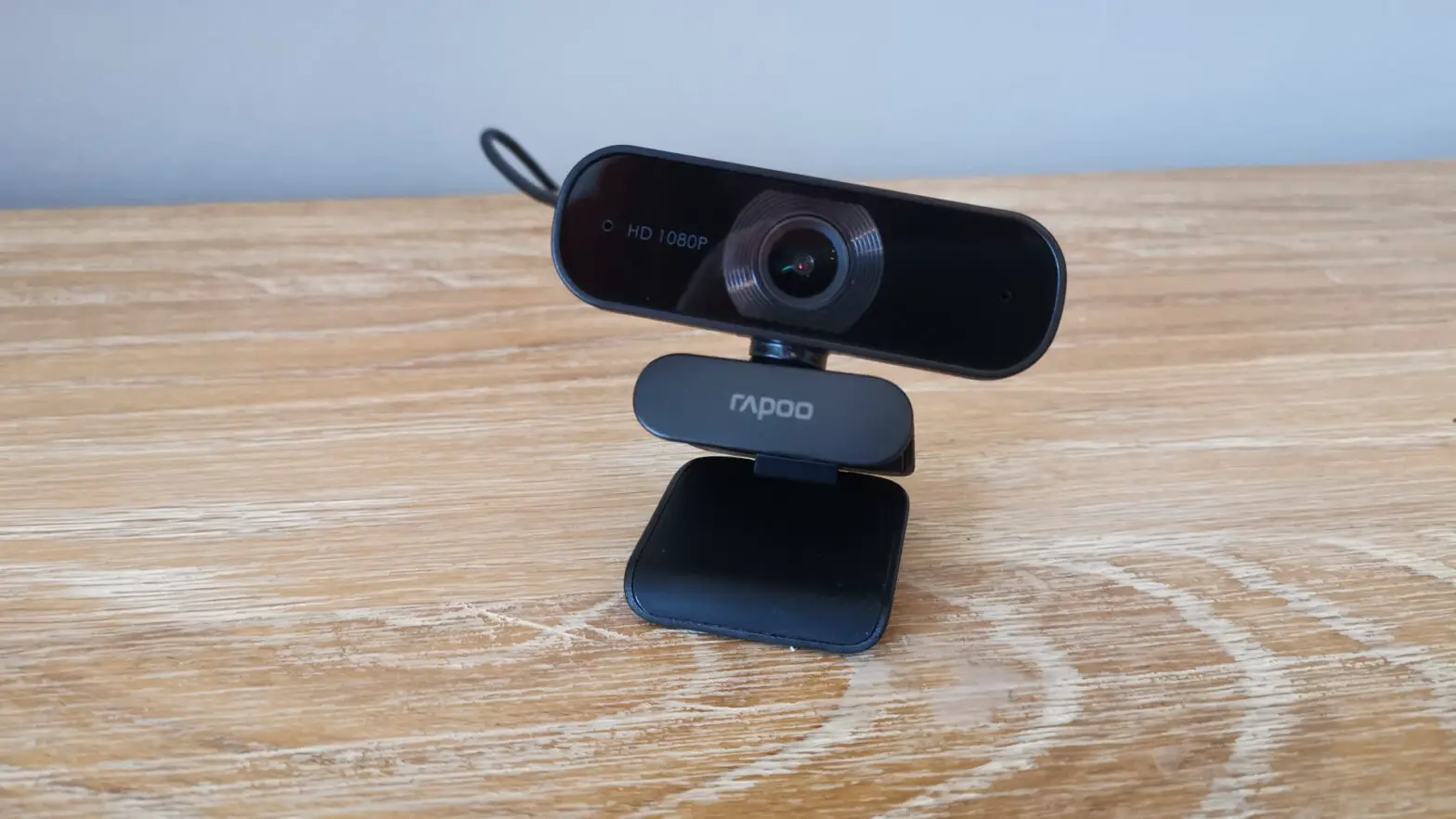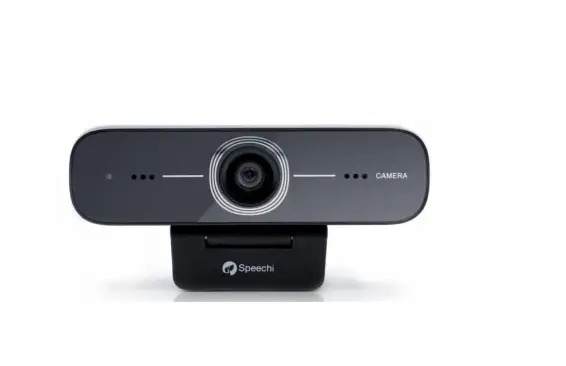
Speechi SPE-MG-104 Full HD Webcam
OVERVIEWS
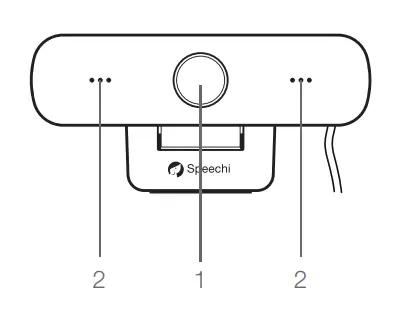
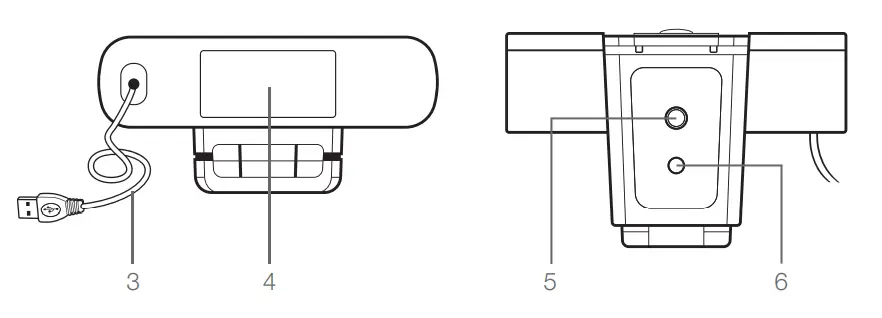
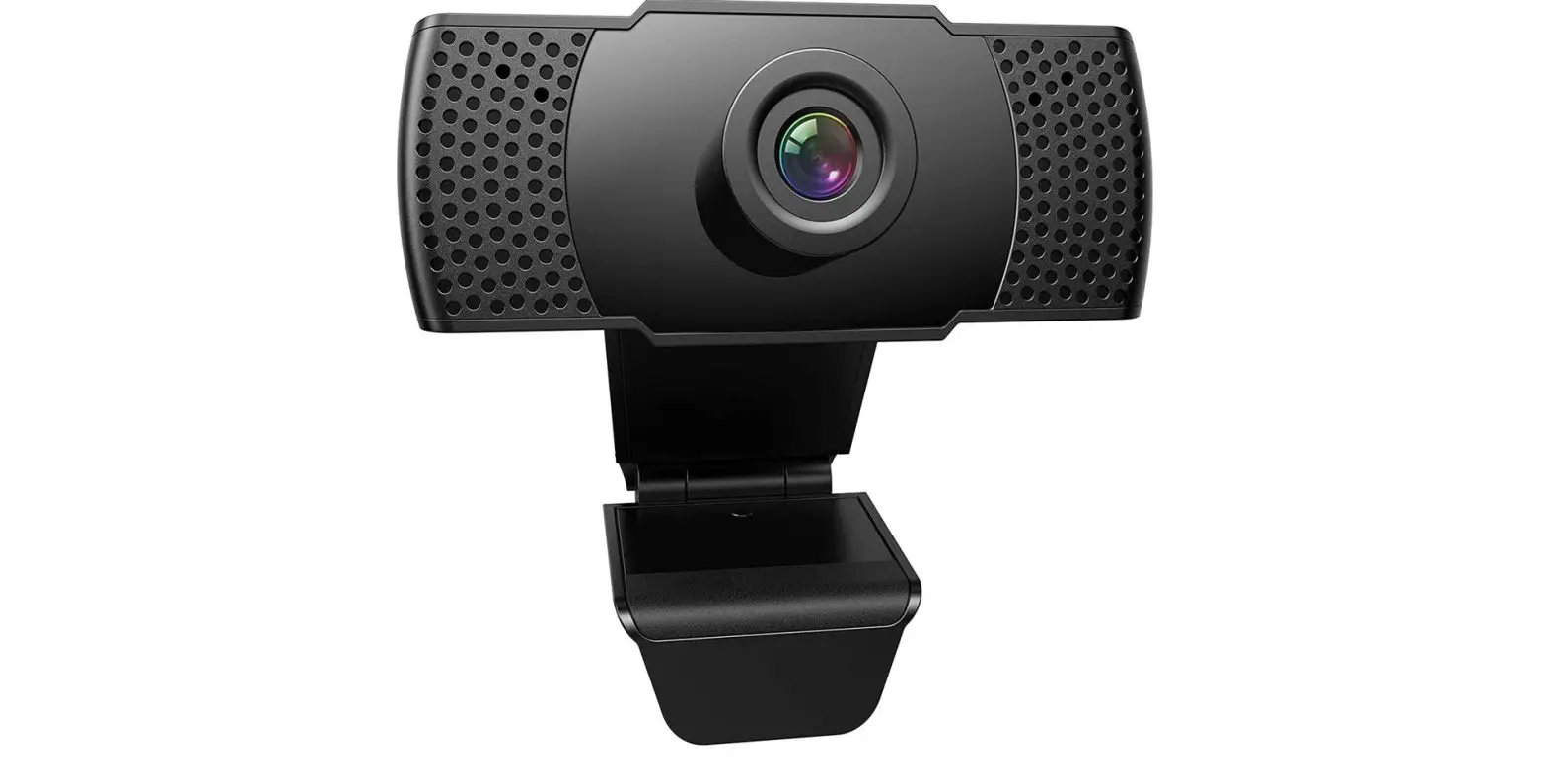
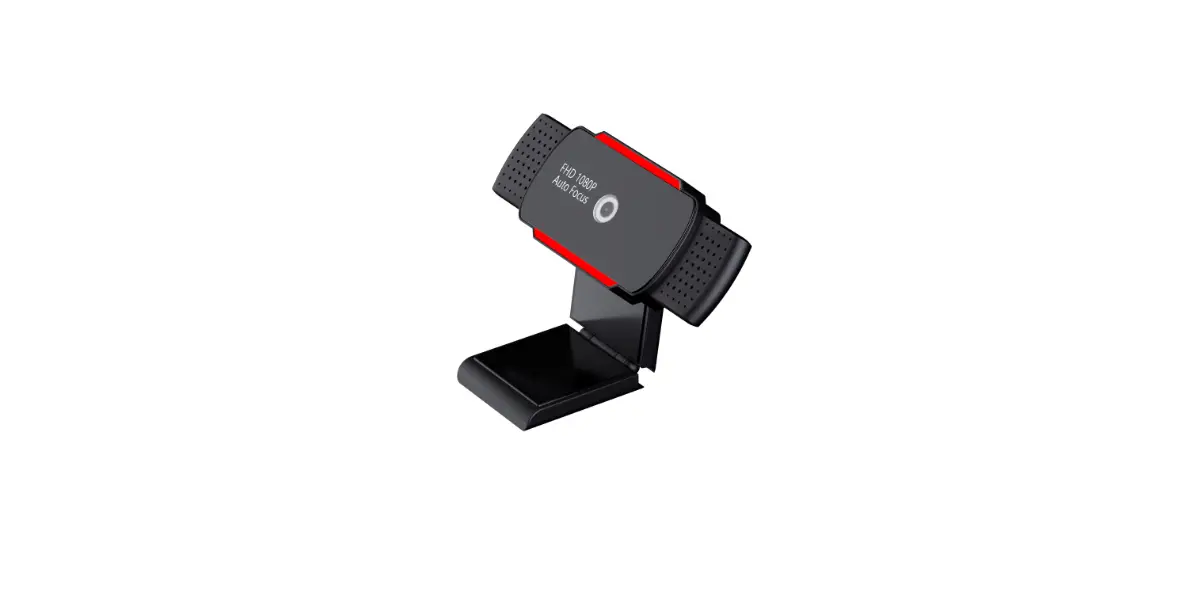
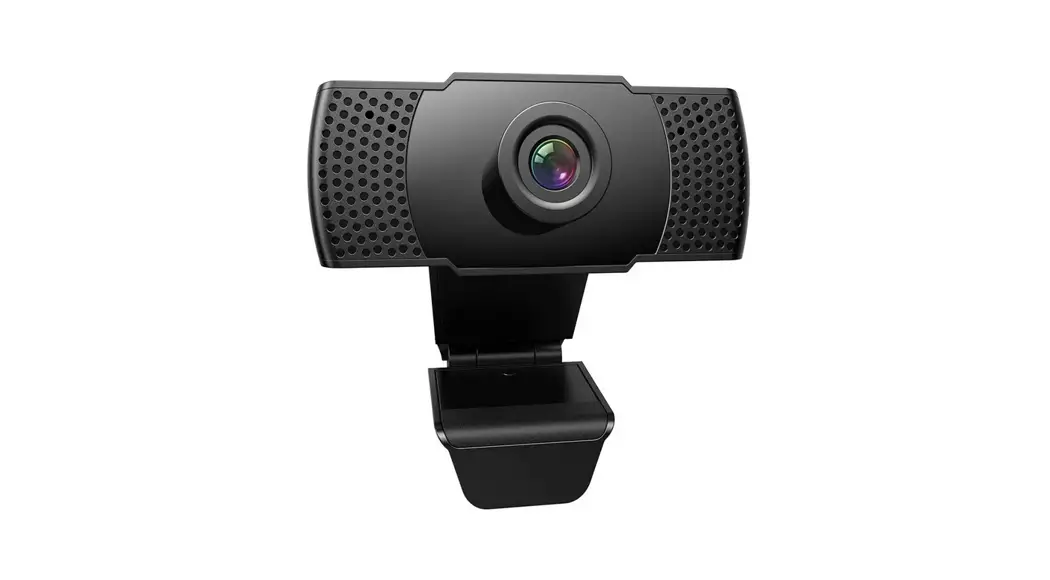
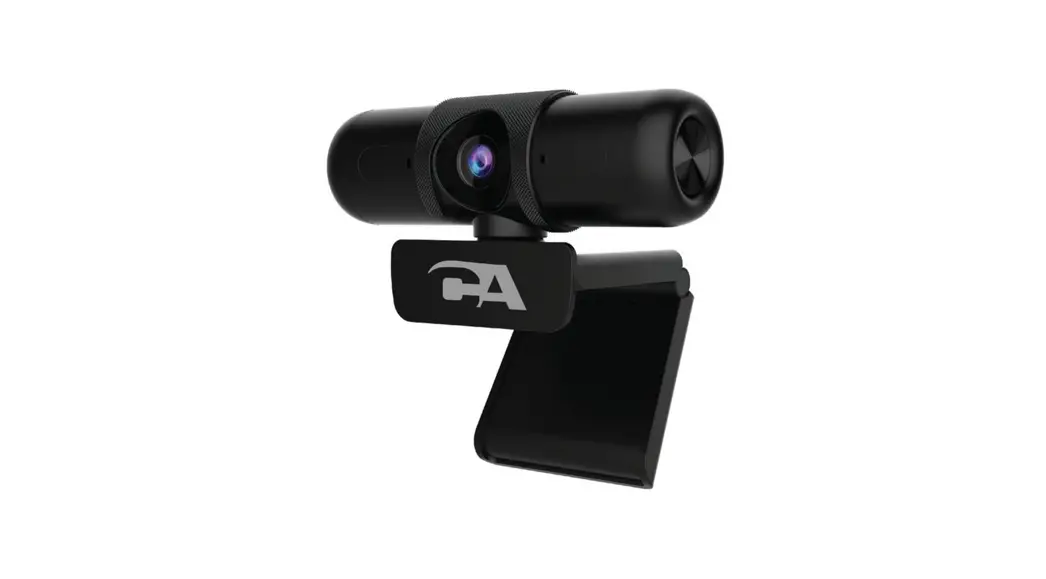
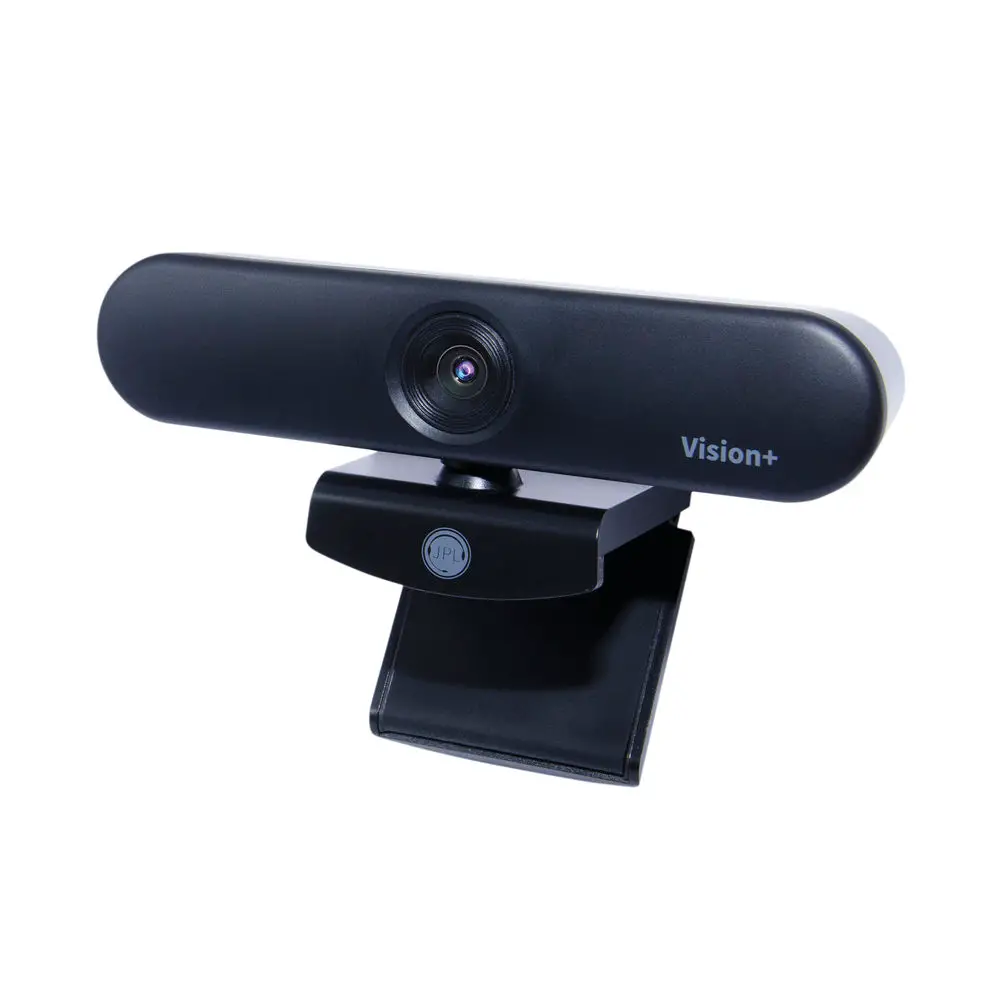
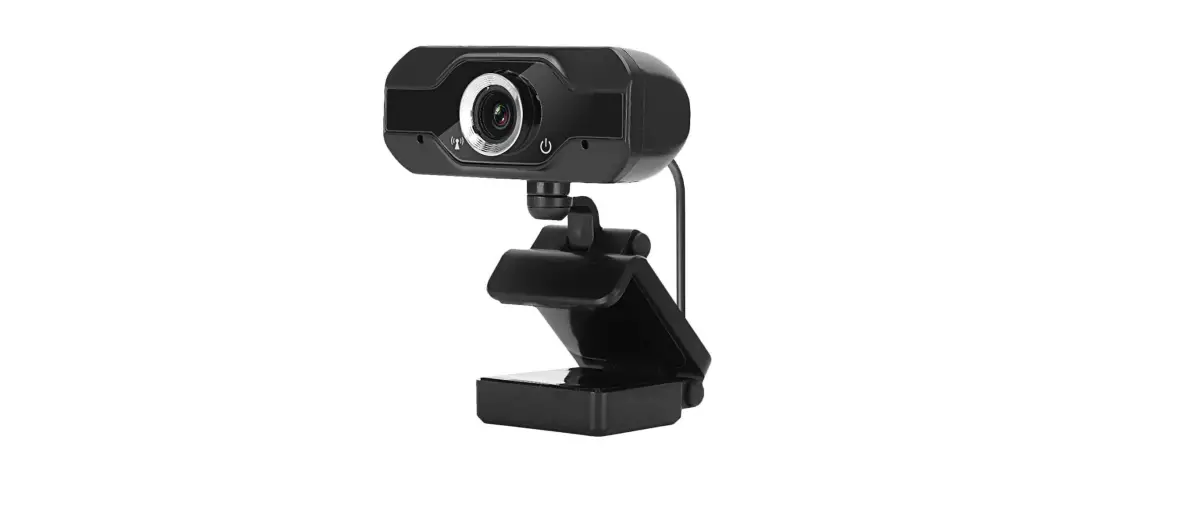
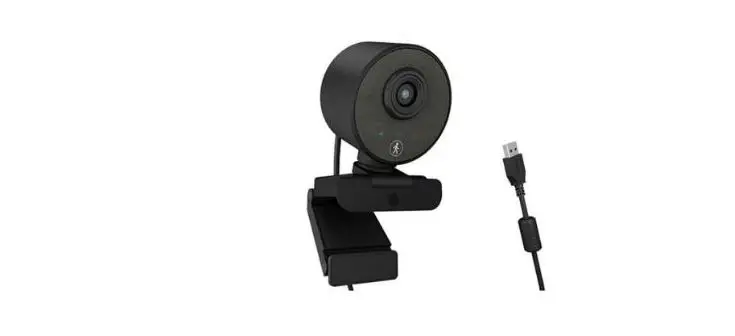
- Lens (fixed focal length)
- Audio IN
- USB 2.0 cable
- Fixation clamp
- Screw hole (for tripod)
- Screw hole (for bracket)
USE INSTRUCTIONS
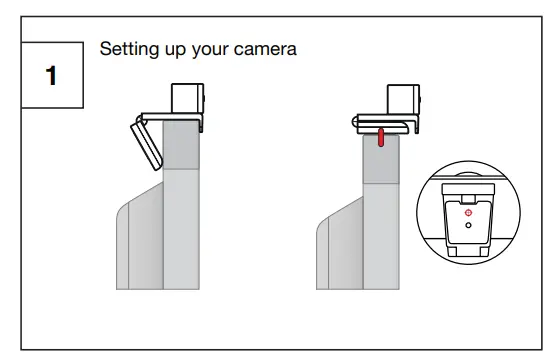
- Option 1: Use the hinged clamp to tighten the edge of the screen
- Option 2: Use a bracket with a ¼” male screw

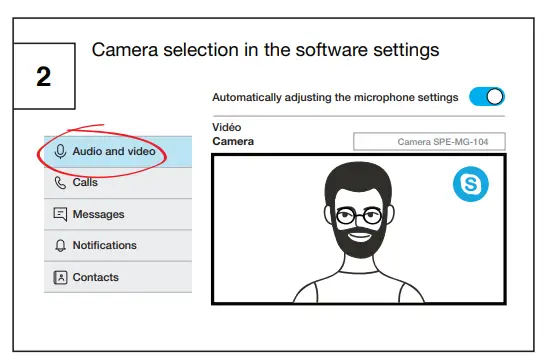
- Softwares : Skype, Zoom, Hangout…

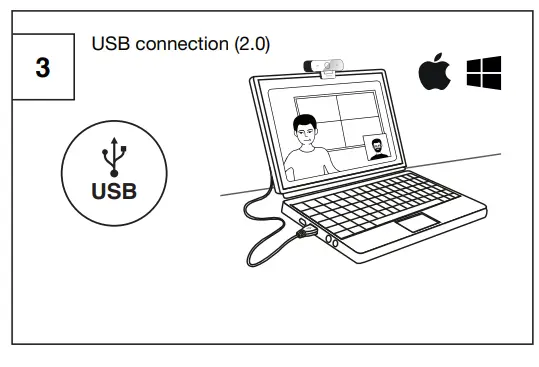
- Plug & play !
Connect the camera’s USB 2.0 cable directly to your equipment, no installation required.
- Technical information about the camera is available on our website
Support and resources :
https://www.speechi.net/fr/home/support/
camera-pour-visioconference-full-hd-speechi/
Email :
[email protected]
Customer Service

© Speechi 2023 – www.speechi.net –
Tel : +33 (0)320 347 425 –
Fax : +33 (0)320 347 426
 Interactive solutions for school and business - Speechi