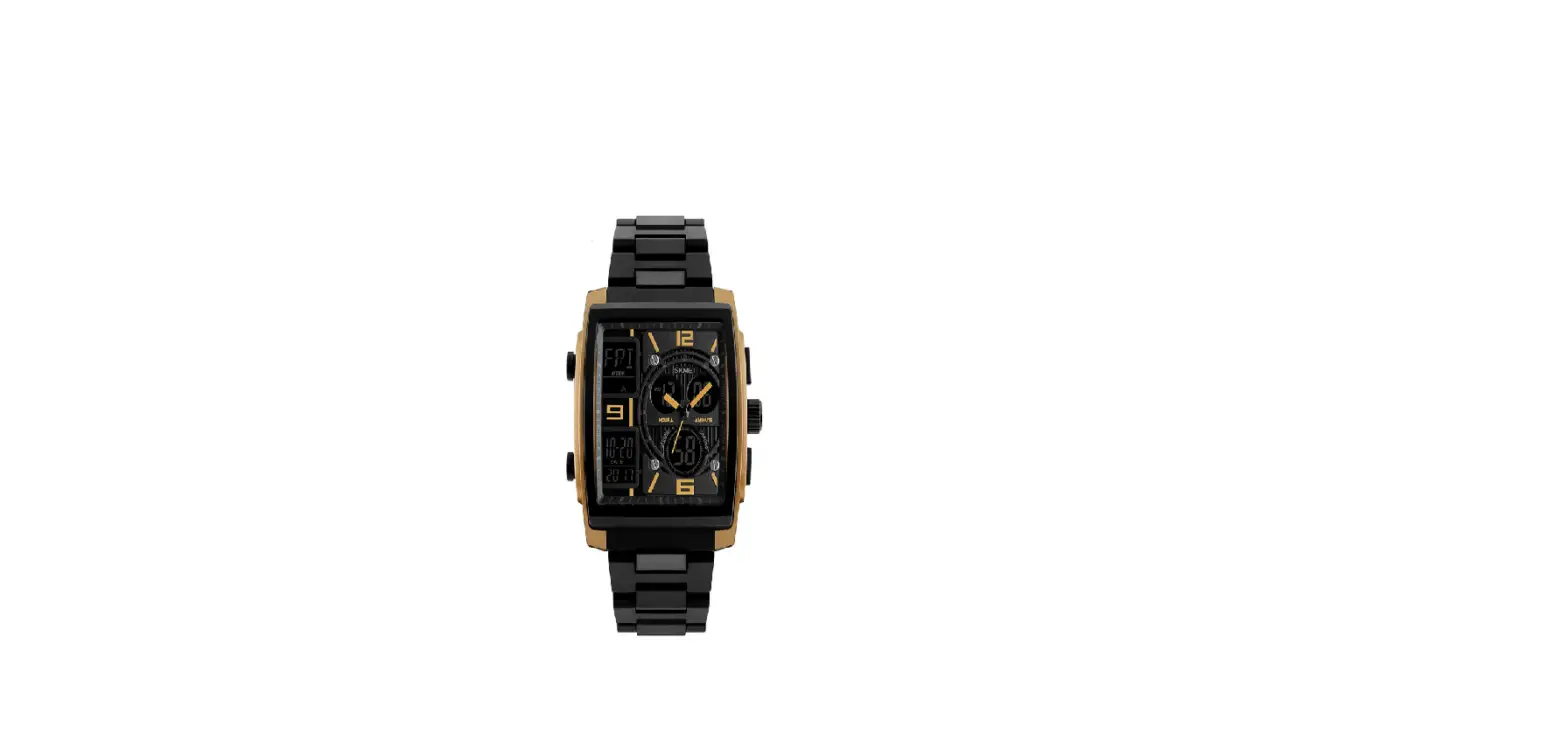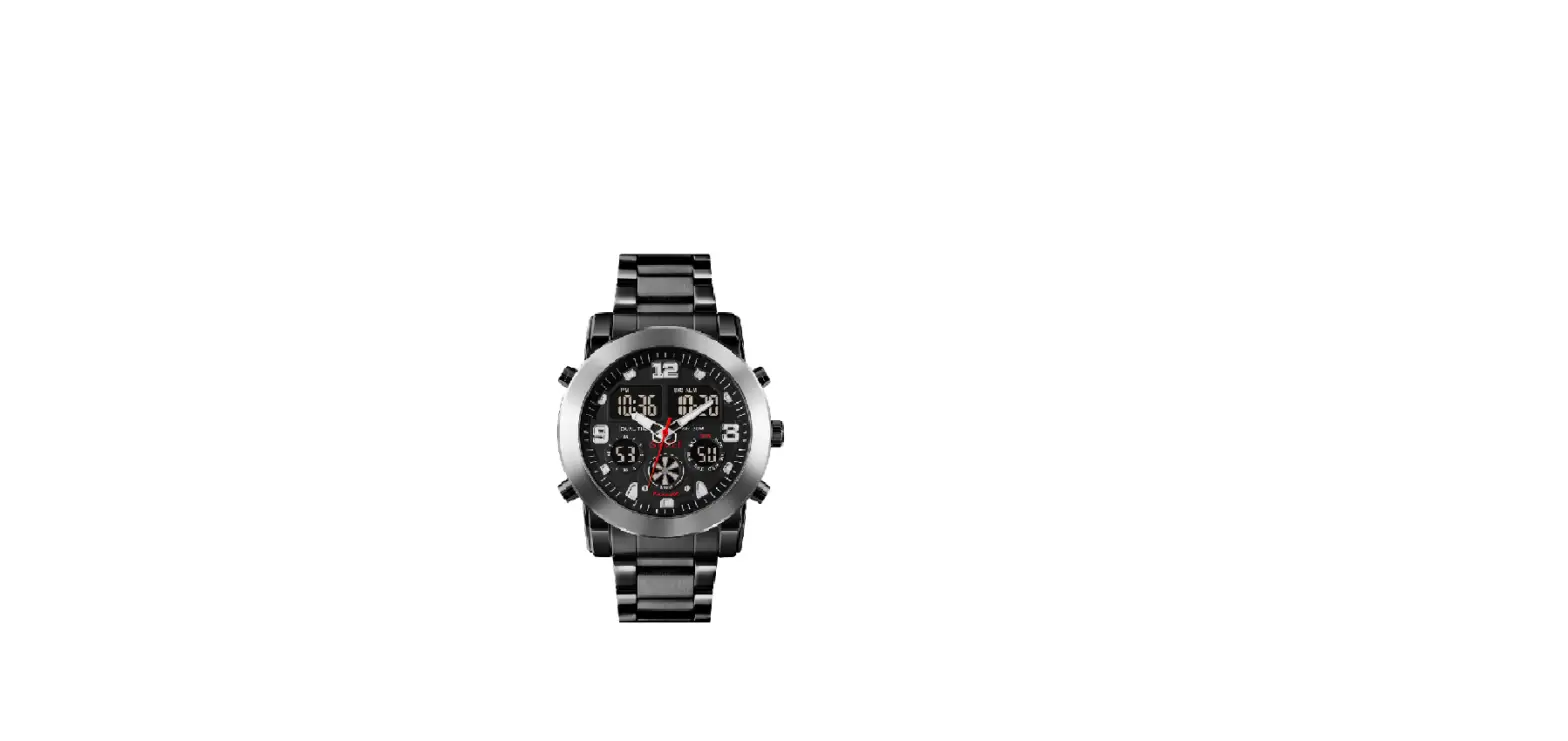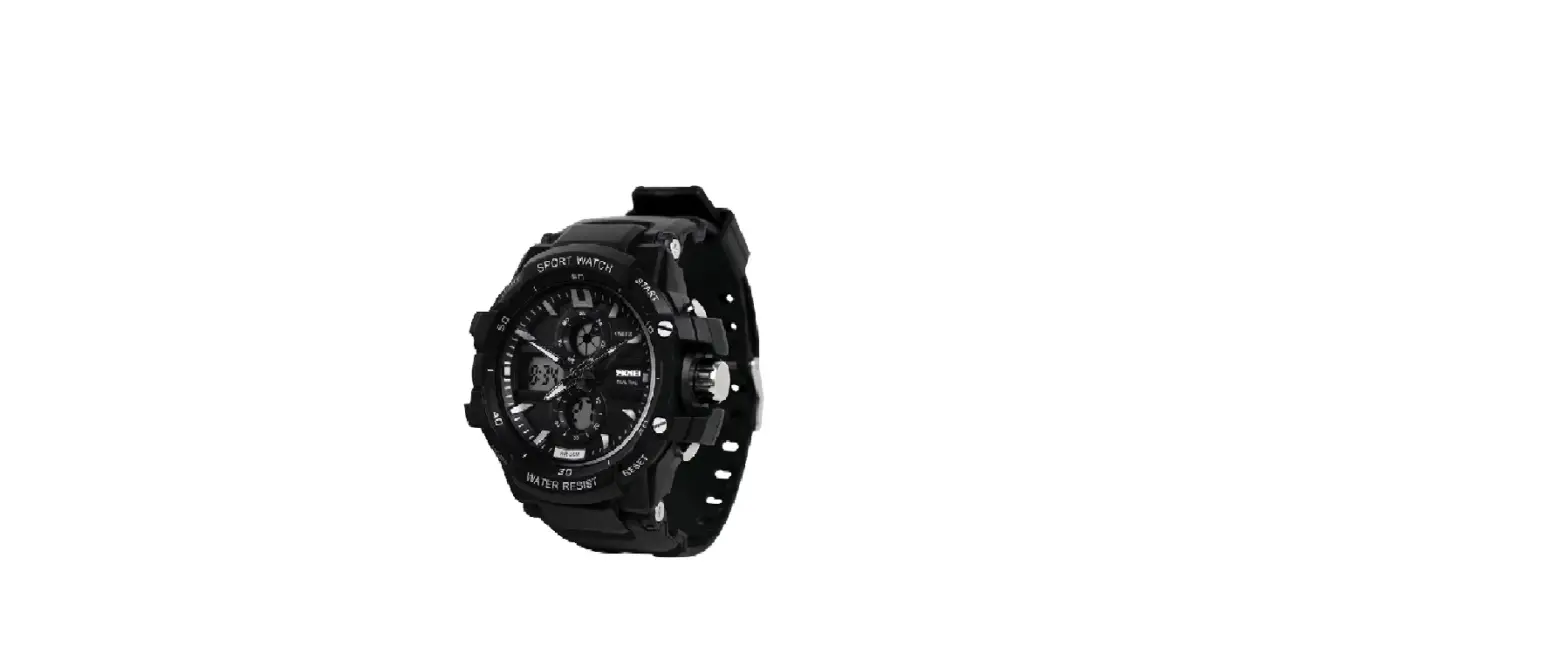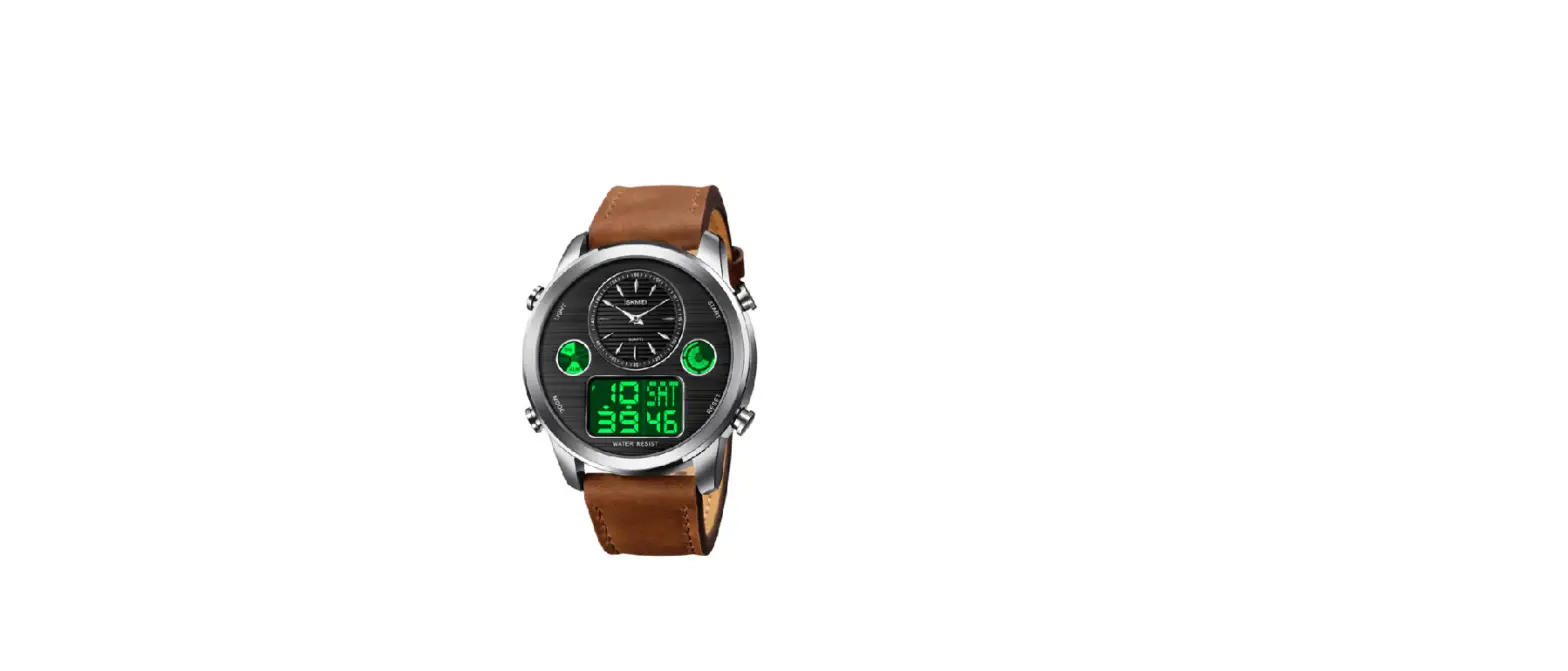

SKMEI 0821 Dual Time Watch
 Overview
 Overview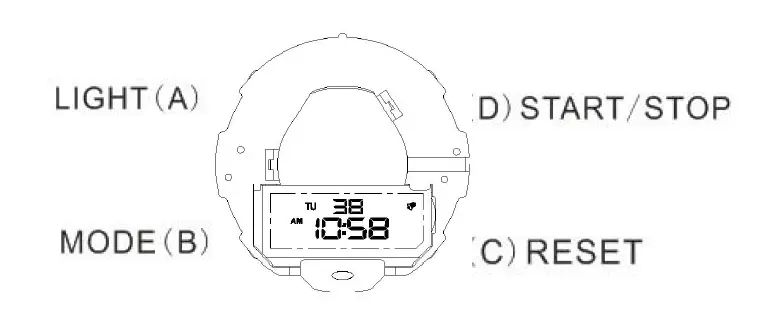
Functional
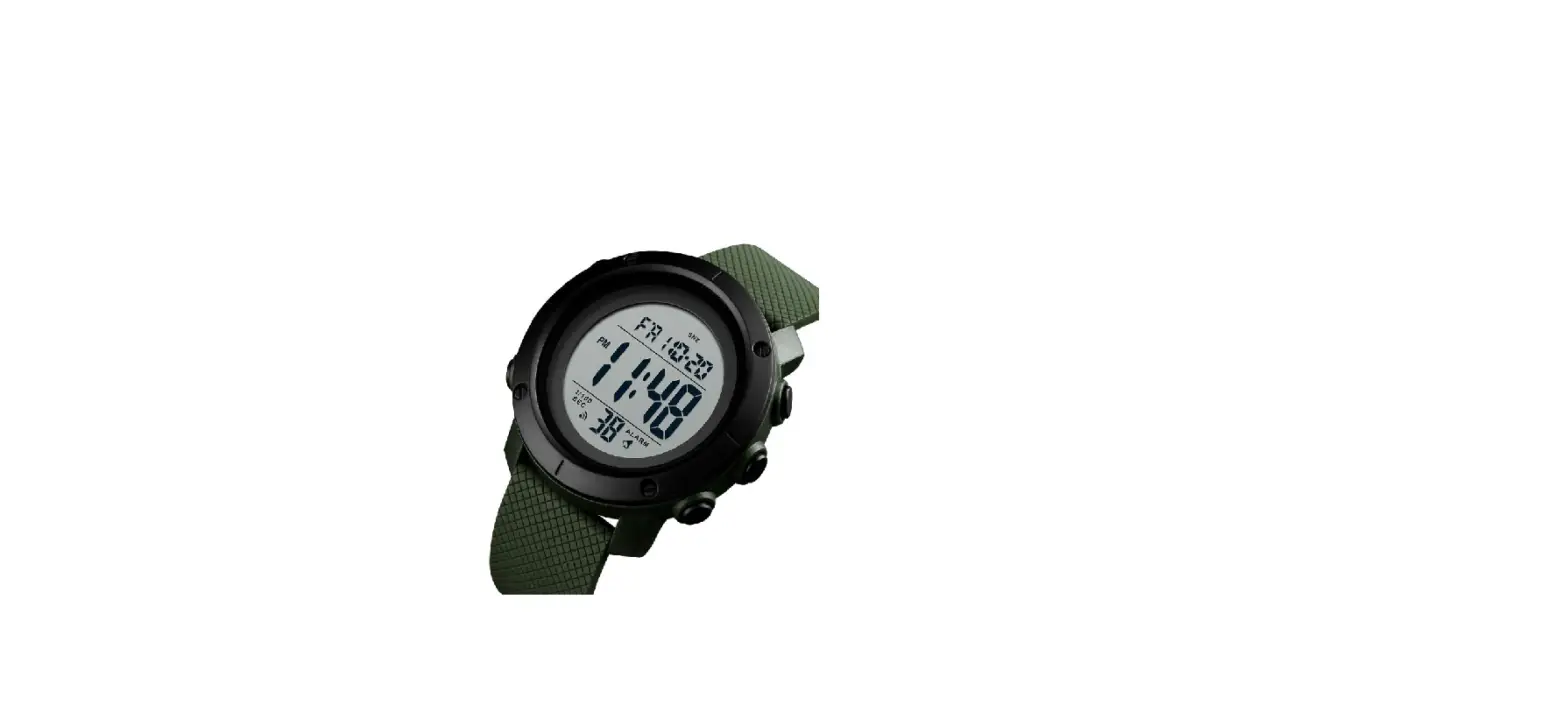
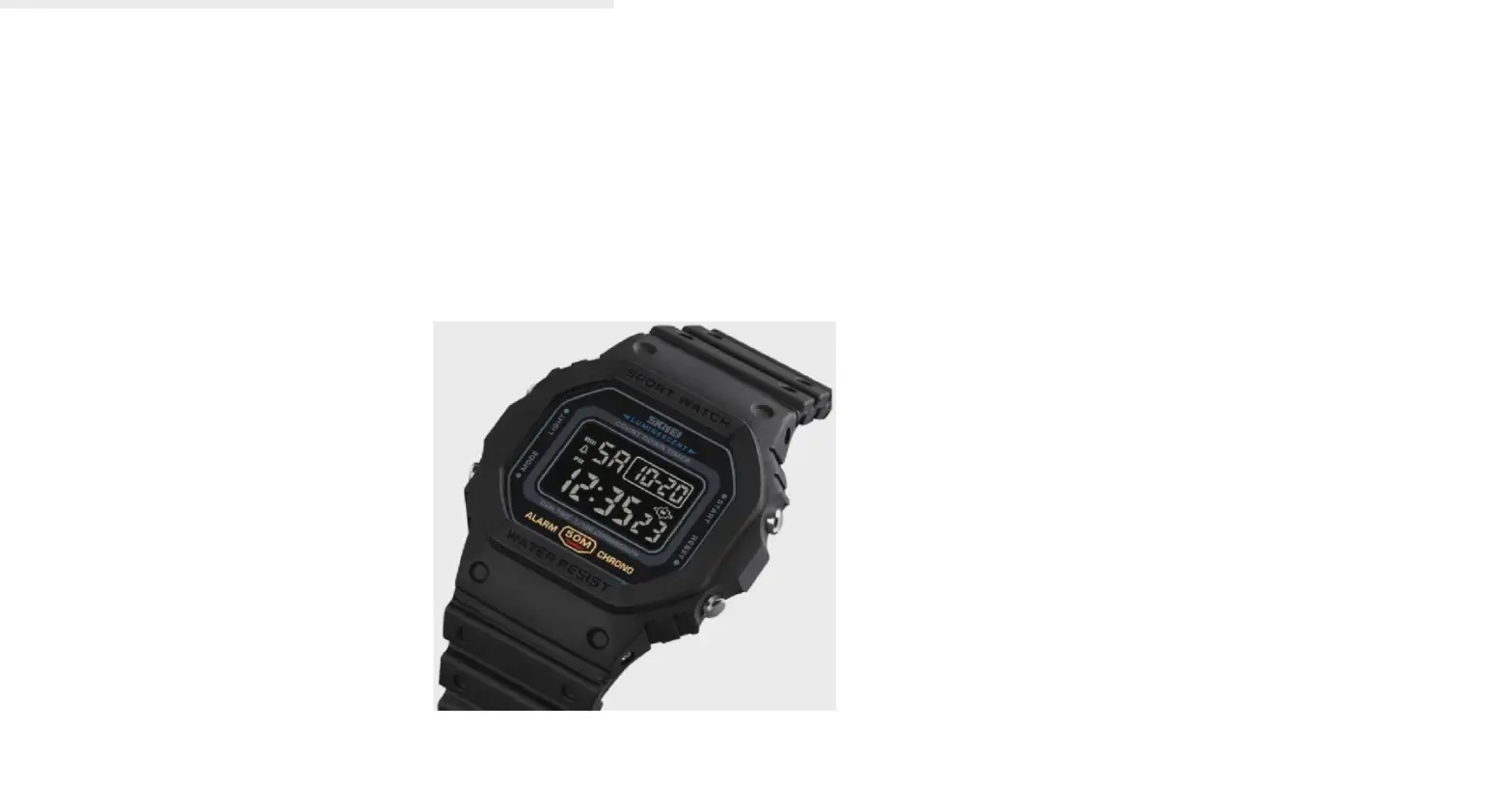
In the normal display, mode shows: day of the week- hour -minute – second
Calendar display mode: Press the D button to show the month and date
Modes change: Press the B button
Backlight Press the‘ A’ button
User selectable 12/24-hour format
Modes of watch

Chronograph functions

Set up to alarms
Hours: In normal display Mode, Press B twice and “the hours” will flashing
Press D to reach the correct hour for your alarm. Pay attention to AM/PM
Minutes: Press C and the minutes will flash. Press D to reach the correct minutes.
Press B to save / exit. Congratulations! Your first alarm is now set.
Set time & date
In normal display Mode, Press B three times to enter setting mode and “the seconds” will flash.
Minutes: Press C and the minutes will flash. Press D to reach the correct minutes
Hours: Press C and the hour will flash. Press D to reach the correct hour. (Pay attention to AM/PM, “H” is 24 hour format)
Date: Press C and the date will flash. Press D to reach the current date
Months: Press C and the number of the month will flash. Press D to advance to the number of the current month (1=January, 2=February …)
Day of Week: Press C and the day of the week will flash. Press D to advance to the current day (MO=Monday, TU=Tuesday …) Press B to exit. Congratulations! Your watch is now set.
Alarm ON/OFF
In normal display Mode, hold Press D and C shows “alarm” on of alarm, same as action, if the “alarm” disappears, it’s off of the alarm.
The chime of every hour ON/OFF
In normal display hold C and then Press B shows all icon of the week is ON chime, same as action, if the week’s icon disappears, it’s OFF of chime.