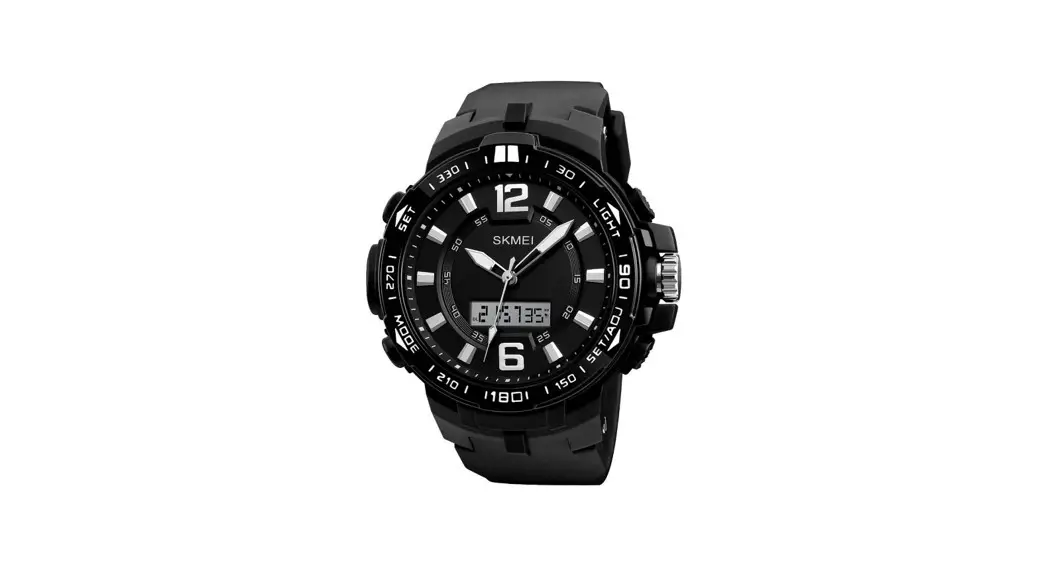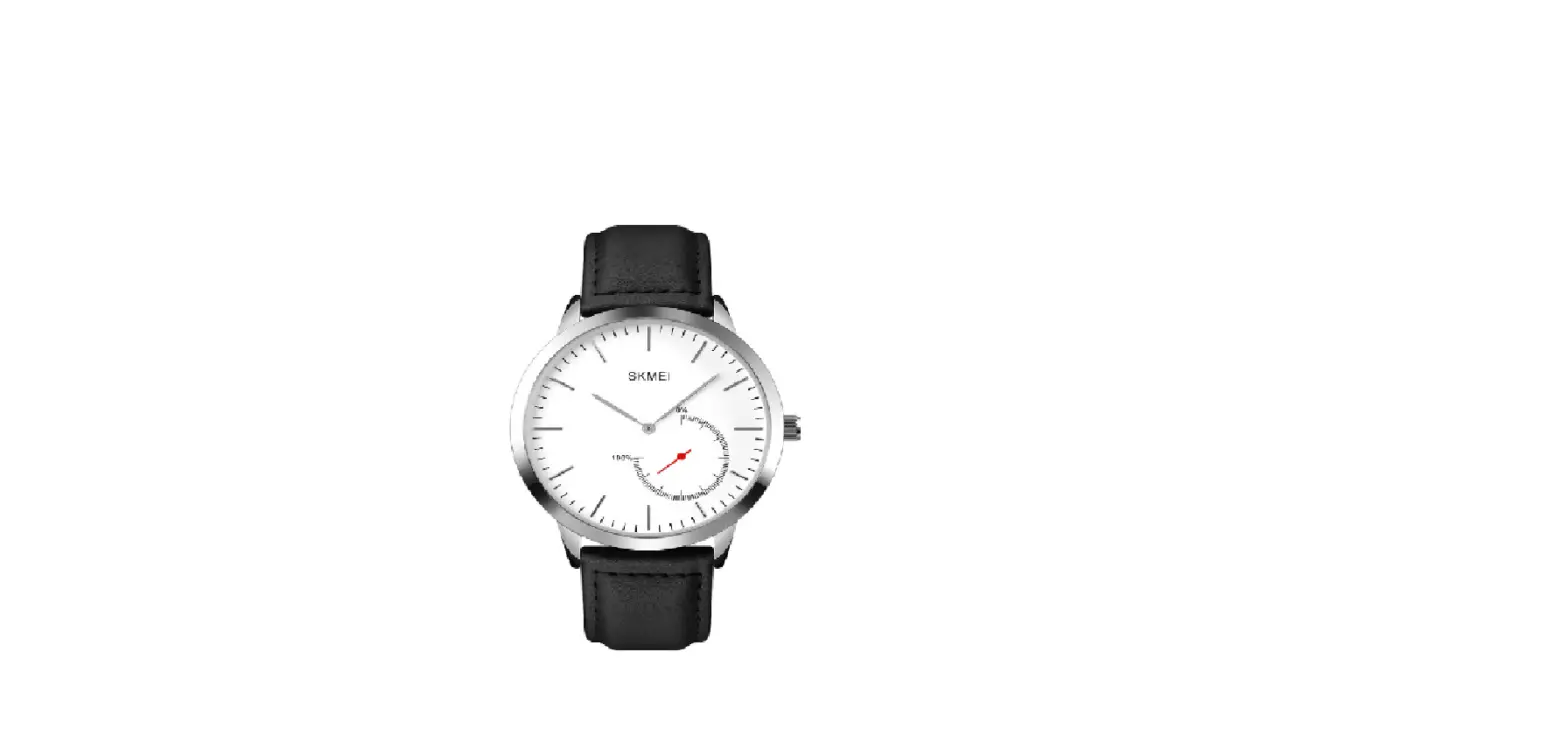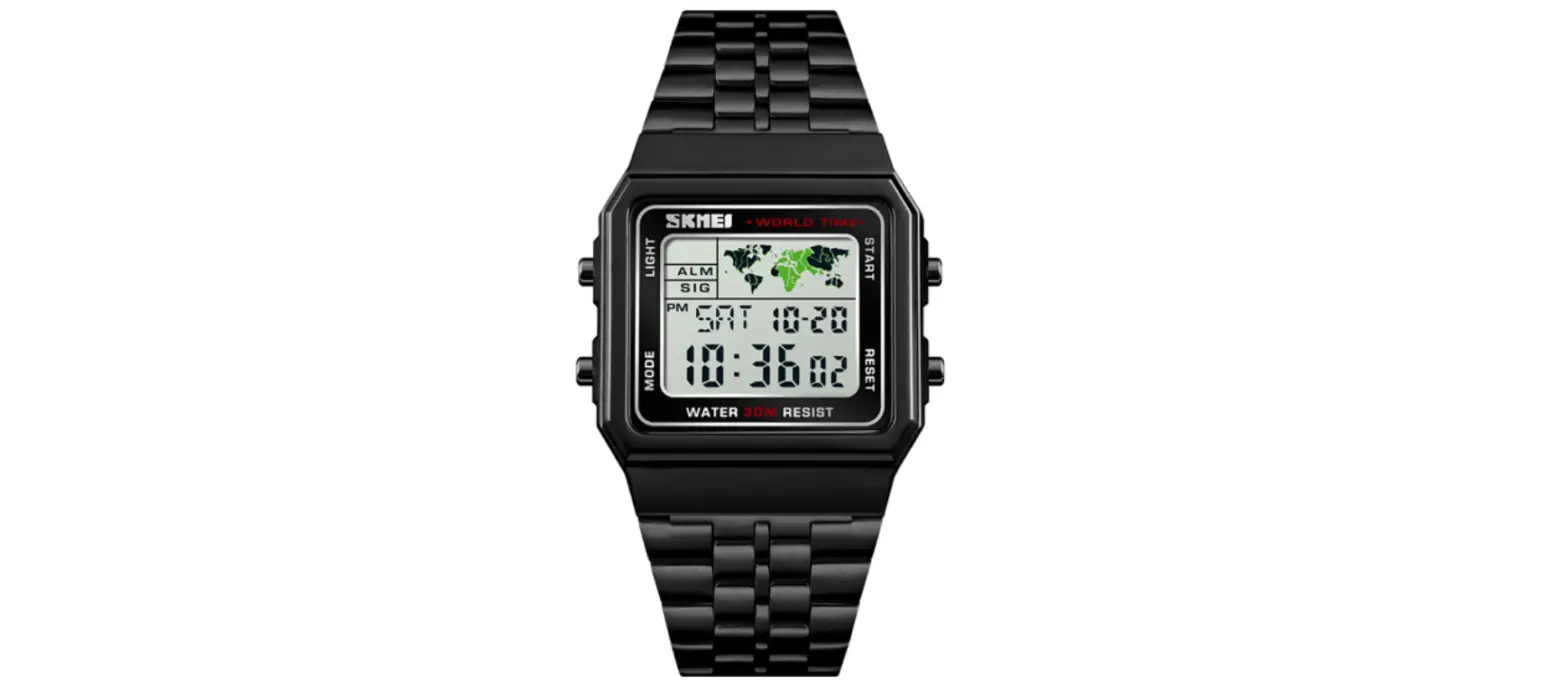

SKME 1543 Dual Time Watch

Function
- Function: Year, Month, Day, Hour, Minutes, Seconds
- In Normal Mode will be in stand by mode, and the watch will display nothing to save power.
Mode convert
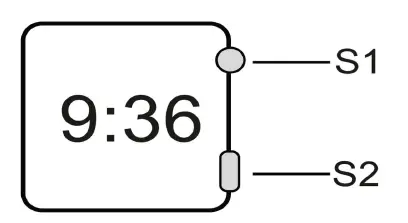
In normal mode,press S1 to convert the mode as following:
Normal mode Date display mode Seconds display mode Normal mode
Operation
- In normal mode, hold S2 for 2s to enter time and date mode, and “Hour “flashing, press S1 to adjust Hour.
- press S2 again, then “Minutes “flashing, press S1 to adjust Minutes.
- Press S2 again, then “Year “flashing, press S1 to adjust Year.
Remark : Set the year from 2000-2099 ,Display :Y 00 means 2000 year. (Digits display: 00~99) - press S2 again, then “Month “flashing, press S1 to adjust Month.
- press S2 again, then “Date “flashing, press S1 to adjust Date.
After set all the data, press S2 to exit. Or no any operation for 5s will back to stand by mode.