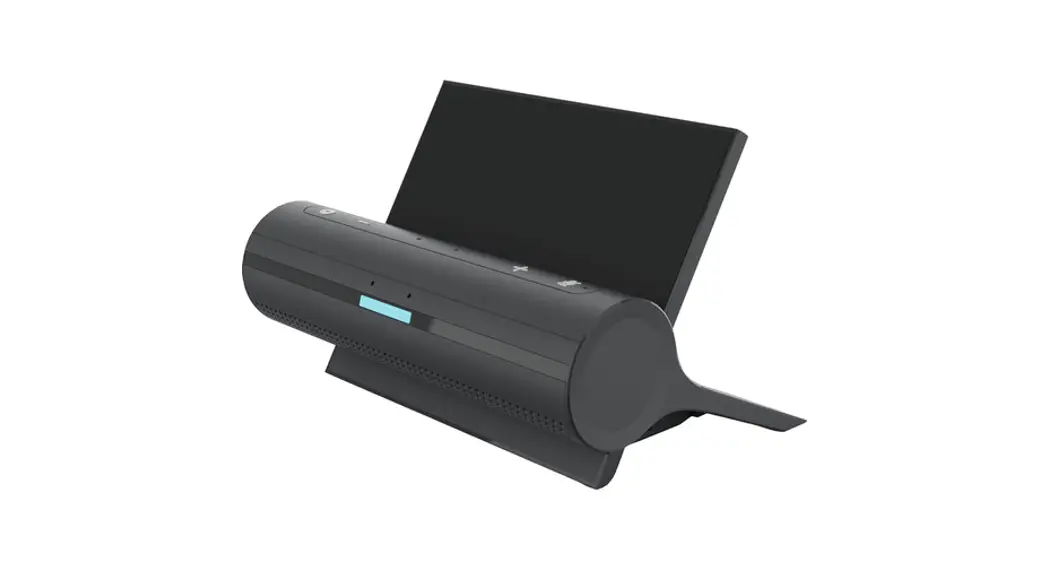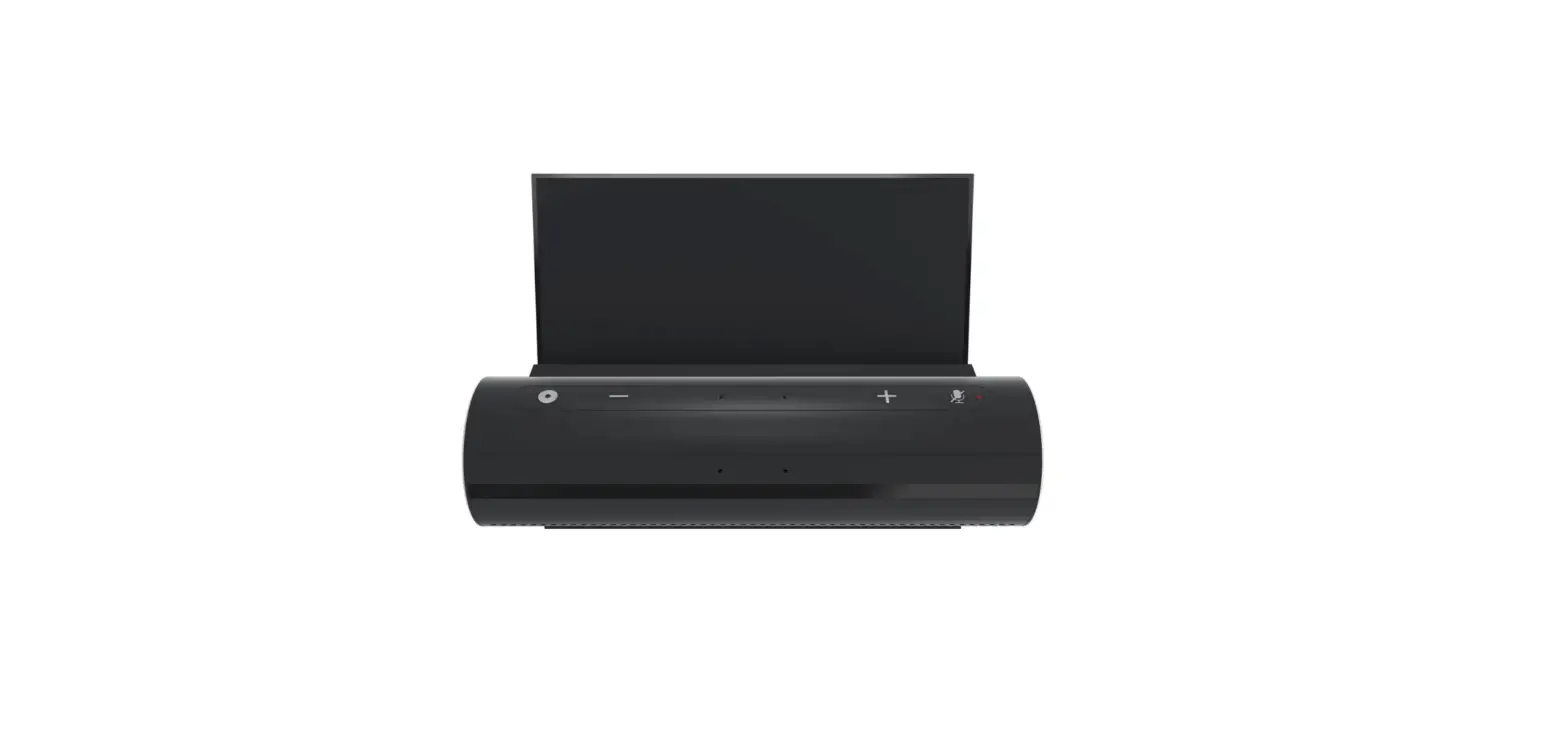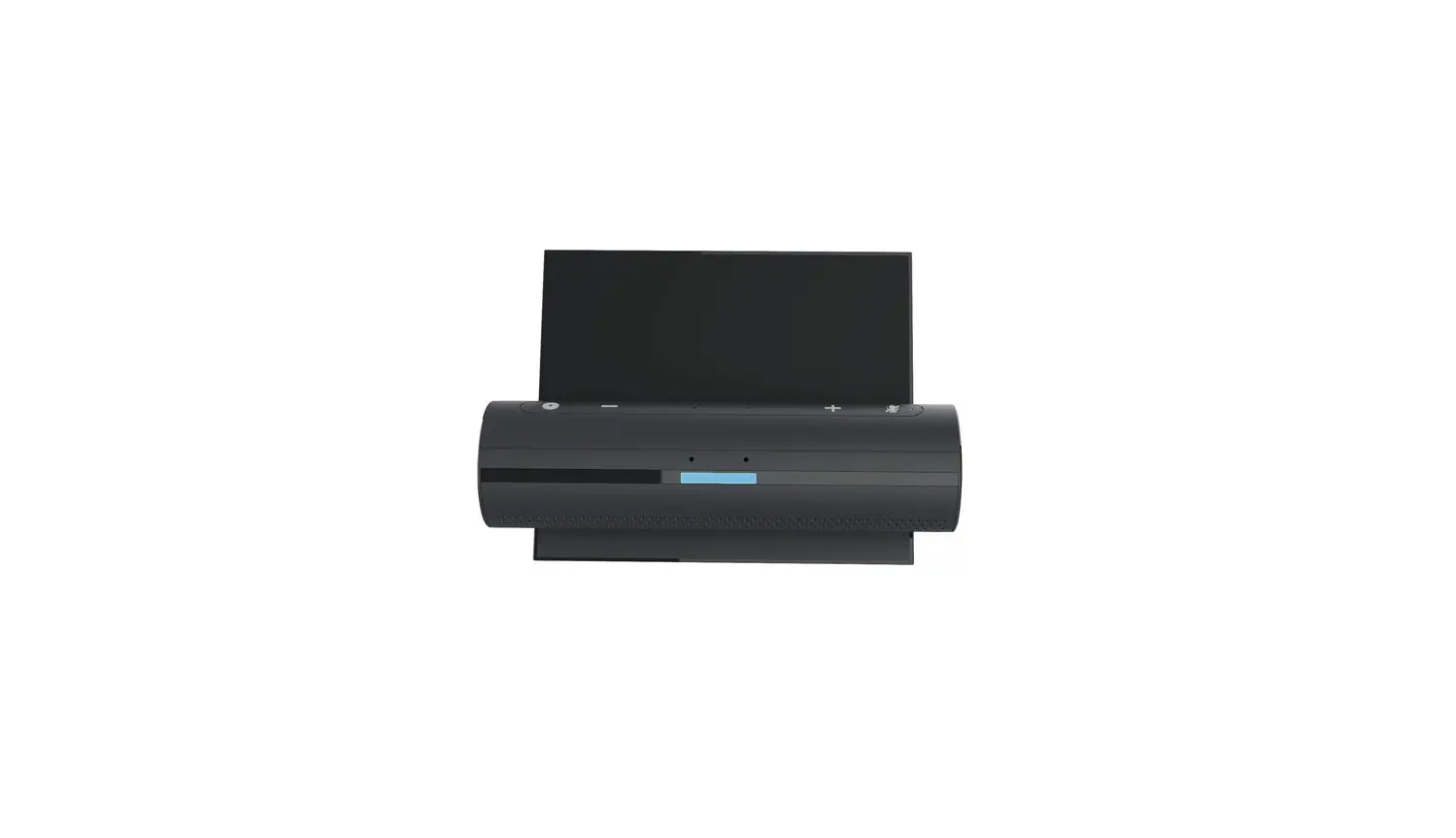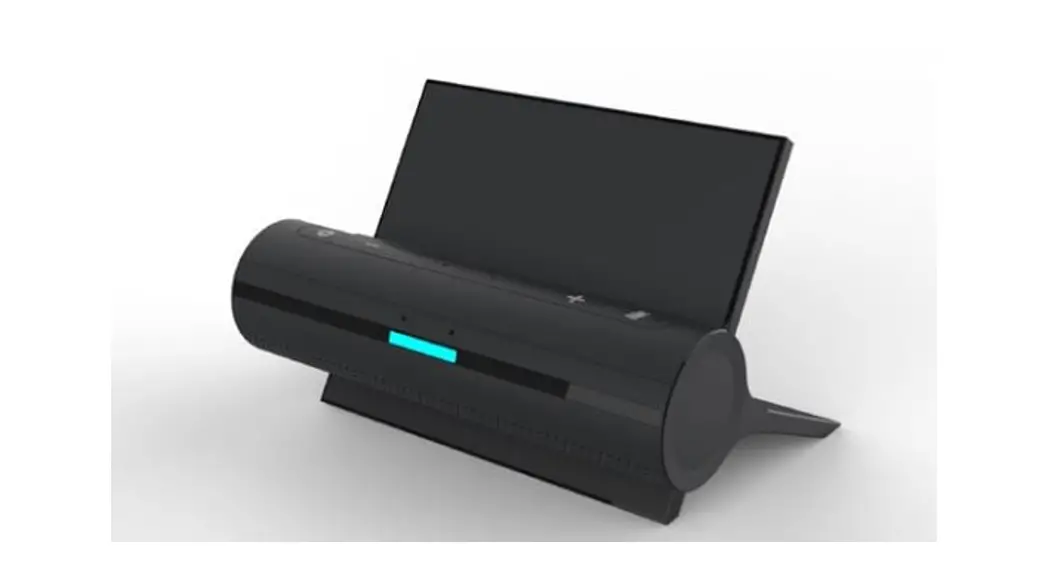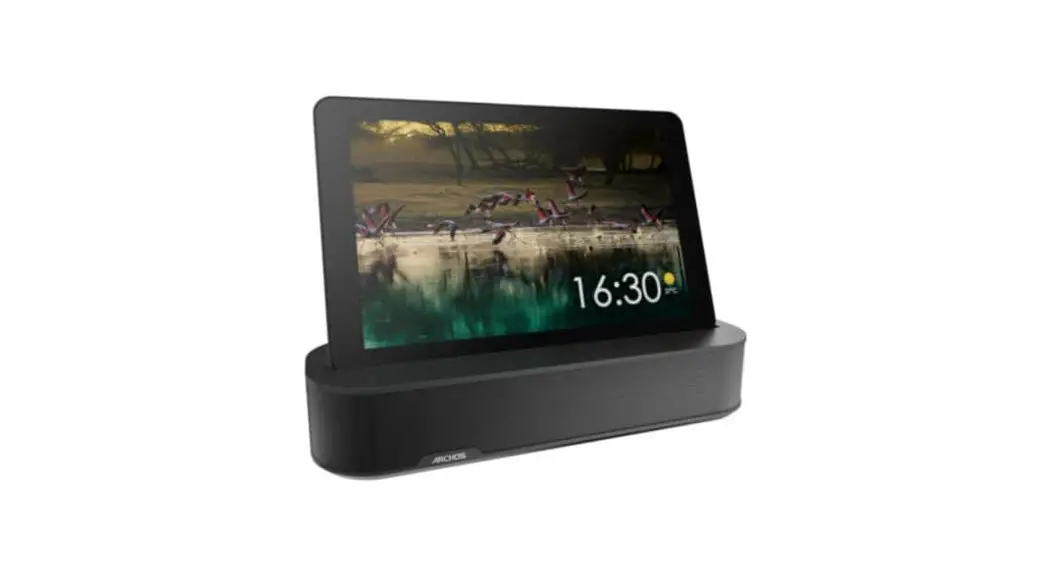

BOSCH XSDB10, XSDB10B Smart Kitchen Dock
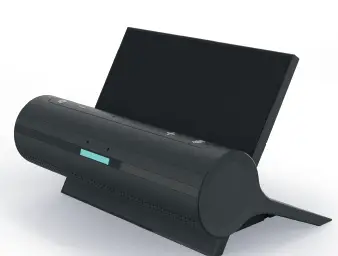
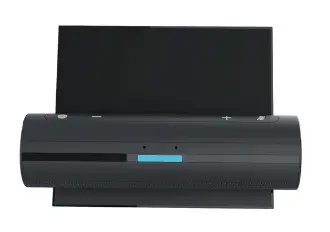 Quick start in 3 steps
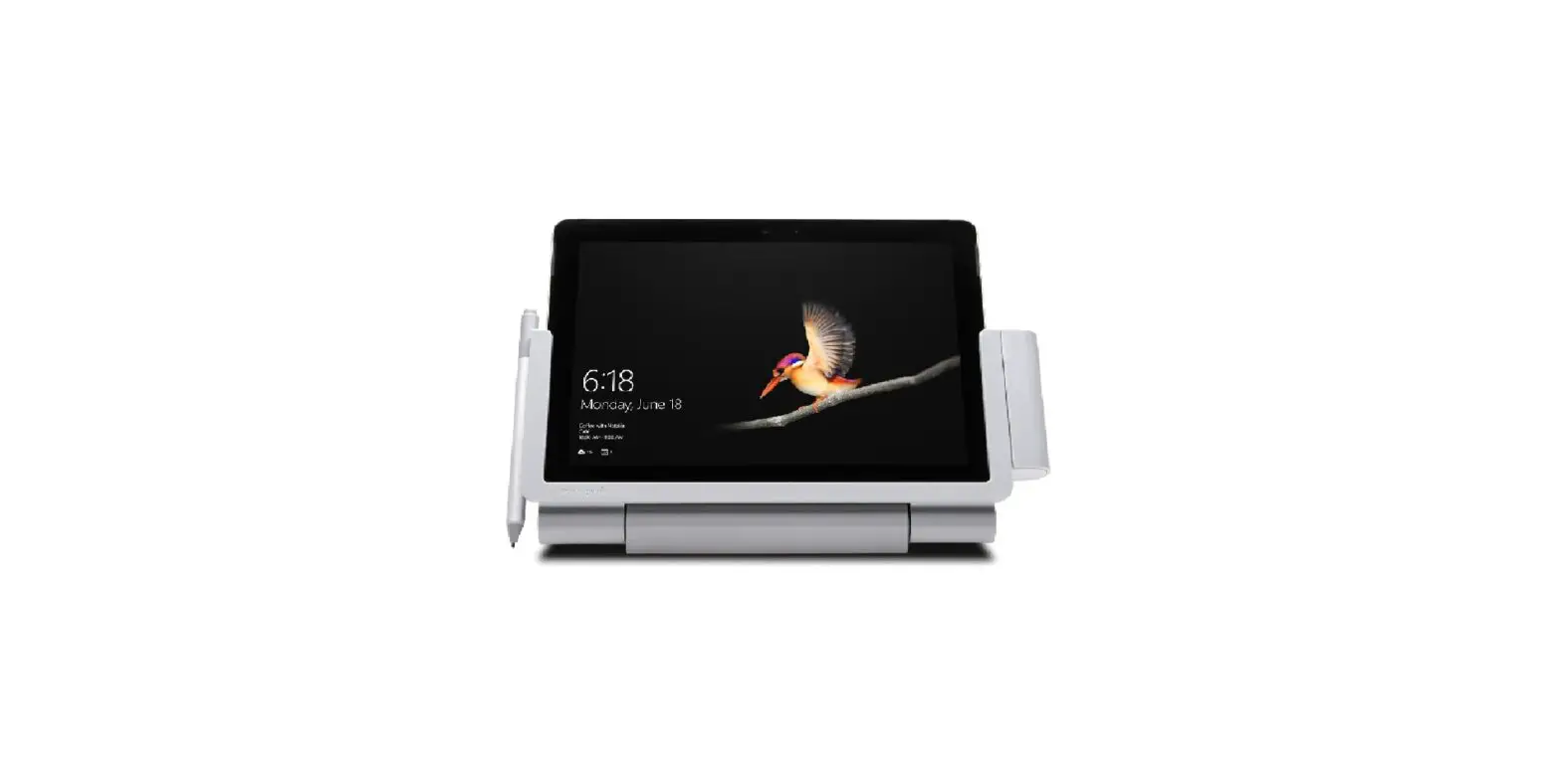
- Place Smart Kitchen Dock on a flat surface and plug-in power.
- Download and install the Smart Kitchen Dock app on a tablet or smartphone.
- Follow app instructions.



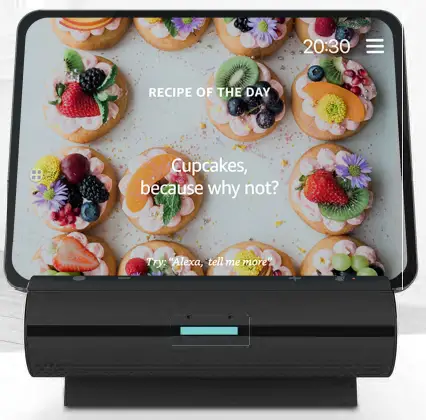
- “Alexa, show me recipes for Thai curry.”
- ,,Alexa, starte meinen Ofen.”
- «Alexa regle le minuteur sur 5 minutes.»
- «Alexa, suona musica per cucinare.»
- «Alexa, anade tomates a milista de la compra.»

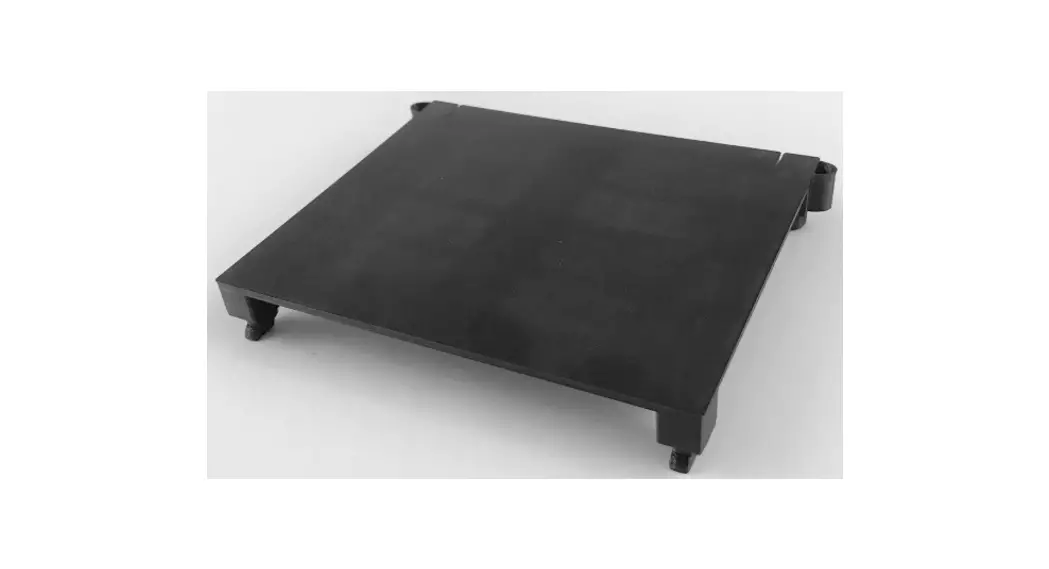
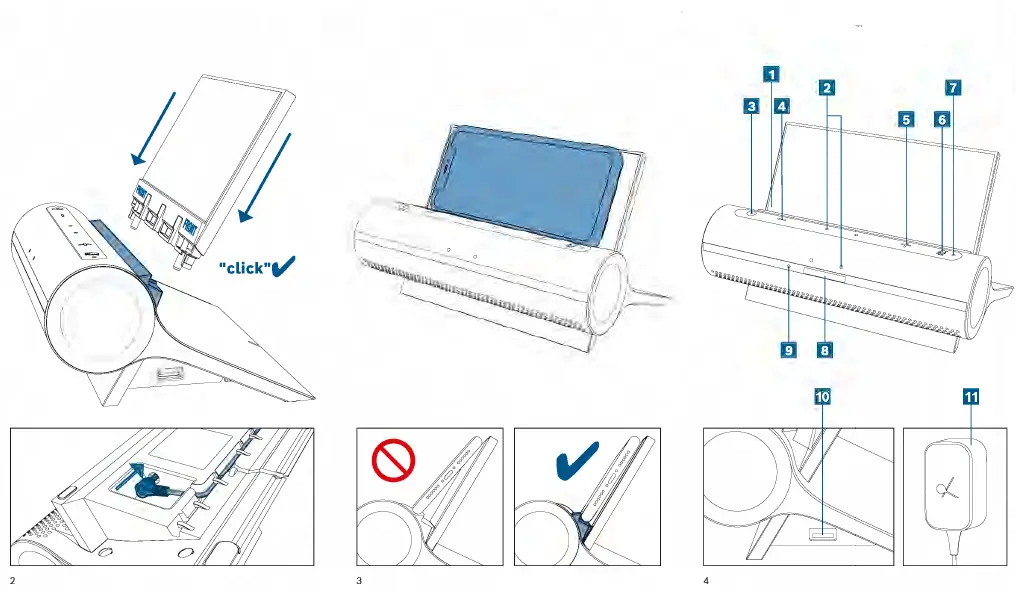
- Back support
- icrophones
- Action button
- Volume down button
- Volume up button
- Microphone mute button
- Microphone mute indicator
- LED status indicator
- Gesture sensor
- USB port for charging tablet or smartphone
- Power adapter

Retain this document for future reference
- For detailed information, FAQ and service contacts scan the image below or visit the Bosch-home website.
- www.bosch-home.de


Robert Bosch Hausgerite GmbH
Carl-Wery-StraBe 34 81739 Munchen GERMANY